Mineuniverse
Resource Packs
Custom Totem Texture

Custom Totem Texture

RESOURCE PACK
This resource pack allows you to change the totem's texture with the image you want
by Lama_Sputafuoco
Download Claim this project
7,647 downloads
0 likes
Updated Oct 14, 2026
0 hypes
512x and Higher Miscellaneous
Advertisement Remove ads with Premium →

Now you can customise your totem's texture with an image you want!

Simply change the totem_of_undying.png file with an image that you like (merge your image name with the totem's file name).

The image should be a square.

If you want a clear image without white spaces or background consider using a .png to trasparent .png converter

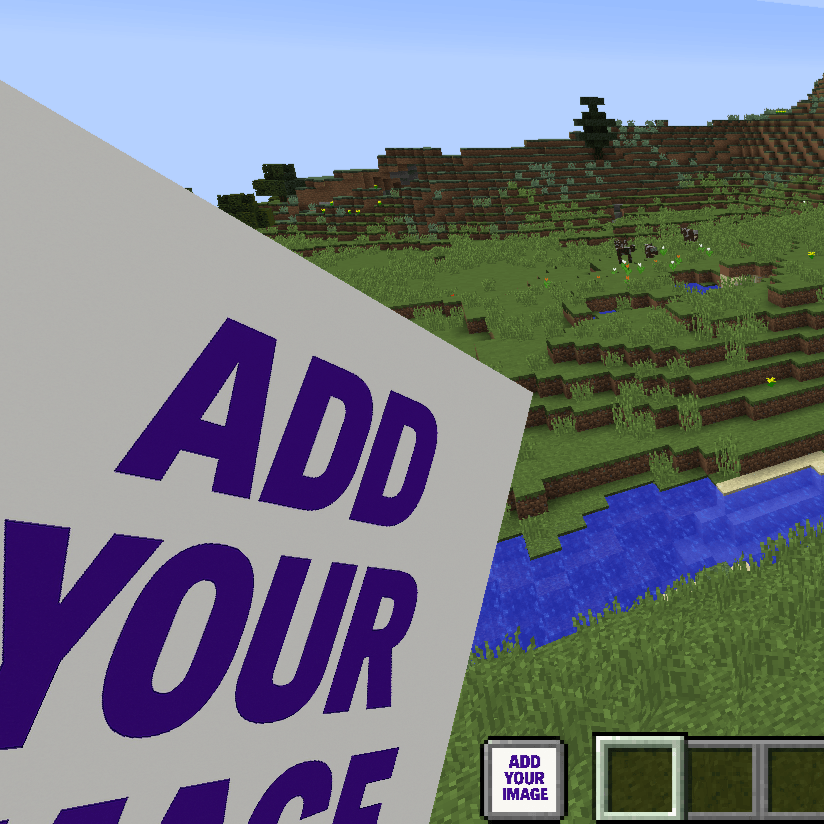
This is what it looks like if you don't change the image
 

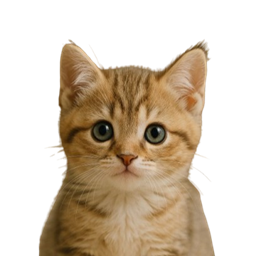
This is an example of a custom totem:
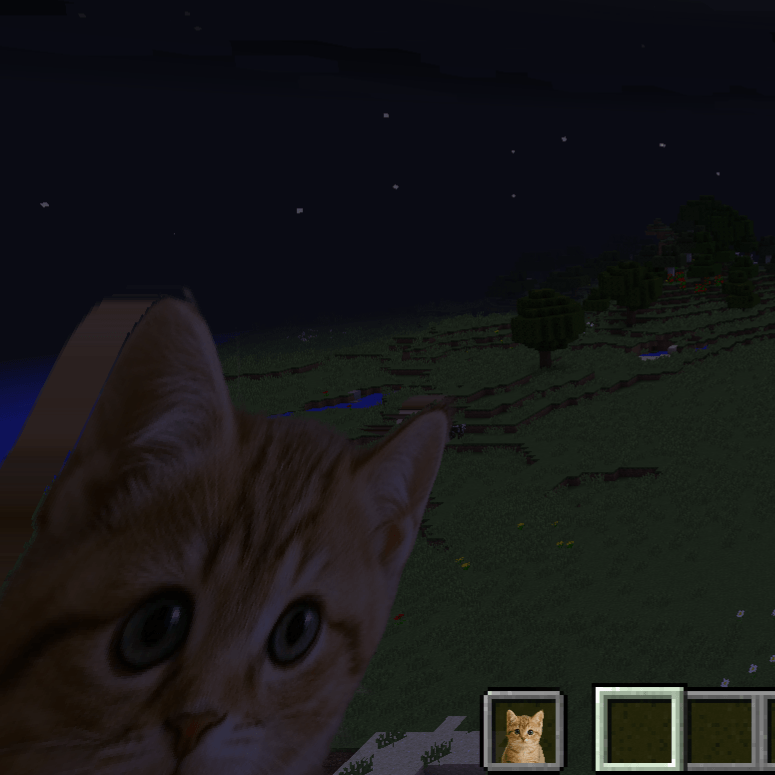
 

(You can find this totem here: Cute Cat Totem)

COMMON ISSUES

  1. If you can't change the image close the game and every app that opens it (WinRAR, 7-zip and sometimes also windows explorer). Then you should be able to choose the image you want.
  2. If you see the texture purple and black check if the image is perfectly a square like 100x100, 200x200, 201x201...
  3. I don't know if I can use this in my modpack... Yes you can!!!
§lCustomTotemTexturev1.0.1.zip
MC 1.16.3, 1.13.1, 1.16-Snapshot, 1.17.1, 1.21.2-Snapshot, 1.21, 1.21.6-snapshot, 1.15-Snapshot, 1.16.1, 1.18.1, 1.20.2-Snapshot, 1.20.5-Snapshot, 1.14.3, 1.15, 1.16, 1.13
Release 2025-07-13 Get
§lCustomTotemTexturev1.0.0.zip
MC 1.16-Snapshot, 1.17.1, 1.16.3, 1.13.1, 1.19.3, 1.20.2, 1.21.2-Snapshot, 1.21, 1.15-Snapshot, 1.16.1, 1.18.1, 1.19.4-Snapshot, 1.20.5, 1.14.4, 1.14.1, 1.17, 1.20.2-Snapshot
Release 2025-07-11 Get

Requirements & install

How to use this resource pack in Minecraft
Resolution
512x+
Minecraft
1.19.4-Snapshot – 1.21.6-snapshot
Install folder
.minecraft/resourcepacks

How to install resource packs

  1. Download the resource pack .zip file (do not extract it).
  2. In Minecraft open Options → Resource Packs → Open Pack Folder.
  3. Drop the .zip into the resourcepacks folder (.minecraft/resourcepacks).
  4. Move the pack to the Selected column and click Done.

512x packs need a strong GPU and at least 4 GB of RAM for Minecraft; a performance mod such as Sodium is strongly recommended.

Browse more: 16x resource packs 32x resource packs 64x resource packs 128x resource packs 256x resource packs 512x+ resource packs Resource Packs for 1.21.6-snapshot All resource packs

More from Lama_Sputafuoco

Advertisement Remove ads with Premium →

You Might Also Like