Mineuniverse
Resource Packs
Custom Model Birds

Custom Model Birds

RESOURCE PACK
Adds new birds to Minecraft via CustomModelData
by elliesher
Download Claim this project
1,585 downloads
0 likes
0 followers
Updated Oct 14, 2026
0 hypes
Follow0
64x Miscellaneous
Advertisement Remove ads with Premium →

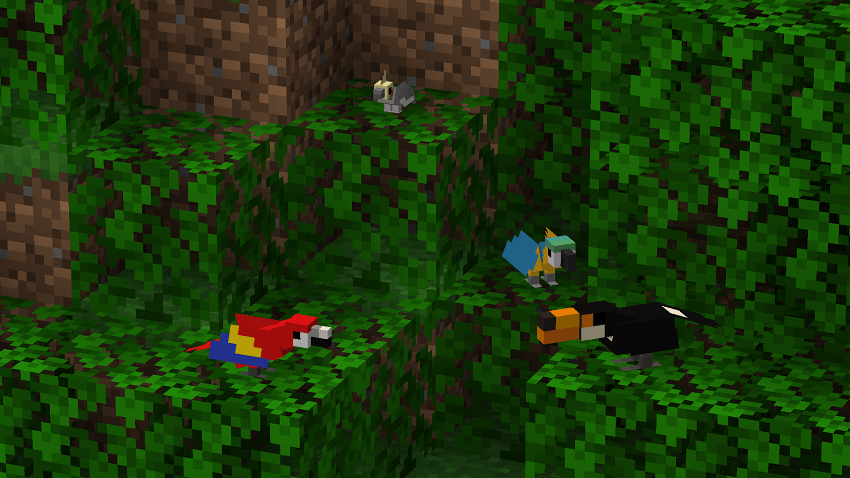
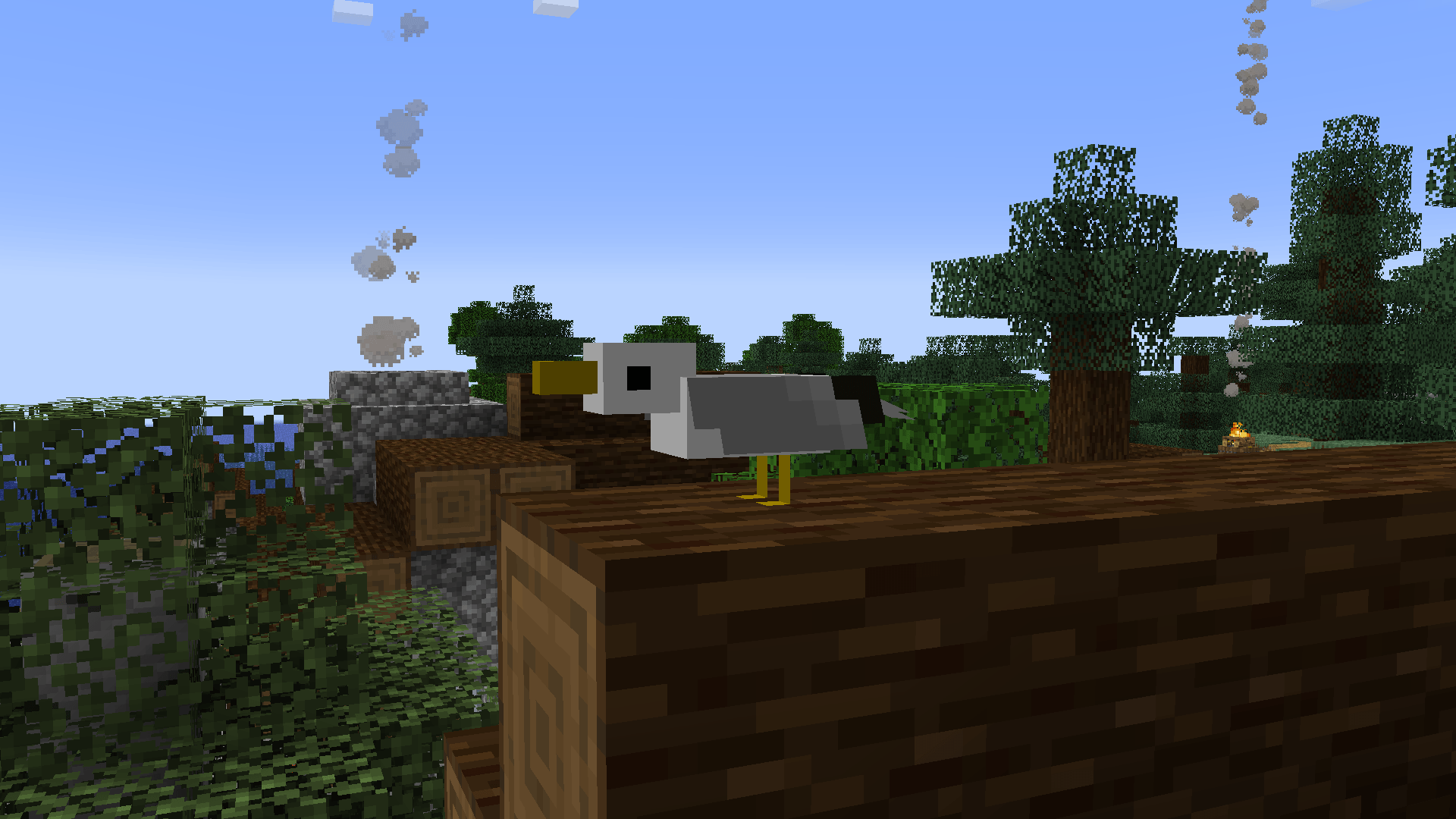
Adds new, exotic birds to Minecraft via CustomModelData
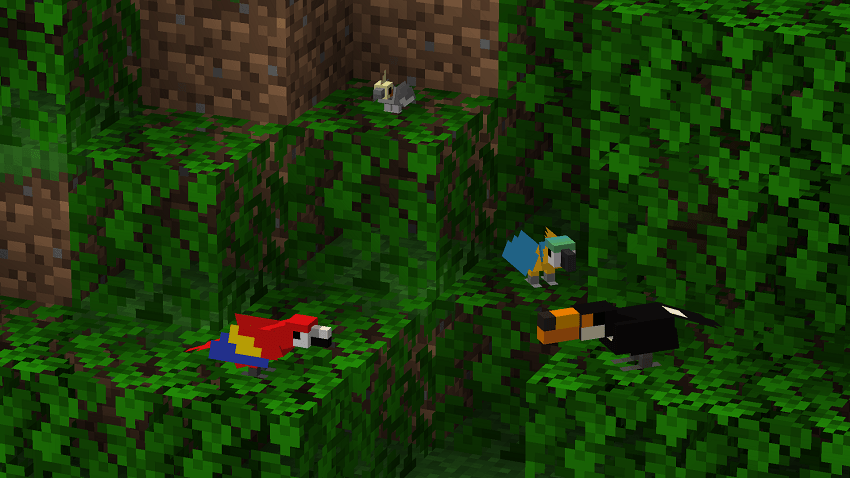
 

You can use the command provided below to give yourself one of these birds or use another method.

/give @s minecraft:carved_pumpkin[minecraft:custom_model_data=X]

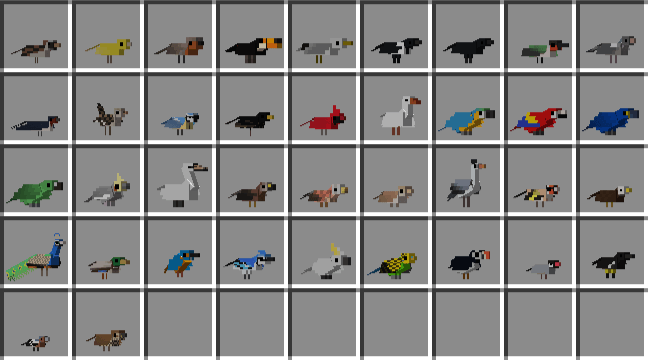
Replace "X" with the number associated with the bird below:


  • Sparrow: 1
  • Canary: 2
  • Robin: 3
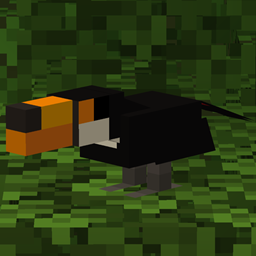
  • Toucan: 4
  • Gull: 5
  • Magpie: 6
  • Crow: 7
  • Hummingbird: 8
  • Woodpigeon: 9
  • Swallow: 10
  • Wren: 11
  • Blue tit: 12
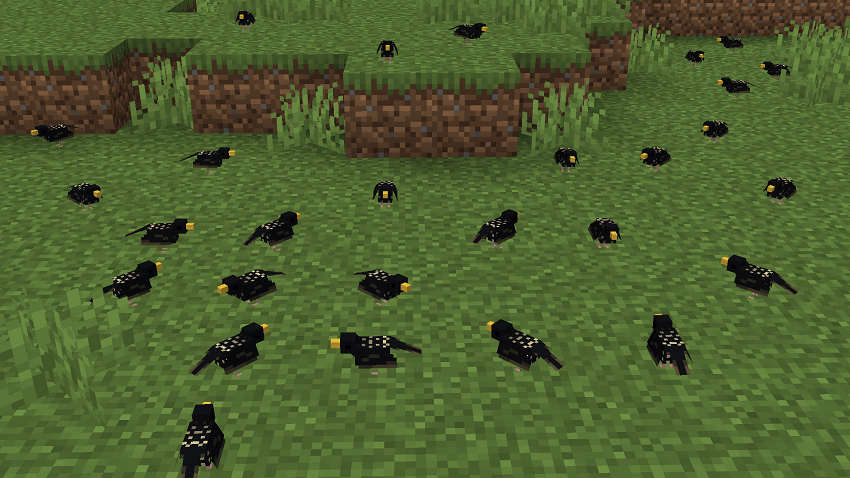
  • Starling: 13
  • Cardinal: 14
  • Goose: 15
  • Blue and yellow macaw: 16
  • Scarlet macaw: 17
  • Hyacinth macaw: 18
  • Black-billed amazon: 19
  • Cockatiel: 20
  • Swan: 21
  • Kite: 22
  • Kestrel: 23
  • Nightingale: 24
  • Heron: 25
  • Goldfinch: 26
  • Eagle: 27
  • Peacock: 28
  • Mallard: 29
  • Kingfisher: 30
  • Blue Jay: 31
  • Cockatoo: 32
  • Budgerigar: 33
  • Puffin: 34
  • Java sparrow: 35
  • Kauaʻi ʻōʻō: 36
  • Chaffinch: 37
  • Thrush: 38
  • Blackbird: 39
  • Woodpecker: 40
  • Bluebird: 41
  • Great tit: 42
  • Long-tailted tit: 43
  • Owl: 44
  • Falcon: 45
  • Secretarybird: 46
  • Vulture: 47
CustomBirds6.0
MC 1.21, 1.21.1
Release 2024-09-25 Get
CustomBirds5.0
MC 1.21, 1.21.1
Release 2024-09-13 Get
CustomBirds4.1
MC 1.21, 1.21.1
Release 2024-08-18 Get
CustomBirds4.0
MC 1.21, 1.21.1
Release 2024-08-17 Get
CustomBirds3.0
MC 1.21, 1.21.1
Release 2024-08-10 Get
CustomBirds2.0
MC 1.21
Release 2024-07-30 Get
CustomBirds2.1
MC 1.21
Release 2024-07-30 Get
CustomBirds1.0
MC 1.21
Release 2024-07-29 Get

Requirements & install

How to use this resource pack in Minecraft
Resolution
64x
Minecraft
1.21 – 1.21.1
Install folder
.minecraft/resourcepacks

How to install resource packs

  1. Download the resource pack .zip file (do not extract it).
  2. In Minecraft open Options → Resource Packs → Open Pack Folder.
  3. Drop the .zip into the resourcepacks folder (.minecraft/resourcepacks).
  4. Move the pack to the Selected column and click Done.
Browse more: 16x resource packs 32x resource packs 64x resource packs 128x resource packs 256x resource packs 512x+ resource packs Resource Packs for 1.21.1 All resource packs
Advertisement Remove ads with Premium →

You Might Also Like