Mineuniverse
Resource Packs
Custom Background HD - RPG Theme

Custom Background HD - RPG Theme

RESOURCE PACK
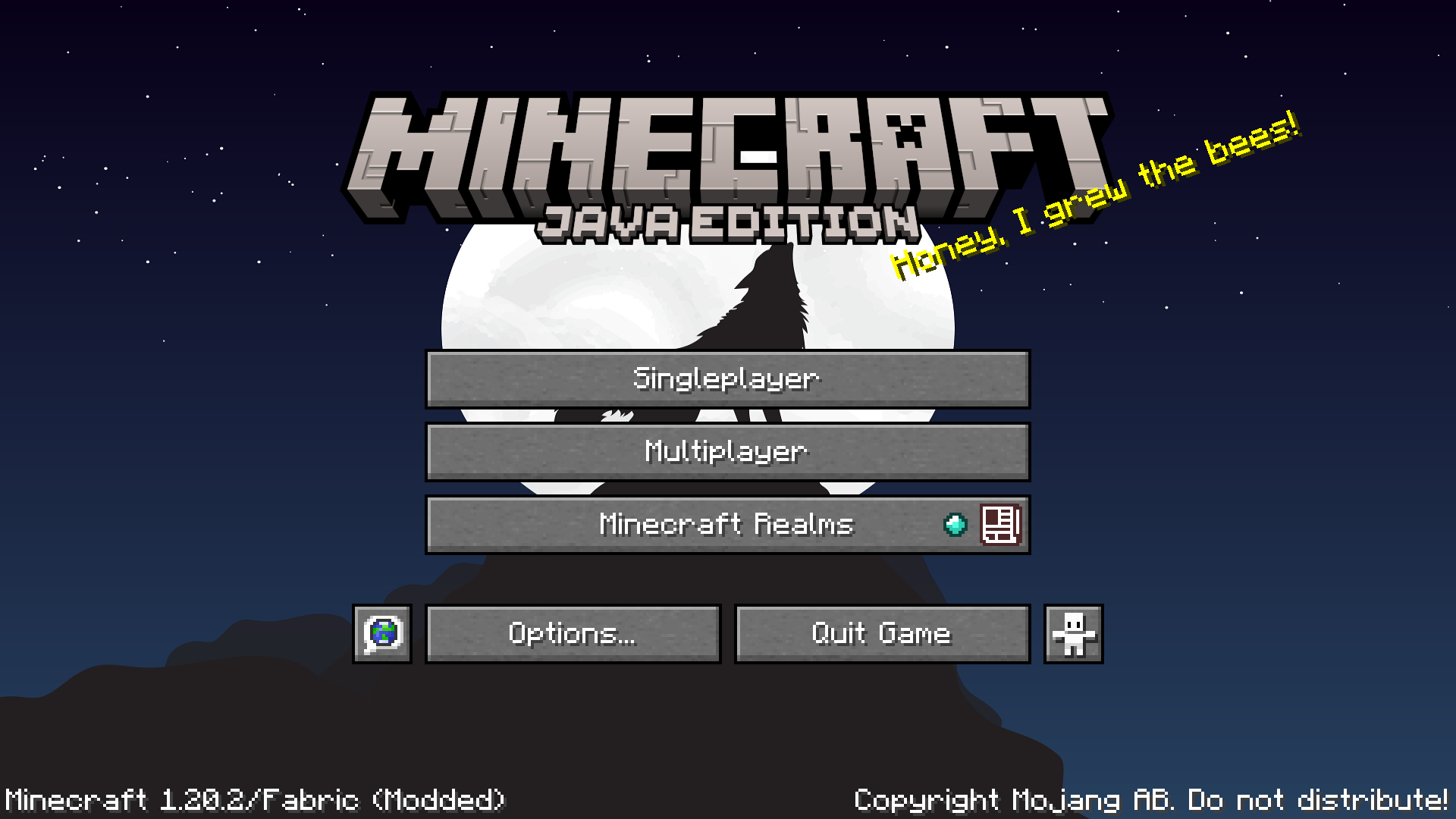
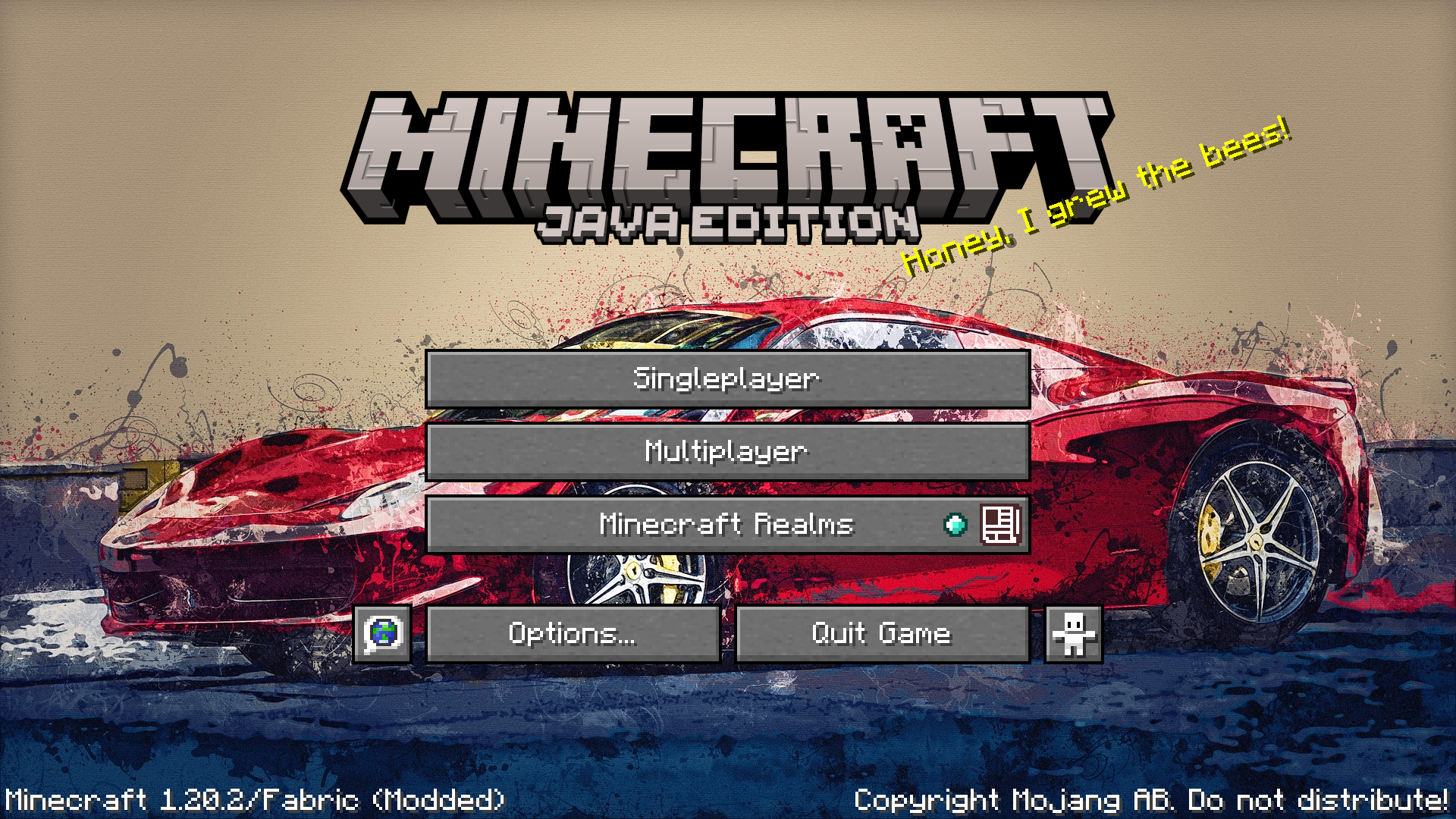
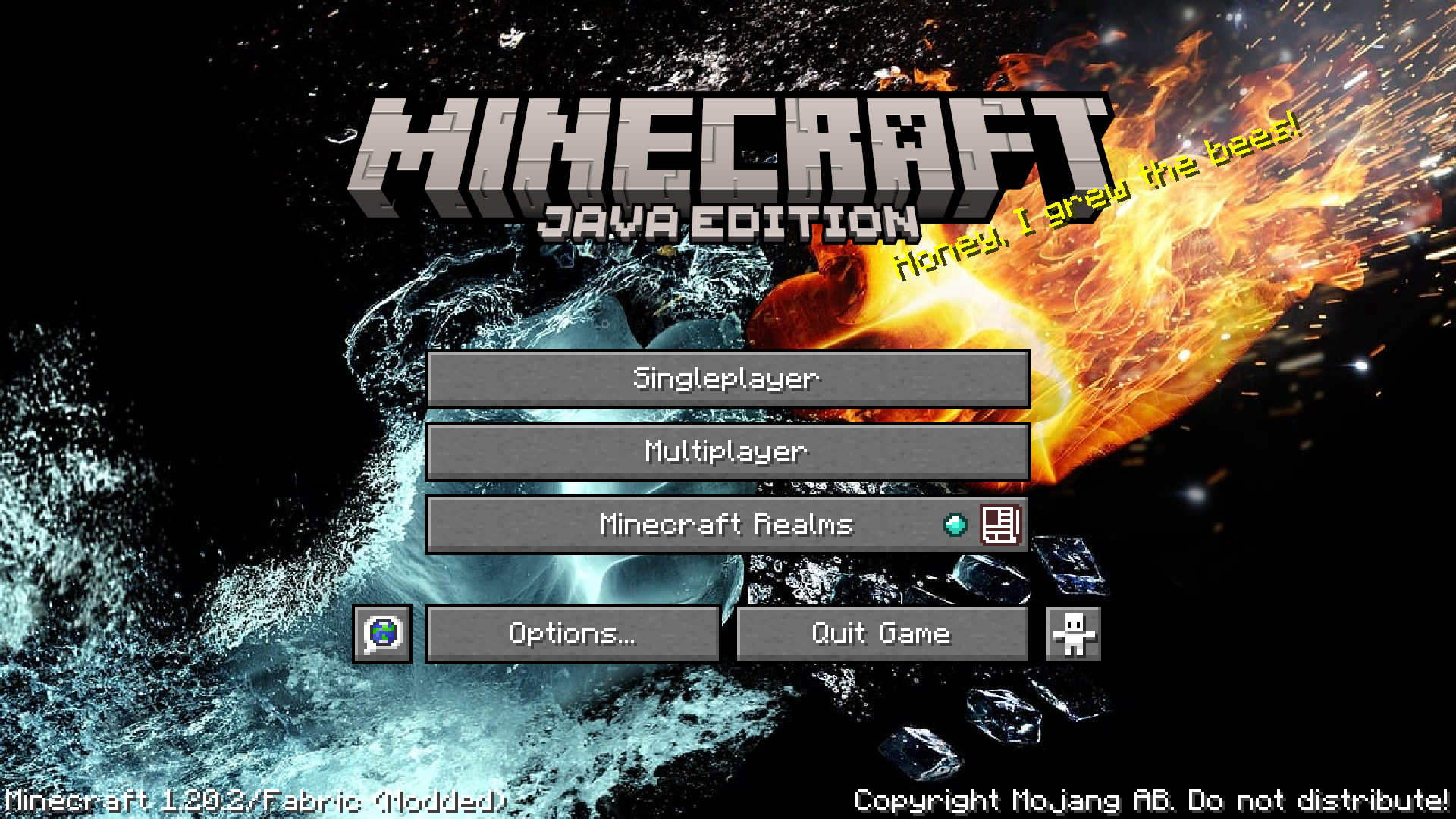
RPG Style, Change your Minecraft menu background with any image of your choice
by GamerPotion
Download Claim this project
3,772,362 downloads
0 likes
Updated Oct 14, 2026
0 hypes
16x Miscellaneous Modern Photo Realistic Traditional
Advertisement Remove ads with Premium →

Summary

Custom Main Menu background resource pack created for use on my DarkRPG modpack. Now released as a standalone. 


Description

This will further improve your vanilla experience by allowing you to change your Main Menu background to anything of your choice. 

Simply download this resource pack and apply it for a custom main menu background.


To change the background

- Get a PNG screenshot or HD image from anywhere and overwrite the following file inside the zip file. Custom Background HD.zip / assets / minecraft / textures / gui / title / background / panorama_overlay.png

- Make sure your background image is renamed to 'panorama_overlay.png' 

- Apply the resource pack and you can enjoy a custom main menu background


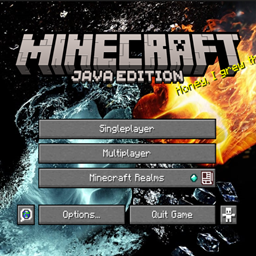
Image background source - https://pixabay.com/illustrations/fire-and-water-hands-fight-fire-2354583/


Get a server today and play with your friends! Click HERE or below banner & Use Code GAMERPOTION to get 25 off!




Custom Background HD.zip
MC 1.21.8, 1.21.6, 1.21.7, 1.21.9, 1.21.10, 1.21.11, 26.1, 26.1.1, 26.1.2, 26.2, 26.3
Release 2025-06-18 Get
Custom Background HD.zip
MC 1.20.5-Snapshot, 1.21.6
Beta 2024-03-04 Get
Custom Background HD.zip
MC 1.20.2, 1.21, 1.20.5, 1.21.5, 1.20.5-Snapshot, 1.21.4, 1.20.3, 1.20.1, 1.20.6, 1.20.4, 1.21.3, 1.21.1, 1.21.2
Release 2023-11-20 Get
Custom Background HD.zip
MC 1.20.2
Release 2023-11-16 Get
Custom Background HD.zip
MC 1.20.1
Release 2023-11-16 Get
Custom Background HD.zip
MC 1.17.1, 1.19.3, 1.18.1, 1.17, 1.19.4, 1.16.5, 1.18.2, 1.19.2, 1.20, 1.19.1, 1.18, 1.19
Release 2023-11-16 Get

Requirements & install

How to use this resource pack in Minecraft
Resolution
16x
Minecraft
1.21.9 – 26.3
Install folder
.minecraft/resourcepacks

How to install resource packs

  1. Download the resource pack .zip file (do not extract it).
  2. In Minecraft open Options → Resource Packs → Open Pack Folder.
  3. Drop the .zip into the resourcepacks folder (.minecraft/resourcepacks).
  4. Move the pack to the Selected column and click Done.
Browse more: 16x resource packs 32x resource packs 64x resource packs 128x resource packs 256x resource packs 512x+ resource packs Resource Packs for 26.3 All resource packs

More from GamerPotion

Advertisement Remove ads with Premium →

You Might Also Like