Mineuniverse
Resource Packs
CSMP Addon Pack

CSMP Addon Pack

RESOURCE PACK
Adds Many Cobblemon, Textures, Spawns and more to the Game.
by lShadowedl
Download Claim this project
8,789 downloads
0 likes
Updated Oct 14, 2026
0 hypes
256x Data Packs Miscellaneous Mod Support
Advertisement Remove ads with Premium →

This resource pack is designed to complement the gameplay experience on Shadow's Cobblemon and the CSMP Server.
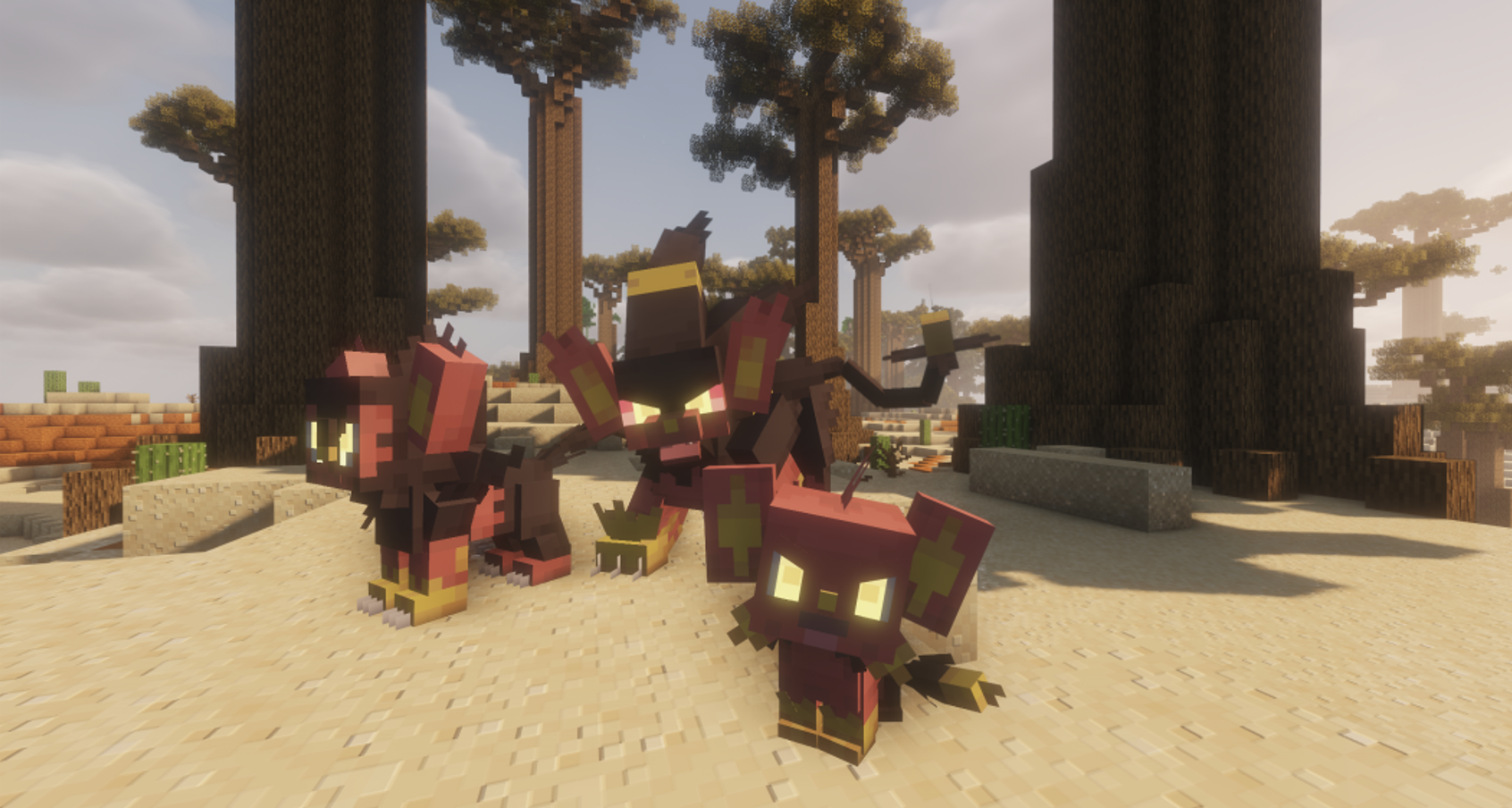
The pack adds new pokemon, texture assets for the quest system, and more!

Features and Improvements:

  • New additions: Lugia, Ho-Oh, Raikou, Entei, Suicune, and Arceus.
  • Texture fixes: Resolved issues with Houndour, Houndoom, Ledbya, and Phione.
  • Model improvements: Fixed glitches with Milotic's model.
  • Updated visuals: Enhanced textures for Palkia and Dialga.
  • Gameplay balance: Significantly adjusted and reduced spawn rates for various legendary Pokémon to improve game balance.
  • This pack is tailored for use on the CSMP Server but can enhance any Cobblemon experience. Dive in and enjoy a refined adventure!

CSMP Addon Pack v2.0 (Migration Update)
MC 1.21.1
Release 2025-05-26 Get
CSMP Addon Pack v1.9
MC 1.21.1
Release 2025-03-30 Get
CSMP Addon Pack v1.8
MC 1.21.1
Release 2025-03-29 Get
CSMP Addon Pack v1.7
MC 1.21.1
Release 2025-03-23 Get
CSMP Addon Pack v1.6
MC 1.21.1
Release 2025-03-19 Get
CSMP Addon Pack v1.5
MC 1.21.1
Release 2025-03-15 Get
CSMP Addon Pack v1.3
MC 1.21.1
Release 2025-03-06 Get
CSMP Addon Pack v1.4
MC 1.21.1
Release 2025-03-06 Get
CSMP Addon Pack v1.2
MC 1.21.1
Release 2025-03-05 Get
CSMP Addon Pack
MC 1.21.1
Release 2025-02-28 Get
CSMP Addon Pack v1.1
MC 1.21.1
Release 2025-02-28 Get

Requirements & install

How to use this resource pack in Minecraft
Resolution
256x
Minecraft
1.21.1
Install folder
.minecraft/resourcepacks

How to install resource packs

  1. Download the resource pack .zip file (do not extract it).
  2. In Minecraft open Options → Resource Packs → Open Pack Folder.
  3. Drop the .zip into the resourcepacks folder (.minecraft/resourcepacks).
  4. Move the pack to the Selected column and click Done.

Packs from 128x upwards need more video memory: install a performance mod such as Sodium for smooth frame rates.

Browse more: 16x resource packs 32x resource packs 64x resource packs 128x resource packs 256x resource packs 512x+ resource packs Resource Packs for 1.21.1 All resource packs

More from lShadowedl

Advertisement Remove ads with Premium →

You Might Also Like