Mineuniverse
Resource Packs
Crops 3D

Crops 3D

RESOURCE PACK
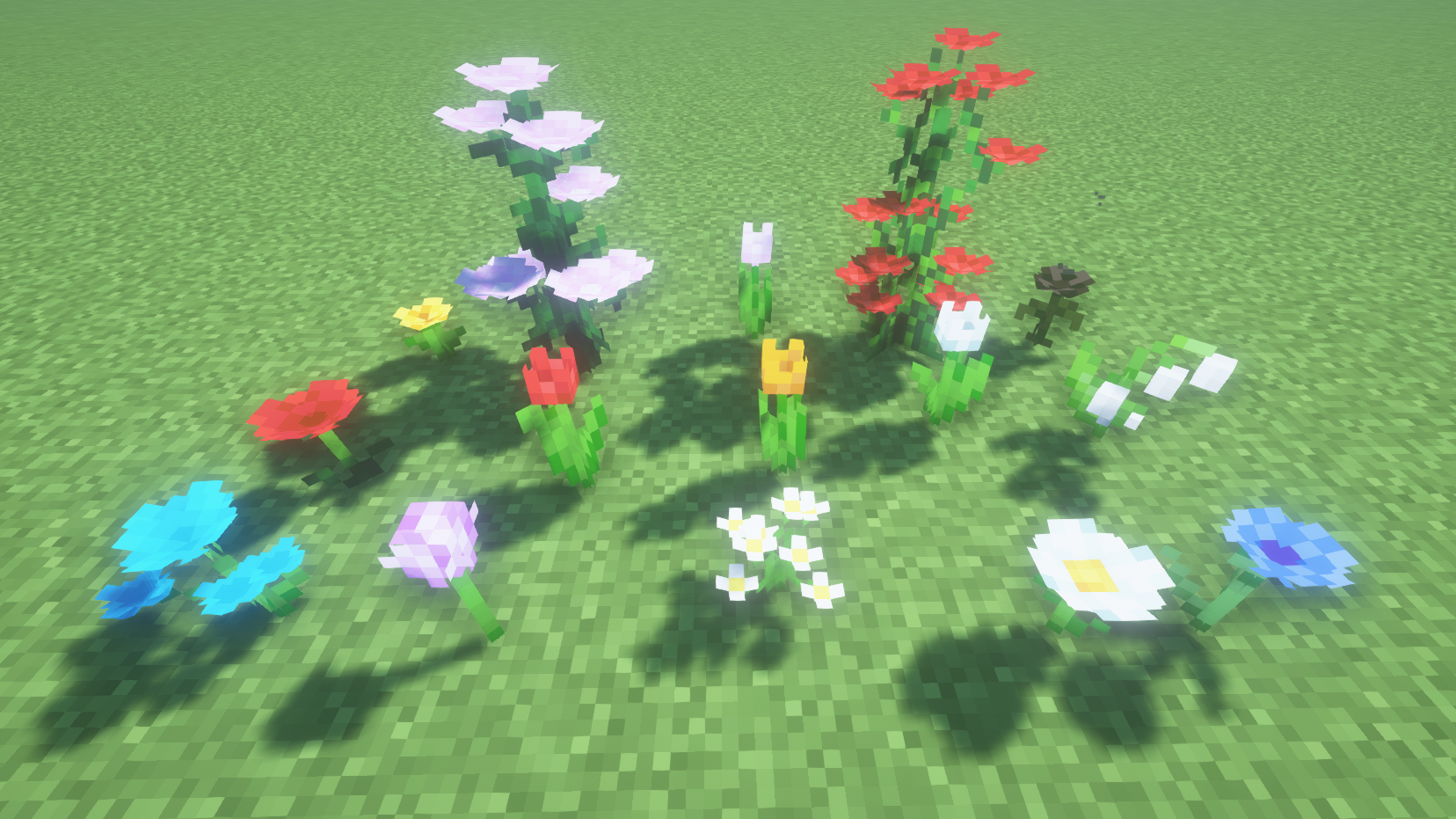
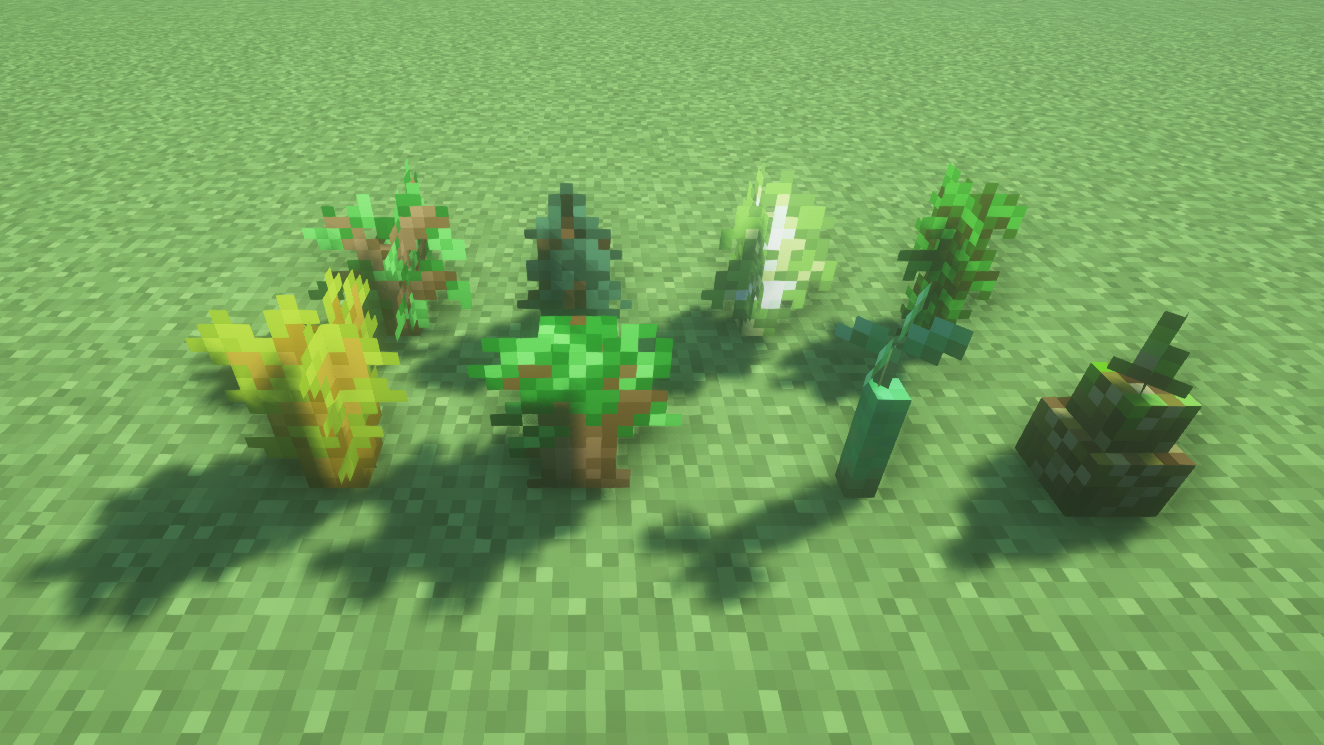
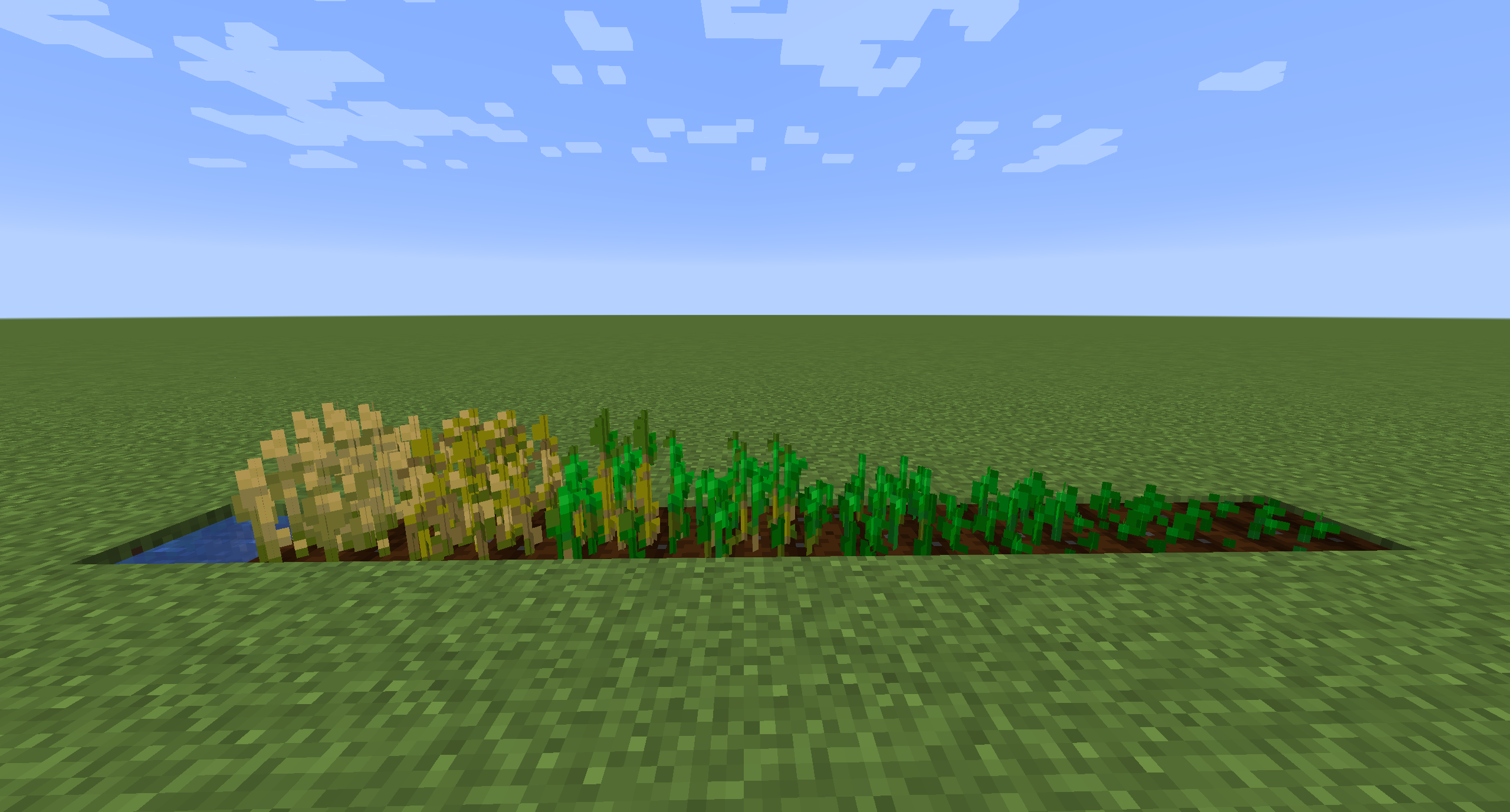
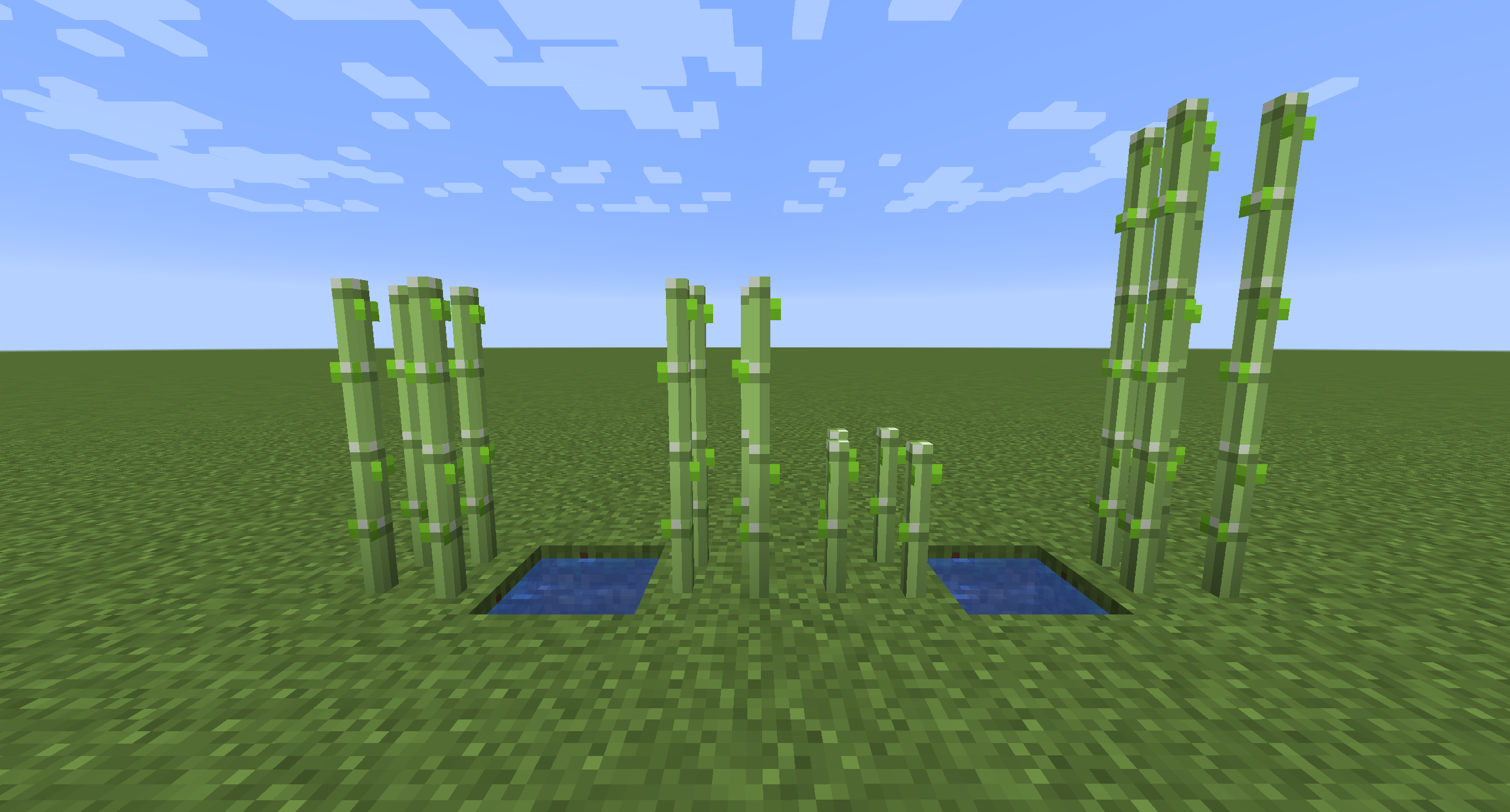
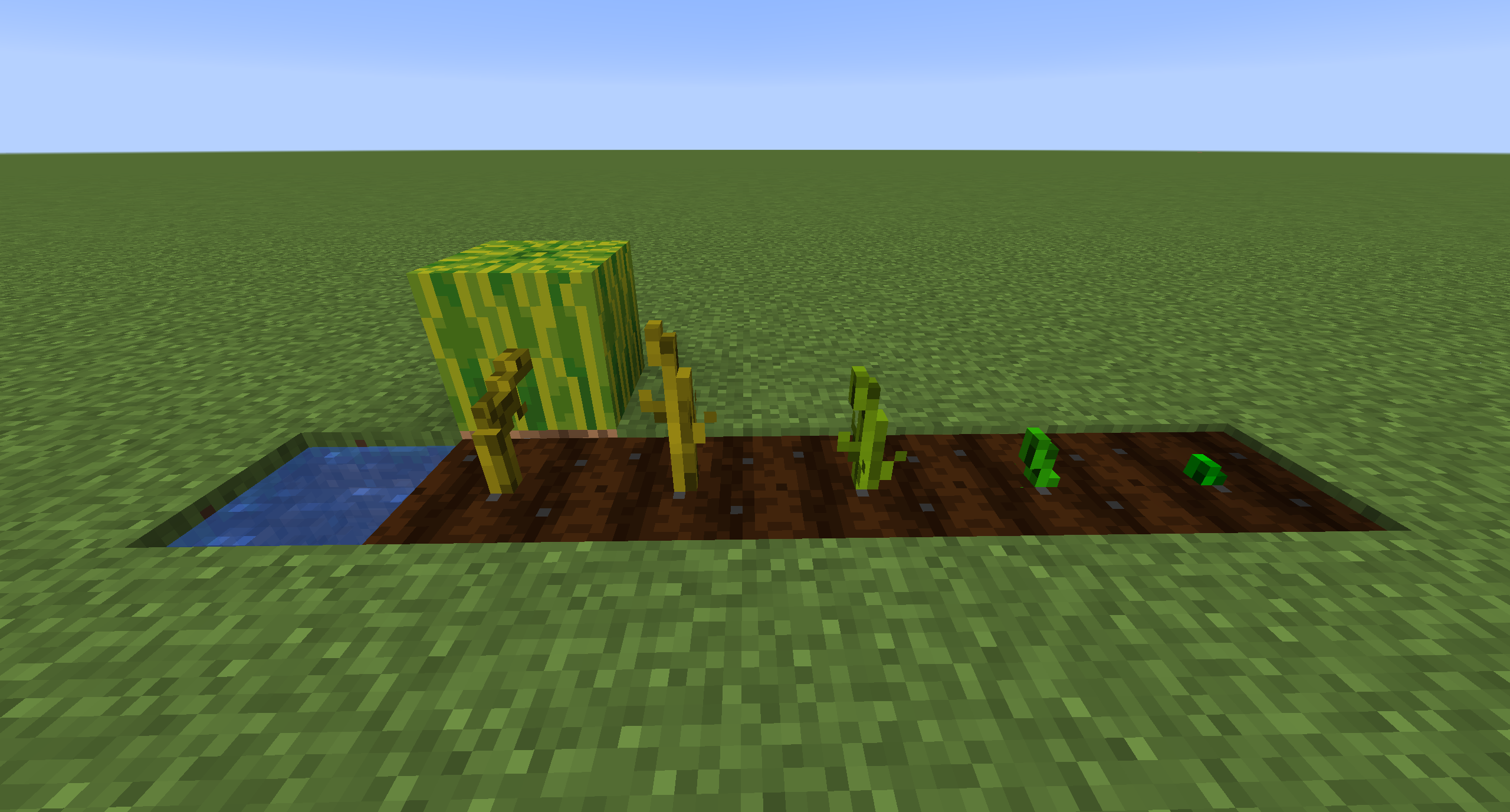
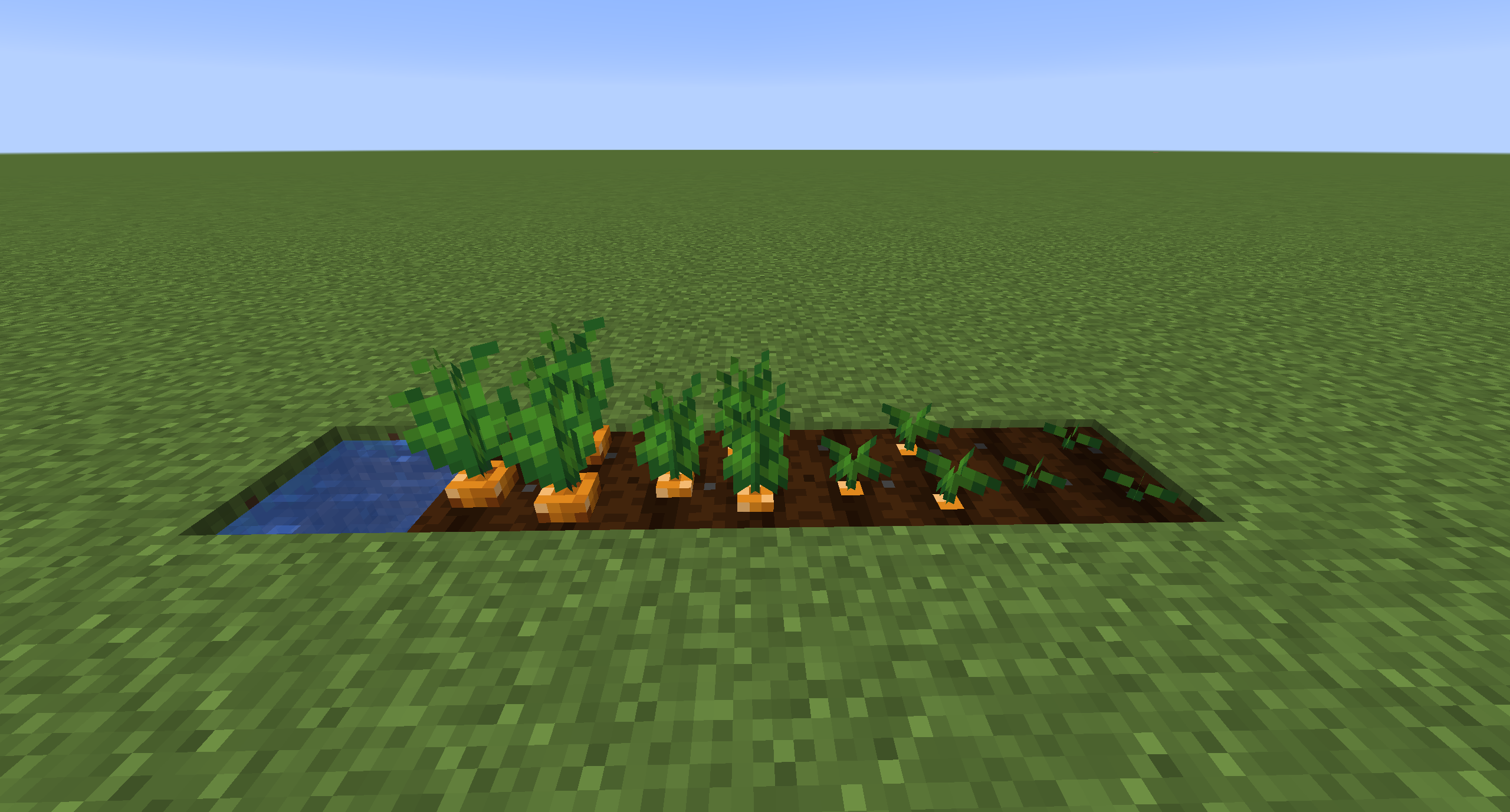
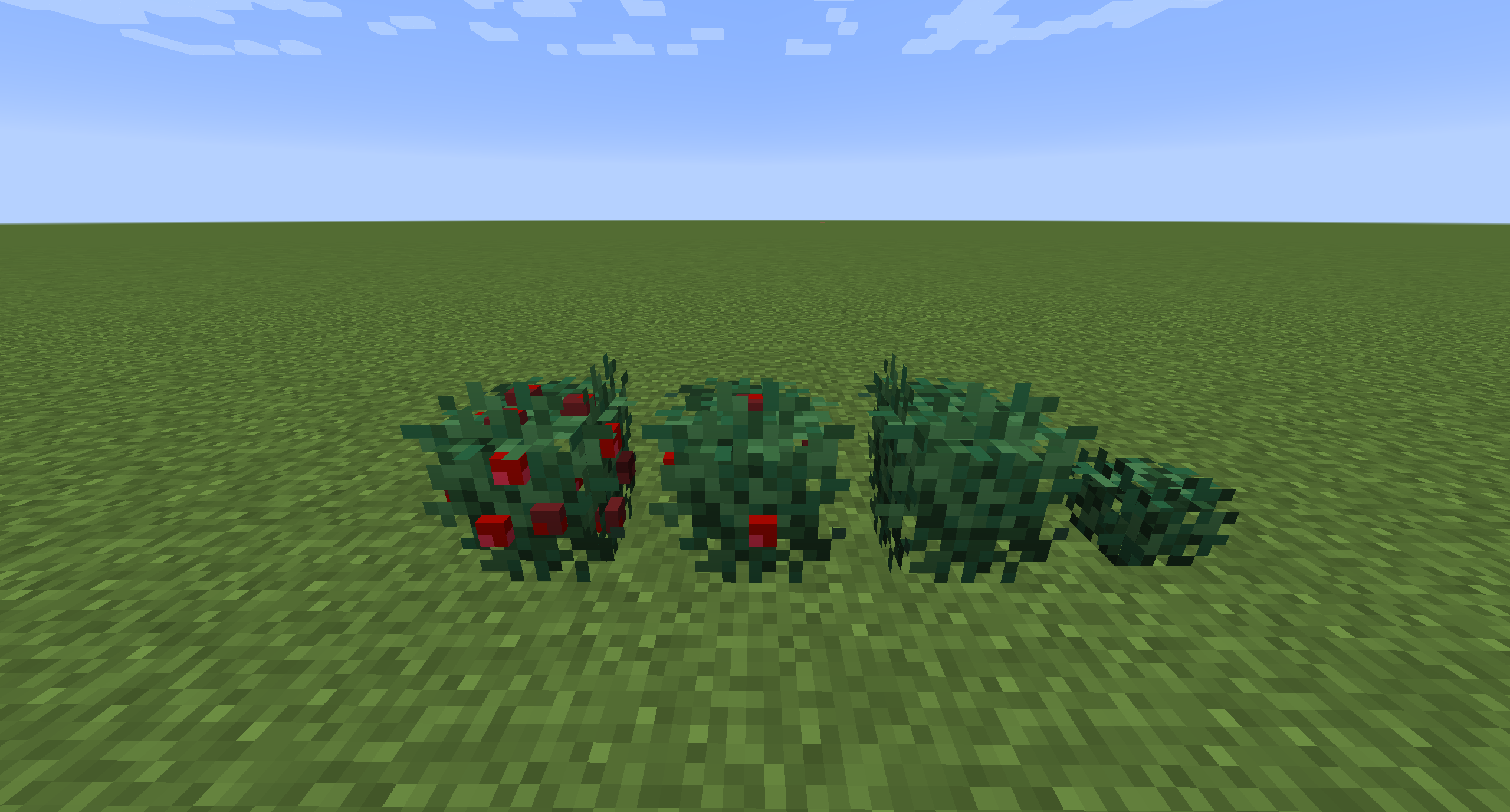
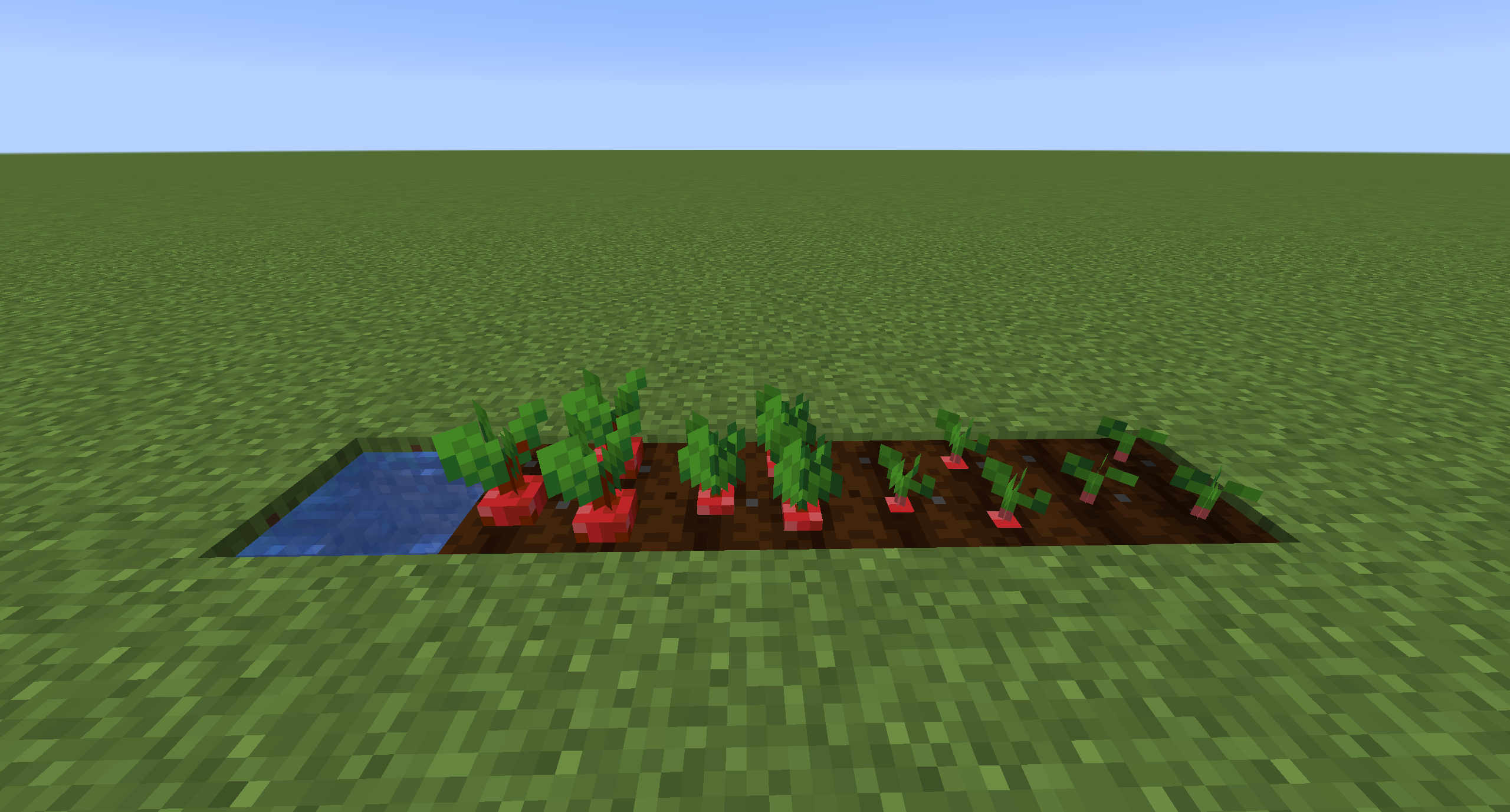
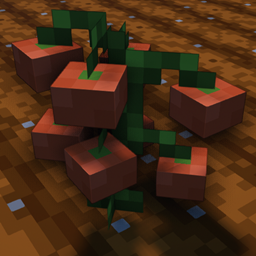
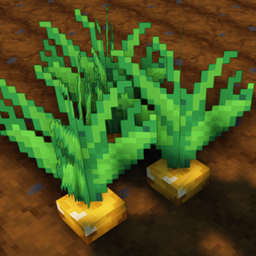
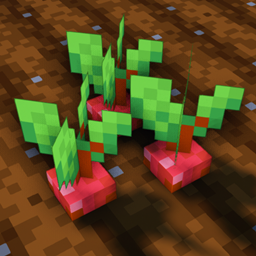
Makes all of the crops 3D in the default style of Minecraft.
by NinthWorld
Download Claim this project
2,288,460 downloads
0 likes
Updated Oct 14, 2026
0 hypes
16x Miscellaneous Traditional
Advertisement Remove ads with Premium →

3D Crops

Check out Crops 3D - Faithful x32 Variant


Description

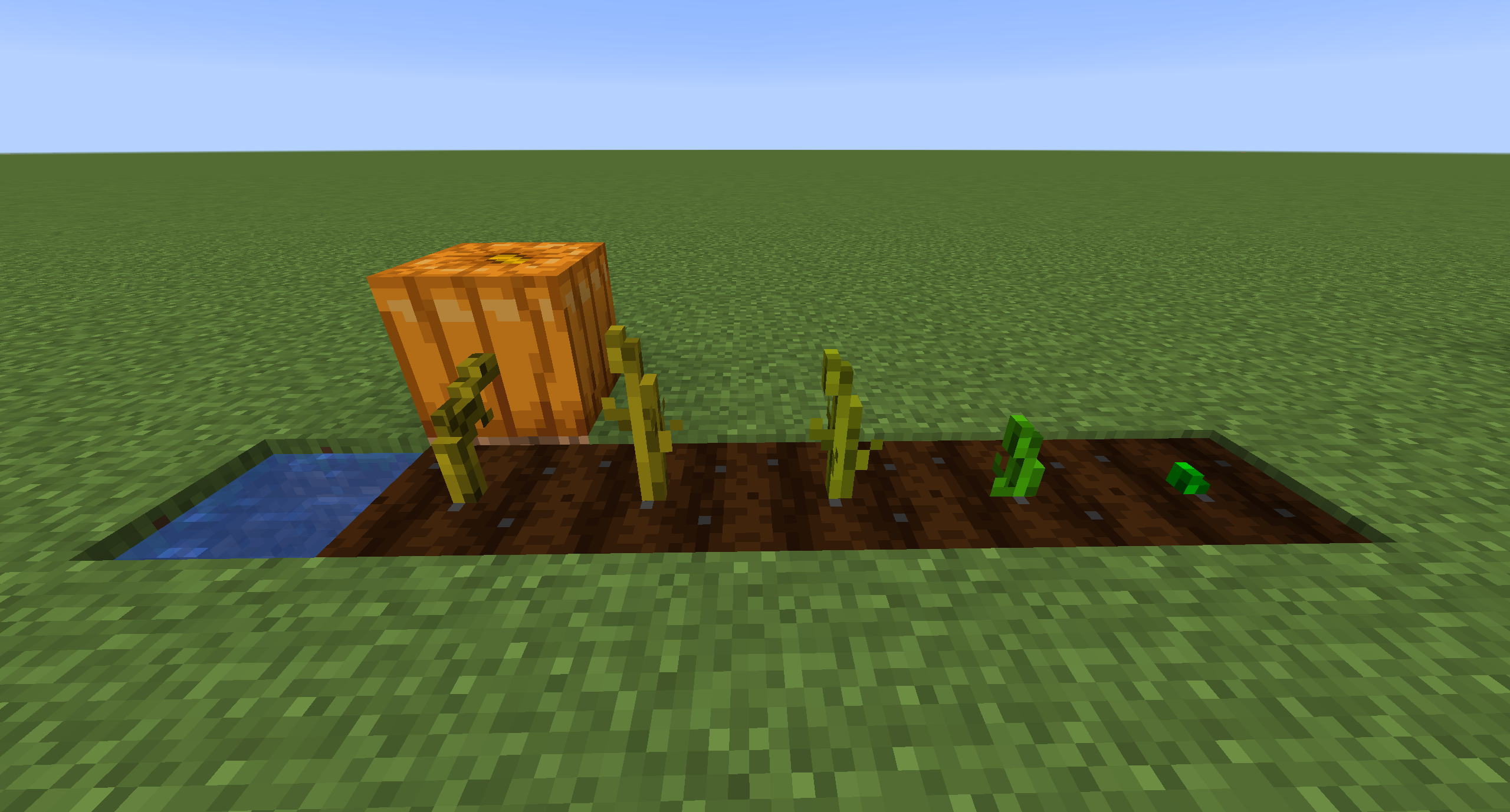
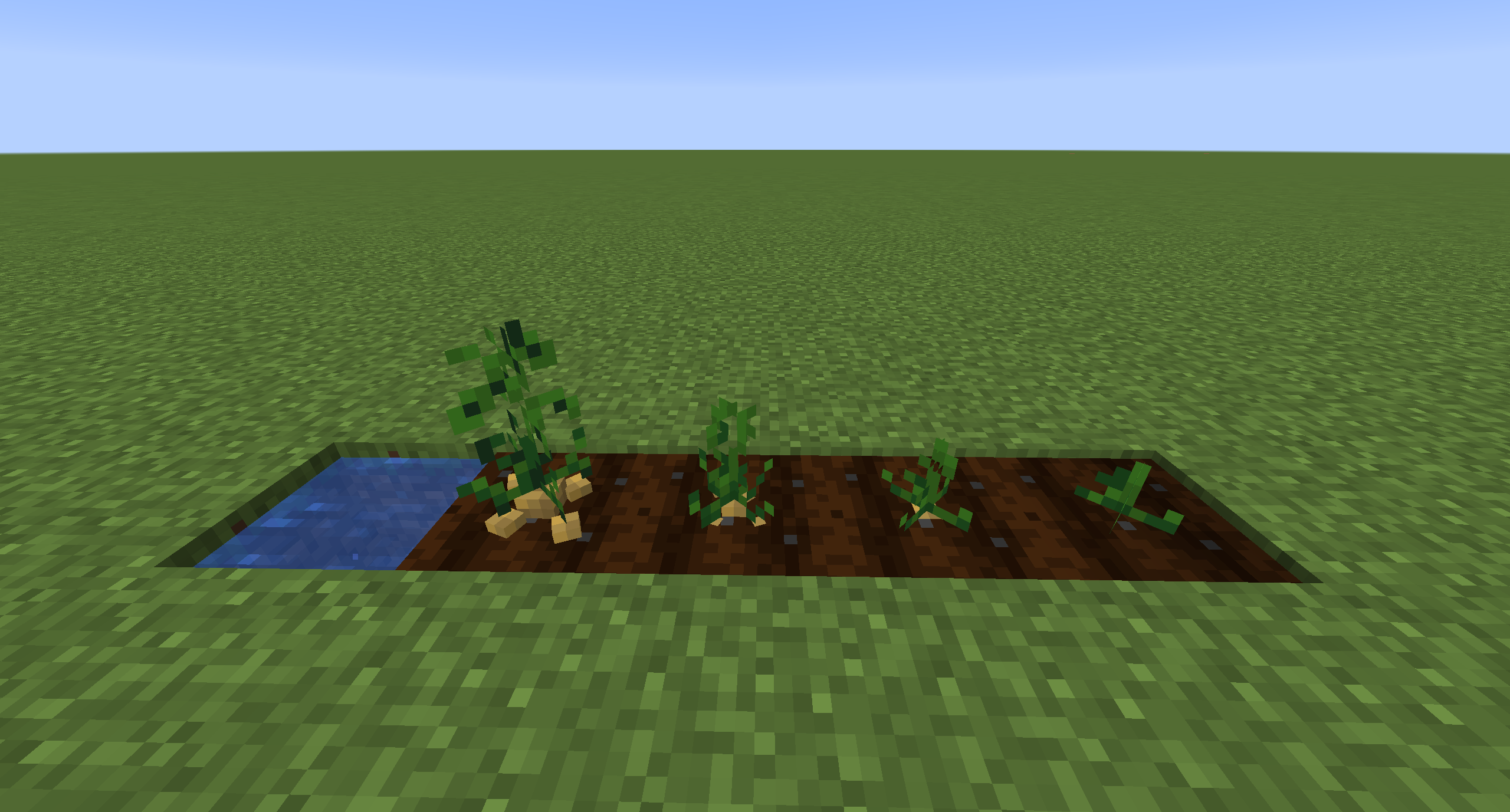
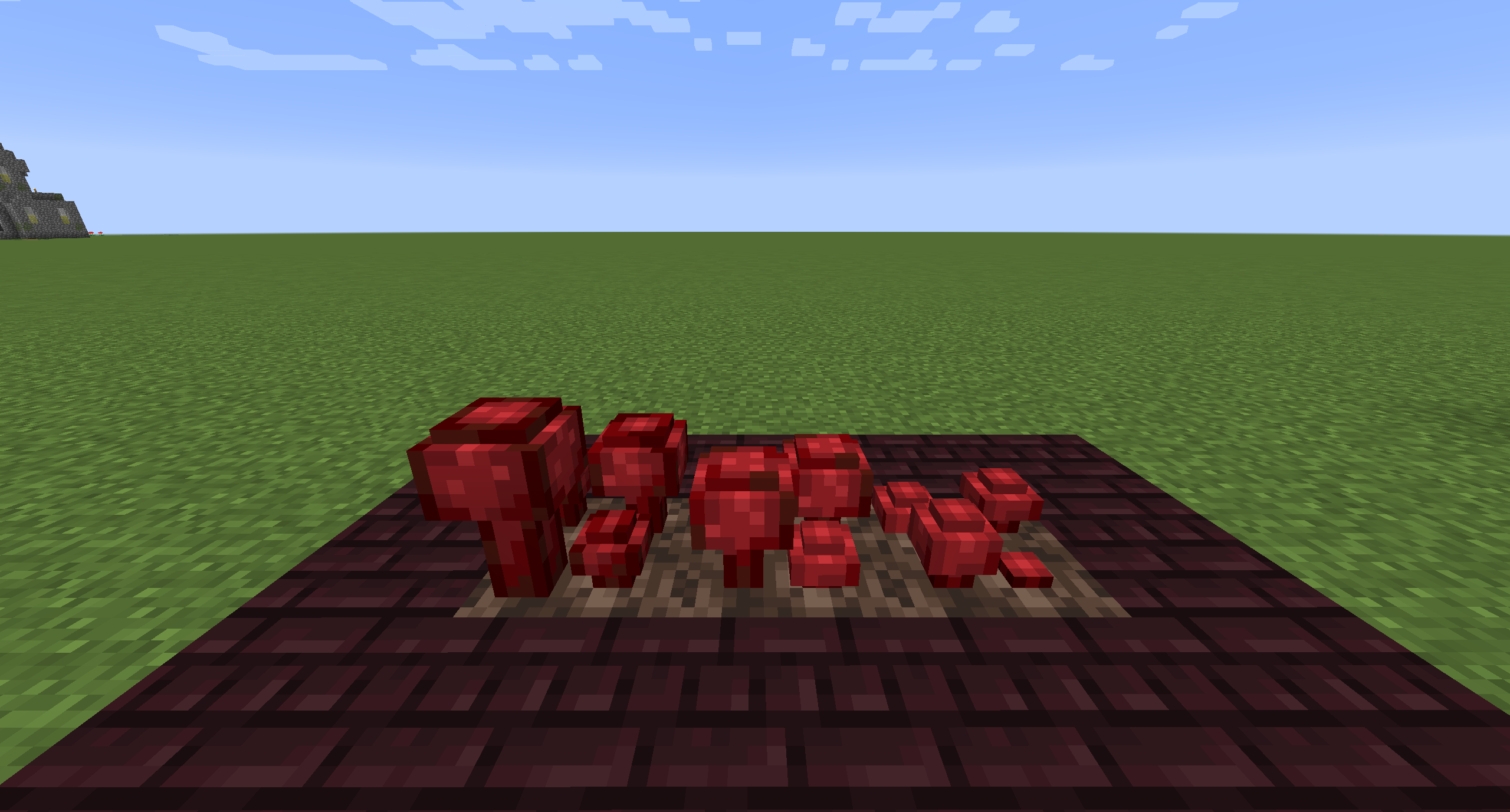
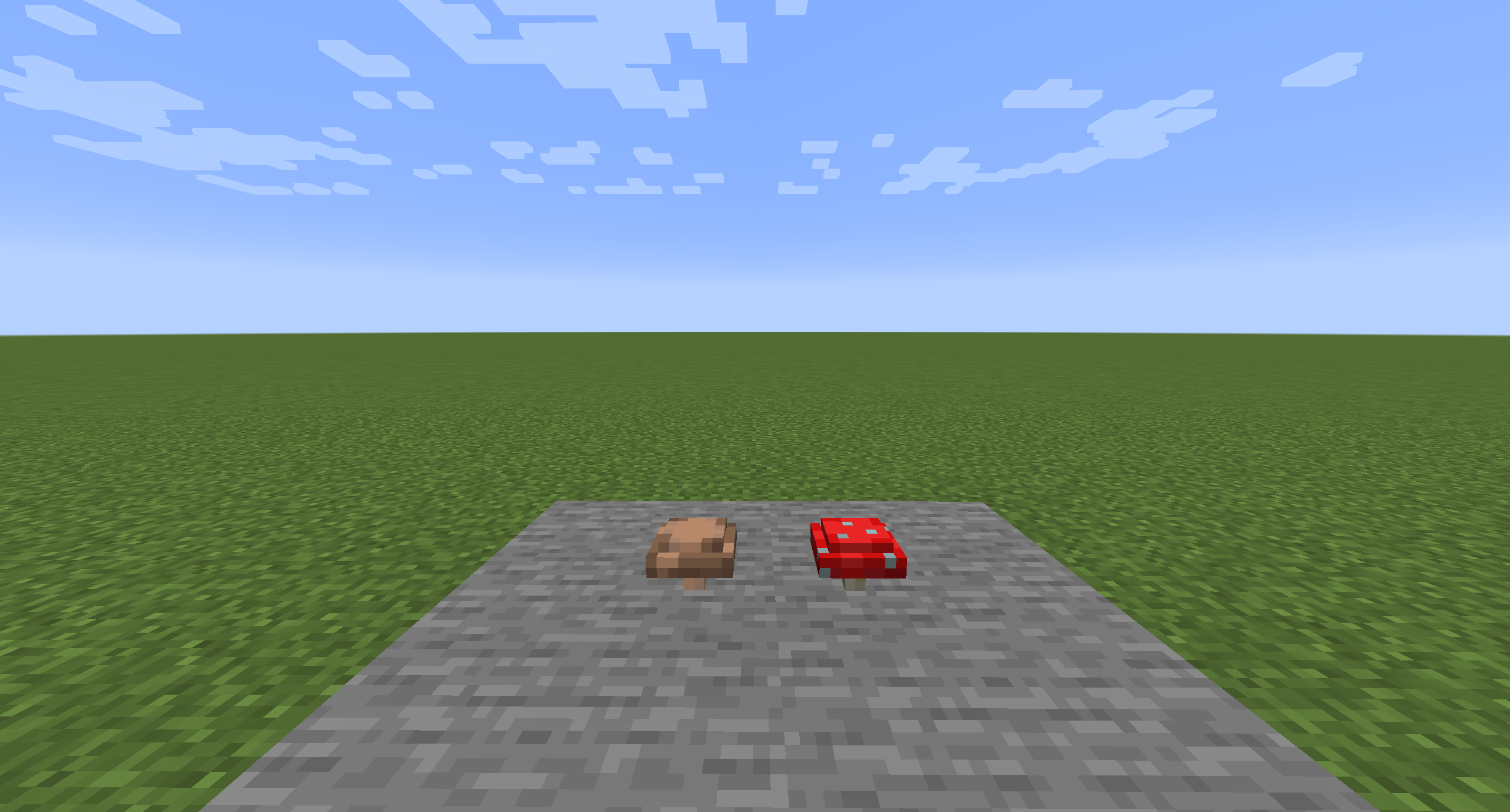
Crops 3D is a resource pack which focuses on improving the look and feel of Minecraft farming with better 3D models for certain crops and plants in the game. The models in this pack use a mixture of 3D cubes and flat planes to achieve a more default vanilla look. In addition, the textures of the models are directly created from their default vanilla equivalent so as to not stray to far from the look of the base game.


The pack currently includes models for the following blocks:

Carrots, Beetroots, Potatoes, Wheat, Melon/Pumpkin Stem, Netherwart, Sugarcane, Sweet Berry Bush, Red/Brown Mushroom, Crimson/Warped Fungus, Bamboo Sapling, All Vanilla Saplings, All Vanilla Flowers, All Flower/Sapling potted variants.

 

Credits

  • Inspired by "3D crops!" Reddit post by u/MushirMickeyJoe
  • All models created with Blockbench
  • All textures created from default Minecraft textures


Crops-3D_MC1.13-14_v1.2.0.zip
MC 1.13.1, 1.14.4, 1.14.1, 1.14.3, 1.13, 1.14, 1.14.2, 1.13.2
Release 2022-11-15 Get
Crops-3D_MC1.15-16_v1.2.0.zip
MC 1.16.1, 1.15, 1.16, 1.15.2, 1.15.1
Release 2022-11-15 Get
Crops-3D_MC1.16.2-5_v1.2.0.zip
MC 1.16.3, 1.16.5, 1.16.4, 1.16.2
Release 2022-11-15 Get
Crops-3D_MC1.17_v1.2.0.zip
MC 1.17.1, 1.17
Release 2022-11-15 Get
Crops-3D_MC1.18_v1.2.0.zip
MC 1.18.1, 1.18.2, 1.18
Release 2022-11-15 Get
Crops-3D_MC1.19_v1.2.0.zip
MC 1.19.3, 1.19.2, 1.19.1, 1.19
Release 2022-11-15 Get
Crops-3D_MC1.19_v1.1.0.zip
MC 1.19.1, 1.19
Release 2022-07-29 Get
Crops-3D_MC1.16.5_v1.0.0.zip
MC 1.16.3, 1.16.5, 1.16.4, 1.16.2
Release 2021-08-27 Get
Crops-3D_MC1.15.2_v1.0.0.zip
MC 1.15.2
Release 2020-02-23 Get
Crops-3D_MC1.14.4_v1.0.0.zip
MC 1.14.4
Release 2020-02-23 Get

Requirements & install

How to use this resource pack in Minecraft
Resolution
16x
Minecraft
1.17.1 – 1.19.3
Install folder
.minecraft/resourcepacks

How to install resource packs

  1. Download the resource pack .zip file (do not extract it).
  2. In Minecraft open Options → Resource Packs → Open Pack Folder.
  3. Drop the .zip into the resourcepacks folder (.minecraft/resourcepacks).
  4. Move the pack to the Selected column and click Done.
Browse more: 16x resource packs 32x resource packs 64x resource packs 128x resource packs 256x resource packs 512x+ resource packs Resource Packs for 1.19.3 All resource packs

More from NinthWorld

Advertisement Remove ads with Premium →

You Might Also Like