Mineuniverse
Resource Packs
Create Style for Refined Storage

Create Style for Refined Storage

RESOURCE PACK
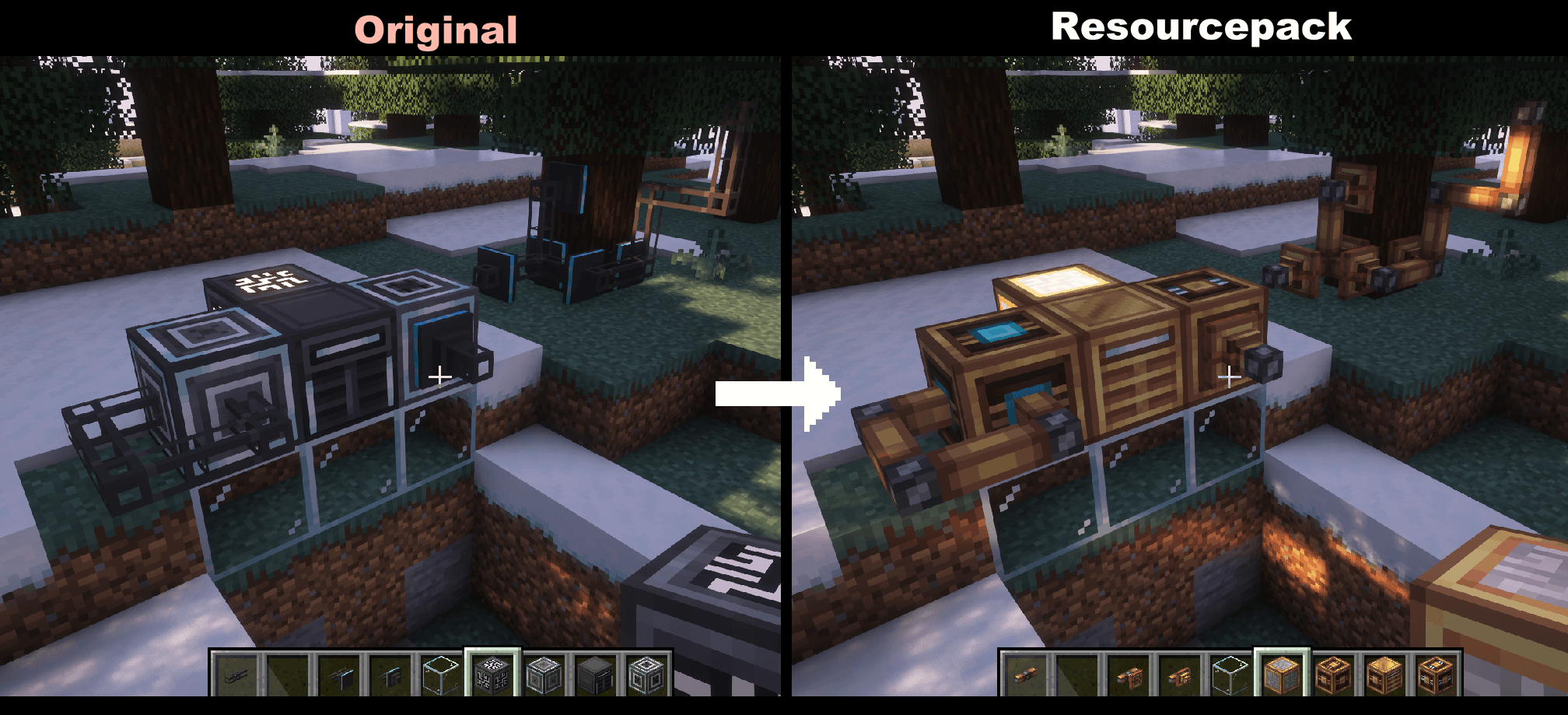
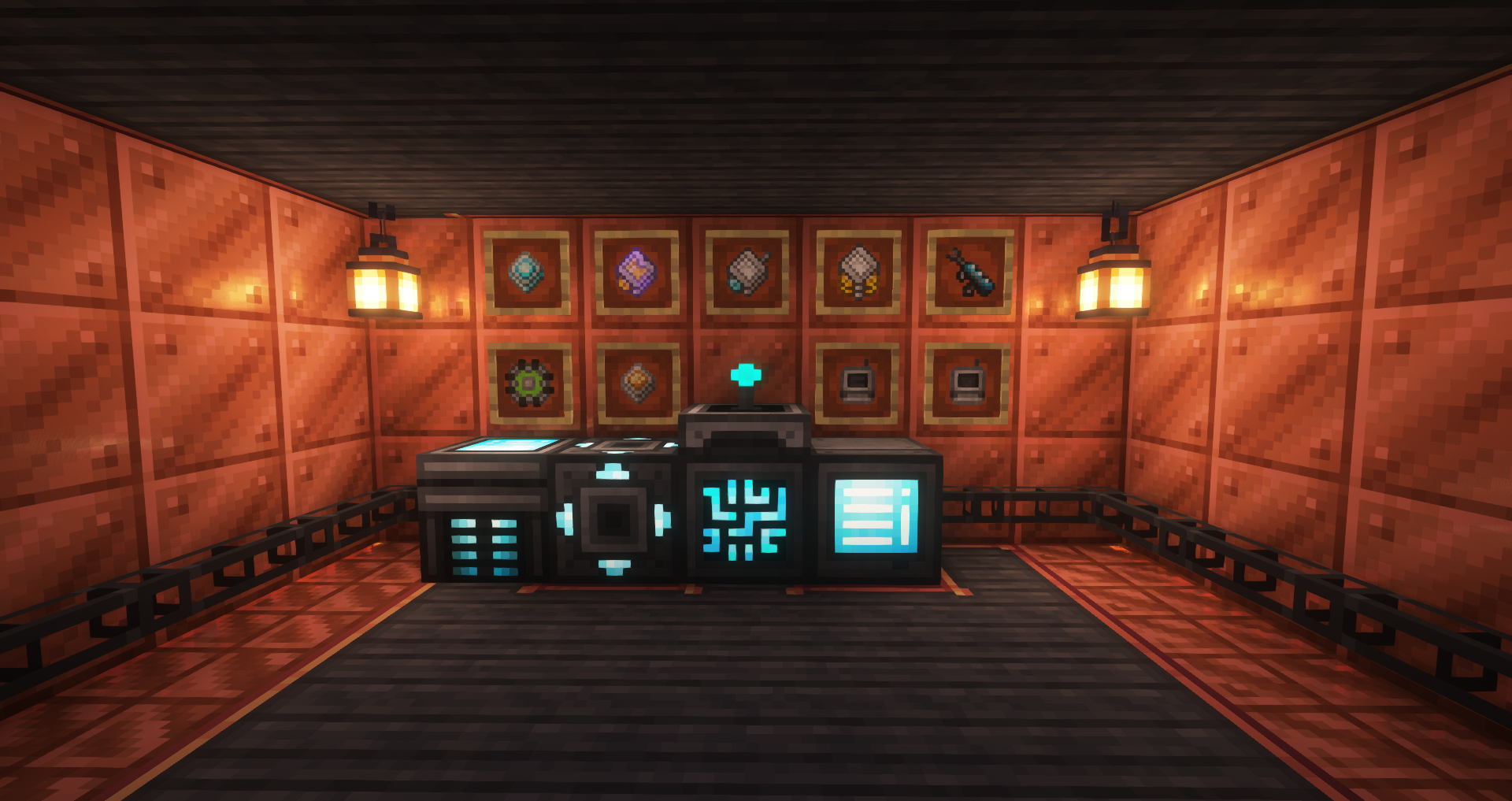
The container mod is now in brass color!
by BlackAuresArt
Download Claim this project
3,900,489 downloads
0 likes
Updated Oct 14, 2026
0 hypes
16x Medieval Mod Support Steampunk Traditional
Advertisement Remove ads with Premium →


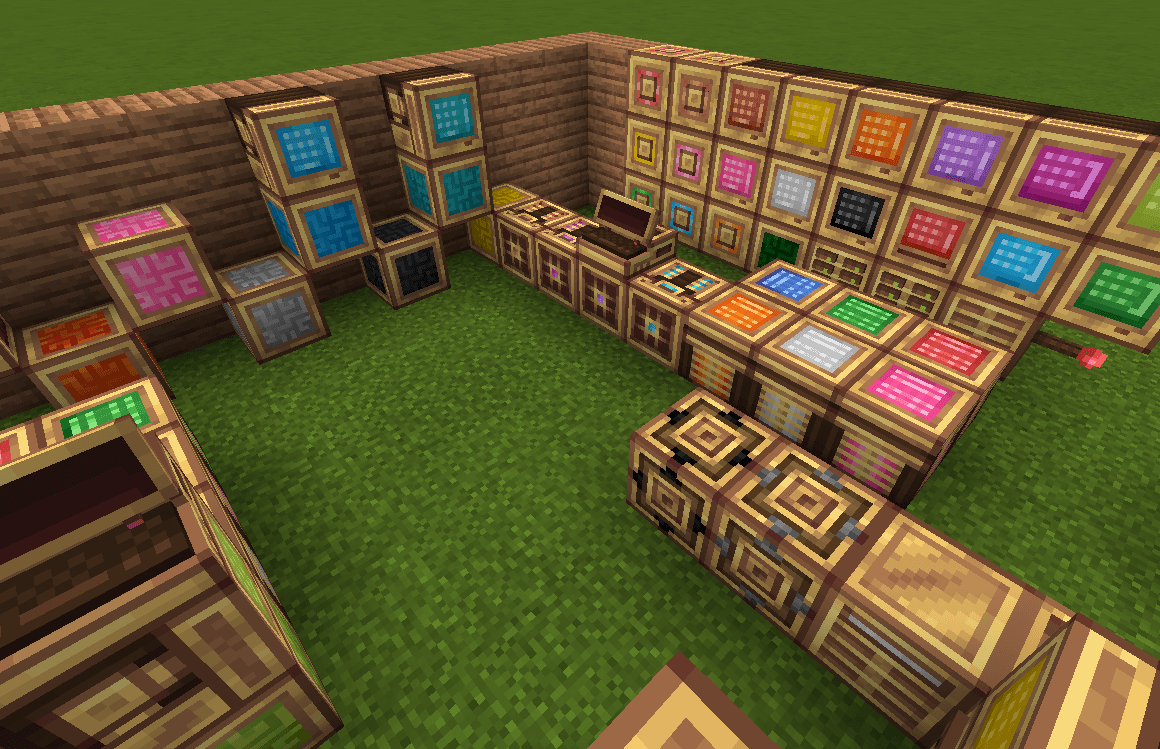
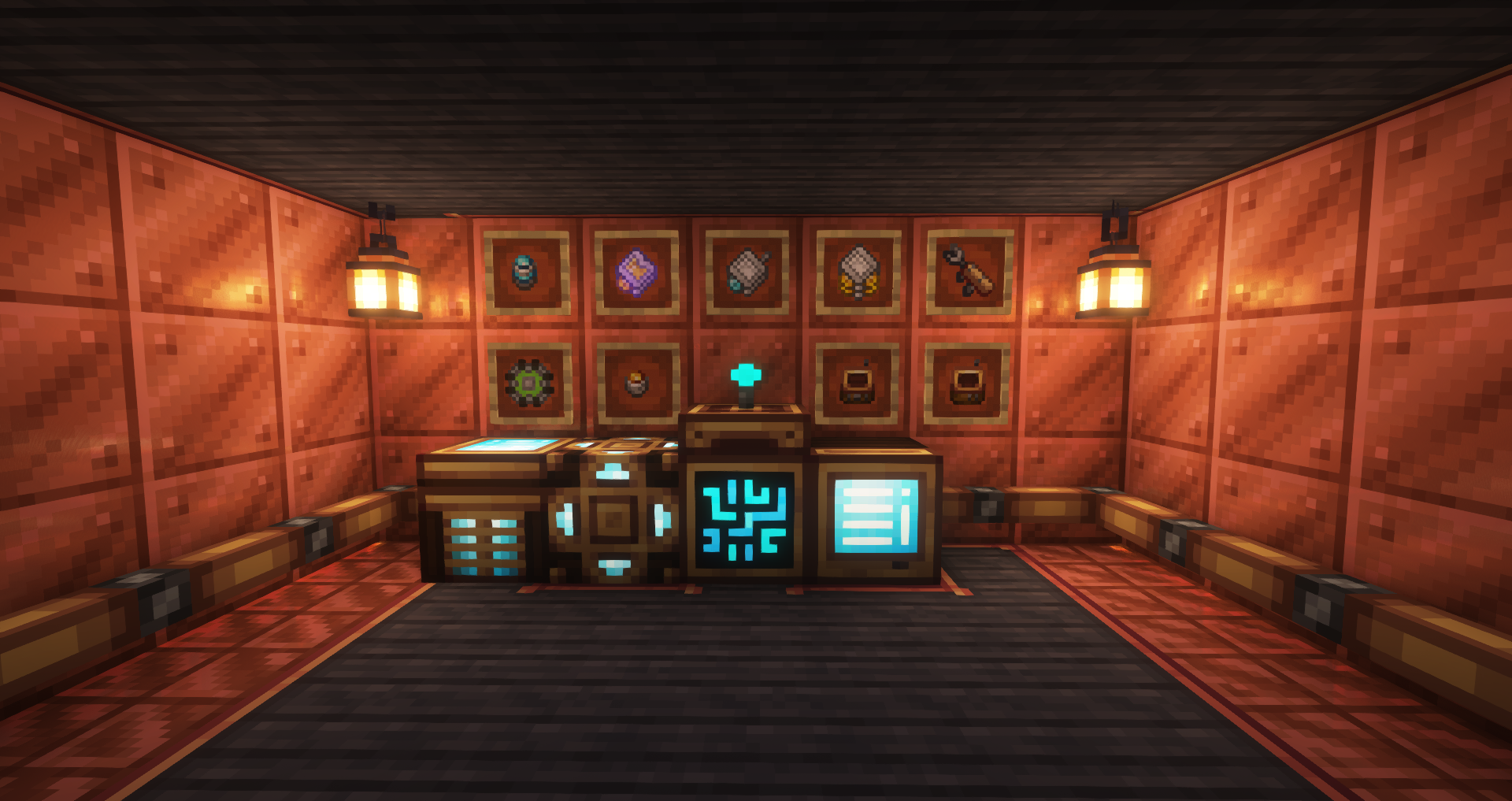
■ - Create Style for Refined Storage is a resourcepack that makes the Refined Storage fresher and more copper/brass/medieval/steampunk looking! The main version is 1.19.2 and 1.20 (new version).
■ - Compatibility with RefinedStorageAddons, ExtraStorage, CableTiers.
■ - Artist: Black Aures, rafaelveras and nocubeyt

📖 Permissions & FAQ

  • You are allowed to include this texturepack in videos as long as download link leads to this curseforge page.
  • You can only use this mod as part of your modpack if it is in the Curseforge Ecosystem.
  • You are not allowed to reupload this mod to other websites and launchers.
  • You cannot use assets/data from this mod in other projects.

Create_Style_for_Refined_Storage.zip
MC 1.16.3, 1.13.1, 1.9.3, 1.8.7, 1.16-Snapshot, 1.17.1, 1.9.1, 1.15-Snapshot, 1.16.1, 1.18.1, 1.14.3, 1.15, 1.16, 1.13, 1.19-Snapshot, 1.16.5, 1.10.2, 1.19.3, 1.19.4, 1.8.8
Release 2025-12-01 Get
Create Style for Refined Storage.zip
MC 1.7.6, 1.16-Snapshot, 1.17.1, 1.9.1, 1.5.3, 1.16.3, 1.13.1, 1.9.3, 1.8.7, 1.7.4, 1.7.7, 1.19.3, 1.20.2, 1.21.2-Snapshot, 1.21, 1.15-Snapshot, 1.7.5, 1.4.6, 1.6.1, 1.0, 1.16.1
Release 2025-02-07 Get
RefinedStorage1.20.zip
MC 1.16-Snapshot, 1.17.1, 1.16.3, 1.19.3, 1.20.2, 1.21, 1.15-Snapshot, 1.16.1, 1.18.1, 1.19.4-Snapshot, 1.20.5, 1.17, 1.20.2-Snapshot, 1.20.5-Snapshot, 1.15, 1.16, 1.19.4
Release 2024-07-13 Get
Create Style for Refined Storage.zip
MC 1.16-Snapshot, 1.17.1, 1.16.3, 1.13.1, 1.19.3, 1.20.2, 1.15-Snapshot, 1.16.1, 1.18.1, 1.19.4-Snapshot, 1.10-Snapshot, 1.14.4, 1.14.1, 1.12.1, 1.17, 1.12, 1.20.2-Snapshot, 1.14.3
Release 2023-11-23 Get

Requirements & install

How to use this resource pack in Minecraft
Resolution
16x
Minecraft
1.19.4-Snapshot – 1.21.2-Snapshot
Install folder
.minecraft/resourcepacks

How to install resource packs

  1. Download the resource pack .zip file (do not extract it).
  2. In Minecraft open Options → Resource Packs → Open Pack Folder.
  3. Drop the .zip into the resourcepacks folder (.minecraft/resourcepacks).
  4. Move the pack to the Selected column and click Done.
Browse more: 16x resource packs 32x resource packs 64x resource packs 128x resource packs 256x resource packs 512x+ resource packs Resource Packs for 1.21.2-Snapshot All resource packs

More from BlackAuresArt

Advertisement Remove ads with Premium →

You Might Also Like