Mineuniverse
Resource Packs
CraftGlow Plushies

CraftGlow Plushies

RESOURCE PACK
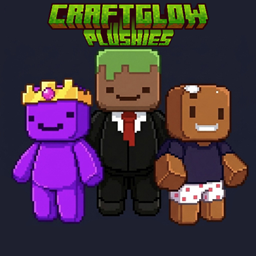
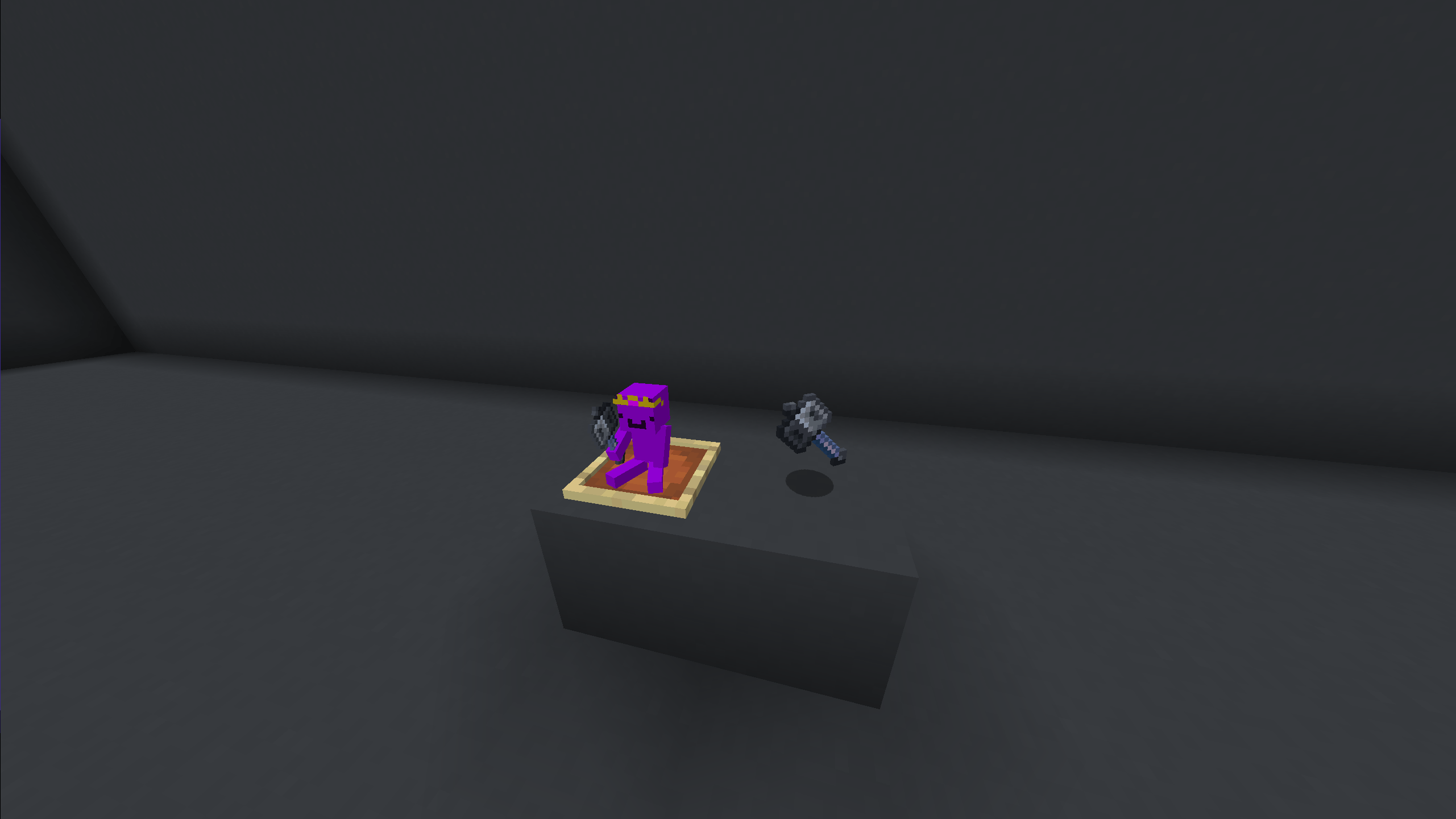
Plushies of your favorite Minecraft creators. Rename any wool on an anvil to get their plushie!
by CraftGlow
Download Claim this project
184 downloads
0 likes
0 followers
Updated Oct 14, 2026
0 hypes
Follow0
16x
Advertisement Remove ads with Premium →

English:

CraftGlow Plushies adds cute chibi-style plushie figures of your favorite Minecraft creators! Simply rename any wool block on an anvil to get a matching plushie.

✨ How it works:

🔹 Rename any wool to a creator's name to get their plushie

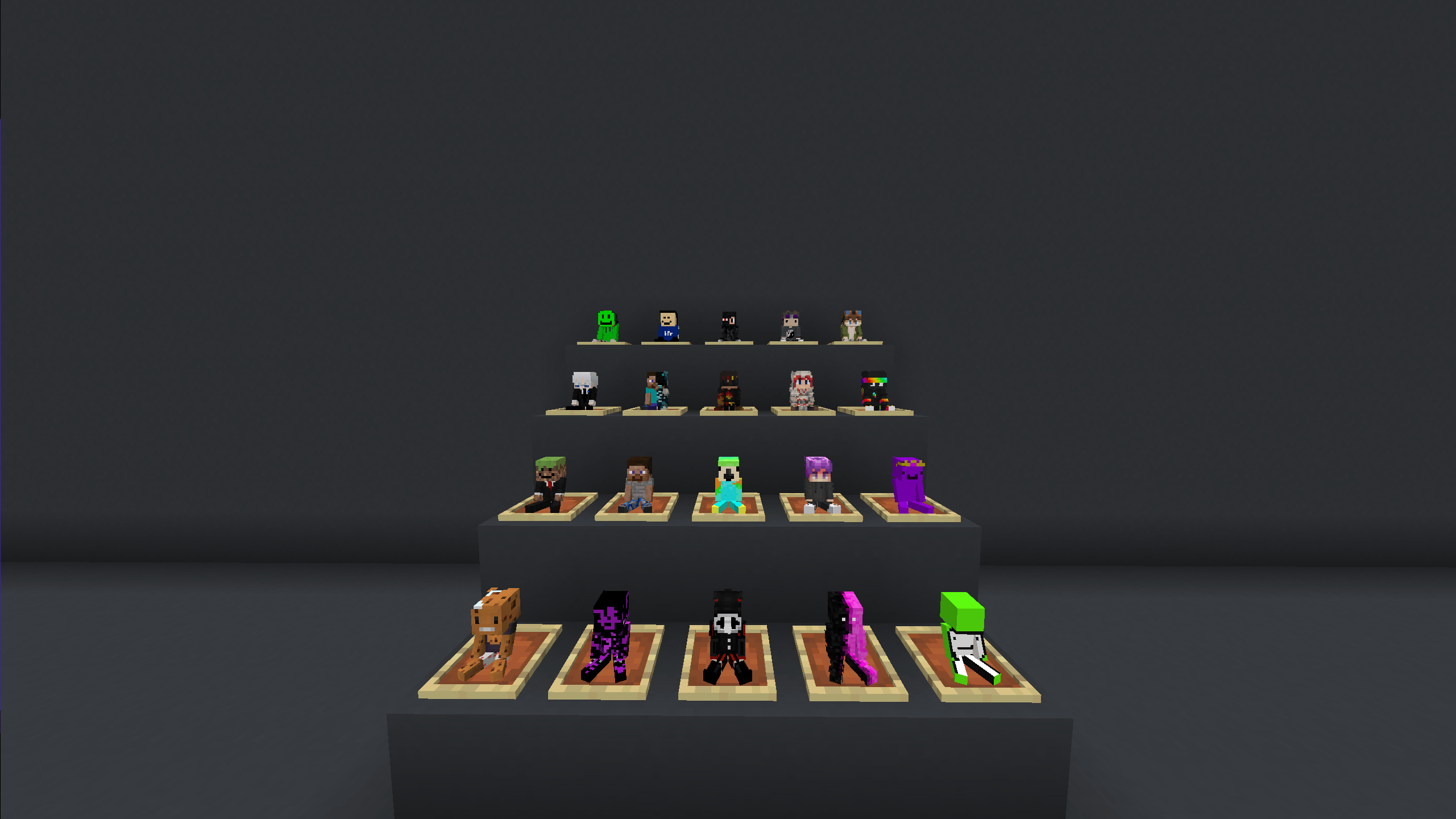
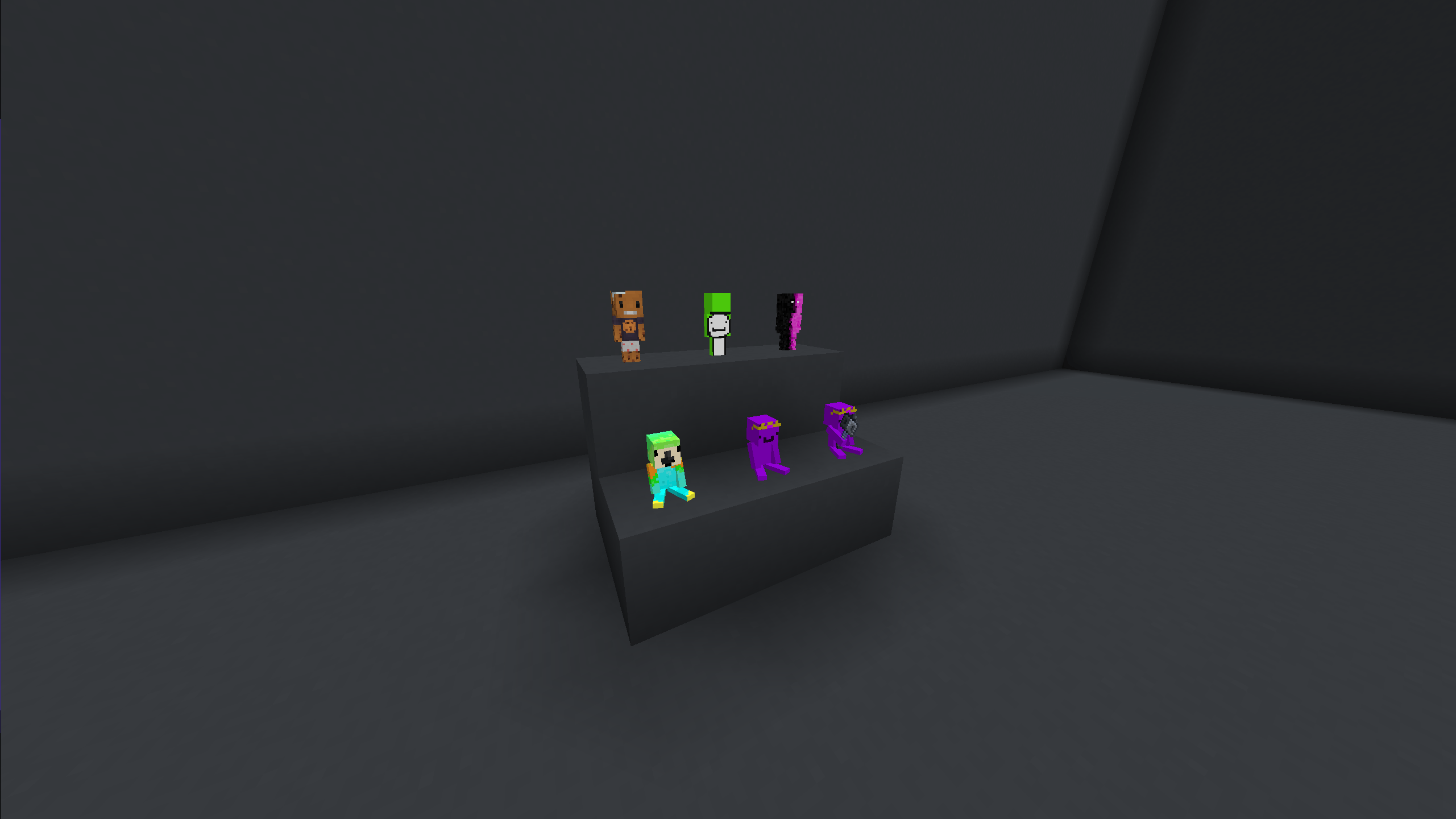
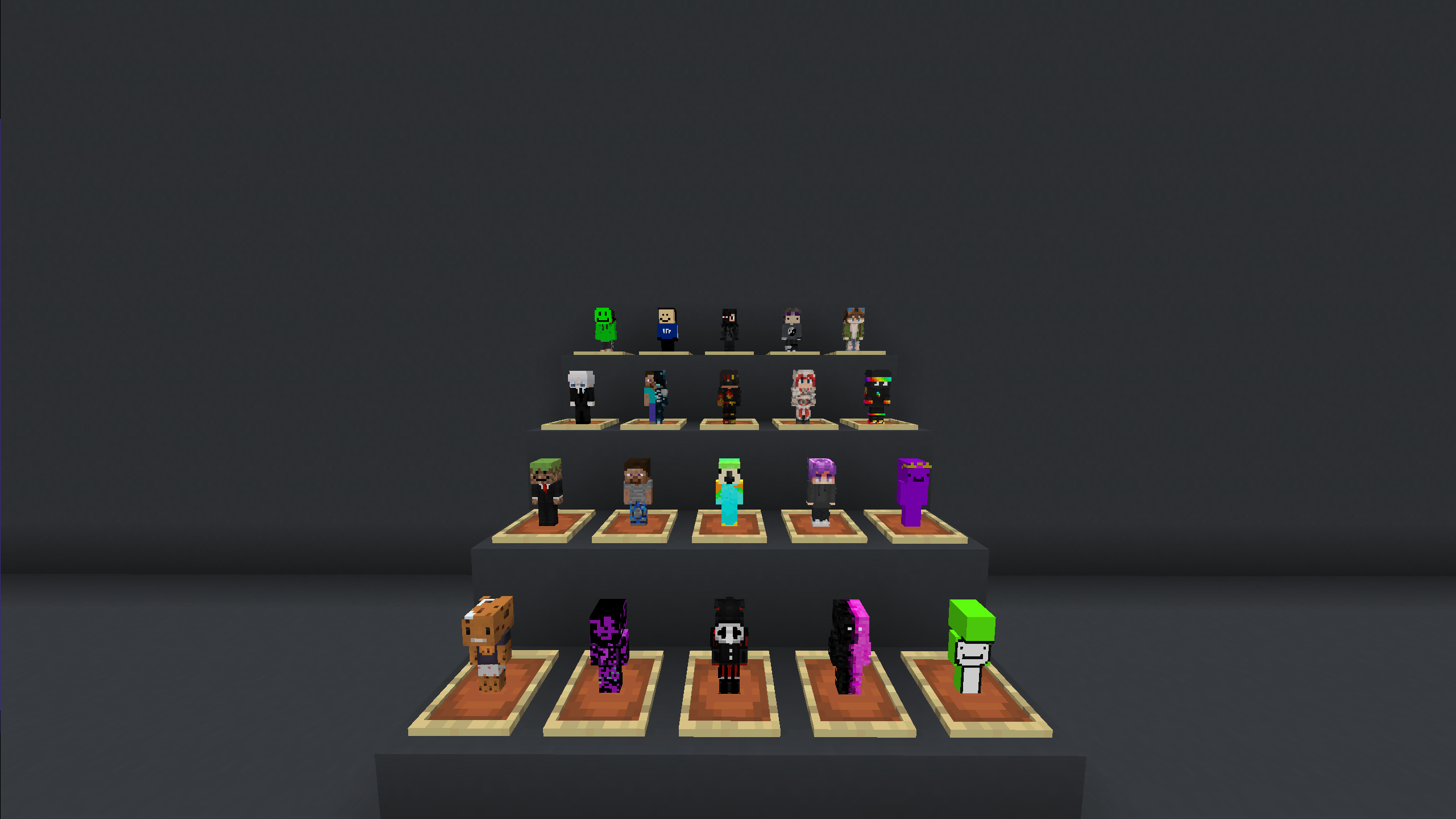
🔹 Each creator has a standing and sitting version

🔹 All plushies are based on real Minecraft skins

🔹 Perfect for decoration in item frames or on shelves

⚠ Requires OptiFine or CIT Resewn (Fabric) to work properly.

🧸 Standing:

- Dream 
- Tubbo 
- Quackity 
- ClownPierce 
- TobiaszGaming 
- Sagi 
- CraftGlow 
- Daquavis 
- Dexsi 
- DrDonut 
- Ewroon 
- FlameFrags 
- ItzRealMe 
- Parrot 
- SpokeIsHere 
- Swight 
- Wifies 
- Ashswagg 
- Wemmbu 
- aCookieGod
- JanekV
- Coldified
- SpeedSilver
- Conexion
- JudeLow
- ManePear
- Technoblade

🪑 Sitting:

- Dream_sit 
- Tubbo_sit 
- Quackity_sit 
- ClownPierce_sit 
- TobiaszGaming_sit 
- Sagi_sit 
- CraftGlow_sit 
- Daquavis_sit 
- Dexsi_sit 
- DrDonut_sit 
- Ewroon_sit 
- FlameFrags_sit 
- ItzRealMe_sit 
- Parrot_sit 
- SpokeIsHere_sit 
- Swight_sit 
- Wifies_sit 
- Ashswagg_sit 
- Wemmbu_sit 
- aCookieGod_sit
- JanekV_sit
- Coldified_sit
- SpeedSilver_sit
- Conexion_sit
- JudeLow_sit
- ManePear_sit
- Technoblade_sit

⭐ Special:

- Wemmbu_mace

v1.0
MC 1.21, 1.20.2, 1.21.8, 1.20.5, 1.21.5, 1.21.4, 1.20.6, 1.21.1, 1.21.6, 1.21.3, 1.21.7, 1.20.4, 1.20.3, 1.21.2, 1.21.9, 1.21.10, 1.21.11, 26.1, 26.1.1, 26.1.2, 26.2, 26.3
Release 2026-08-08 Get

Requirements & install

How to use this resource pack in Minecraft
Resolution
16x
Minecraft
1.21.9 – 26.3
Install folder
.minecraft/resourcepacks

How to install resource packs

  1. Download the resource pack .zip file (do not extract it).
  2. In Minecraft open Options → Resource Packs → Open Pack Folder.
  3. Drop the .zip into the resourcepacks folder (.minecraft/resourcepacks).
  4. Move the pack to the Selected column and click Done.
Browse more: 16x resource packs 32x resource packs 64x resource packs 128x resource packs 256x resource packs 512x+ resource packs Resource Packs for 26.3 All resource packs

More from CraftGlow

Advertisement Remove ads with Premium →

You Might Also Like