English:
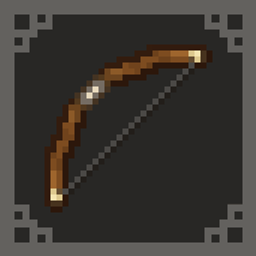
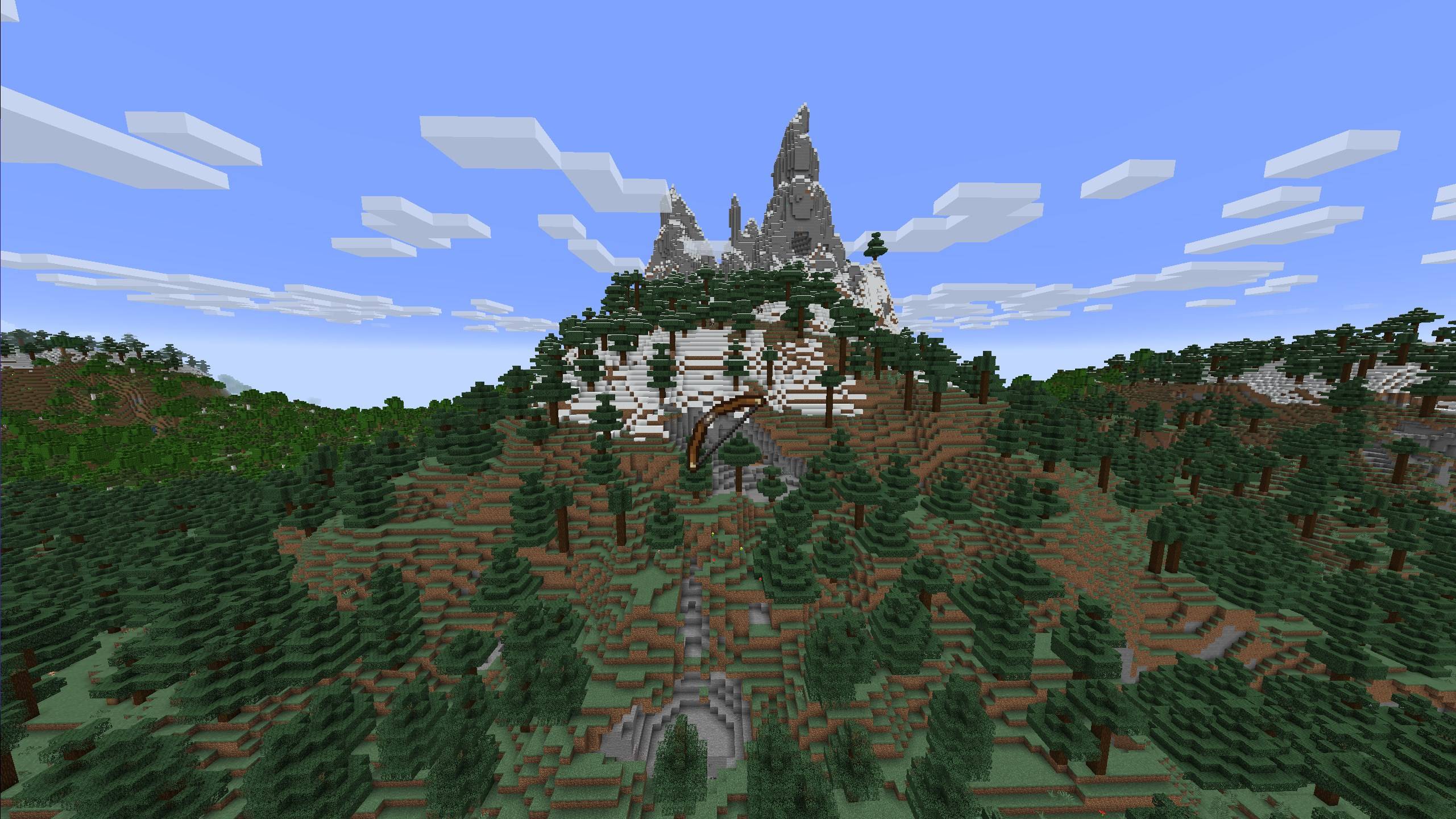
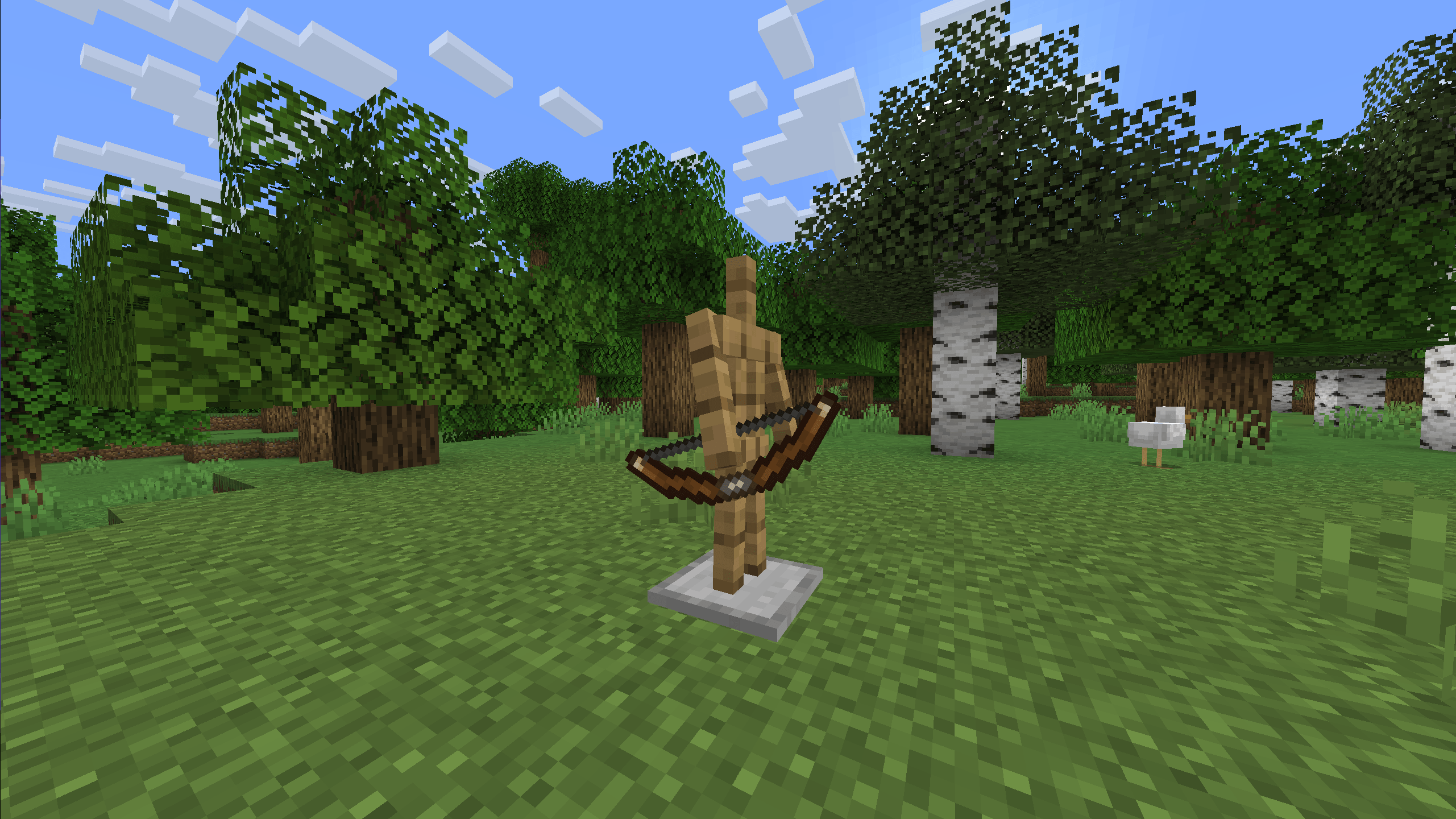
Give your bow a clean visual upgrade with CraftGlow Bow! This resource pack replaces the default Minecraft bow texture with a more detailed version that stays faithful to the vanilla style while looking sharper in game.
✨ Features:
🔹 Replaces the default bow with a refreshed, more detailed texture
🔹 Fits perfectly in survival, PvP, and adventure gameplay
⚠ Works on vanilla Minecraft — no mods or OptiFine required.
📥 Download now and upgrade your bow without changing the feel of the game!
Polski:
Nadaj swojemu łukowi świeży wygląd z CraftGlow Bow! Ten resource pack zmienia domyślną teksturę łuku w Minecraft na bardziej szczegółową, zachowując przy tym styl vanilla i naturalny wygląd w grze.
✨ Cechy:
🔹 Zastępuje standardowy łuk odświeżoną, bardziej dopracowaną teksturą
🔹 Idealny do survivalu, PvP i map przygodowych
⚠ Działa na czystym Minecrafcie — bez modów i OptiFine.
📥 Pobierz i ulepsz wygląd łuku bez zmiany klimatu gry!
Español:
Dale a tu arco una mejora visual con CraftGlow Bow! Este resource pack reemplaza la textura predeterminada del arco de Minecraft por una versión más detallada, manteniendo el estilo vanilla y la coherencia visual del juego.
✨ Características:
🔹 Reemplaza el arco por una textura renovada y más detallada
🔹 Perfecto para survival, PvP y mapas de aventura
⚠ Funciona en Minecraft vanilla — no requiere mods ni OptiFine.
📥 ¡Descárgalo ahora y mejora tu arco sin cambiar la esencia del juego!