English:
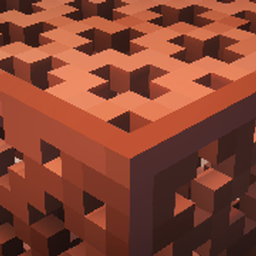
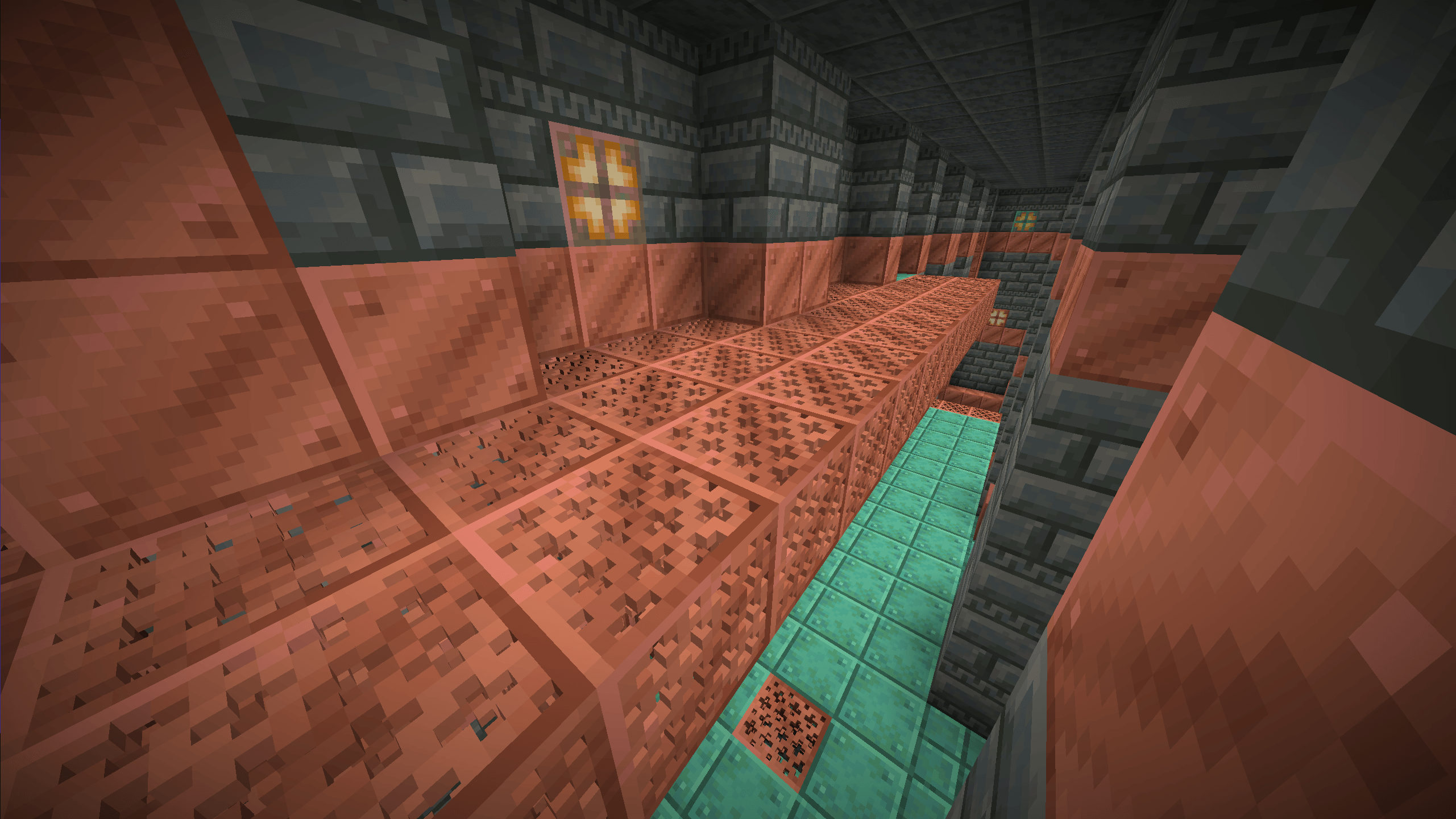
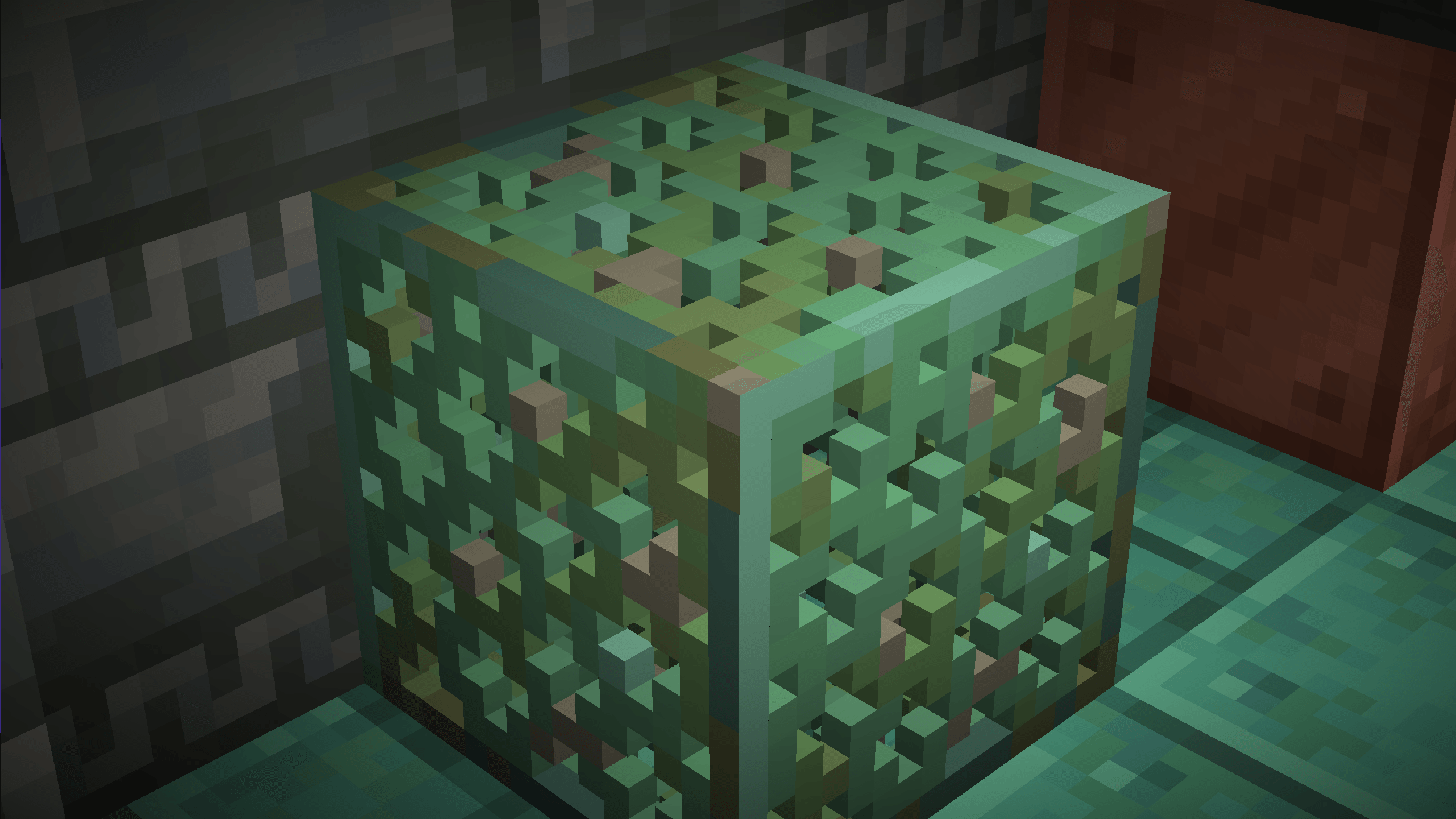
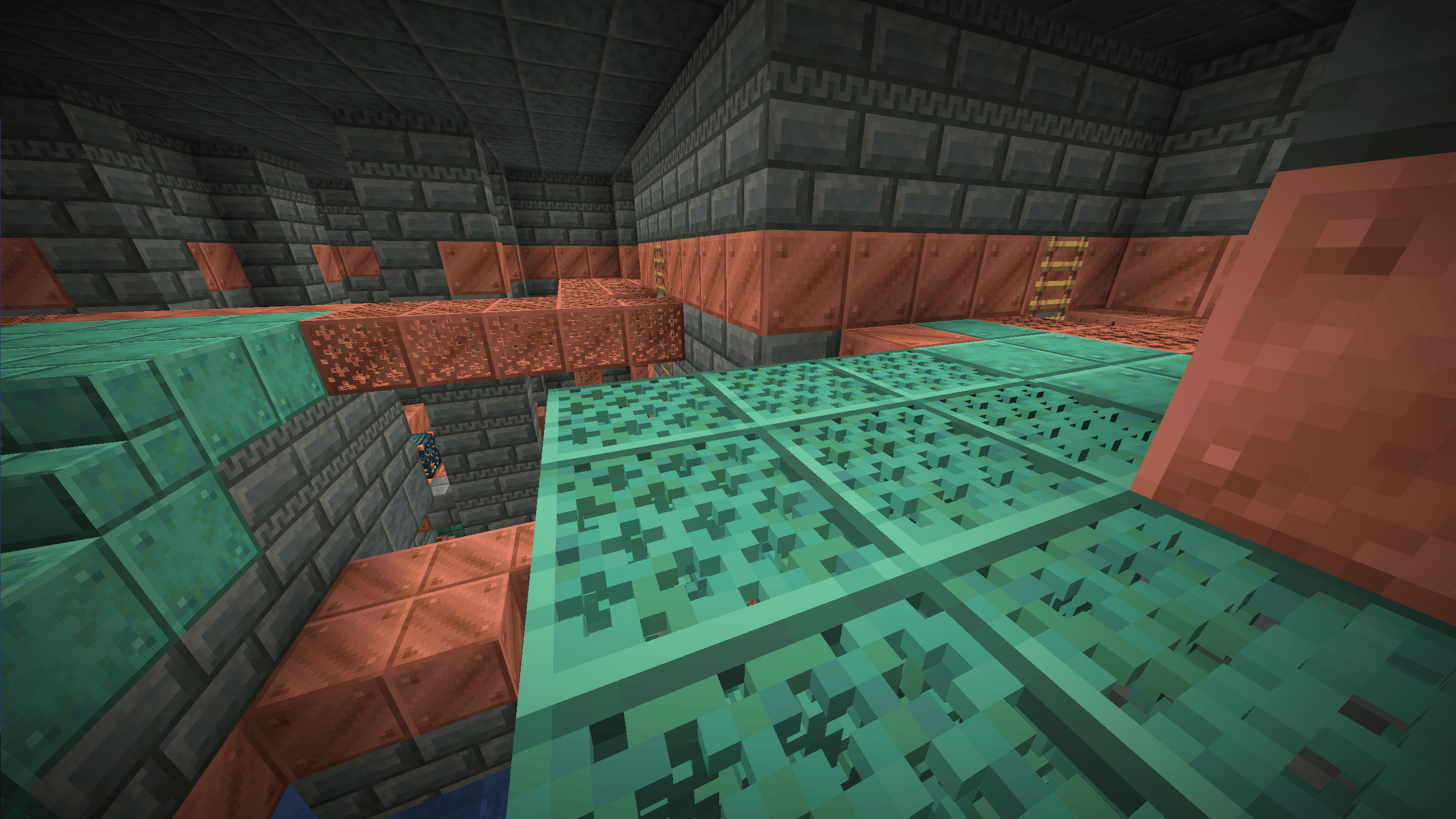
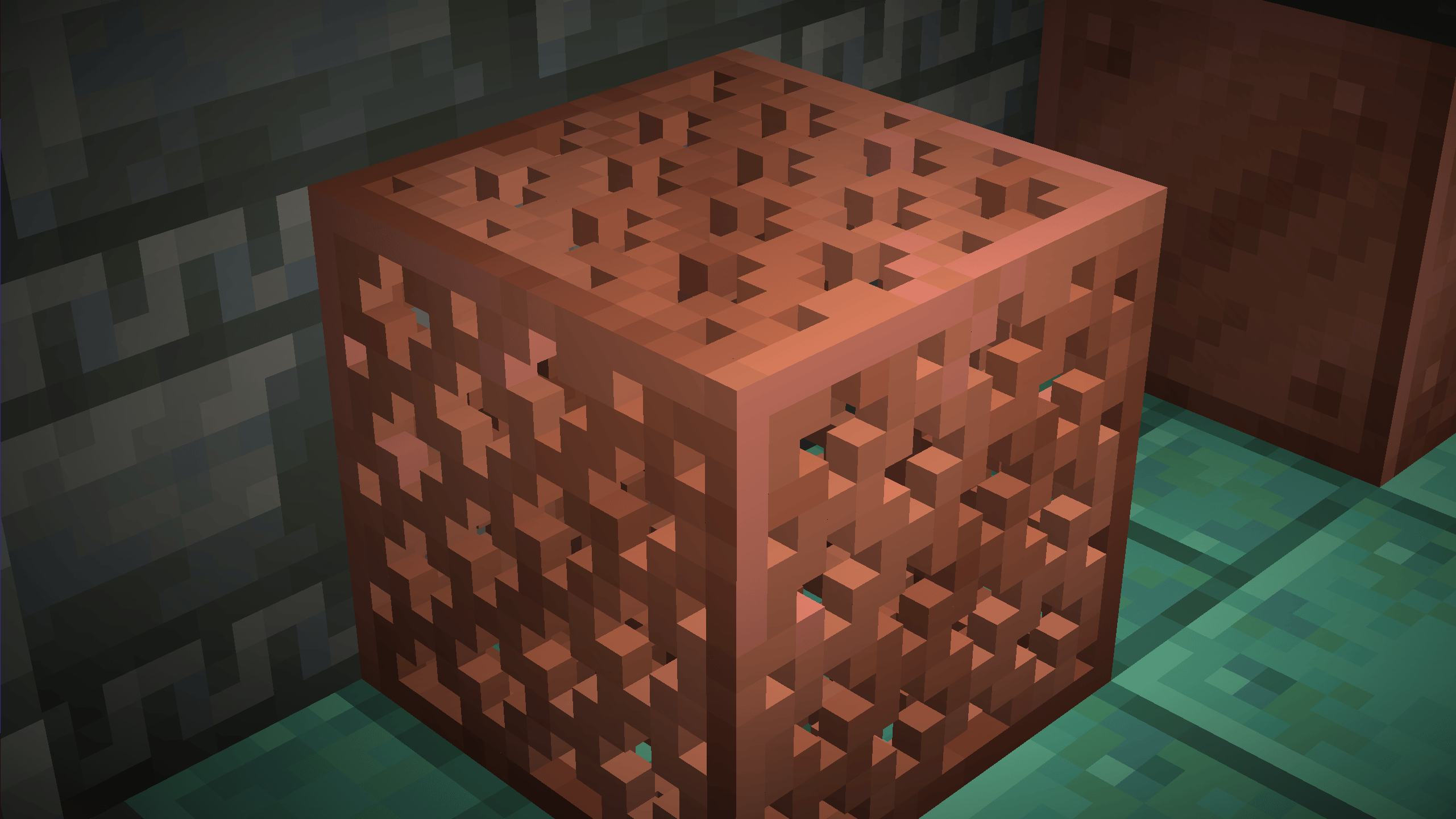
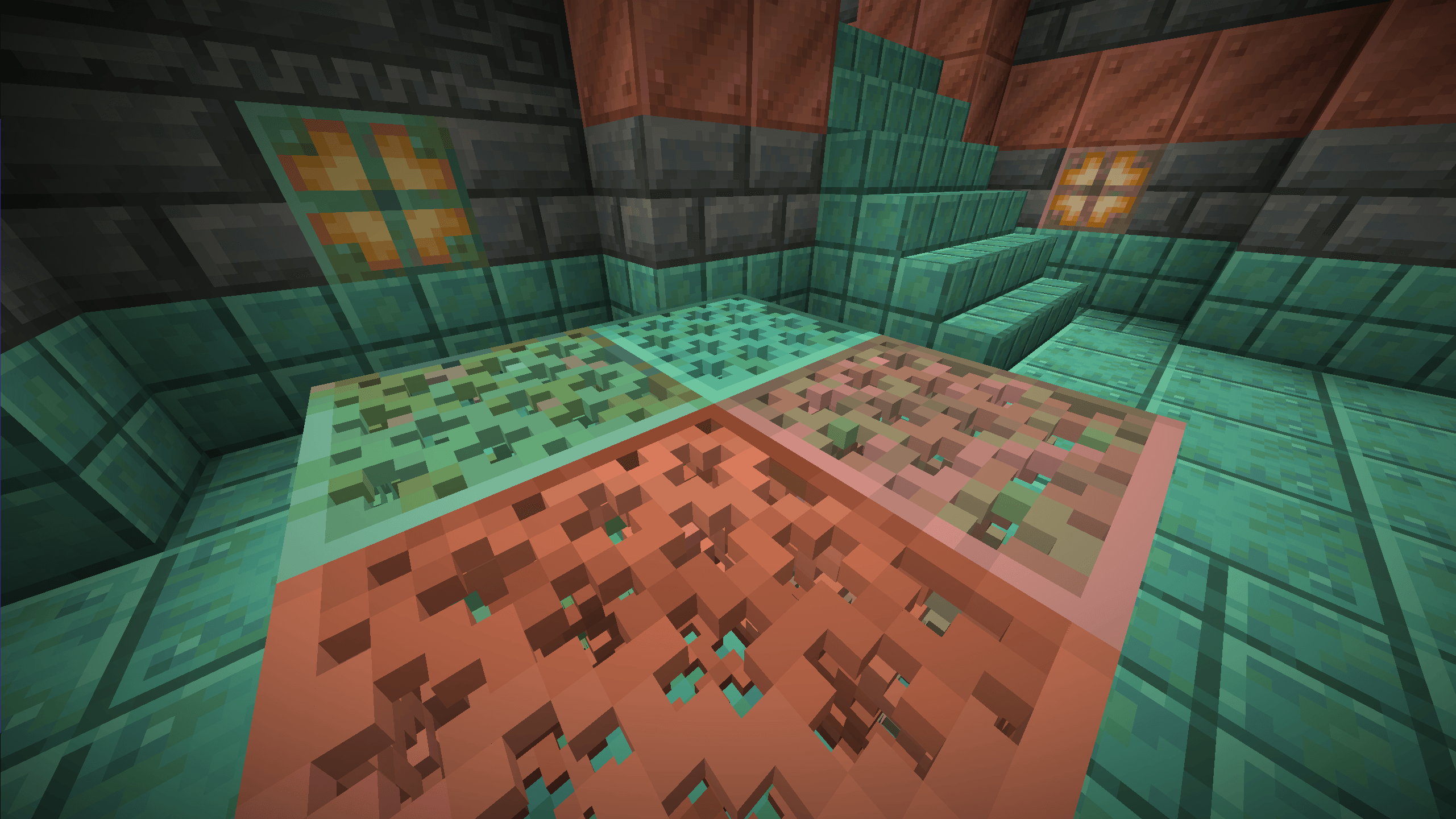
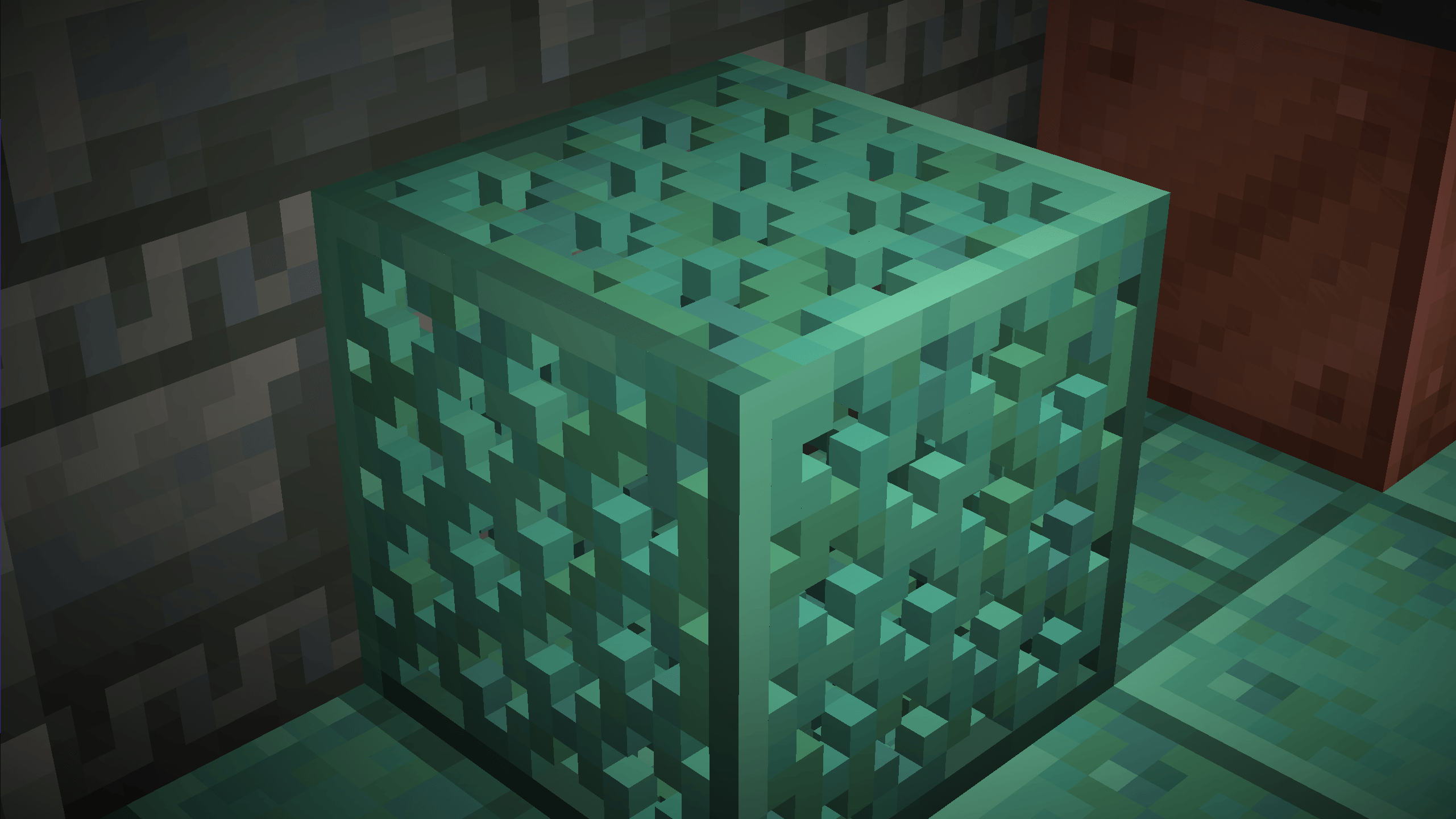
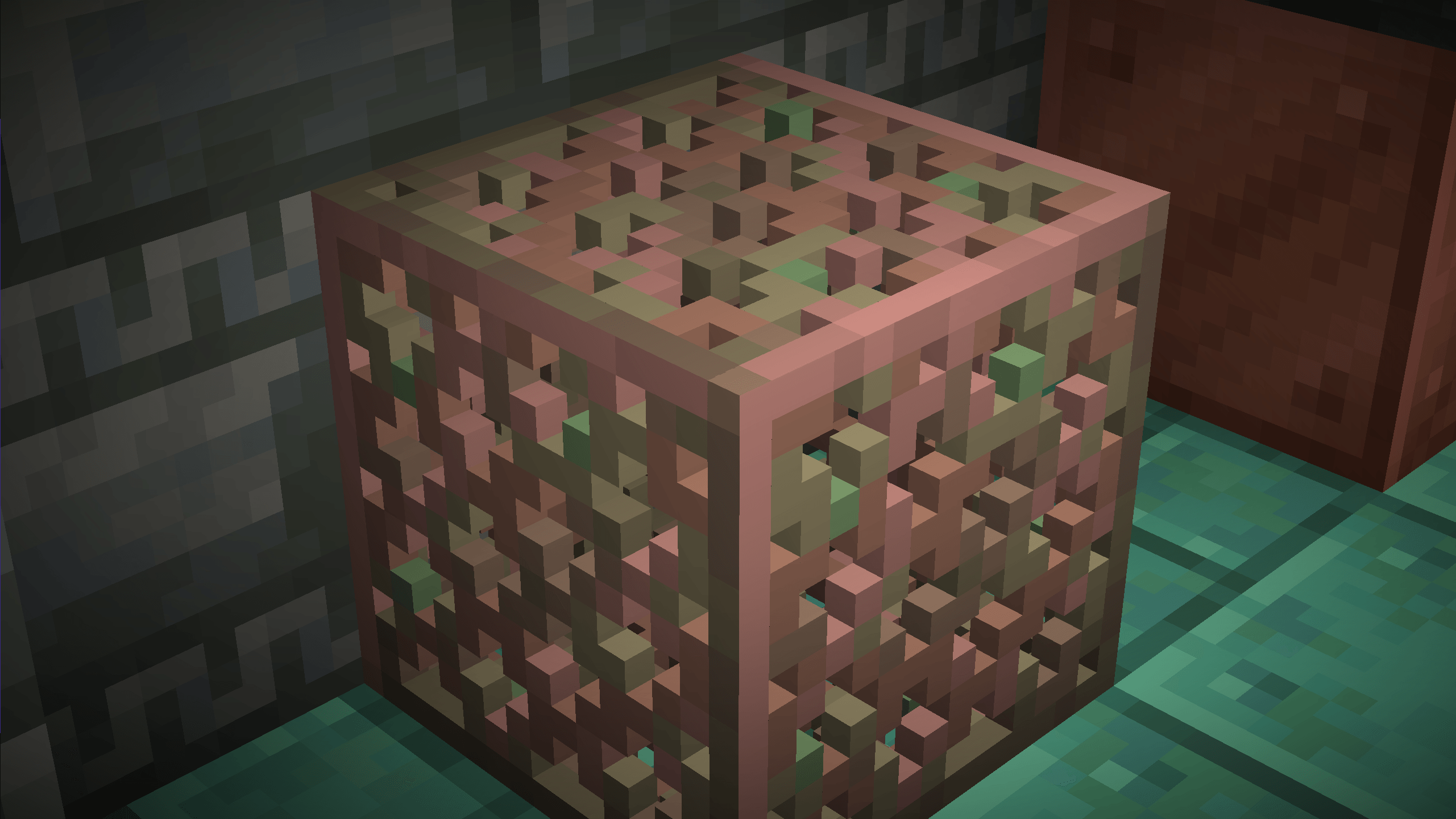
CraftGlow 3D Grates transforms Minecraft's copper grate blocks into detailed 3D models while preserving the original vanilla textures and style. Every oxidation stage is supported, adding depth and realism to industrial, medieval, and modern builds without changing the classic Minecraft look.
✅ Supports all copper grate variants and oxidation stages
✅ Vanilla-friendly design
✅ No mods required
Polski:
CraftGlow 3D Grates zamienia kratki miedziane w Minecraft na szczegółowe modele 3D, zachowując jednocześnie oryginalne tekstury i styl vanilla. Wszystkie etapy utleniania są obsługiwane, dzięki czemu budowle przemysłowe, średniowieczne i nowoczesne wyglądają bardziej realistycznie.
✅ Obsługuje wszystkie warianty i etapy utleniania kratek miedzianych
✅ Styl zgodny z vanilla Minecraft
✅ Nie wymaga żadnych modów
Español:
CraftGlow 3D Grates convierte las rejillas de cobre de Minecraft en modelos 3D detallados, manteniendo las texturas y el estilo original de vanilla. Compatible con todas las etapas de oxidación, añade más profundidad y realismo a construcciones industriales, medievales y modernas sin alterar la apariencia clásica del juego.
✅ Compatible con todas las variantes y etapas de oxidación de las rejillas de cobre
✅ Diseño fiel al estilo vanilla
✅ No requiere mods