Mineuniverse
Resource Packs
Cozy Start

Cozy Start

RESOURCE PACK
Updating the visual of the three main interactive blocks. Available as a full pack or a single-block version!
by SoraNoUmi
Download Claim this project
2,073 downloads
0 likes
Updated Oct 14, 2026
0 hypes
16x
Advertisement Remove ads with Premium →

logo

The sun rises on your new world. Your first task is to gather wood, craft a workbench, and build a furnace. And here your adventure begins


❕Check versions tab for download full trio or separated, to change only one block


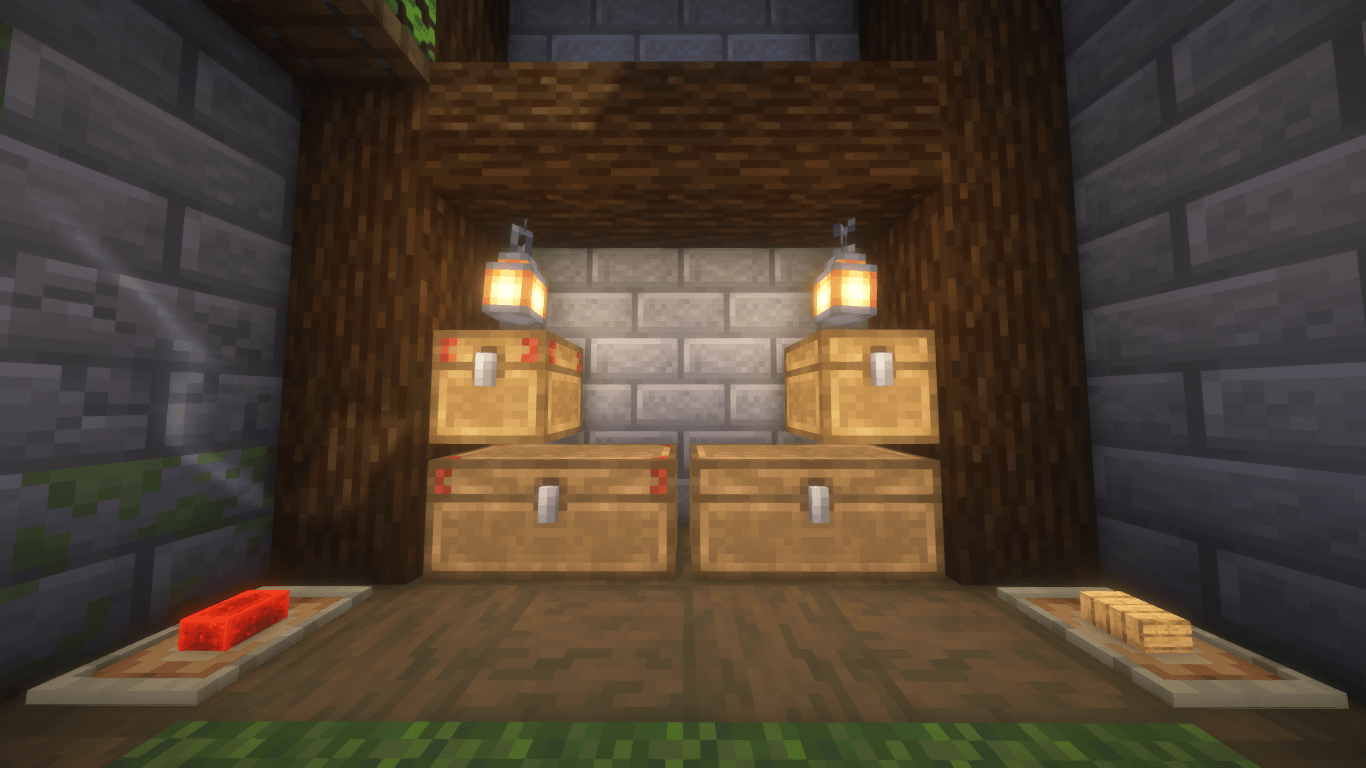
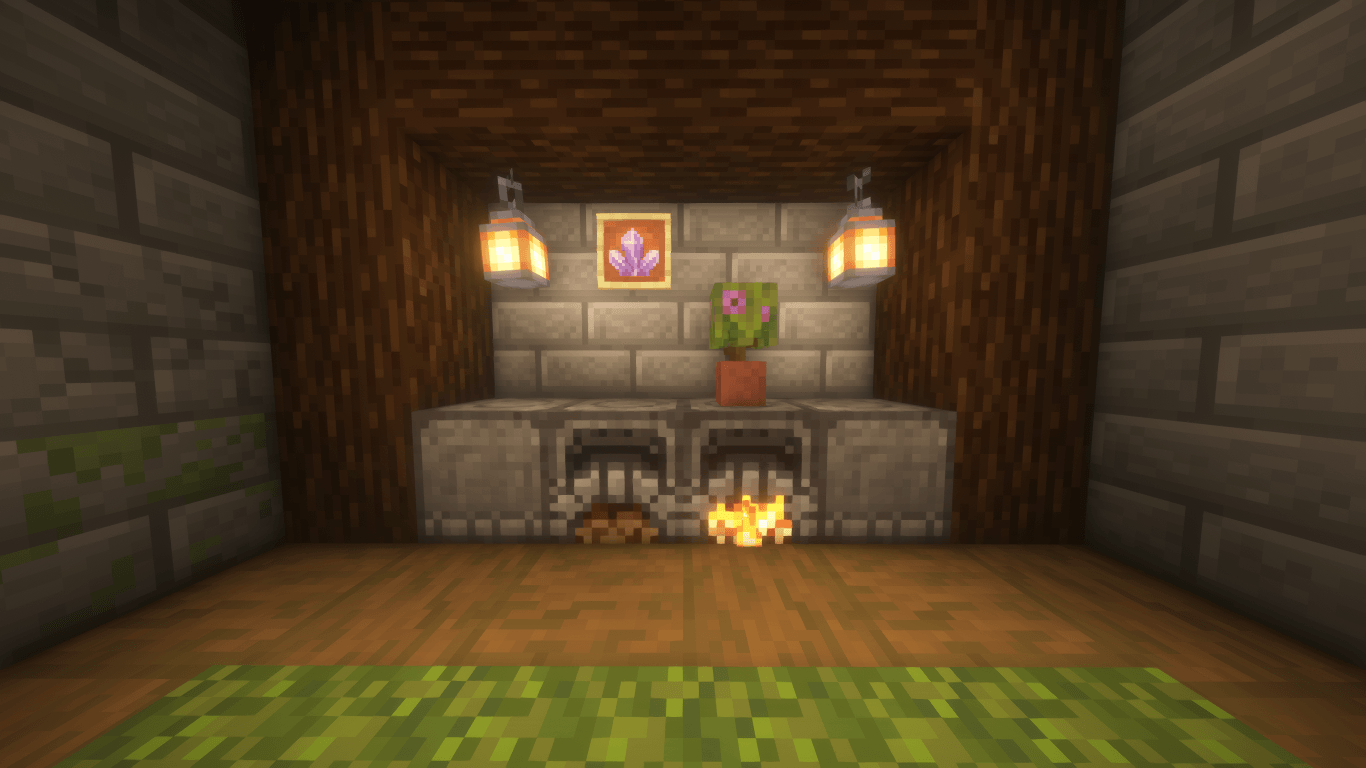
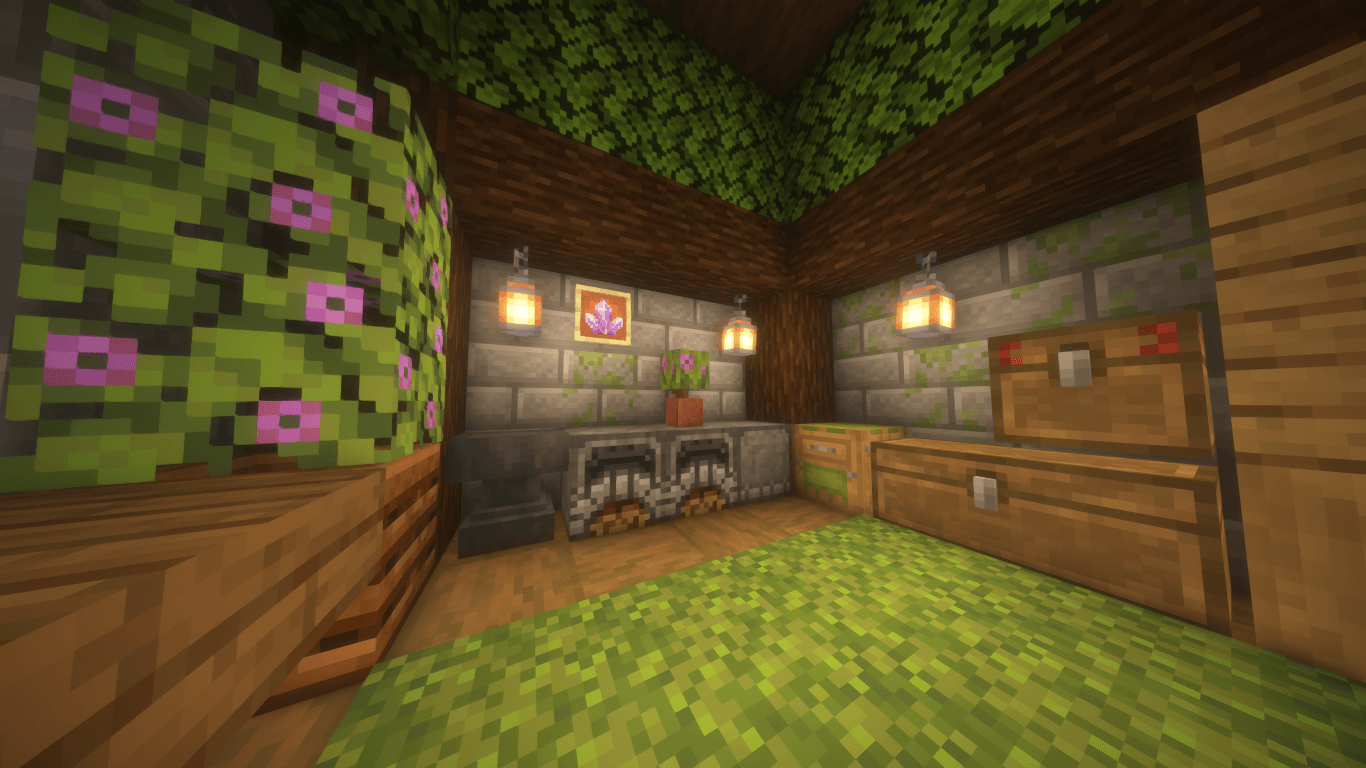
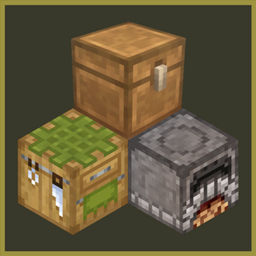
This minimalist texture pack focuses exclusively on enhancing "first day experience". Here retextured only the three core blocks of survival — the Crafting Table, Furnace, and Chest — giving them a fresh, clean, and warm look while staying true to the classic vanilla style.

No overwhelming changes. Just a subtle visual upgrade for the blocks that matter most, right from the start.

Features:

⟢ Crafting Table - softer look, based on striped oak log and green wool
⟢ Furnace - not so dark, more cozy
⟢ Chest - no more black outlines, polished with oak palette also working with boats


Support & Contact:

Love this pack? Support me on Boosty!
For any questions or suggestions, reach me out via my Discord server

Cozy Start FULL
MC 1.17.1, 1.16.3, 1.19.3, 1.20.2, 1.21, 1.16.1, 1.18.1, 1.20.5, 1.17, 1.16, 1.19.4, 1.16.5, 1.19.2, 1.20.3, 1.20.1, 1.20, 1.20.6, 1.19.1, 1.20.4, 1.21.1, 1.18, 1.16.4, 1.16.2
Release 2025-10-12 Get
Only Chest
MC 1.17.1, 1.16.3, 1.19.3, 1.20.2, 1.21, 1.16.1, 1.18.1, 1.20.5, 1.17, 1.16, 1.19.4, 1.16.5, 1.18.2, 1.19.2, 1.20.3, 1.20.1, 1.20, 1.20.6, 1.19.1, 1.20.4, 1.21.1, 1.18, 1.16.4
Release 2025-10-12 Get
Only Furnace
MC 1.19.3, 1.20.2, 1.21, 1.16, 1.19.4, 1.16.5, 1.18.2, 1.20.3, 1.20.1, 1.20, 1.20.6, 1.21.1, 1.18, 1.19
Release 2025-10-12 Get
Only Workbench
MC 1.20.2, 1.21, 1.17, 1.16, 1.16.5, 1.20.1, 1.20, 1.21.1, 1.18, 1.19
Release 2025-10-12 Get

Requirements & install

How to use this resource pack in Minecraft
Resolution
16x
Minecraft
1.20.1 – 1.21.1
Install folder
.minecraft/resourcepacks

How to install resource packs

  1. Download the resource pack .zip file (do not extract it).
  2. In Minecraft open Options → Resource Packs → Open Pack Folder.
  3. Drop the .zip into the resourcepacks folder (.minecraft/resourcepacks).
  4. Move the pack to the Selected column and click Done.
Browse more: 16x resource packs 32x resource packs 64x resource packs 128x resource packs 256x resource packs 512x+ resource packs Resource Packs for 1.21.1 All resource packs

More from SoraNoUmi

Advertisement Remove ads with Premium →

You Might Also Like