Mineuniverse
Resource Packs
PinkSweet GUI

PinkSweet GUI

RESOURCE PACK
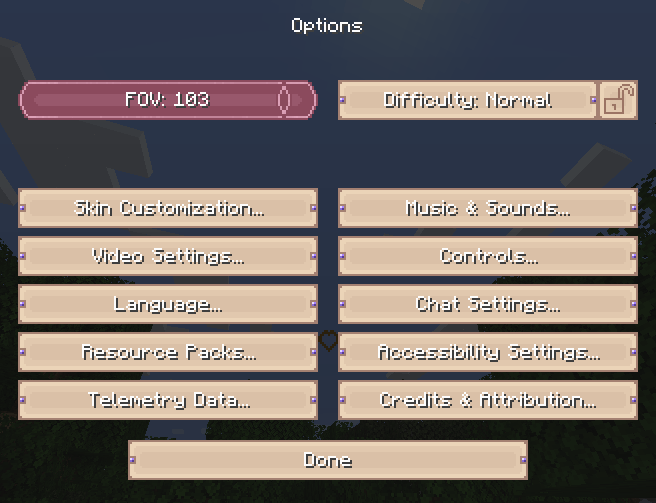
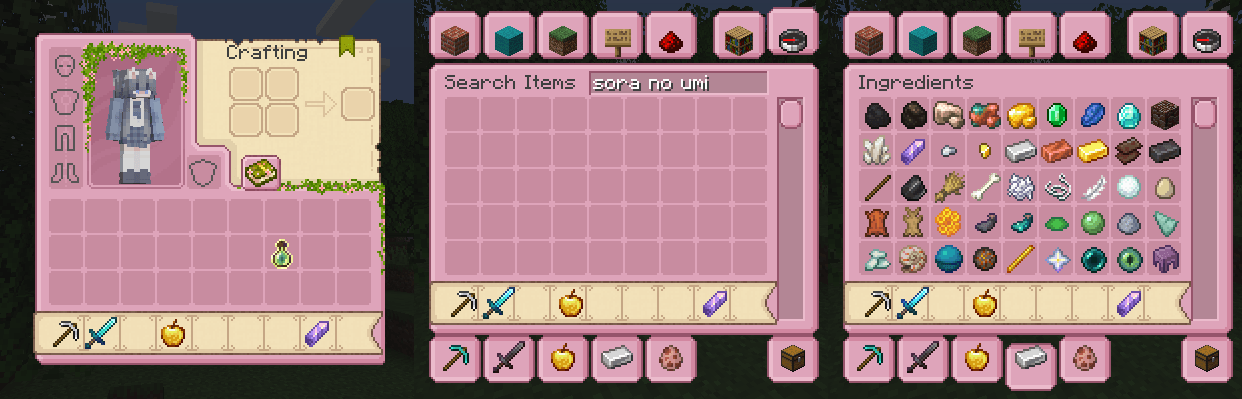
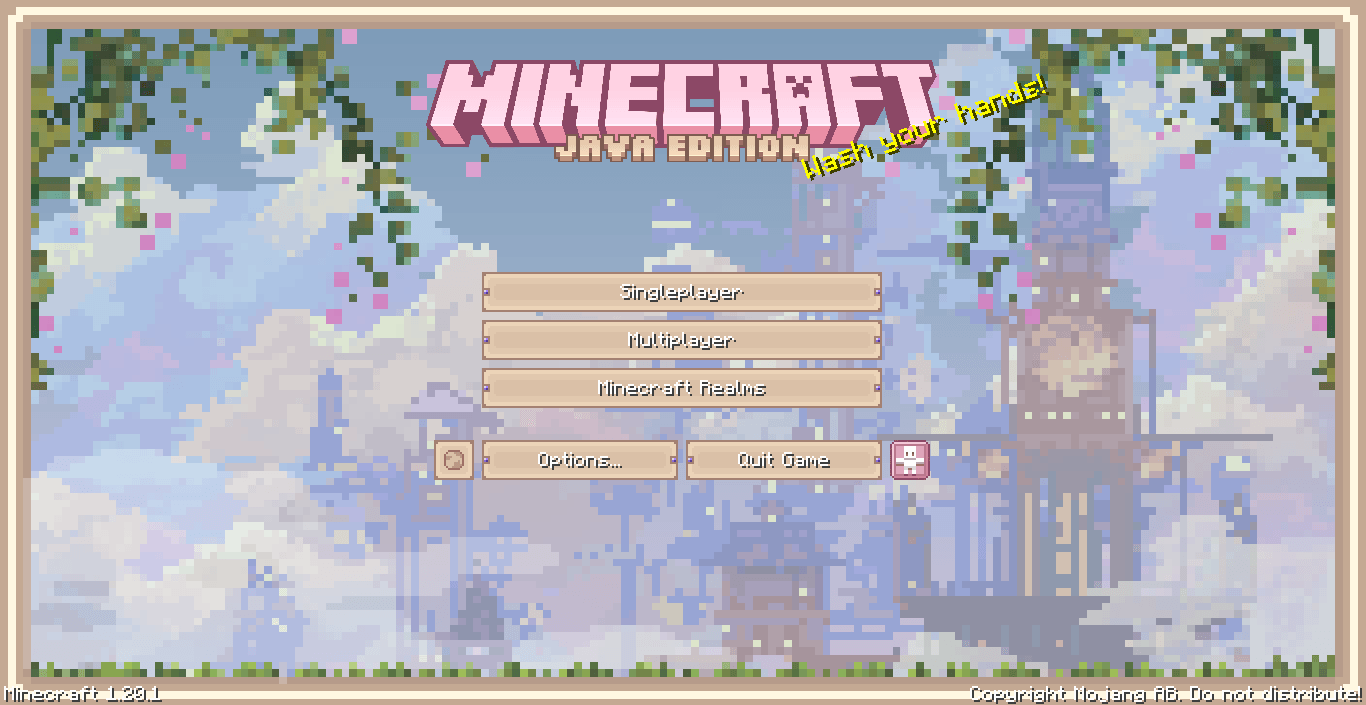
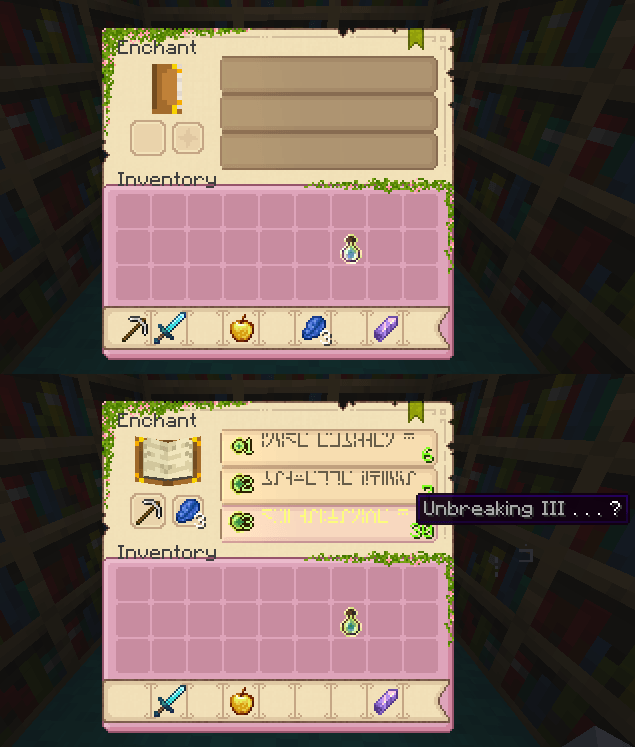
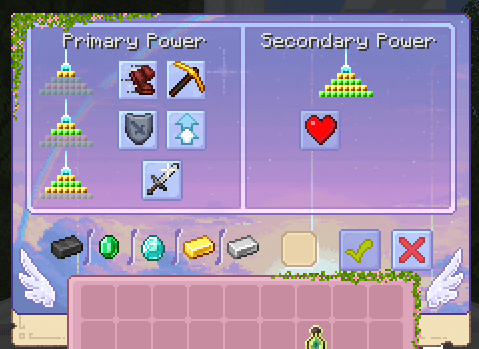
A complete GUI transformation in serene pink. Full extension of the my [SweetSweet HUD!]
by SoraNoUmi
Download Claim this project
49,639 downloads
0 likes
Updated Oct 14, 2026
0 hypes
16x
Advertisement Remove ads with Premium →

logo


Related projects:

✦-๑┆ logo LilacSweet GUI ┆✦ʚ♡ɞ✦┆ logo SweetSweet HUD ┆๑-✦


Features:

Every menu, inventory screen, and crafting interface has been redesigned with custom pink-toned textures. Some interactive blocks have a special background, but the rest of the style only improves the vanilla windows of interactions and all that stuff
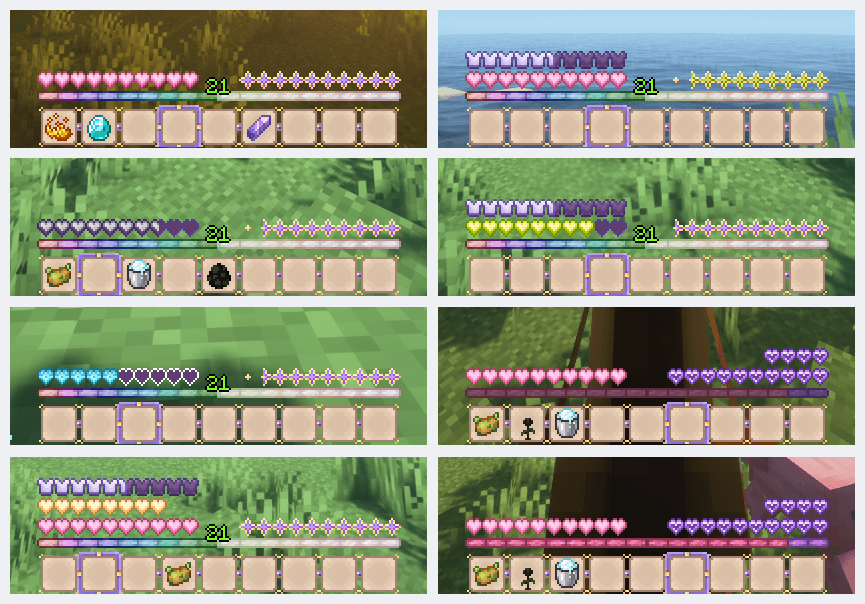
This pack is designed as a direct upgrade of my HUD pack. All the familiar elements from the HUD version (like health, armor, hunger, XP & hotbar) are included and perfectly matched to the new GUI style
。 ₊°༺💗༻°₊ 。


Support & Contact:

Love this pack? Support me on Boosty!
For any questions or suggestions, reach me out via my Discord server


PinkSweet GUI 1.20.1.zip
MC 1.17.1, 1.16.3, 1.19.3, 1.20.2, 1.16.1, 1.18.1, 1.20.5, 1.17, 1.16, 1.19.4, 1.16.5, 1.18.2, 1.19.2, 1.20.3, 1.20.1, 1.20, 1.20.6, 1.19.1, 1.20.4, 1.18, 1.16.4, 1.16.2, 1.19
Release 2025-10-07 Get

Requirements & install

How to use this resource pack in Minecraft
Resolution
16x
Minecraft
1.19.4 – 1.20.6
Install folder
.minecraft/resourcepacks

How to install resource packs

  1. Download the resource pack .zip file (do not extract it).
  2. In Minecraft open Options → Resource Packs → Open Pack Folder.
  3. Drop the .zip into the resourcepacks folder (.minecraft/resourcepacks).
  4. Move the pack to the Selected column and click Done.
Browse more: 16x resource packs 32x resource packs 64x resource packs 128x resource packs 256x resource packs 512x+ resource packs Resource Packs for 1.20.6 All resource packs

More from SoraNoUmi

Advertisement Remove ads with Premium →

You Might Also Like