Mineuniverse
Resource Packs
Cozy HD

Cozy HD

RESOURCE PACK
A hand-drawn pack that makes you feel like you're at home.
by hellooven4
Download Claim this project
3,469 downloads
0 likes
Updated Oct 14, 2026
0 hypes
256x Animated
Advertisement Remove ads with Premium →

Cozy HD

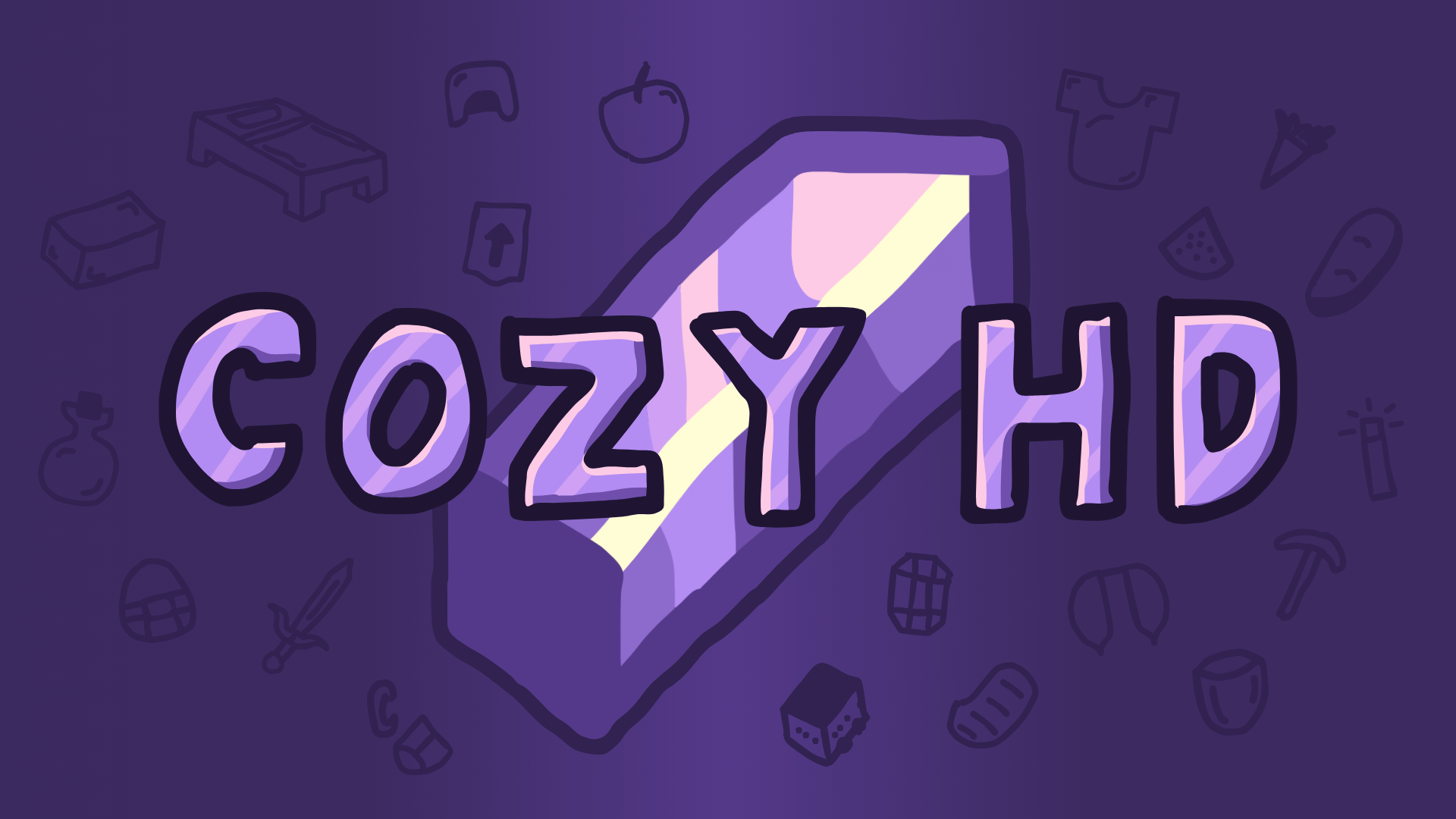
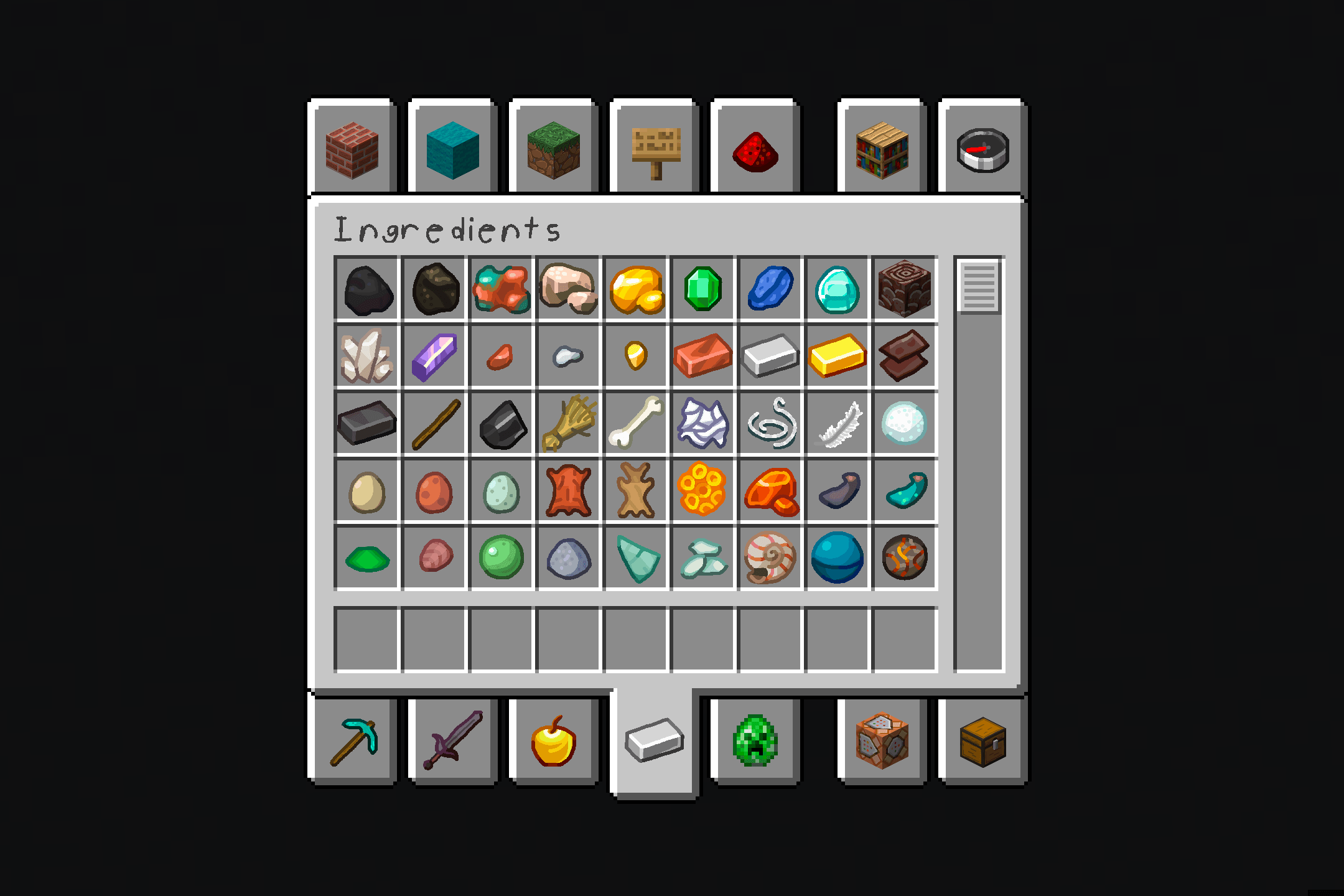
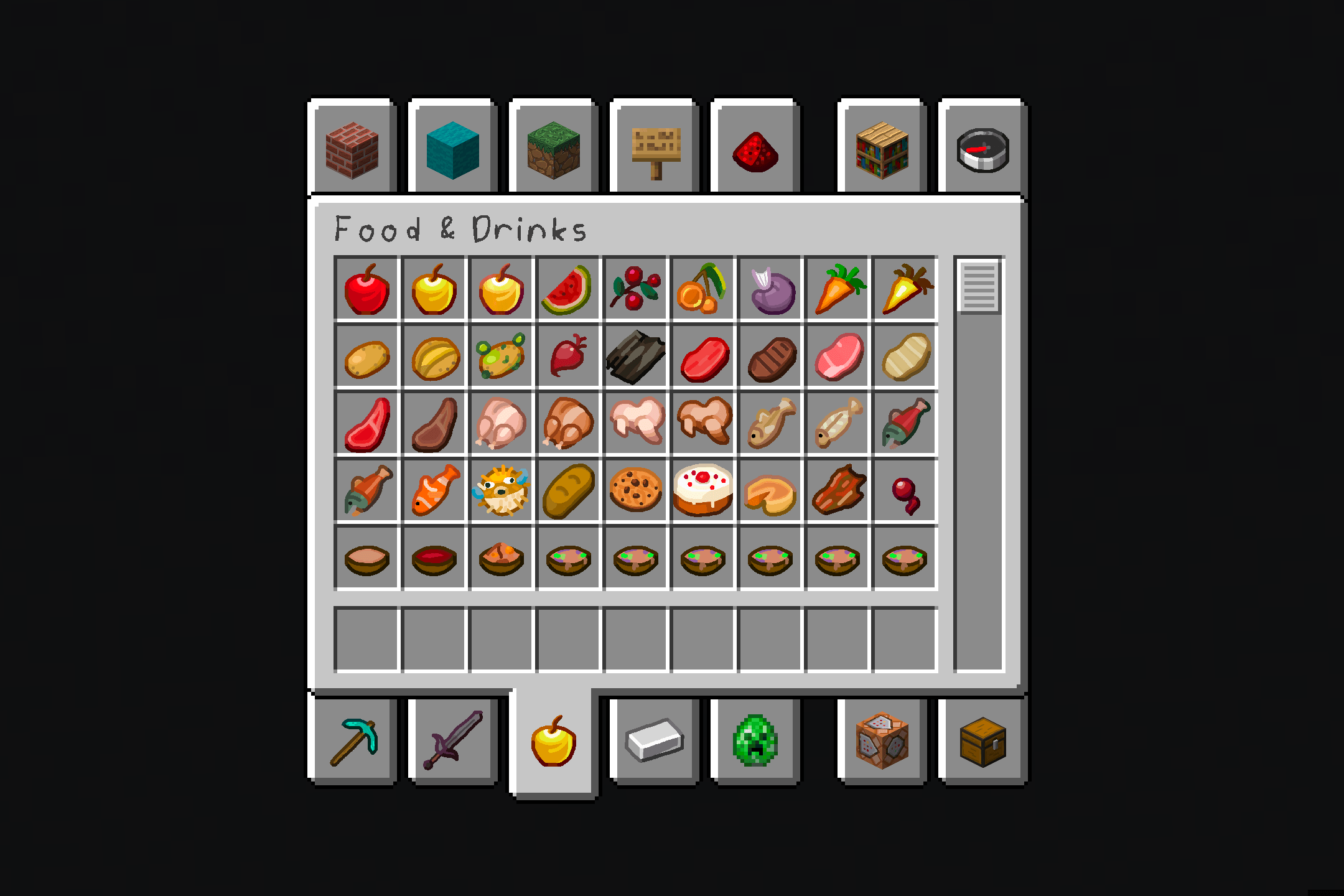
This hand-drawn resource pack is supposed to give you an at-home vibe and made to look smooth but familiar. Cozy HD's 256x256 textures are carefully planned to give the user the best experience possible. The pack, originally starting as a joke between friends, is now a passion project I'm fully dedicated towards. The only developer of the pack is me, so updates might be slow sometimes.

Prefer Modrinth? You can check it out here.

Some of the things you can expect from Cozy HD:

  • Free HD textures that are smooth and (most of the time) seemless.
  • A quality hand-drawn feel.
  • A chill vibe that feels natural.
  • No AI. This pack was 100% human-made.

I would also like to say that this pack is still in beta, so any and all textures are subject to change.

Cozy HD Beta 6.0.2.zip
MC 1.21.9, 1.21.10, 1.21.11, 26.1, 26.1.1, 26.1.2, 26.2
Release 2026-07-30 Get
Cozy HD Beta 6.0.1.zip
MC
Release 2026-07-21 Get
Cozy HD Beta 5.2
MC 1.21.9, 1.21.10, 1.21.11
Release 2026-06-25 Get
Cozy HD Beta 5.1
MC 1.21.9, 1.21.10, 1.21.11
Release 2026-06-06 Get
Cozy HD Beta 5.0
MC 1.21.9, 1.21.10, 1.21.11
Release 2026-05-28 Get
Cozy HD Beta 4.0
MC 1.21.9, 1.21.10, 1.21.11
Release 2026-05-18 Get
Cozy HD Beta 3.0
MC 1.21.9, 1.21.10, 1.21.11
Release 2026-05-12 Get
Cozy HD Beta 2.3
MC 1.21.11
Release 2026-04-06 Get
Cozy HD Beta 2.2
MC 1.21.8, 1.21.7
Release 2026-03-25 Get
Cozy HD Beta 2.1
MC 1.21.8, 1.21.7
Release 2026-03-18 Get
Cozy HD Beta 2
MC 1.21.8
Release 2026-03-12 Get
Cozy HD Beta 1
MC 1.21.8
Release 2026-03-03 Get

Requirements & install

How to use this resource pack in Minecraft
Resolution
256x
Minecraft
1.21.8 – 26.2
Install folder
.minecraft/resourcepacks

How to install resource packs

  1. Download the resource pack .zip file (do not extract it).
  2. In Minecraft open Options → Resource Packs → Open Pack Folder.
  3. Drop the .zip into the resourcepacks folder (.minecraft/resourcepacks).
  4. Move the pack to the Selected column and click Done.

Packs from 128x upwards need more video memory: install a performance mod such as Sodium for smooth frame rates.

Browse more: 16x resource packs 32x resource packs 64x resource packs 128x resource packs 256x resource packs 512x+ resource packs Resource Packs for 26.2 All resource packs
Advertisement Remove ads with Premium →

You Might Also Like