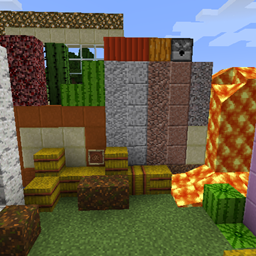
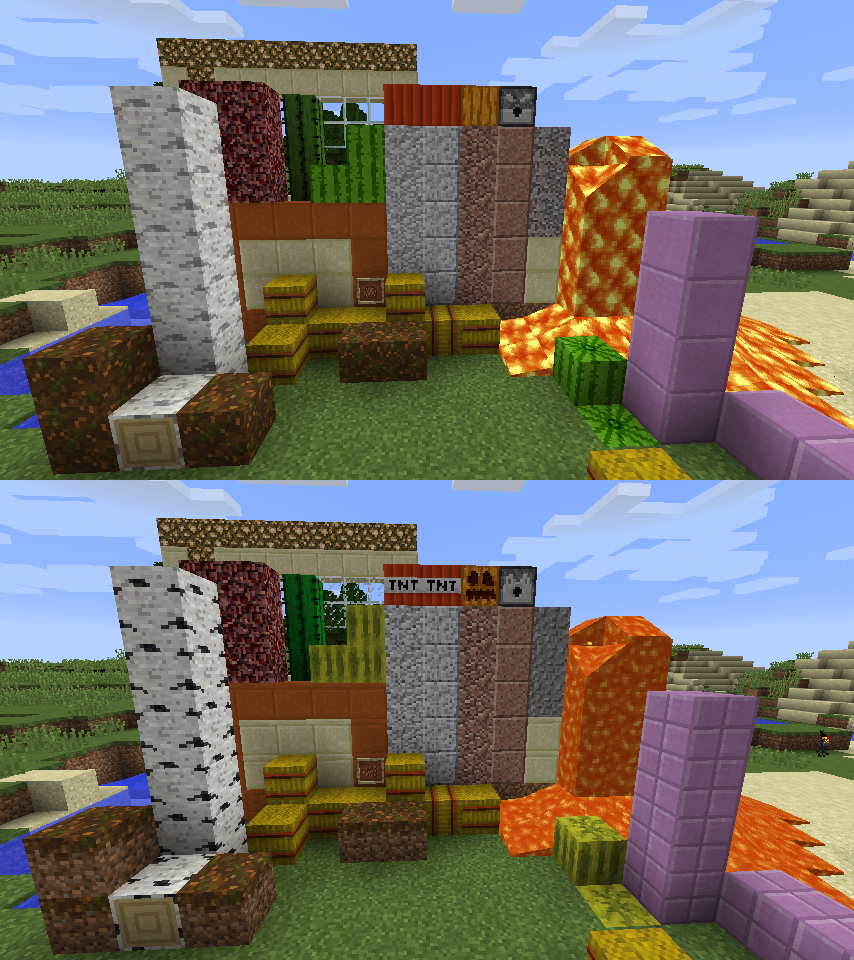
The goal of this pack is not to change every block, but to increase the symmetry and reduce the contrast in a few of the blocks to make them nicer and easier to work with.
Changes detailed below
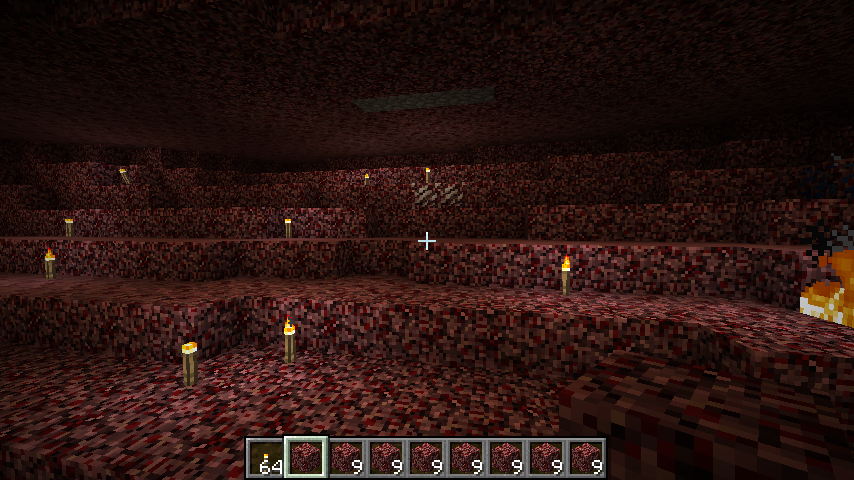
Diorite, Granite, and Netherrack:
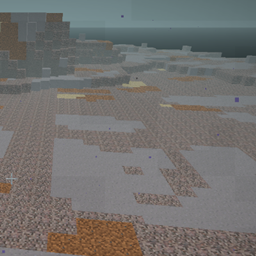
Made them look a little smoother, less contrast within the block.
Glowstone:
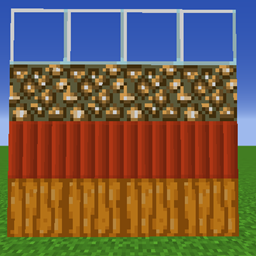
Made it more symmetric by removing that one part that looked like a big glowing rock pimple.
Cactus:
Less bright saturation, a more tame green.
Glass:
clear interior and a simple border.
Pumpkin:
Removed the face of the block on the outside, and the face layer while wearing it.
TNT:
Removed the label
Melon:
Made green instead of yellow, with higher saturation than cactus.
Gravel, lava, dispenser, cocoa beans:
Revert to the discarded textures from previous versions.
Smooth Sandstone (red and normal):
Remove the stripe along the top of the side, make it a smooth tile similar to the polished stone
Purpur block:
Changed to a smooth tile instead of the + shape bricks
Podzol:
Same texture on the sides as on the top
Hay Bale:
The red straps are less saturated; a more muted brown-red
Birch Logs:
The black spots are much lighter, so the block overall has less contrast and is more useable.
For updates on this or other projects you can follow the github page i have for it
https://github.com/PrinceOfAmber/SmoothSymmetric
And my twitter
(there are some old project files marked as alpha are some early test versions, and only have a handful of textures)