This is a addon for Land of Signals and as such, is required to use this addon.
To install, you put the zip in the land of signals folder found in config/landofsignals.
This does not change ANY Vanilla textures either.
Commonwealth Deco:
A Currently WIP and thus BETA content pack for Land of Signals, designed to fit nicely with our other Land of Signals addon based around, well Signals, this pack hoever is featured around mostly non Railroading decorations, such as currently Billboards, Retail signage and a few other Misc Extras
Current Features:
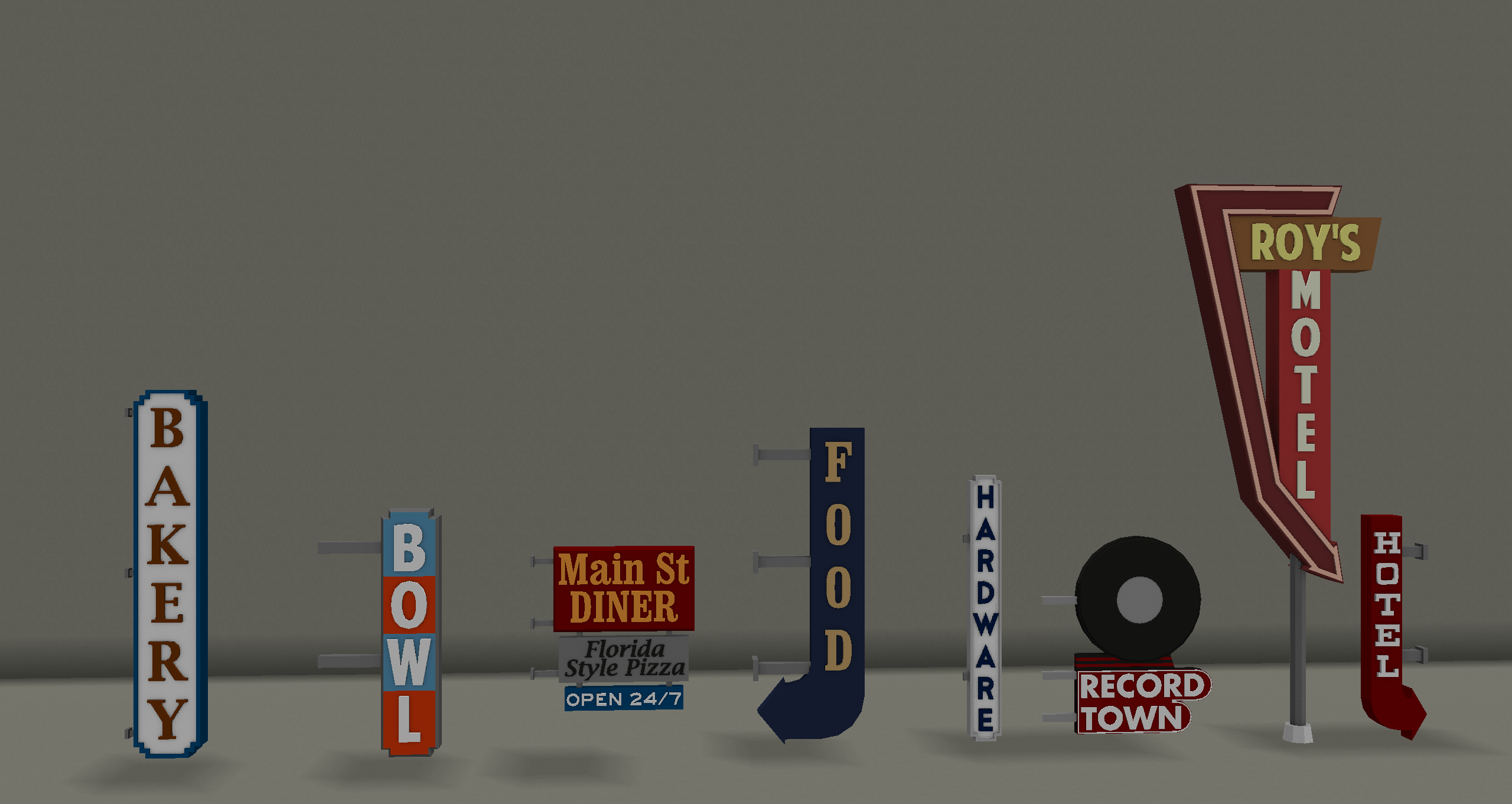
- Various Retail Signs (theres alot)
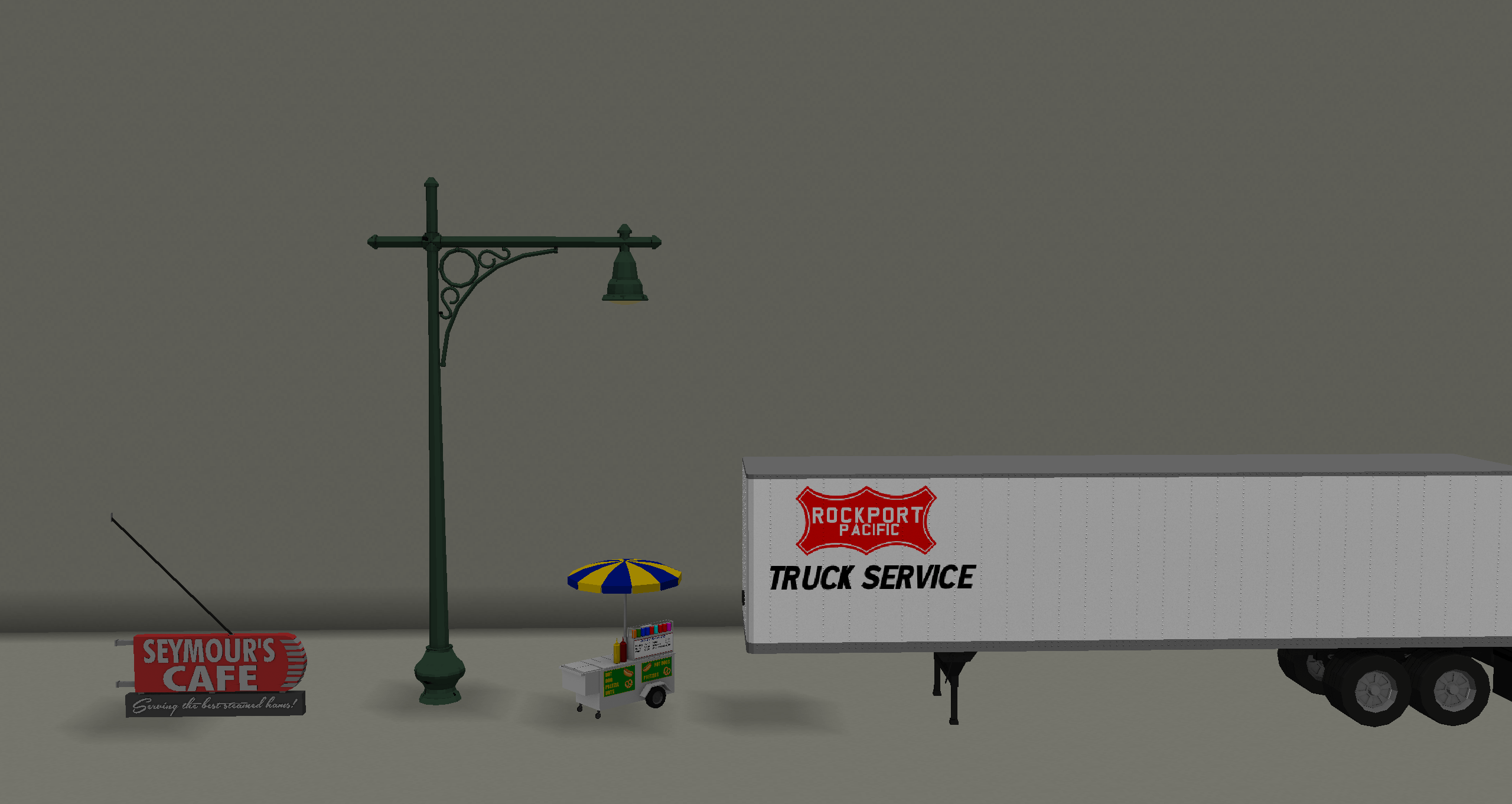
- Truck Trailers (Props, they do NOT move)
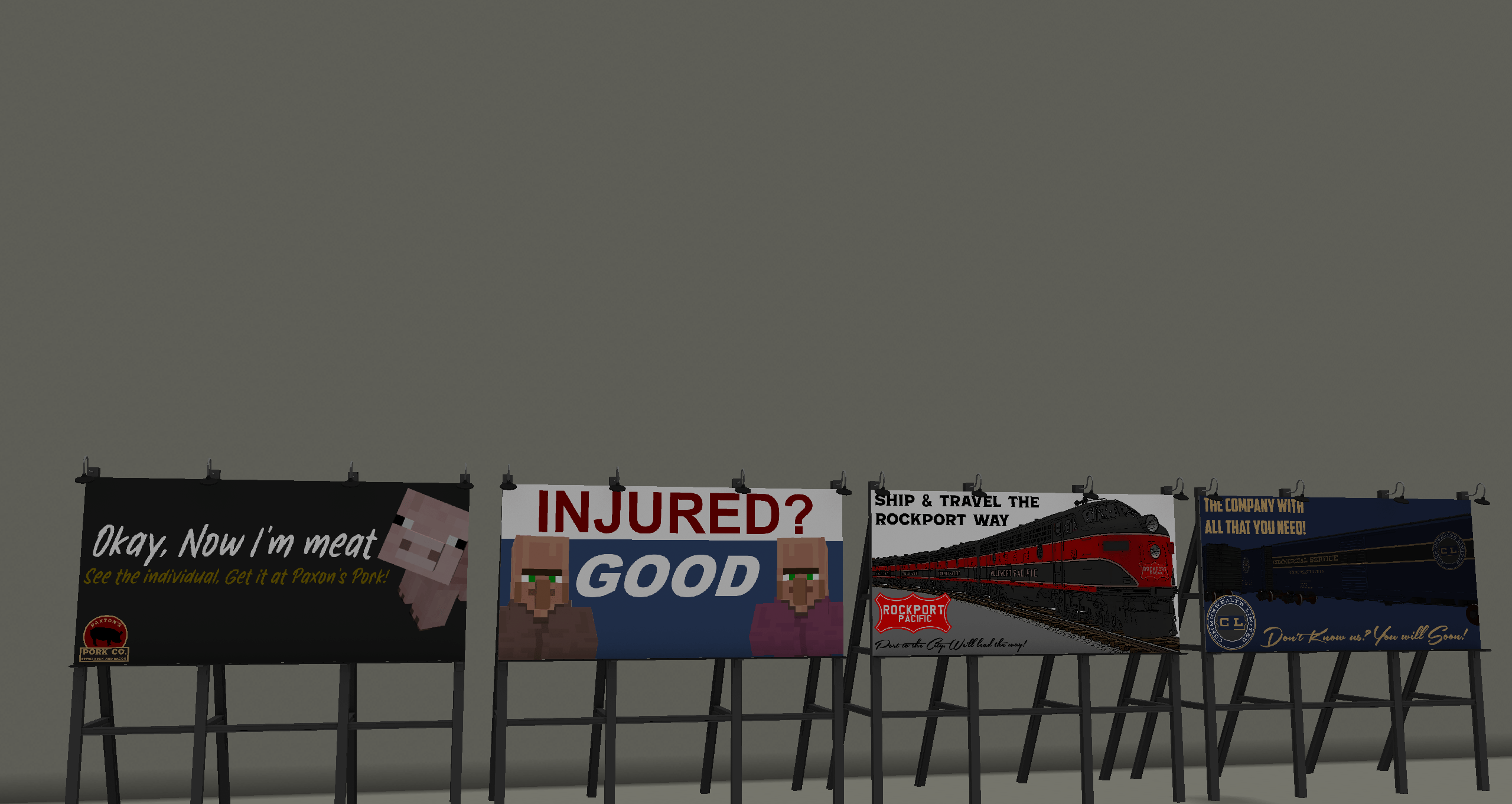
- Billboards (a few for the universe building)
- A Street Light or two
Note: Street Lights require invisable light blocks to give out light as basic props don't have light features.
Terms of use
Under no circumstances may any content in this pack be reproduced or modified and publicly distributed without explicit permission from the authors, Lachie1770. This includes remodels, retextures etc. You can only redistribute The original in the case of Modpacks, any all other types of redistribution are strickly Illegal. Usage of this pack to make any form of financial profit or monetary gain of any type is strictly forbidden. By downloading this pack, you agree to these terms and conditions. If you see this page on a site that is NOT curse, do not download.