Mineuniverse
Resource Packs
ComEng and CWL Fictional

ComEng and CWL Fictional

RESOURCE PACK
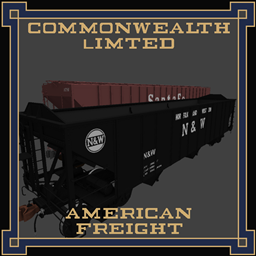
Commonwealth & CWL Fictional is an fictional pack based around an alternative timeline, based around ComEng, Clyde Engineering and other fallen builders, Formally known as "ComEng International"
by Lachie1770
Download Claim this project
2,414 downloads
0 likes
0 followers
Updated Oct 14, 2026
0 hypes
Follow0
512x and Higher Mod Support Modern
Advertisement Remove ads with Premium →

Commonwealth Engineering International

NOTE: It does not any block/vanilla replacement textures, only content for Immersive Railroading Mod, which obviously requires Immersive Railroading

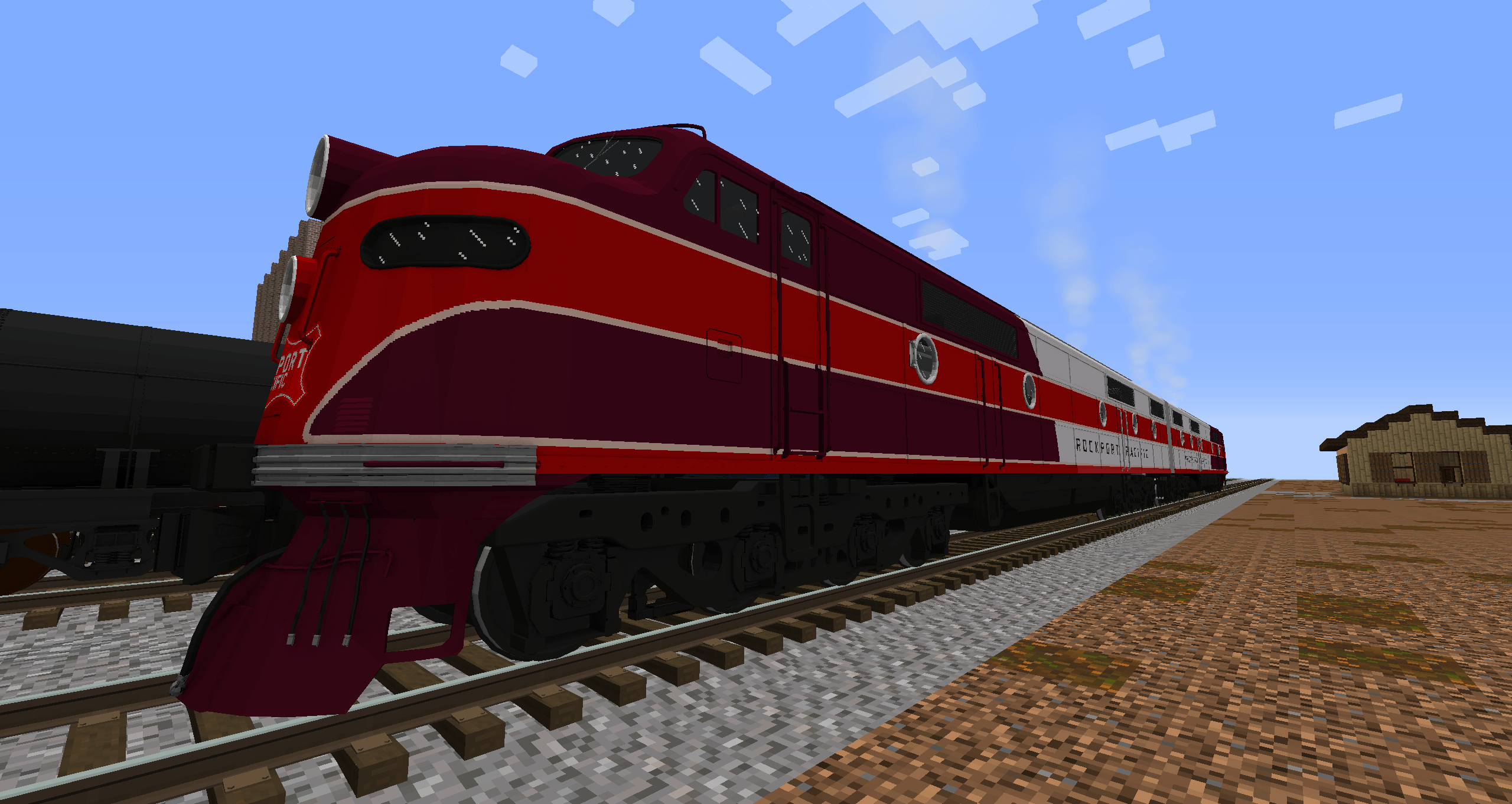
Commonwealth Engineering International (or ComEng for short) is based on an alternative history where the Australian engineering firm acquires its local competitors and expands over to America, this pack is based on the American side, ComEng International builds mostly electric Locomotives and Electric Multi Units, however, the firm also builds a decent range of Diesels and Passenger stock (and even some freight) for the US market.

Requires Immersive railroading: Here

Current Stock:
Locomotives:
- CE-DD35F
- CE-EC45
- RP Streamliner Electric (Not sure if this is staying under ComEng atm)

Rollingstock:
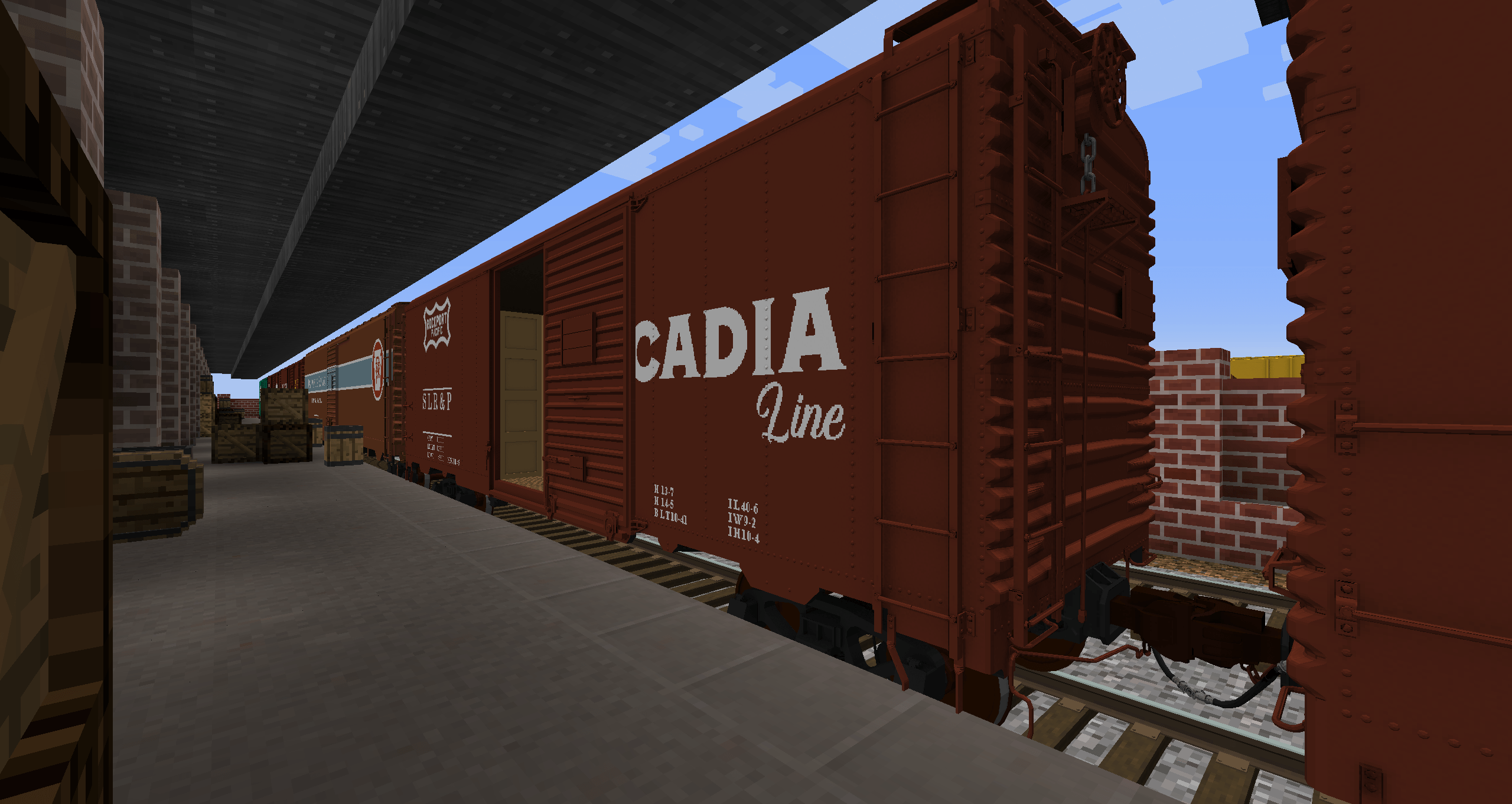
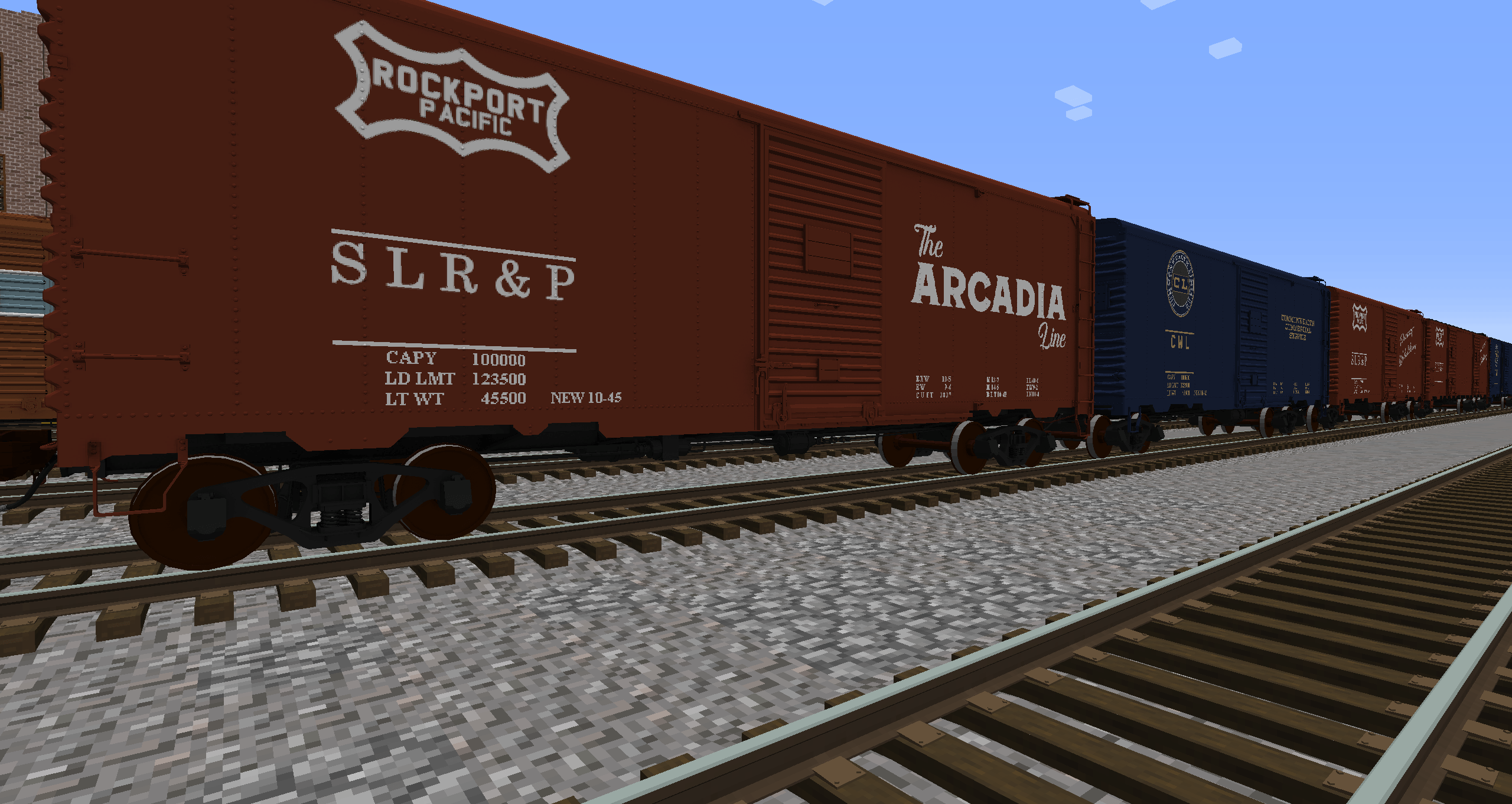
- CE 54ft boxcar
- CE 40ft Wagontop Boxcar

Note, very WIP pack, more stock to come!


Discord: Santa Fe - Official Discord

ComEng and CWL Fictional 1.1.1
MC 1.16.5, 1.20.1, 1.21.1, 1.12.2
Release 2026-04-21 Get
ComEng and CWL Fictional 1.1.1 Hotfix
MC 1.16.5, 1.20.1, 1.21.1, 1.12.2
Release 2026-04-21 Get
ComEng and CWL Fictional 1.1.0 - Rename Update
MC 1.16.5, 1.20.1, 1.21.1, 1.12.2
Release 2026-01-14 Get

Requirements & install

How to use this resource pack in Minecraft
Resolution
512x+
Minecraft
1.12.2 – 1.21.1
Install folder
.minecraft/resourcepacks

How to install resource packs

  1. Download the resource pack .zip file (do not extract it).
  2. In Minecraft open Options → Resource Packs → Open Pack Folder.
  3. Drop the .zip into the resourcepacks folder (.minecraft/resourcepacks).
  4. Move the pack to the Selected column and click Done.

512x packs need a strong GPU and at least 4 GB of RAM for Minecraft; a performance mod such as Sodium is strongly recommended.

Browse more: 16x resource packs 32x resource packs 64x resource packs 128x resource packs 256x resource packs 512x+ resource packs Resource Packs for 1.21.1 All resource packs

More from Lachie1770

Advertisement Remove ads with Premium →

You Might Also Like