Mineuniverse
Resource Packs
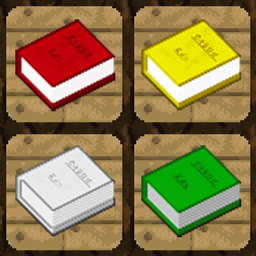
Colored books

Colored books

RESOURCE PACK
(Need Optifine) Color codes for book textures. Rename to change texture
by Vextgolden
Download Claim this project
588 downloads
0 likes
Updated Oct 14, 2026
0 hypes
64x Miscellaneous
Advertisement Remove ads with Premium →

Need Optifine!
To change
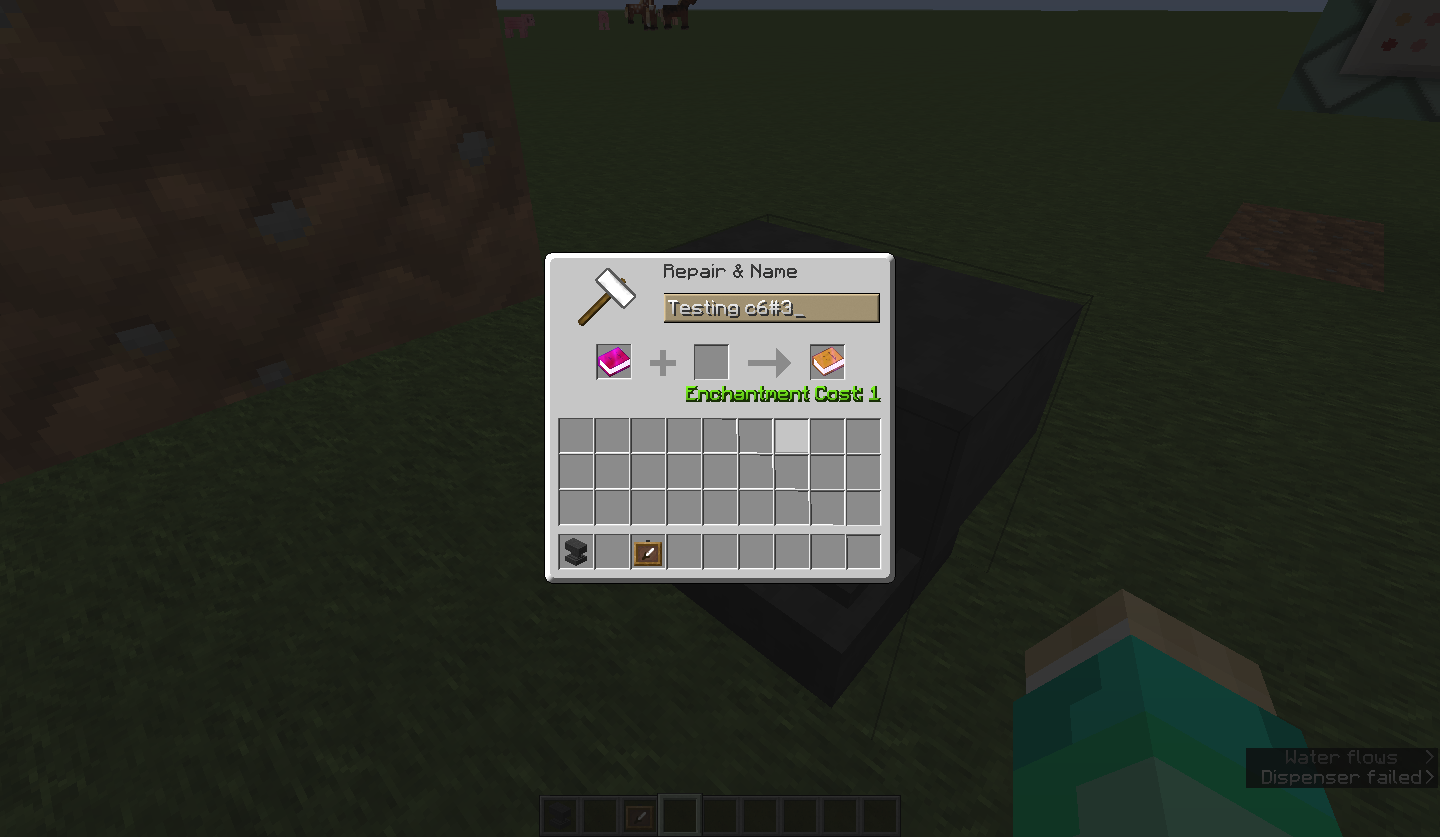
texture of written book rename it!
Sample book titles:
My story c4#3 : color - red, brightness - 3/4

renaming Form:
<any_Name> <color code>

Color code:
c<0-f>#<1-4>
<0-f> - color code
0-black
1-dark blue
2-dark green
3-dark aqua
4-dark red
5-dark purple
6-gold
7-gray
8-dark gray
9-blue
a-green
b-aqua
c-red
d-light purple
e-yellow
f-white

<1-4> - brightness level
Some colors do not have brightness options! such color code easier: c<0-f>
list of colors without brightness option:
0 - black
7 - gray
8 - dark gray
b - aqua
c - red
d - light purple
e - yellow
f - white

Colored Books.zip
MC 1.11, 1.11.1, 1.11.2
Release 2017-03-04 Get

Requirements & install

How to use this resource pack in Minecraft
Resolution
64x
Minecraft
1.11 – 1.11.2
Install folder
.minecraft/resourcepacks

How to install resource packs

  1. Download the resource pack .zip file (do not extract it).
  2. In Minecraft open Options → Resource Packs → Open Pack Folder.
  3. Drop the .zip into the resourcepacks folder (.minecraft/resourcepacks).
  4. Move the pack to the Selected column and click Done.
Browse more: 16x resource packs 32x resource packs 64x resource packs 128x resource packs 256x resource packs 512x+ resource packs Resource Packs for 1.11.2 All resource packs

More from Vextgolden

Advertisement Remove ads with Premium →

You Might Also Like