Badges update automatically and link to the resource pack page on MineUniverse.



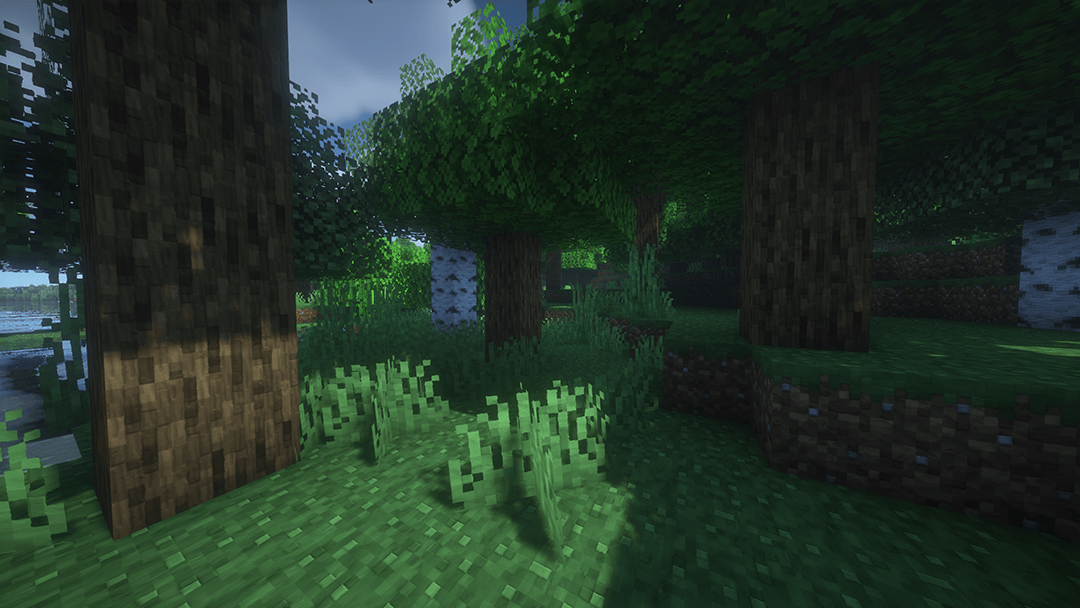
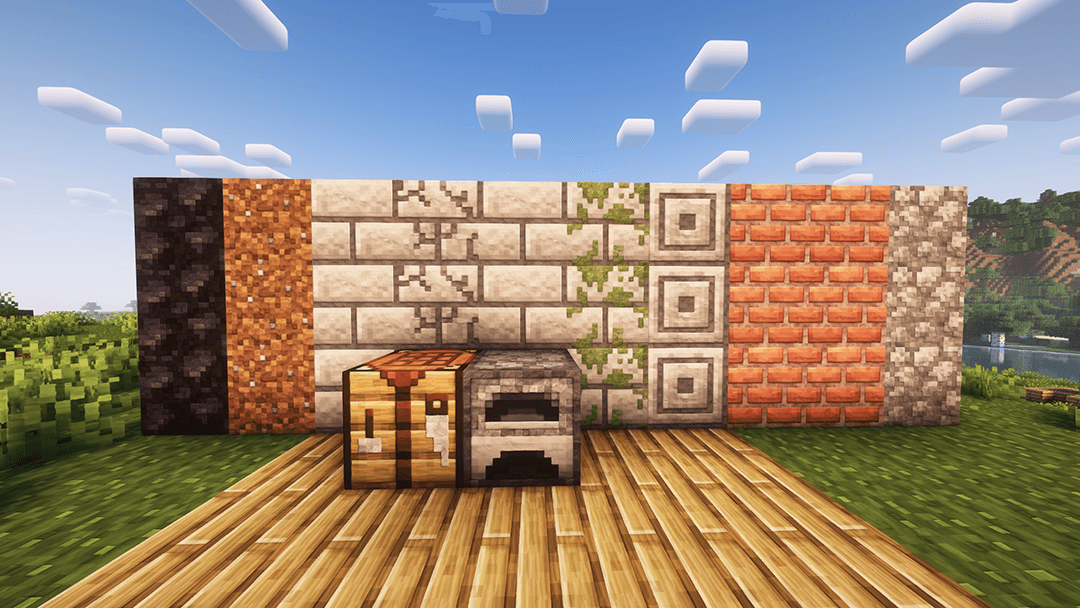
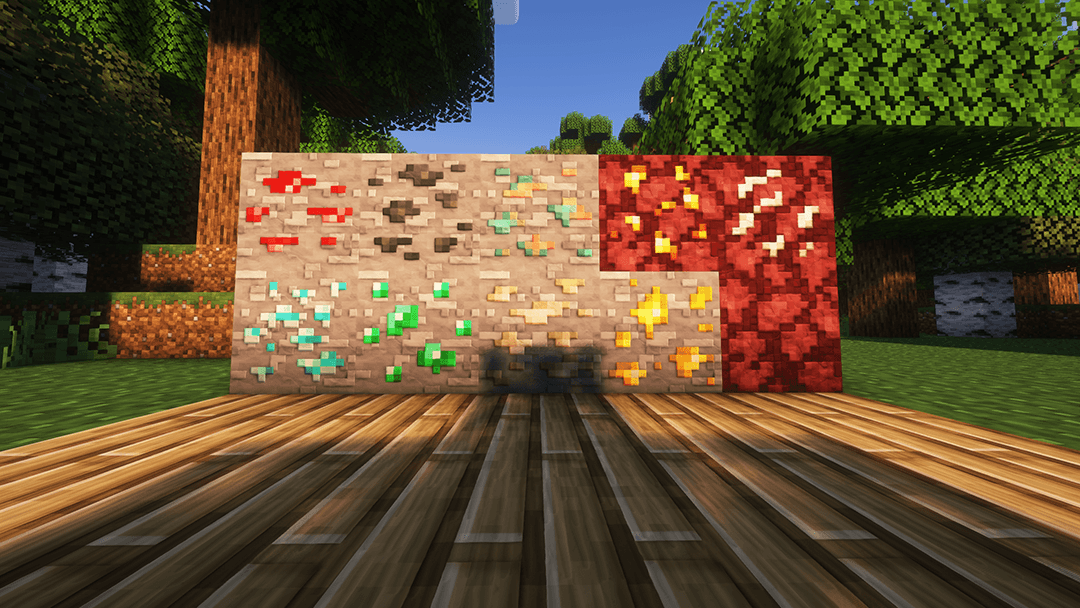
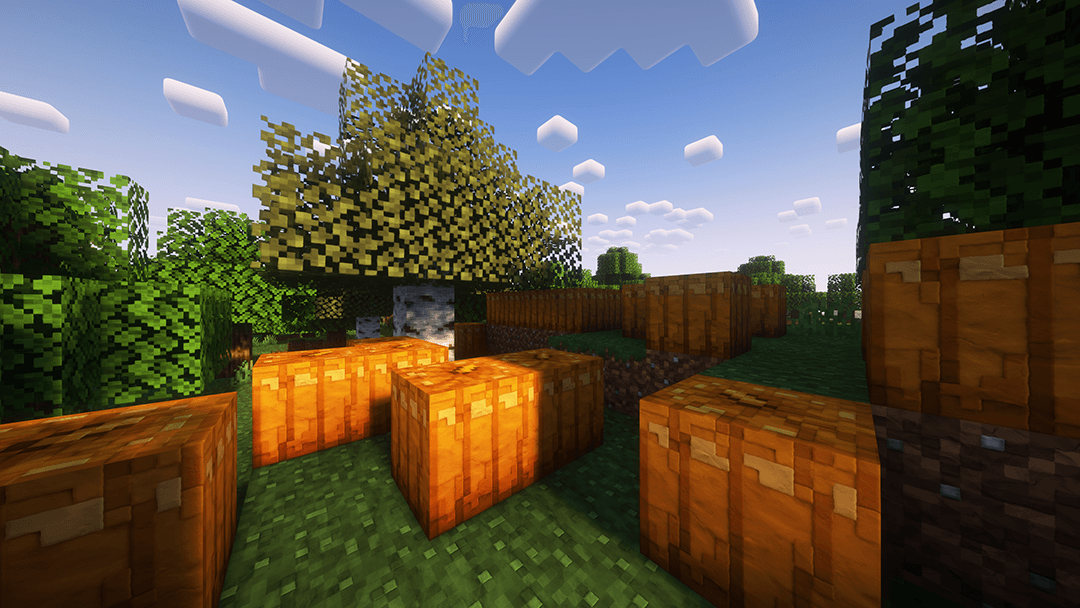
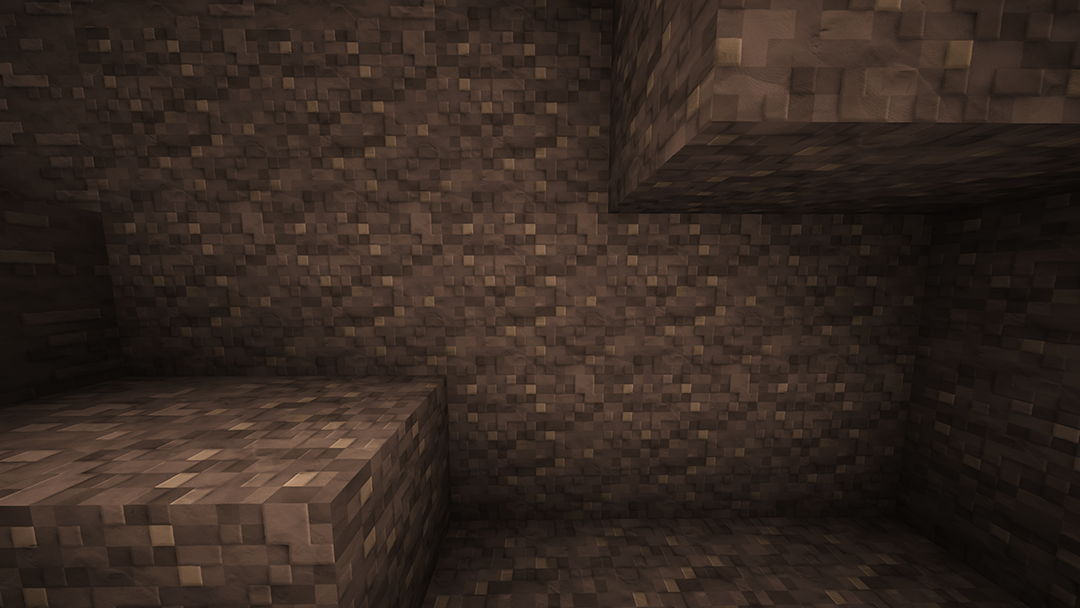
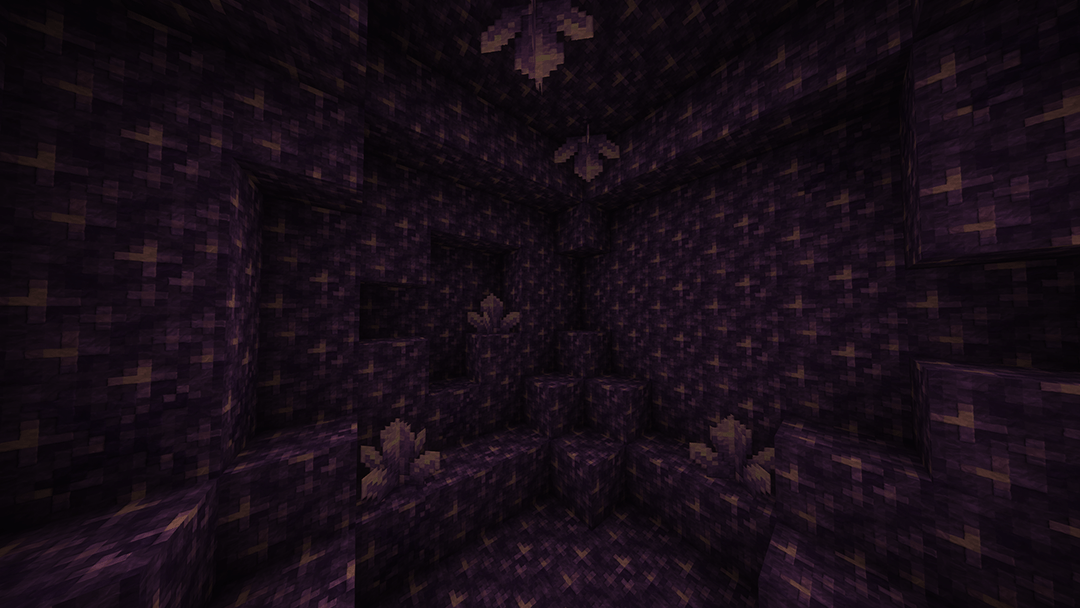
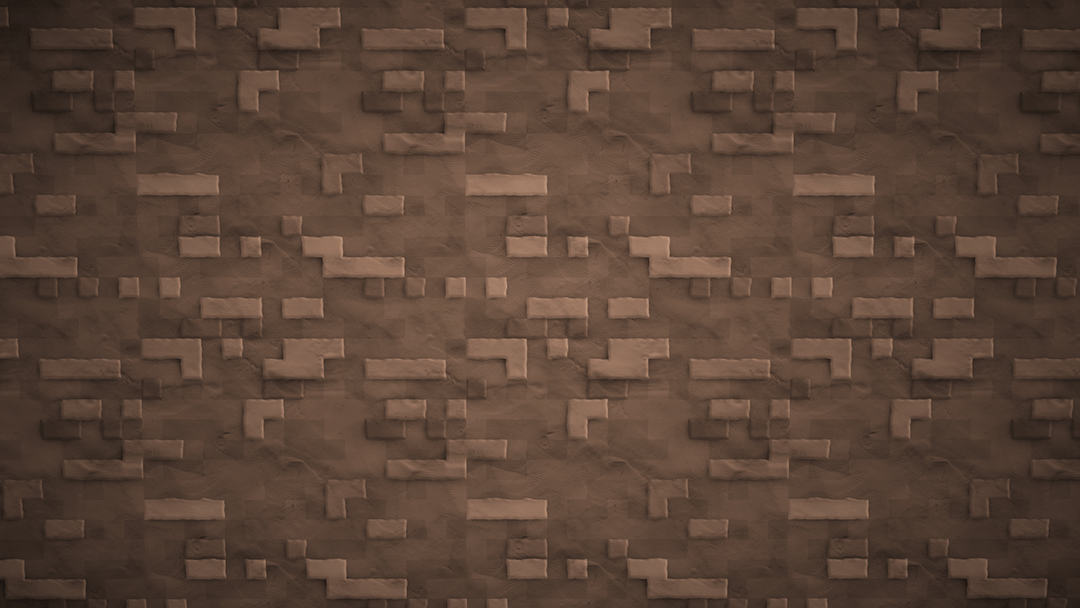
I had the idea that it would be cool if there was a texture pack that made the game look like clay/Playdoh, so this new pack was born. Clayful. The whole packs goal is to keep the Minecraft style and feel, but add a very decisive clay look and style to everything. Very similar to how there are lego packs and such out there. I always loved playing with clay, playdoh, etc growing up and even throughout school in art class. After a TON of trial and error I was able to nail down the style and I am very happy with it.
This is the demo/alpha version of the 128x version of the pack. It has a small handful of textures at the 128x resolution for you to test out and see! The beta on Patreon has much more done and is updated far more often, so if you like what you see I recommend checking it out!



Sponsored by Ember Host
Check out Ember if you are looking for a Minecraft server host that offers exceptional value for price. You can support the development of my packs by using the banner below, which gives a 50% cut for every first purchase to myself, alongside a 10% discount to you

Legal:
Please do not steal/modify textures unless for personal uses only! Do not create downloads for this on your own! Always link back to this site due to it being the original location. Texture Pack and details belong to thebaum64 (Christian Baum) Thank you.