Mineuniverse
Resource Packs
Bloom Lighting

Bloom Lighting

RESOURCE PACK
Resource Add-On Pack That Adds Bloom Lighting to Minecraft!
by thebaum64
Download Claim this project
26,057 downloads
0 likes
Updated Oct 14, 2026
0 hypes
16x Miscellaneous
Advertisement Remove ads with Premium →

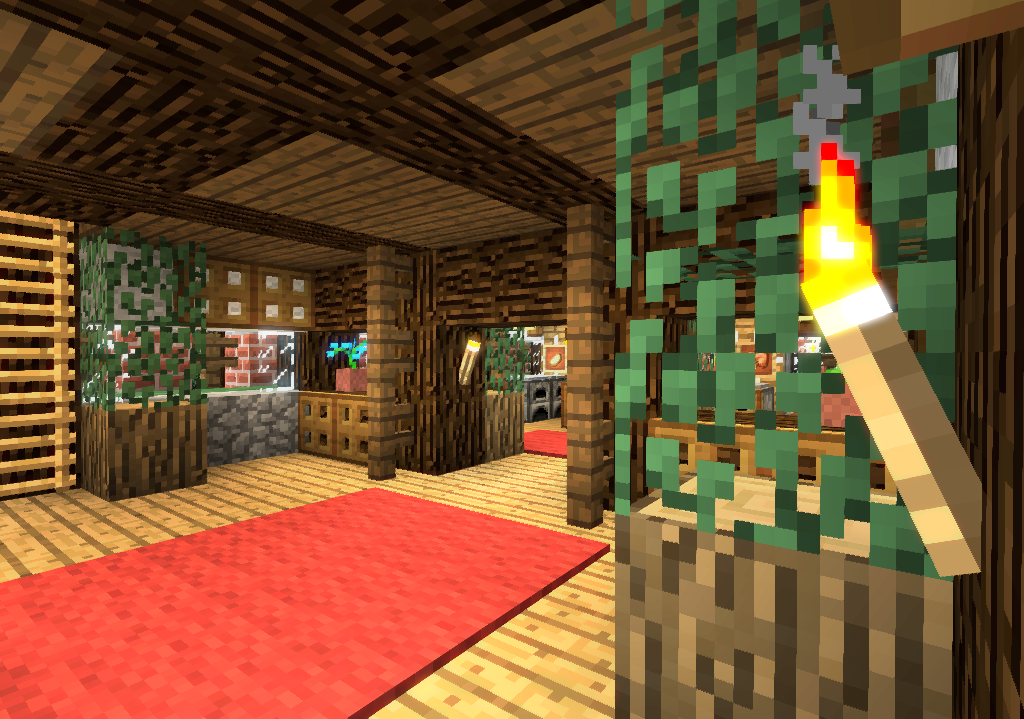
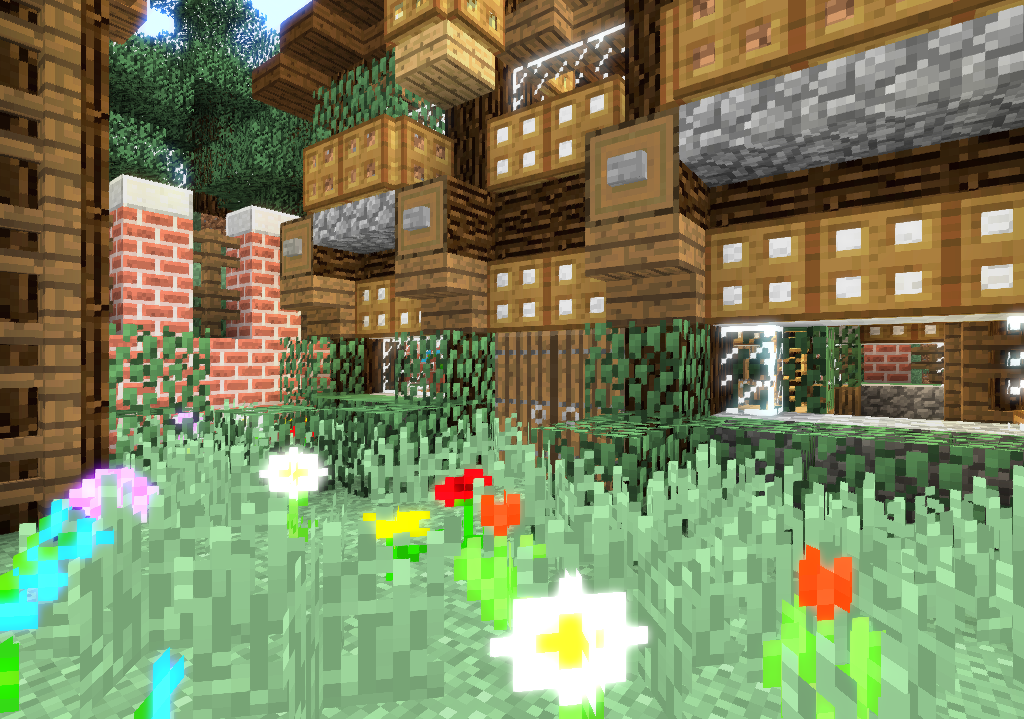
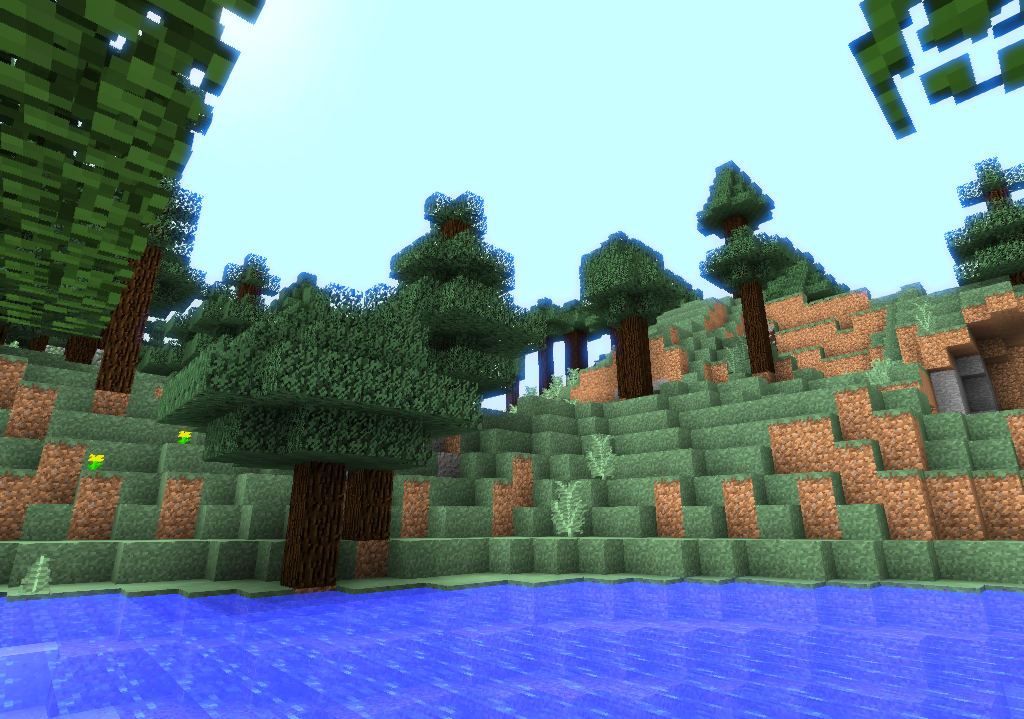
Ever wanted better lighting in Minecraft? You can't run shaders? Here is your solution!

Bloom
(sometimes referred to as light bloom or glow) is a computer graphics effect used in video games, demos and high dynamic range rendering (HDR) to reproduce an imaging artifact of real-world cameras. The effect produces fringes (or feathers) of light extending from the borders of bright areas in an image, contributing to the illusion of an extremely bright light overwhelming the camera or eye capturing the scene. This pack will add Bloom Lighting to the game of Minecraft! This is an add-on pack that works with normal Minecraft, as well as any resource pack!How to use:

1. Put Pack in %appdata%>minecraft>resourcepacks
2. Boot Minecraft
3. Use or over-lay Bloom Lighting onto other packs
4. Click Super Secret Settings
5. profit


patreon.png discord.png


Bloom Lighting v1.0
MC 1.7.6, 1.7.4, 1.7.7, 1.7.5, 1.6.1, 1.7.9, 1.7.2, 1.8-Snapshot, 1.7.8, 1.6.4, 1.7.10, 1.8, 1.6.2
Release 2014-11-13 Get

Requirements & install

How to use this resource pack in Minecraft
Resolution
16x
Minecraft
1.7.5 – 1.8
Install folder
.minecraft/resourcepacks

How to install resource packs

  1. Download the resource pack .zip file (do not extract it).
  2. In Minecraft open Options → Resource Packs → Open Pack Folder.
  3. Drop the .zip into the resourcepacks folder (.minecraft/resourcepacks).
  4. Move the pack to the Selected column and click Done.
Browse more: 16x resource packs 32x resource packs 64x resource packs 128x resource packs 256x resource packs 512x+ resource packs Resource Packs for 1.8 All resource packs

More from thebaum64

Advertisement Remove ads with Premium →

You Might Also Like