Mineuniverse
Resource Packs
Classic village panorama

Classic village panorama

RESOURCE PACK
A classic village panorama
by GuillermitoBrito
Download Claim this project
Add a badge to your pageLink to Classic village panorama from a README, website or forum post.
Preview: Badge

Badges update automatically and link to the resource pack page on MineUniverse.

64 downloads
0 likes
0 followers
Updated Oct 14, 2026
0 hypes
Follow0
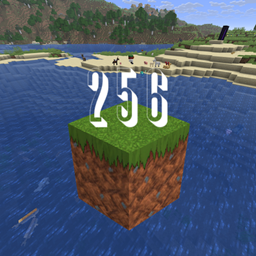
256x
Advertisement Remove ads with Premium →

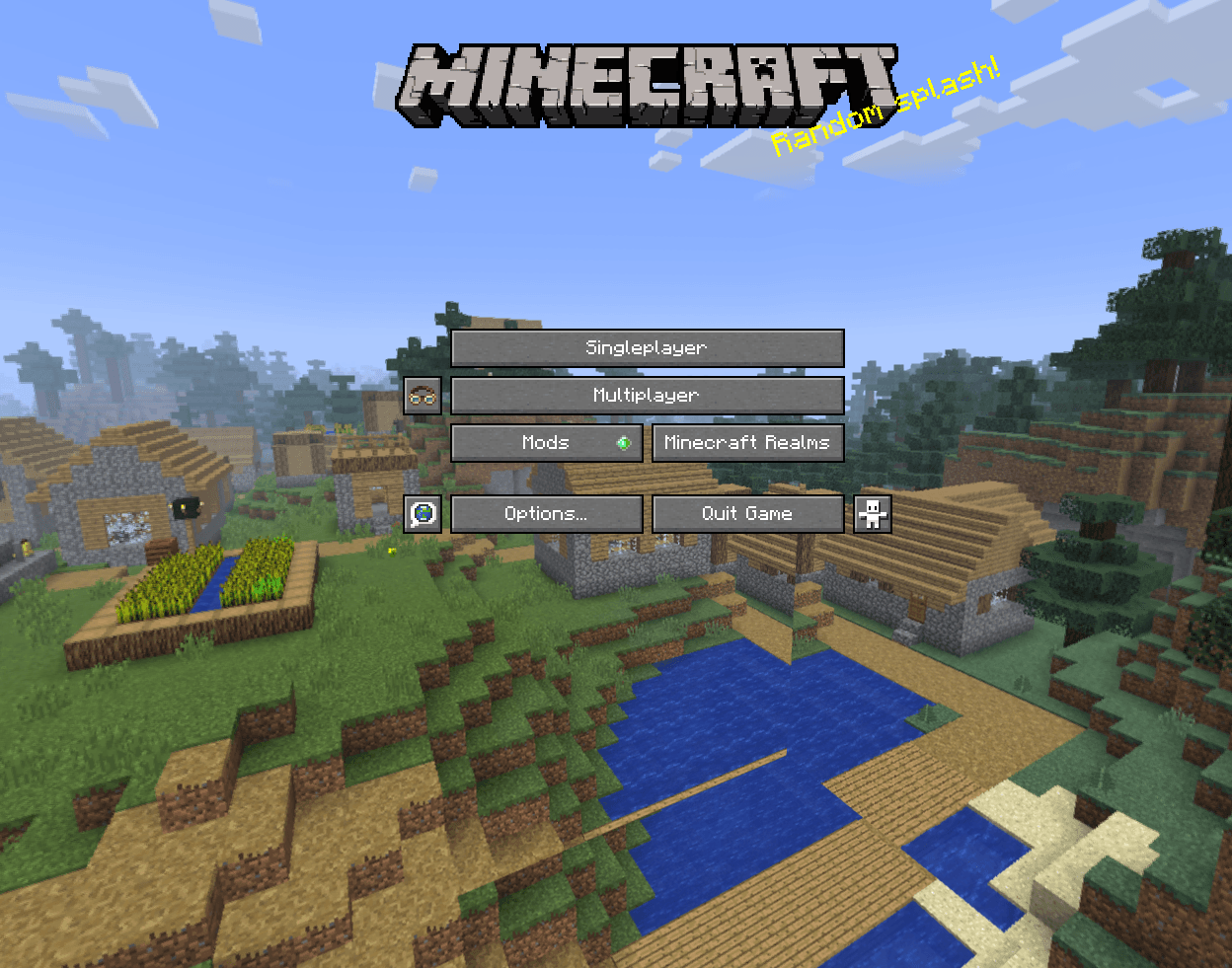
This panorma Make it look like a village So if you apply that you will see The classic village you see before the 1.14 And also this is the textures or before the texture update So if you try this new panorama You will see The classic village You see when you was a kid Subscribe to my youtube channel 

classic_village_panorama.zip
MC 1.16.5
Release 2025-06-29 Get

Requirements & install

How to use this resource pack in Minecraft
Resolution
256x
Minecraft
1.16.5
Install folder
.minecraft/resourcepacks

How to install resource packs

  1. Download the resource pack .zip file (do not extract it).
  2. In Minecraft open Options → Resource Packs → Open Pack Folder.
  3. Drop the .zip into the resourcepacks folder (.minecraft/resourcepacks).
  4. Move the pack to the Selected column and click Done.

Packs from 128x upwards need more video memory: install a performance mod such as Sodium for smooth frame rates.

Browse more: 16x resource packs 32x resource packs 64x resource packs 128x resource packs 256x resource packs 512x+ resource packs Resource Packs for 1.16.5 All resource packs
Advertisement Remove ads with Premium →

You Might Also Like