Mineuniverse
Resource Packs
Classic faithful 64x64

Classic faithful 64x64

RESOURCE PACK
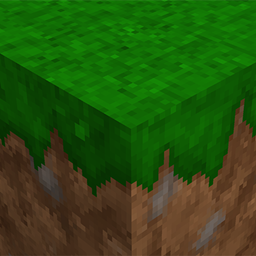
The author of this resource pack wants to return the legendary immersion in minecraft and revive the classic faithful.
by venummy
Download Claim this project
Add a badge to your pageLink to Classic faithful 64x64 from a README, website or forum post.
Preview: Badge

Badges update automatically and link to the resource pack page on MineUniverse.

78,750 downloads
0 likes
0 followers
Updated Oct 14, 2026
0 hypes
Follow0
64x Miscellaneous Traditional
Advertisement Remove ads with Premium →

DESCRIPTION

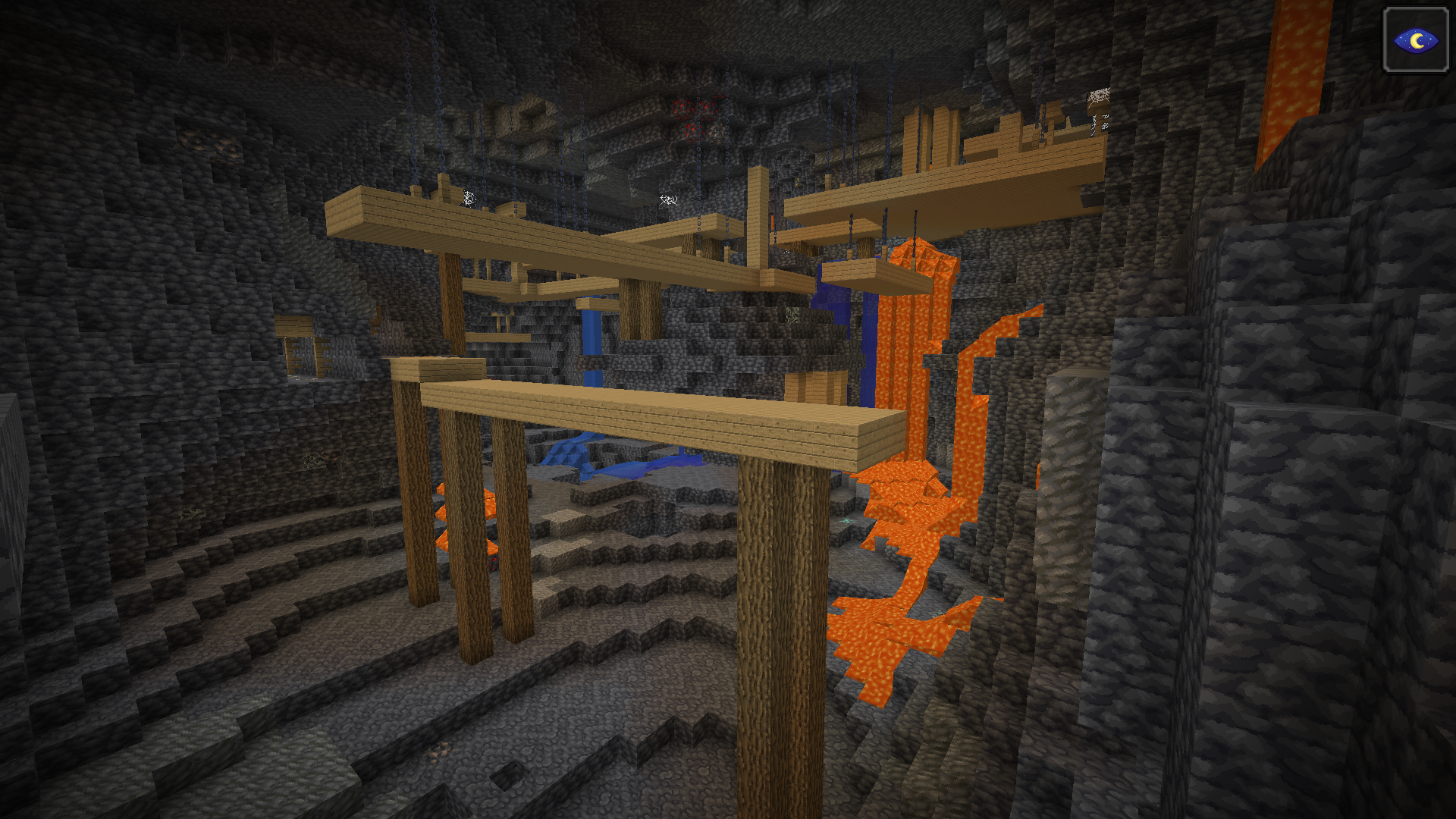
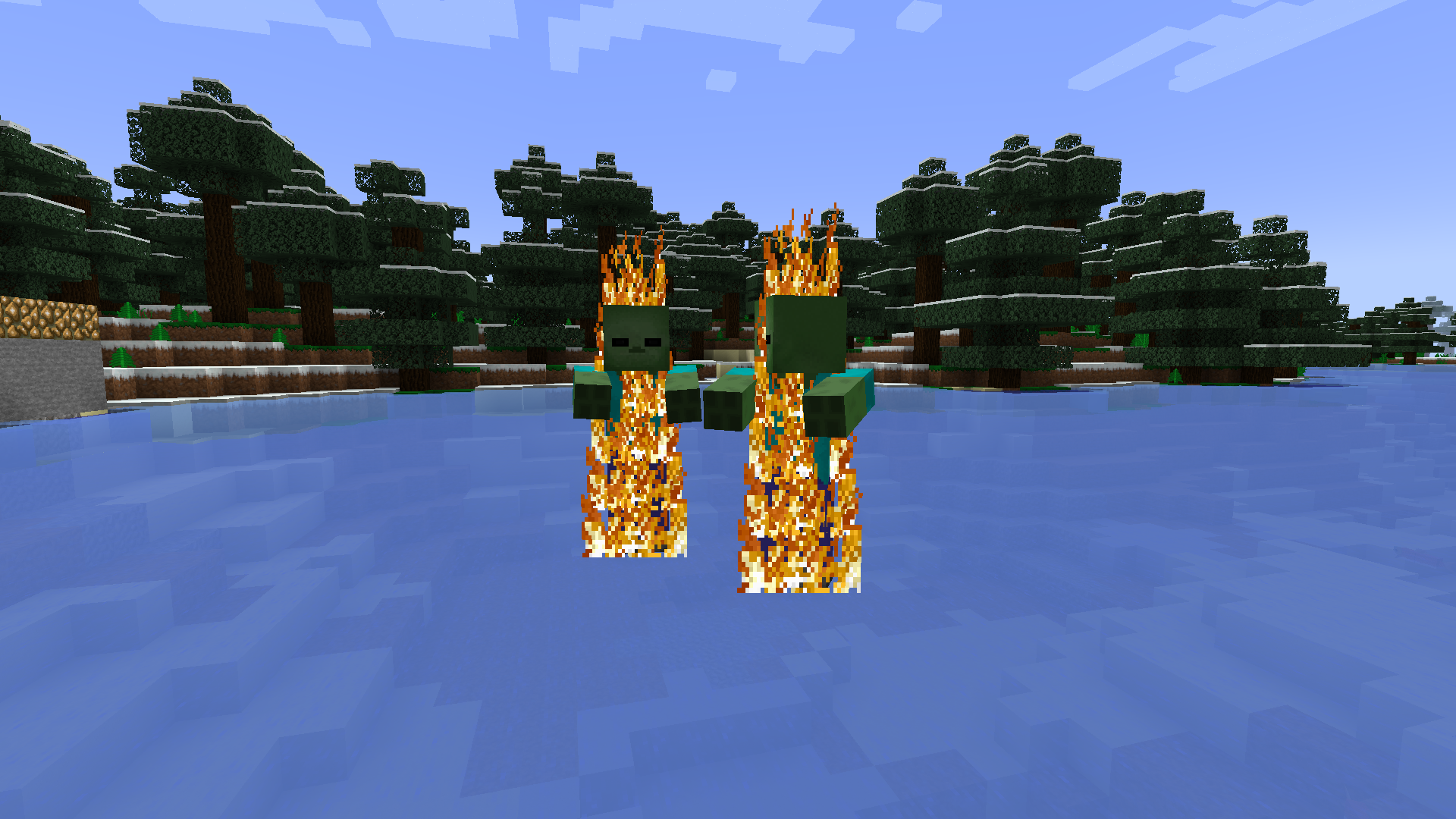
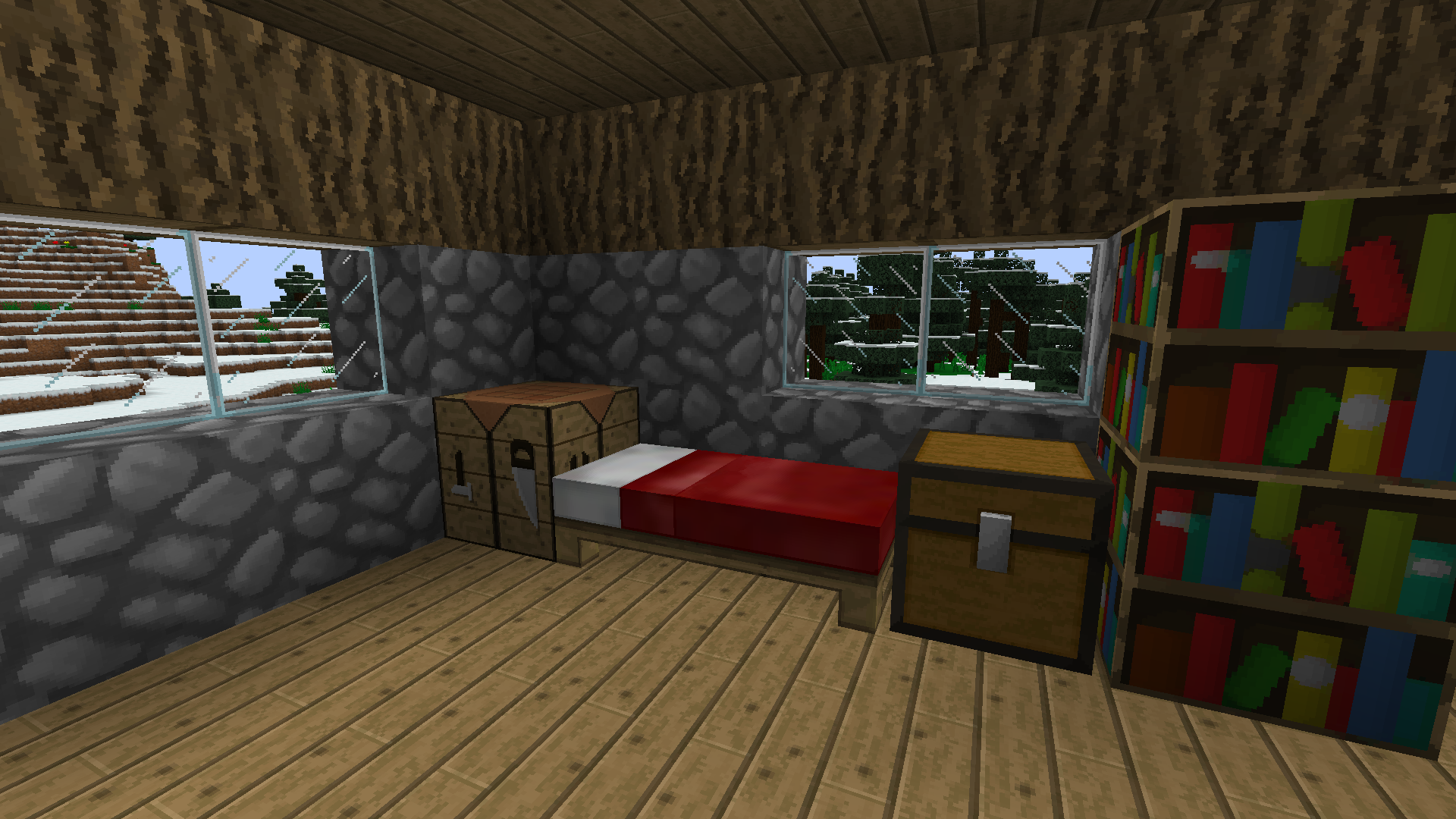
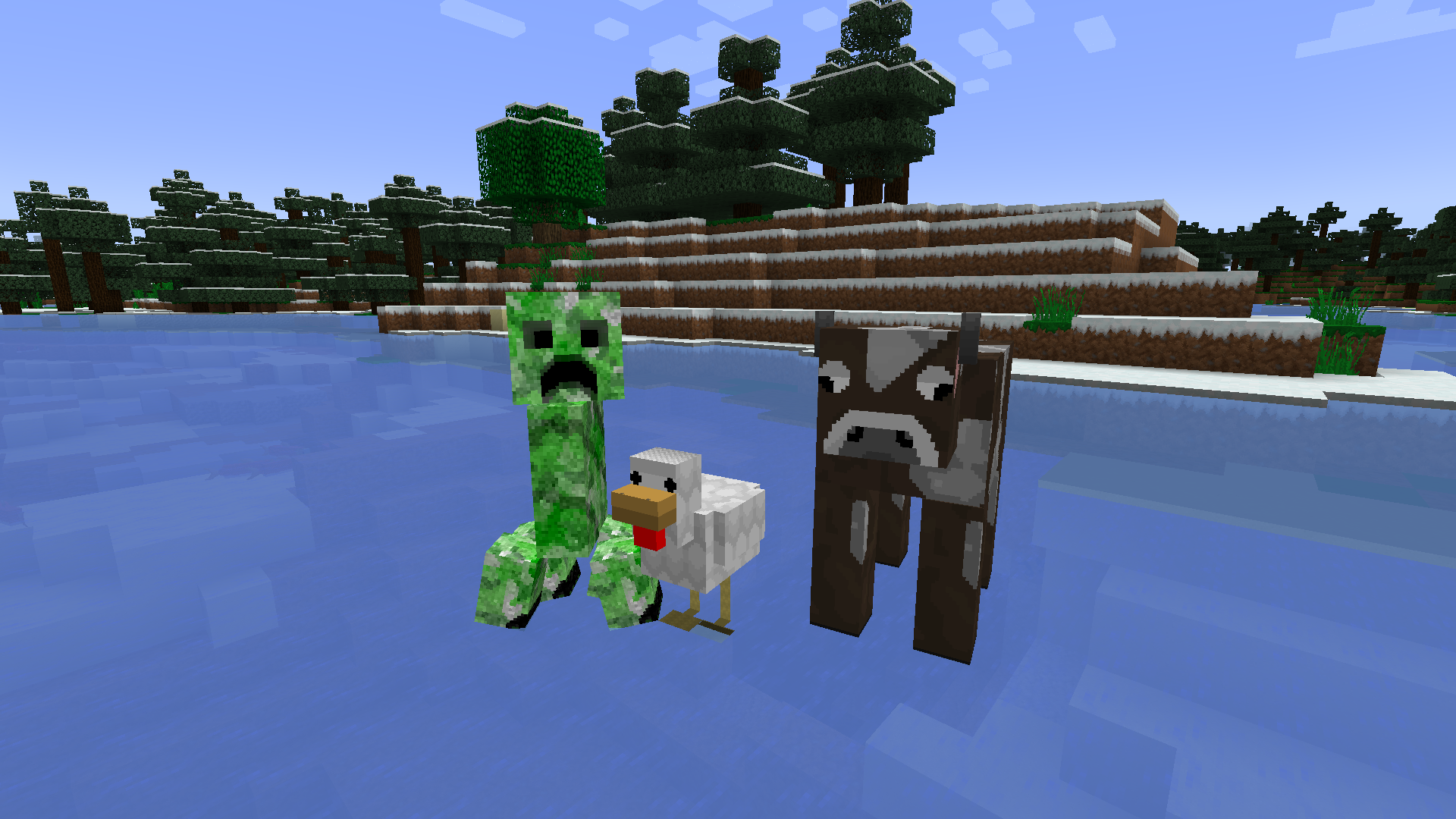
To date, the author of the legendary resource pack "Faithful64x" is no longer engaged in development. I decided to give them a second life, to revive the 64x64 classics!


faithful

The resource pack is designed to bring back classic textures from the old resource pack: "faithful64x". A large number of textures are taken

from it and are authentic and correspond to the certified 64x64.


photo

It is important to understand that this resource pack contains other new textures. They were borrowed from other packs. I express a huge thank you to other authors who were engaged in the creation of textures!

 

Classic faithful64x-2.0r
MC 1.18.1, 1.18, 1.18-Snapshot
Release 2022-01-18 Get
Classic faithful64x-1.5r
MC 1.18.1, 1.18, 1.18-Snapshot
Release 2022-01-09 Get
Classic faithful64x-1.4r
MC 1.18.1, 1.18, 1.18-Snapshot
Release 2022-01-07 Get
Classic faithful64x-1.3r
MC 1.18.1, 1.18, 1.18-Snapshot
Release 2022-01-06 Get
Classic faithful64x-1.1r 1.18.1
MC 1.17.1, 1.18.1, 1.17, 1.17-Snapshot, 1.18, 1.18-Snapshot
Release 2022-01-04 Get
Classic faithful64x-1.0r 1.12.2
MC 1.12.1, 1.12, 1.12.2, 1.12-Snapshot
Release 2022-01-03 Get
Classic faithful64x-1.0r 1.18.1
MC 1.17.1, 1.18.1, 1.17, 1.17-Snapshot, 1.18, 1.18-Snapshot
Release 2022-01-03 Get

Requirements & install

How to use this resource pack in Minecraft
Resolution
64x
Minecraft
1.12.1 – 1.18.1
Install folder
.minecraft/resourcepacks

How to install resource packs

  1. Download the resource pack .zip file (do not extract it).
  2. In Minecraft open Options → Resource Packs → Open Pack Folder.
  3. Drop the .zip into the resourcepacks folder (.minecraft/resourcepacks).
  4. Move the pack to the Selected column and click Done.
Browse more: 16x resource packs 32x resource packs 64x resource packs 128x resource packs 256x resource packs 512x+ resource packs Resource Packs for 1.18.1 All resource packs
Advertisement Remove ads with Premium →

You Might Also Like