Mineuniverse
Resource Packs
Classic Faithful 64x Jappa

Classic Faithful 64x Jappa

RESOURCE PACK
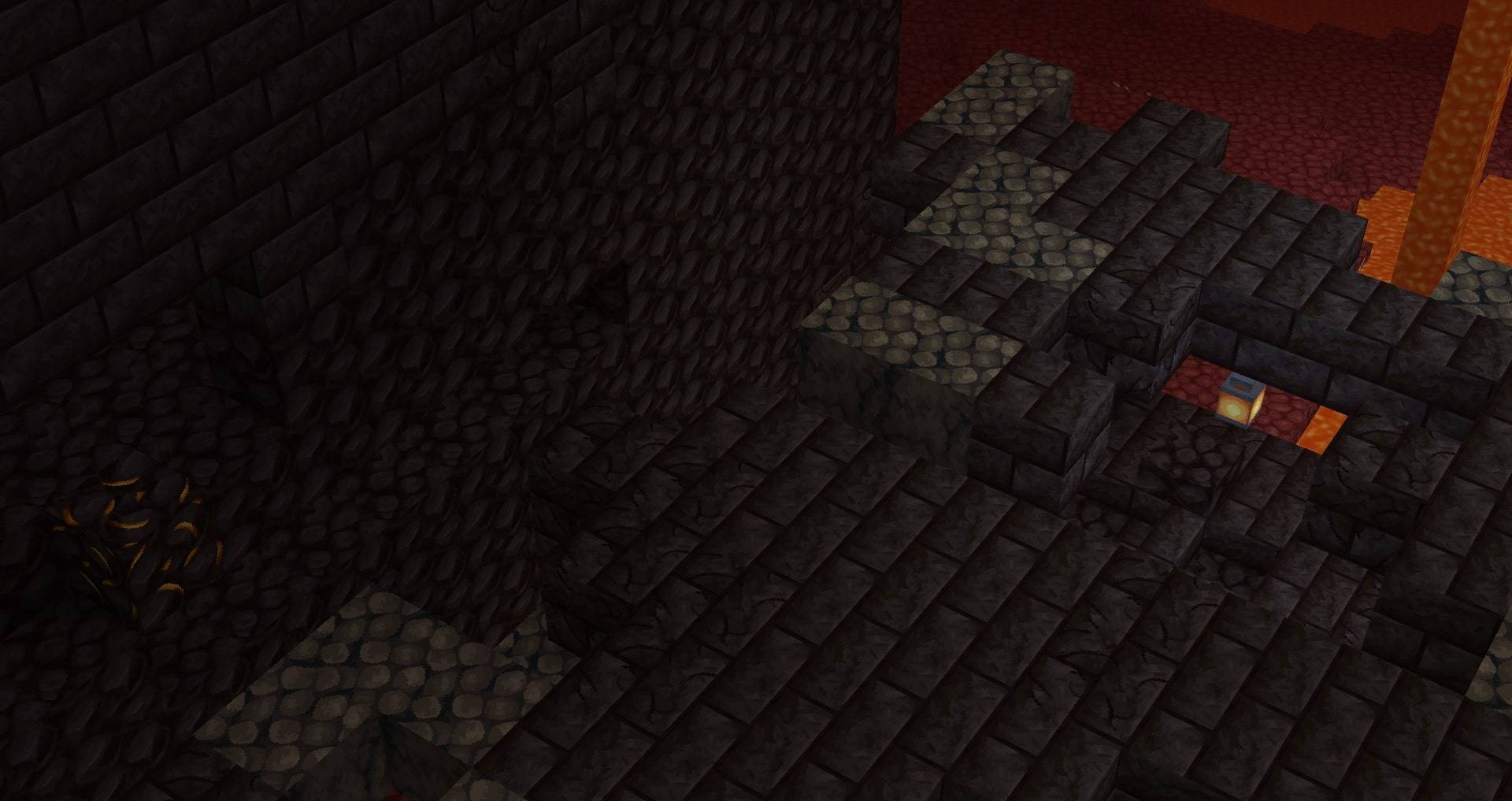
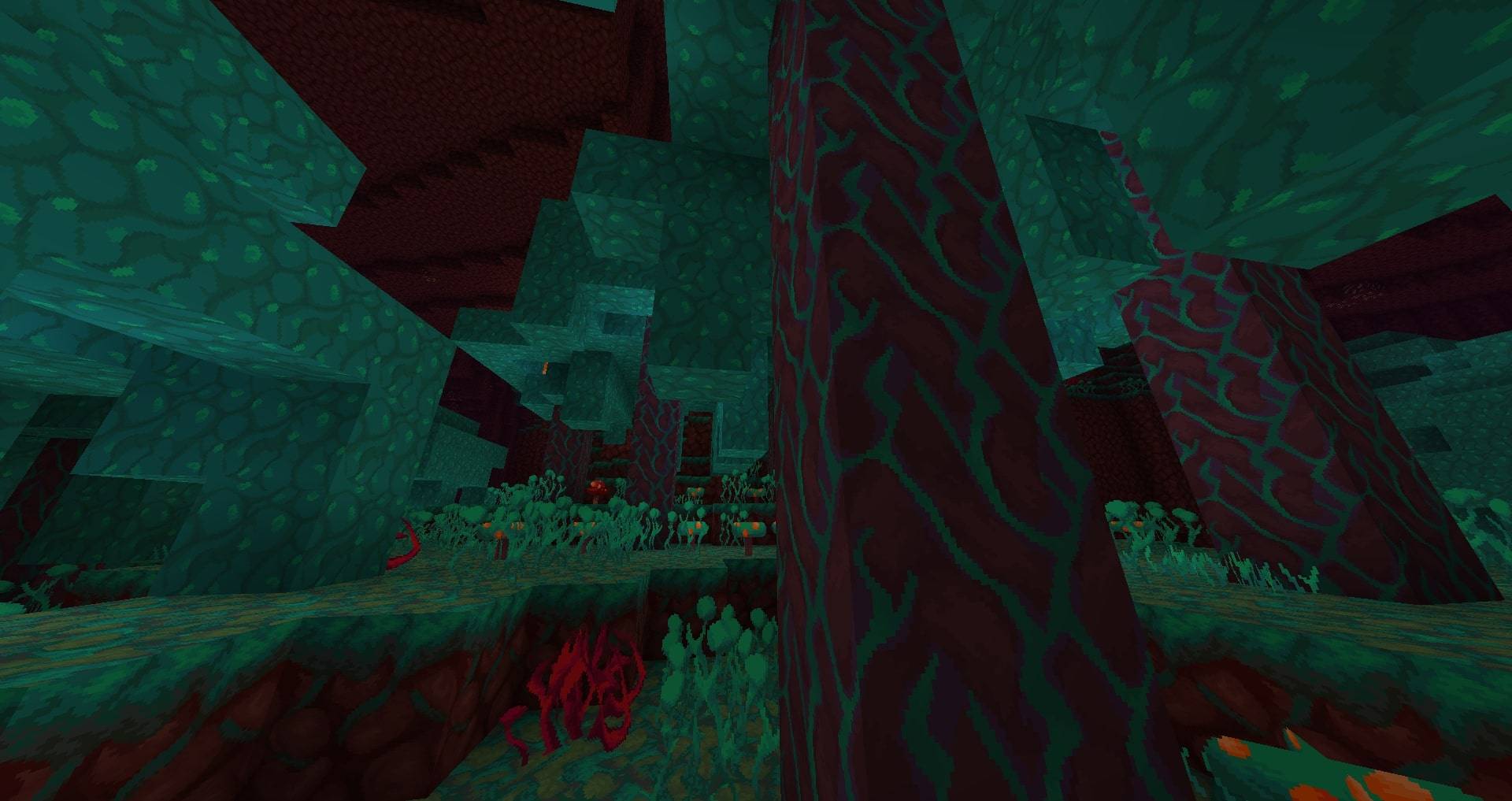
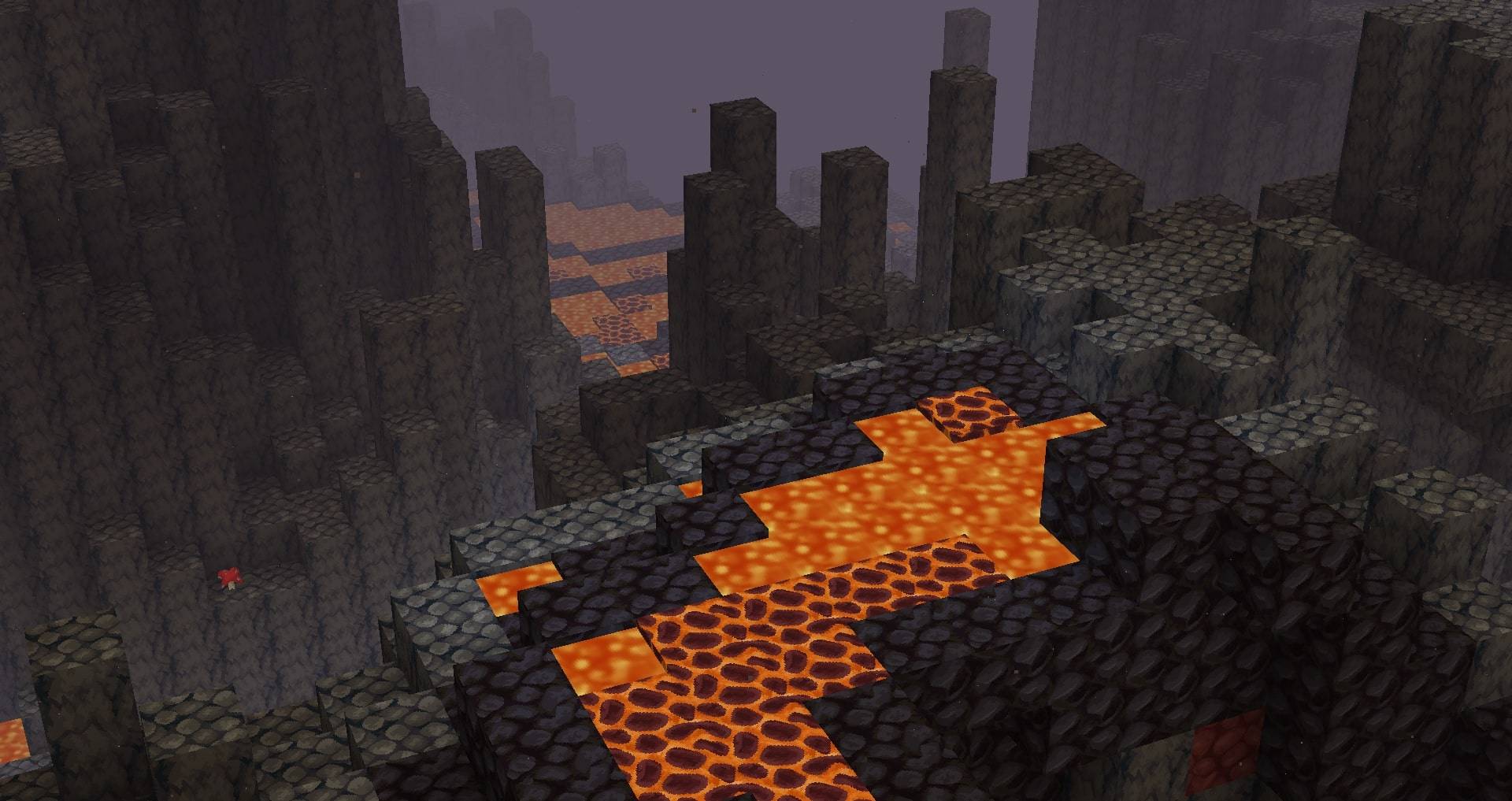
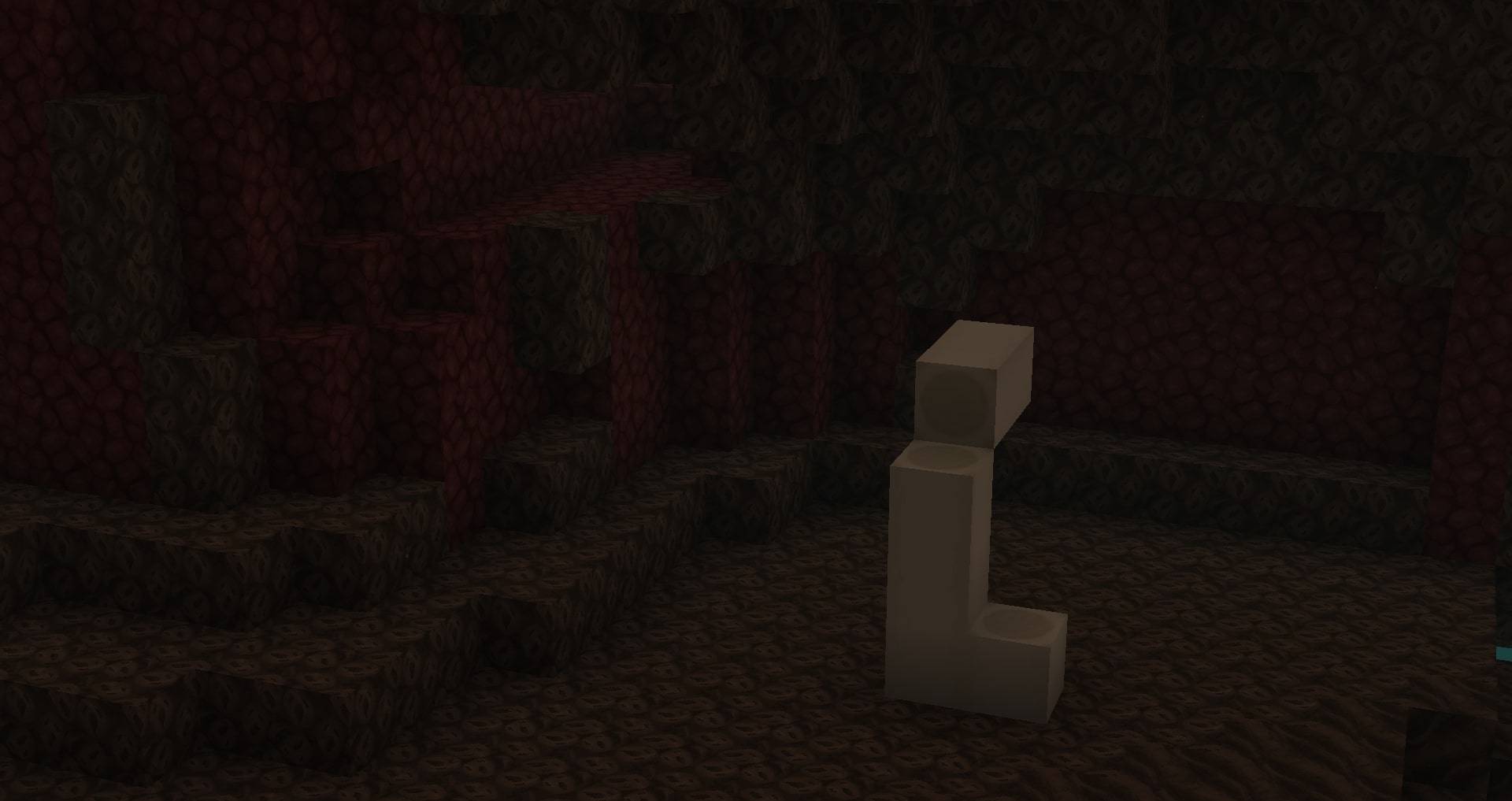
A 64x texture pack that maps the look and feel of Vattic's original Faithful pack onto a 64x canvas.
by Faithful_Resource_Pack
Download Claim this project
Add a badge to your pageLink to Classic Faithful 64x Jappa from a README, website or forum post.
Preview: Badge

Badges update automatically and link to the resource pack page on MineUniverse.

1,288,274 downloads
0 likes
0 followers
Updated Oct 14, 2026
0 hypes
Follow0
64x Traditional
Advertisement Remove ads with Premium →
Classic Faithful 64x Jappa


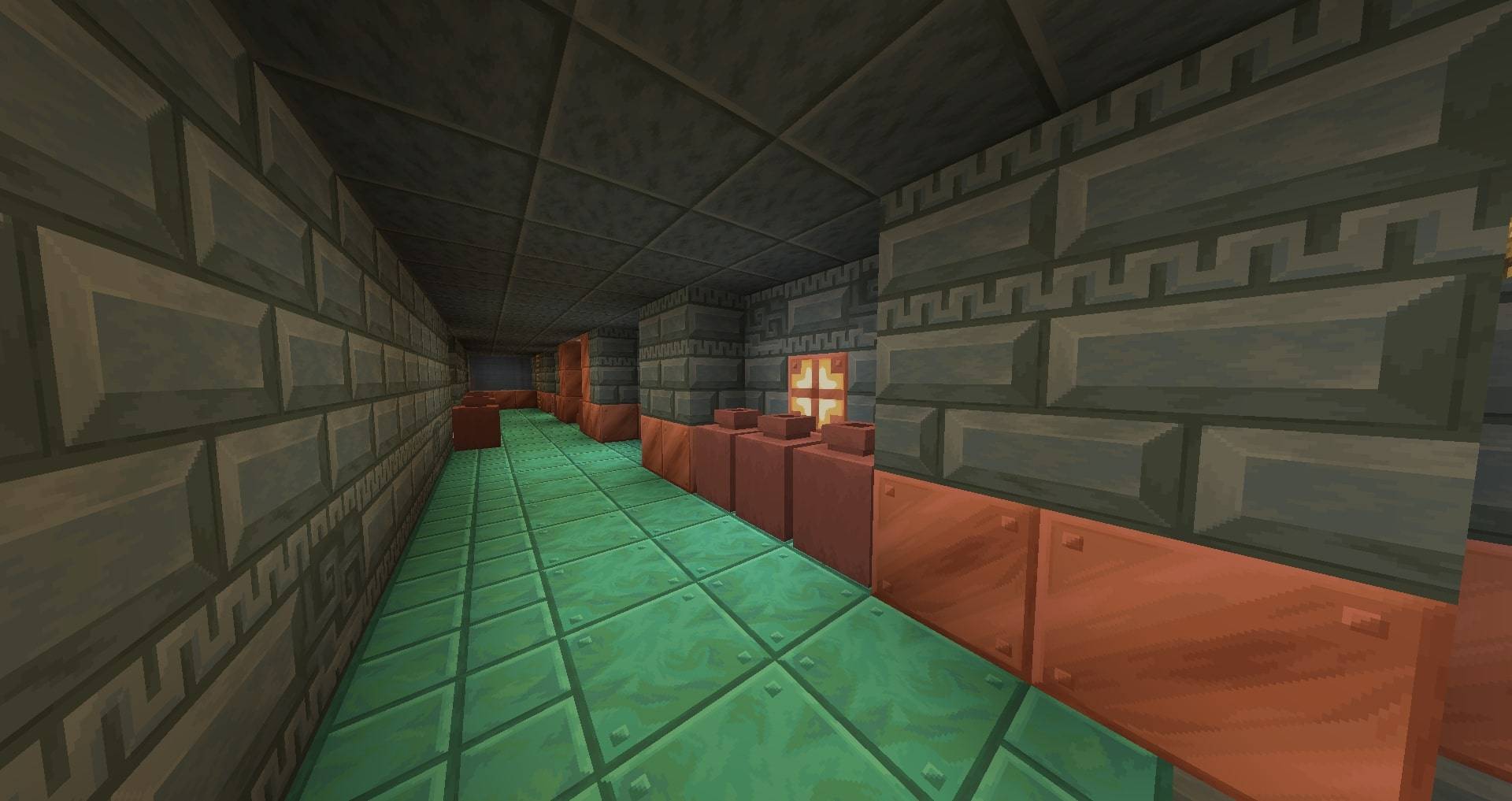
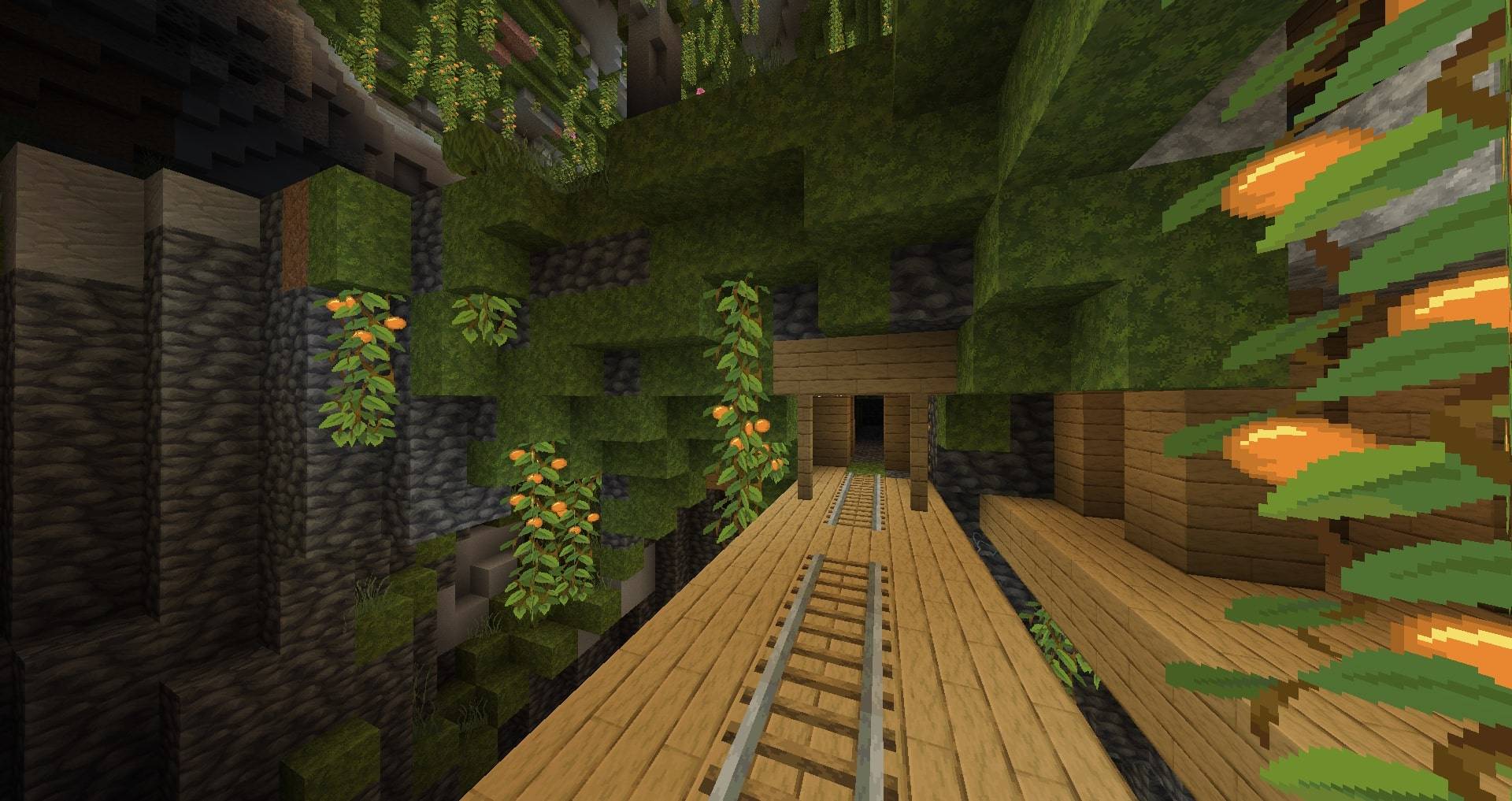
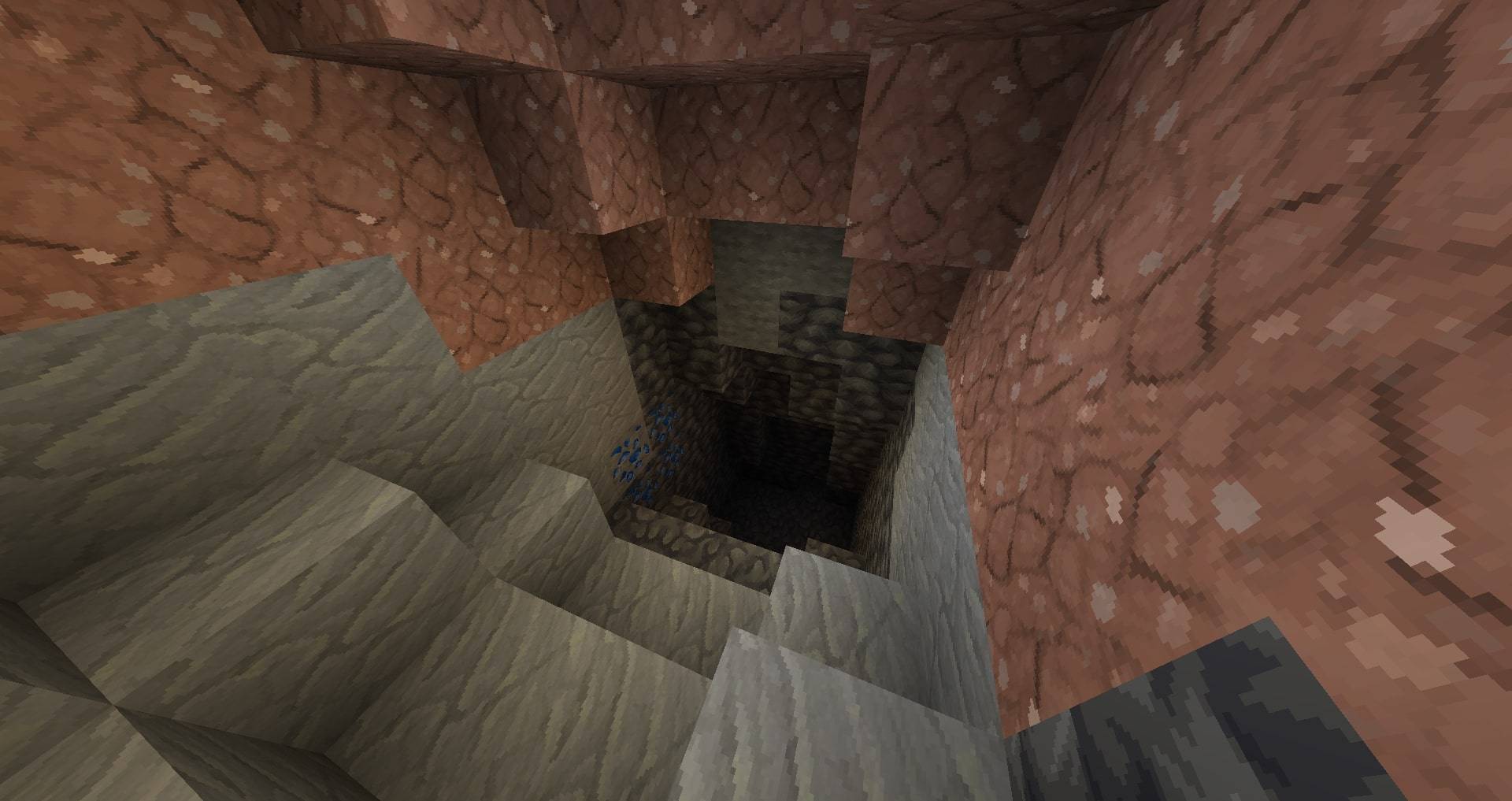
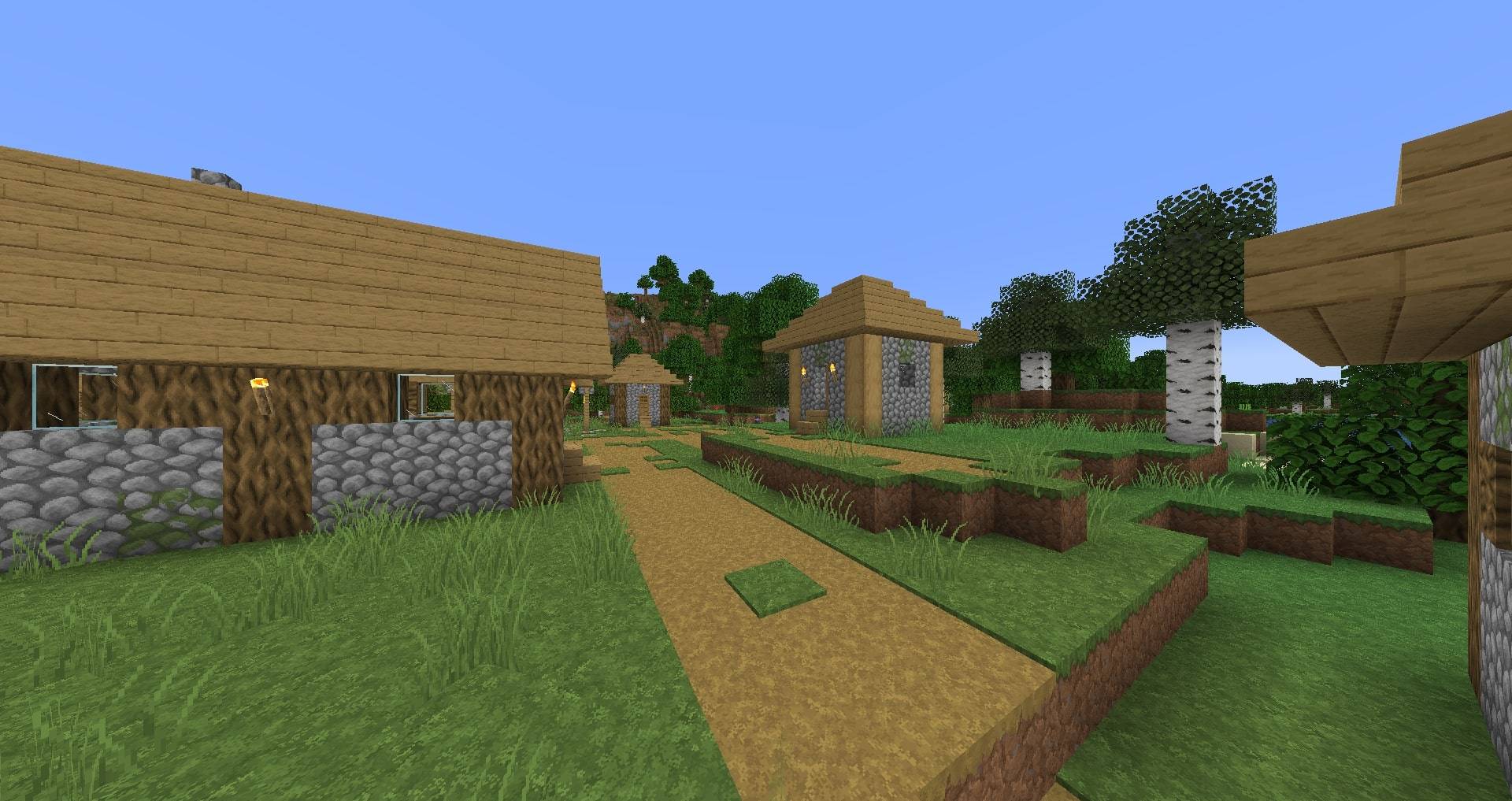
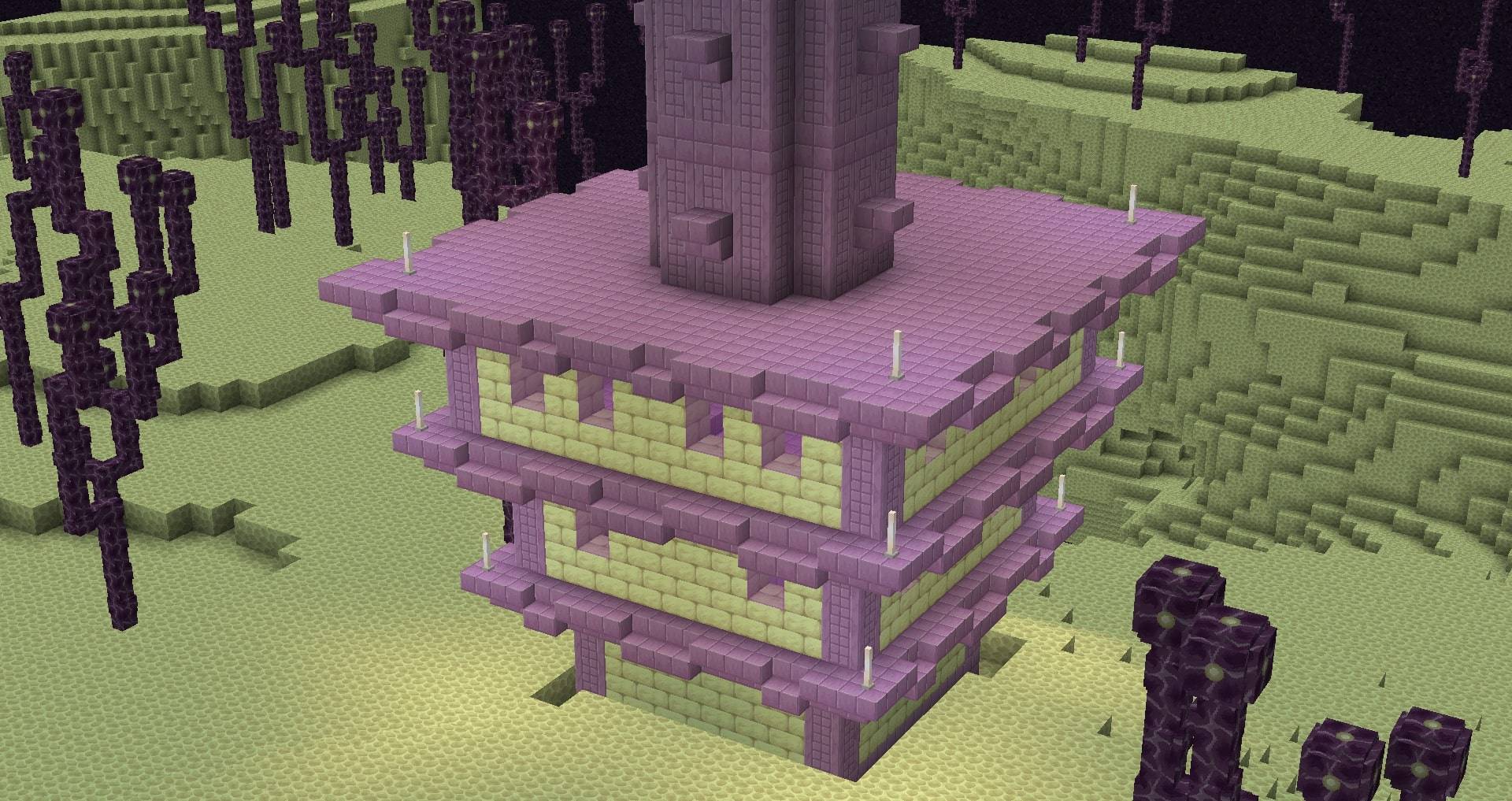
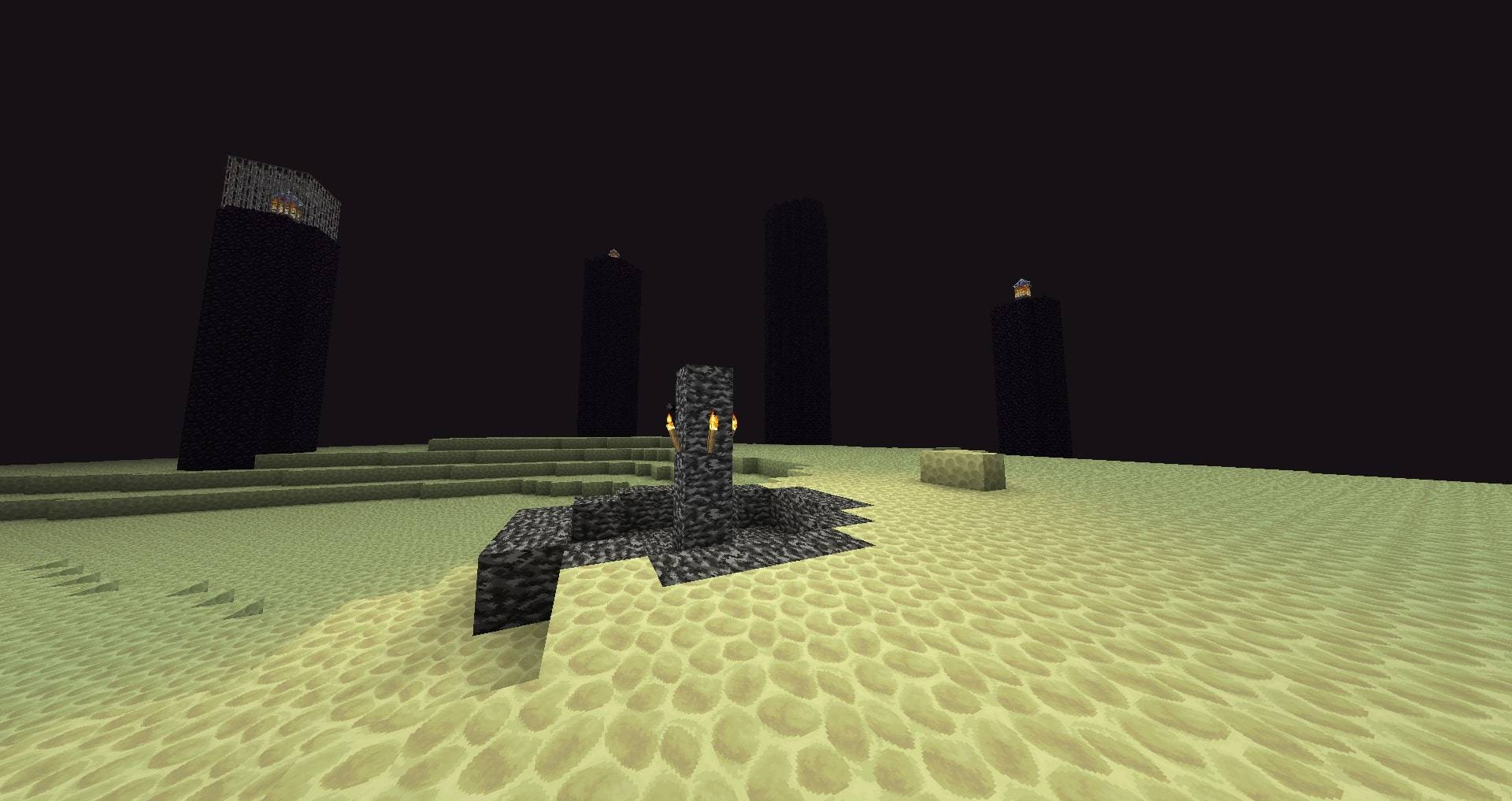
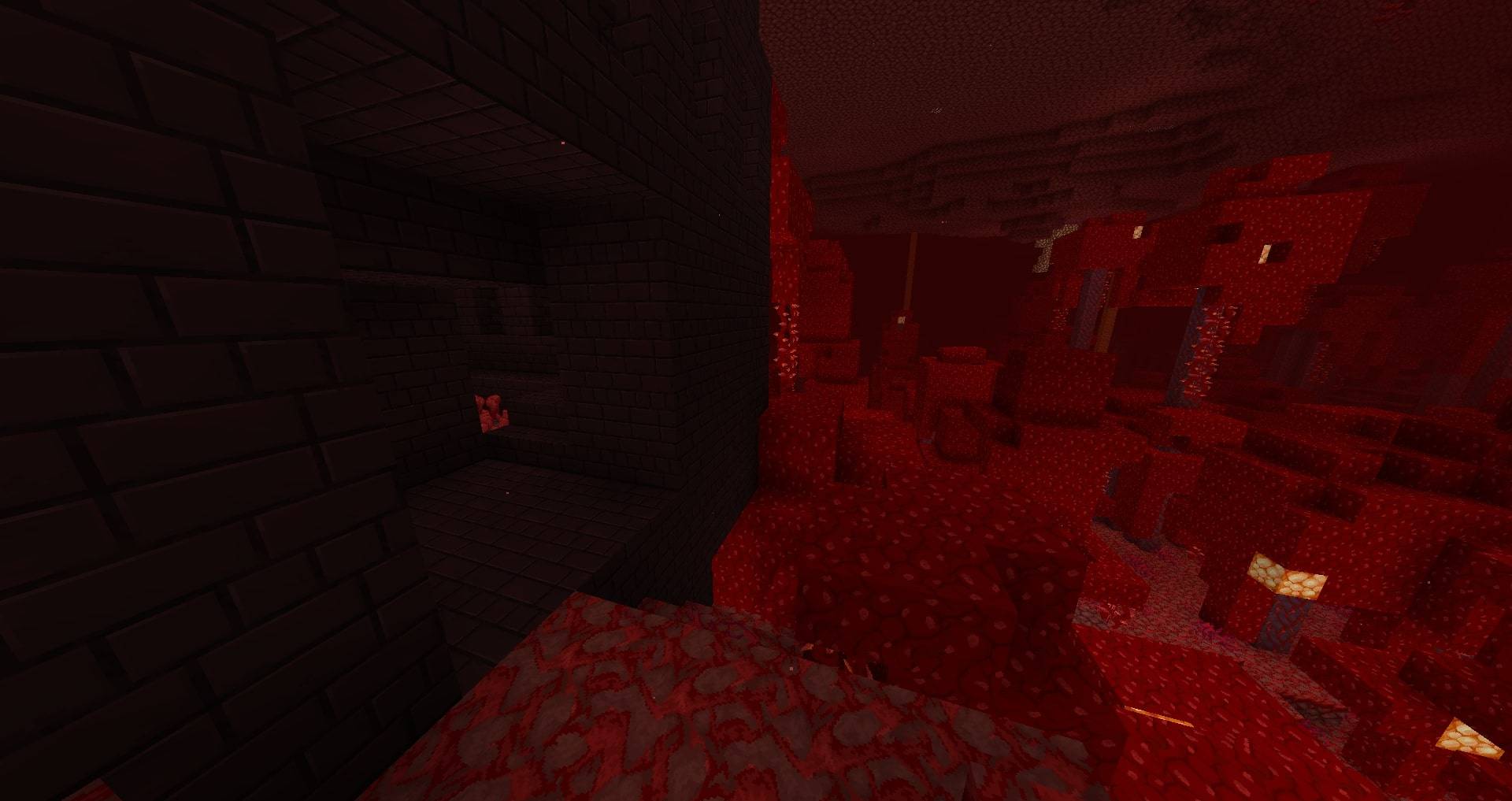
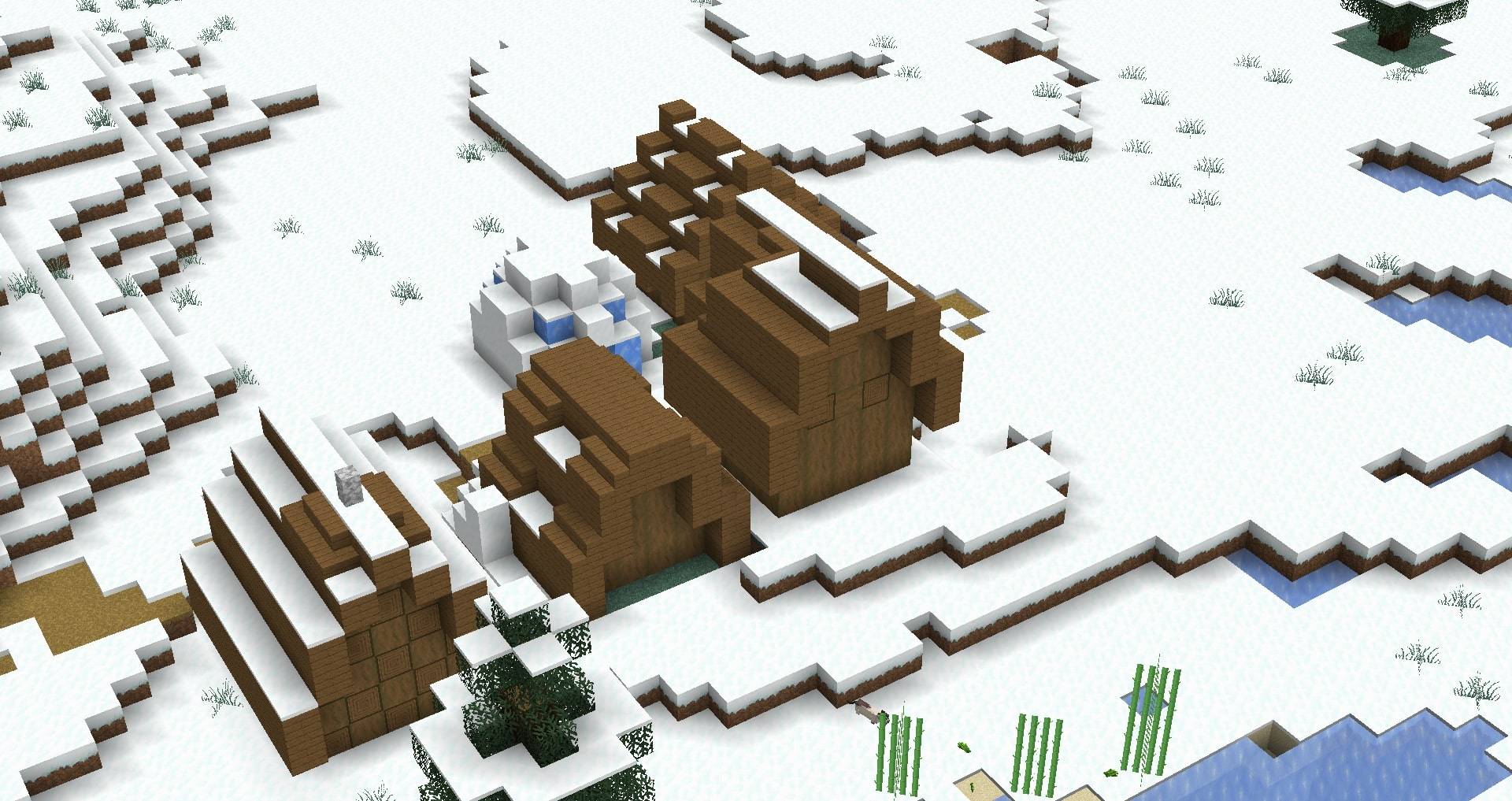
A quadruple resolution texture pack that continues Vattic’s classic faithful style today.


The 64x part in the Classic Faithful lineup, Classic Faithful 64x aims to be a spiritual successor to HiTeeN’s 64x pack, as well as many other discontinued 64x projects. Its goal is to bring back the classic “painted” look of Vattic's textures that many players have grown to love over the years, all the while remaking vanilla art in quadruple the resolution.

The Jappa version of Classic Faithful 64x is based on the new, updated Minecraft textures that were introduced in release 1.14, as well as the original 32x resource pack by Vattic, brought to life in a high-resolution 64x canvas for double the detail of the original packs.

For those of you who prefer a high-resolution rendition of the original Faithful resource pack referencing the overhauled default textures, then this pack is for you!

[NOTE: Missing textures will be present, as the pack is not complete.]

Discord Server
 
Website


Additional Information:

If you have any feedback, want to report a bug, or generally need help, join our Discord server above, make a GitHub issue, or comment below. For any commercial or distribution-related questions, refer to our license.

All textures and add-ons are provided by contributors volunteering in their free time. Anyone can submit textures through our Discord server linked above, or make an add-on to officially list on our website.

Each pack has listings on our website, CurseForge, Planet Minecraft, and Modrinth, and some packs are additionally listed on MCPEDL and the Minecraft Forums. Downloads from any other sites are unofficial, unsupported and could be dangerous! Remember to stay safe on the internet.



Our Other Projects:

Faithful 32x
 
Faithful 64x
  Classic Faithful 32x
  Classic Faithful 32x Jappa

undefined


Faithful is a collection of open source and community-driven Minecraft resource packs, aiming to provide a higher-resolution version of the default Minecraft textures while staying true to the originals.>
2026q3
MC 26.2
Beta 2026-07-09 Get
2026q1
MC 26.1
Beta 2026-03-26 Get
2025q4
MC 1.21.9
Beta 2025-11-08 Get
2025q2
MC 1.21.7, 1.21.6
Beta 2025-07-06 Get
2025q1
MC 1.21.5
Beta 2025-03-28 Get
D8.10
MC 1.19.3, 1.19.2, 1.19.1, 1.19
Beta 2022-11-02 Get
D8.9
MC 1.19.2, 1.19.1, 1.19
Beta 2022-10-20 Get
D8.8
MC 1.19.2, 1.19.1, 1.19
Beta 2022-09-06 Get
D8.7
MC 1.19.2, 1.19.1, 1.19
Beta 2022-08-23 Get
D8.6
MC 1.19.2, 1.19.1, 1.19
Beta 2022-08-11 Get
D8.5
MC 1.19.1, 1.19
Beta 2022-07-27 Get
D8.4
MC 1.19
Beta 2022-06-28 Get
D8.3
MC 1.18.2
Beta 2022-06-14 Get
D8.2
MC 1.18.2
Beta 2022-05-31 Get
D8.1
MC 1.18.2
Beta 2022-05-17 Get
D8
MC 1.18.2
Beta 2022-05-03 Get
D7.3
MC 1.18.2
Beta 2022-04-19 Get
D7.2
MC 1.18.2
Beta 2022-04-05 Get
D7.1
MC 1.18.1, 1.18.2
Beta 2022-03-22 Get
D7
MC 1.18.1, 1.18.2
Beta 2022-03-09 Get
D6.6
MC 1.17.1, 1.18.1
Beta 2022-01-25 Get
D6.5
MC 1.18.1
Beta 2022-01-12 Get
D6.4
MC 1.18.1
Beta 2021-12-27 Get
D6.2/D6.3
MC 1.17.1, 1.17, 1.18
Beta 2021-12-10 Get
D6.1
MC 1.17.1
Beta 2021-08-08 Get
D6
MC 1.17.1, 1.17
Alpha 2021-07-21 Get
D5.1
MC 1.16.5
Beta 2021-06-26 Get
D5
MC 1.16.5
Beta 2021-06-22 Get
EM64D-D4.zip
MC 1.16.3, 1.16.5, 1.16.4, 1.16.2
Beta 2021-03-15 Get
D3
MC 1.16.4
Beta 2020-12-30 Get
D2R
MC 1.16.3, 1.16.2
Beta 2020-10-31 Get
D2
MC 1.16.3, 1.16.2
Beta 2020-10-30 Get
D1
MC 1.16.3
Beta 2020-10-20 Get

Requirements & install

How to use this resource pack in Minecraft
Resolution
64x
Minecraft
1.19.2 – 26.2
Install folder
.minecraft/resourcepacks

How to install resource packs

  1. Download the resource pack .zip file (do not extract it).
  2. In Minecraft open Options → Resource Packs → Open Pack Folder.
  3. Drop the .zip into the resourcepacks folder (.minecraft/resourcepacks).
  4. Move the pack to the Selected column and click Done.
Browse more: 16x resource packs 32x resource packs 64x resource packs 128x resource packs 256x resource packs 512x+ resource packs Resource Packs for 26.2 All resource packs

More from Faithful_Resource_Pack

Advertisement Remove ads with Premium →

You Might Also Like