Mineuniverse
Resource Packs
Classic Chests

Classic Chests

RESOURCE PACK
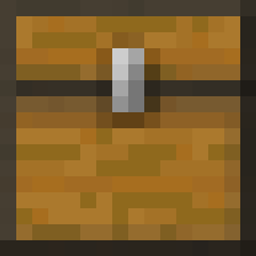
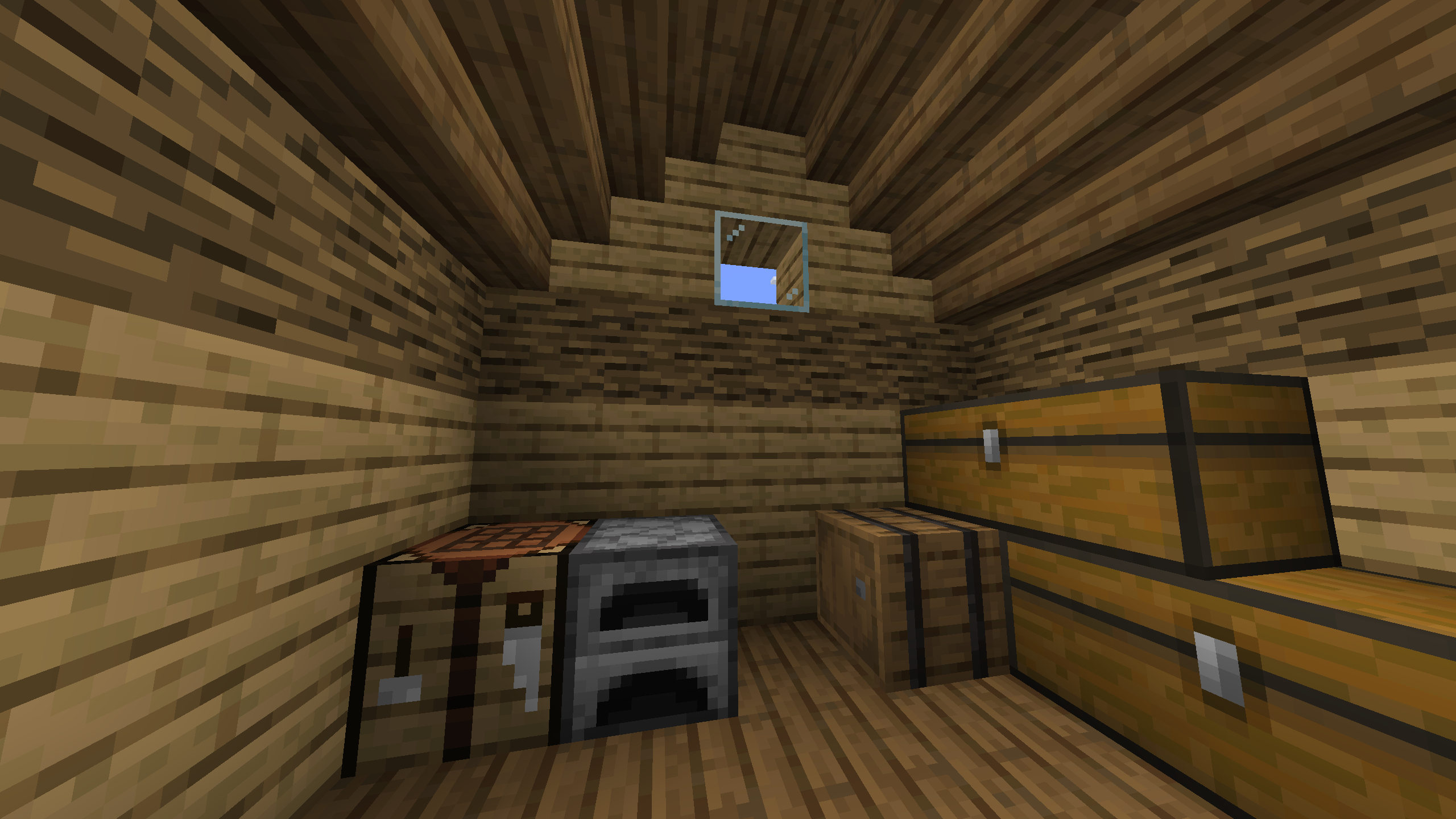
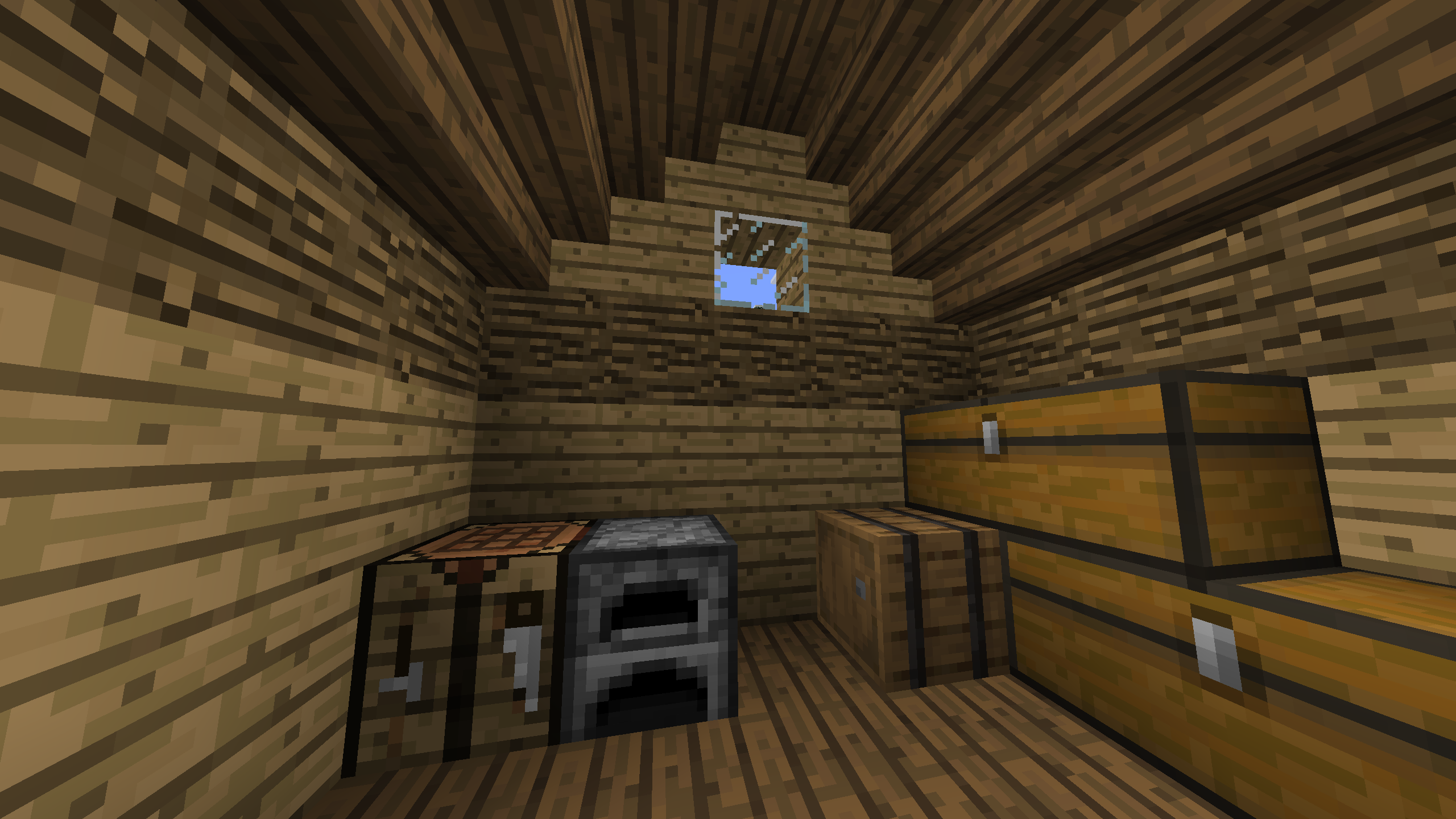
Remodels chests to look how they did before Beta 1.8 (NO OPTIFINE REQUIRED)
by SeanMaxMyla
Download Claim this project
1,388 downloads
0 likes
Updated Oct 14, 2026
0 hypes
16x Miscellaneous
Advertisement Remove ads with Premium →

IMPORTANT: THIS PACK REQUIRES 1.21.4 (24w46a) OR LATER TO WORK!!!

This pack does NOT require OptiFine!


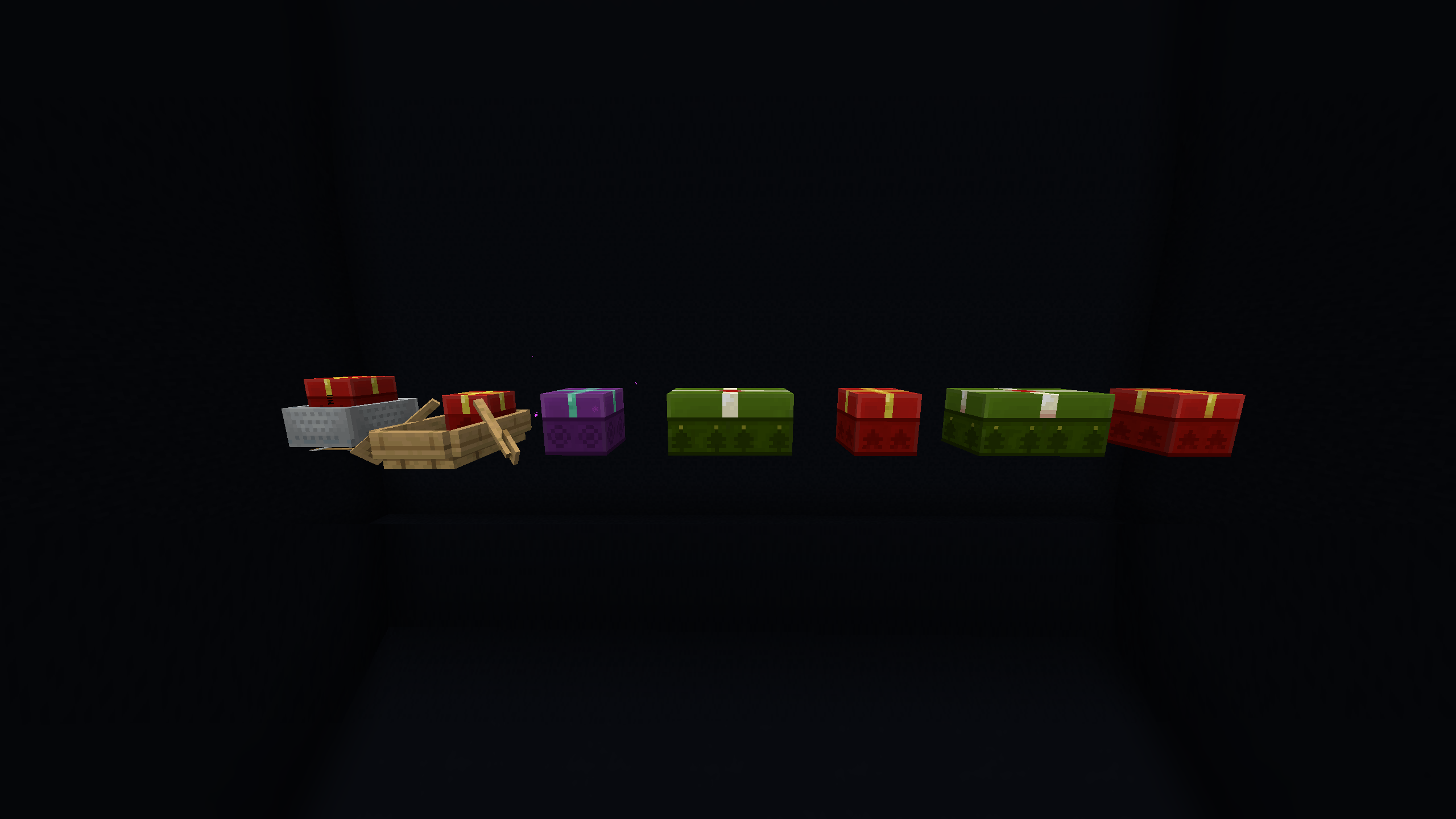
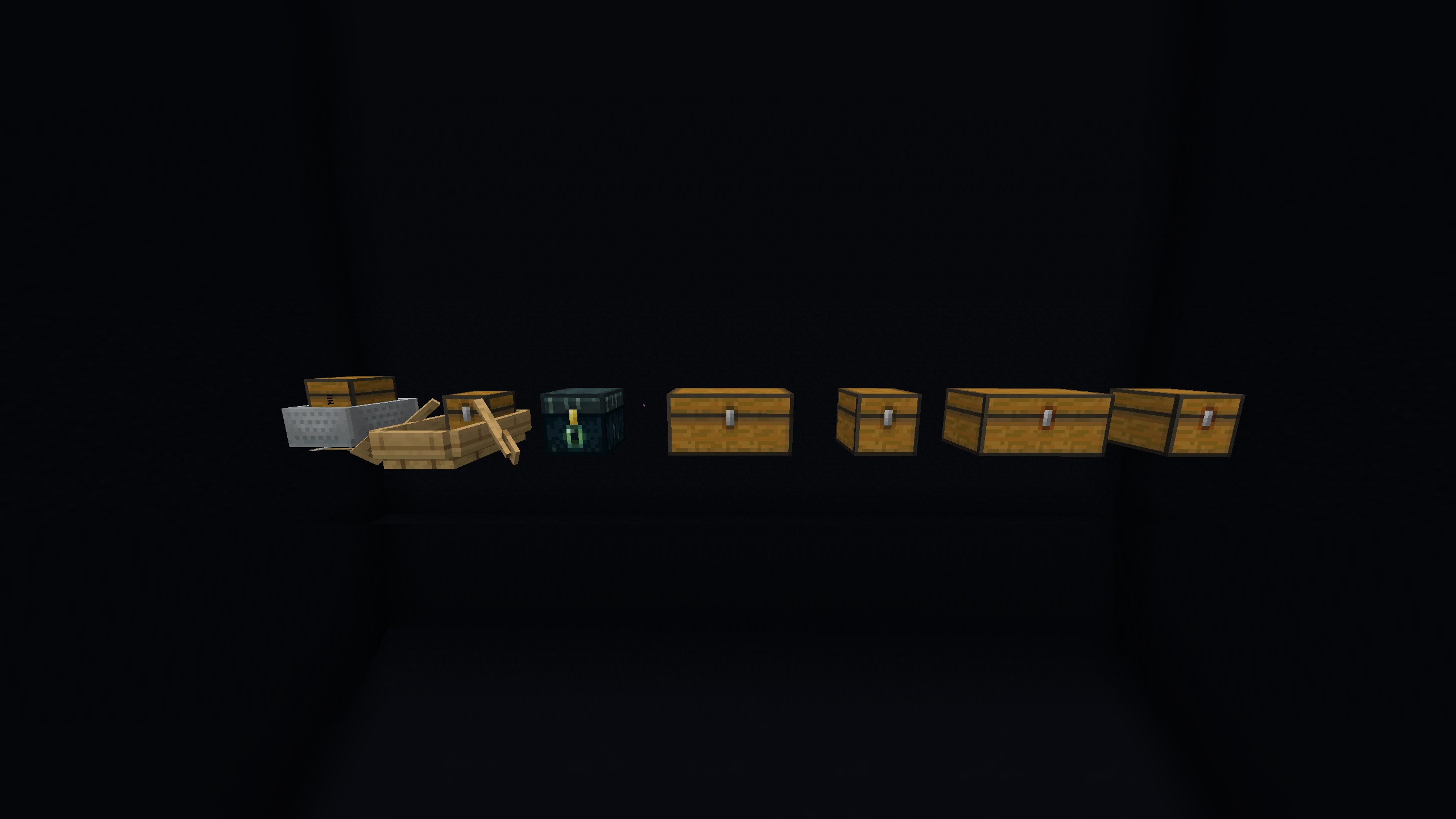
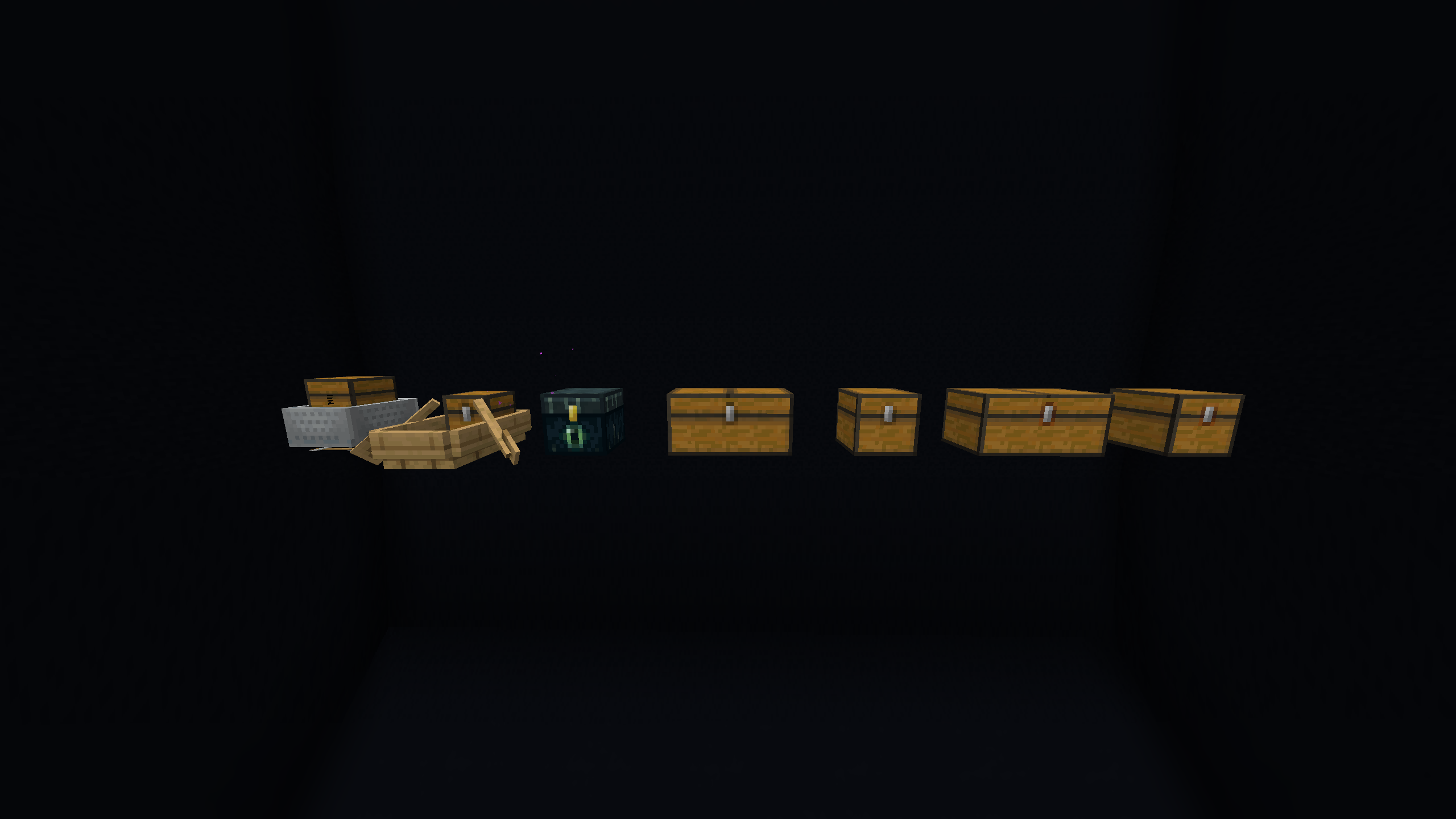
This resource pack uses the new functionality included in 1.21.4 to replace chests (including chest boats, chest minecarts, and all chest variants) with full-block models, similar to how they looked before Beta 1.8.


There are a few versions of this pack:

When downloading the pack, you should pick which one(s) you want. If you're downloading through the CurseForge launcher, you may manually have to go in and pick, since it will always default to the most recent one.

  • True Classic: The original textures as they were in Beta 1.8 (with matching trapped/ender chest textures)
  • Touch-Up: Slight tweaks to the textures to make them feel a little more like today's chests (moving the latch down a pixel, closer to where it is now, and making the top connect properly)
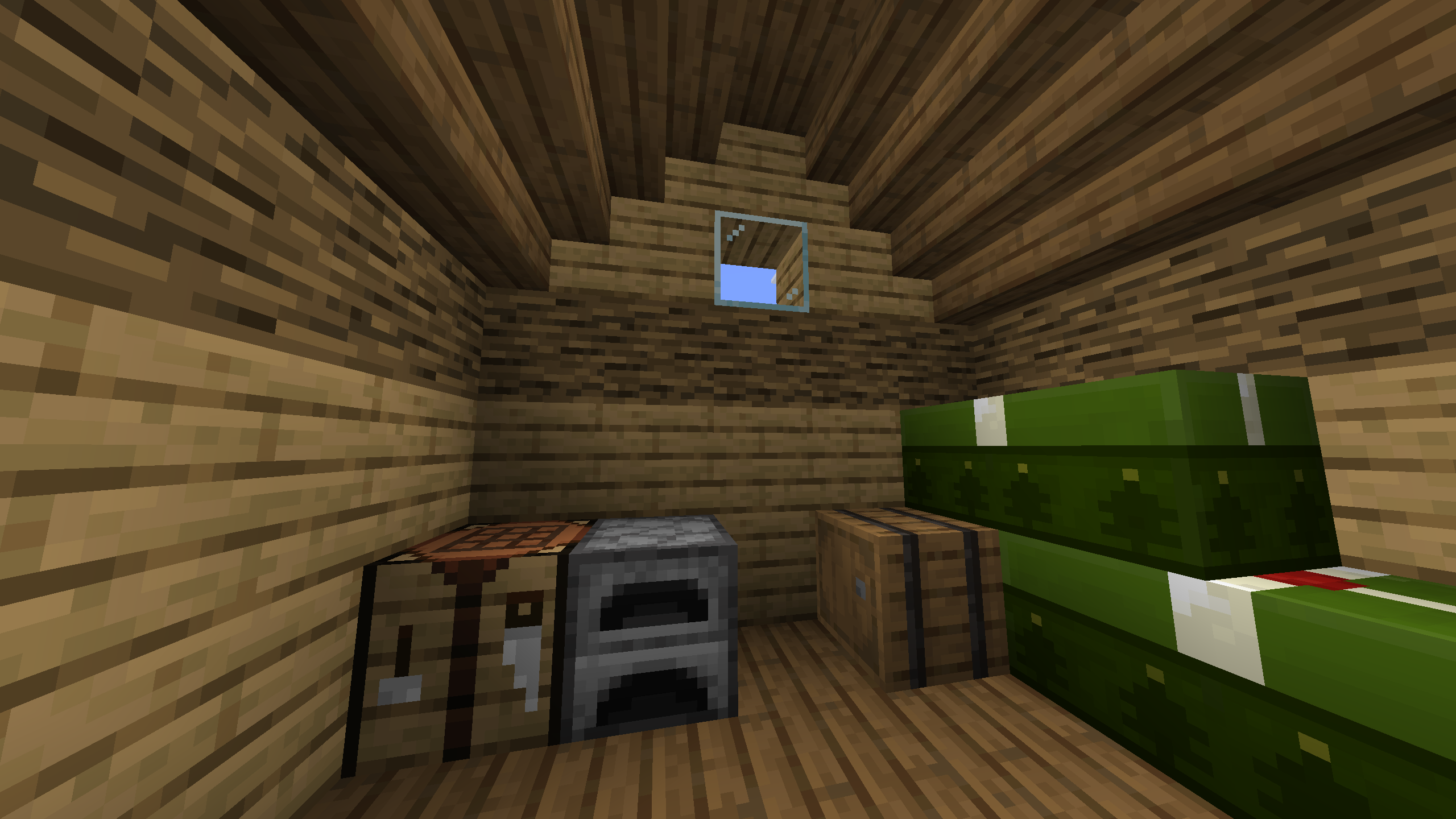
  • Christmas: Chests are now presents (custom purple ender chest present included!)


Known issues:

  • Minecart chests are slightly broken (the latch from the vanilla chest still renders, not sure how to fix it. Feel free to leave a comment if you know how)


Classic Chests (True Classic)
MC 1.21.6-snapshot, 1.21.5, 1.21.8, 1.21.4, 1.21.5-Snapshot, 1.21.7, 1.21.6, 1.21.4-Snapshot
Release 2025-01-12 Get
Classic Chests (Touchup)
MC 1.21.6-snapshot, 1.21.5, 1.21.8, 1.21.4, 1.21.5-Snapshot, 1.21.7, 1.21.6, 1.21.4-Snapshot
Release 2025-01-12 Get
Classic Chests (Christmas)
MC 1.21.6-snapshot, 1.21.5, 1.21.8, 1.21.4, 1.21.5-Snapshot, 1.21.7, 1.21.6, 1.21.4-Snapshot
Release 2025-01-12 Get

Requirements & install

How to use this resource pack in Minecraft
Resolution
16x
Minecraft
1.21.4-Snapshot – 1.21.8
Install folder
.minecraft/resourcepacks

How to install resource packs

  1. Download the resource pack .zip file (do not extract it).
  2. In Minecraft open Options → Resource Packs → Open Pack Folder.
  3. Drop the .zip into the resourcepacks folder (.minecraft/resourcepacks).
  4. Move the pack to the Selected column and click Done.
Browse more: 16x resource packs 32x resource packs 64x resource packs 128x resource packs 256x resource packs 512x+ resource packs Resource Packs for 1.21.8 All resource packs

More from SeanMaxMyla

Advertisement Remove ads with Premium →

You Might Also Like