Mineuniverse
Resource Packs
Christmas Cosmetic

Christmas Cosmetic

RESOURCE PACK
Add christmas themed visuals to my villagers pack
by Seb_Semos
Download Claim this project
669 downloads
0 likes
0 followers
Updated Oct 14, 2026
0 hypes
Follow0
64x Miscellaneous
Advertisement Remove ads with Premium →

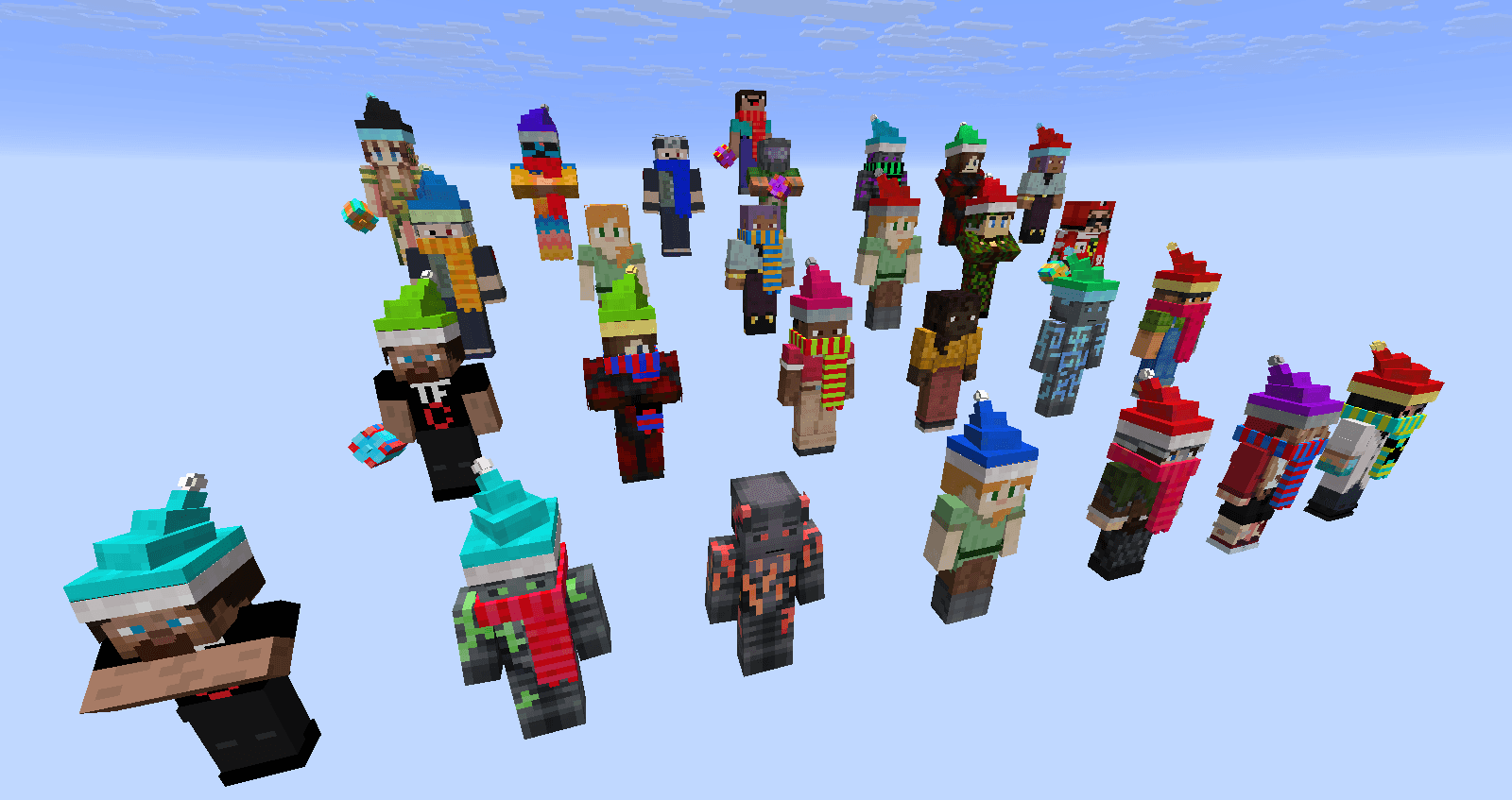
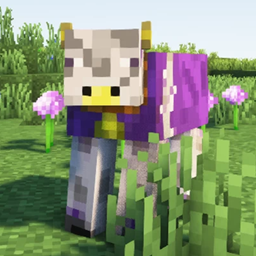
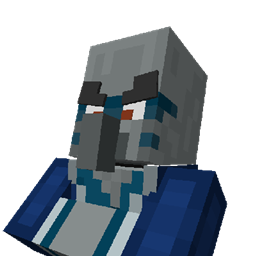
This pack let you use cosmetic addon packs to my villagers packs, namely [Hermitcraft Villagers], [Songs Of War Villagers] and [Alex and Steve Villagers]

This pack uses some ETF/EMF exclusive features and therefore is not compatible with optifine!

Keep track of what versions of my packs are compatible with wich addon version with this file: [with this link]

Require: [Cosmetic Addon Lib]

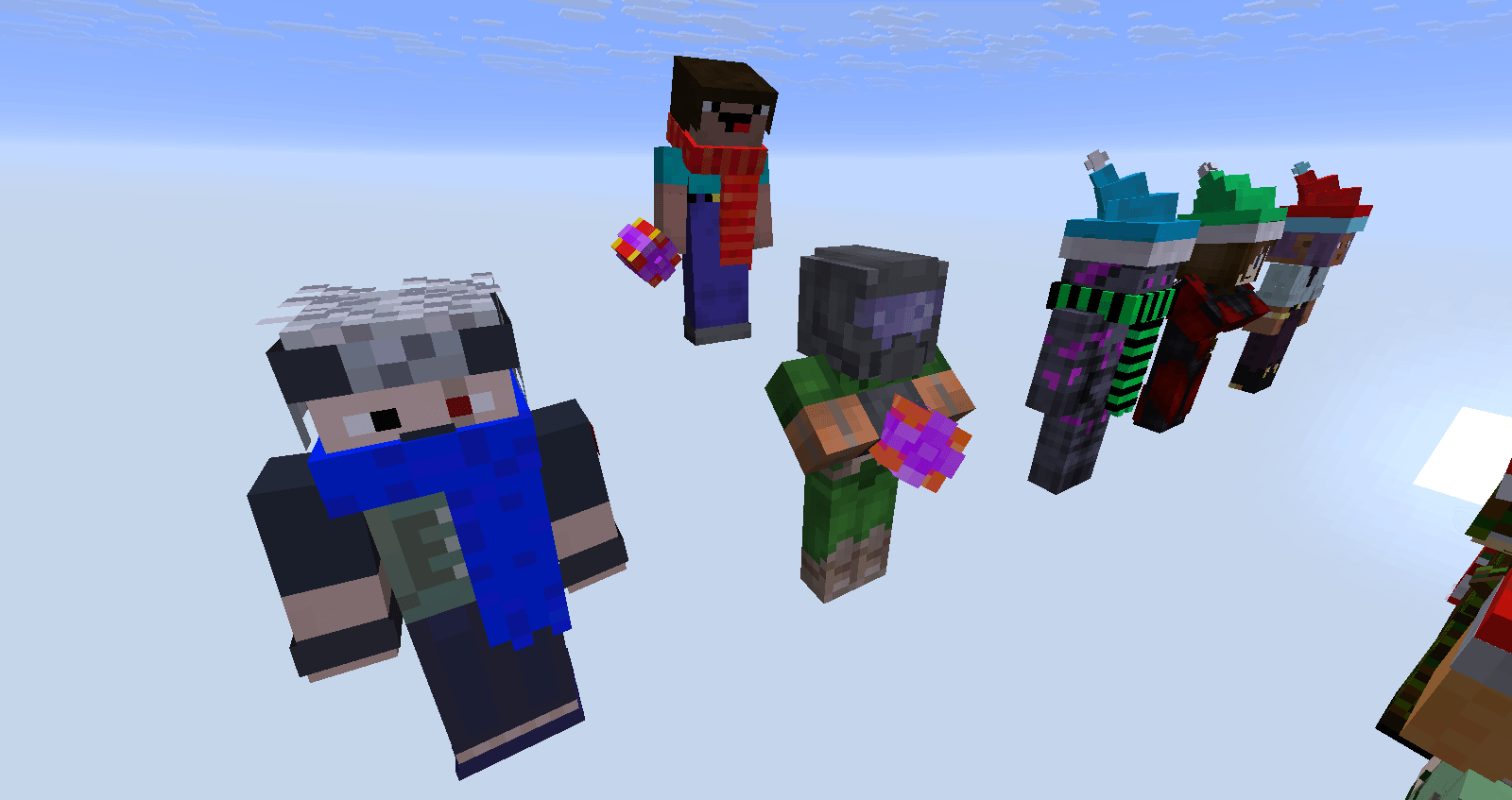
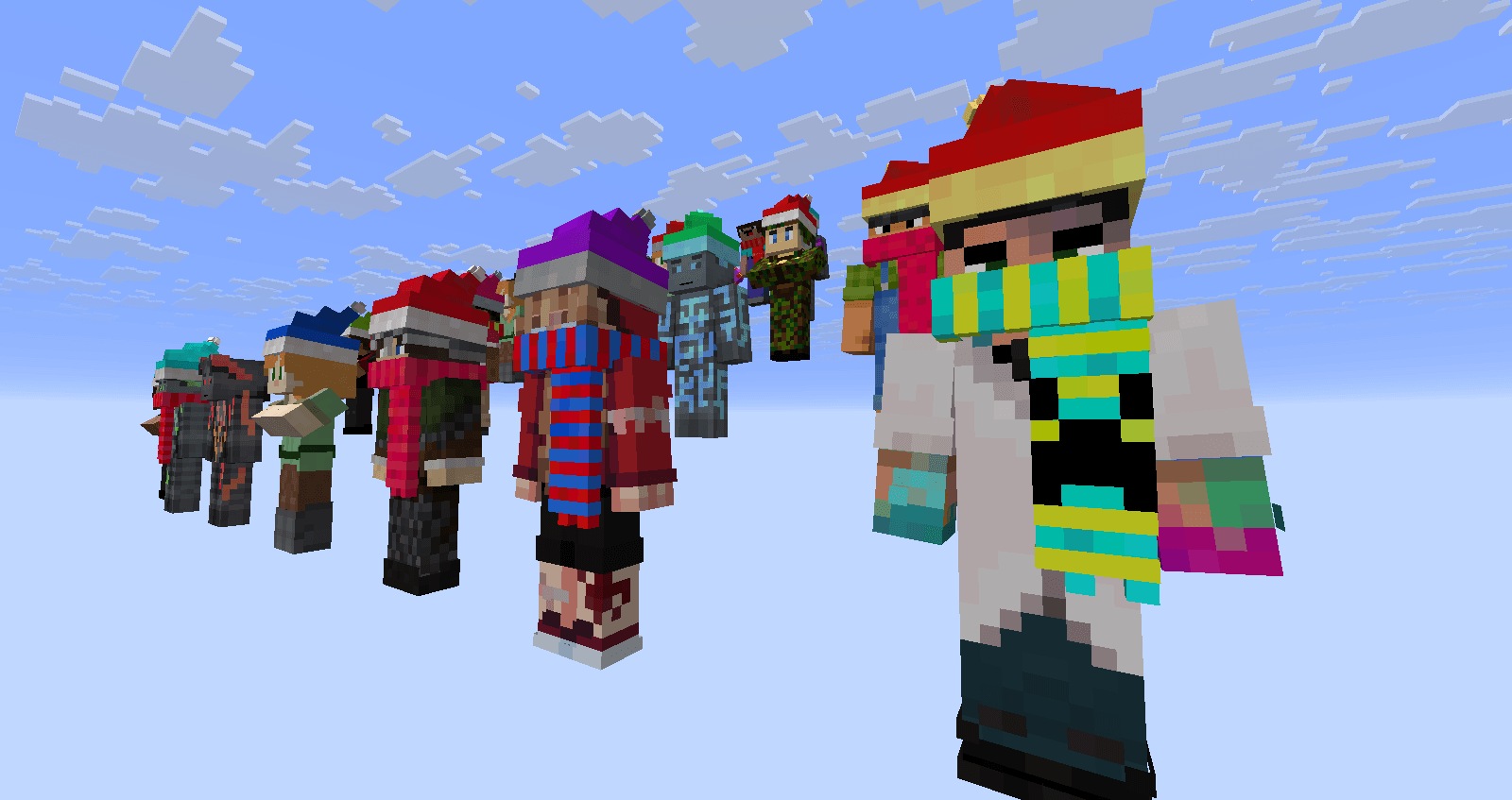
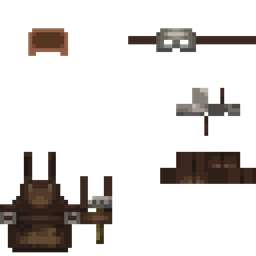
Villagers will randomly display:

  • Christmas Hat
  • Colorful scarf
  • Small present
  • Some villagers will not display anything.

Elements will have random combinaisons of colors and some diverse rotations.

Christmas Cosmetic Addon 1.0.3.zip
MC 1.21.2-Snapshot, 1.21, 1.21.6-snapshot, 1.20.2-Snapshot, 1.20.5-Snapshot, 1.21.1-Snapshot, 1.20.2, 1.21.8, 1.20.5, 1.21.5, 1.21.4, 1.21.5-Snapshot, 1.20.1, 1.20, 1.20.6, 1.21.1
Release 2026-09-26 Get
Christmas Cosmetic Addon 1.0.2.zip
MC 1.21.2-Snapshot, 1.21, 1.21.6-snapshot, 1.20.2-Snapshot, 1.20.5-Snapshot, 1.21.1-Snapshot, 1.20.2, 1.21.8, 1.20.5, 1.21.5, 1.21.4, 1.21.5-Snapshot, 1.20.1, 1.20, 1.20.6, 1.21.1
Release 2026-06-28 Get
Christmas Cosmetic Addon 1.0.1.zip
MC 1.21.2-Snapshot, 1.21, 1.21.6-snapshot, 1.20.2-Snapshot, 1.20.5-Snapshot, 1.21.1-Snapshot, 1.20.2, 1.21.8, 1.20.5, 1.21.5, 1.21.4, 1.21.5-Snapshot, 1.20.1, 1.20, 1.20.6, 1.21.1
Release 2026-03-29 Get
Christmas Cosmetic Addon 1.0.0 .zip
MC 1.21.2-Snapshot, 1.21, 1.21.6-snapshot, 1.20.2-Snapshot, 1.20.5-Snapshot, 1.21.1-Snapshot, 1.20.2, 1.21.8, 1.20.5, 1.21.5, 1.21.4, 1.21.5-Snapshot, 1.20.1, 1.20, 1.20.6, 1.21.1
Release 2025-12-07 Get

Requirements & install

How to use this resource pack in Minecraft
Resolution
64x
Minecraft
1.21.1-Snapshot – 1.21.8
Install folder
.minecraft/resourcepacks

How to install resource packs

  1. Download the resource pack .zip file (do not extract it).
  2. In Minecraft open Options → Resource Packs → Open Pack Folder.
  3. Drop the .zip into the resourcepacks folder (.minecraft/resourcepacks).
  4. Move the pack to the Selected column and click Done.
Browse more: 16x resource packs 32x resource packs 64x resource packs 128x resource packs 256x resource packs 512x+ resource packs Resource Packs for 1.21.8 All resource packs

More from Seb_Semos

Advertisement Remove ads with Premium →

You Might Also Like