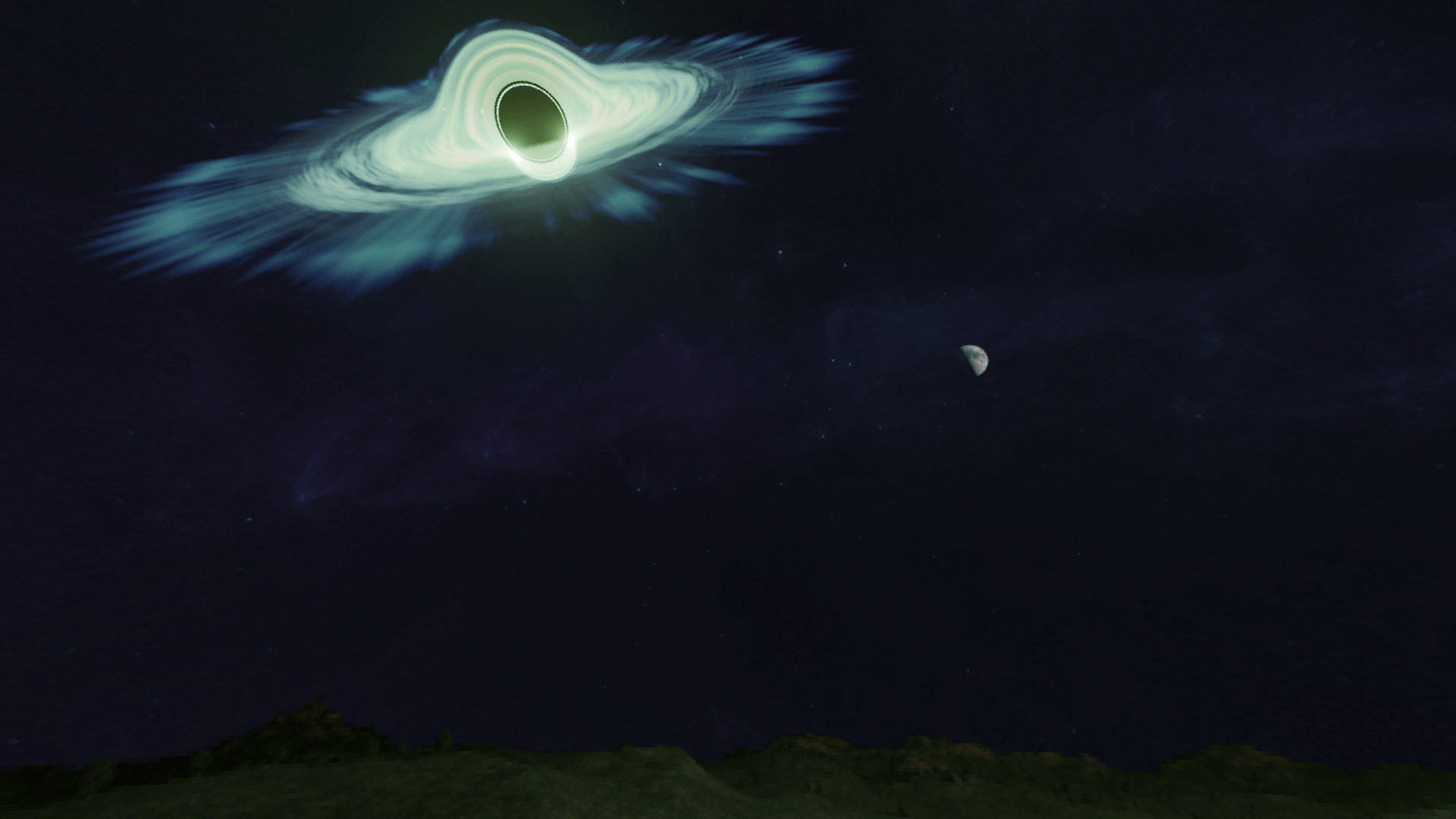
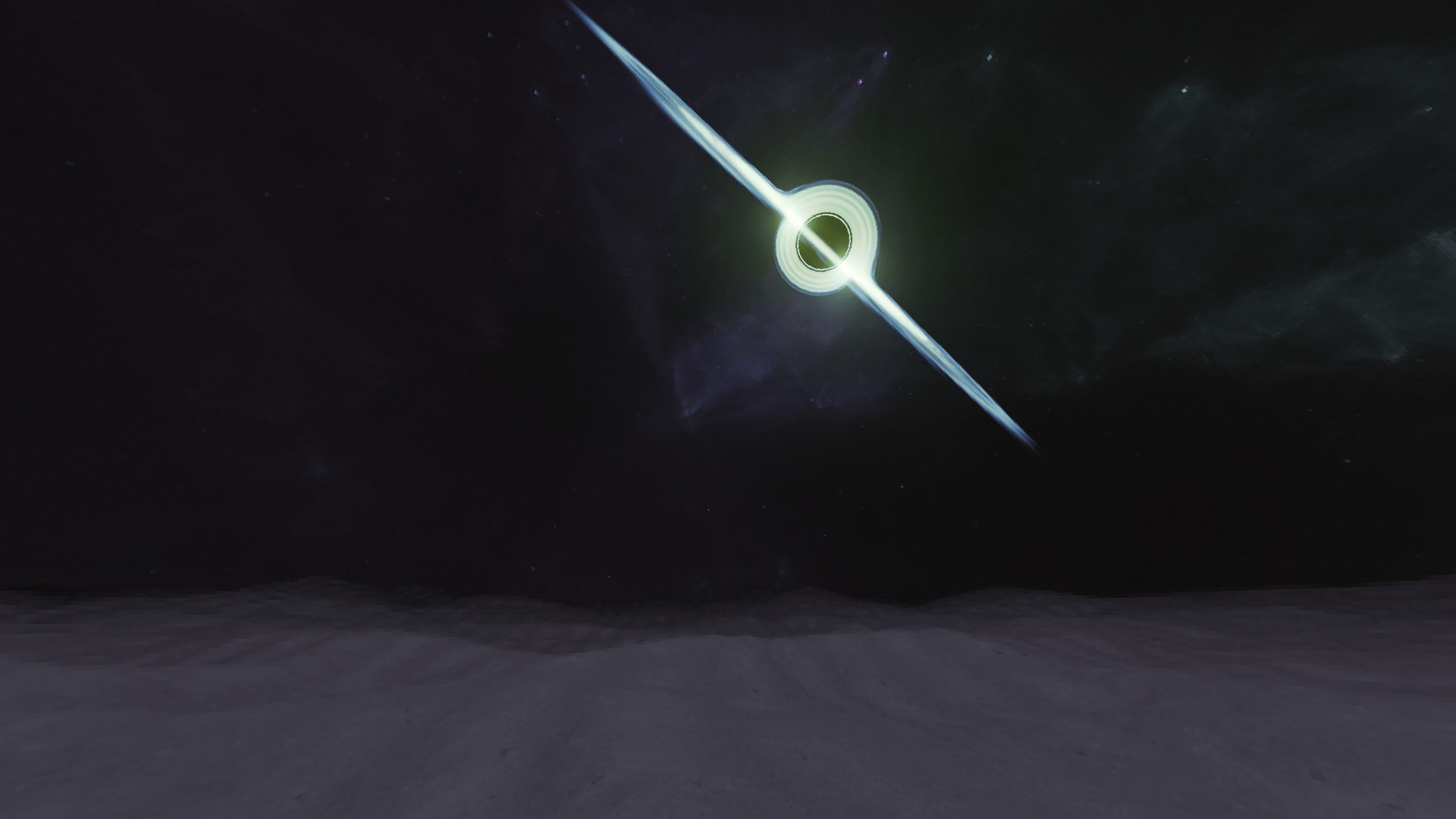
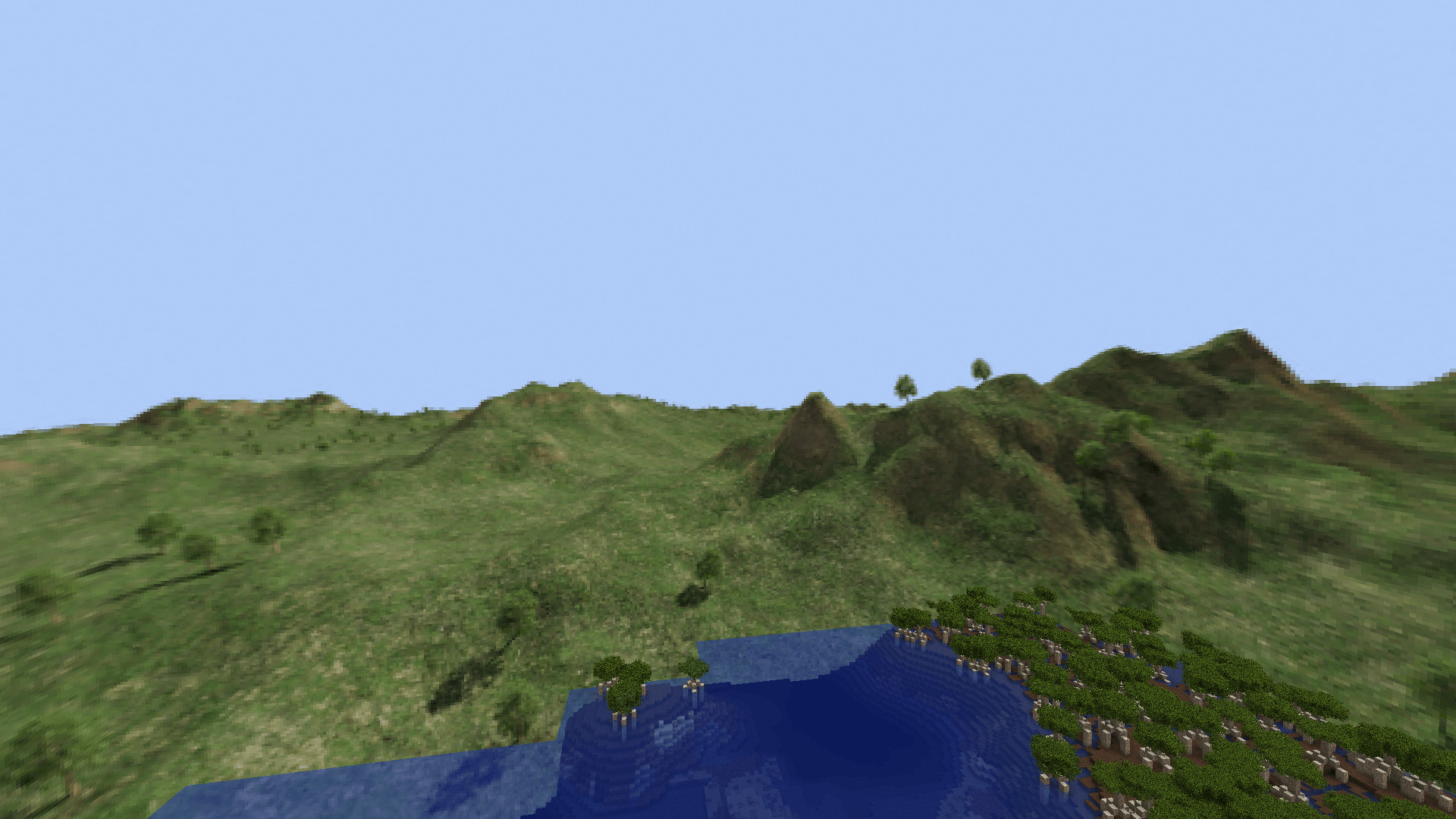
A custom sky resource pack designed to make the world feel more stylized and apocalyptic.
Features
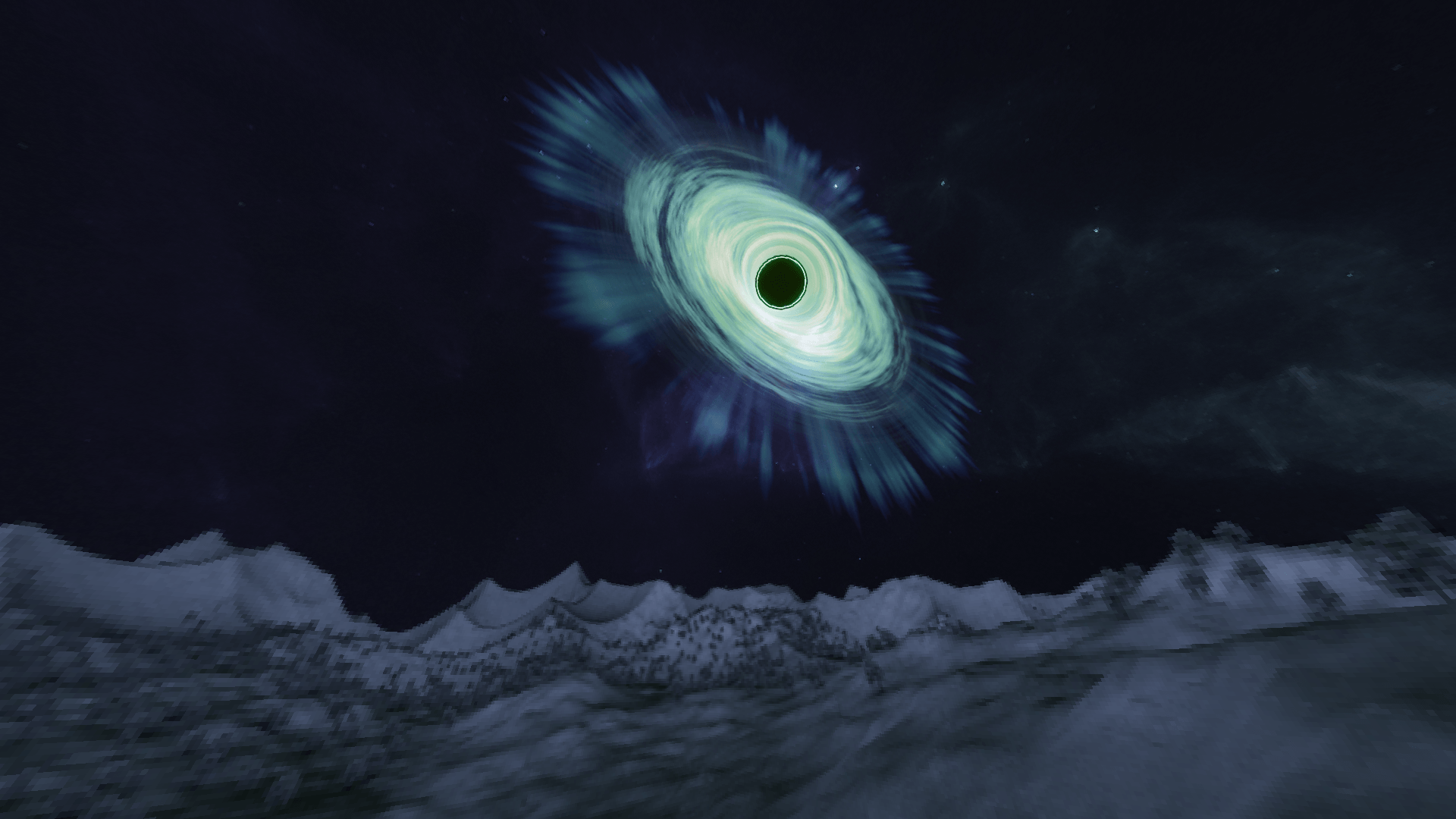
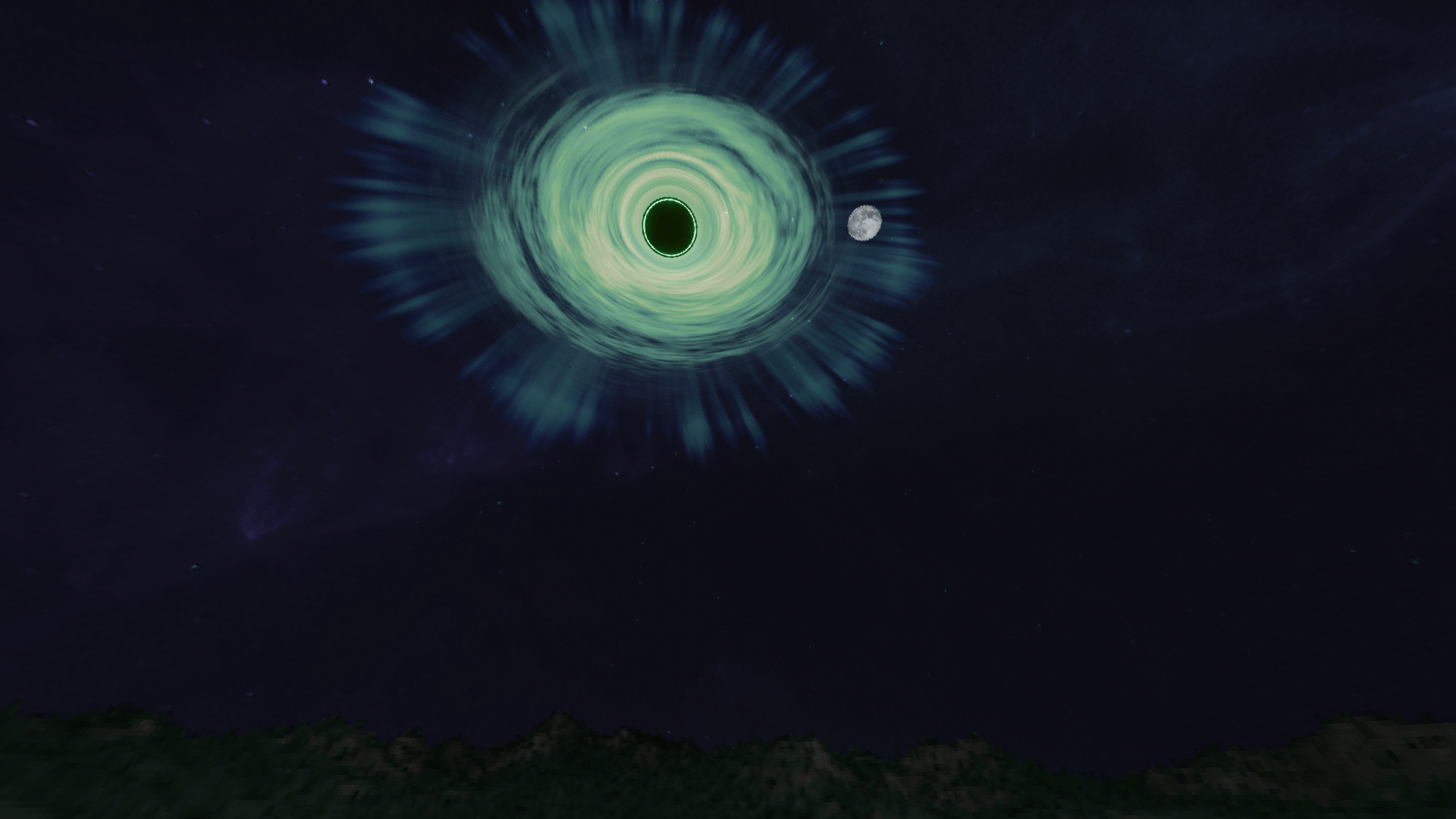
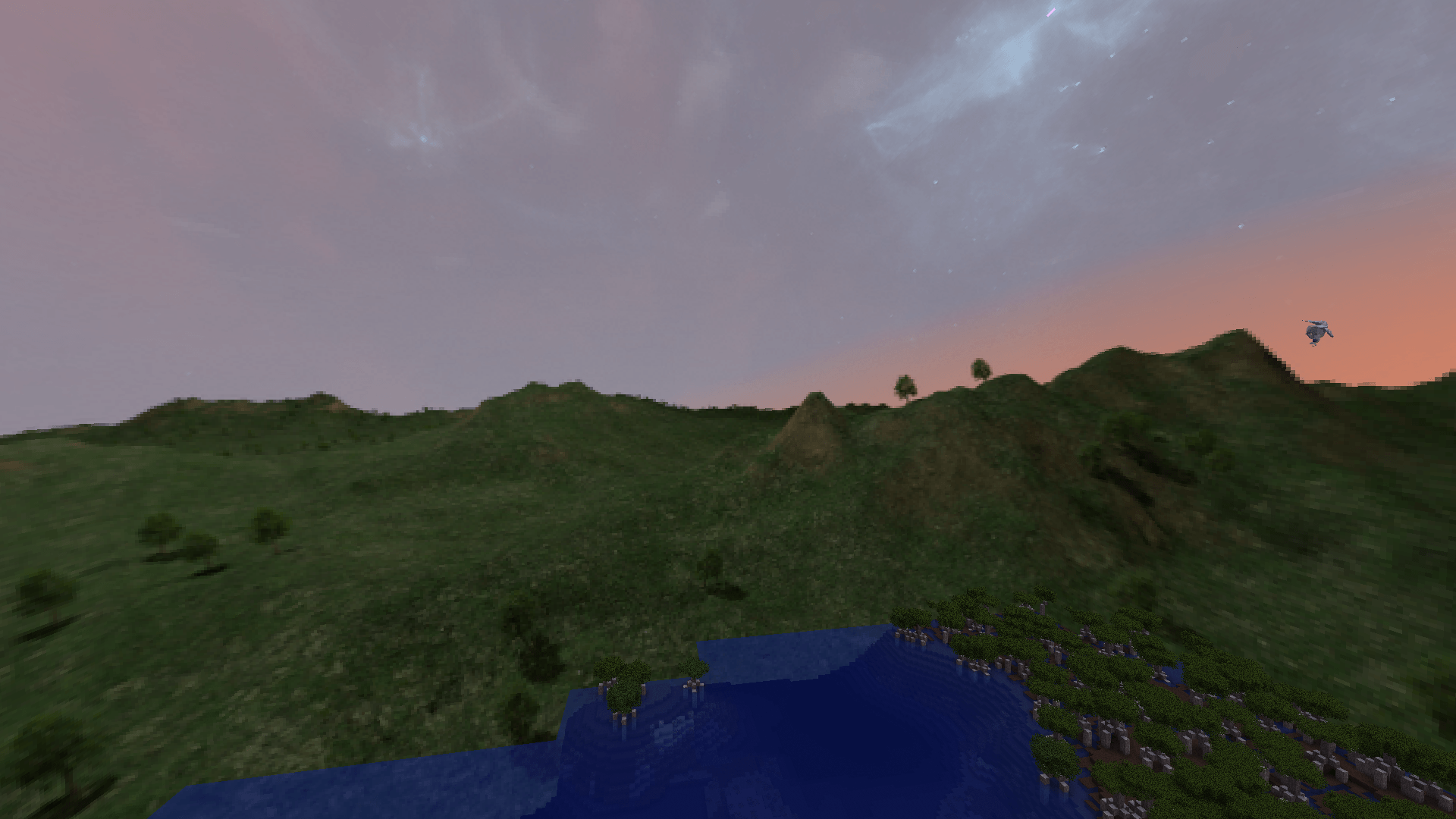
The Rupture: Black-hole-inspired celestial object that has its own orbit and also rotates by 20° every night (for a higher-resolution Rupture, gohere).
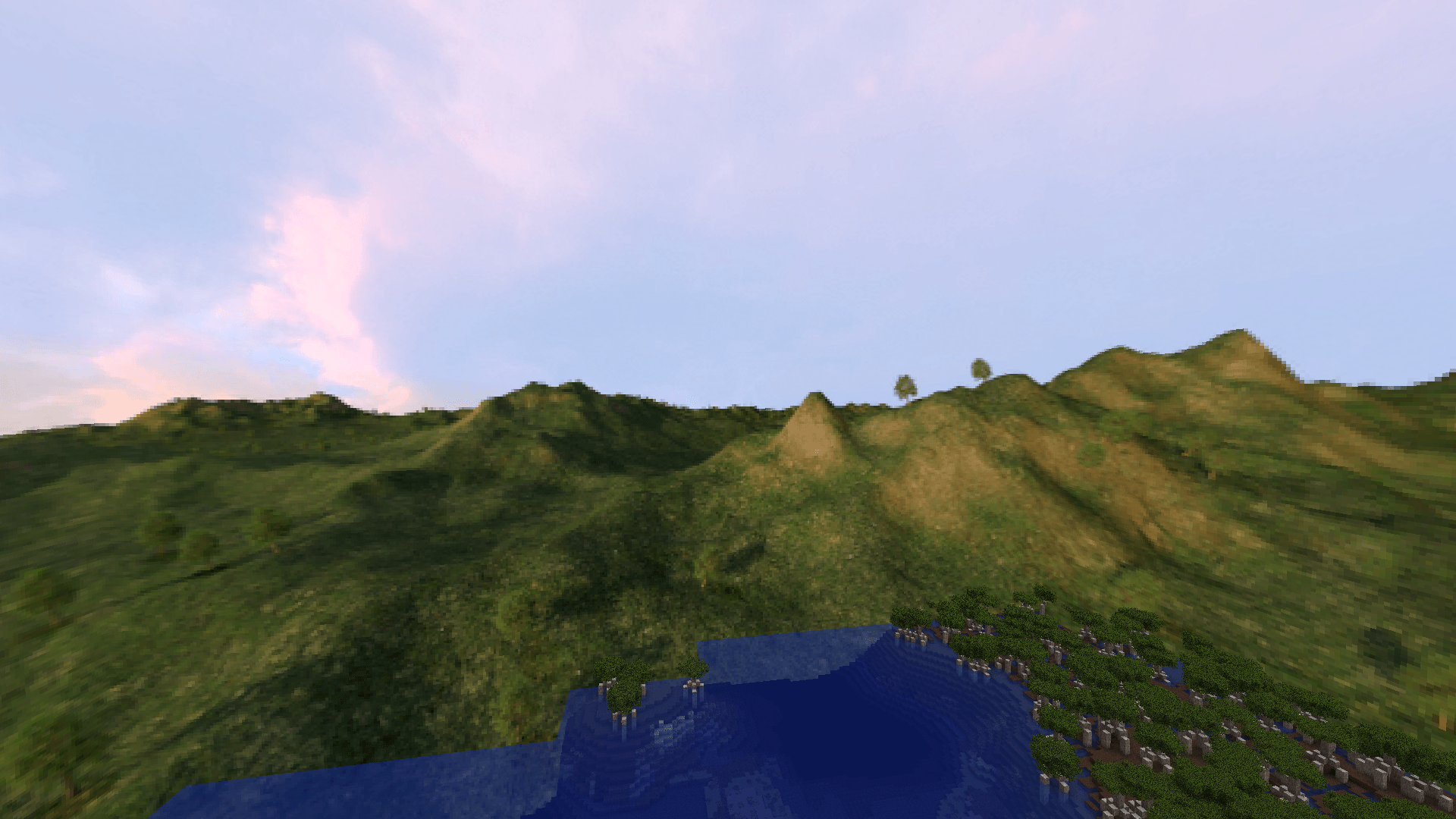
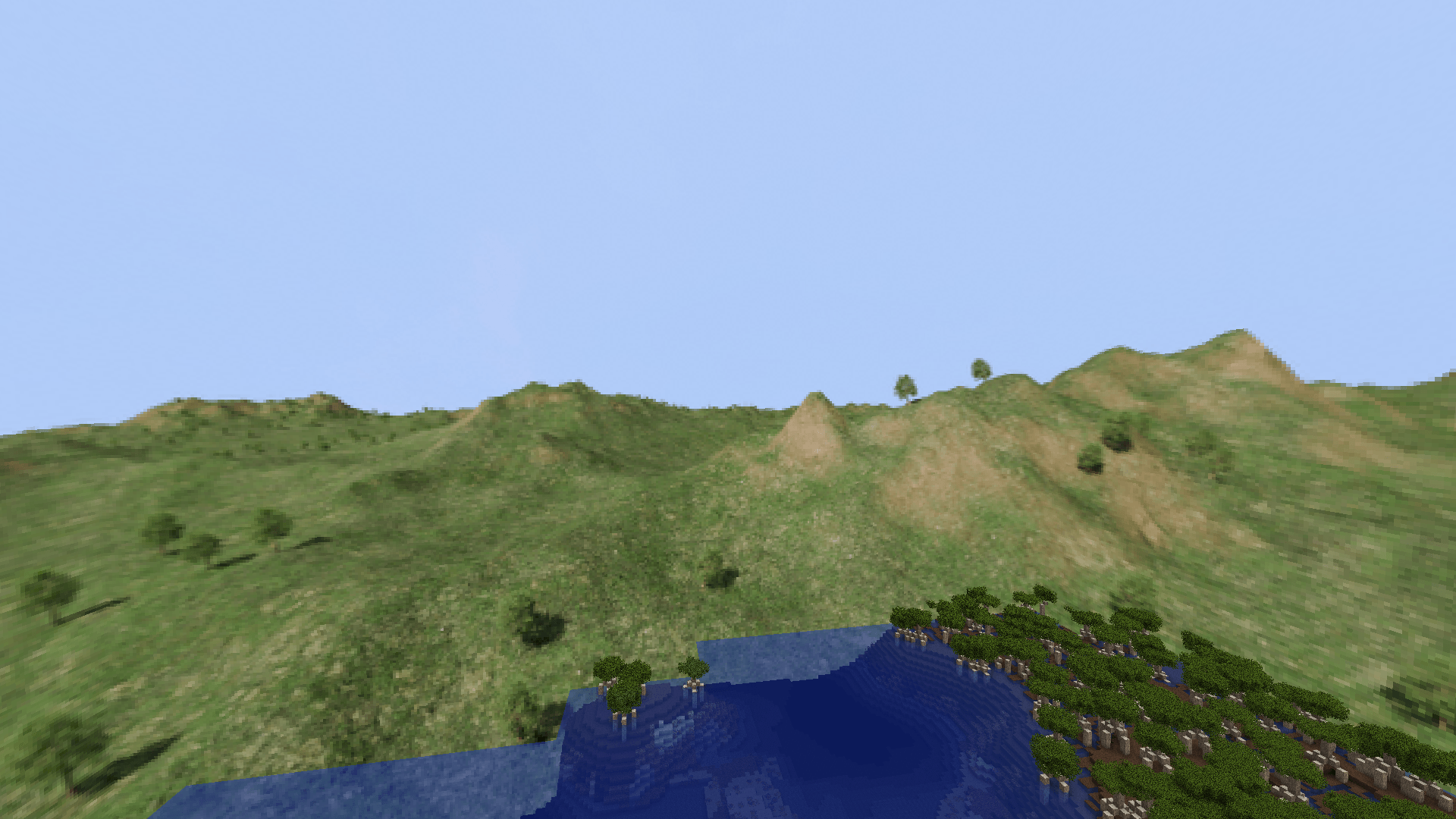
Biome-dependent landscapes: Currently just plains, forest, desert and snowy (compatible with Biomes O' Plenty). These landscapes represent the current biome that you're in and give a sense of depth specially on lower render distances. The landscapes also adjust their lighting based on the sun's position.
Custom sun and moon: Semi-realistic sun and moon that also render behind the landscapes.
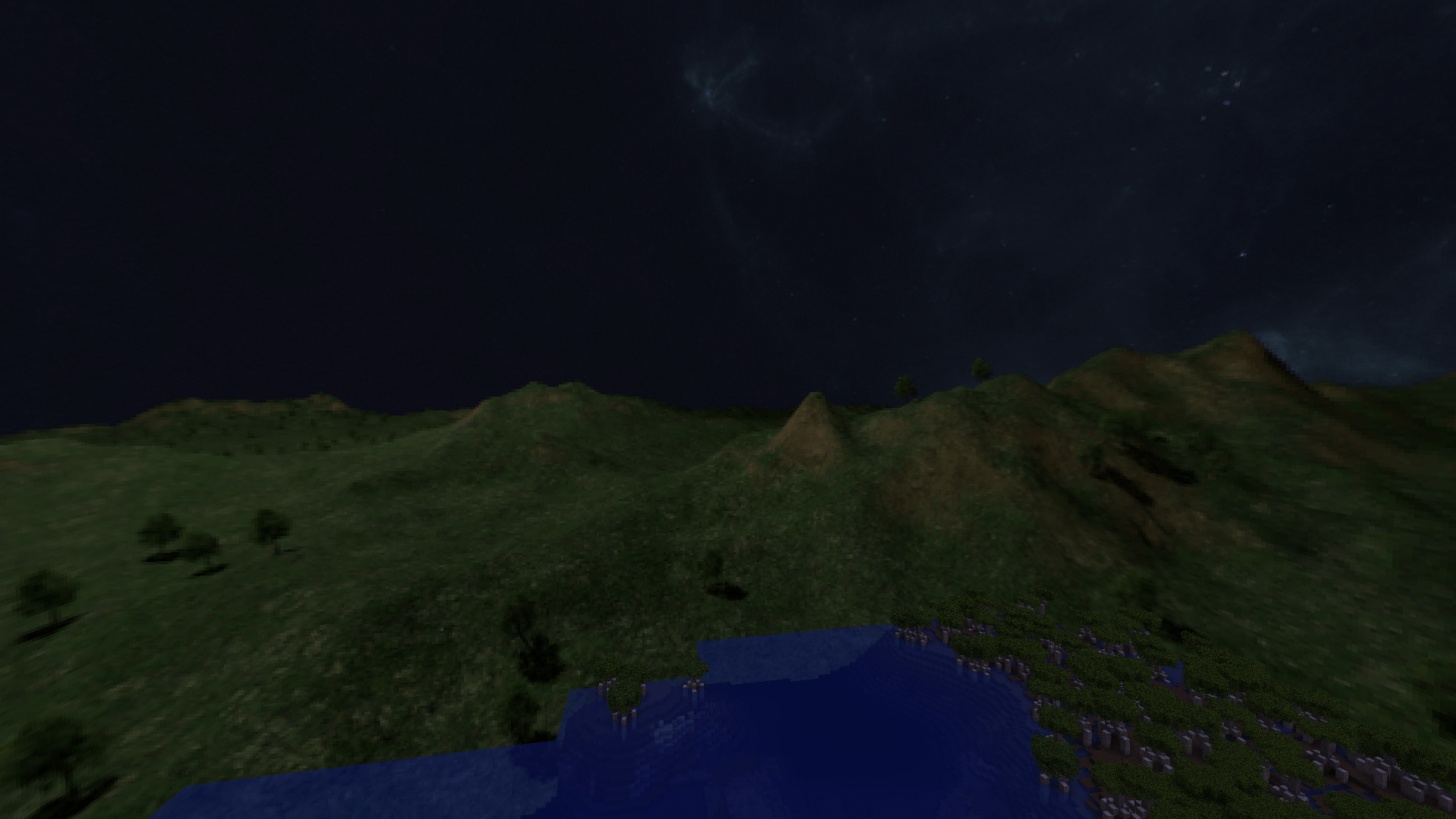
Nebula night sky: Subtle but beautiful night sky texture.
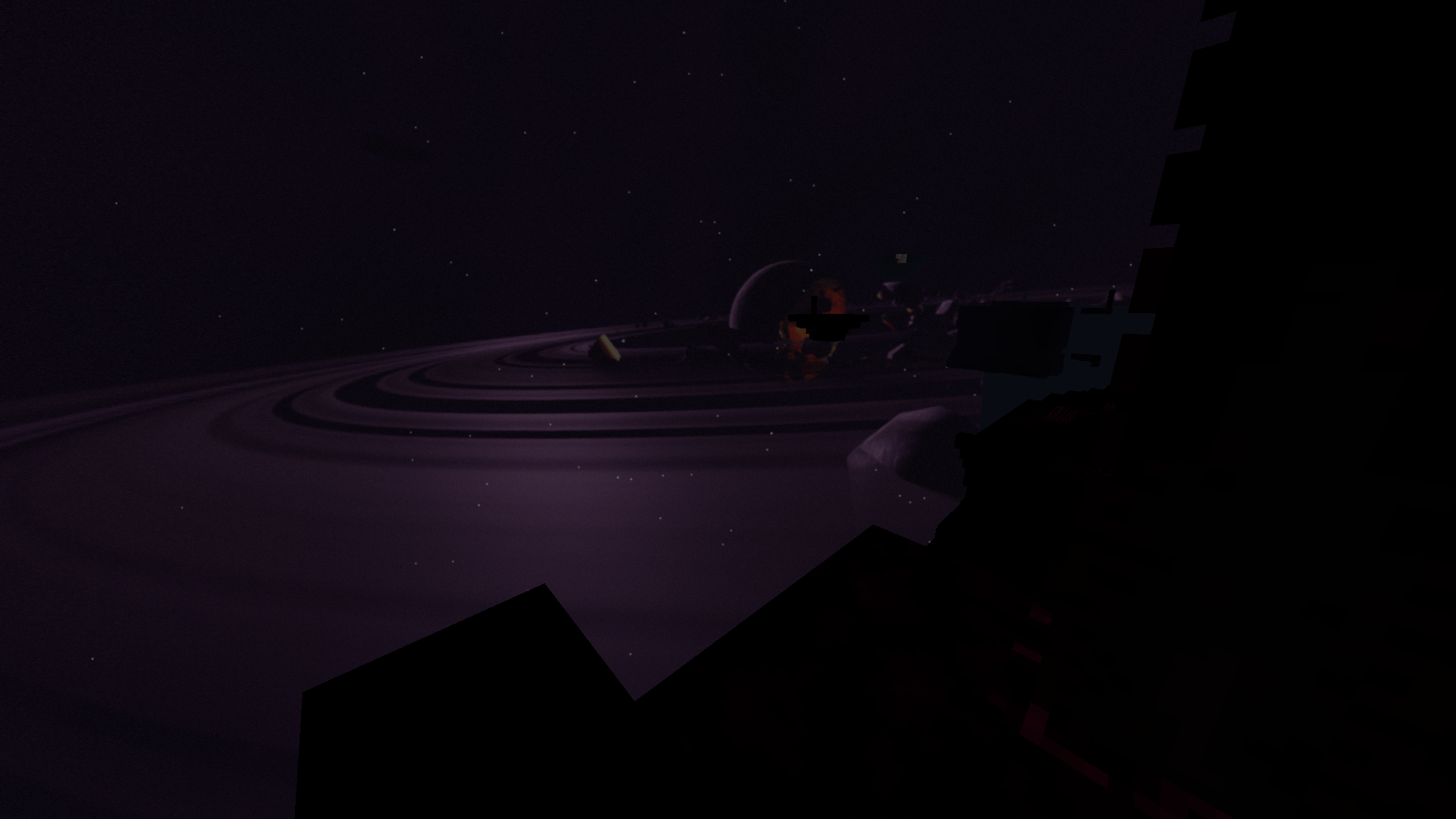
Custom end sky (if Stellar Sky is installed): Inspired by the world gen bug that makes the end generate in rings across thousands of blocks. If you want the intended behavior of the End sky, replace your Stellar Sky CelestialSettings with my ownhere.
Nyx Compatibility: Blood moon, Harvest moon and Star showers.
Requires Optifine!
For optimal results, make sure to keep these settings:
- Quality:
- Custom Sky: On
- Details:
- Sky: Off
- Stars: Off
- Sun & Moon: On
- Fog: Off
- Performance:
- Fast Render: Off
- Render Regions: Off
Note: If you want shader compatibility, use the "No Landscapes" version of the resource pack found in the additional files