Mineuniverse
Resource Packs
Capybara [16x] - Pack Overlay

Capybara [16x] - Pack Overlay

RESOURCE PACK
A Capybara-based Overlay for Minecraft
by Holazas
Download Claim this project
2,414 downloads
0 likes
Updated Oct 14, 2026
0 hypes
16x
Advertisement Remove ads with Premium →

Capybara [16x] - Pack Overlay

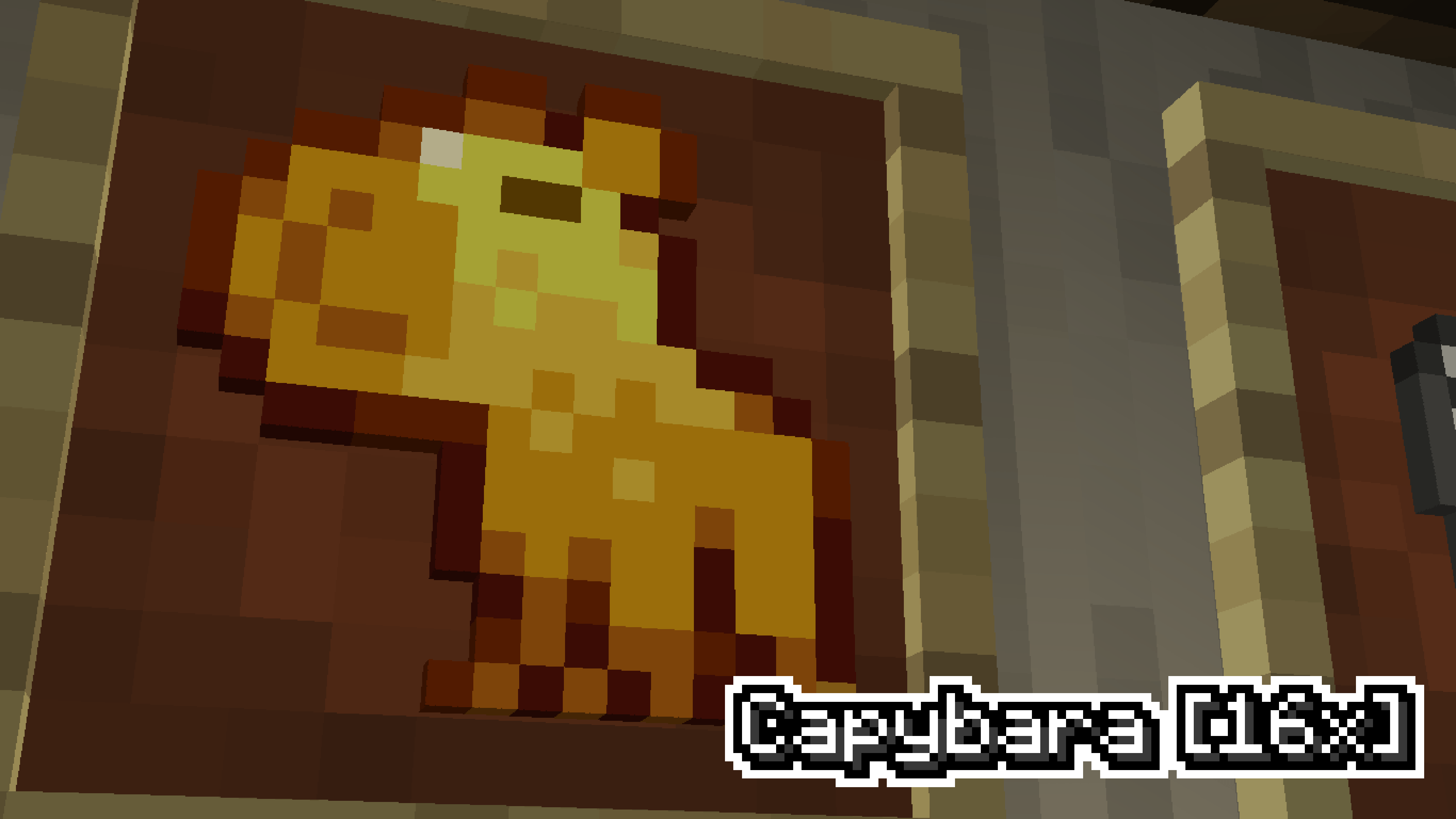
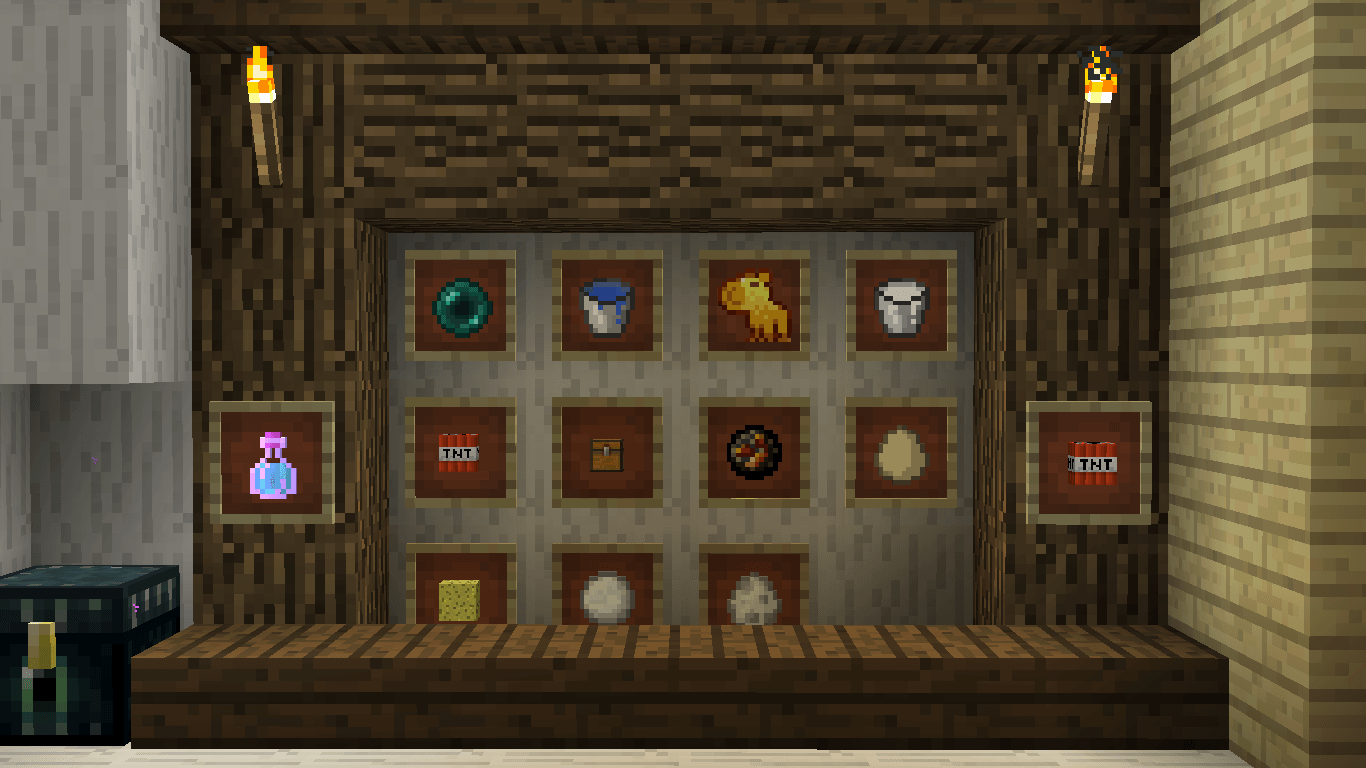
This pack is the PvP overlay you never thought you needed. Made for 1.8.9, it keeps the default style you already know and love, but with a twist so good it’s impossible not to notice. Instead of a plain golden apple, you now get a shiny golden capybara — yes, really. It’s simple, funny, and somehow makes every fight feel just a little more epic.

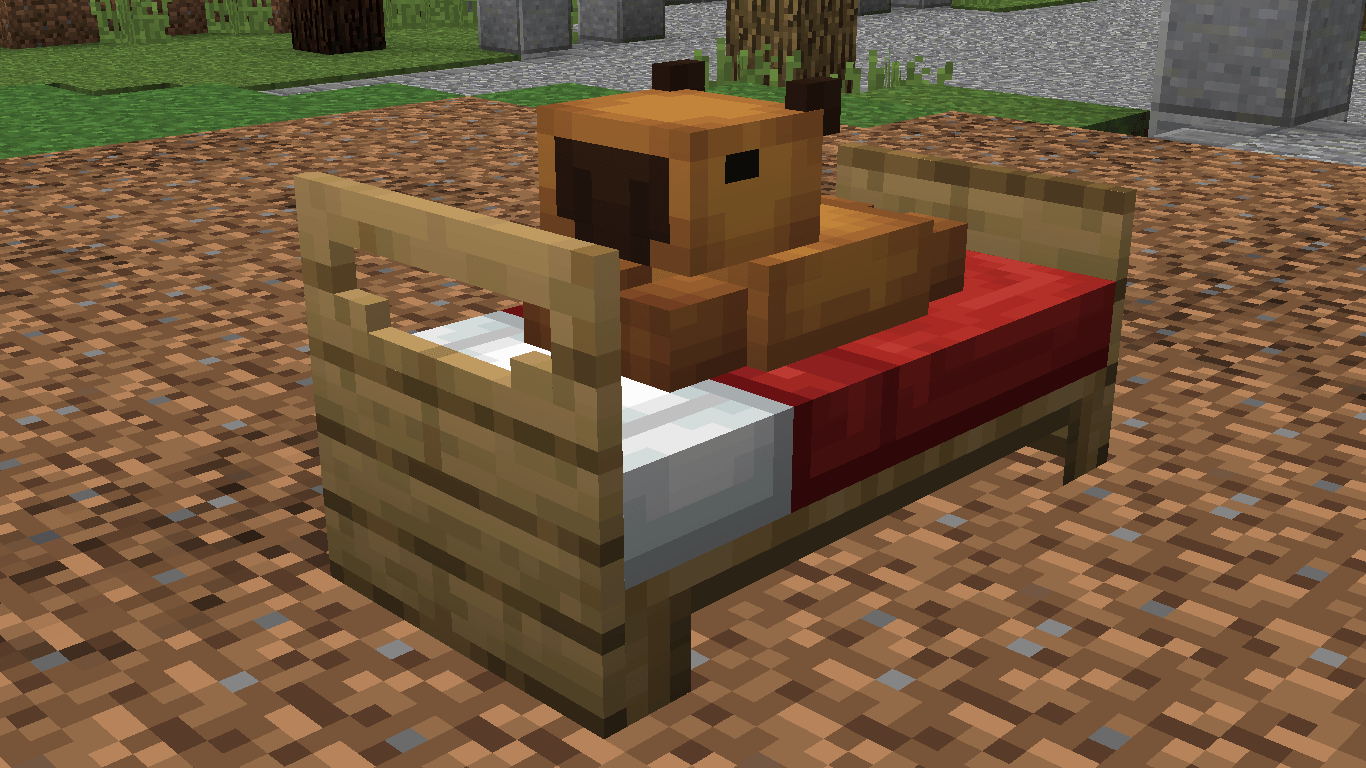
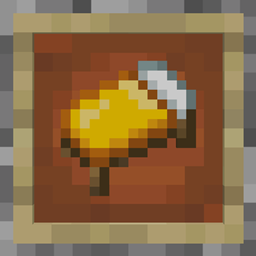
That’s not all. The bed has also been replaced with a capybara design, made exactly like the original by Upland Karma. It’s the same block you’ve broken thousands of times, but now with way more personality. Trust me, you’ll never look at beds in PvP the same way again.

At the end of the day, this overlay doesn’t try to change everything — it only tweaks two details. But those two changes make the whole game feel fresher, funnier, and honestly more enjoyable. Small edits, big impact — the capybara way.




Capybara [16x] - Pack Overlay
MC 1.8.9
Release 2025-09-18 Get
(Old) Capybara Default Edit
MC 1.8.9
Release 2025-04-27 Get

Requirements & install

How to use this resource pack in Minecraft
Resolution
16x
Minecraft
1.8.9
Install folder
.minecraft/resourcepacks

How to install resource packs

  1. Download the resource pack .zip file (do not extract it).
  2. In Minecraft open Options → Resource Packs → Open Pack Folder.
  3. Drop the .zip into the resourcepacks folder (.minecraft/resourcepacks).
  4. Move the pack to the Selected column and click Done.
Browse more: 16x resource packs 32x resource packs 64x resource packs 128x resource packs 256x resource packs 512x+ resource packs Resource Packs for 1.8.9 All resource packs

More from Holazas

Advertisement Remove ads with Premium →

You Might Also Like