Mineuniverse
Resource Packs
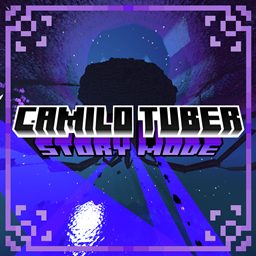
Camilo Tuber's Story Mode Resource Pack

Camilo Tuber's Story Mode Resource Pack

RESOURCE PACK
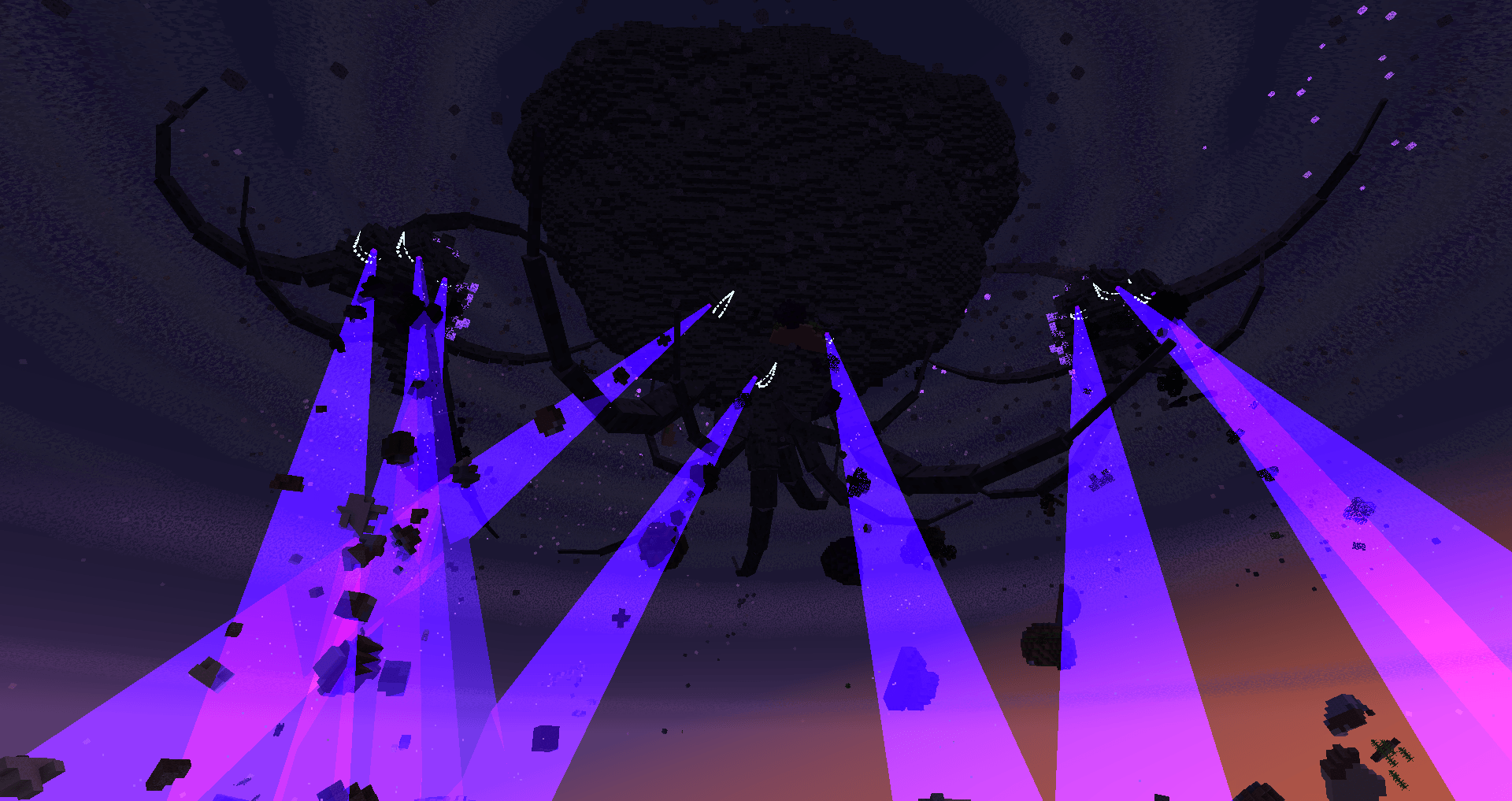
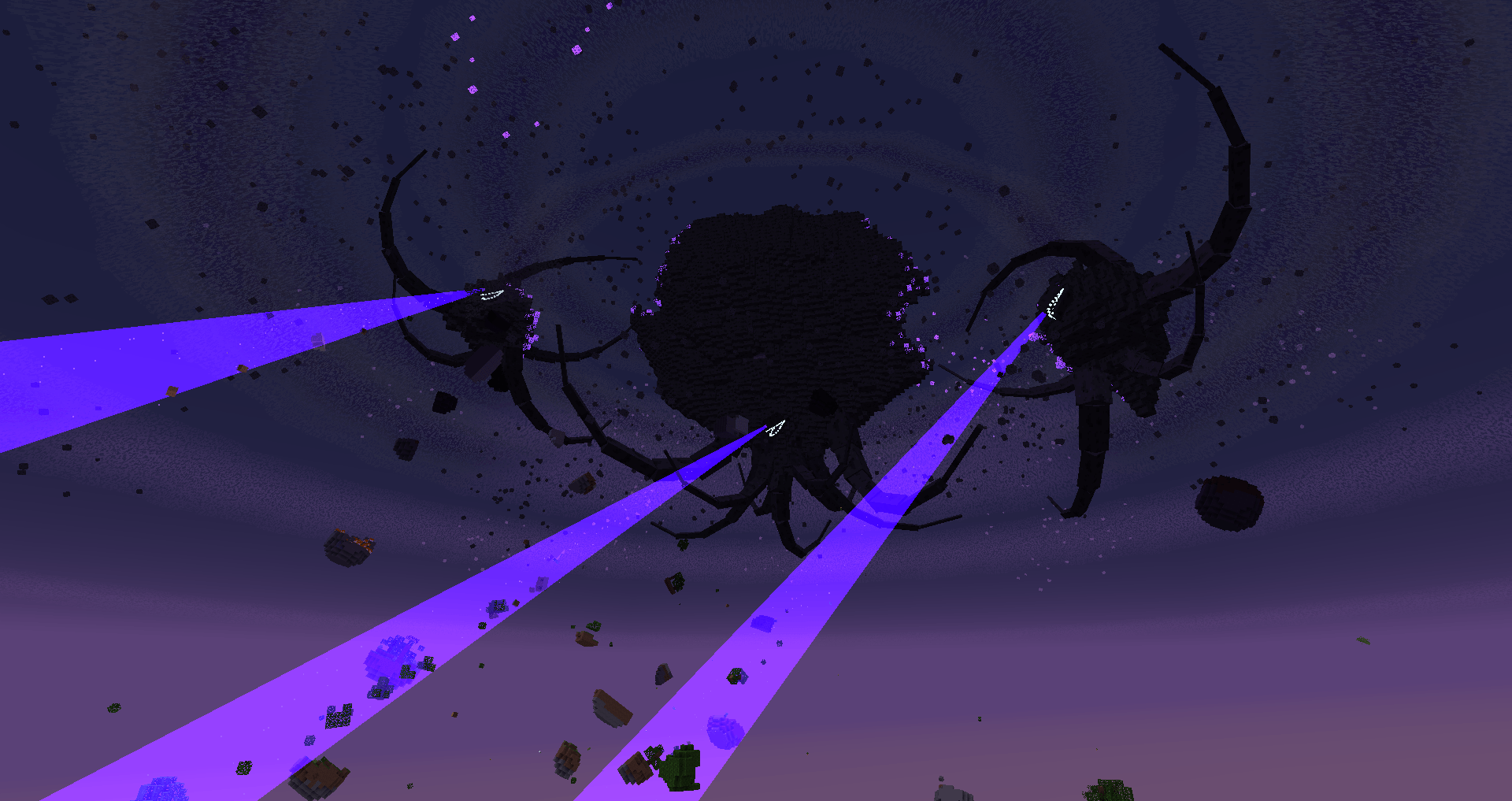
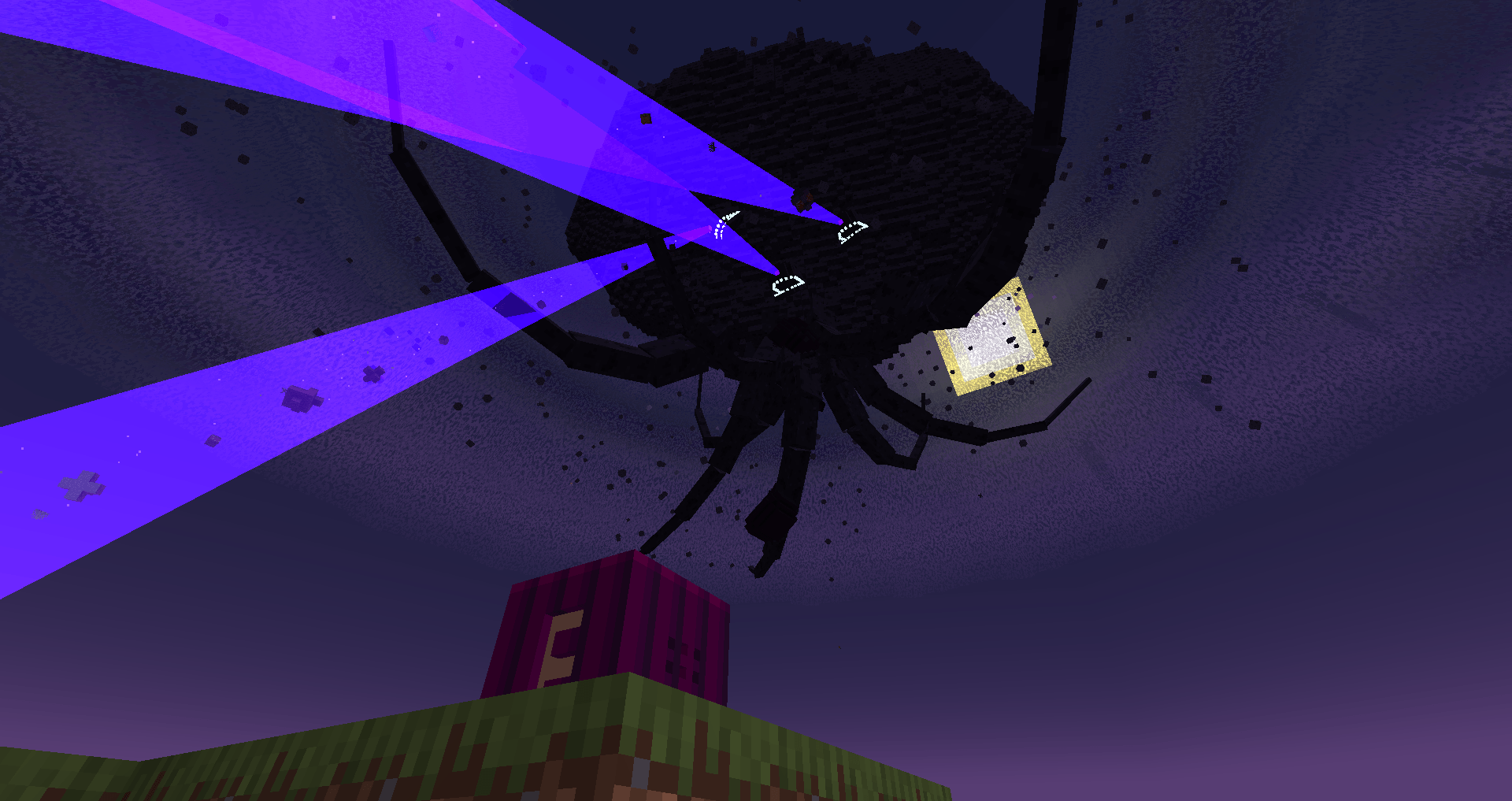
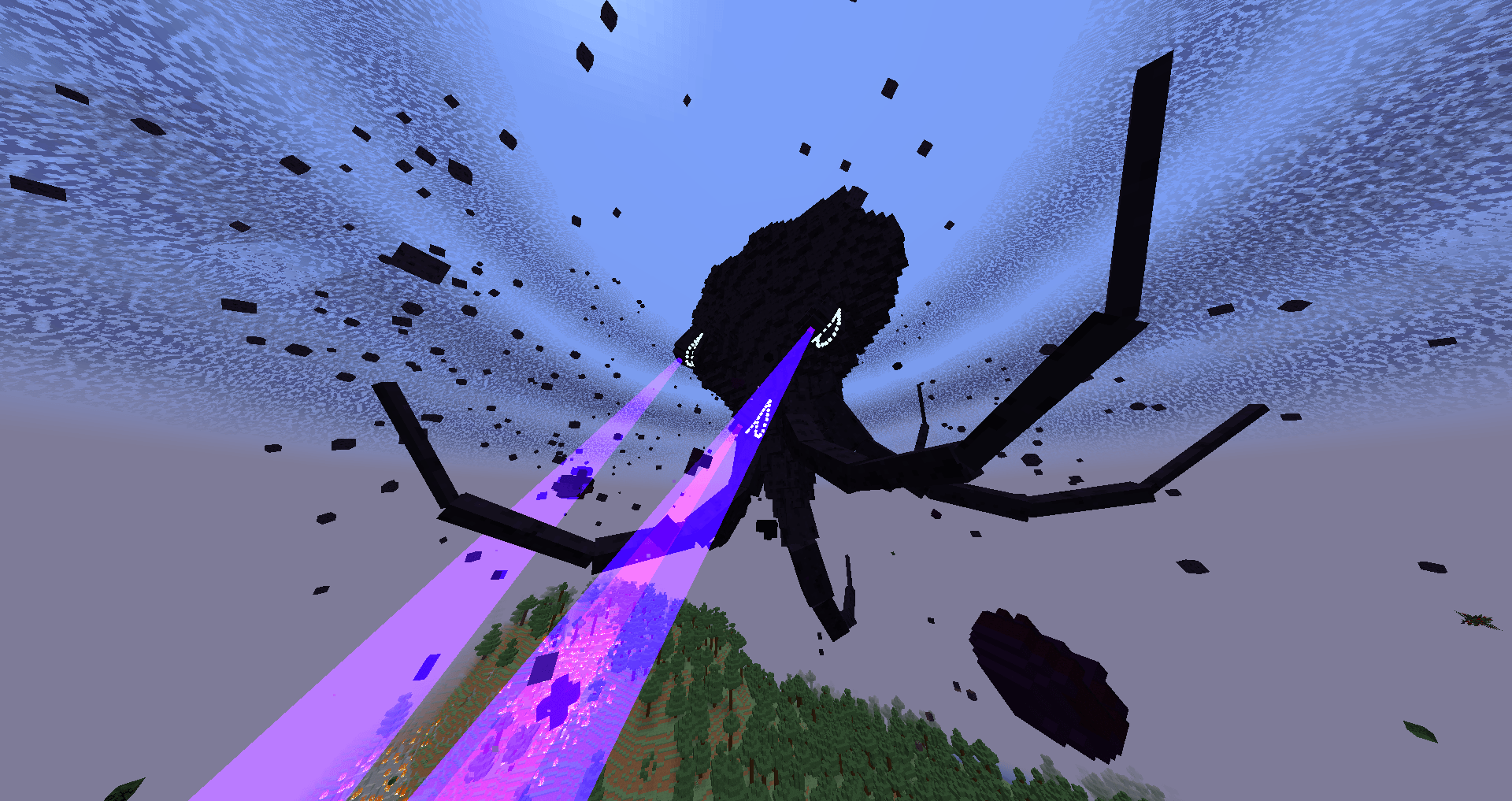
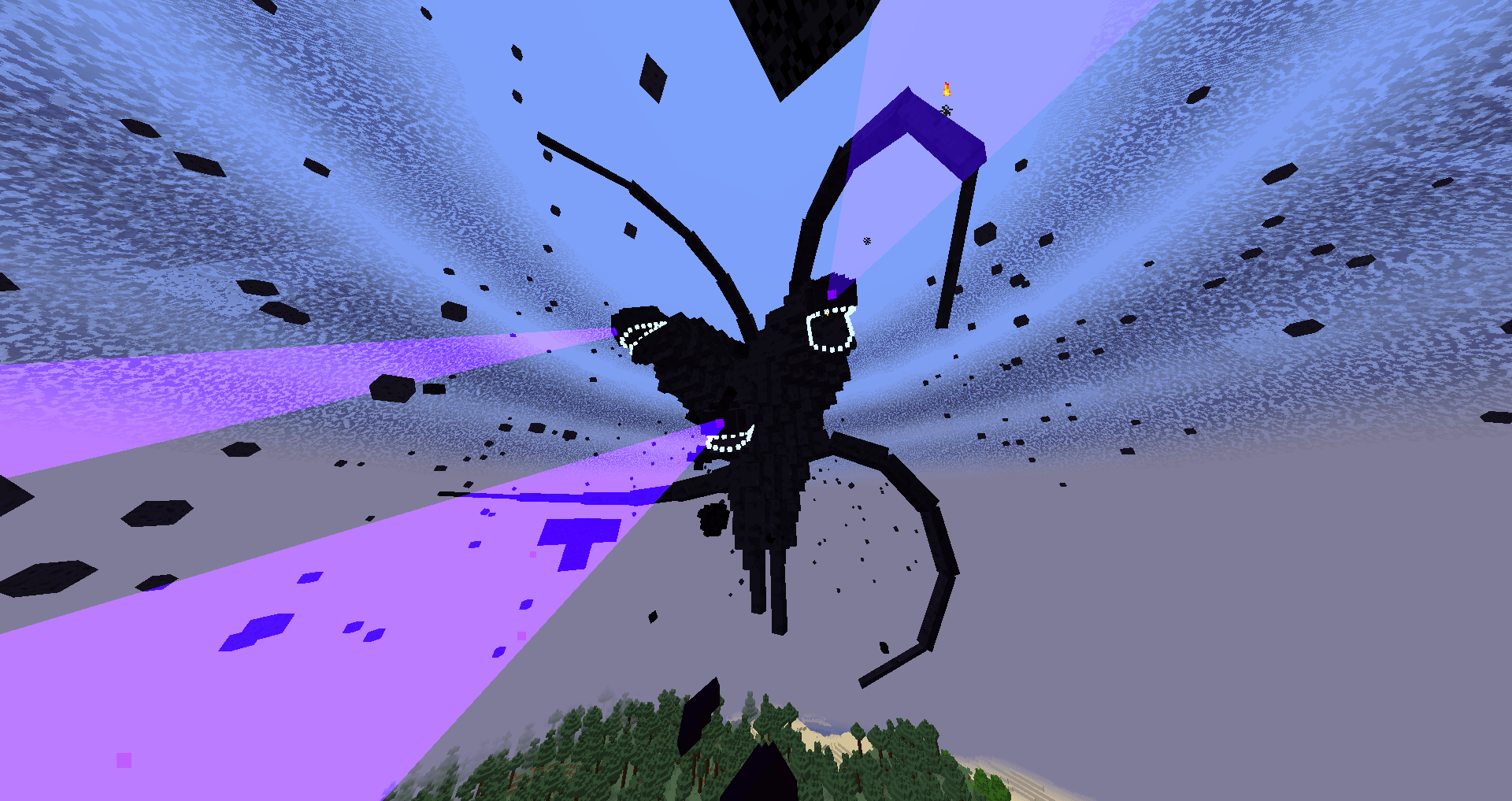
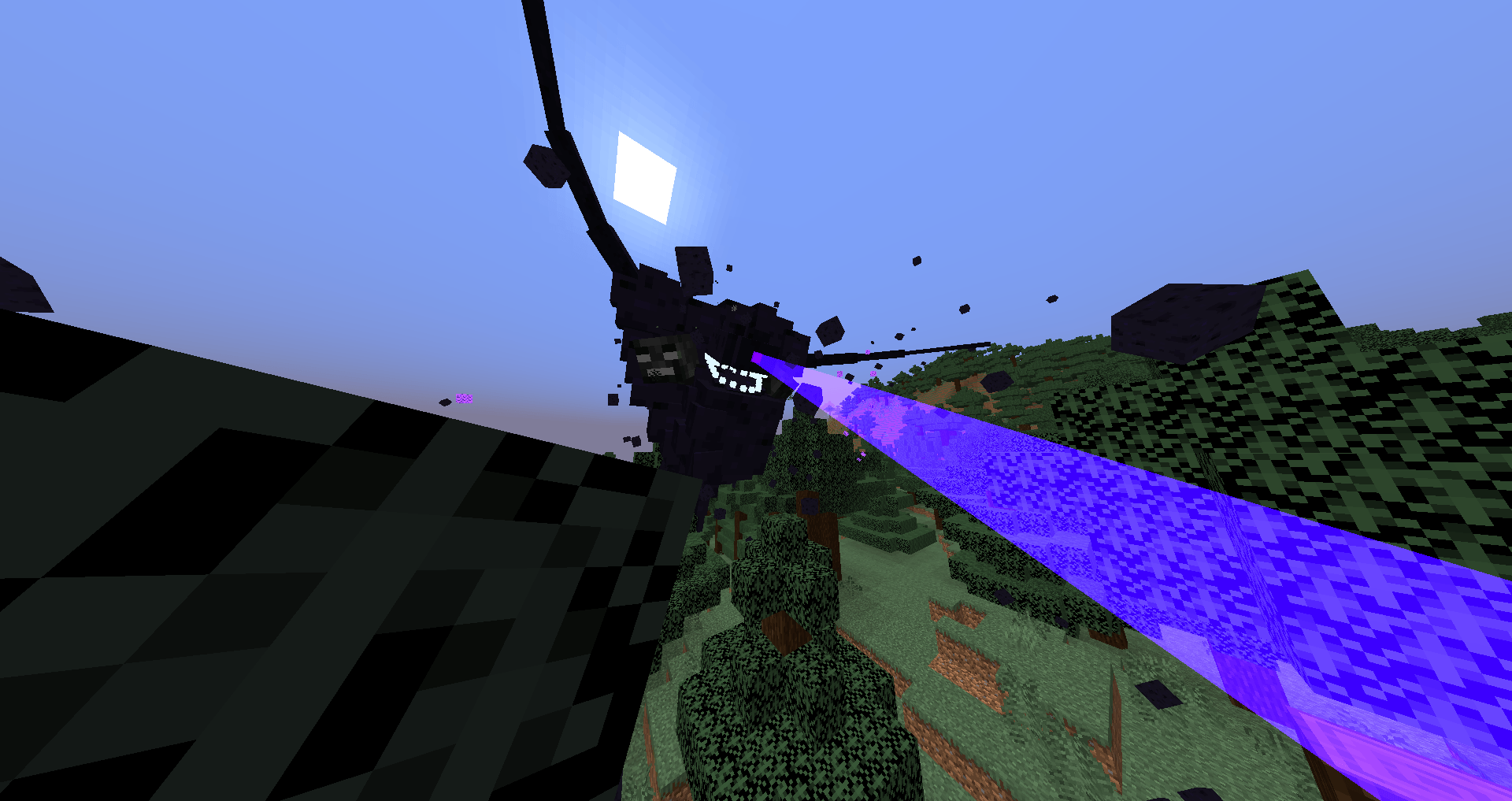
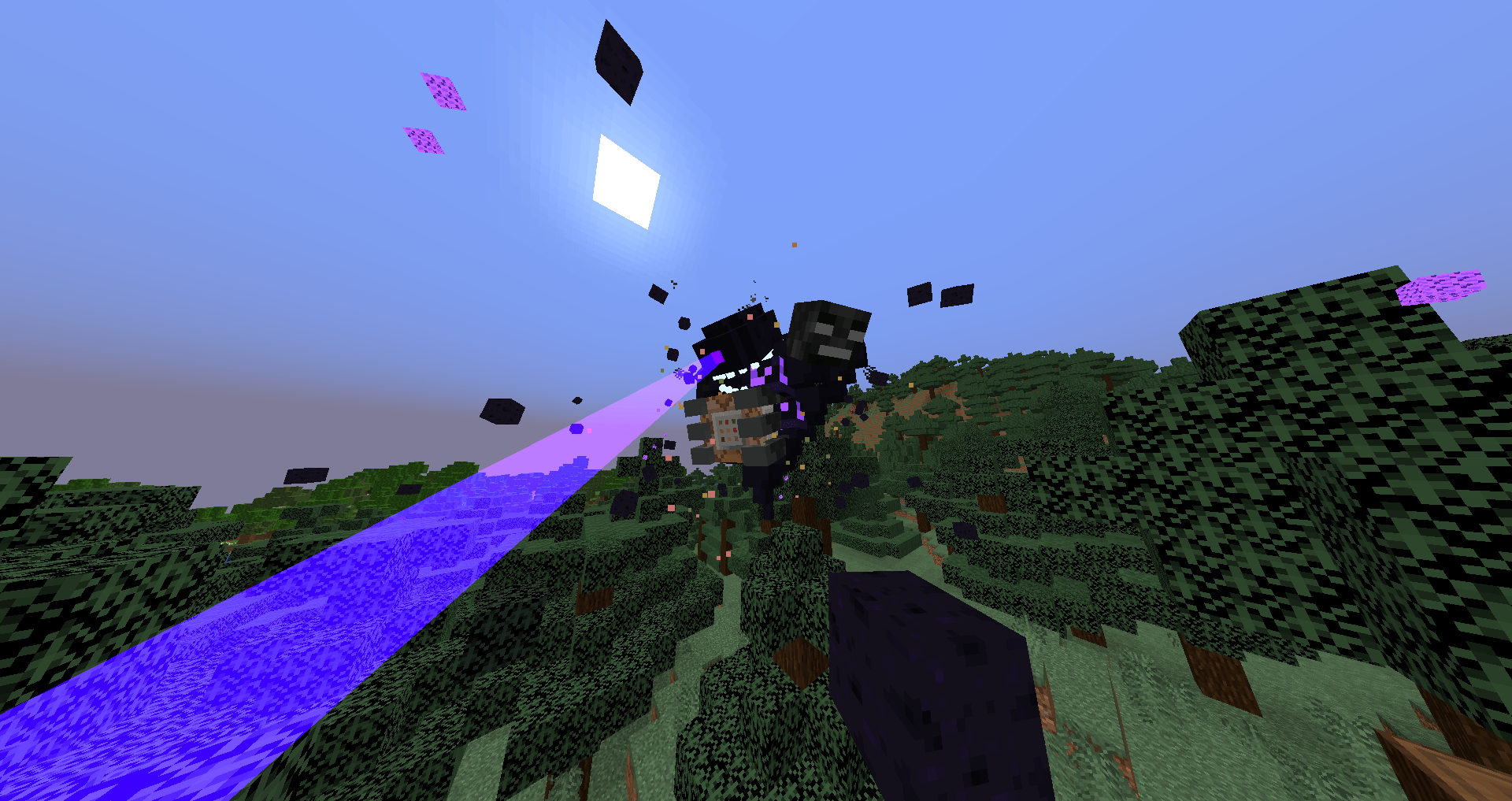
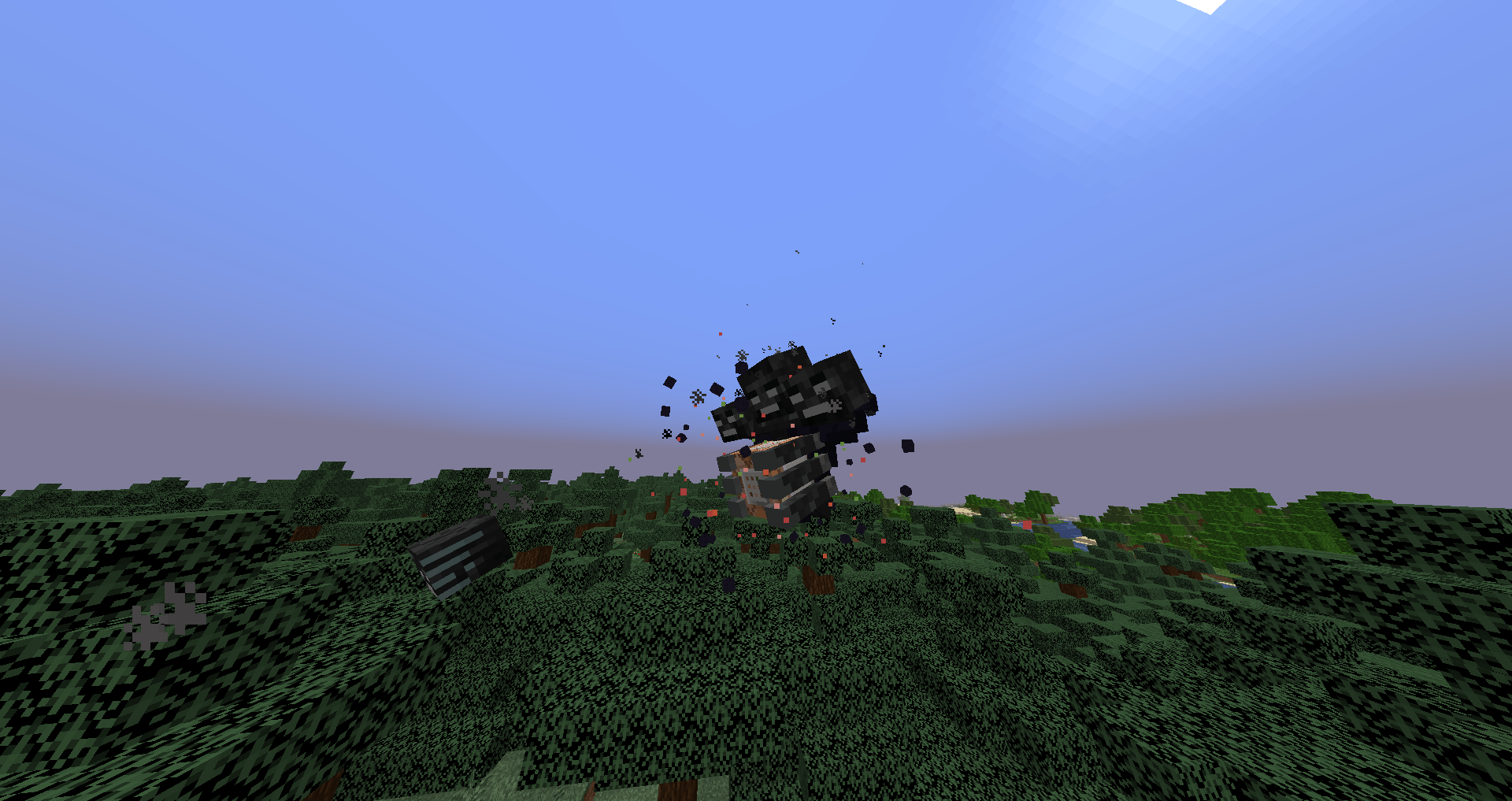
The Ctsm Wither Storm
by Camilo_Tuber
Download Claim this project
Add a badge to your pageLink to Camilo Tuber's Story Mode Resource Pack from a README, website or forum post.
Preview: Badge

Badges update automatically and link to the resource pack page on MineUniverse.

6,652 downloads
0 likes
0 followers
Updated Oct 14, 2026
0 hypes
Follow0
16x Mod Support Modern
Advertisement Remove ads with Premium →

https://i.imgur.com/N7yEIDE.png

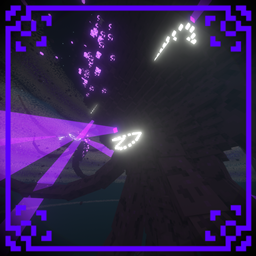
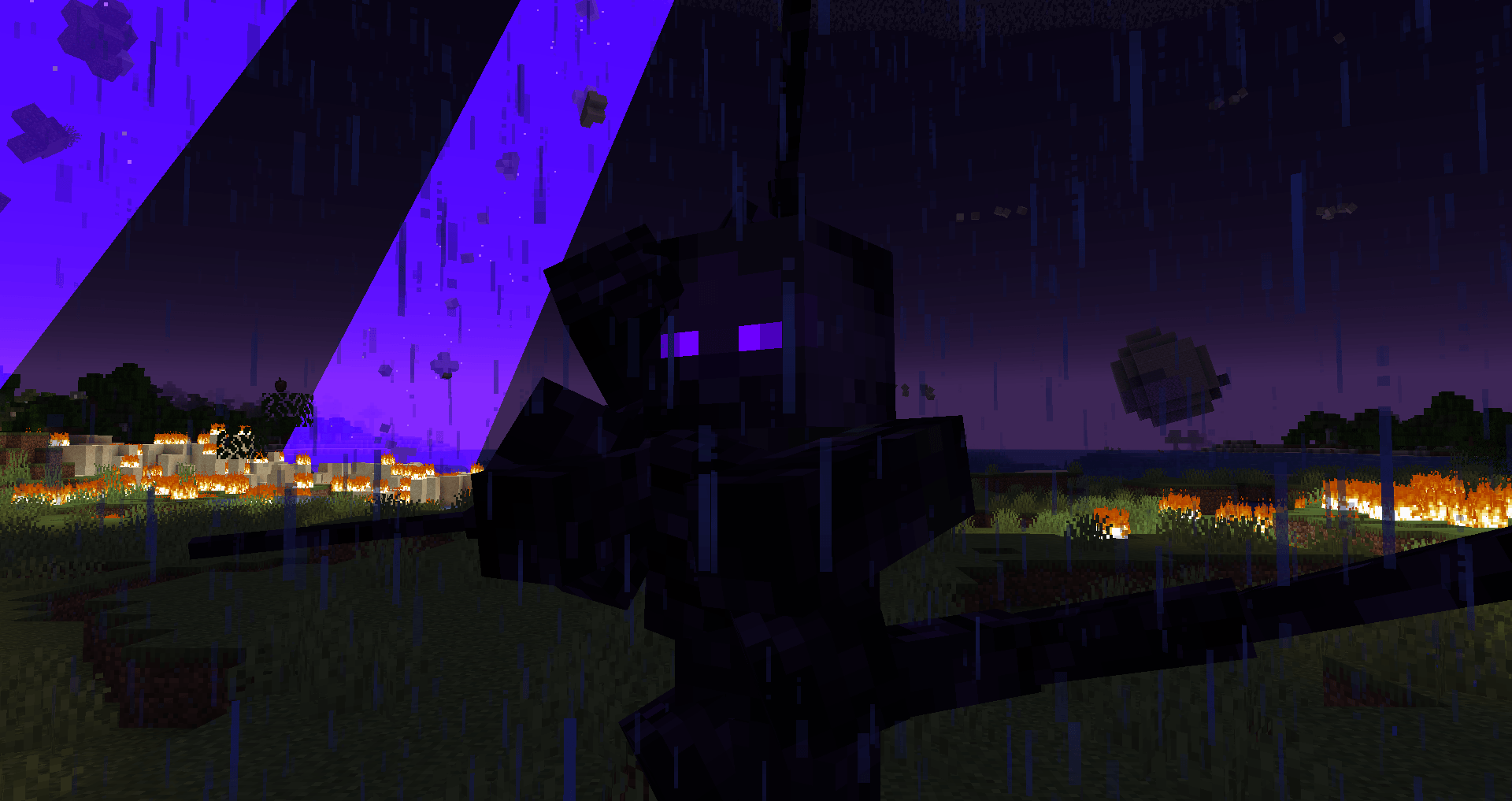
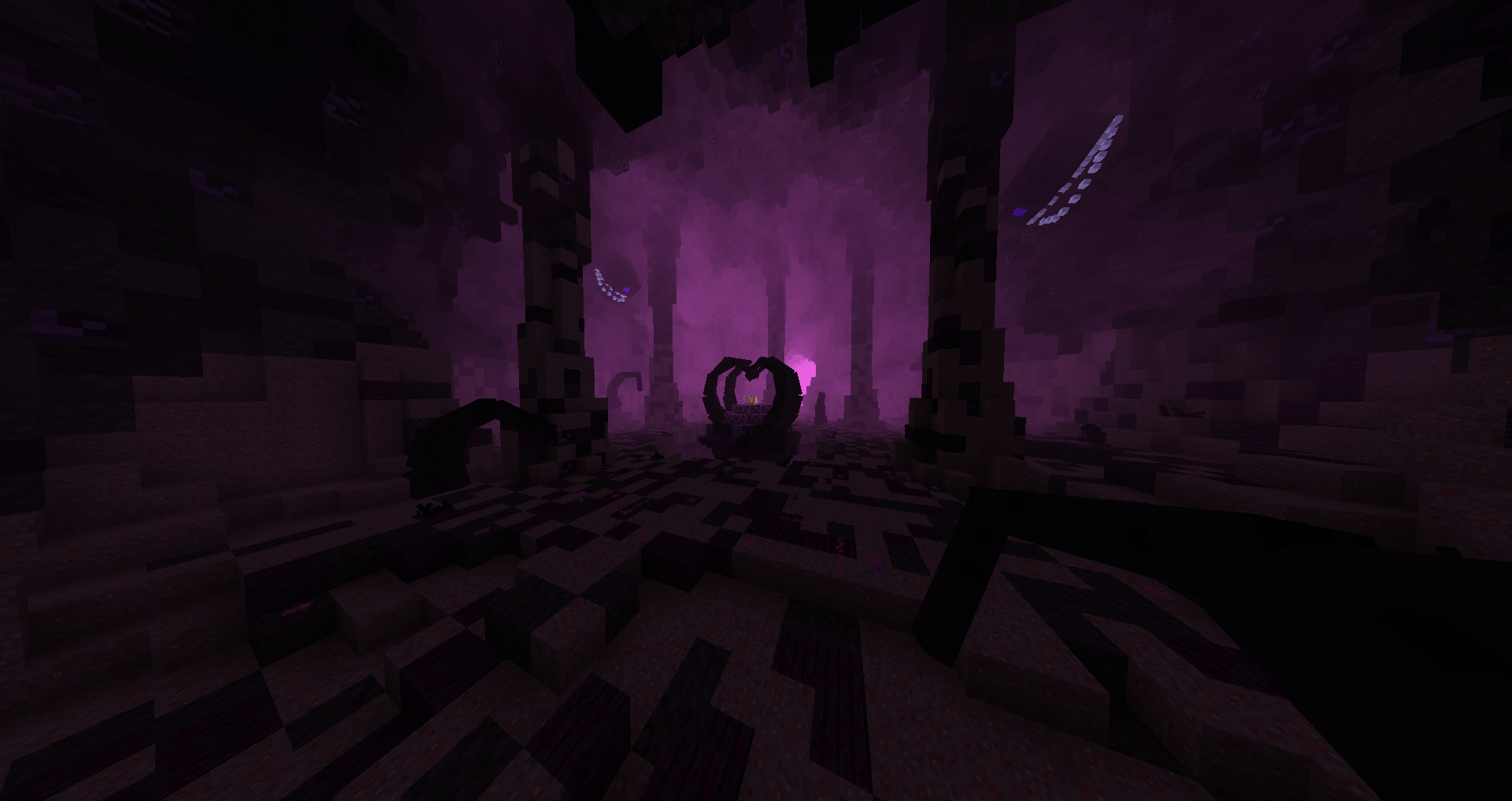
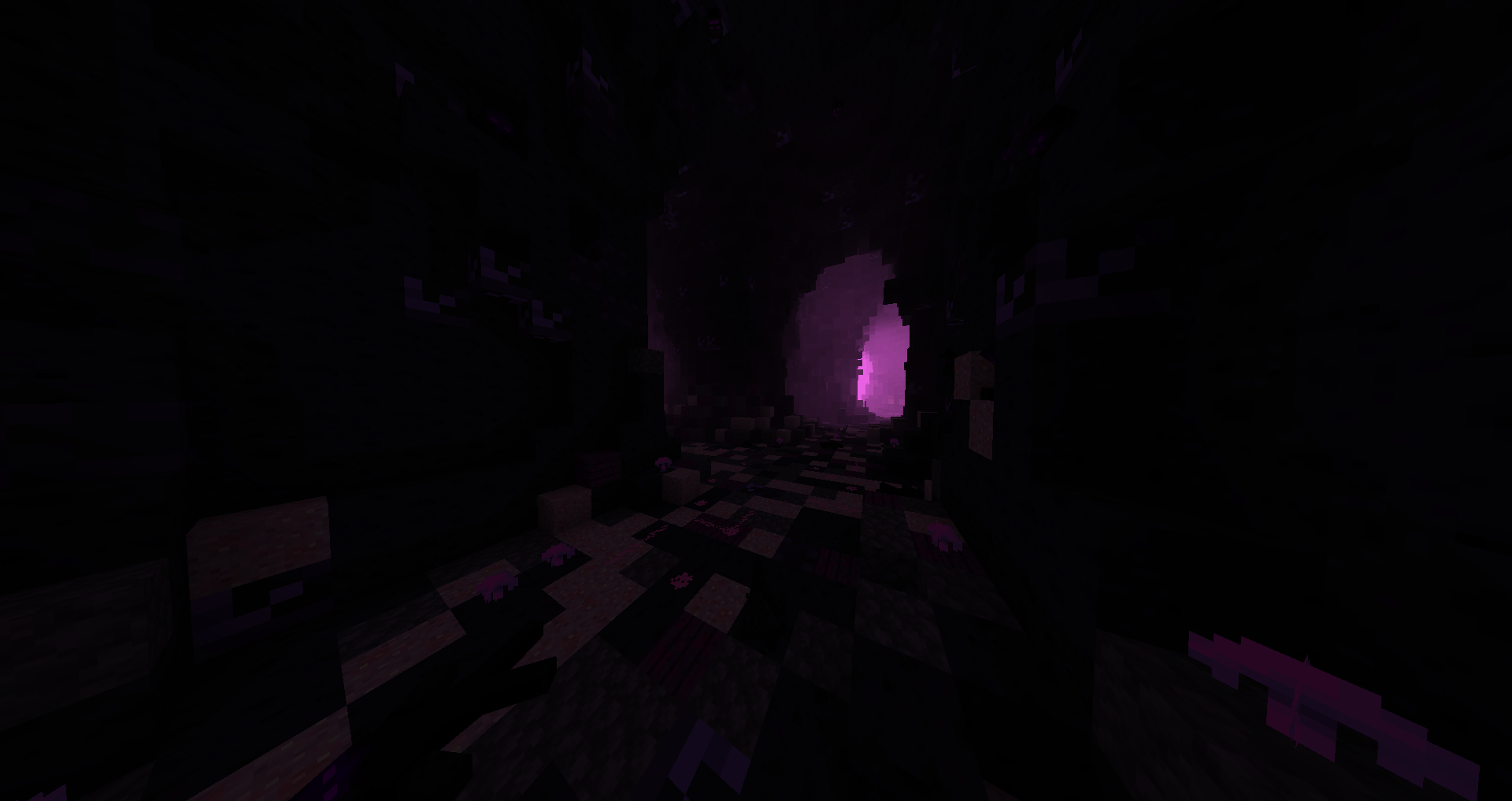
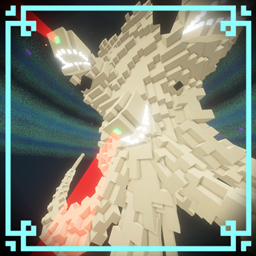
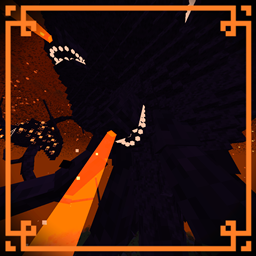
a resource pack that changes the wither storm in the minecraft story mode version (Among other things)

also join in my Discord to see spoilers of the next update

CLICK HERE TO WATCH THE TRAILER

https://imgur.com/jMSwckU.png

credits to

LucasDotje for letting me use some of his textures from his resource pack


Tazo and Decayed Team for letting me use their music


Ende 534 for his minecraft story mode netflix remix music


UltimaCore for making my music


Aklast for letting me use their music from wither storm fanmade theme


Seriously, these guys helped me a lot by letting me use some of their stuff.
please give them a lot of support
and now yes
Enjoy after 3 or 4 months... the great mc:sm resource pack
their channels:
tazo: https://www.youtube.com/@TazoLaTaza


LucasDotje: https://www.youtube.com/@LucasDotje


Ende 534: https://www.youtube.com/@ende534


Ultimacore: https://www.youtube.com/@UltimaCoreAnimations


Aklast: https://www.youtube.com/channel/UCh2eMxjb1Yj-D1tXbNHwiKQ


and go visit my channel

https://i.imgur.com/utDgZly.png

IF YOU ARE GOING TO MAKE A VIDEO WITH THIS RESOURCE PACK PLEASE CREDIT ME

and also try the Crackers wither storm mod Xmas/snow storm version resource pack

https://i.imgur.com/VWQBtRy.png

(+)


Minecraft Story Mode Resource pack V1
MC 1.20.1
Beta 2024-05-16 Get

Requirements & install

How to use this resource pack in Minecraft
Resolution
16x
Minecraft
1.20.1
Install folder
.minecraft/resourcepacks

How to install resource packs

  1. Download the resource pack .zip file (do not extract it).
  2. In Minecraft open Options → Resource Packs → Open Pack Folder.
  3. Drop the .zip into the resourcepacks folder (.minecraft/resourcepacks).
  4. Move the pack to the Selected column and click Done.
Browse more: 16x resource packs 32x resource packs 64x resource packs 128x resource packs 256x resource packs 512x+ resource packs Resource Packs for 1.20.1 All resource packs

More from Camilo_Tuber

Advertisement Remove ads with Premium →

You Might Also Like