Mineuniverse
Resource Packs
Camilo Tuber's Story Mode PLUS

Camilo Tuber's Story Mode PLUS

RESOURCE PACK
more content for ctsm resource pack
by Camilo_Tuber
Download Claim this project
Add a badge to your pageLink to Camilo Tuber's Story Mode PLUS from a README, website or forum post.
Preview: Badge

Badges update automatically and link to the resource pack page on MineUniverse.

1,053 downloads
0 likes
0 followers
Updated Oct 14, 2026
0 hypes
Follow0
16x Mod Support Modern
Advertisement Remove ads with Premium →


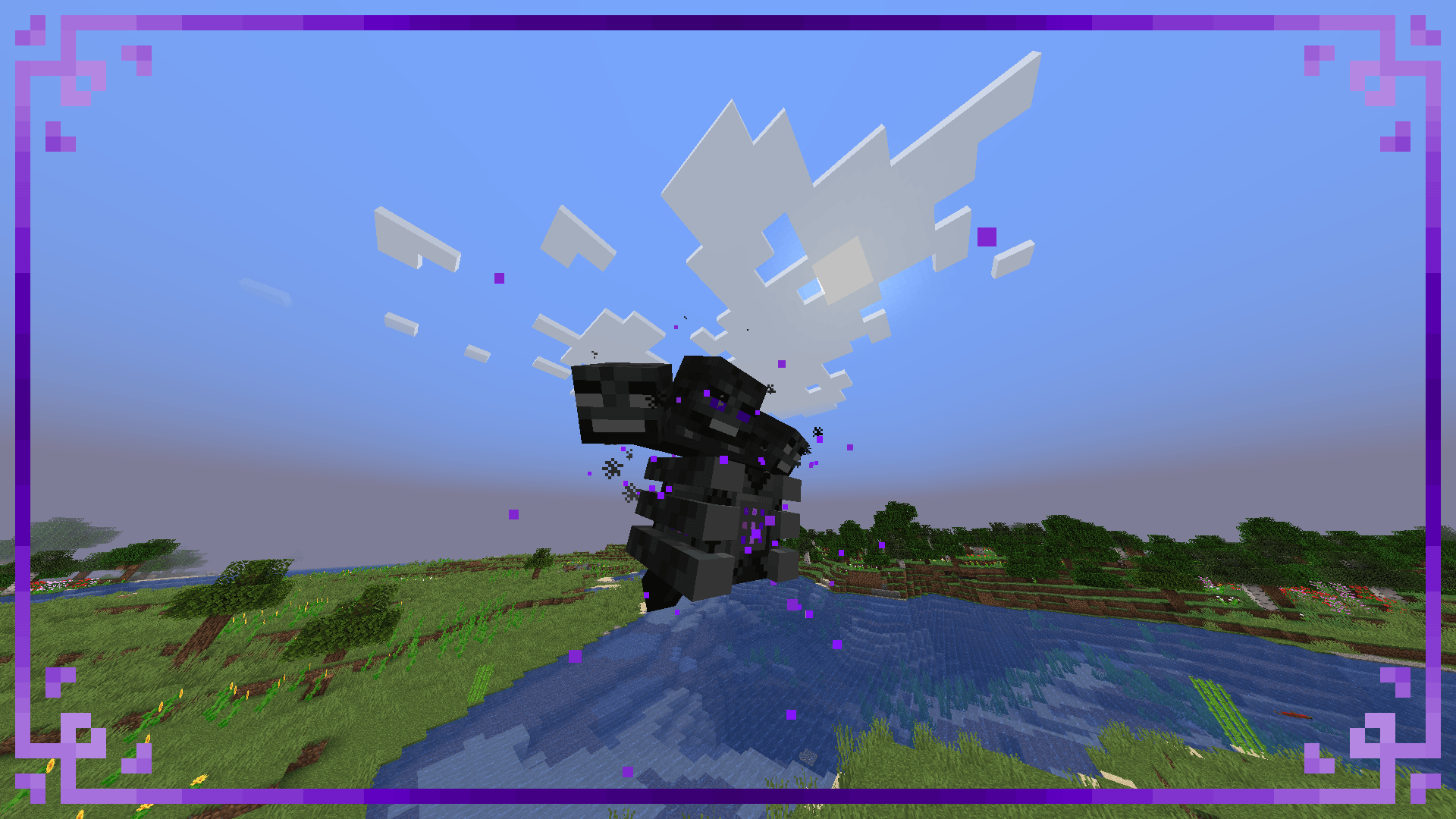
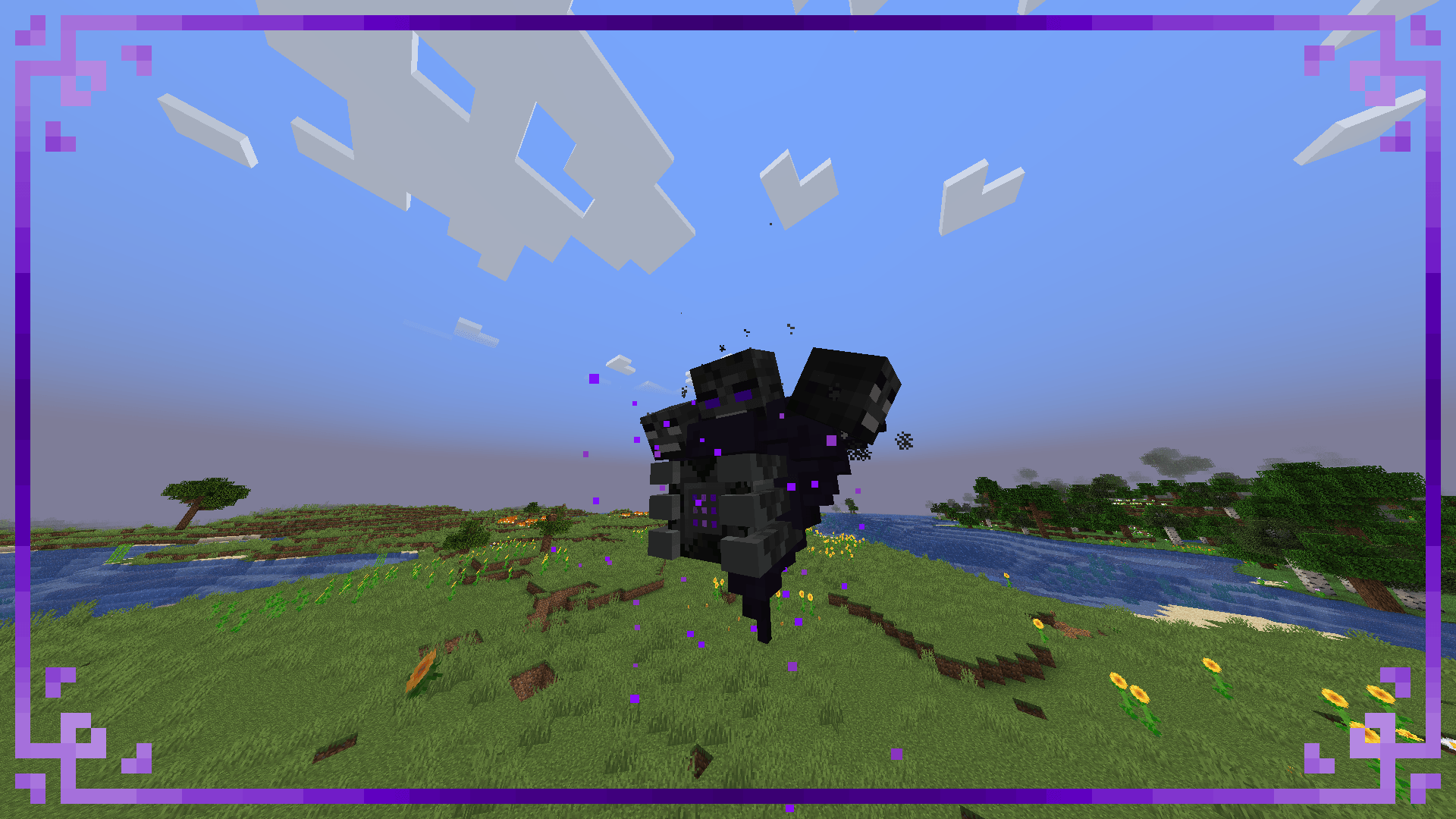
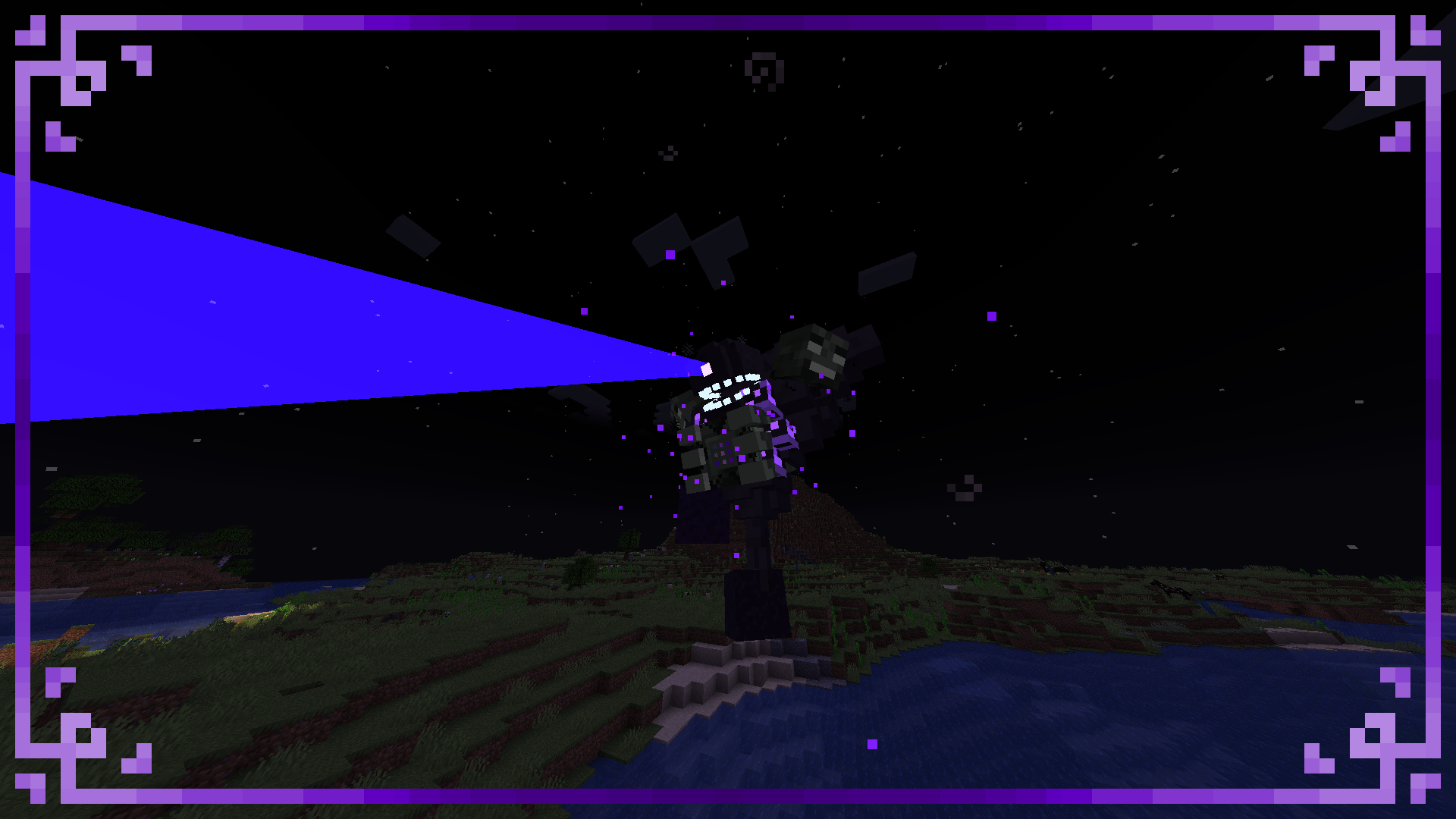
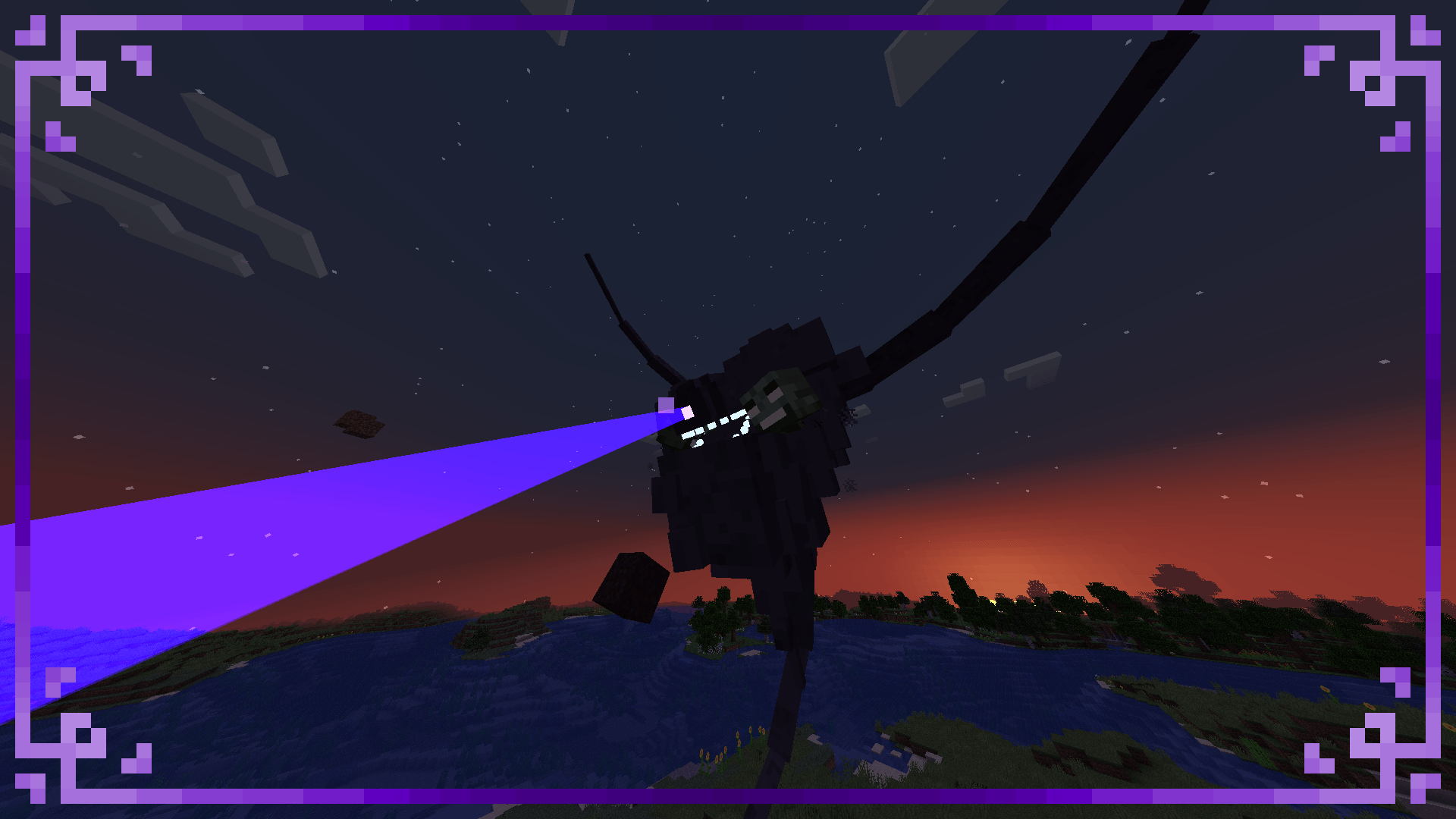
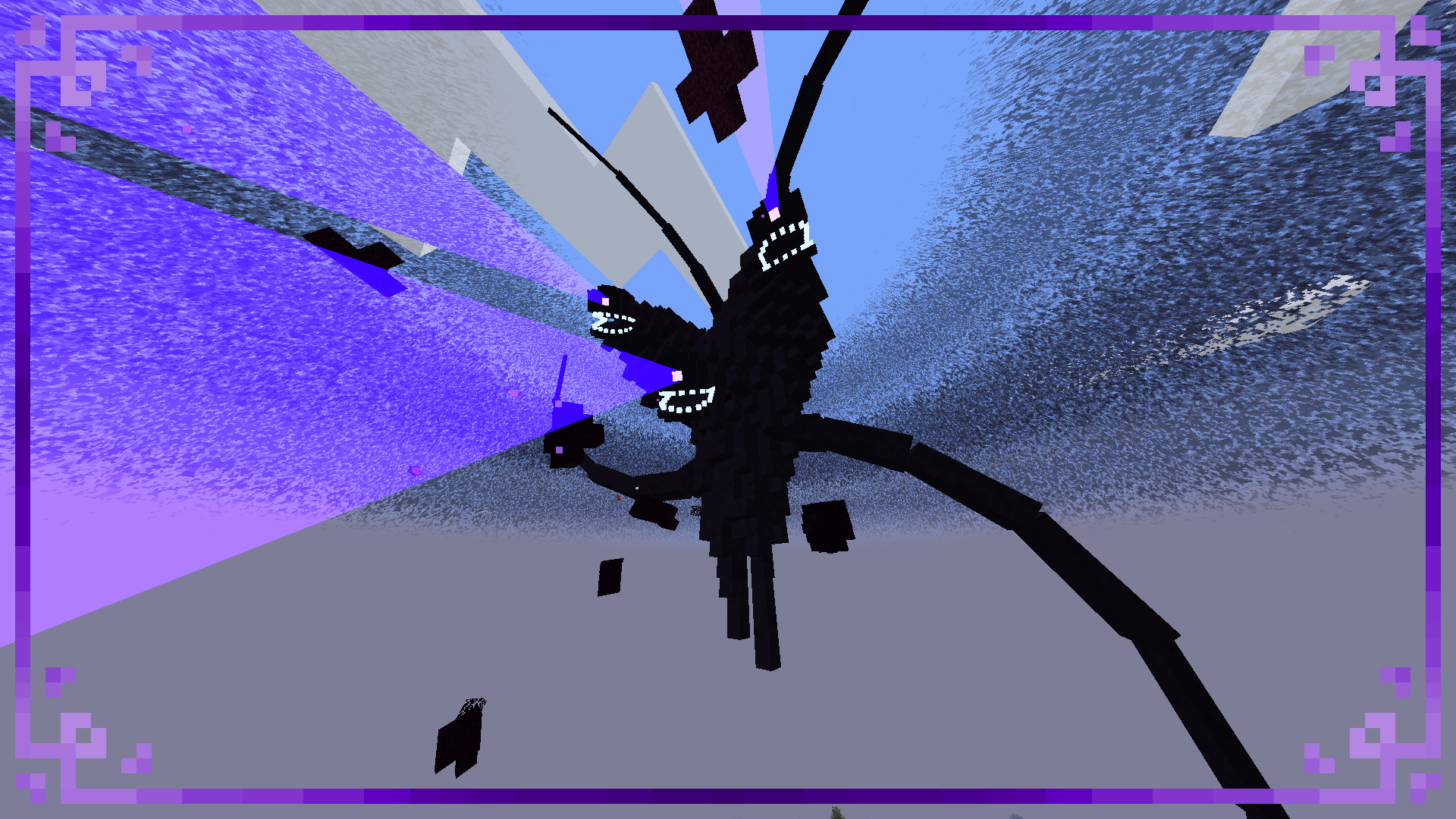
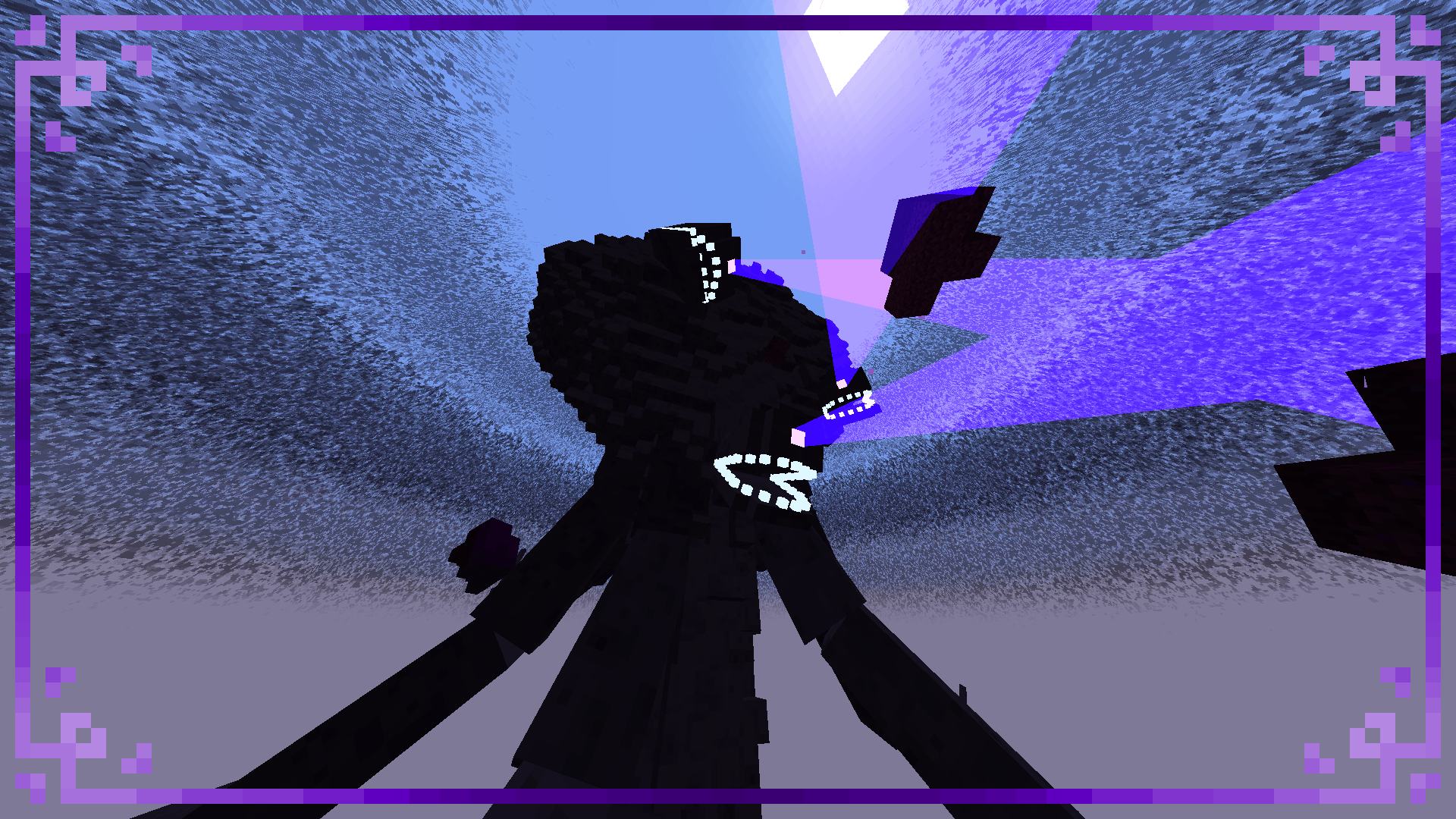
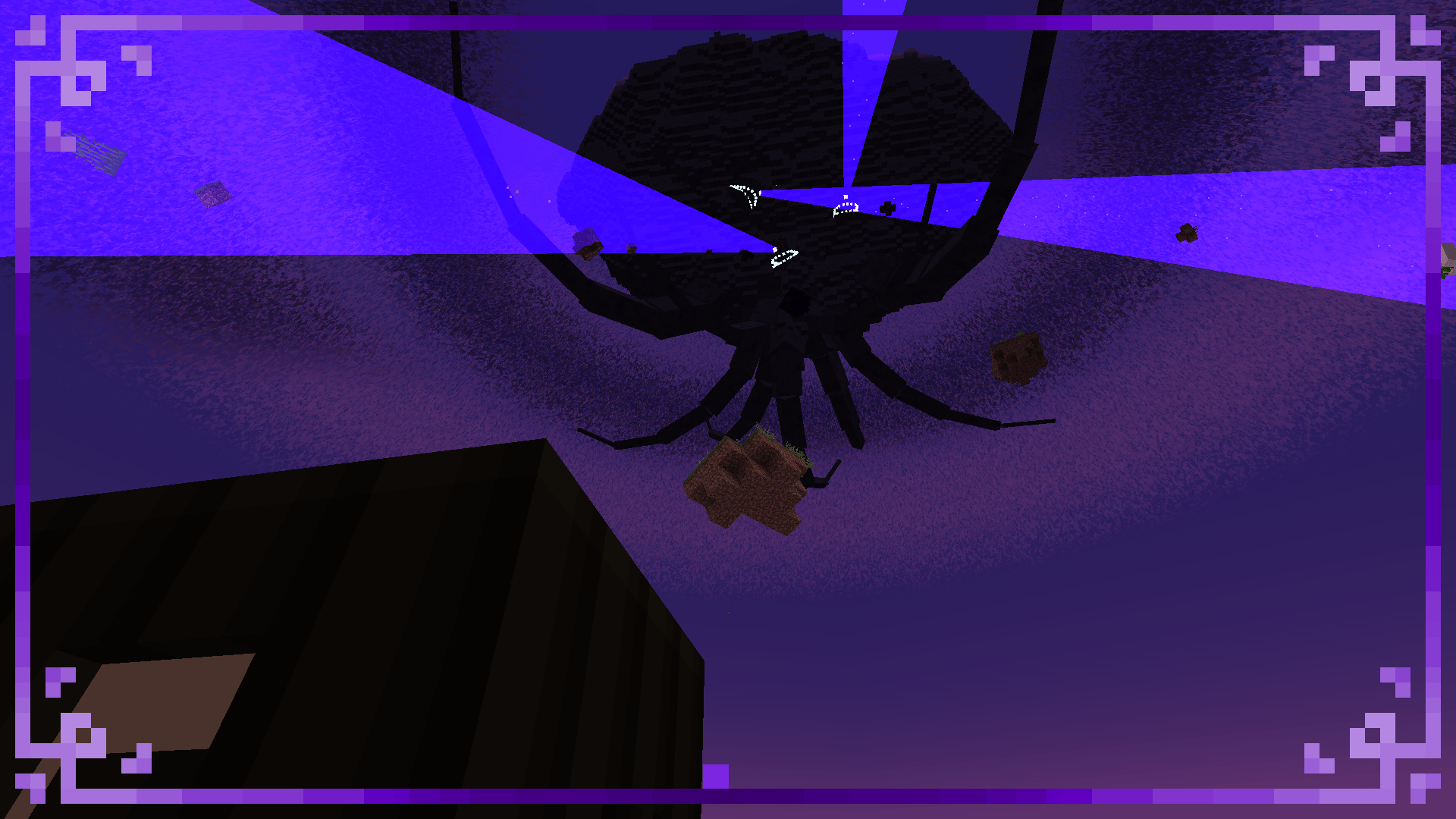
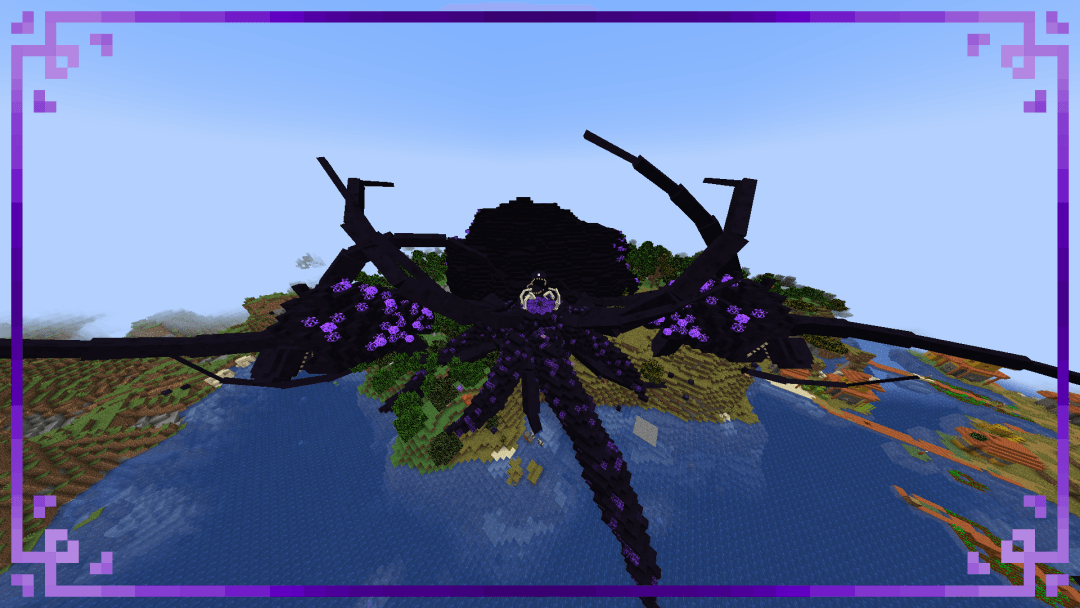
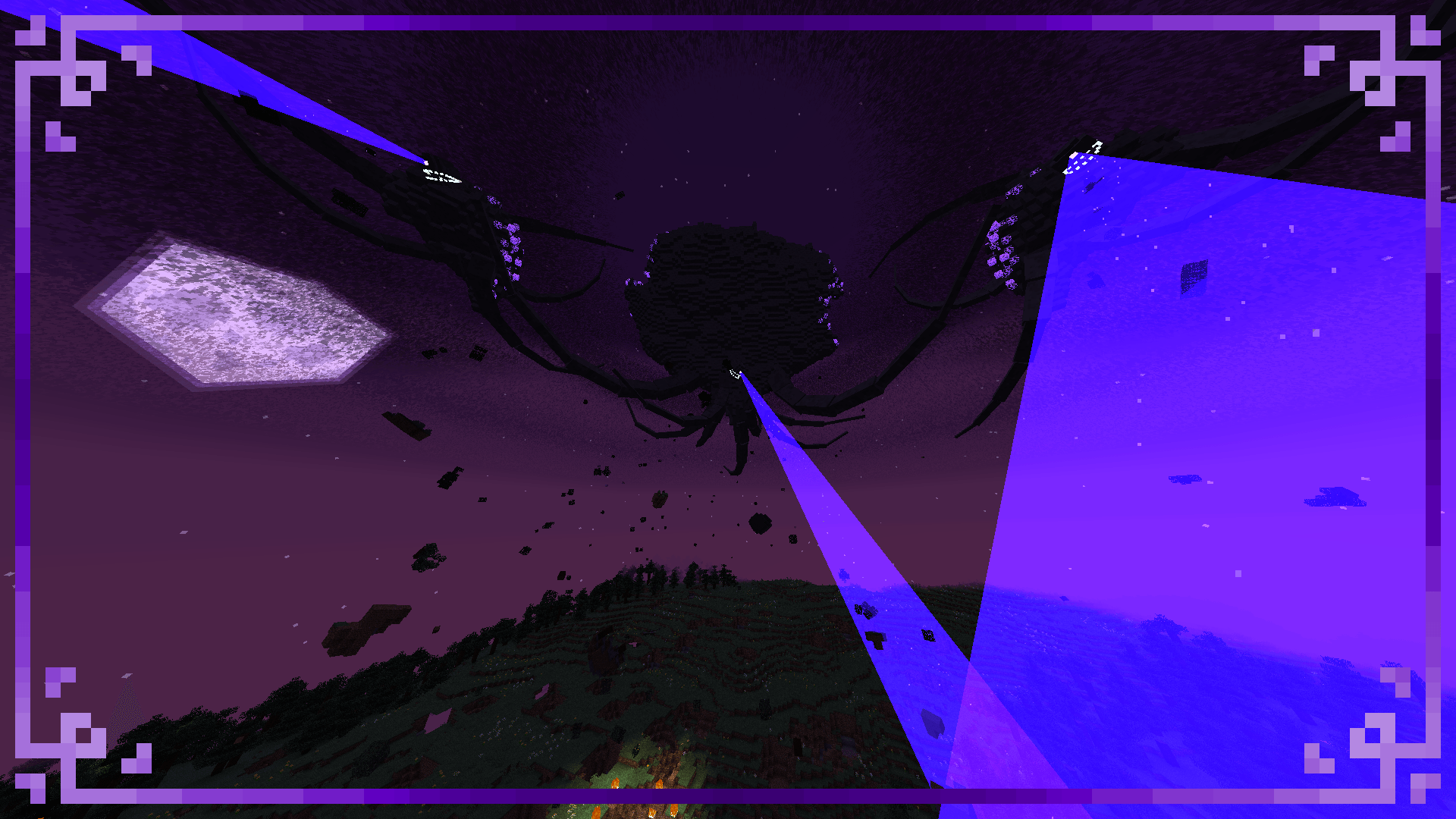
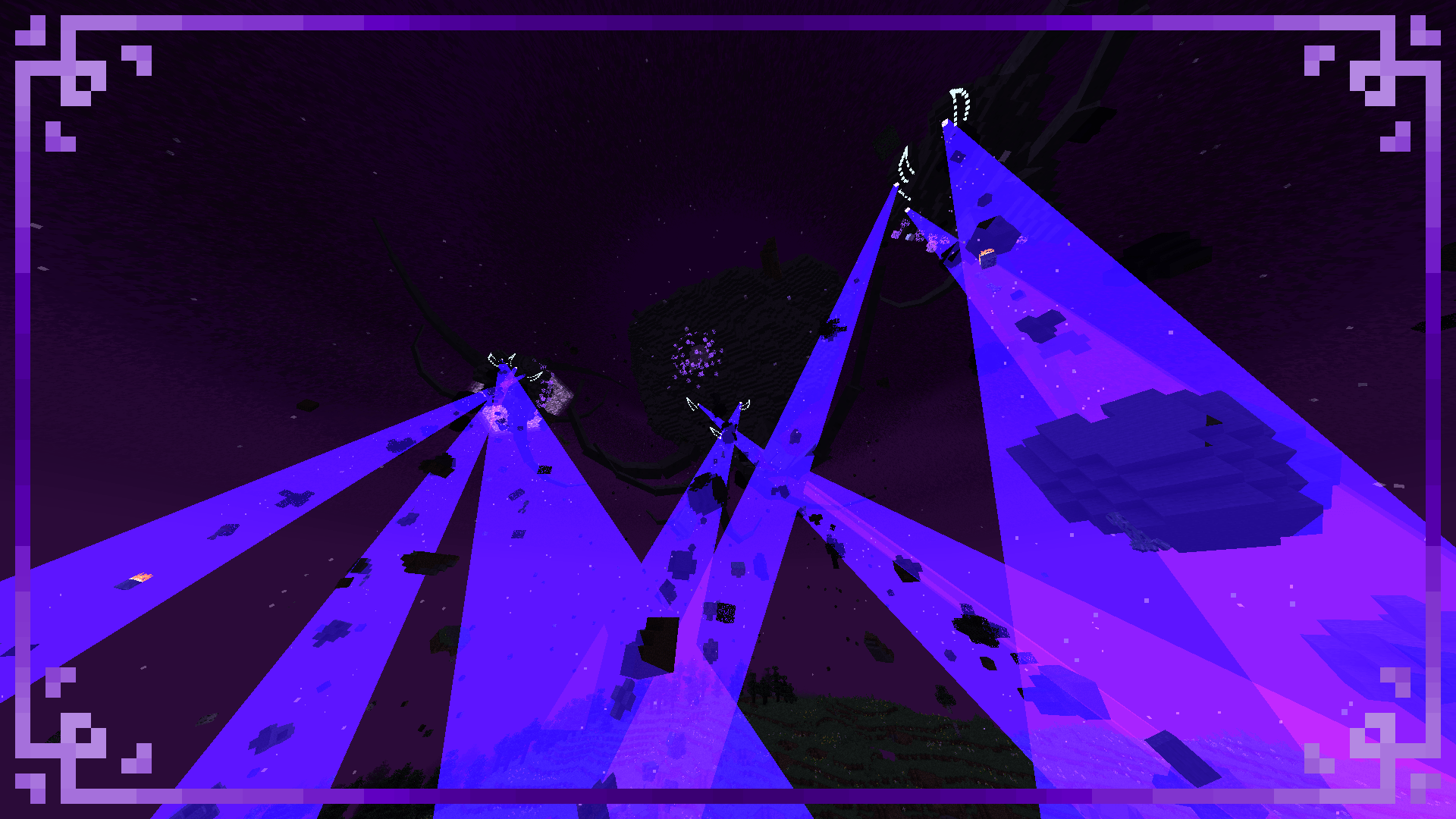
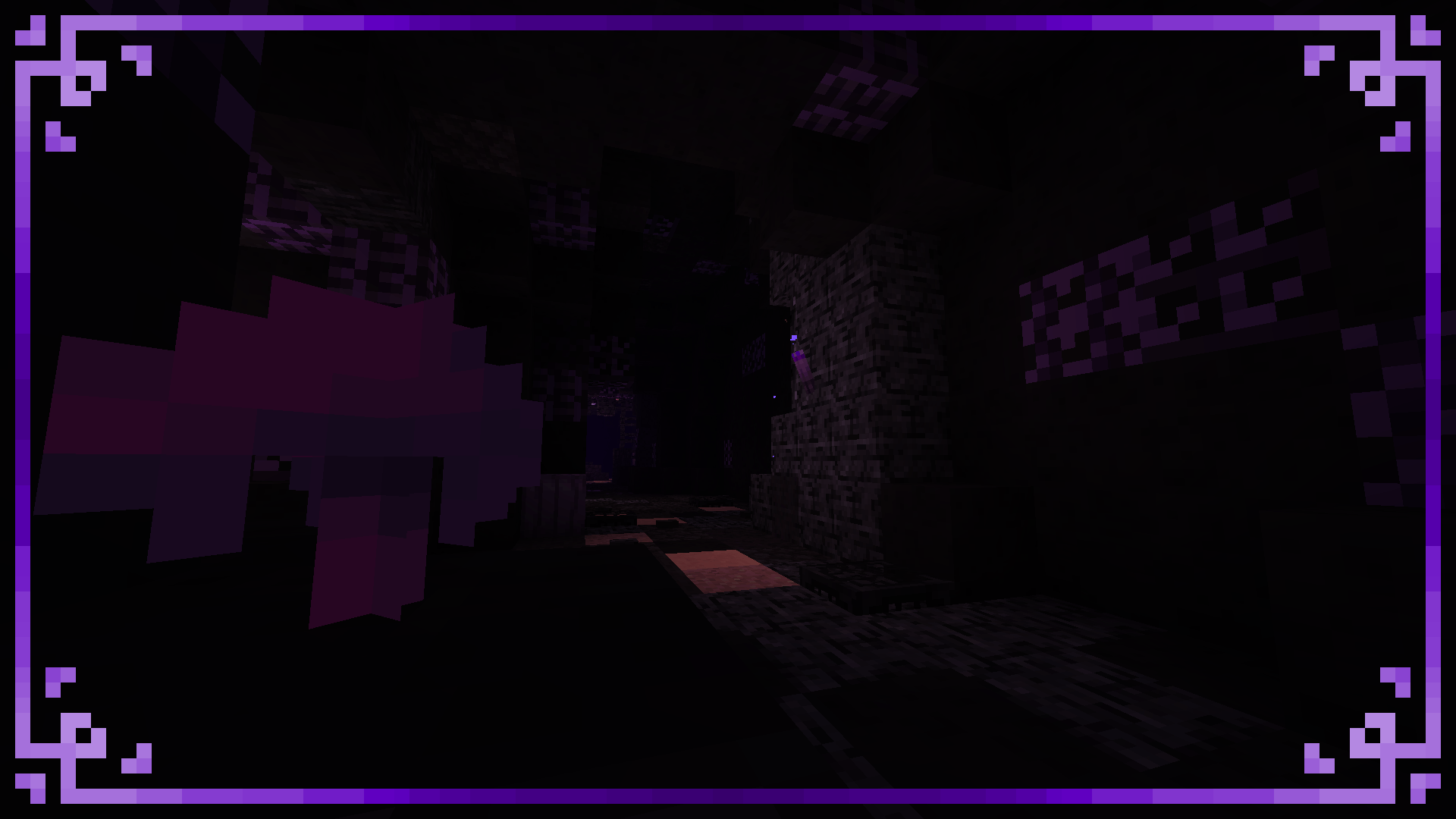
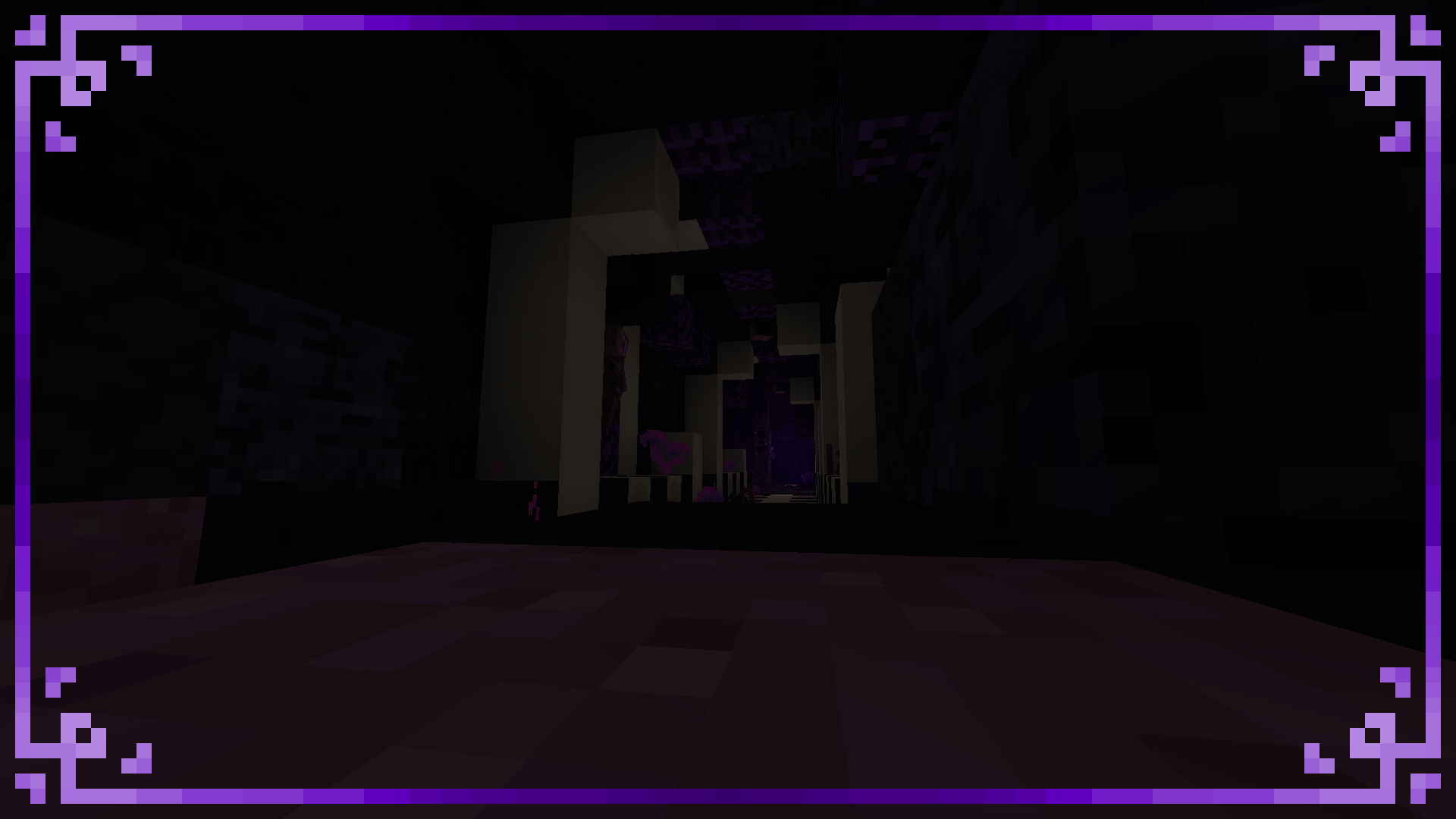
a Resource Pack that adds more content than the original ctsm resource pack
this resource pack isn't Finished yet! so u may see bugs or things incompleted

Credits to:
- LucasDotje for some of his textures blocks
- TaintedS (NOT TAINTED DUDE!) for ideas
- UltimaCore/UltimaMusicProductions for the withered symbiont music
- TheWitherStorm16 (discord's name) for helping me with the textures

Completed

we also have 2 resource packs more inside of this resource pack
if u want to use them, go look this tutorial:

Recommended mods:

- Oculus: https://www.curseforge.com/minecraft/mc-mods/oculus
- Rubidium: https://www.curseforge.com/minecraft/mc-mods/rubidium
- instead of rubidium, you can use Embeddium: https://www.curseforge.com/minecraft/mc-mods/embeddium

THIS RESOURCE PACK ONLY WORKS IN 1.20.1!

also go play my 3 resource packs too! :D (there's another one that adds the exo storm in bedrock)
X-Mas Storm Resource Pack: https://www.curseforge.com/minecraft/texture-packs/xmas-snow-storm-resource-pack-for-cwsm
Exo Storm Resource pack: https://www.curseforge.com/minecraft/texture-packs/cracker-exo-storm-wither-storm-halloween-ver
Exo Storm Bedrock Port: https://www.curseforge.com/minecraft-bedrock/texture-packs/crackers-exo-storm-bedrock-port-wither-storm
Camilo Tuber's Story Mode Resource Pack: https://www.curseforge.com/minecraft/texture-packs/camilo-tubers-mcsm-minecraft-story-mode-resource

Camilo Tubers Story Mode Plus Resource Pack.zip
MC 1.20.1
Beta 2025-08-13 Get

Requirements & install

How to use this resource pack in Minecraft
Resolution
16x
Minecraft
1.20.1
Install folder
.minecraft/resourcepacks

How to install resource packs

  1. Download the resource pack .zip file (do not extract it).
  2. In Minecraft open Options → Resource Packs → Open Pack Folder.
  3. Drop the .zip into the resourcepacks folder (.minecraft/resourcepacks).
  4. Move the pack to the Selected column and click Done.
Browse more: 16x resource packs 32x resource packs 64x resource packs 128x resource packs 256x resource packs 512x+ resource packs Resource Packs for 1.20.1 All resource packs

More from Camilo_Tuber

Advertisement Remove ads with Premium →

You Might Also Like