📋 ABOUT 📋
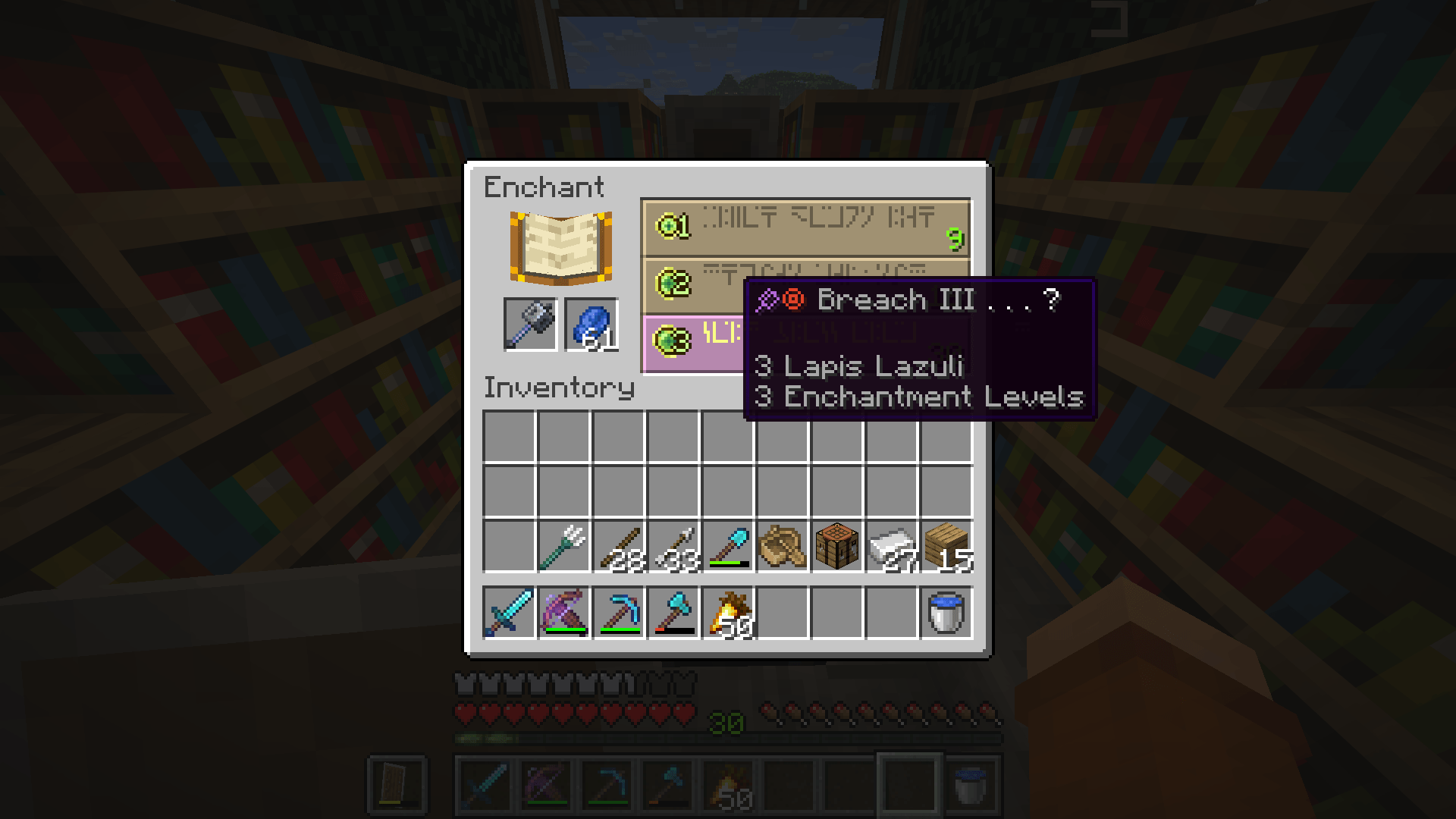
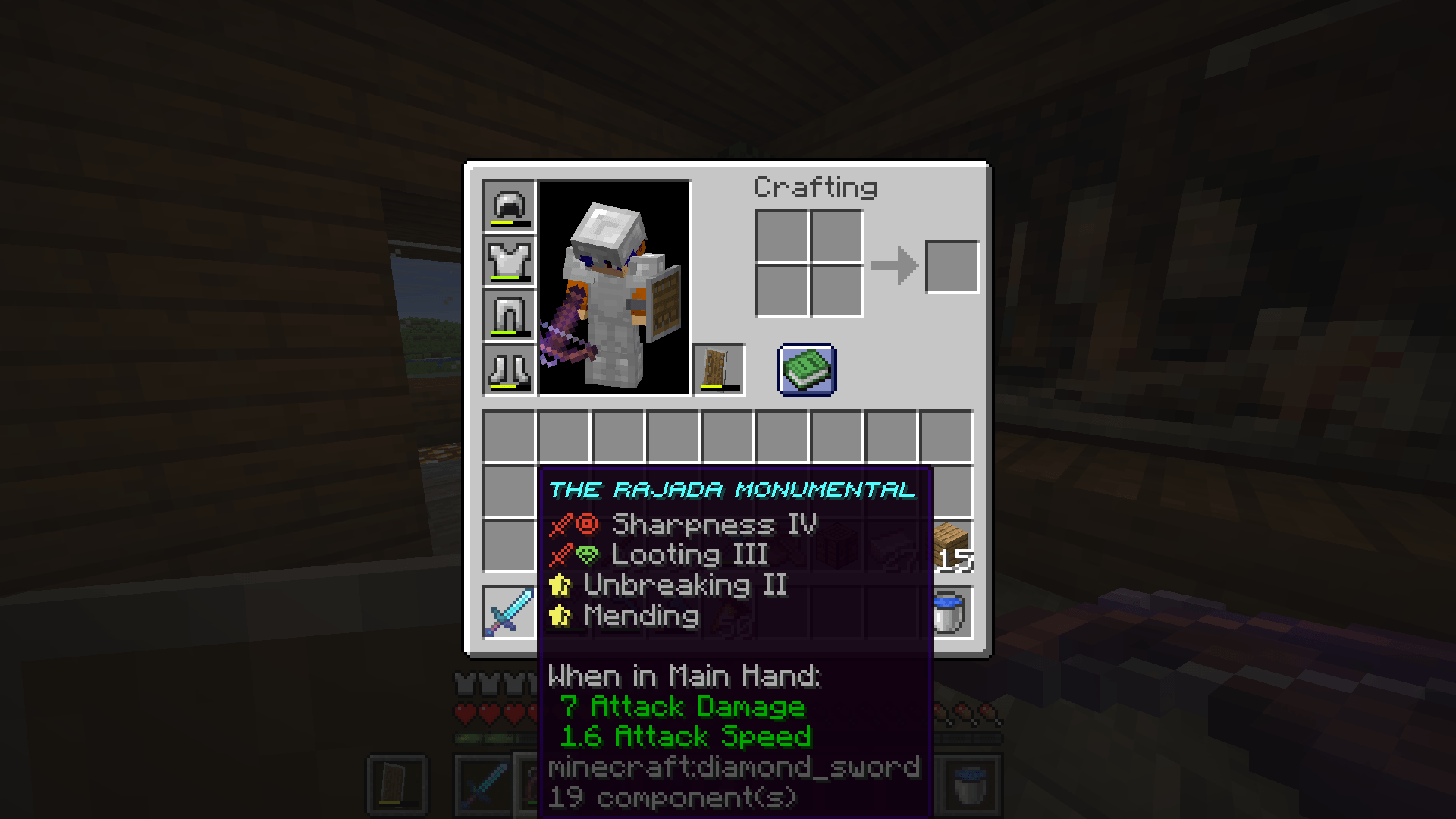
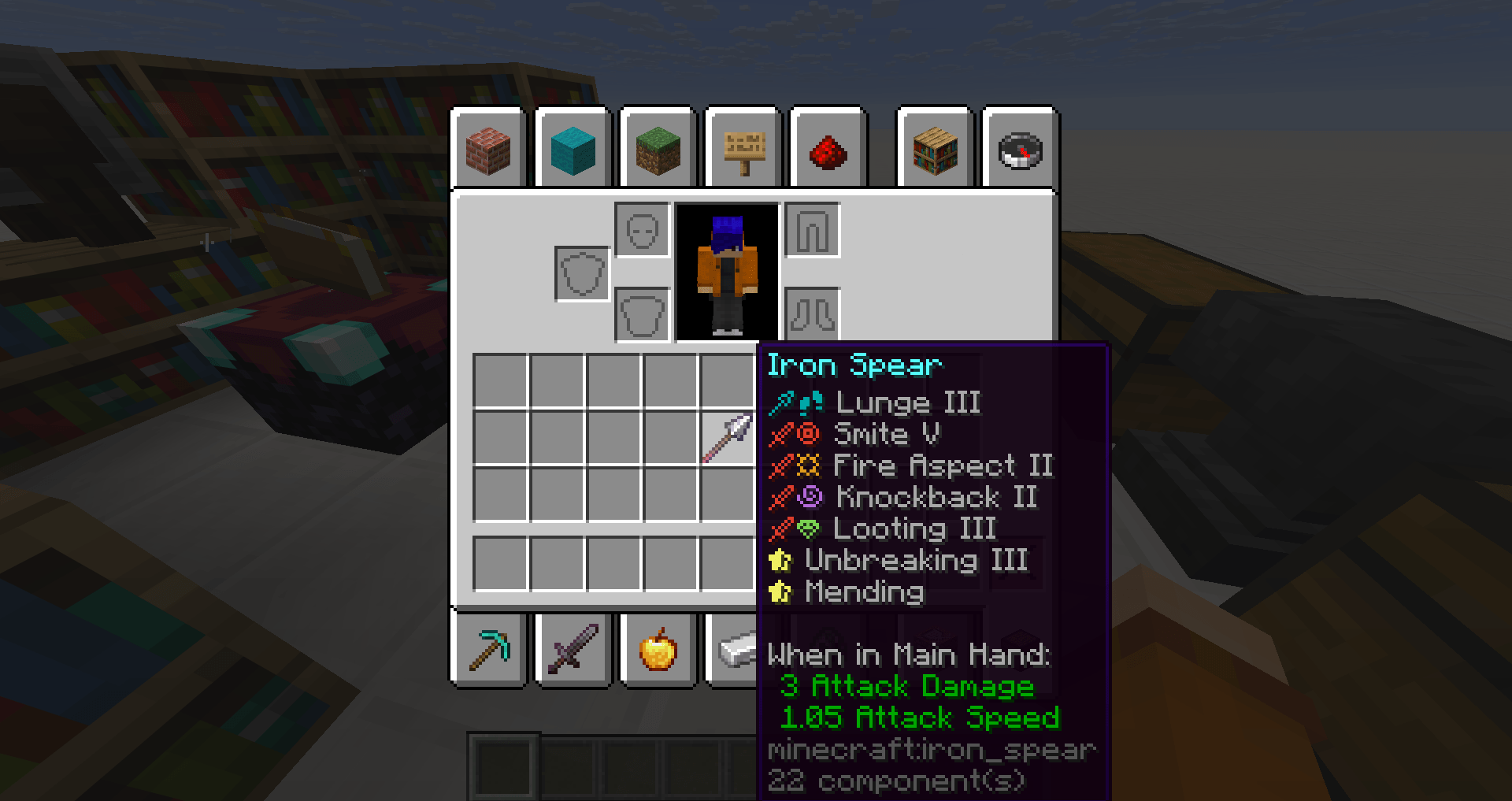
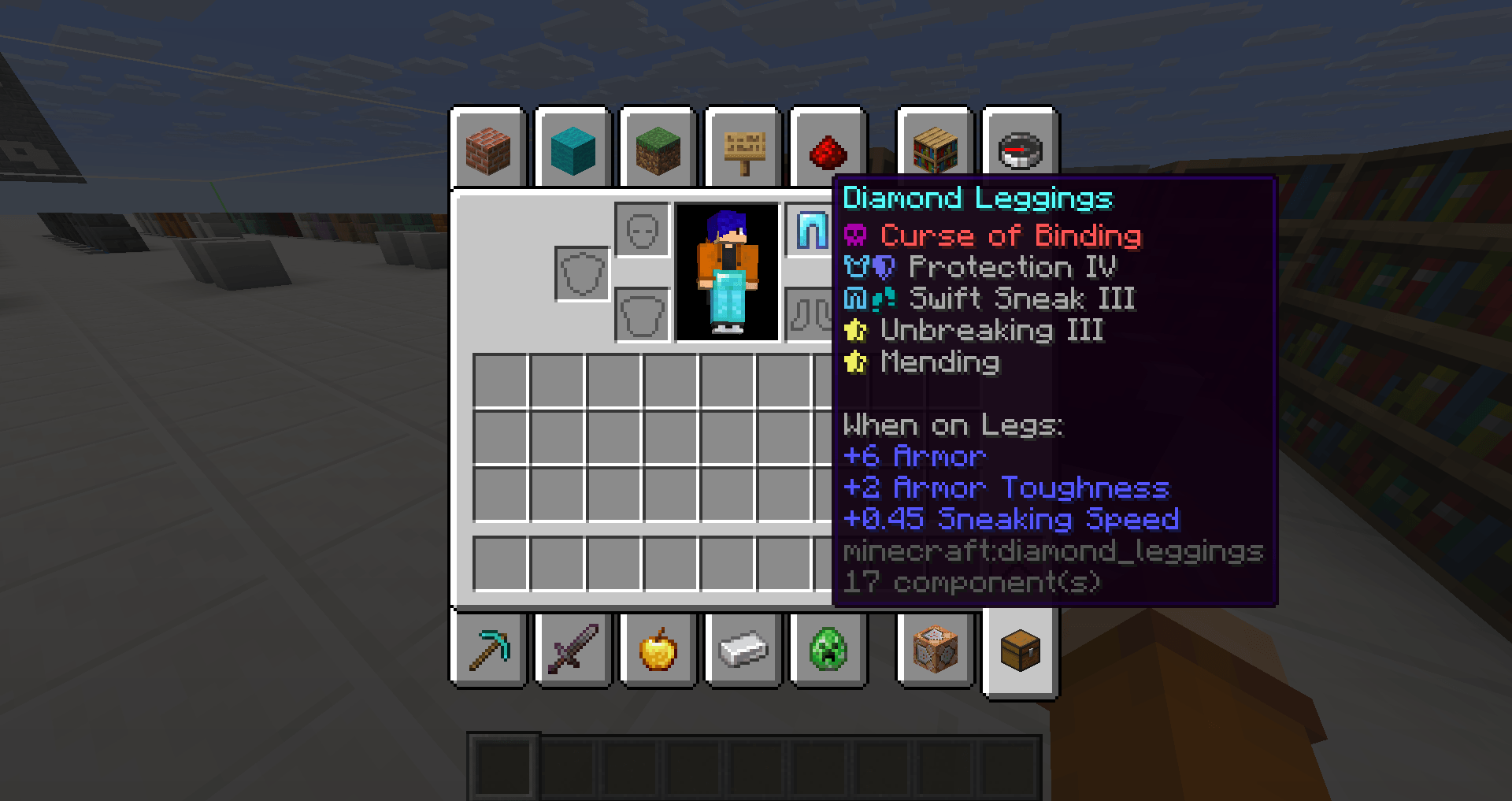
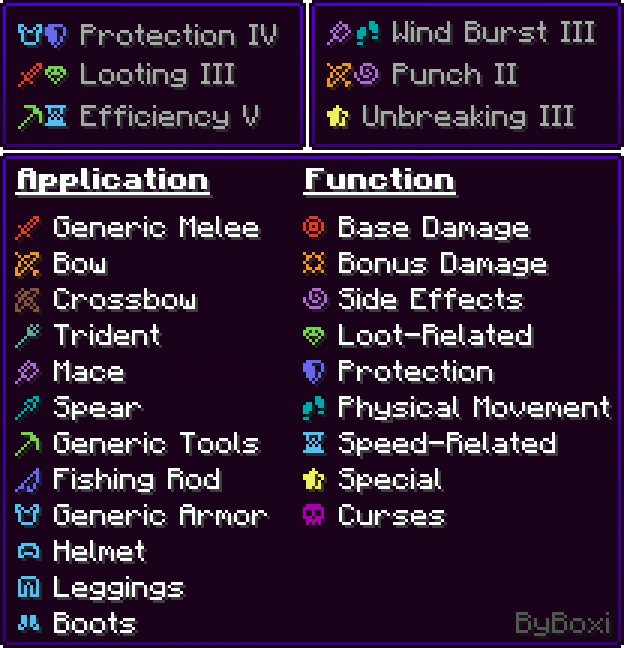
Visual Enchantment Tooltips adds small, colored icons to enchantment descriptions to improve readability and visual clarity.
These icons visually indicate which items an enchantment can be applied to, and represent the enchantment’s function using a simple, consistent visual language.

🧱 FEATURES 🧱
- Over 20 custom icons that visually describe enchantment function and application in a minimalistic way
- Supports multiple languages
- More features will be added over time!
📄 TERMS OF USE 📄
✅ You are
allowed to:
- Use or promote this resourcepack in videos, streams, etc.
Credits will be greatly appreciated! - Include this resourcepack in modpacks.
You are free to use it in your own modpacks, and I truly appreciate it if you do so.
Please ensure the modpack is published on the same platform where this pack is available
(e.g. CurseForge or Modrinth). - Modify this resource pack for personal use only.
You may edit, tweak, or customize it however you like, as long as it's not shared, uploaded, or redistributed publicly.
❌ You are restricted from:
- Redistribute this resourcepack without prior permission.
This includes reuploads, mirrors, direct downloads, or ports to other platforms
(such as Bedrock Edition), whether the pack is modified or unmodified. - Claim ownership or authorship of this resourcepack or any of its assets.
You may not present this pack, or parts of it, as your own work.