Mineuniverse
Resource Packs
Boco's NG Pack

Boco's NG Pack

RESOURCE PACK
3ft narrow gauge from around America
by theknowitall5
Download Claim this project
8,158 downloads
0 likes
Updated Oct 14, 2026
0 hypes
512x and Higher Mod Support
Advertisement Remove ads with Premium →

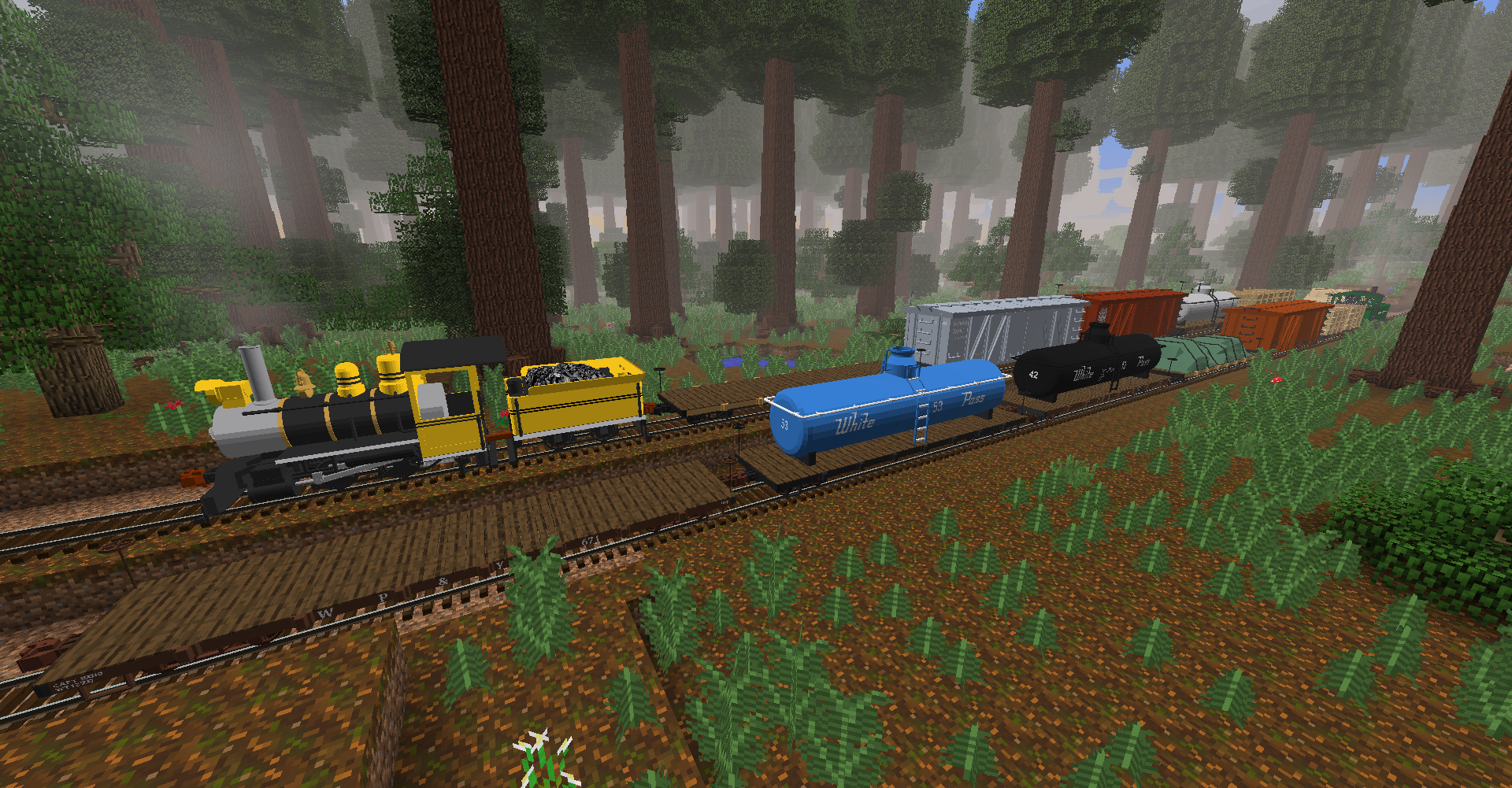
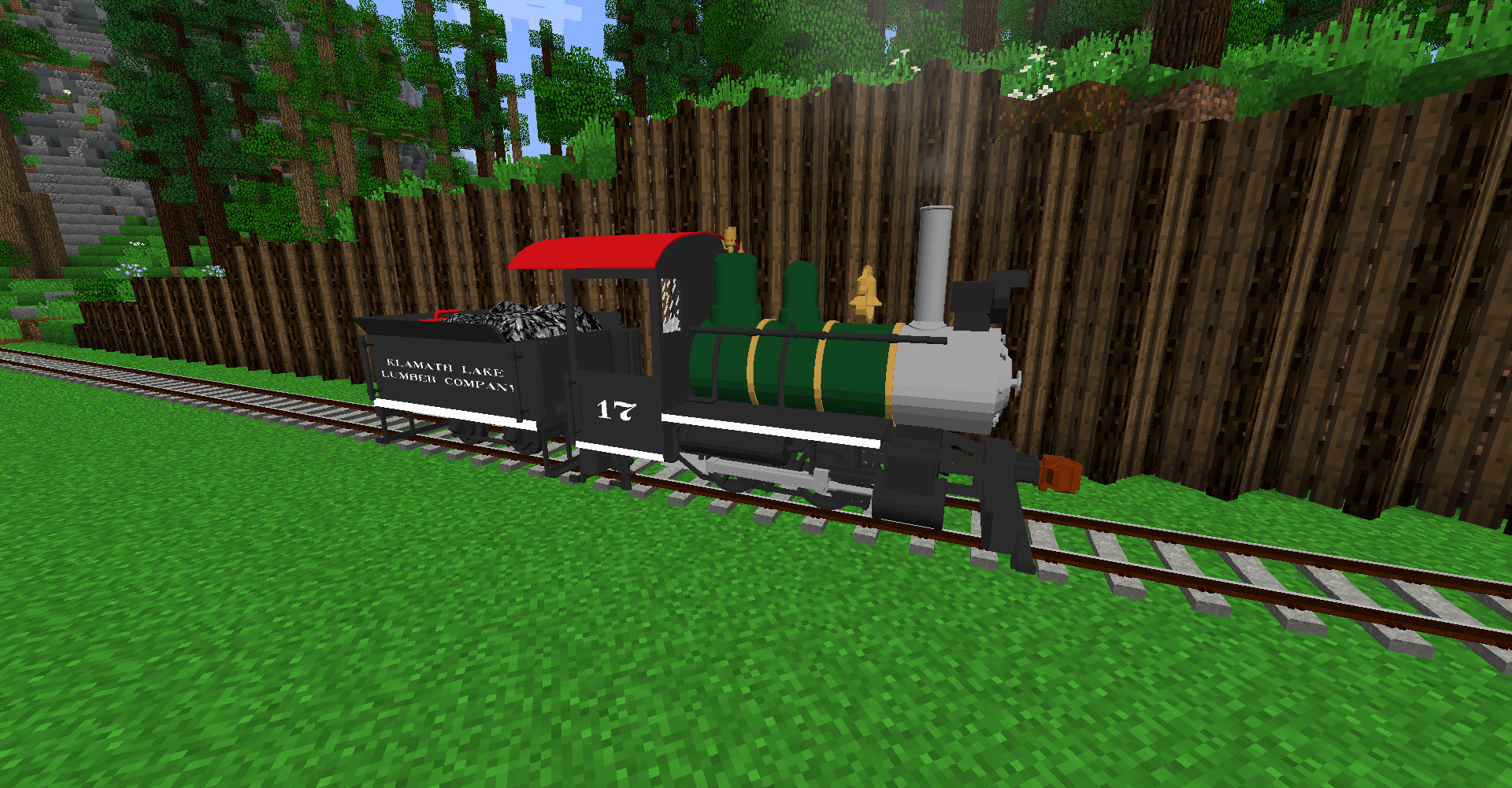
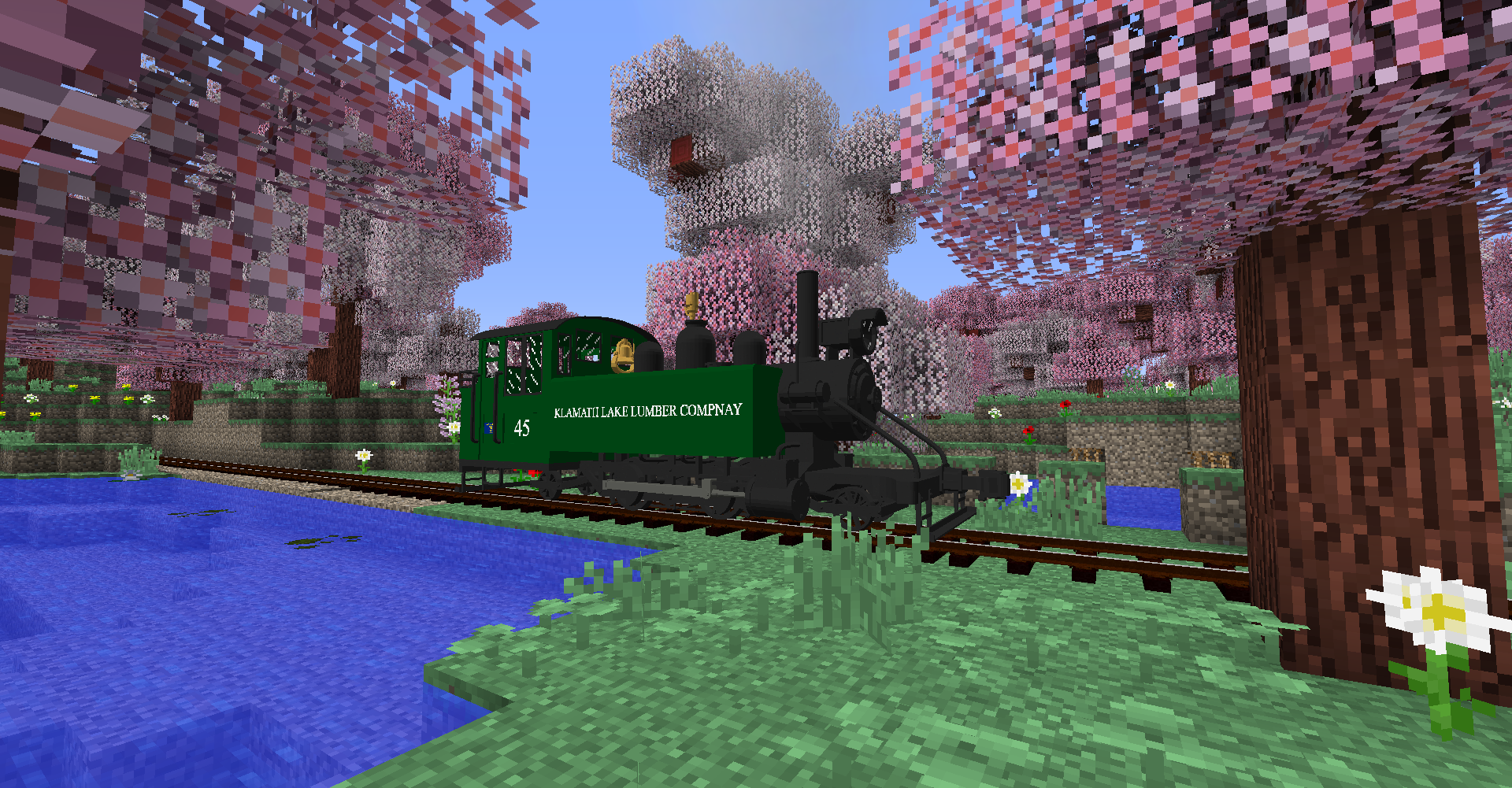
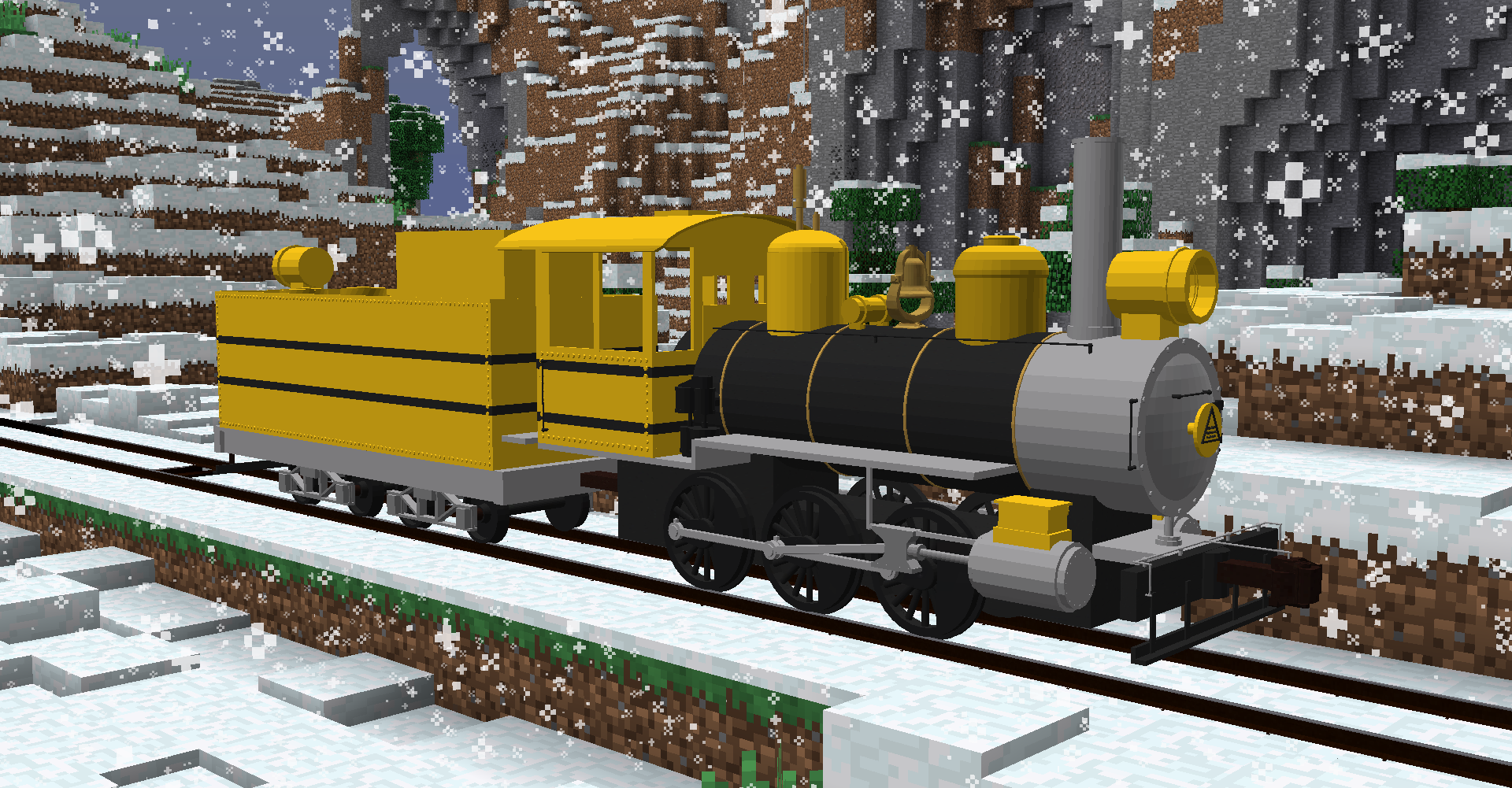
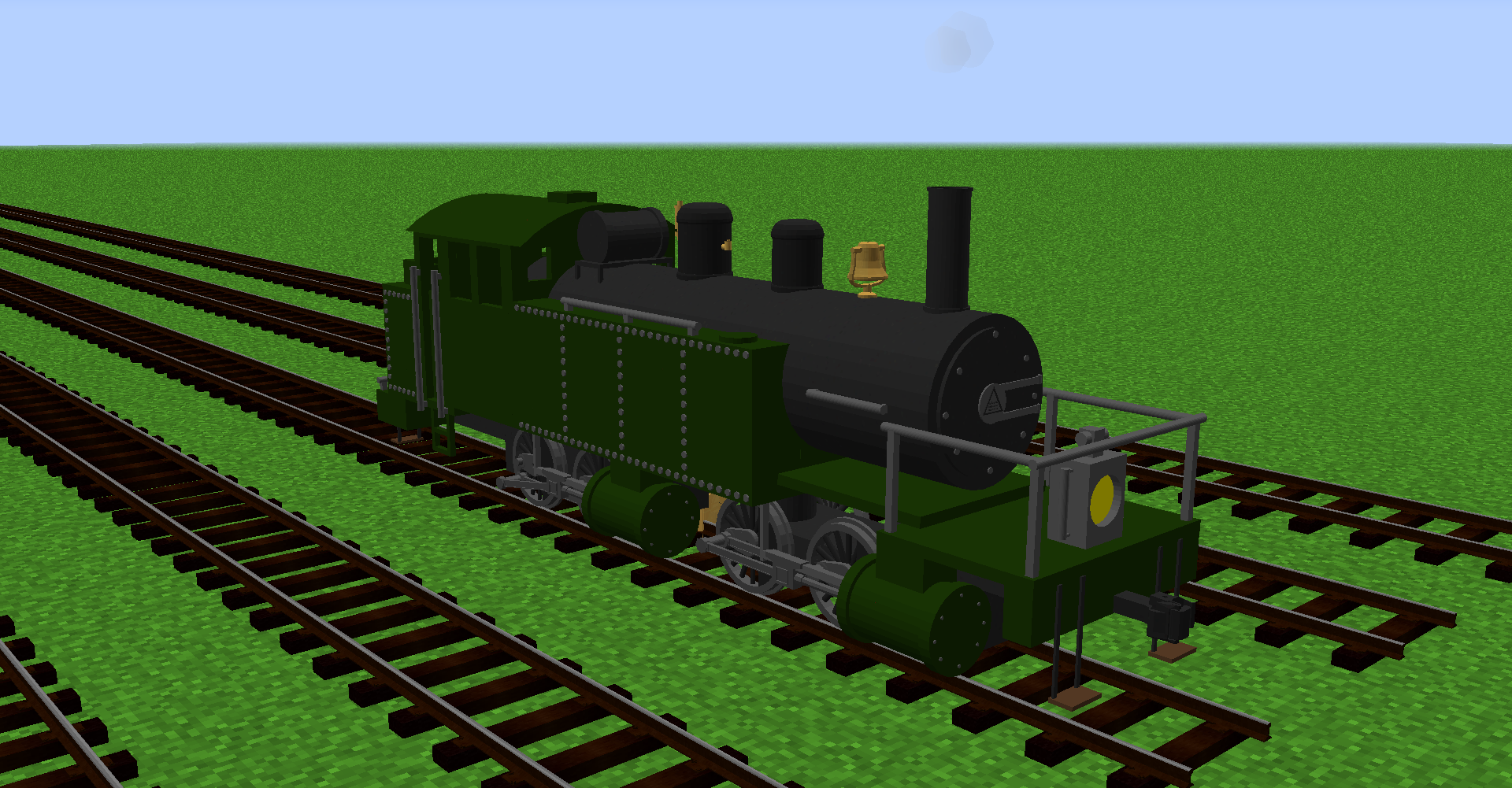
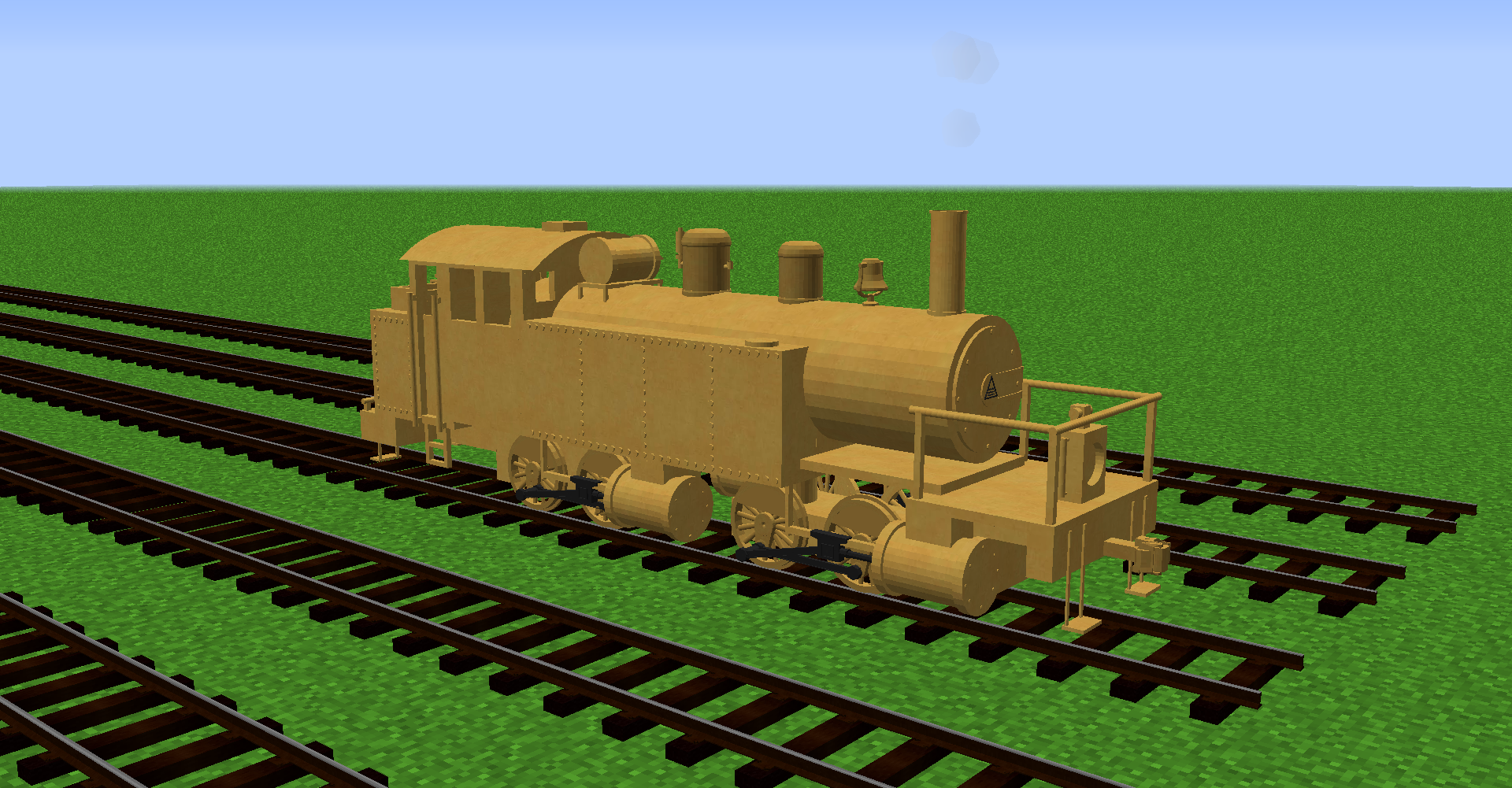
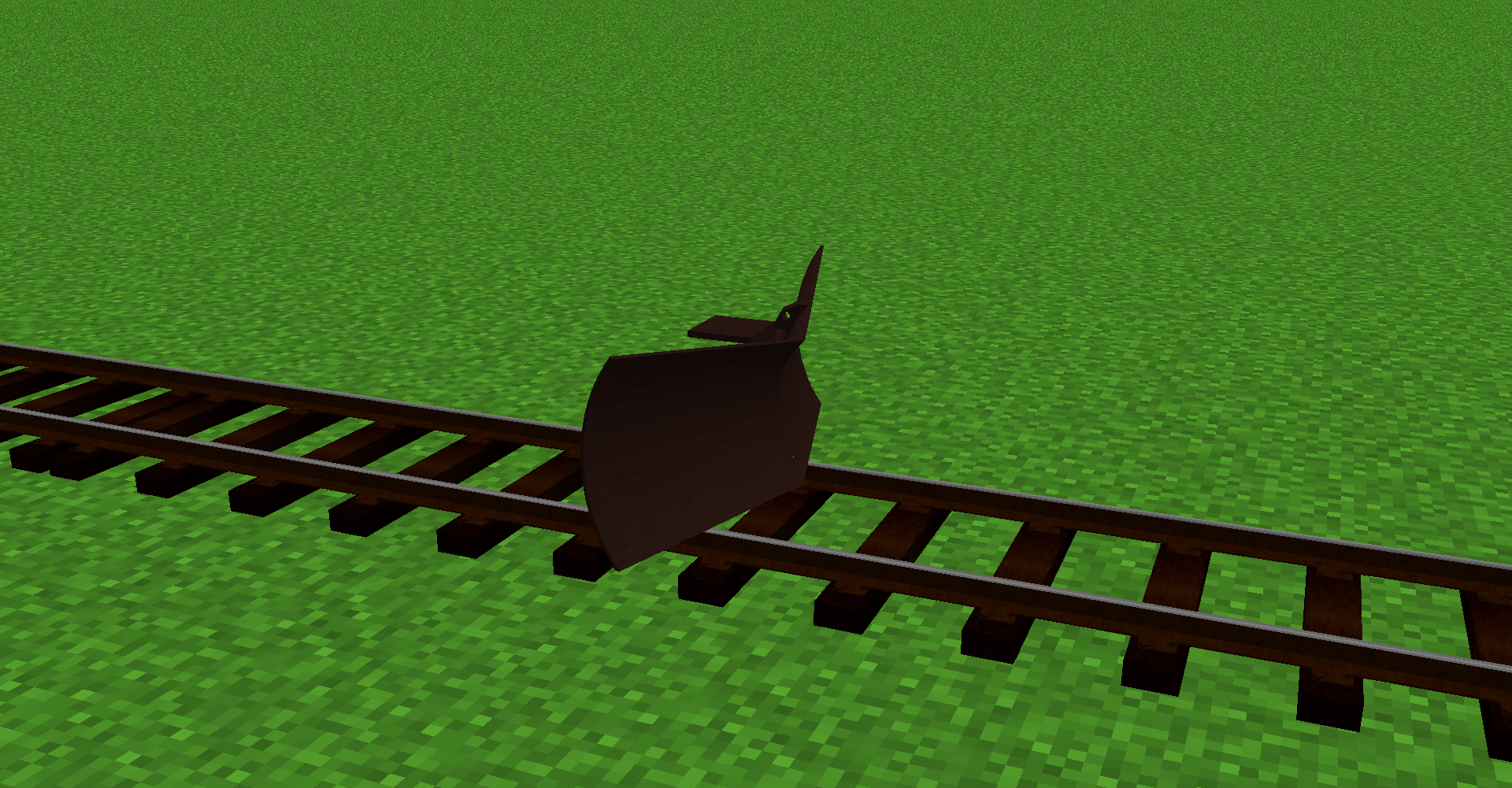
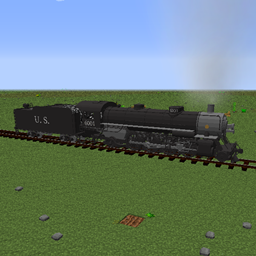
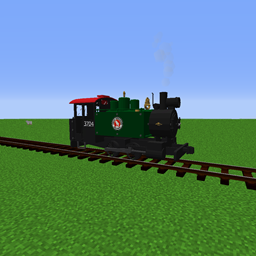
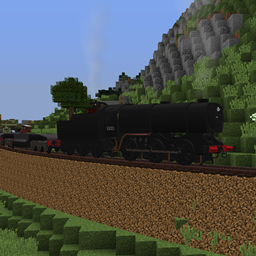
For use with the Immersive Railroading mod,  this pack just adds new stock.


Included is as follows


Mallet: brass/black variant

Jimbob: black/green/blue/orange/red/redsands variants

Westin: Bumblebee Scheme

Mogul: SnowyBrooke/Unlettered/black variants

Baldwin 4-6-0: Black

EBT 2-8-2: Standard EBT scheme

Baldwin 2-4-2: Green/Black/Red

Porter 0-4-0: Green/black

Oahu 2-8-0 Consolidation


For any suggestions or bugs about the model find me on the Immersive railroading discord, find me under TheKnowItAll5

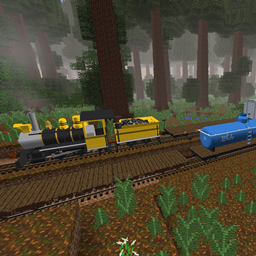
2-8-0, GE 50Tonner, and Revamped Coaches Update
MC 1.14.4, 1.12.2
Release 2020-06-08 Get
Freight Stock Revamp 1
MC 1.14.4, 1.12.2
Release 2020-04-18 Get
0-4-0 Porter & Tender Update
MC 1.14.4, 1.12.2
Release 2020-02-12 Get
Mining Update
MC 1.14.4, 1.12.2
Release 2019-11-28 Get
Baldwin 2-4-2
MC 1.14.4, 1.12.2
Release 2019-11-18 Get
small bug fixes
MC 1.12.2
Release 2019-06-23 Get
Jimbob 2.0 Update =BUG FIX 1=
MC 1.12.2
Release 2019-06-07 Get
Jimbob 2.0 Update
MC 1.12.2
Release 2019-06-04 Get
4-6-0 Baldwin Update
MC 1.12.2
Release 2019-06-02 Get
Coach Update
MC 1.12.2
Release 2019-05-21 Get
2-6-0 Mogul Update
MC 1.12.2
Release 2019-05-15 Get
Westin 0-6-0 Update =BUG FIX 4=
MC 1.12.2
Release 2019-05-07 Get
Westin 0-6-0 Update =BUG FIX 3=
MC 1.12.2
Release 2019-05-06 Get
Westin 0-6-0 Update =BUG FIX 2=
MC 1.12.2
Release 2019-04-21 Get
Westin 0-6-0 Update
MC 1.12.2
Release 2019-04-20 Get
Westin 0-6-0 Update =BUG FIX 1=
MC 1.12.2
Release 2019-04-20 Get
BoCo's_NG_Pack_1.1.zip
MC 1.12.2
Release 2019-04-05 Get
BoCo's_NG_Pack.zip
MC 1.12.2
Release 2019-03-28 Get

Requirements & install

How to use this resource pack in Minecraft
Resolution
512x+
Minecraft
1.12.2 – 1.14.4
Install folder
.minecraft/resourcepacks

How to install resource packs

  1. Download the resource pack .zip file (do not extract it).
  2. In Minecraft open Options → Resource Packs → Open Pack Folder.
  3. Drop the .zip into the resourcepacks folder (.minecraft/resourcepacks).
  4. Move the pack to the Selected column and click Done.

512x packs need a strong GPU and at least 4 GB of RAM for Minecraft; a performance mod such as Sodium is strongly recommended.

Browse more: 16x resource packs 32x resource packs 64x resource packs 128x resource packs 256x resource packs 512x+ resource packs Resource Packs for 1.14.4 All resource packs

More from theknowitall5

Advertisement Remove ads with Premium →

You Might Also Like