Mineuniverse
Resource Packs
Blue Variants

Blue Variants

RESOURCE PACK
A datapack that adds blue variants of pokemon - like pink pokemon!
by StrangeOne101
Download Claim this project
1,852 downloads
0 likes
Updated Oct 14, 2026
0 hypes
64x Data Packs Miscellaneous Mod Support
Advertisement Remove ads with Premium →

Description

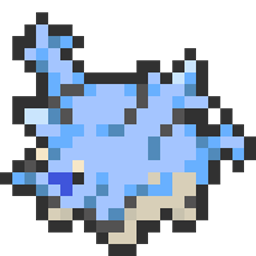
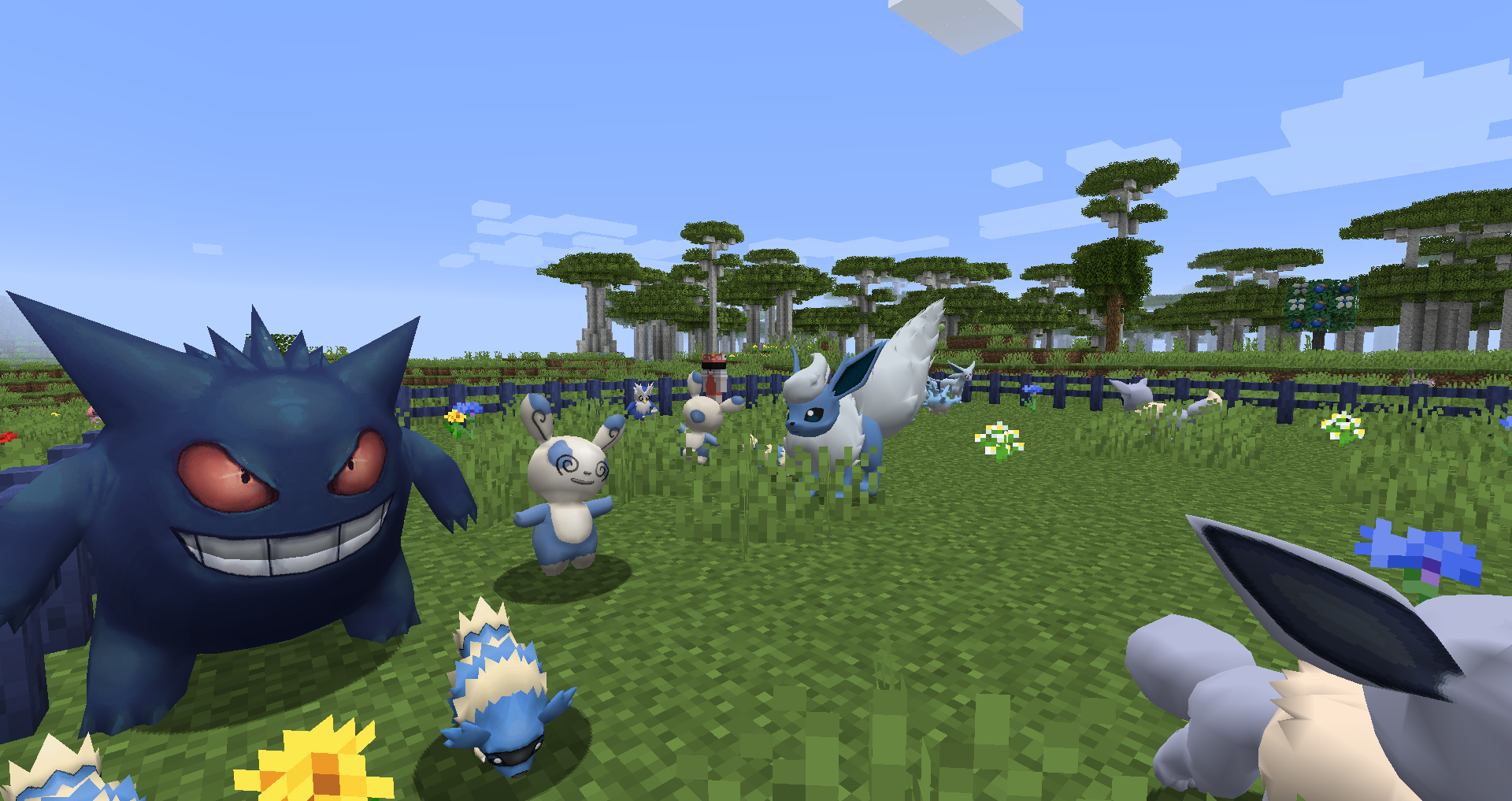
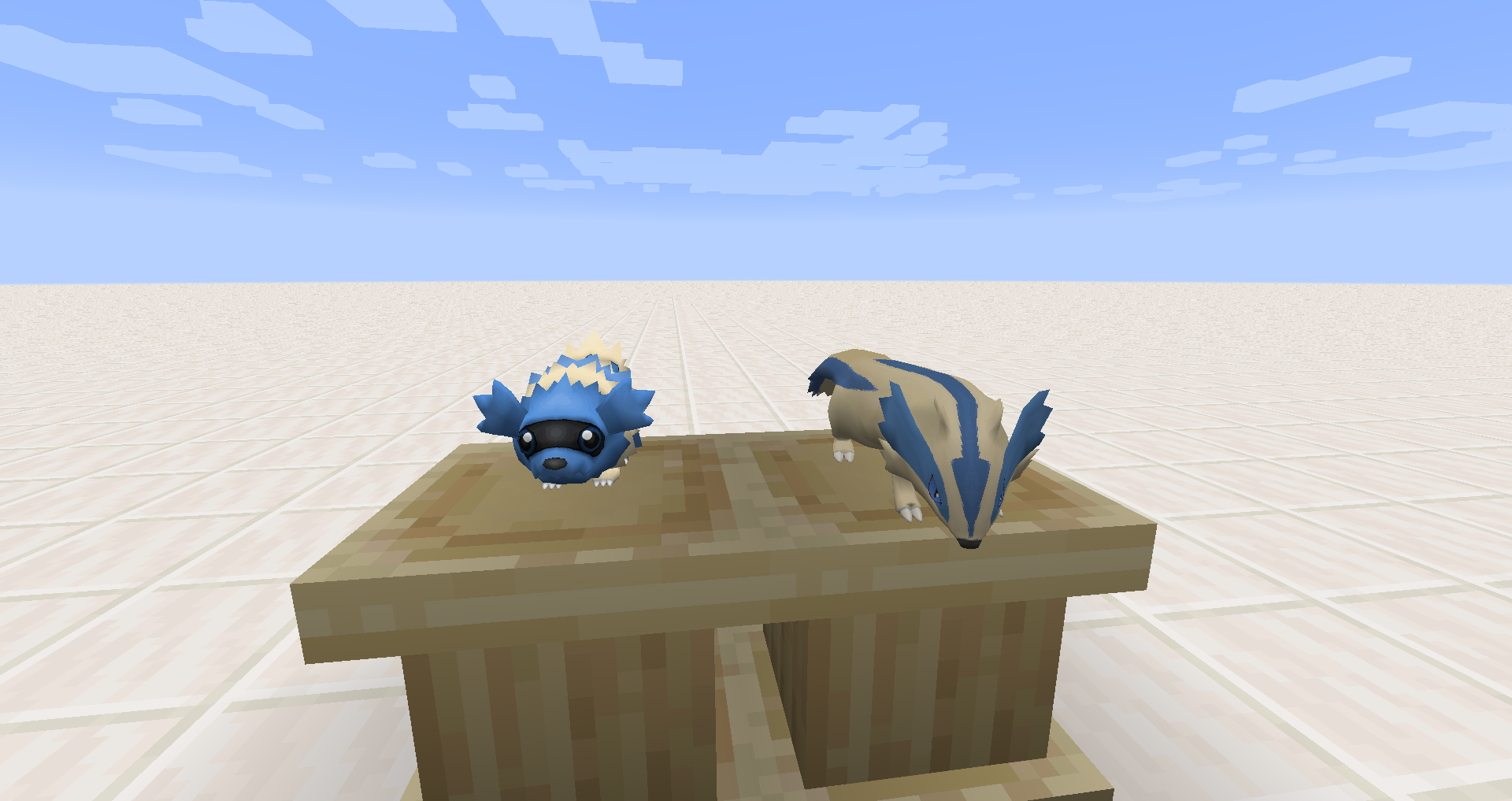
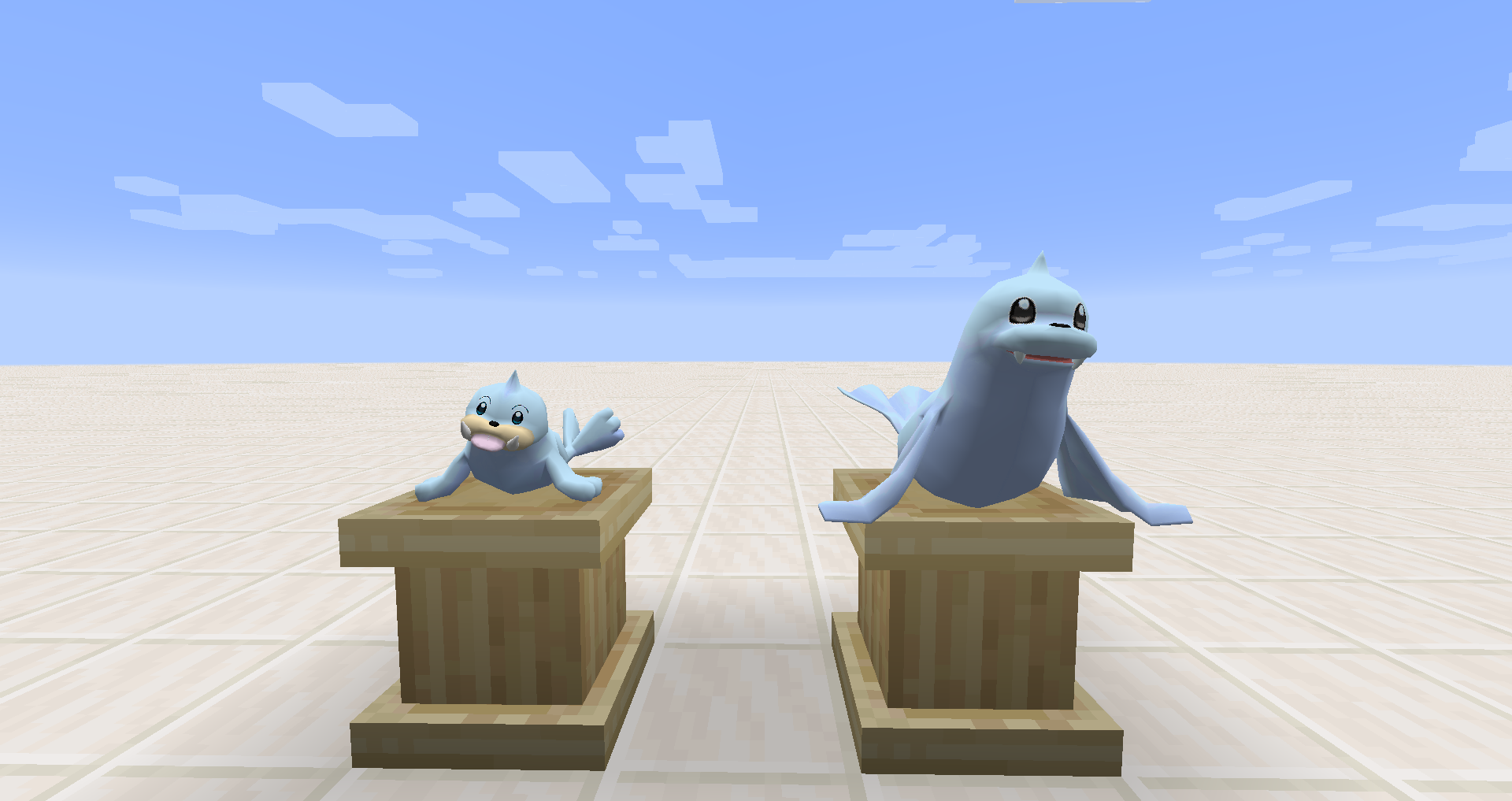
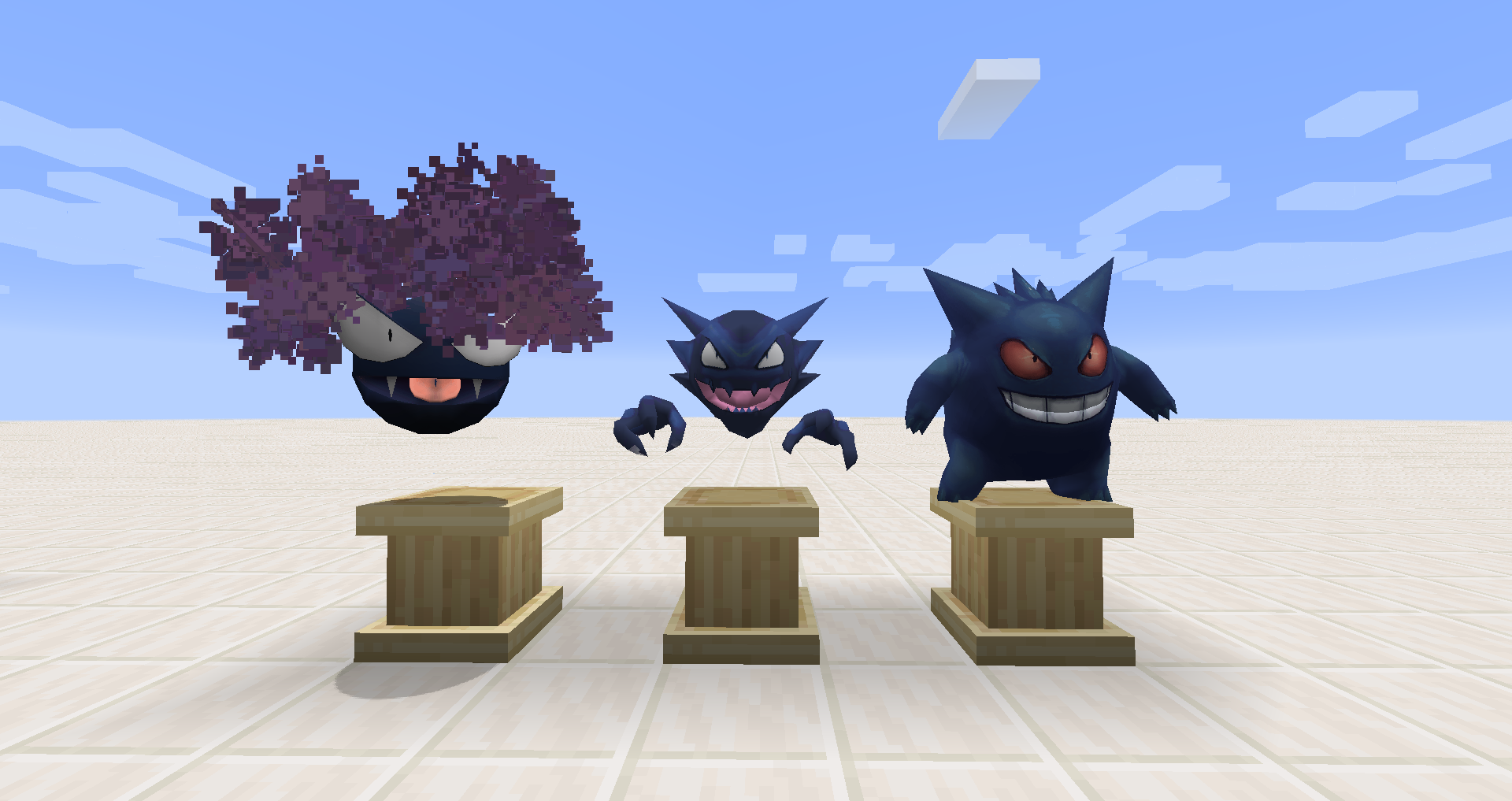
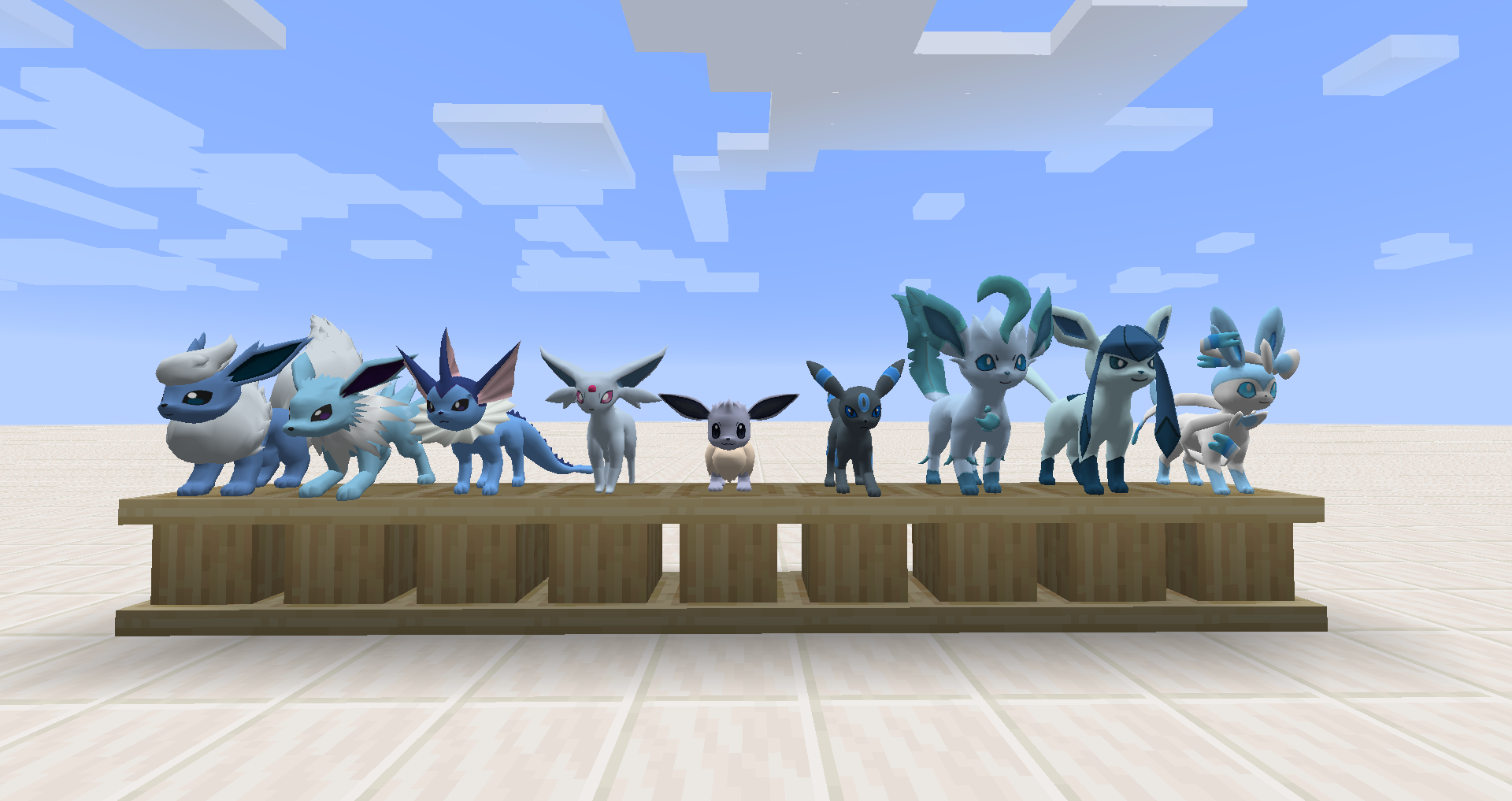
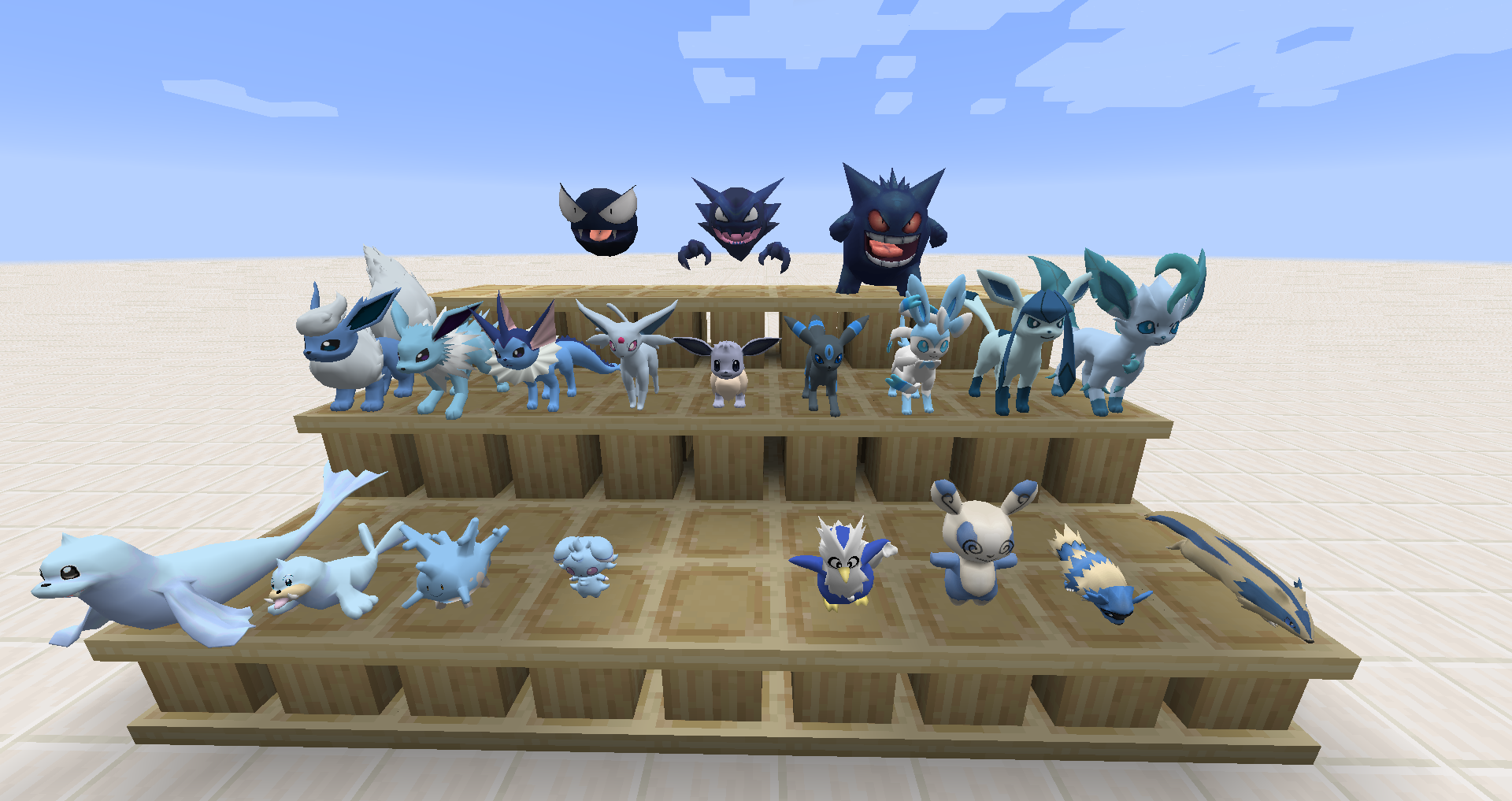
This datapack (and resource pack) adds blue variants of Pokemon to Pixelmon! These appear in the wild as rare variants, just like pink Pokemon do!


This pack also comes with an advancement for catching blue pokemon. 


Blue Pokemon Showcase

Installation

1. Download Pixelmon 9.0.0 (or greater) for 1.16.5
2. Download the resource pack
3. Apply the resource pack
4. Download the datapack
5. Install it to either /world/datapacks on a server, or use the "Data Packs" button in the world creation screen in single player
6. Done!


Available Pokemon

  • Eevee + Eeveelutions
  • Seel & Dewgong
  • Zigzagoon & Linoone
  • Gastly evolutionary line
  • Corsola
  • Spinda
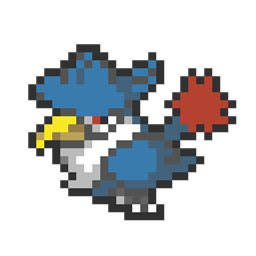
  • Delibird
  • Espurr


FAQ

Q: How rare are blue pokemon?
A: They are 50x rarer than normal variants, which is the same rarity as pink pokemon!


Q: Can you add x pokemon?
A: Please feel free to suggest pokemon you think would work well in blue!


Q: Do I have permission to use this on my server or in modpacks?
A: Yes! As long as you provide a link to this page somewhere on the server/modpack page, that is fine!


Q: Why does Gastly have purple particles?

A: Unfortunately, these are hardcoded by Pixelmon and cannot be changed.


Q: Can I submit new pokemon or textures?

A: Sure! Please submit PRs to the github repo found in the source tab!

Datapack v1.0
MC 1.16.5
Release 2022-10-17 Get
Datapack v1.0.1
MC 1.16.5
Release 2022-10-17 Get
Resource Pack v1.0
MC 1.16.5
Beta 2022-10-17 Get

Requirements & install

How to use this resource pack in Minecraft
Resolution
64x
Minecraft
1.16.5
Install folder
.minecraft/resourcepacks

How to install resource packs

  1. Download the resource pack .zip file (do not extract it).
  2. In Minecraft open Options → Resource Packs → Open Pack Folder.
  3. Drop the .zip into the resourcepacks folder (.minecraft/resourcepacks).
  4. Move the pack to the Selected column and click Done.
Browse more: 16x resource packs 32x resource packs 64x resource packs 128x resource packs 256x resource packs 512x+ resource packs Resource Packs for 1.16.5 All resource packs

More from StrangeOne101

Advertisement Remove ads with Premium →

You Might Also Like