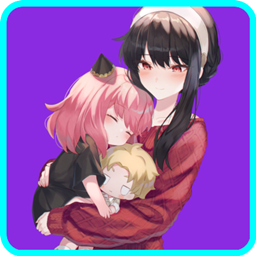
It's GUI ONLY Resource pack so you can freely use it with other resource packs. Just place it on top of resource pack you use.
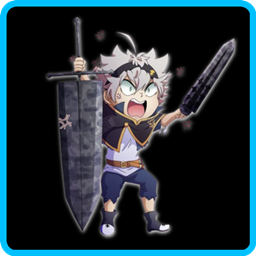
This is a GUI packed themed towards the show "Black Clover Custom GUI Pack". Don't hesitate to comment down below, I have even changed hot bar as well hope you enjoy. I have taken the opportunity to experiment with adding different pictures to each container. The palette that I choose is Orange & Blue & Black but maybe in the future, If you guys want other colors like Pink & Red or any colors else. please tell me I will think about it!
If you found any bugs please report to me I will fix it as soon as I can.
Check out the Discord server. where you can suggest and vote for the next pack , as well as participate in anime discussion. I will also being doing Discord nitro giveaways every month, You can find a link down below
Images



Hud 
Creative Menu
Settings
Blast Furnace
Brewing Stand
Chest
Stonecutter

Beacon Menu

Villager Trading Menu

Check Out Our Relaunched Website For More Content By Clicking The Image Above !!

Join the discord by clicking the image

Thank you for your support ! ❤