Badges update automatically and link to the resource pack page on MineUniverse.

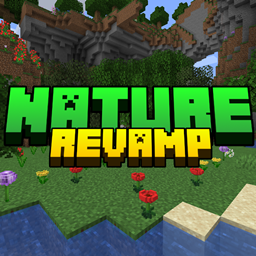
Embark on a journey of enhanced ambiance as Biomes Revamp transforms Minecraft's biomes into vibrant landscapes inspired by Mojang's concept art. Immerse yourself in the beauty of nature with meticulously crafted updates to birch forest biomes, introducing new elements that bring the concept art to life.
Key Features:
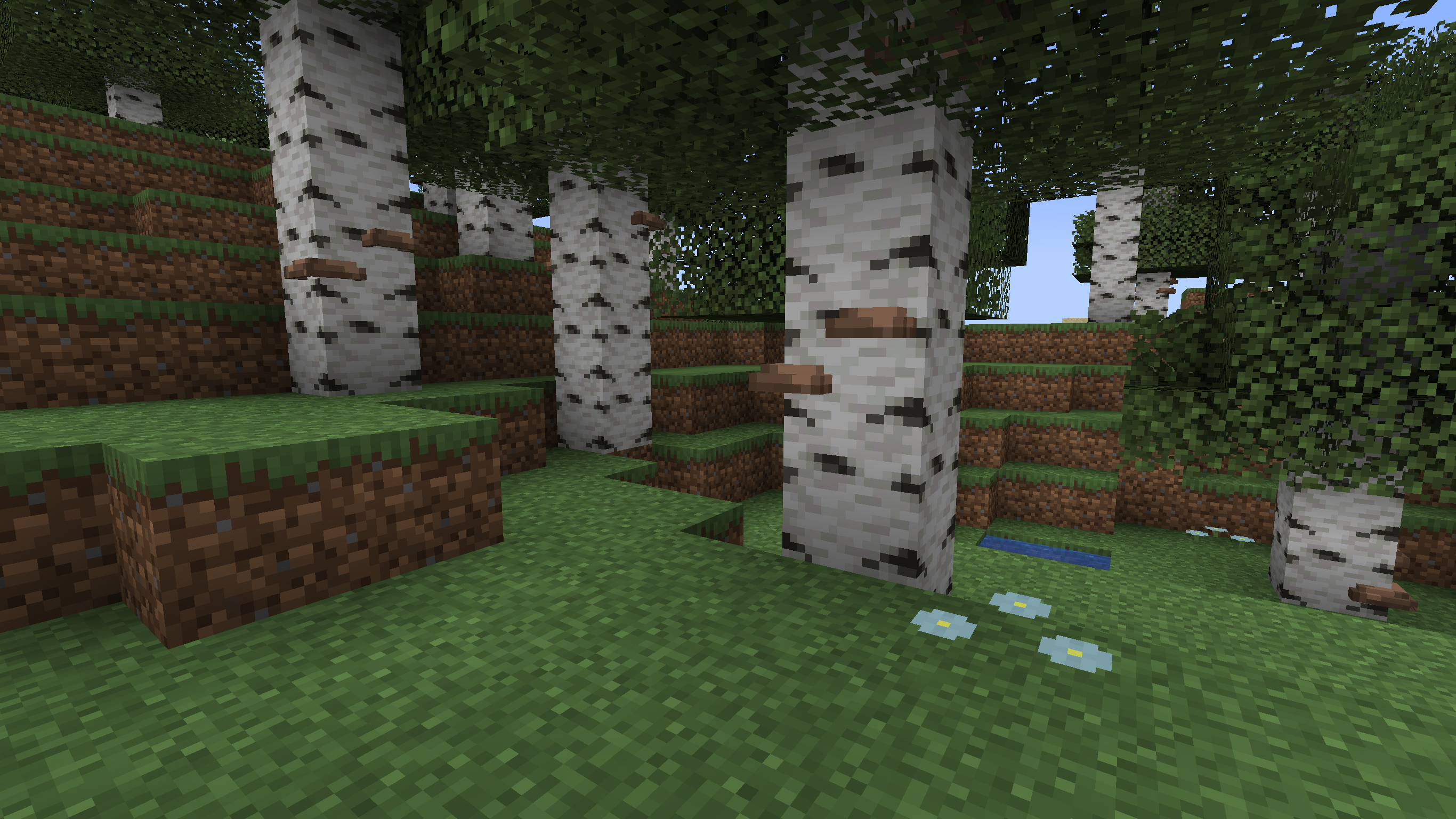
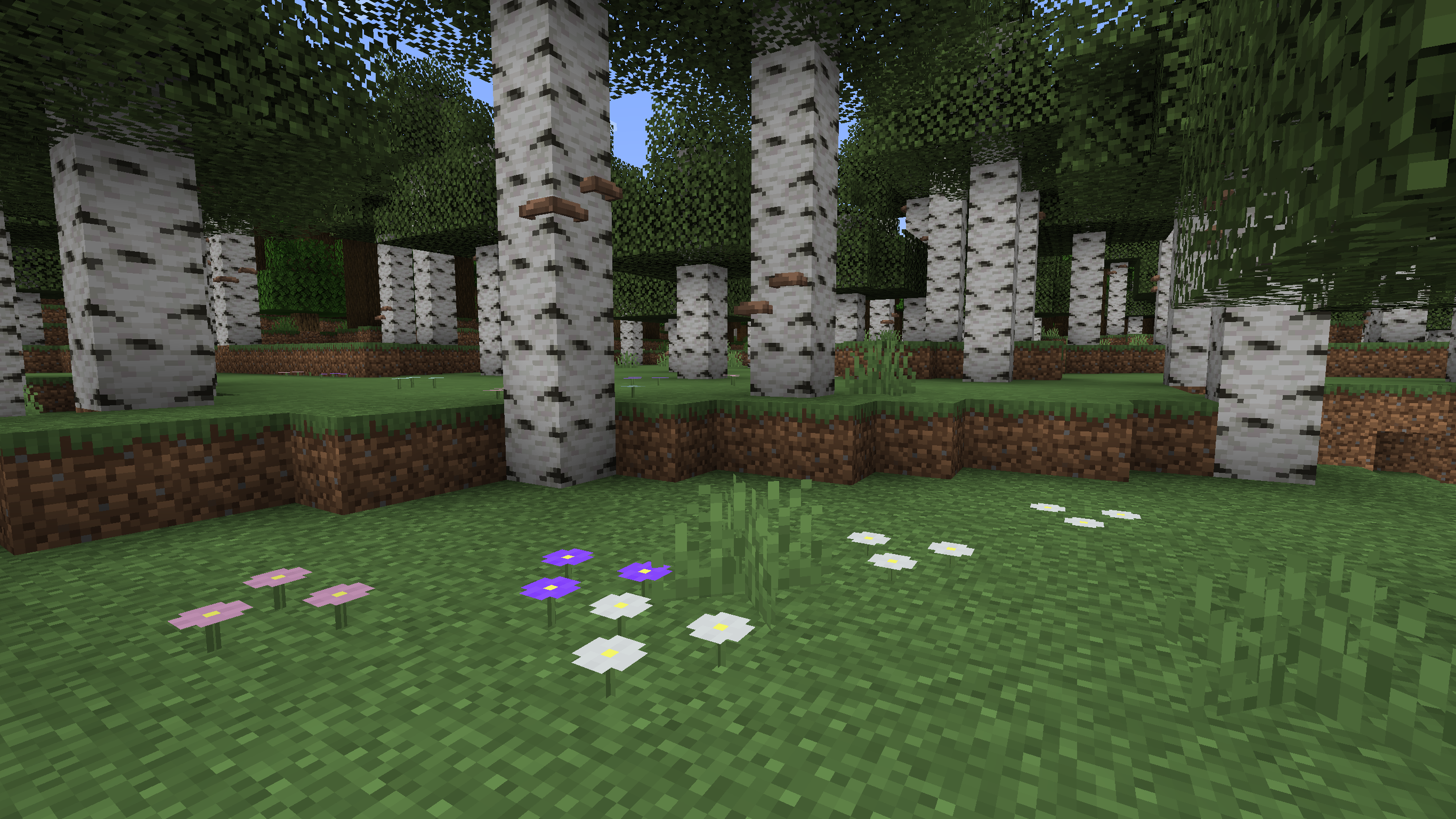
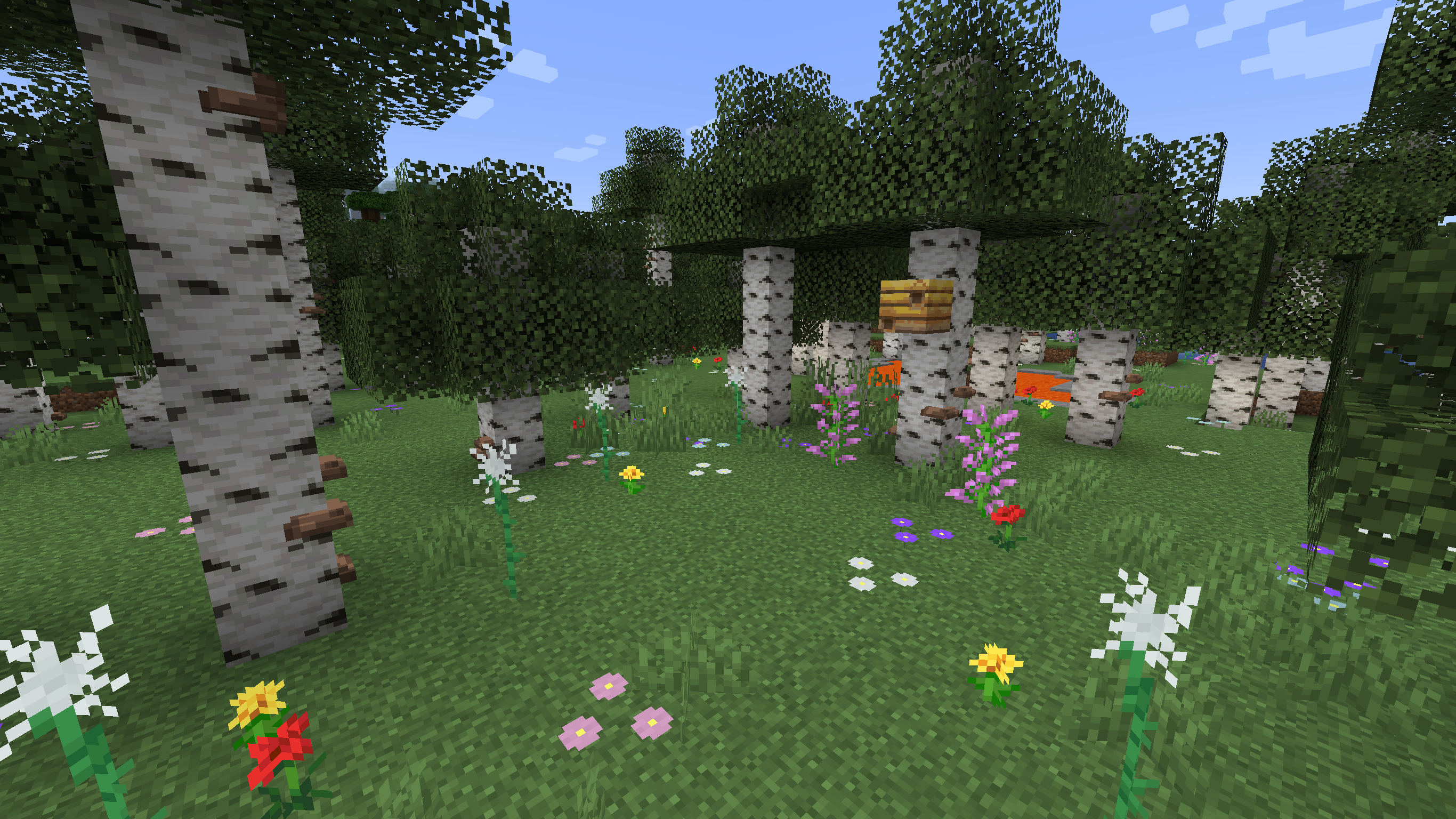
Concept Art Inspired Updates: Explore birch forest biomes that echo the beauty of Mojang's concept art. Biomes Revamp meticulously reimagines these environments, enriching them with details such as mushrooms on birch logs and varied grass and lilac options that transform into enchanting new flowers.
Artistic Ambiance for Minecraft Biomes: Biomes Revamp goes beyond visual upgrades, infusing each biome with an artistic ambiance that adds depth and character. Experience the immersive beauty of Minecraft's diverse landscapes, revitalized to evoke the essence of Mojang's creative vision.
Optifine Integration: To unlock the full potential of Biomes Revamp, Optifine is required. Optifine enhances the visual experience, ensuring that you can fully appreciate the meticulously crafted details and ambiance of the revamped biomes.
Continued Updates and Expansion: Biomes Revamp is an ongoing project committed to expanding and enhancing Minecraft's biomes. Expect future updates that bring fresh features, improvements, and additional biome transformations to elevate your exploration experience.
How to Install:

Join Our Community: Connect with fellow nature enthusiasts, share your biome experiences, and stay updated on the latest developments by joining our vibrant community on discord: https://discord.gg/h7B5vPas
Elevate your Minecraft exploration to new heights – Biomes Revamp invites you to witness the artistic transformation of biomes. Download now and embark on a journey where the beauty of nature meets Mojang's creative vision!