Mineuniverse
Resource Packs
Binecr@ft Deluxe

Binecr@ft Deluxe

RESOURCE PACK
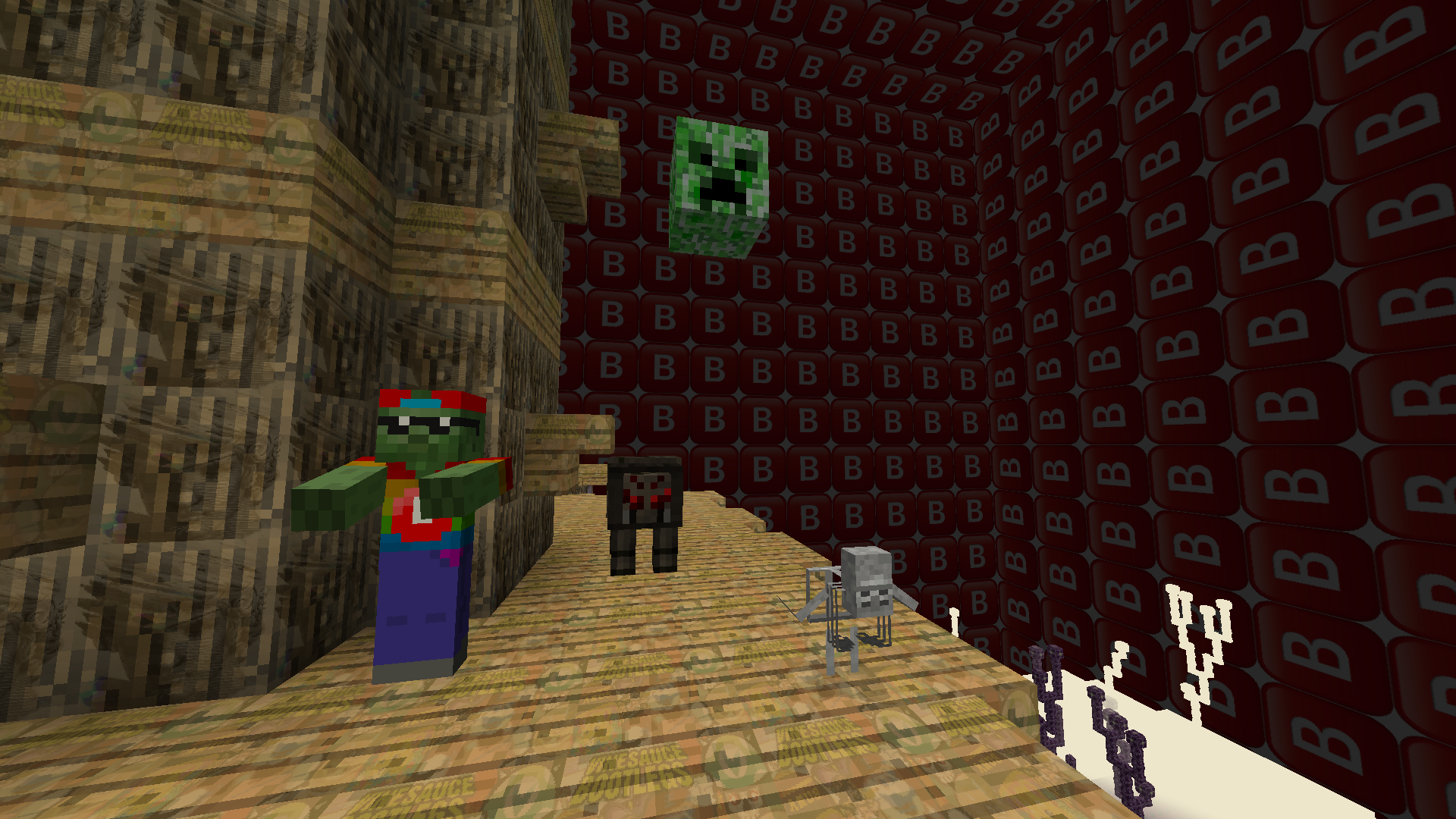
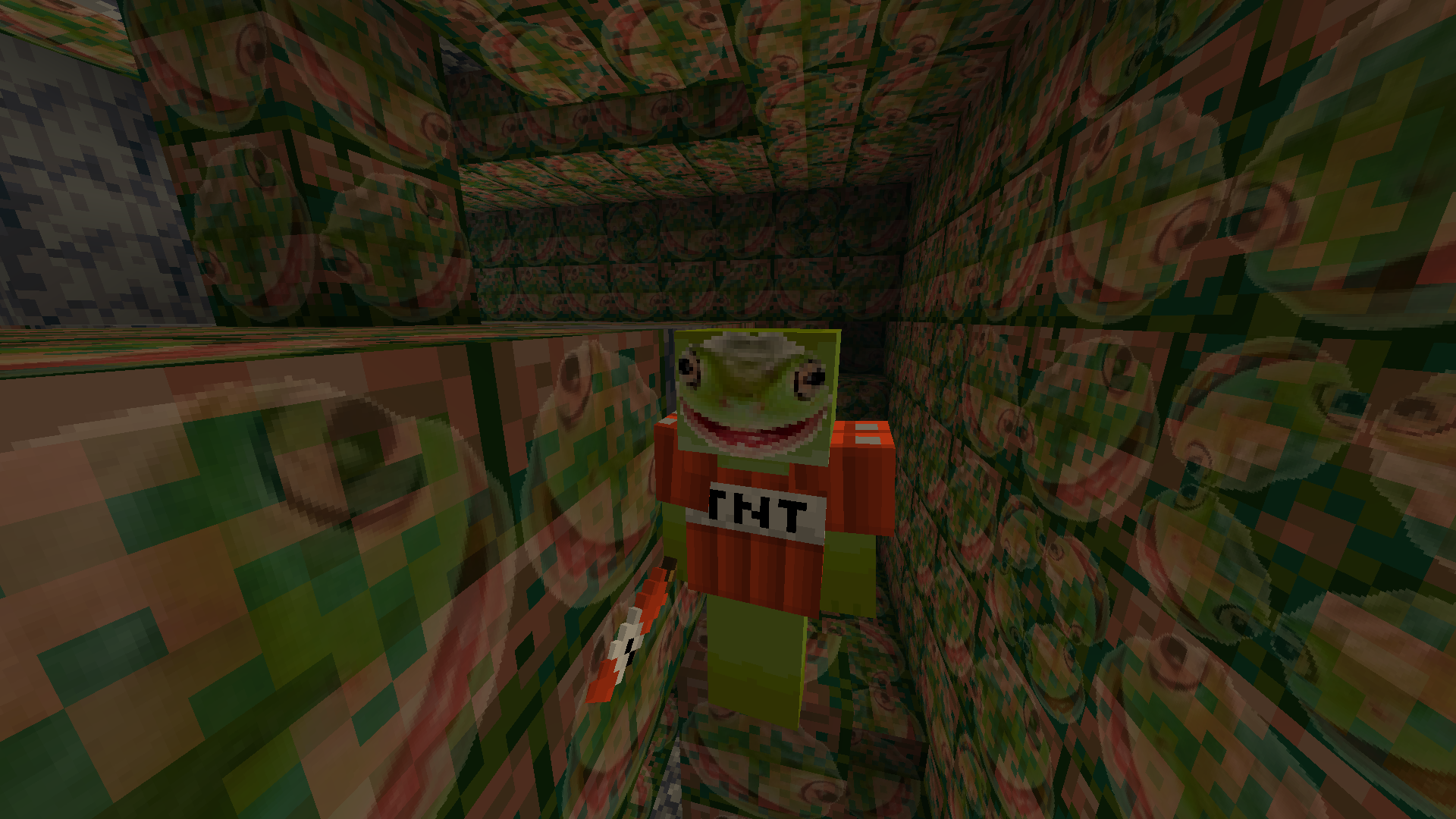
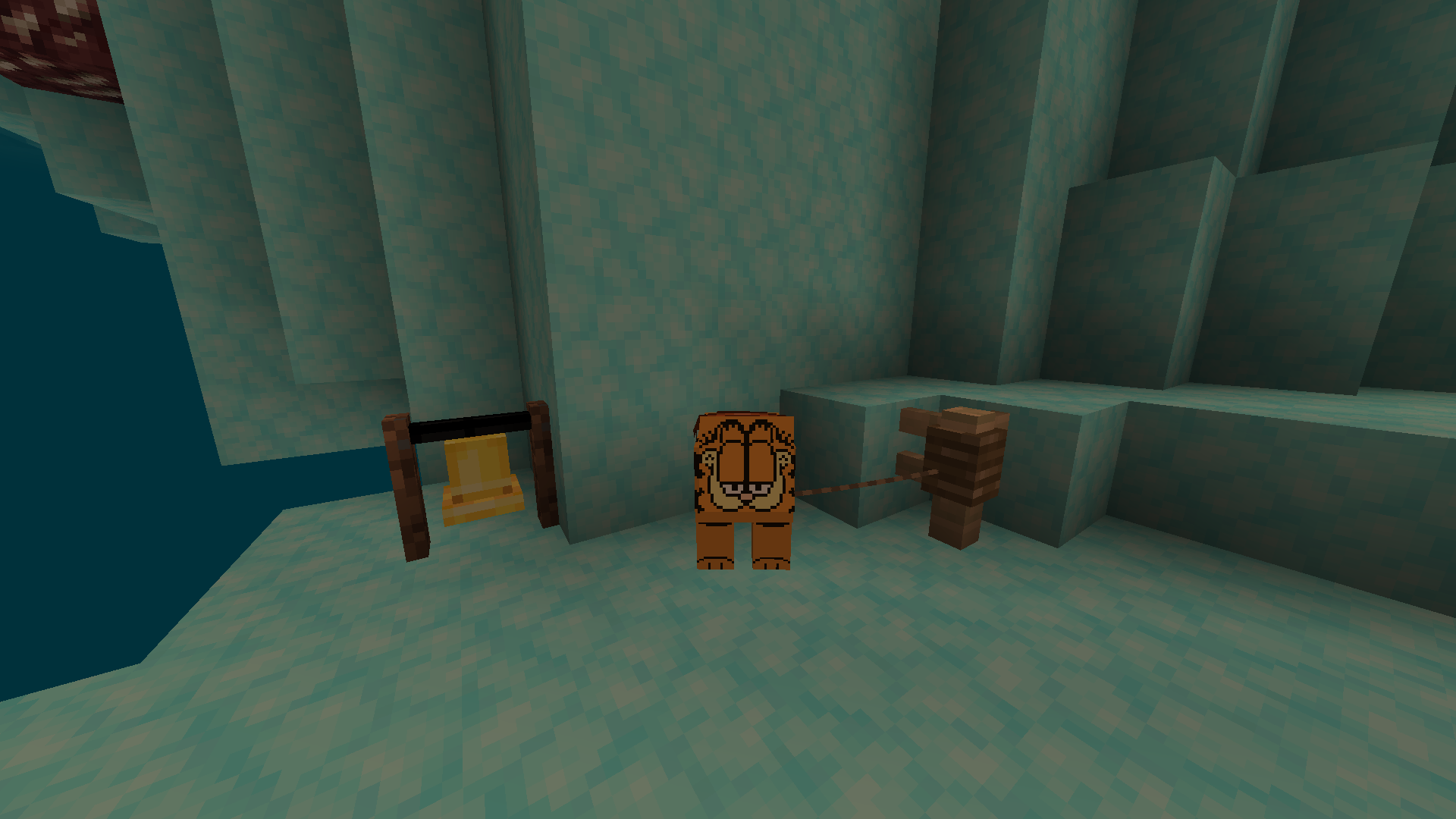
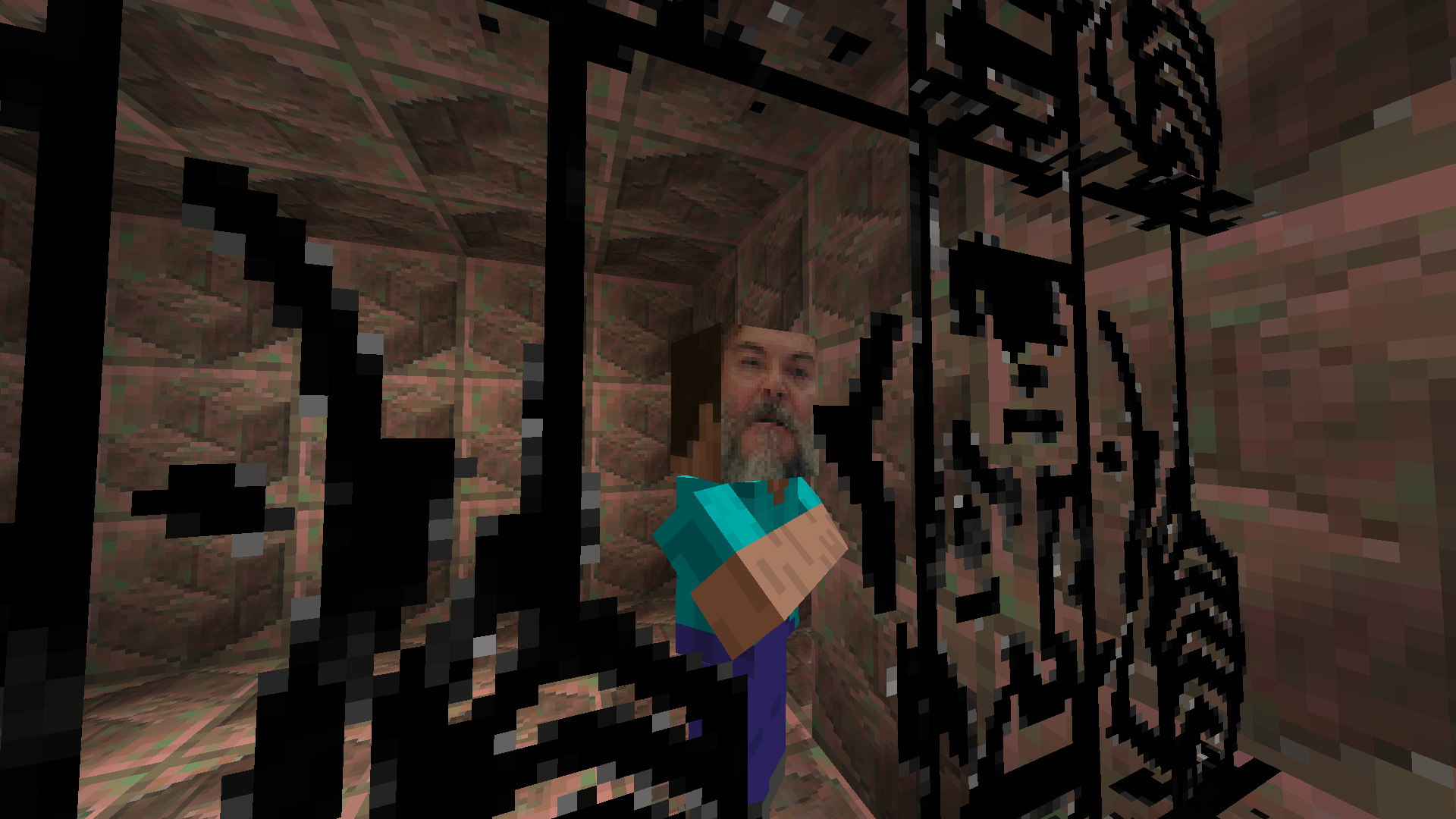
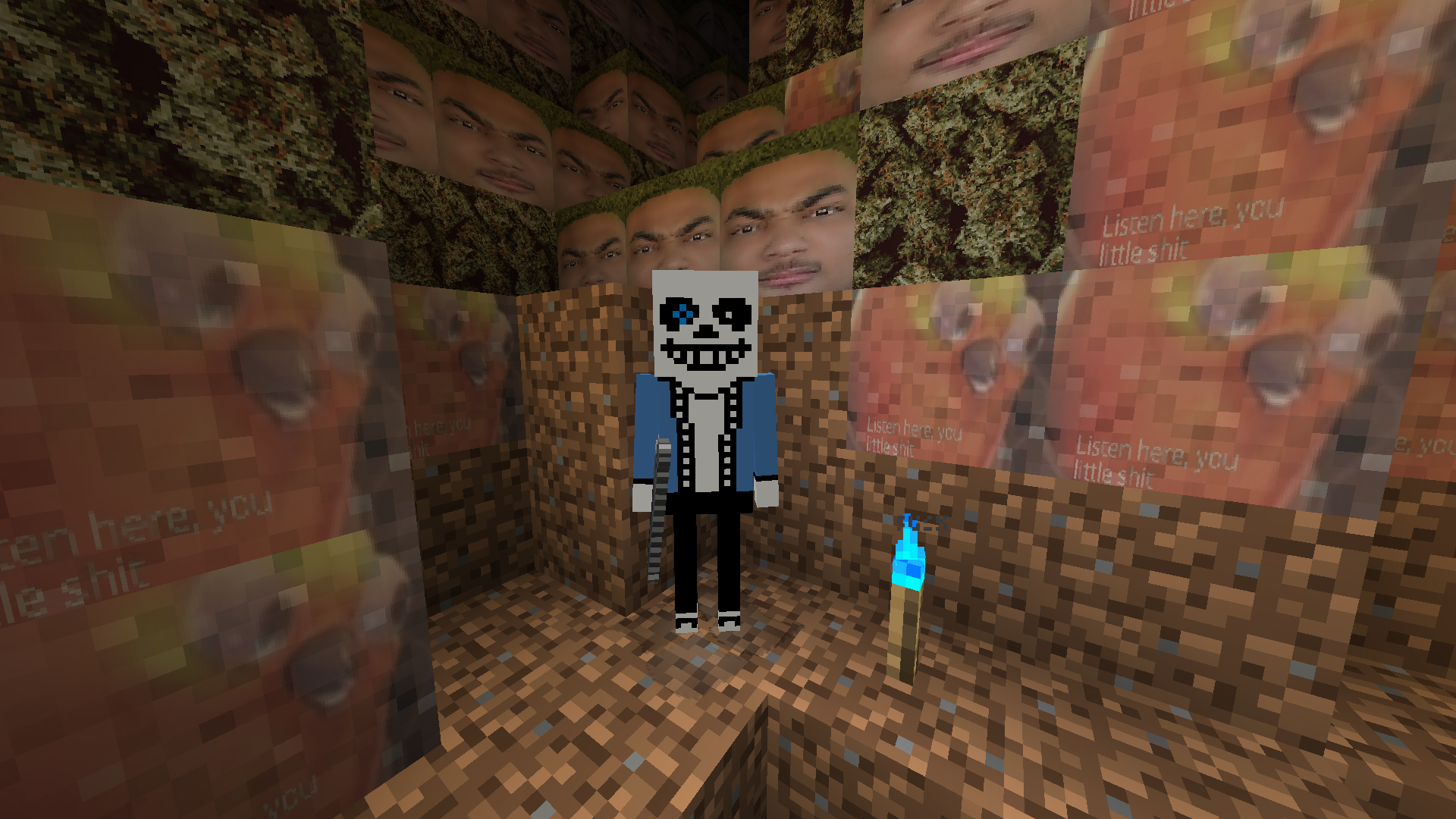
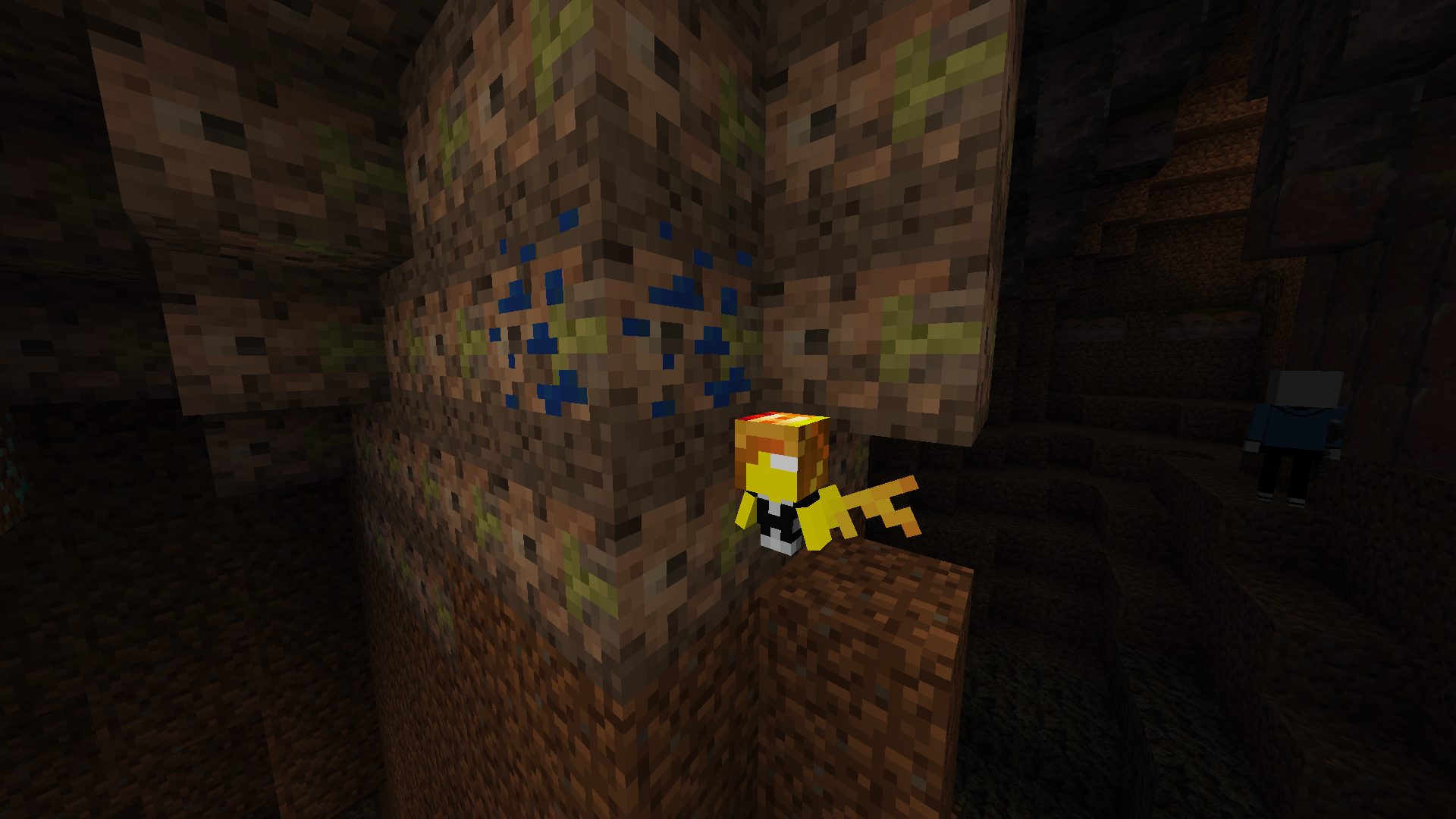
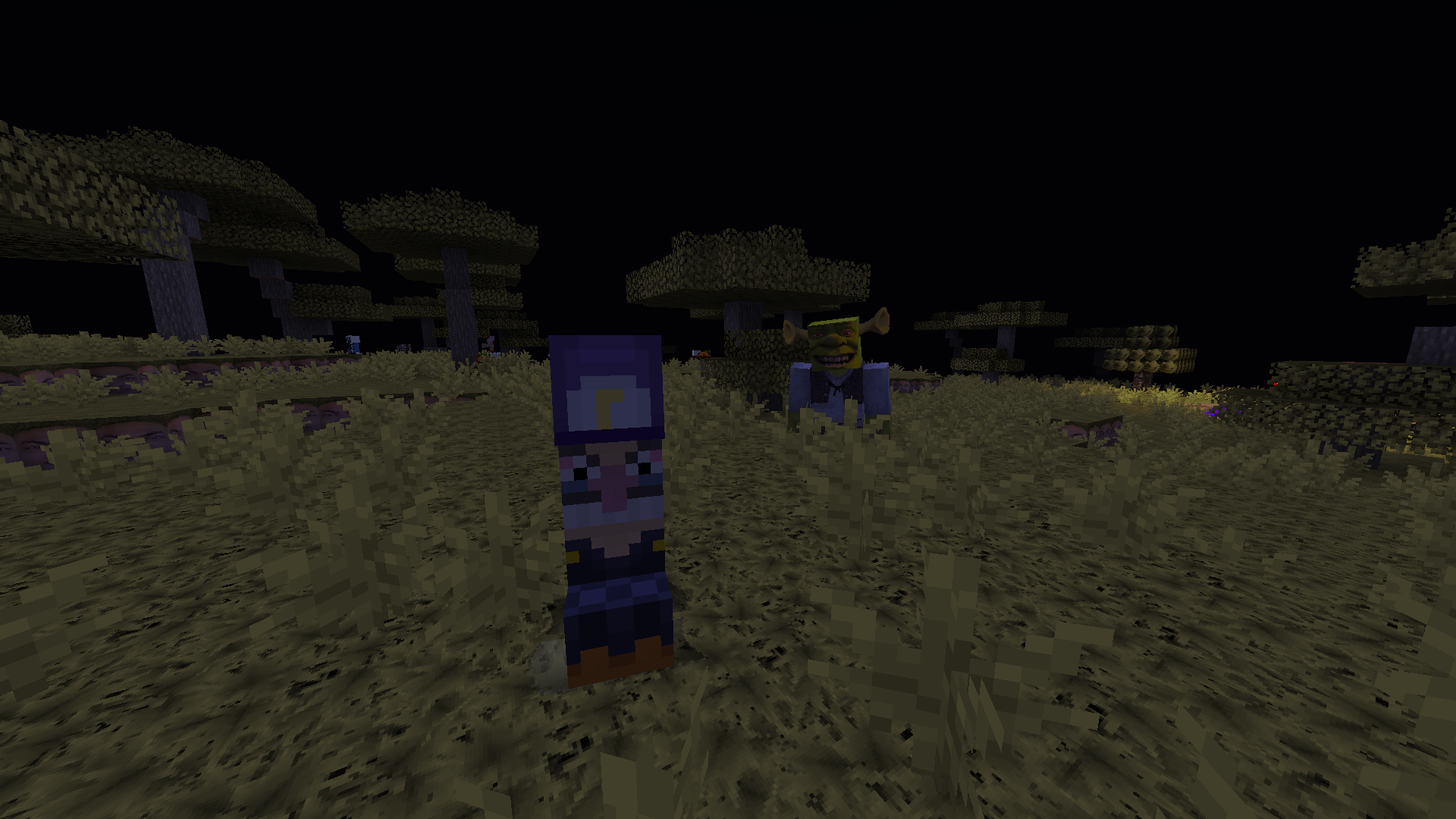
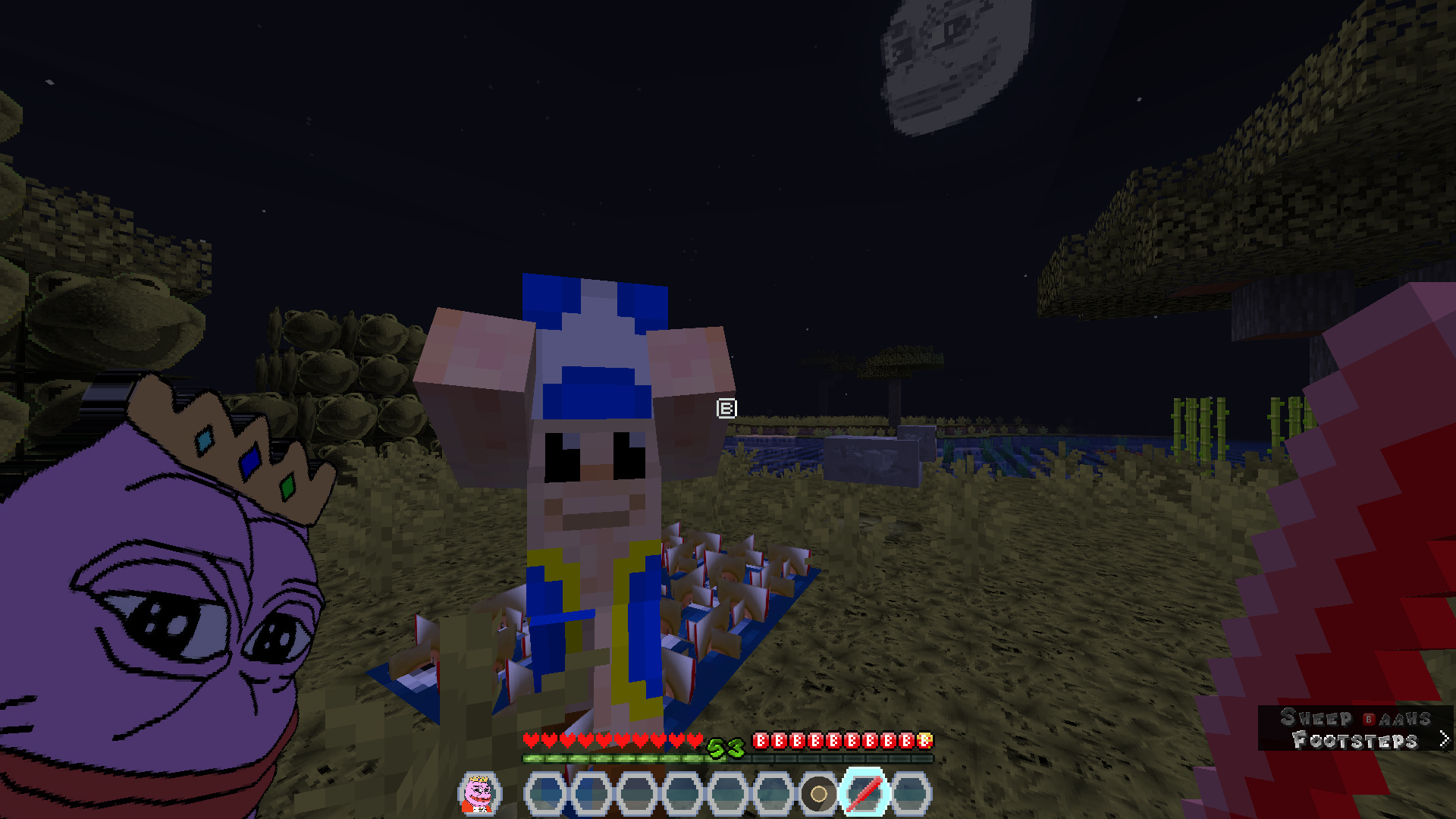
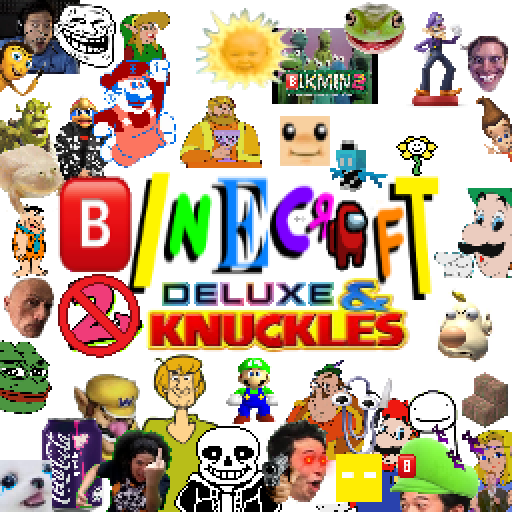
πŸ…±οΈinecr@ft Deluxe is a meme resource pack created by myself & contains lots of crude humor & references to things. It is heavily inspired by the πŸ…±οΈikmin games. (a series of romhacks based around memes for Pikmin 2)
by Klyxlkik
Download Claim this project
244 downloads
0 likes
0 followers
Updated Oct 14, 2026
0 hypes
Follow0
512x and Higher Miscellaneous
Advertisement Remove ads with Premium →

Binecr@ft Deluxe
For Minecarft 1.19.3 & 1.20.4

CONTAINS LOTS OF SWEARS & CRUDE HUMOUR

Do not play if you are a small vulnerable little child.

HEADPHONE WARNING (
you might need to fiddle around with the audio settings)
Most music created by the SiIvagunner YouTube Channel.
Turn on music & sustitles for more memes

Pack is not finished yet
There are some things that may be redesigned in the future & textures/sounds that are not done yet.

Plenty of obscure references
Along with memes that are easily recognizable, there are other references to Grayfruit & πŸ…±οΈikmin (a series of romhacks for Pikmin 2) as well as inside jokes from myself. There are also references to things that are not listed here e.g. Pikmin 2.

Extras
If you notice something that you find offensive, please tell me & I'll redesign it (:
Credit me if you show off the pack (if you don't I'll cancel you on Twitter)
I do not support or condone any anti LGBTQIA+ bull**** in any way.
There are gay jokes. I do not intend to harm anyone, all of them are light-hearted jokes.
The deluxe in Binecr@ft Deluxe is making fun of terrible mobile game titles. (also I made a cursed texture pack a while back that I lost somewhere. It's also the origin of the villager chest in Binecr@ft Deluxe, you could say that that was the original Binecr@ft)

Binecr@ft Beta 6.2.zip
MC 1.19.3, 1.20.2, 1.19.4, 1.20.3, 1.20.1, 1.20, 1.20.4
Release 2025-01-12 Get

Requirements & install

How to use this resource pack in Minecraft
Resolution
512x+
Minecraft
1.19.3 – 1.20.4
Install folder
.minecraft/resourcepacks

How to install resource packs

  1. Download the resource pack .zip file (do not extract it).
  2. In Minecraft open Options β†’ Resource Packs β†’ Open Pack Folder.
  3. Drop the .zip into the resourcepacks folder (.minecraft/resourcepacks).
  4. Move the pack to the Selected column and click Done.

512x packs need a strong GPU and at least 4 GB of RAM for Minecraft; a performance mod such as Sodium is strongly recommended.

Browse more: 16x resource packs 32x resource packs 64x resource packs 128x resource packs 256x resource packs 512x+ resource packs Resource Packs for 1.20.4 All resource packs
Advertisement Remove ads with Premium →

You Might Also Like