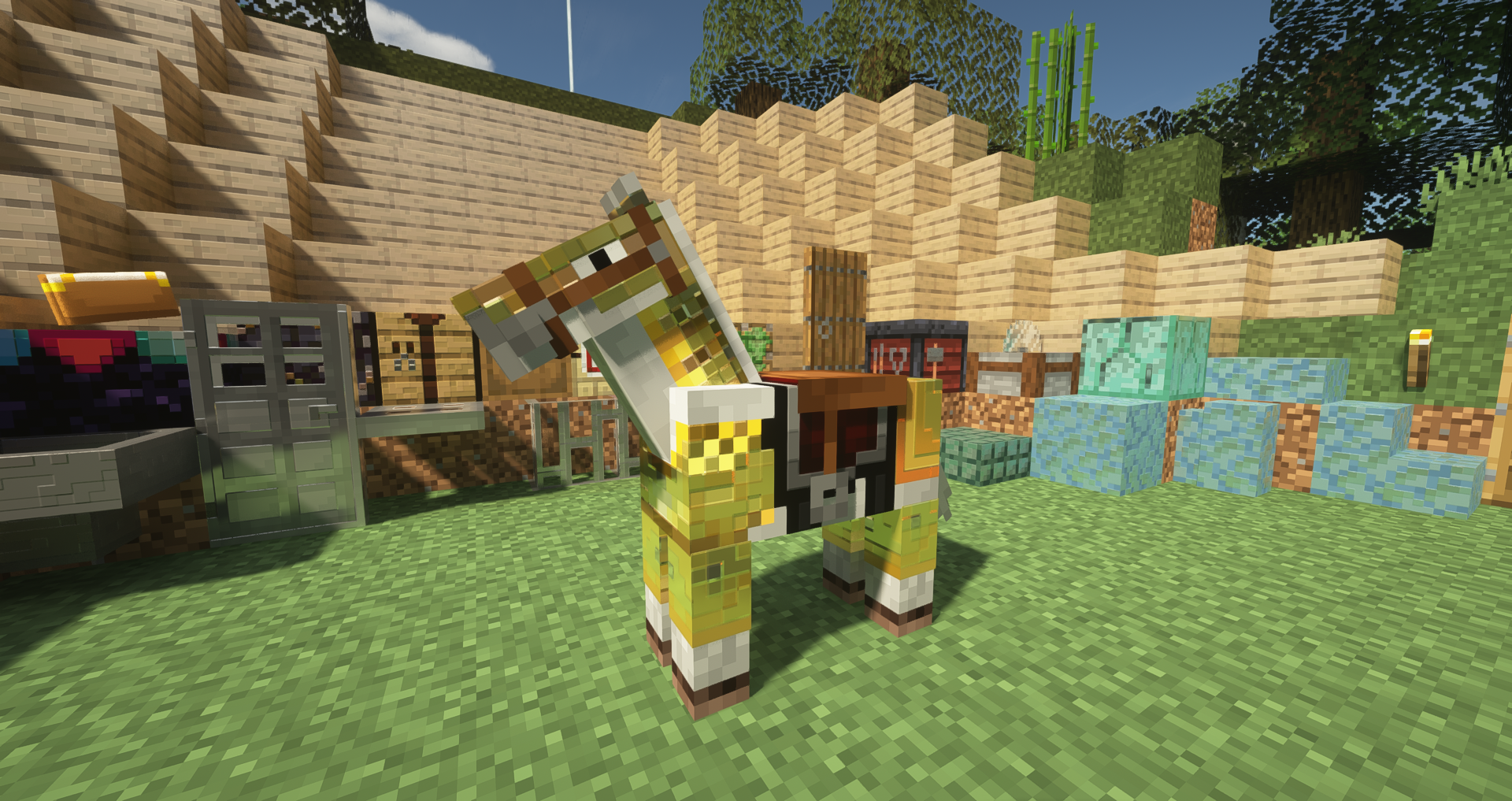
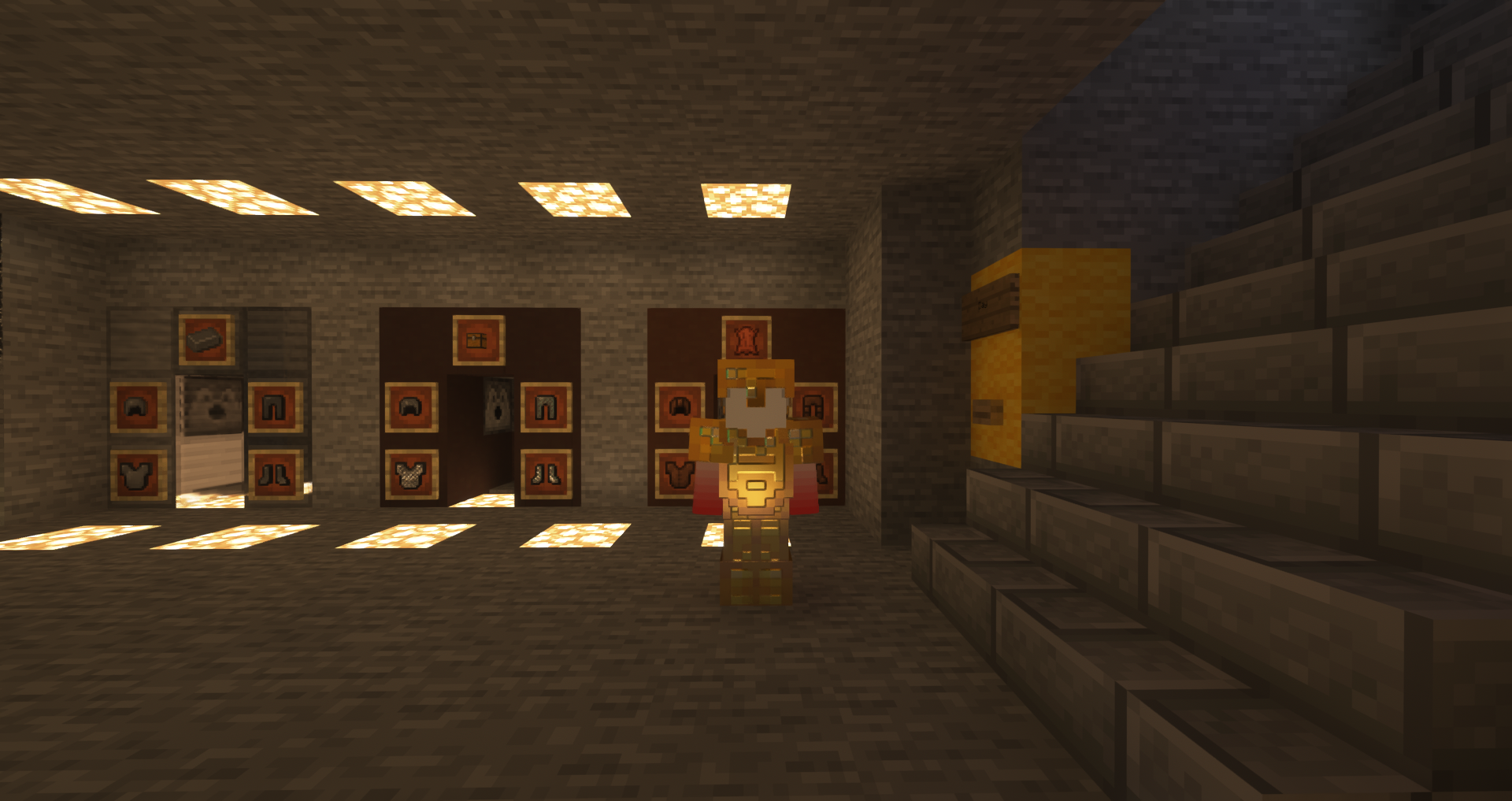
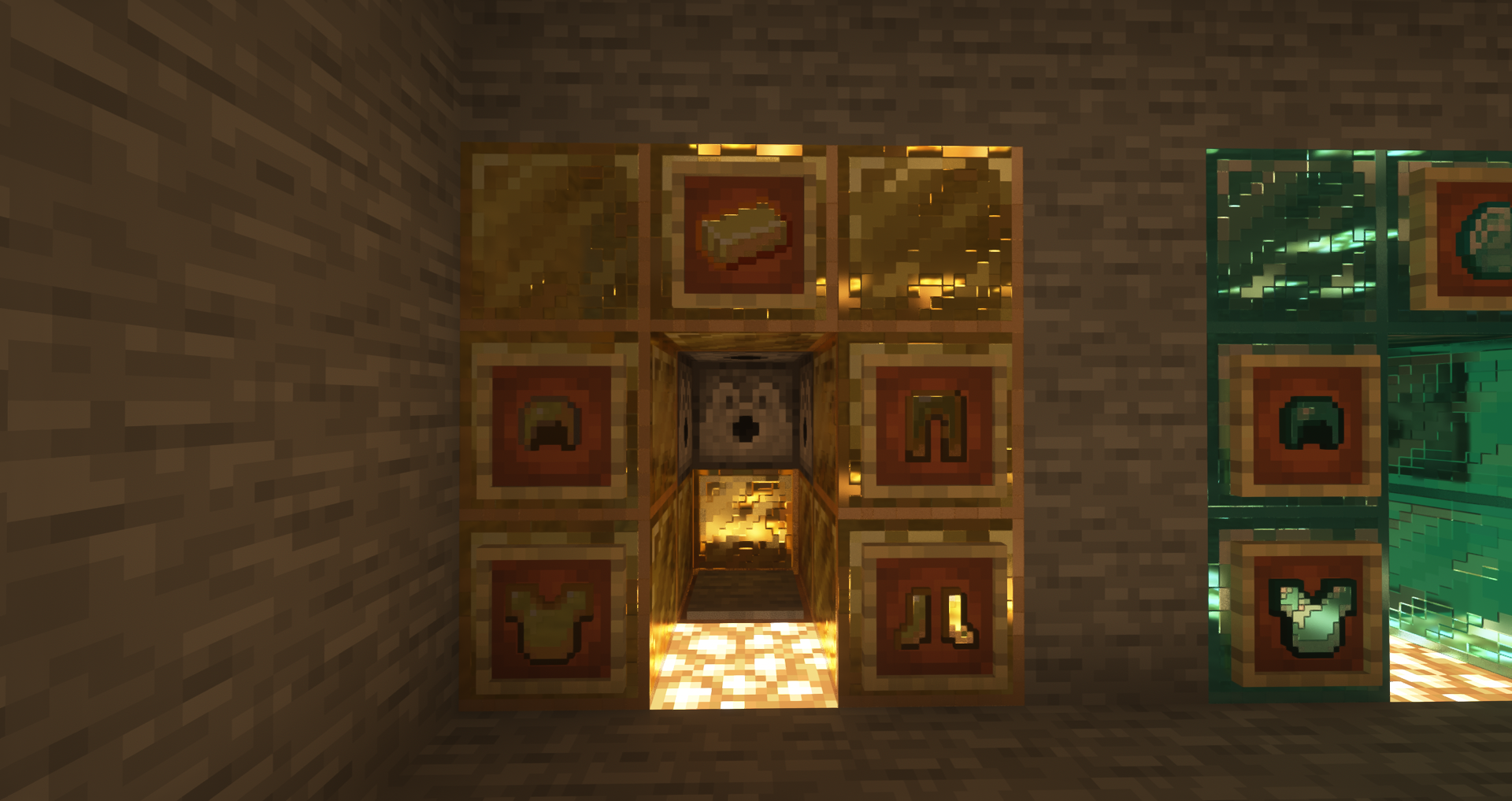
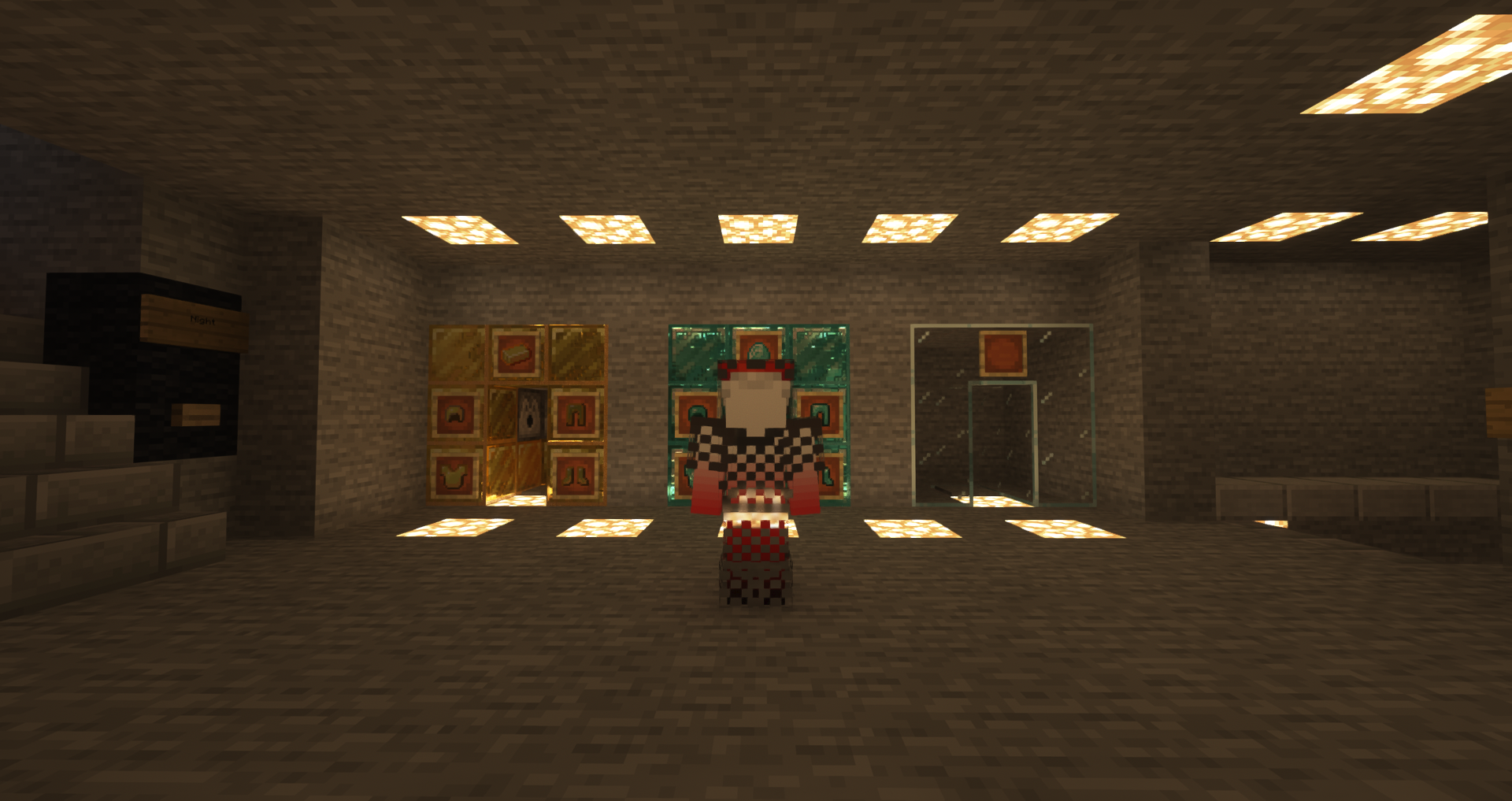
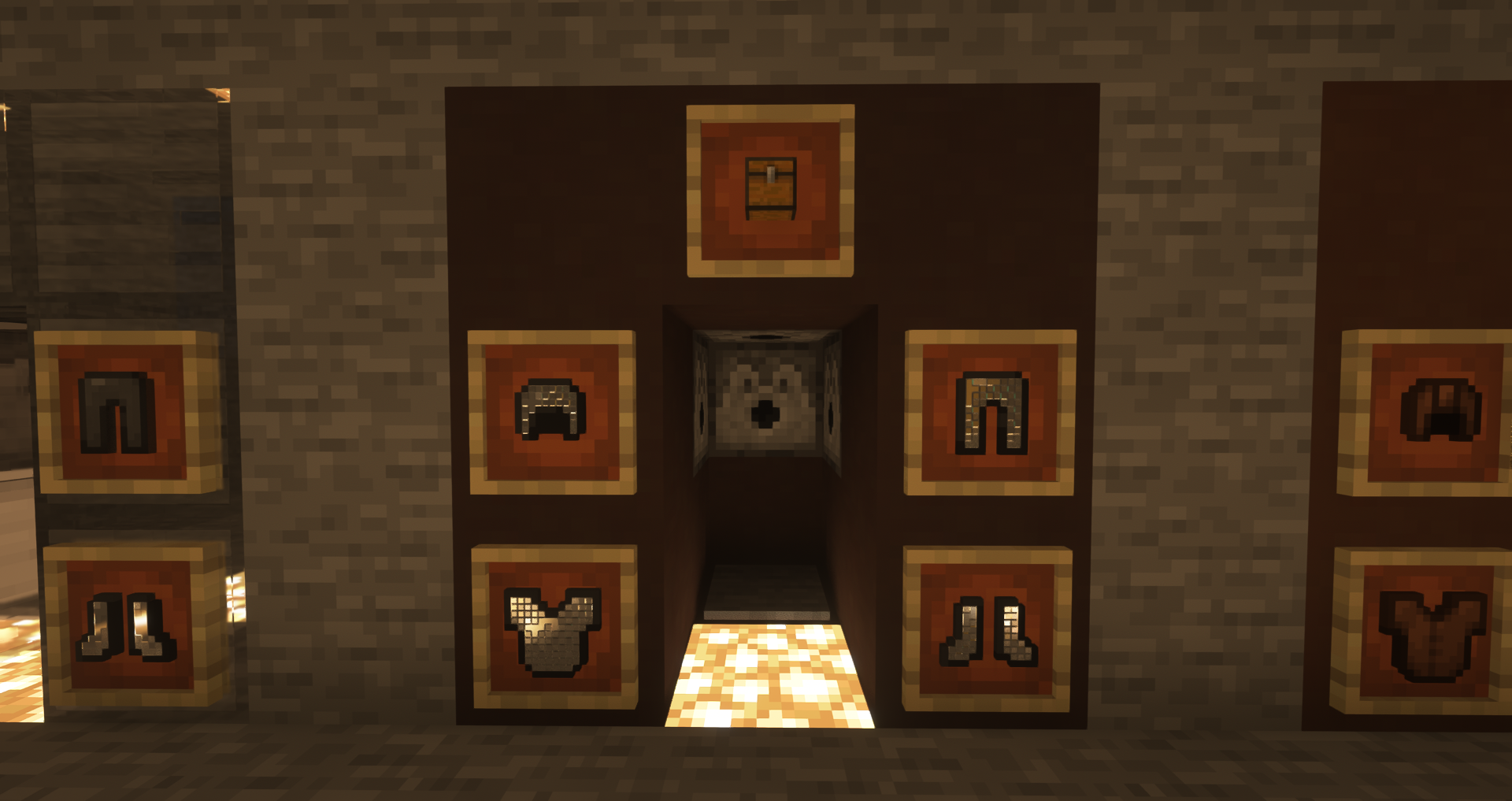
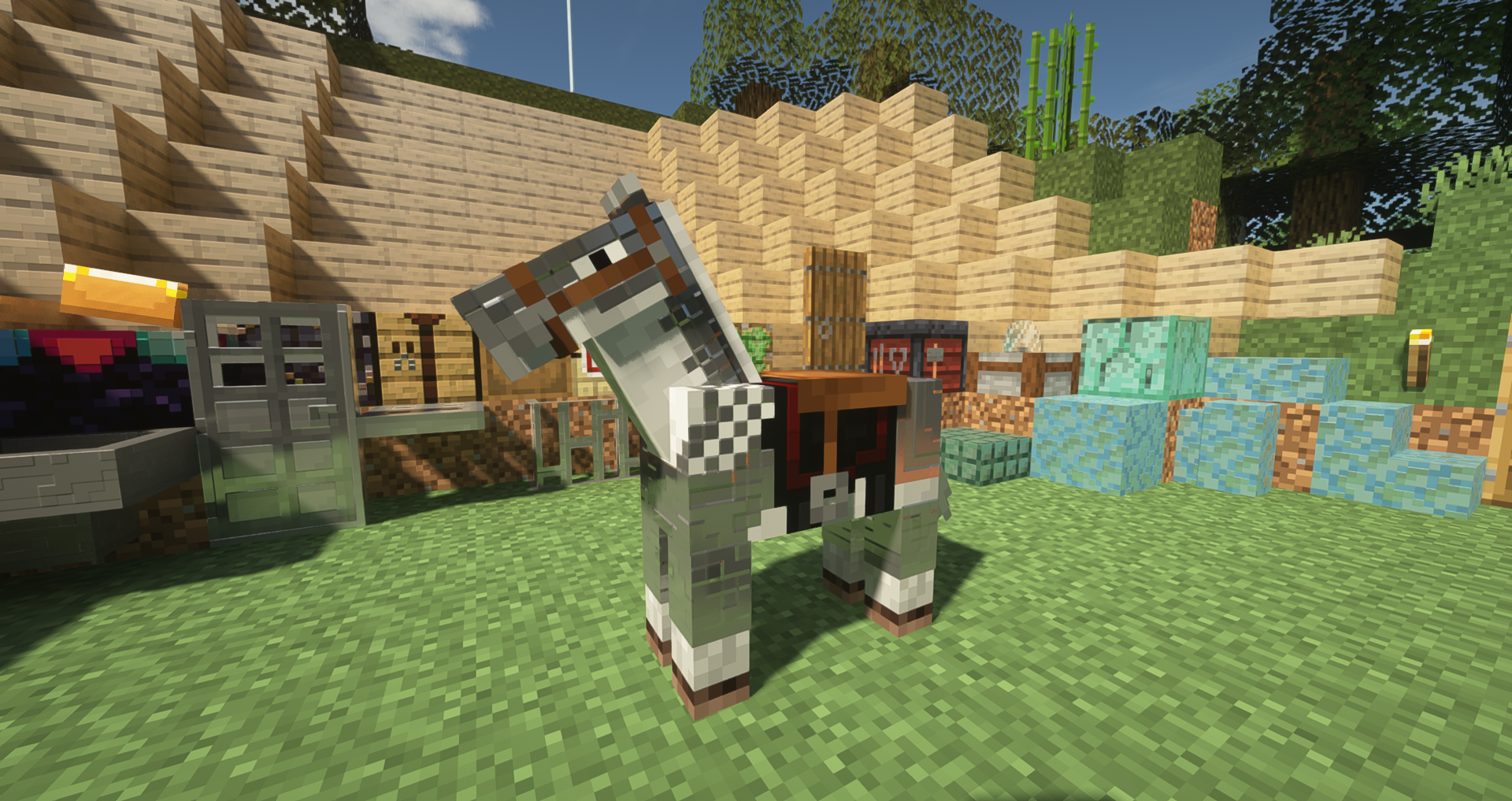
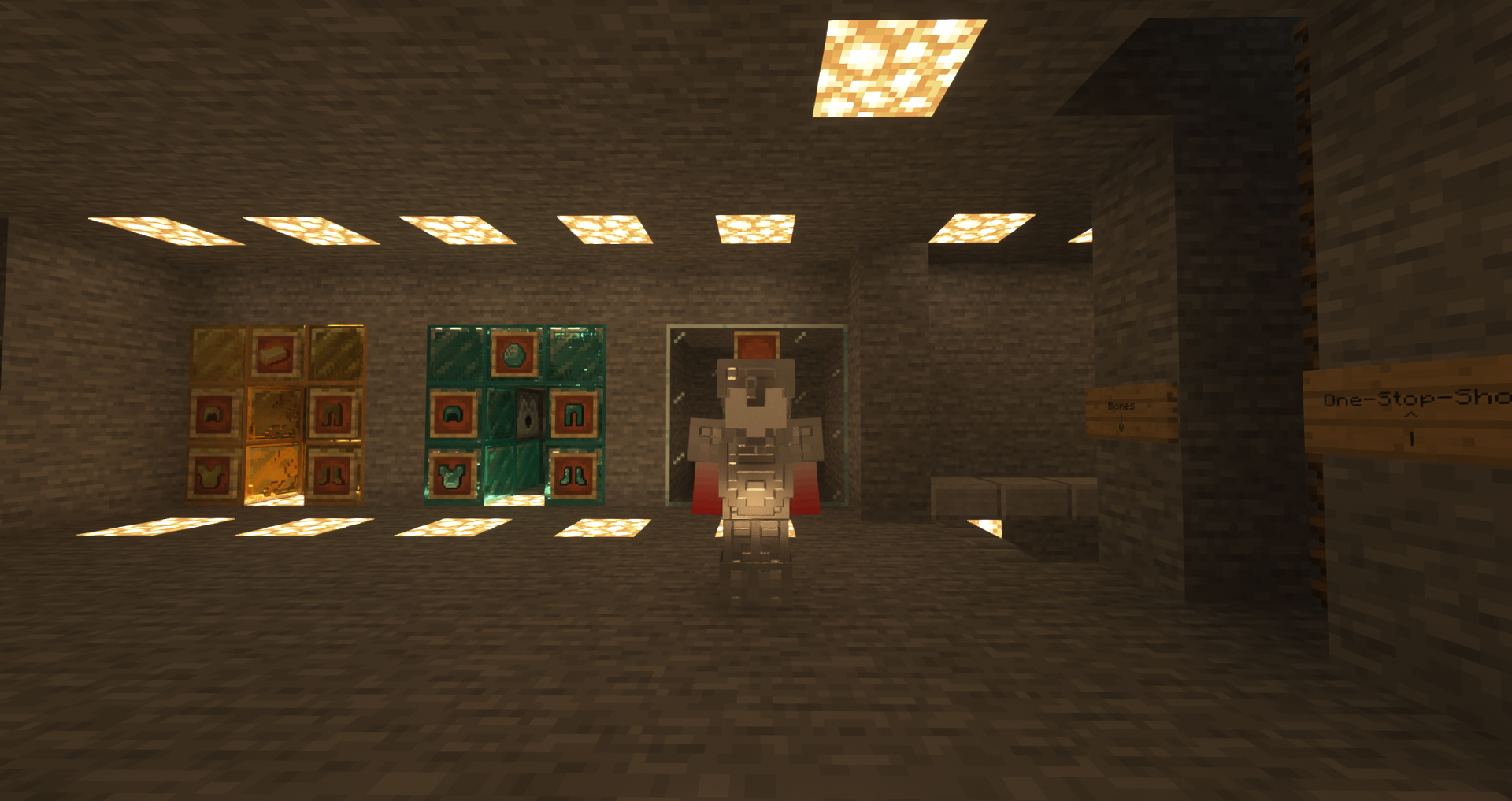
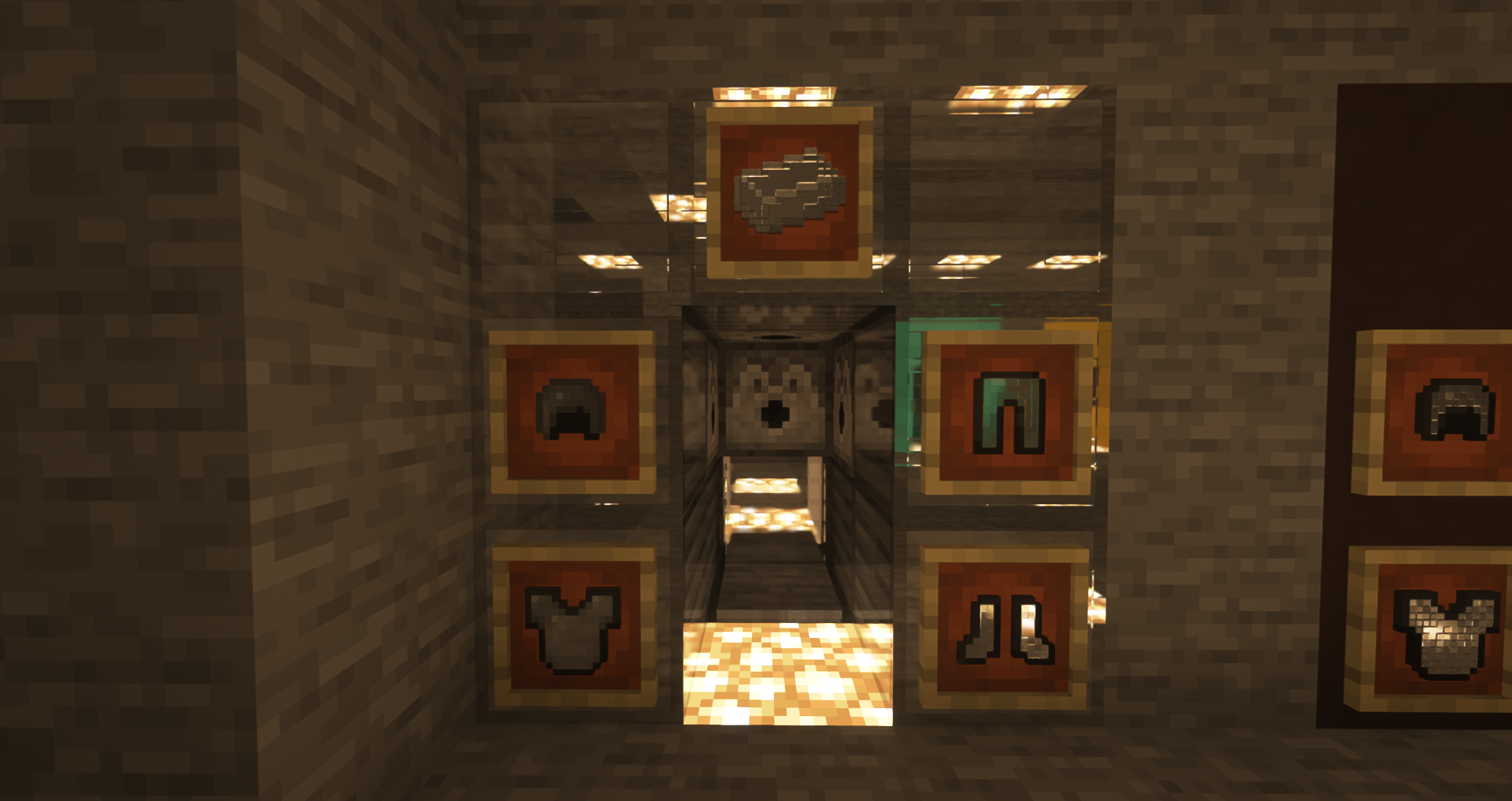
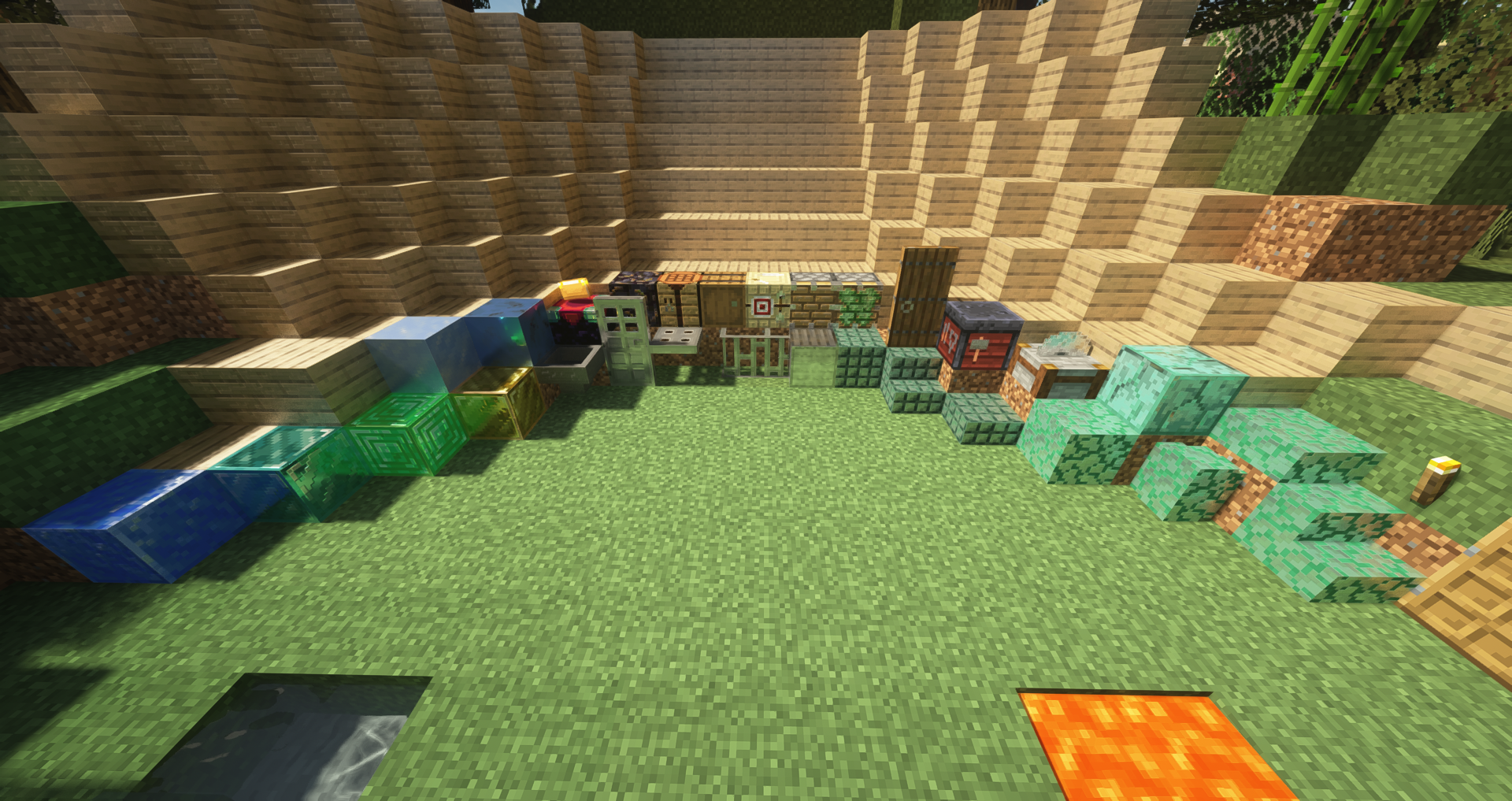
This is my first resource pack, sorry if there are things wrong with it
It was originally intended for personal use but I decided to release it
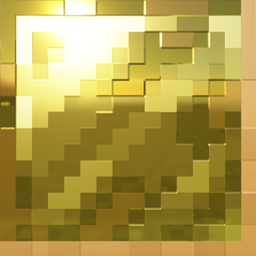
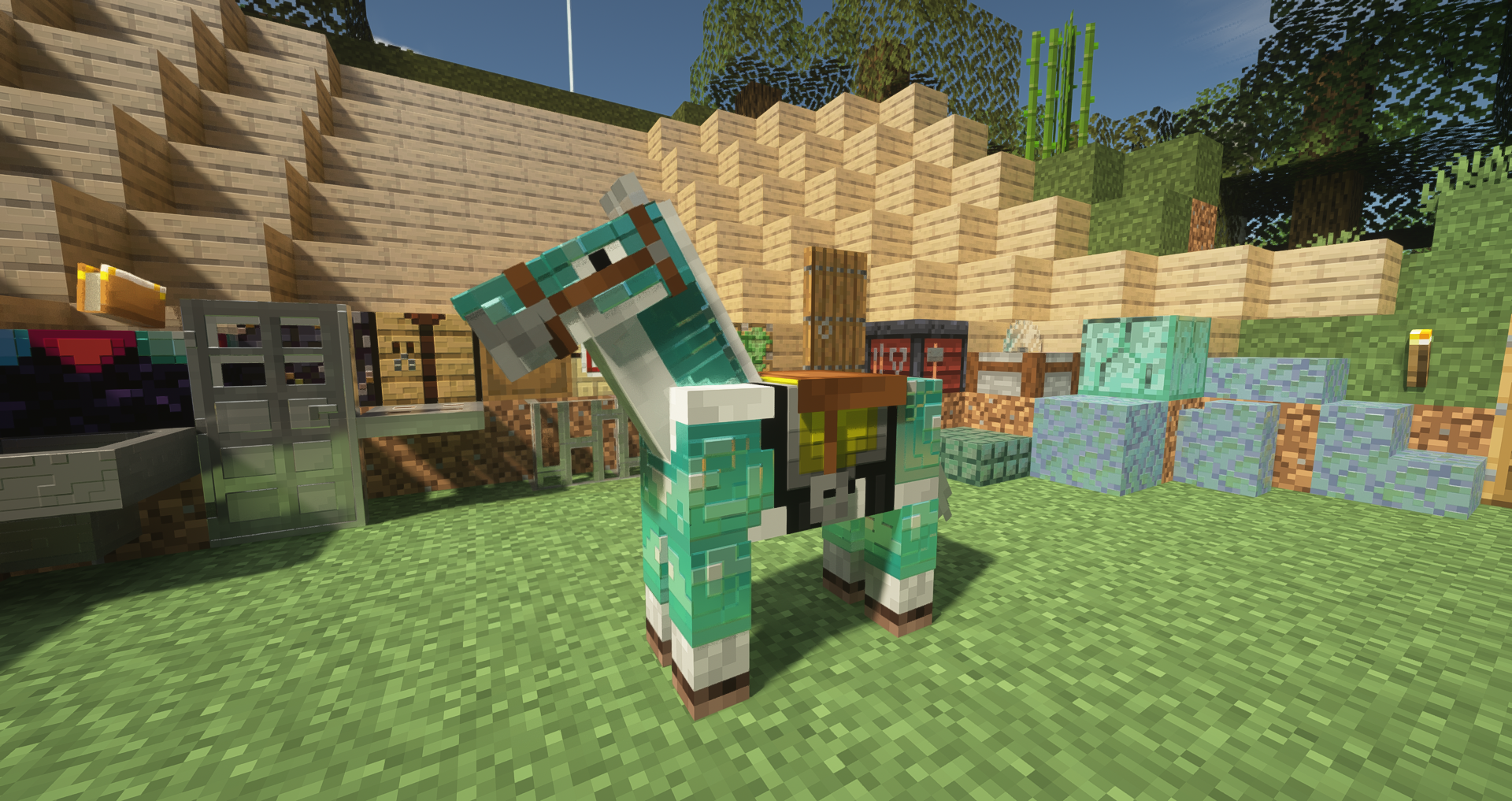
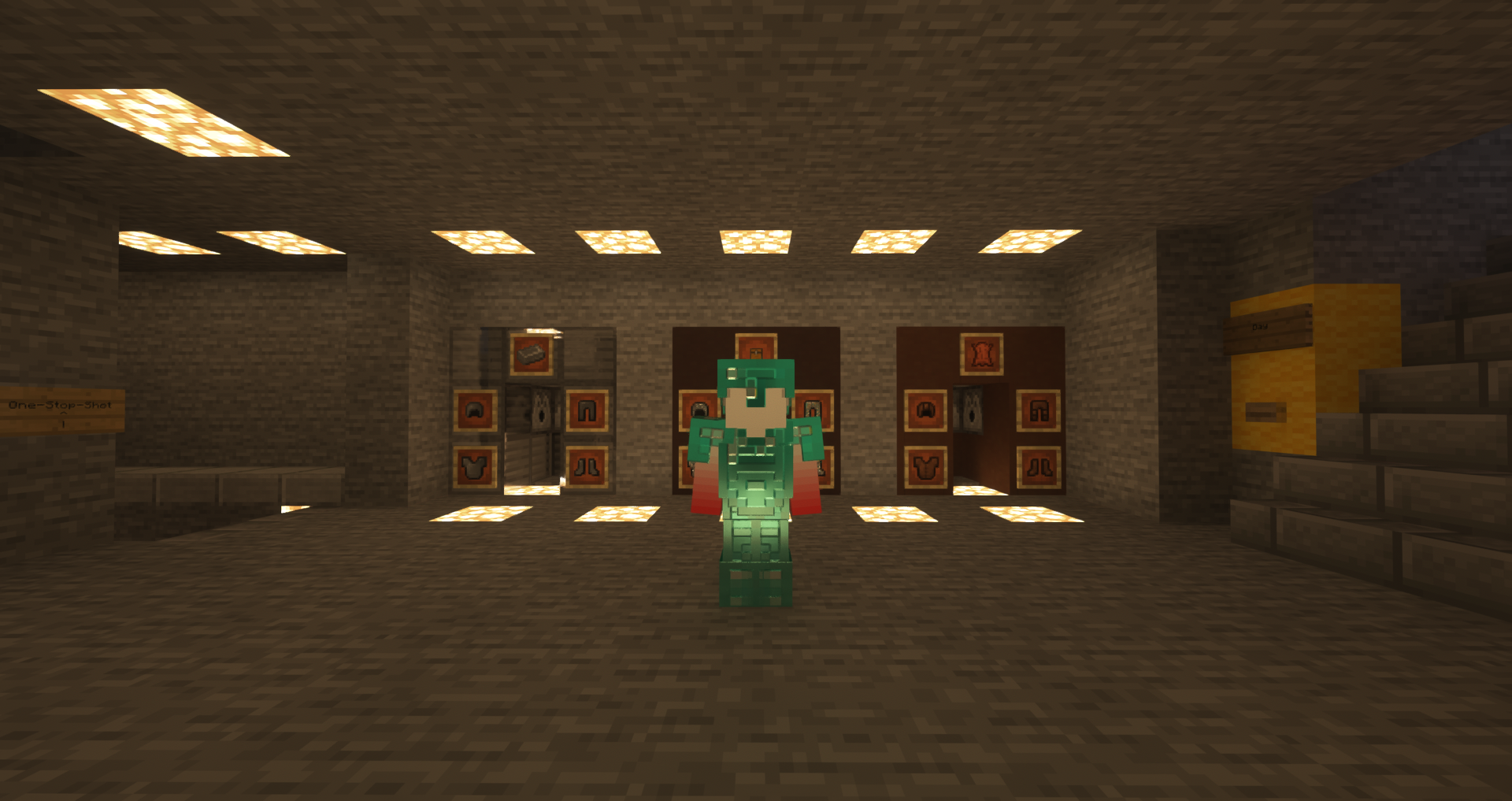
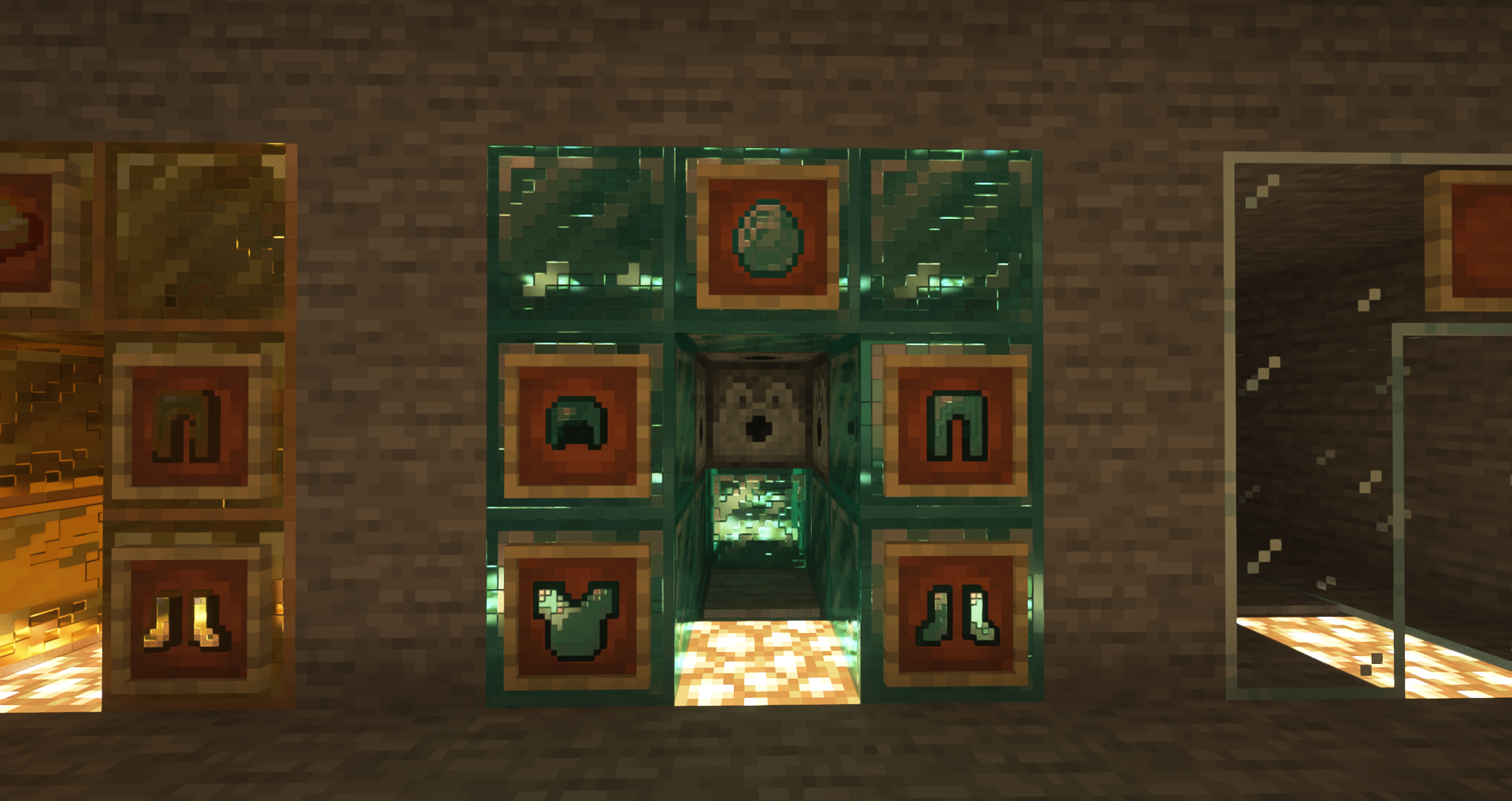
All it does is add normal maps and specular maps for some blocks, armor and items
I made this because it annoyed me that there werent really any resource packs that made vanilla
blocks more reflective/have normal maps without trying to look extremely realistic
Some blocks like ores have not been changed due to gameplay reasons
I recommend using this resource pack with SEUS PTGI, which was the shaderpack this was tested on, but
it will work with other shaderpacks, although it may not look as good
Credit: https://cpetry.github.io/NormalMap-Online/ for normal and specular map generation
Video with most of the changed items: https://youtu.be/Tc1YSi0grKs
Full list of everything changed:
Armor: diamond armor
iron armor
gold armor
chainmail armor
Tools: iron tools
diamond tools
golden tools
blocks:
iron block,bars,trapdoor,door
hopper
gold block
emerald block
diamond block
lapis block
dark prismarine
prismarine
prismarine bricks
stonecutter
smithing table
spruce door
fletching table
piston + sticky piston
barrel
crafting table
gilded blackstone
enchanting table
packed ice
blue ice
spruce planks
oak planks
misc:
iron horse armor (item & entity),ingot,nugget
diamond horse armor (item & entity),
golden horse armor (item & entity), apple, carrot, ingot, nugget
glistering melon
name tag
prismarine shard
prismarine crystals
emerald
diamond
tnt, hopper, chest, furnace minecart (item)
bucket, water bucket, lava bucket, milk bucket, cod bucket, tropical fish bucket, pufferfish bucket, salmon bucket