Mineuniverse
Resource Packs
Better iPhone Totem

Better iPhone Totem

RESOURCE PACK
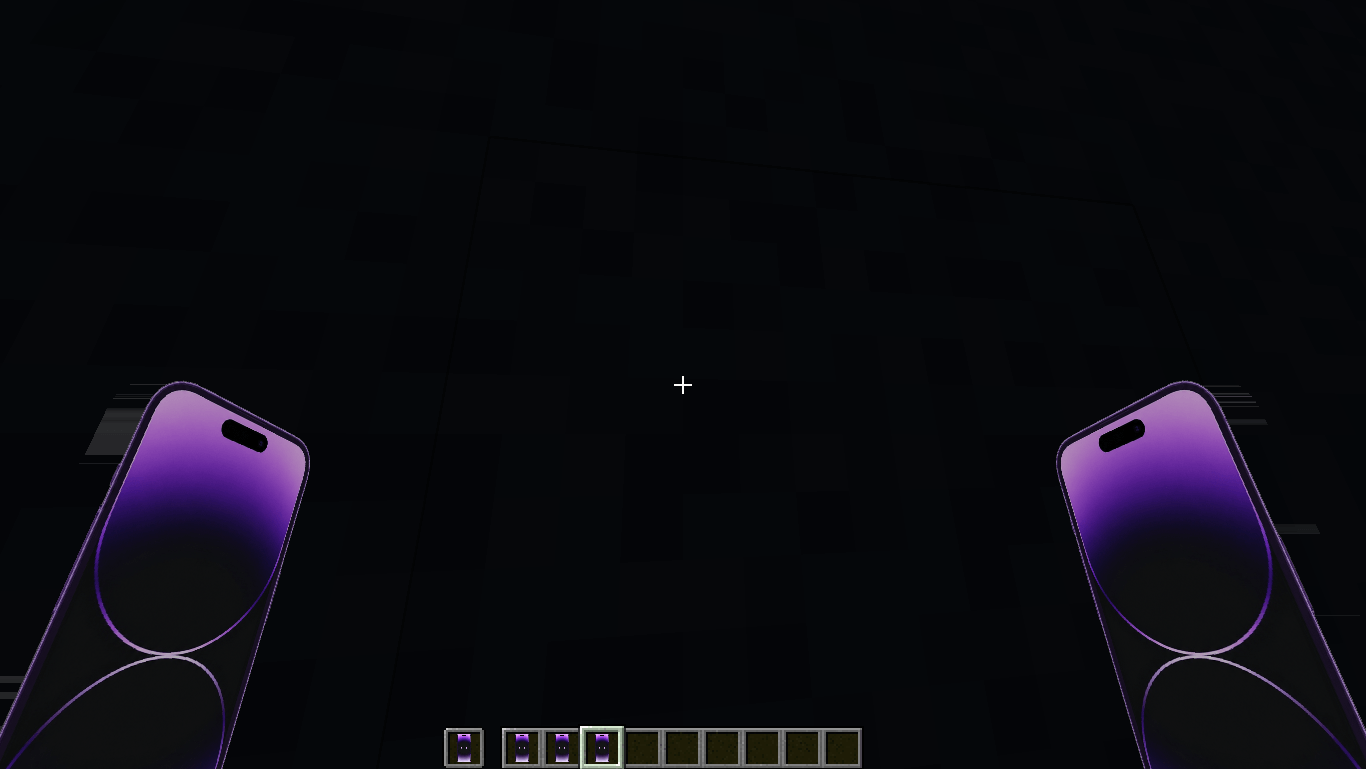
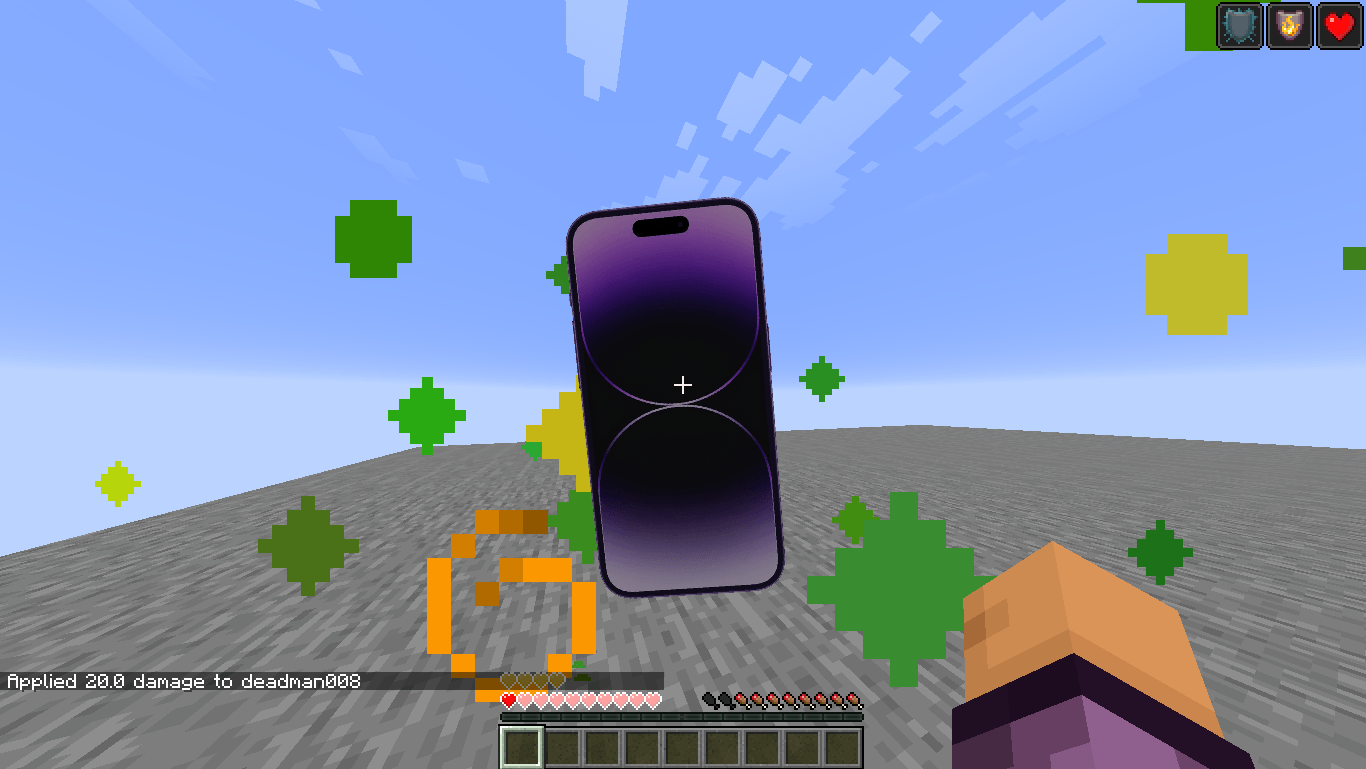
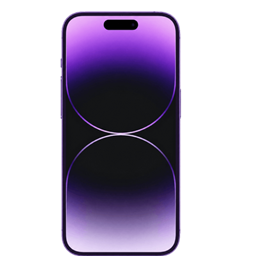
Replace the Totem of Undying with a sleek, smartphone-inspired design that gives your survival adventures a fun modern twist while staying clean and easy to recognize in-game.
by Deadlox_Gaming0
Download Claim this project
1,904 downloads
0 likes
0 followers
Updated Oct 14, 2026
0 hypes
Follow0
512x and Higher Miscellaneous Mod Support Photo Realistic
Advertisement Remove ads with Premium →

Better iPhone Totem

Give your Totem of Undying a fresh, modern look with the Better iPhone Totem resource pack!

This pack replaces the vanilla Totem of Undying with a clean, smartphone-inspired design, adding a fun and stylish twist to your Minecraft adventures while keeping the item easy to recognize in-game.

✨ Features

  • 📱 Replaces the Totem of Undying with a smartphone-inspired design

  • 🎨 Clean, high-quality texture

  • 🟩 Vanilla-friendly style

  • ⚡ Lightweight with no performance impact

  • 🌍 Works in both singleplayer and multiplayer (servers must allow resource packs)

📦 Compatibility

  • Minecraft: Java Edition

  • Works with any world

  • Compatible with most resource packs that don't modify the Totem of Undying texture

💡 Notes

This resource pack only changes the appearance of the Totem of Undying. It does not affect gameplay or provide any gameplay advantages.

If you enjoy this pack, consider leaving a ❤️ favorite and a ⭐ rating. Your support helps me create more high-quality Minecraft resource packs!

Better Iphone Totem.zip
MC 1.16.3, 1.13.1, 1.9.3, 1.8.7, 1.16-Snapshot, 1.17.1, 1.9.1, 1.21.2-Snapshot, 1.21, 1.21.6-snapshot, 1.15-Snapshot, 1.16.1, 1.18.1, 1.20.2-Snapshot, 1.20.5-Snapshot, 1.14.3, 1.15
Release 2026-06-28 Get

Requirements & install

How to use this resource pack in Minecraft
Resolution
512x+
Minecraft
1.16.3 – 1.21.6-snapshot
Install folder
.minecraft/resourcepacks

How to install resource packs

  1. Download the resource pack .zip file (do not extract it).
  2. In Minecraft open Options → Resource Packs → Open Pack Folder.
  3. Drop the .zip into the resourcepacks folder (.minecraft/resourcepacks).
  4. Move the pack to the Selected column and click Done.

512x packs need a strong GPU and at least 4 GB of RAM for Minecraft; a performance mod such as Sodium is strongly recommended.

Browse more: 16x resource packs 32x resource packs 64x resource packs 128x resource packs 256x resource packs 512x+ resource packs Resource Packs for 1.21.6-snapshot All resource packs

More from Deadlox_Gaming0

Advertisement Remove ads with Premium →

You Might Also Like