Mineuniverse
Resource Packs
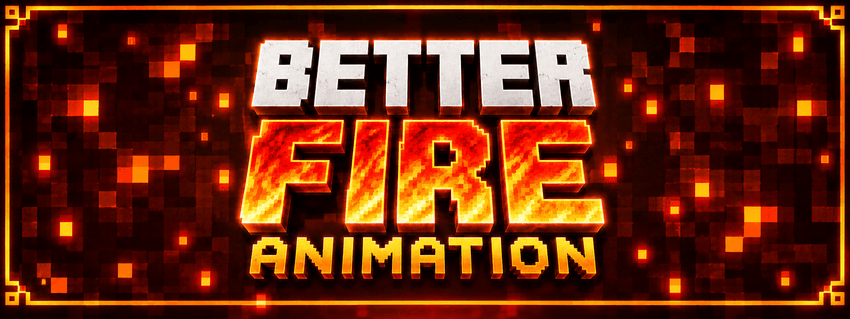
Better Fire Animation

Better Fire Animation

RESOURCE PACK
A complete fire animation overhaul with bigger flames, smoother animation, and richer visual detail.
by AshenThread
Download Claim this project
72 downloads
0 likes
Updated Oct 14, 2026
0 hypes
64x Animated Miscellaneous
Advertisement Remove ads with Premium →


🔥 Better Fire Animation

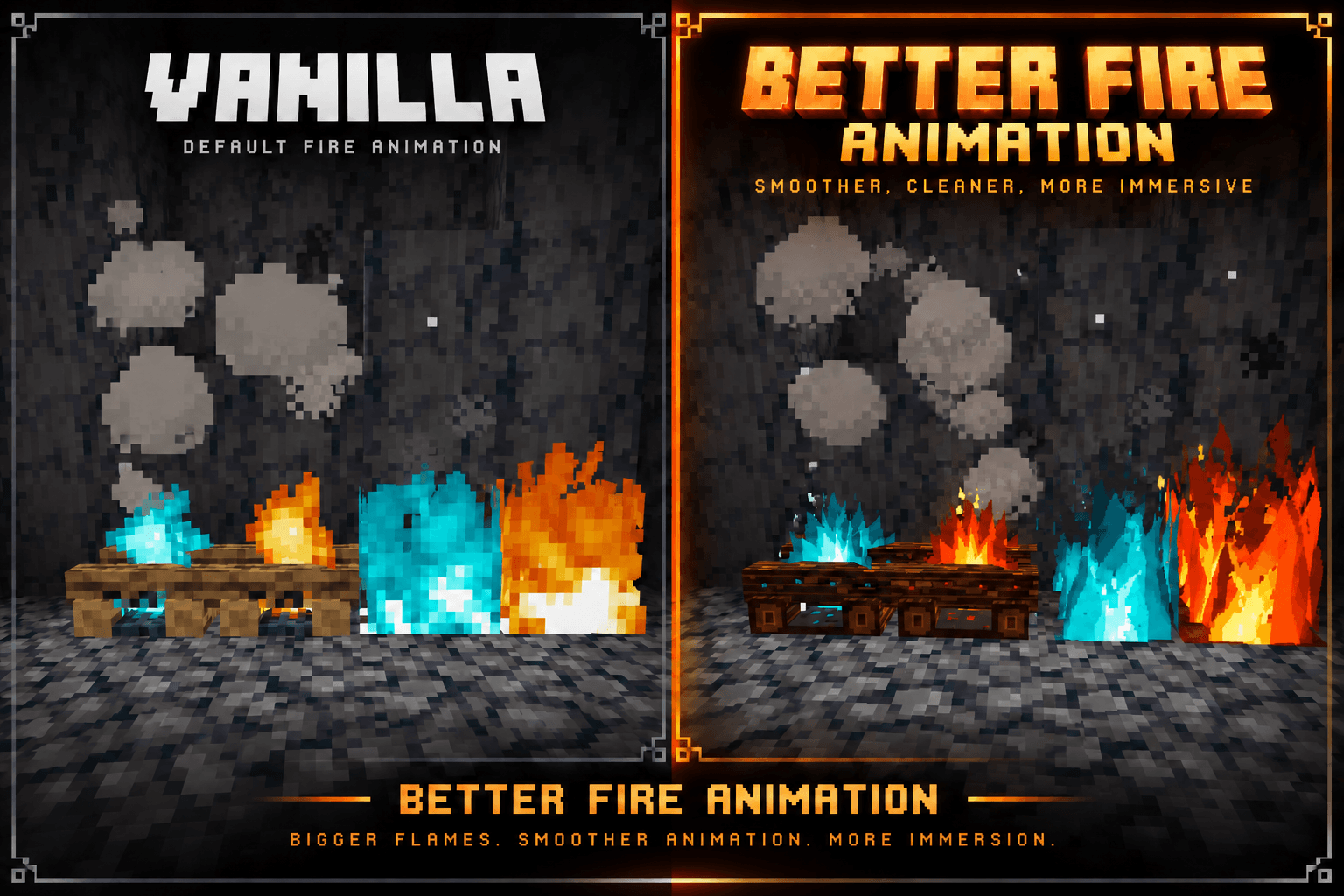
Better Fire Animation is a complete visual overhaul for Minecraft’s fire effects. It replaces the default fire visuals with larger, more aggressive flames, stronger colors, sharper shapes, and a much more dynamic animated appearance.

✨ Features

🔥 Completely redesigned fire flames
🔥 Much larger and taller flame shapes
🌊 Smoother and more dynamic animation
🔵 Redesigned soul fire with a stronger cyan appearance
🔥 Redesigned campfire flames
💨 Updated campfire and fire visuals
✨ More detailed flame shapes, highlights, and movement
🎨 A bold visual style that significantly changes how fire looks in game

🎯 What It Changes

This pack focuses entirely on fire related visuals and animations. The flames are not intended to simply look like slightly improved vanilla fire. They are a substantial visual redesign with a more dramatic and energetic appearance.

The goal is to make fire stand out more, feel more alive, and look significantly better during gameplay.

📦 Installation

  1. Download the latest release.
  2. Open Minecraft Java Edition.
  3. Go to Options → Resource Packs.
  4. Open the Resource Pack folder.
  5. Place the downloaded ZIP file inside.
  6. Select Better Fire Animation in game.

No mod loader is required.

🔥 Bigger flames. Smoother animation. More immersion.

Better_Fire_Animation_1.0.1.zip
MC 26.2
Release 2026-09-09 Get

Requirements & install

How to use this resource pack in Minecraft
Resolution
64x
Minecraft
26.2
Install folder
.minecraft/resourcepacks

How to install resource packs

  1. Download the resource pack .zip file (do not extract it).
  2. In Minecraft open Options → Resource Packs → Open Pack Folder.
  3. Drop the .zip into the resourcepacks folder (.minecraft/resourcepacks).
  4. Move the pack to the Selected column and click Done.
Browse more: 16x resource packs 32x resource packs 64x resource packs 128x resource packs 256x resource packs 512x+ resource packs Resource Packs for 26.2 All resource packs

More from AshenThread

Advertisement Remove ads with Premium →

You Might Also Like