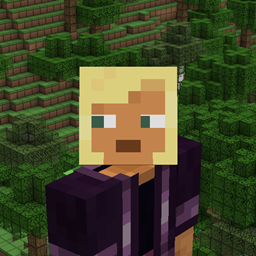
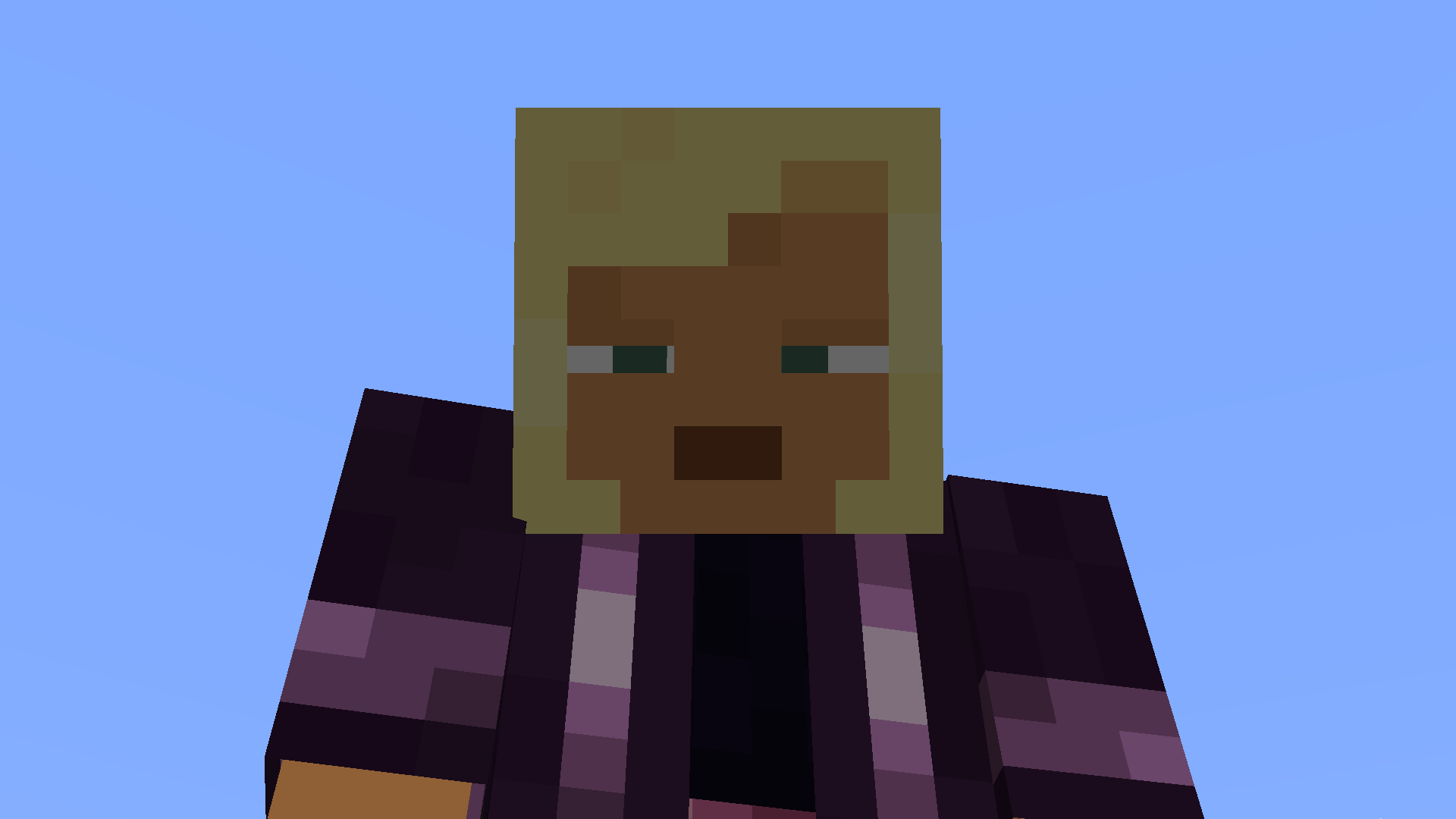
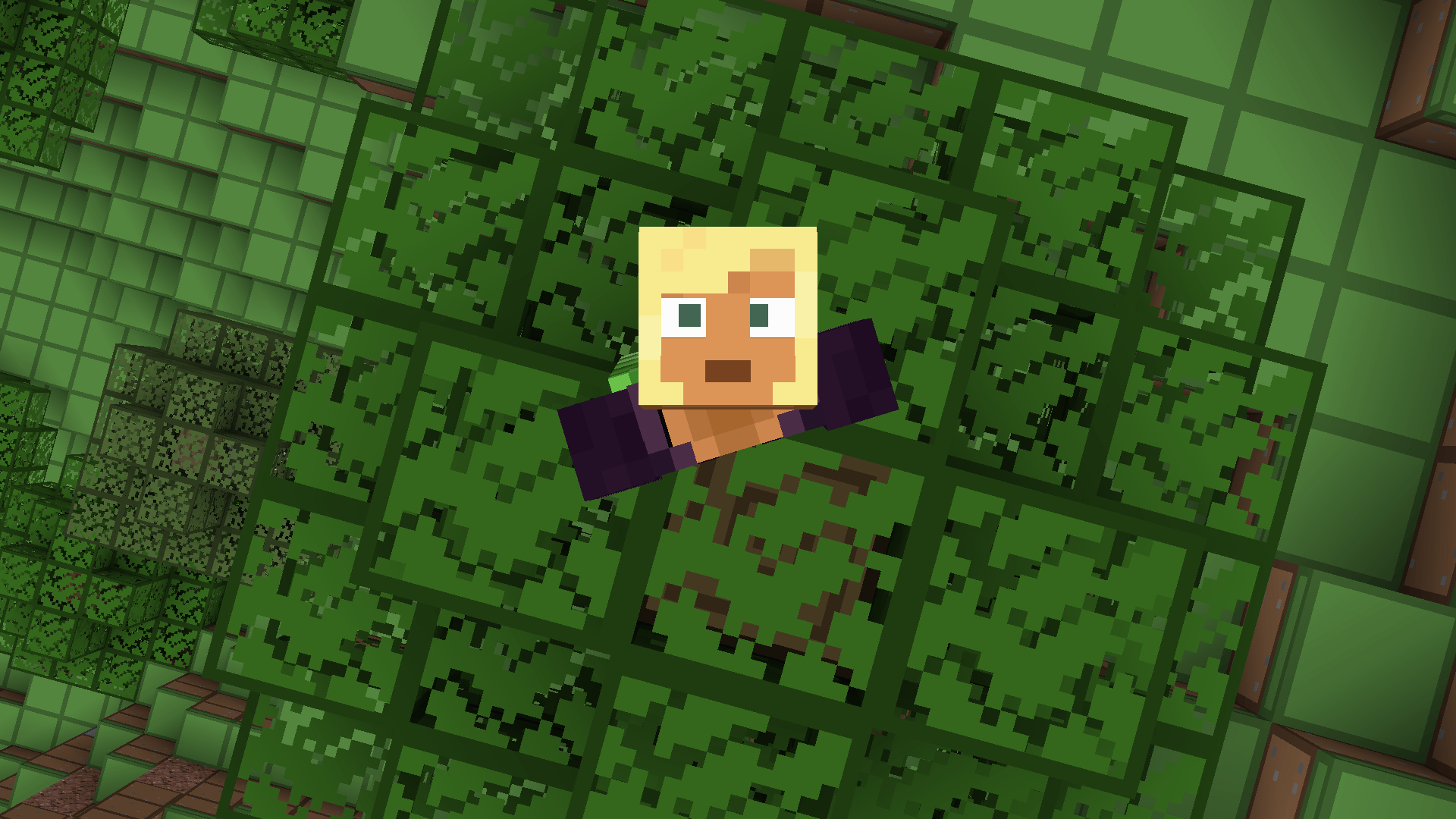
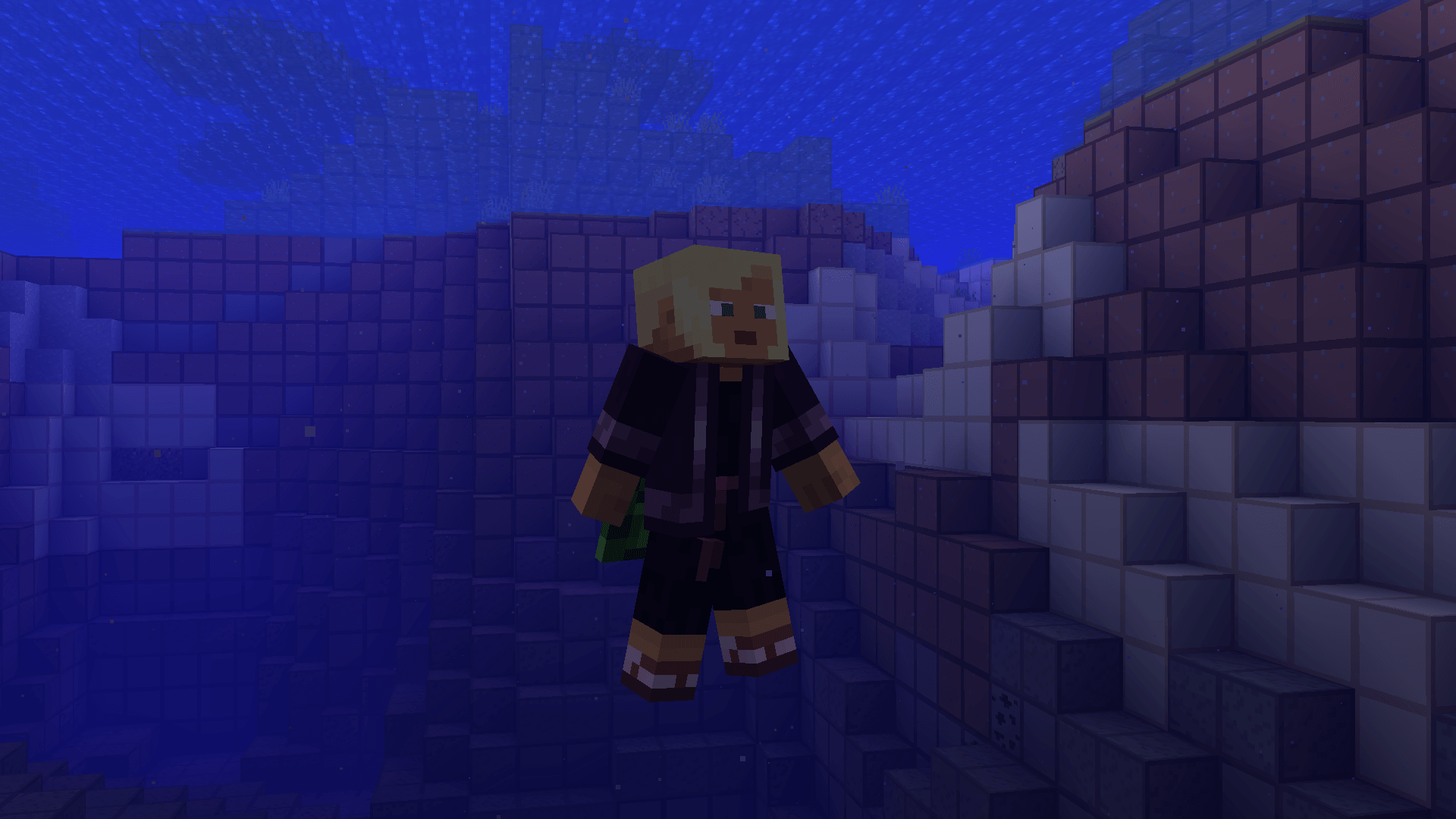
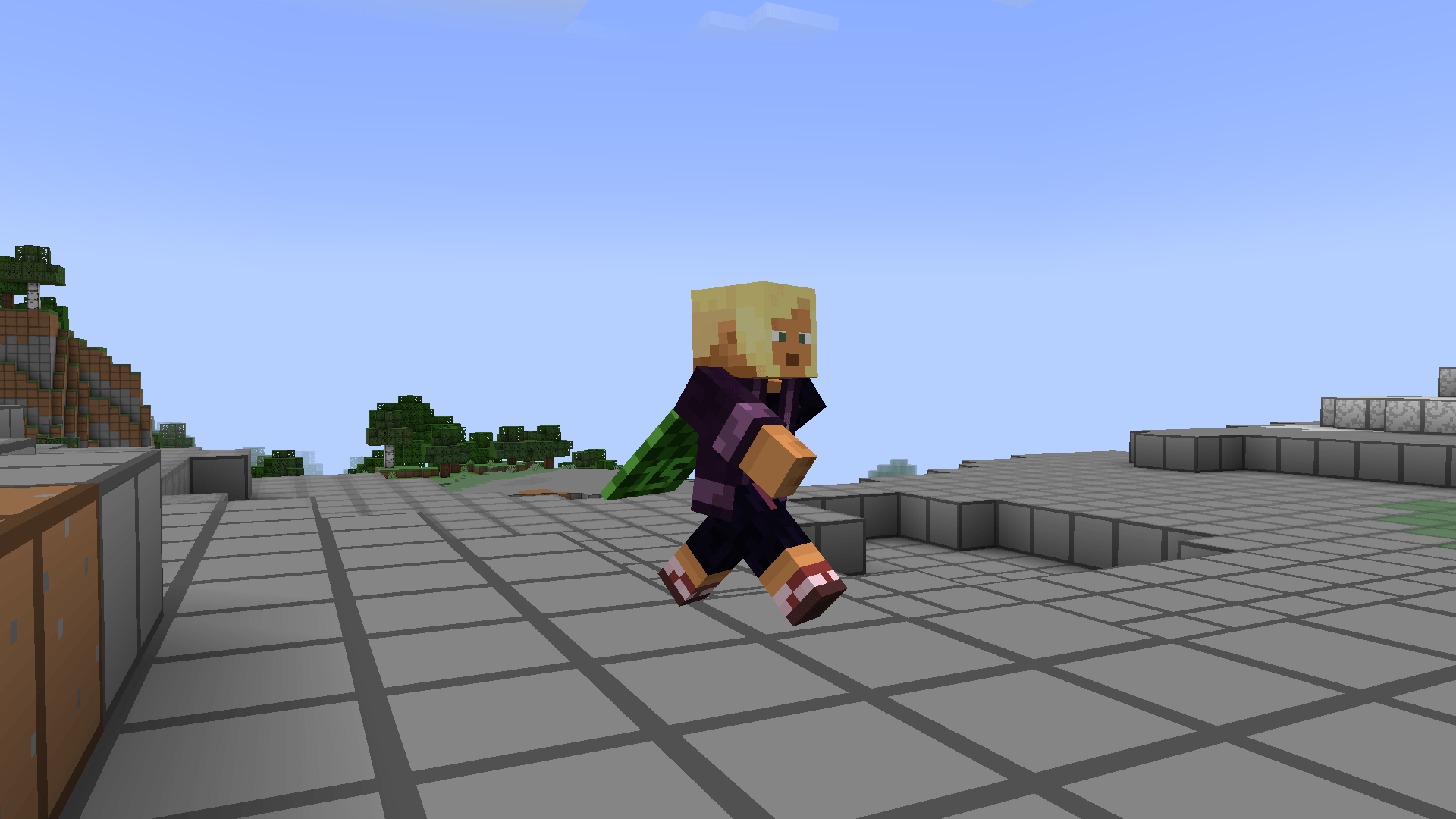
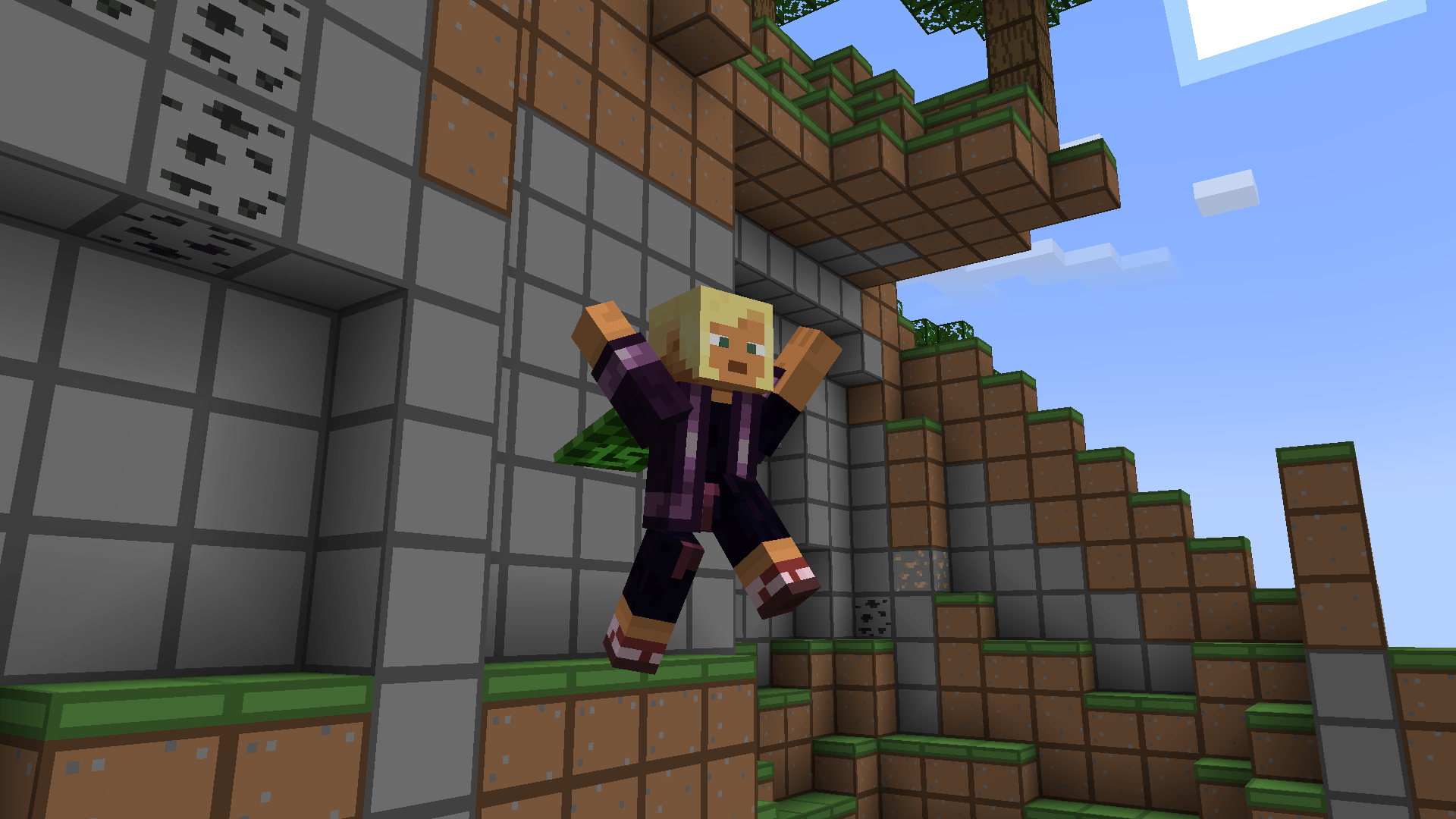
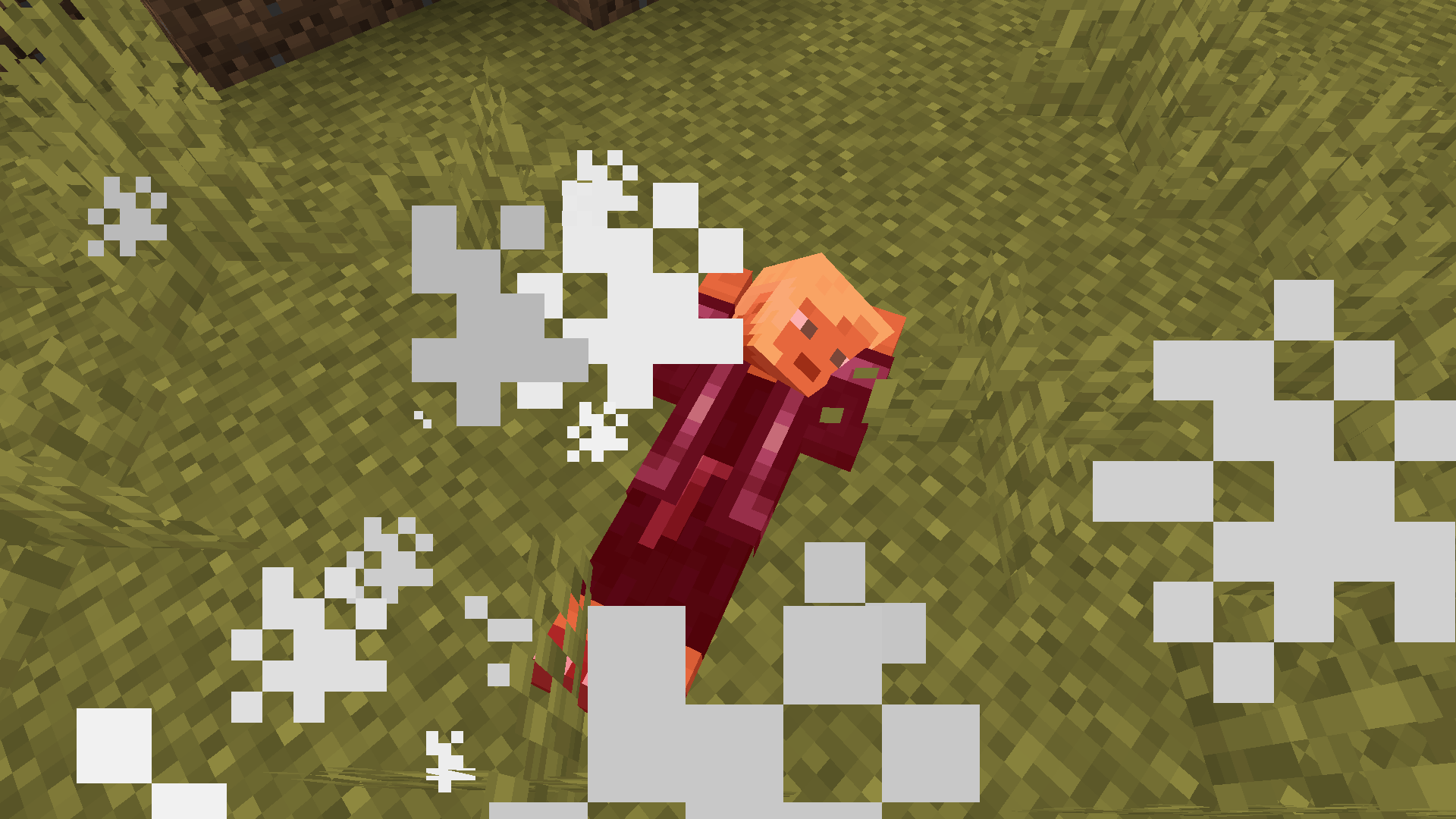
Those beautiful eyes…..
Made possible due to an Amazing collaboration between Just Expressions and Better Animations that brings animated eyes to the Better Animations Model!

Overhaul your Minecraft player animations and bring them to life!
Compatible with almost all animation mods! Including Better Combat, Quark and Emotecraft emotes and Parcool!
Supports both fabric and forge
REQUIRES EMF v2.1.0 or higher for v11.0 or higher of the pack
Download the latest Better_Expressions.zip from the releases tab.
Download the mods from the 
Place the mods and the resourcepack in the appropriate folder.
Activate the resourcepack in the 'resource packs' tab in-game.
Fabric API: https://modrinth.com/mod/fabric-api
Entity Model Features: https://modrinth.com/mod/entity-model-features
Entity Texture Features: https://modrinth.com/mod/entitytexturefeatures
MincraftEinstein, Prairies, XyperCode, Mysty, SomeOddBall, Brosiyeah, YaBoiMoh, Quackinsons, Jeanne
FreshLX for the original animations!
Traben for the initial animated eyes!
Ithan and TrasTick for actually making it work easily and adding a bunch of eye types!
Compatibility:
Mods/Packs that work flawlessly: playerAnimator, Better Combat, EmoteCraft, Quark, 3d skin layers. Parcool, Not Enough Animations, First-person Model
Mods/Packs that DO NOT WORK: Improved Animations, Serious Player Animations, any other cem model mod besides emf+etf