
Mineuniverse
Resource Packs
Better Animations

Better Animations

RESOURCE PACK
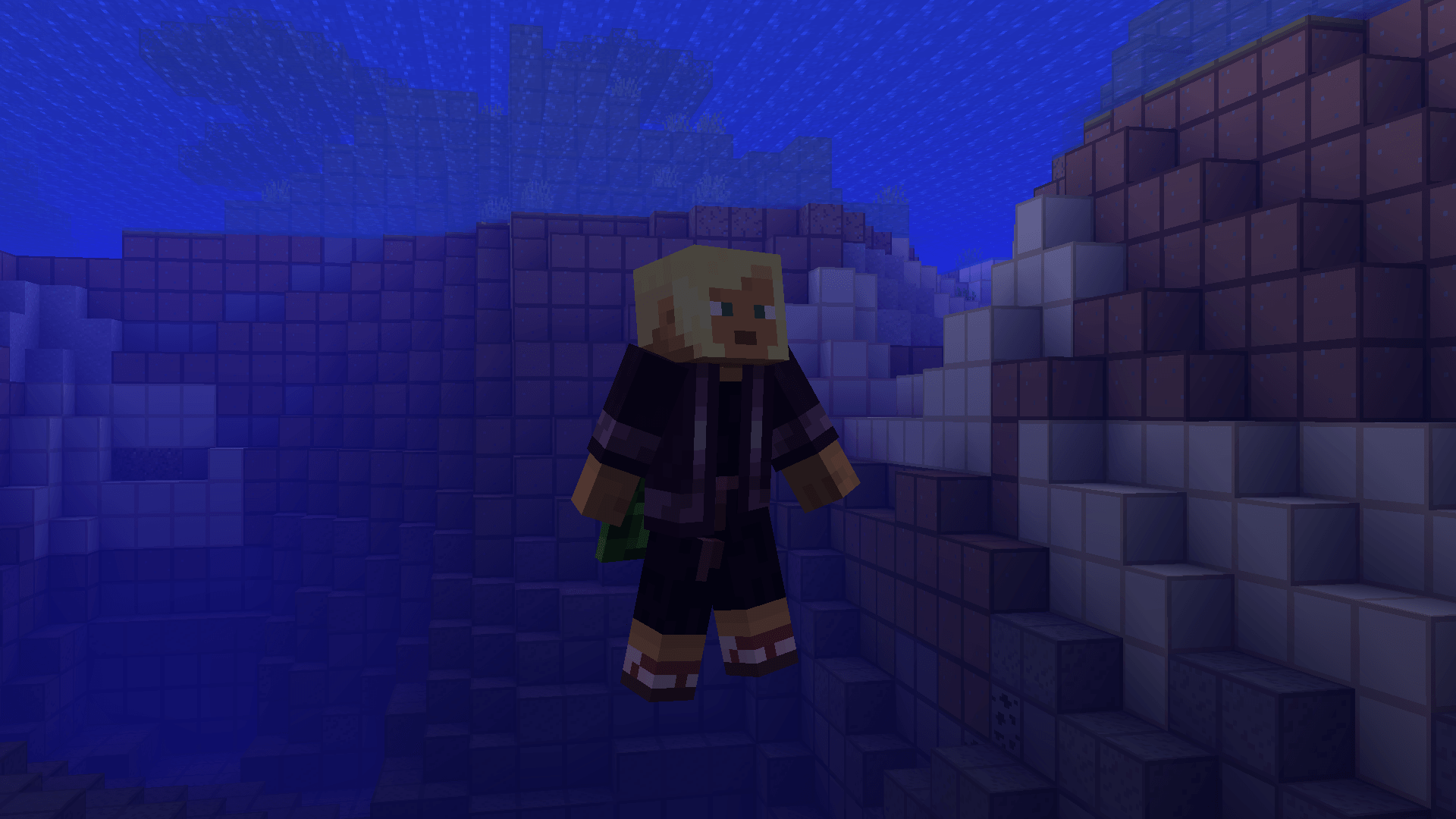
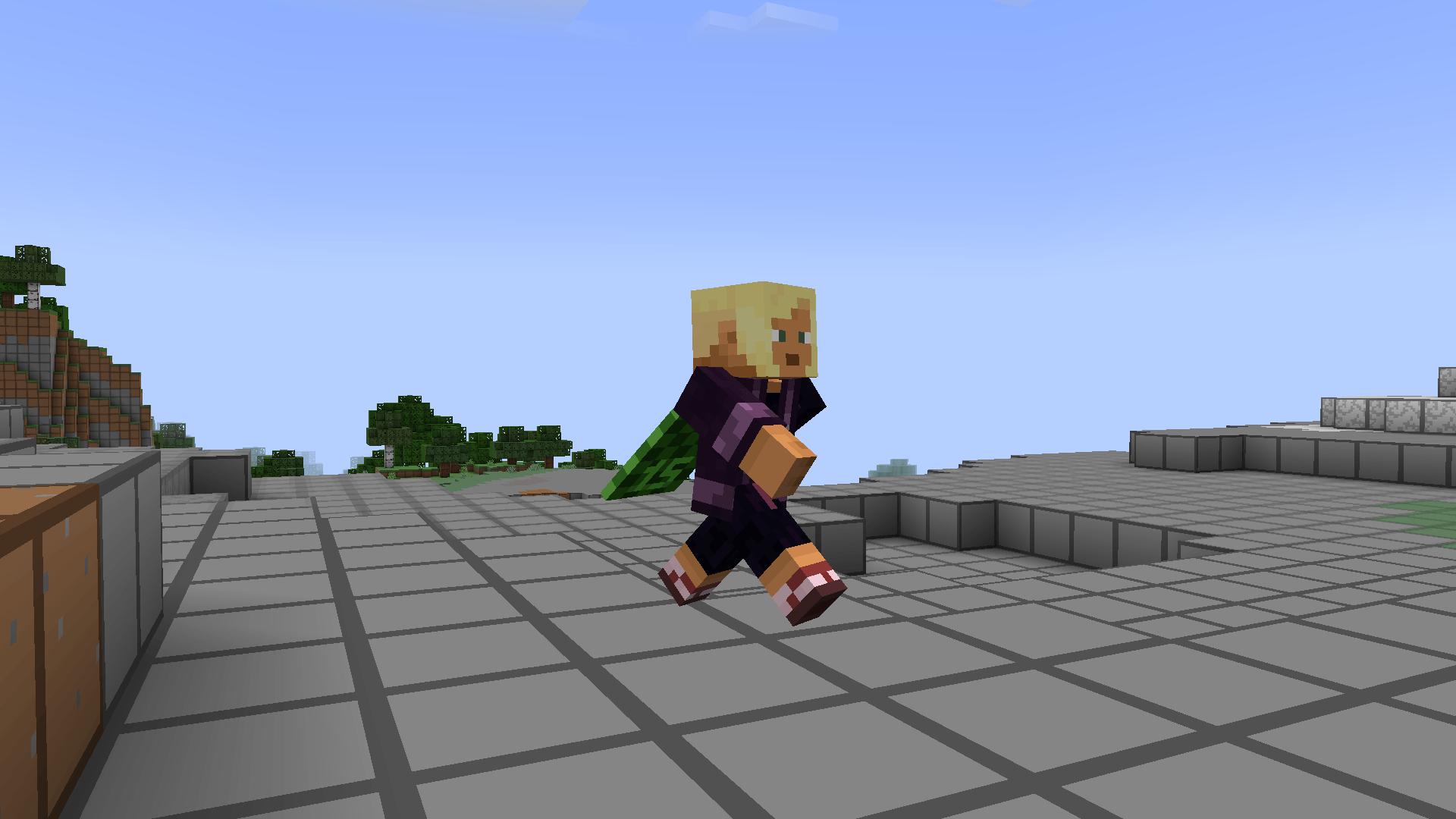
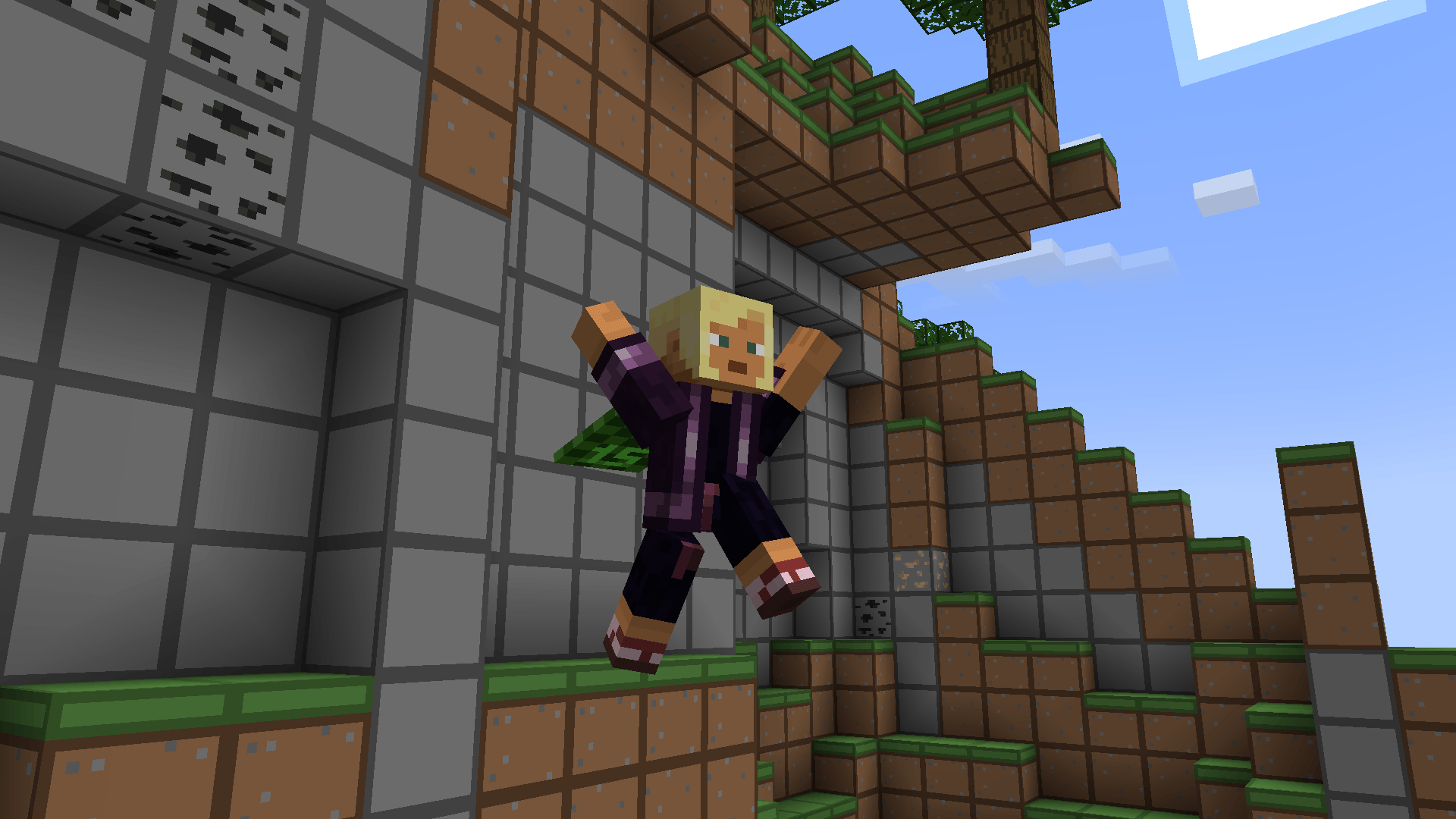
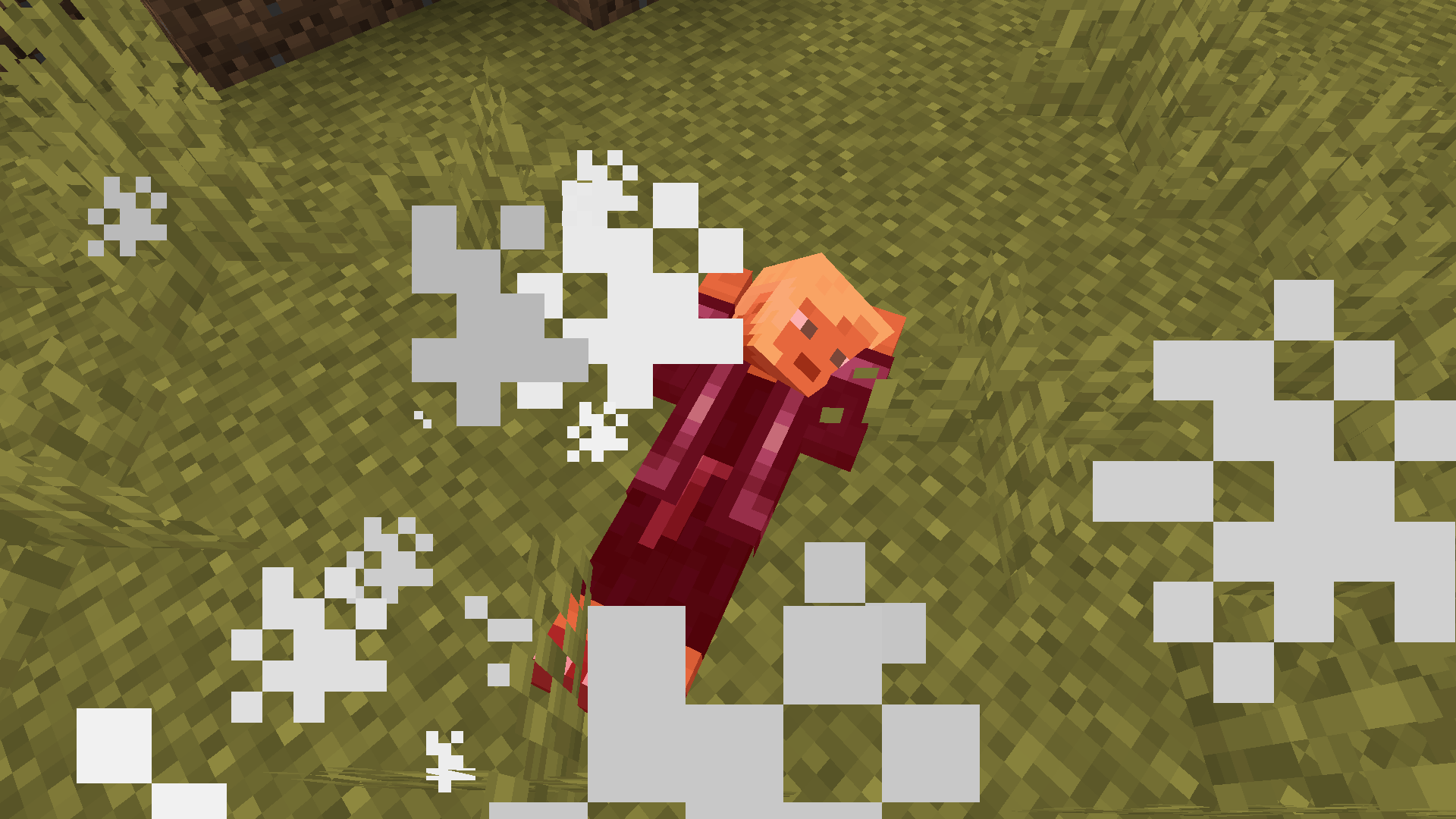
Overhaul your Minecraft player animations and bring them to life!
by creatomat
Download Claim this project
586,644 downloads
0 likes
Updated Oct 14, 2026
0 hypes
16x Animated Miscellaneous Modern
Advertisement Remove ads with Premium →

Better Animations

Buttery Smooth!


CurseForge Organization Donate@CupOfCoffee

Better Expressions has moved! Get it here

AboutThePack
Overhaul your Minecraft player animations and bring them to life!
Compatible with almost all animation mods! Including Better Combat, Quark and Emotecraft emotes and Parcool!

Supports both fabric and forge
REQUIRES EMF v2.1.0 or higher for v11.0 or higher of the pack

Installation
Download the latest Better_Animations.zip from the releases tab.
Download the mods from the Dependencies tab.

Place the mods and the resourcepack in the appropriate folder.
Activate the resourcepack in the 'resource packs' tab in-game.

Dependencies
Fabric API: https://modrinth.com/mod/fabric-api
Entity Model Features: https://modrinth.com/mod/entity-model-features
Entity Texture Features: https://modrinth.com/mod/entitytexturefeatures

Credits
MincraftEinstein, Prairies, XyperCode, Mysty, SomeOddBall, Brosiyeah, YaBoiMoh, Quackinsons, Jeanne

Mods/Packs that work flawlessly: playerAnimator, Better Combat, EmoteCraft, Quark, 3d skin layers. Parcool, Not Enough Animations, First-person Model

Mods/Packs that DO NOT WORK: Improved Animations, Serious Player Animations, any other cem model mod besides emf+etf


Banner

Better_Animations.zip v51.1
MC 1.21.8, 1.21.5, 1.21.4, 1.21.6, 1.21.3, 1.21.7, 1.21.2, 1.21.9, 1.21.10, 1.21.11, 26.1, 26.1.1, 26.1.2, 26.2, 26.3
Release 2026-09-28 Get
Better_Animations.zip v6.2 1.20.1
MC 1.20.1
Alpha 2024-04-09 Get
Better_Animations.zip RC4
MC 1.20.4
Beta 2024-01-13 Get

Requirements & install

How to use this resource pack in Minecraft
Resolution
16x
Minecraft
1.21.9 – 26.3
Install folder
.minecraft/resourcepacks

How to install resource packs

  1. Download the resource pack .zip file (do not extract it).
  2. In Minecraft open Options → Resource Packs → Open Pack Folder.
  3. Drop the .zip into the resourcepacks folder (.minecraft/resourcepacks).
  4. Move the pack to the Selected column and click Done.
Browse more: 16x resource packs 32x resource packs 64x resource packs 128x resource packs 256x resource packs 512x+ resource packs Resource Packs for 26.3 All resource packs

More from creatomat

Advertisement Remove ads with Premium →

You Might Also Like