Mineuniverse
Resource Packs
Better Dark Mode

Better Dark Mode

RESOURCE PACK
Enhanced dark mode designed for comfort without changing the original Minecraft experience
by hypergame360
Download Claim this project
1,094 downloads
0 likes
Updated Oct 14, 2026
0 hypes
64x Data Packs
Advertisement Remove ads with Premium →

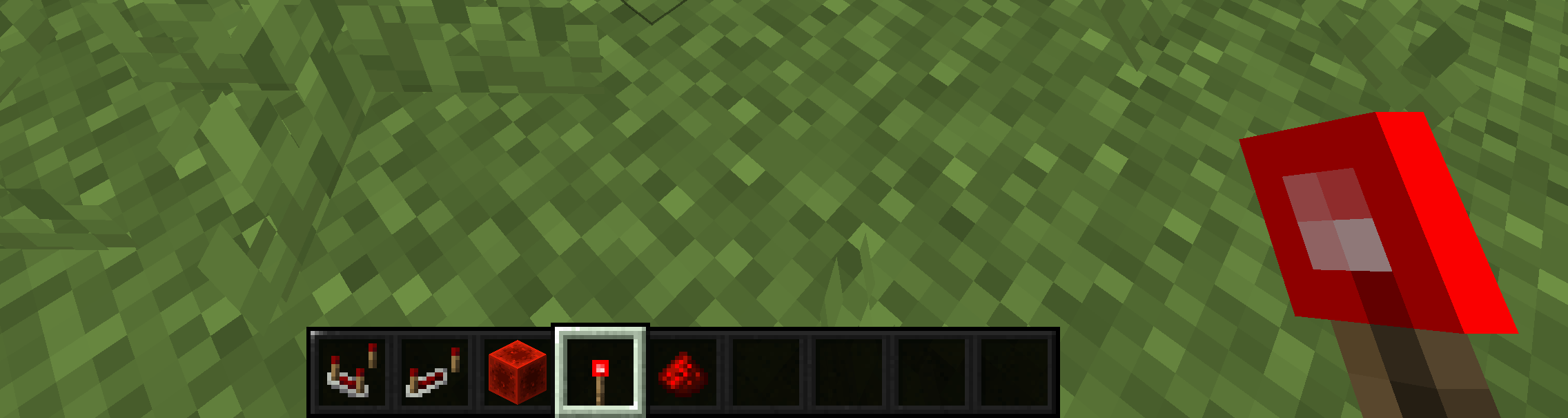
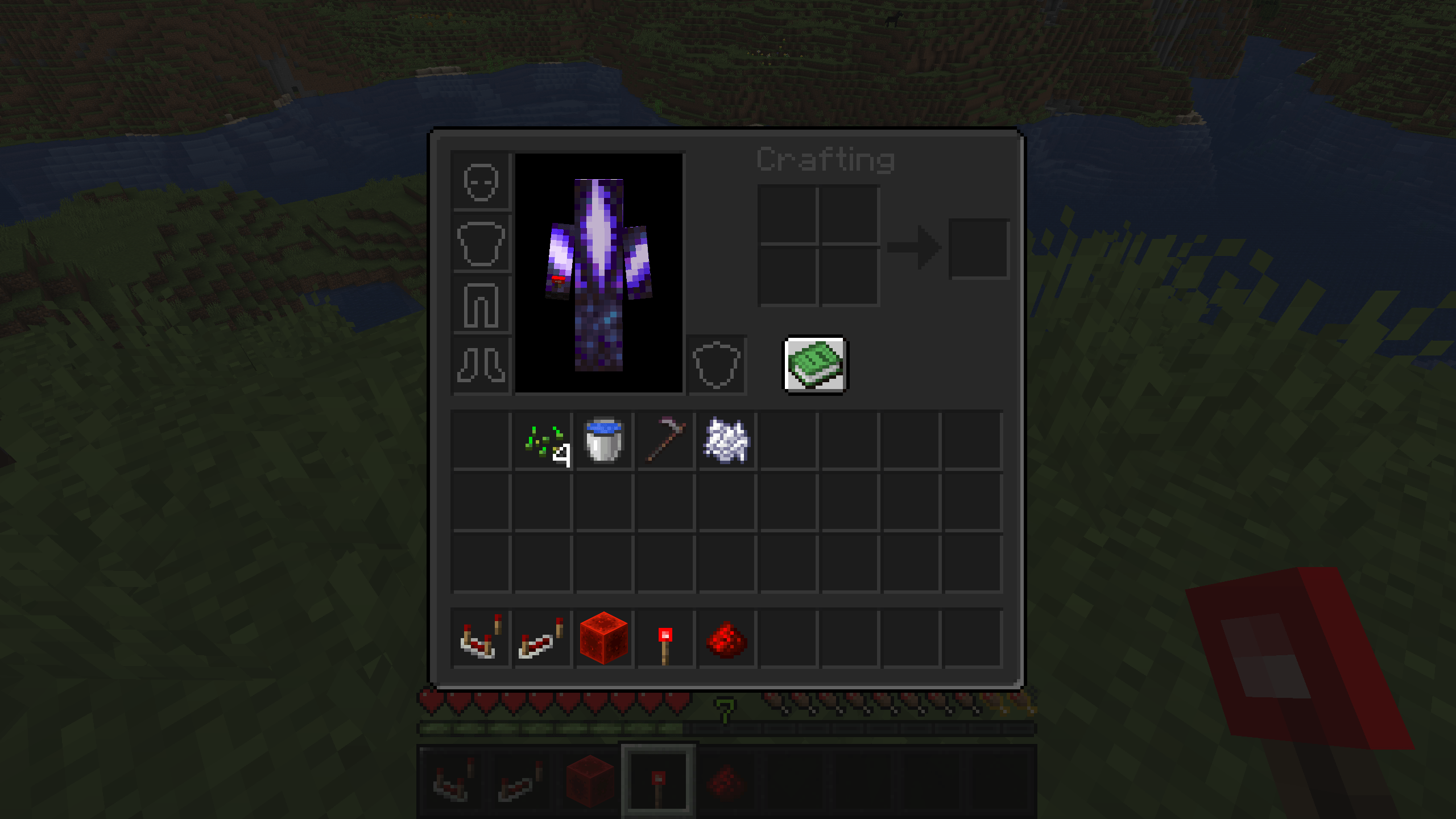
🖤 This Resource Pack is designed to deliver a cleaner, darker, and more comfortable visual experience without changing the core feel of Minecraft. It enhances dark mode elements by improving contrast, readability, and consistency across menus, UI, and textures, making long play sessions easier on the eyes 🌙.

🎮 The pack carefully refines existing visuals rather than replacing them, ensuring that everything still feels familiar and authentic. Colors are balanced to stay true to vanilla Minecraft while offering a smoother and more modern dark appearance.

✨ Whether you are playing Survival, Creative, or Multiplayer, this resource pack maintains full compatibility and does not affect gameplay mechanics or performance. It is lightweight, simple, and focused on visual comfort.

🌑 Perfect for players who enjoy dark themes and want a subtle improvement that respects the original Minecraft experience, this pack brings clarity, style, and immersion without distraction.

Better Dark Mode
MC 26.1, 26.1.1, 26.1.2
Release 2026-04-08 Get
Better Dark Mode-1.20.x
MC 1.20.2, 1.20.5, 1.20.1, 1.20, 1.20.6, 1.20.4, 1.20.3
Release 2026-02-01 Get
Better Dark Mode
MC 1.21, 1.21.8, 1.21.5, 1.21.4, 1.21.1, 1.21.6, 1.21.3, 1.21.7, 1.21.2, 1.21.9, 1.21.10, 1.21.11
Release 2026-01-12 Get
Better Dark Mode
MC 1.21, 1.21.8, 1.21.5, 1.21.4, 1.21.1, 1.21.6, 1.21.3, 1.21.7, 1.21.2, 1.21.9, 1.21.10, 1.21.11
Release 2026-01-06 Get

Requirements & install

How to use this resource pack in Minecraft
Resolution
64x
Minecraft
1.21.7 – 26.1.2
Install folder
.minecraft/resourcepacks

How to install resource packs

  1. Download the resource pack .zip file (do not extract it).
  2. In Minecraft open Options → Resource Packs → Open Pack Folder.
  3. Drop the .zip into the resourcepacks folder (.minecraft/resourcepacks).
  4. Move the pack to the Selected column and click Done.
Browse more: 16x resource packs 32x resource packs 64x resource packs 128x resource packs 256x resource packs 512x+ resource packs Resource Packs for 26.1.2 All resource packs

More from hypergame360

Advertisement Remove ads with Premium →

You Might Also Like