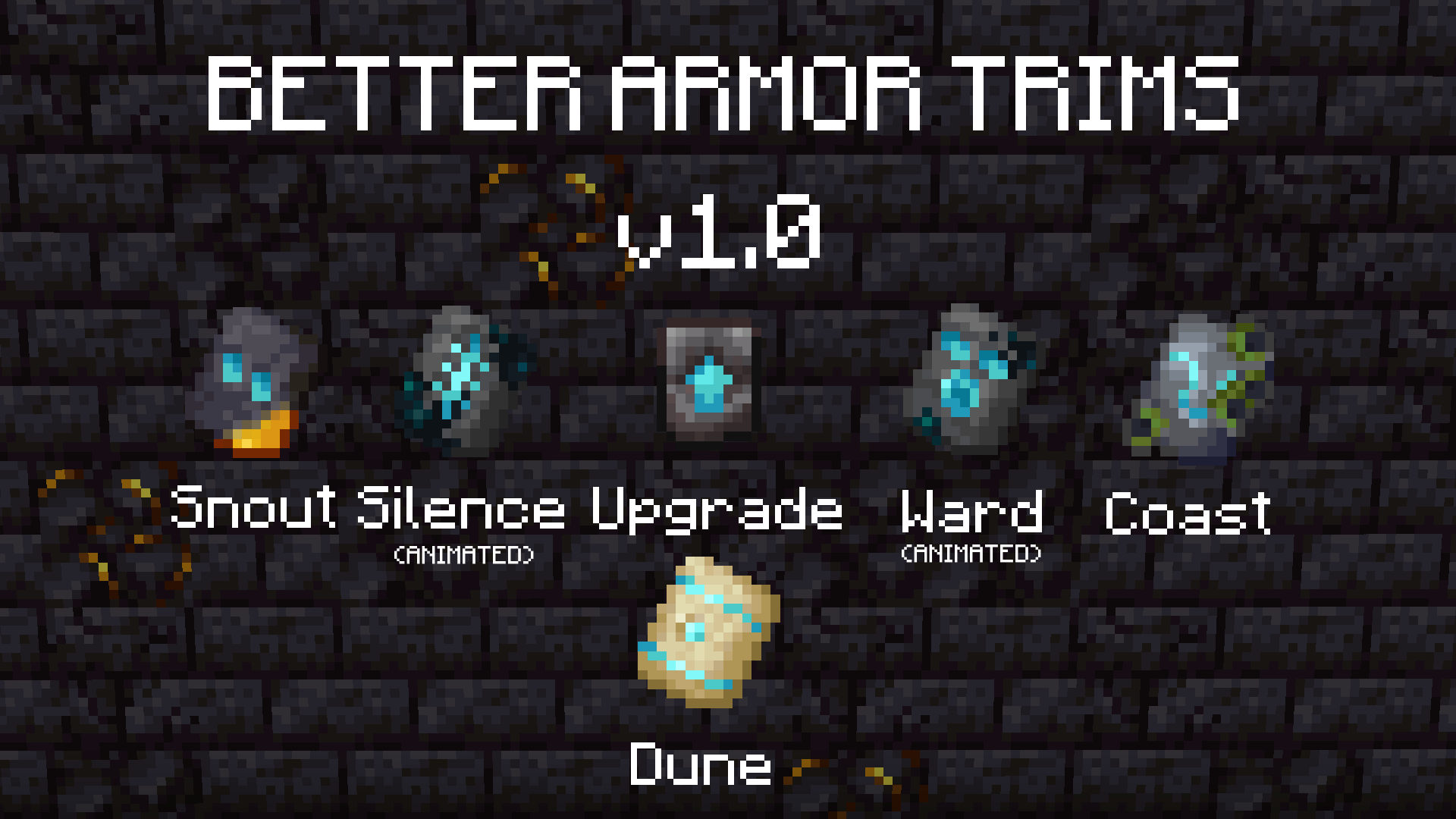
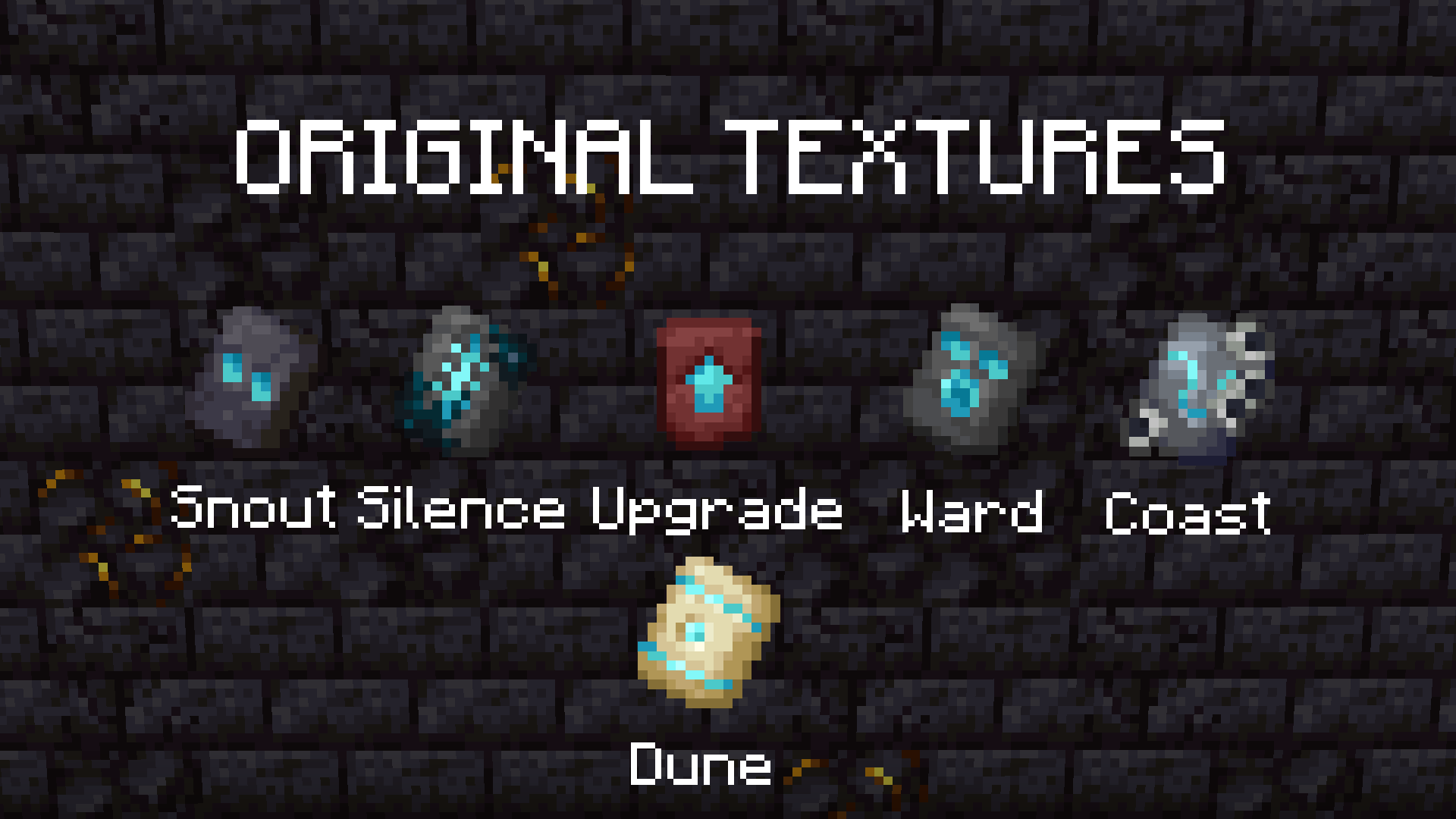
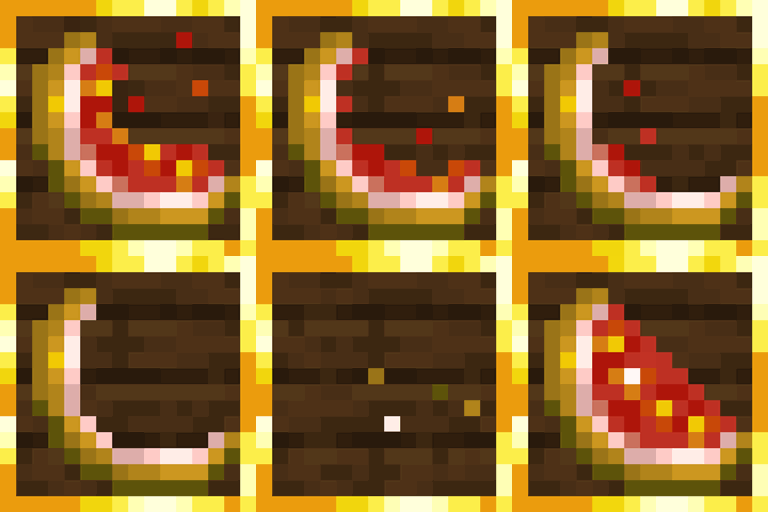
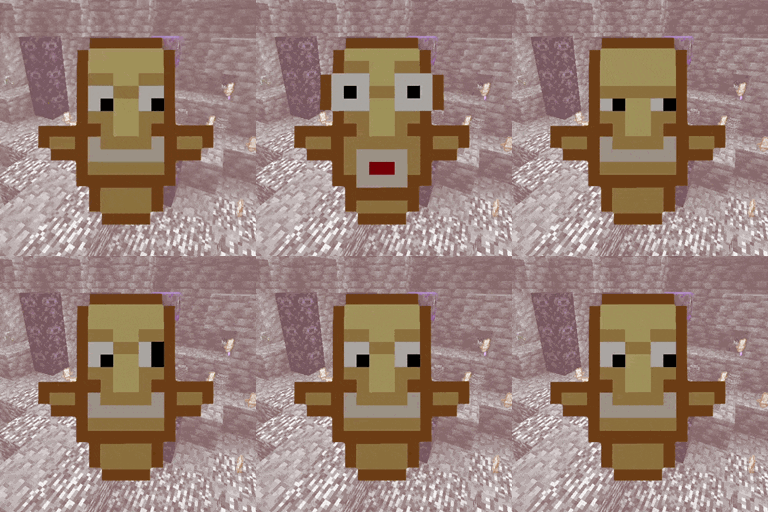
So I changed textures of some Armor Trims to looks like better and nicer. Some of them are animated (Silence and Ward). You can see all of them in images. It works on 1.19.4 up to the newest version of MC. Maybe on some servers with ViaVersion plugin.
Why did I retextured Trims?
Snout Trim is generating in Bastion, so it has golden part
Silence and Ward have animated parts of Sculk, because you can find them in Ancient City
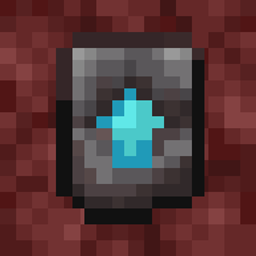
Netherite Smithing Template is normally from Netherrack, but it's NETHERITE Smithing Template, so I changed it to look like from Netherite
Coast Trim is generating in Shipwrecks and it have to looks more green (like kelp)
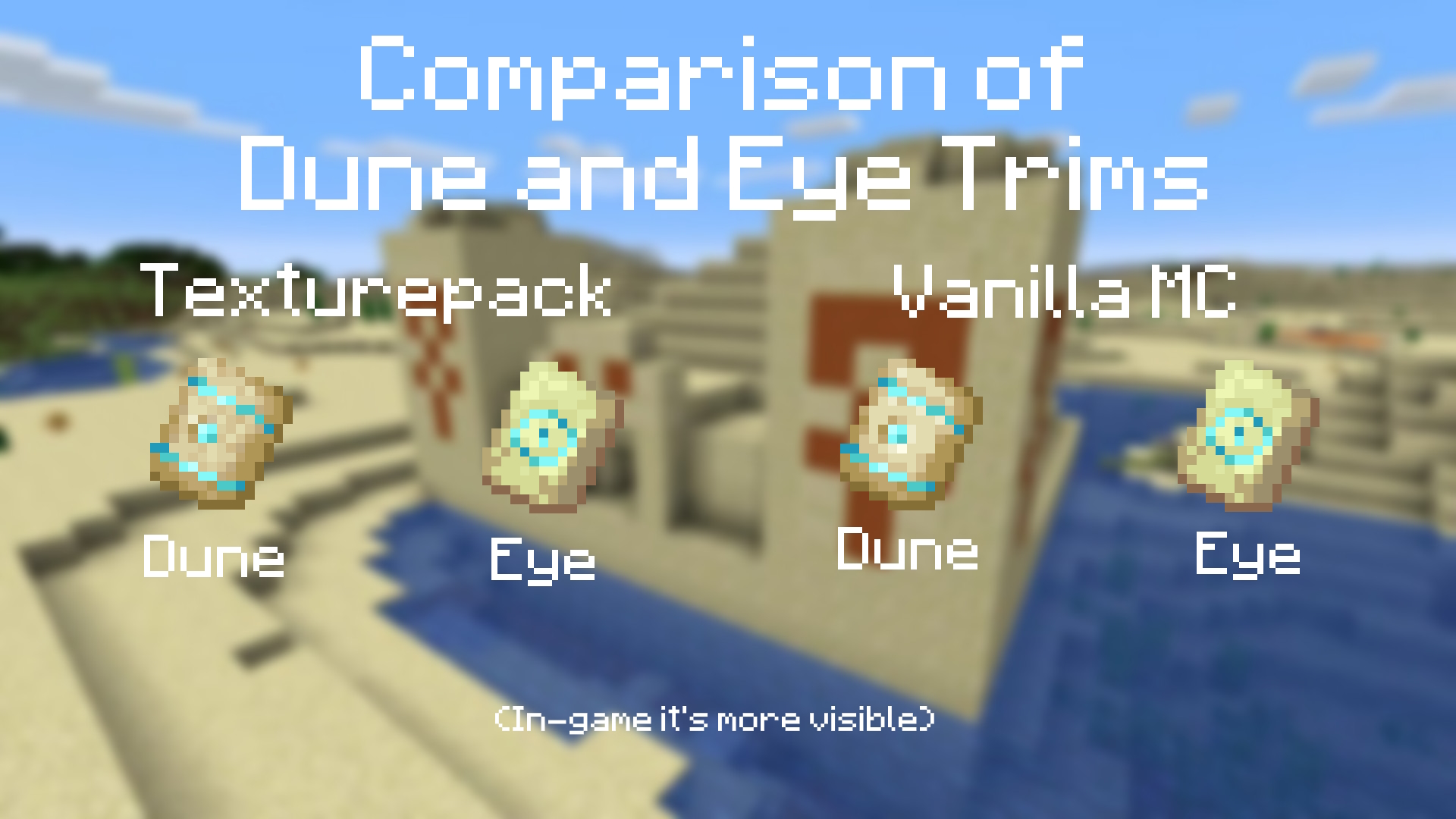
Dune Trim is interchangeable with Eye Trim, so now it looks more like sand
Optifine is not required
You can use this pack in modpacks, but you can't pass off as one's own!!!
All bugs report me please!!!
My other useful projects:
Texture packs: No Animations (Better FPS, for slower PC): https://www.curseforge.com/minecraft/texture-packs/no-animations
Clear Lava and Water: https://www.curseforge.com/minecraft/texture-packs/clear-water-and-lava
Rainbow breaking animation: https://legacy.curseforge.com/minecraft/texture-packs/rainbow-breaking-animation
Mods: Shatr (Adds a lots of funny things, 1.16.5): https://www.curseforge.com/minecraft/mc-mods/shatr