Mineuniverse
Resource Packs
Medieval Shield

Medieval Shield

RESOURCE PACK
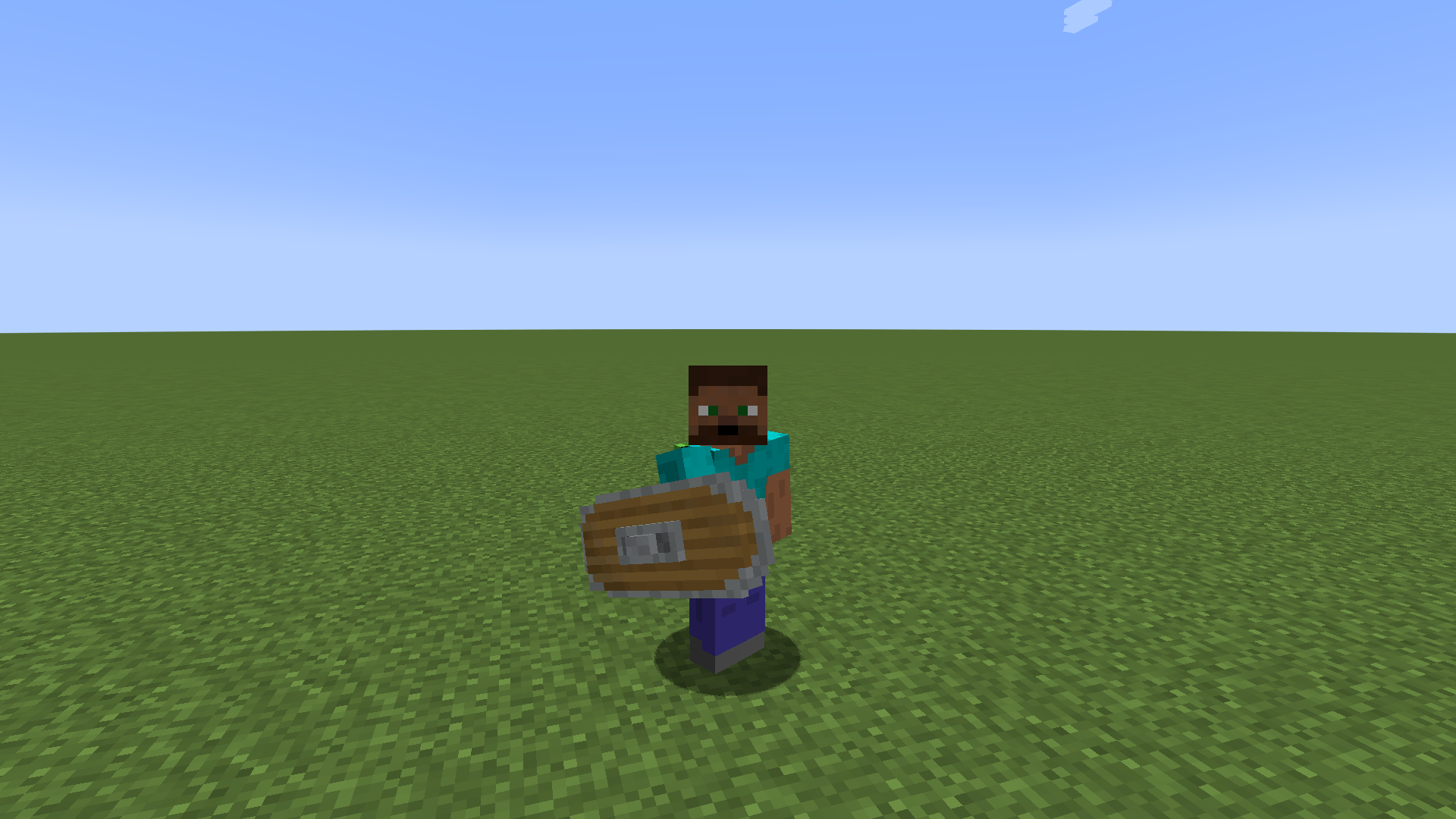
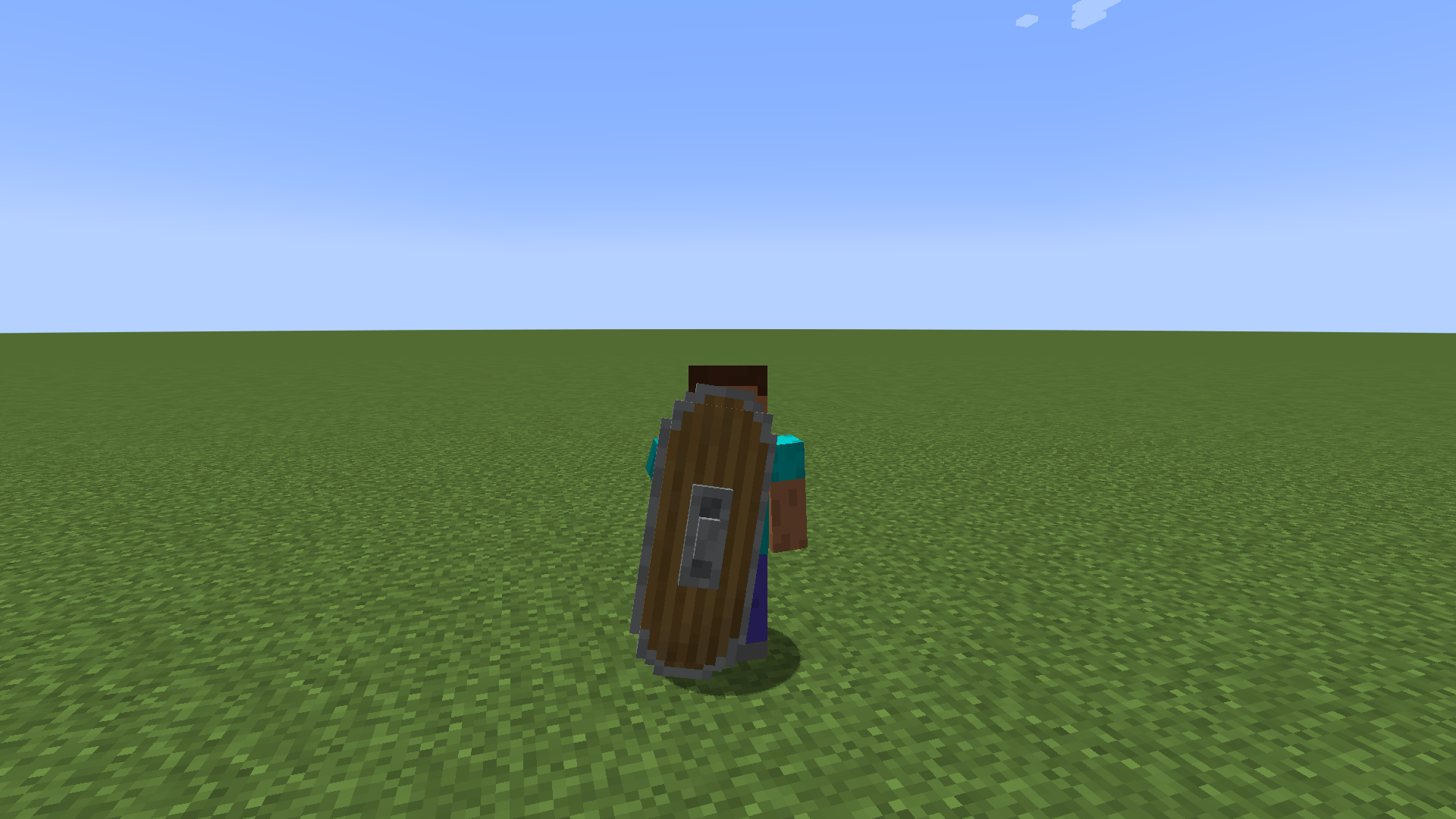
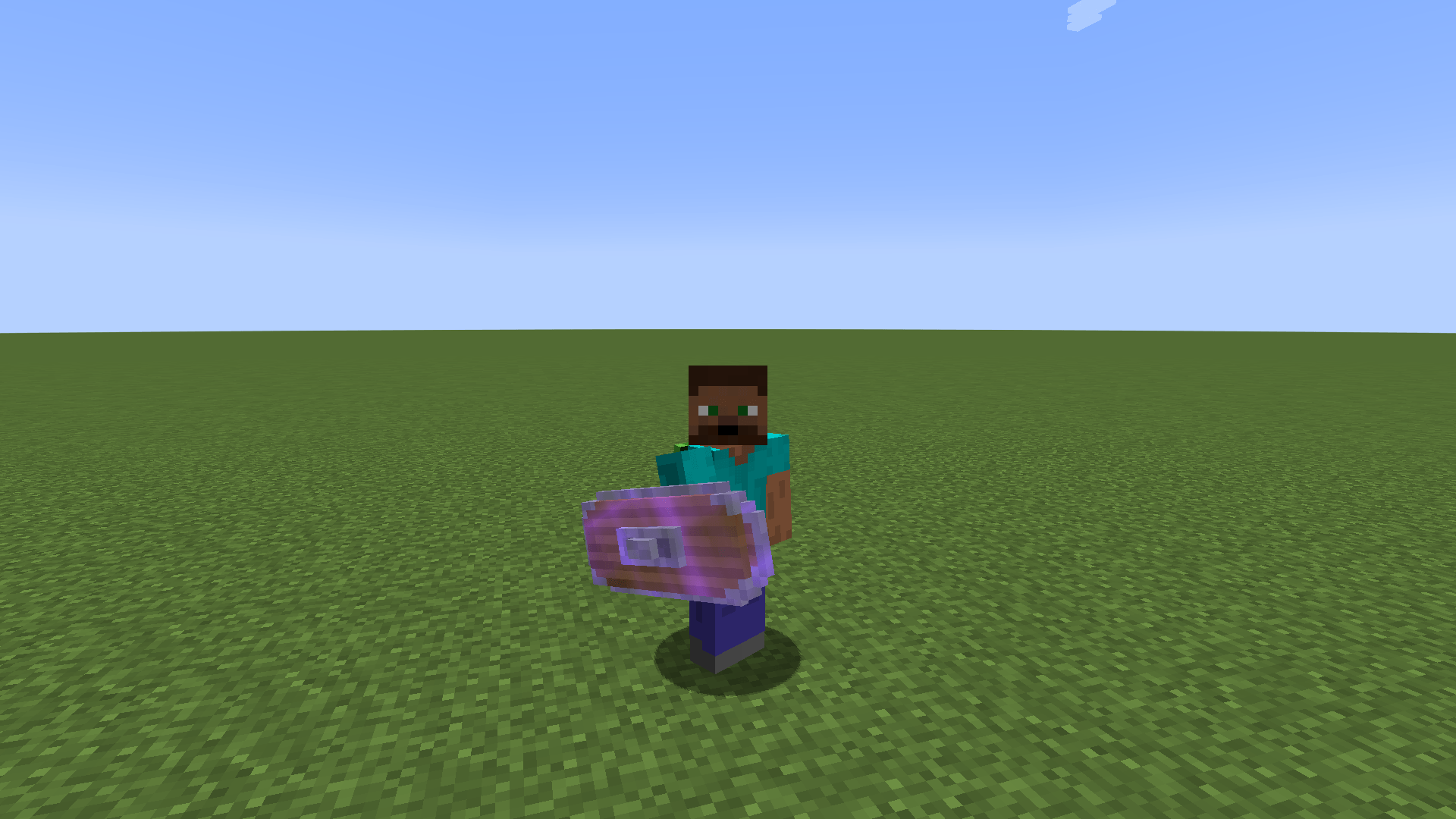
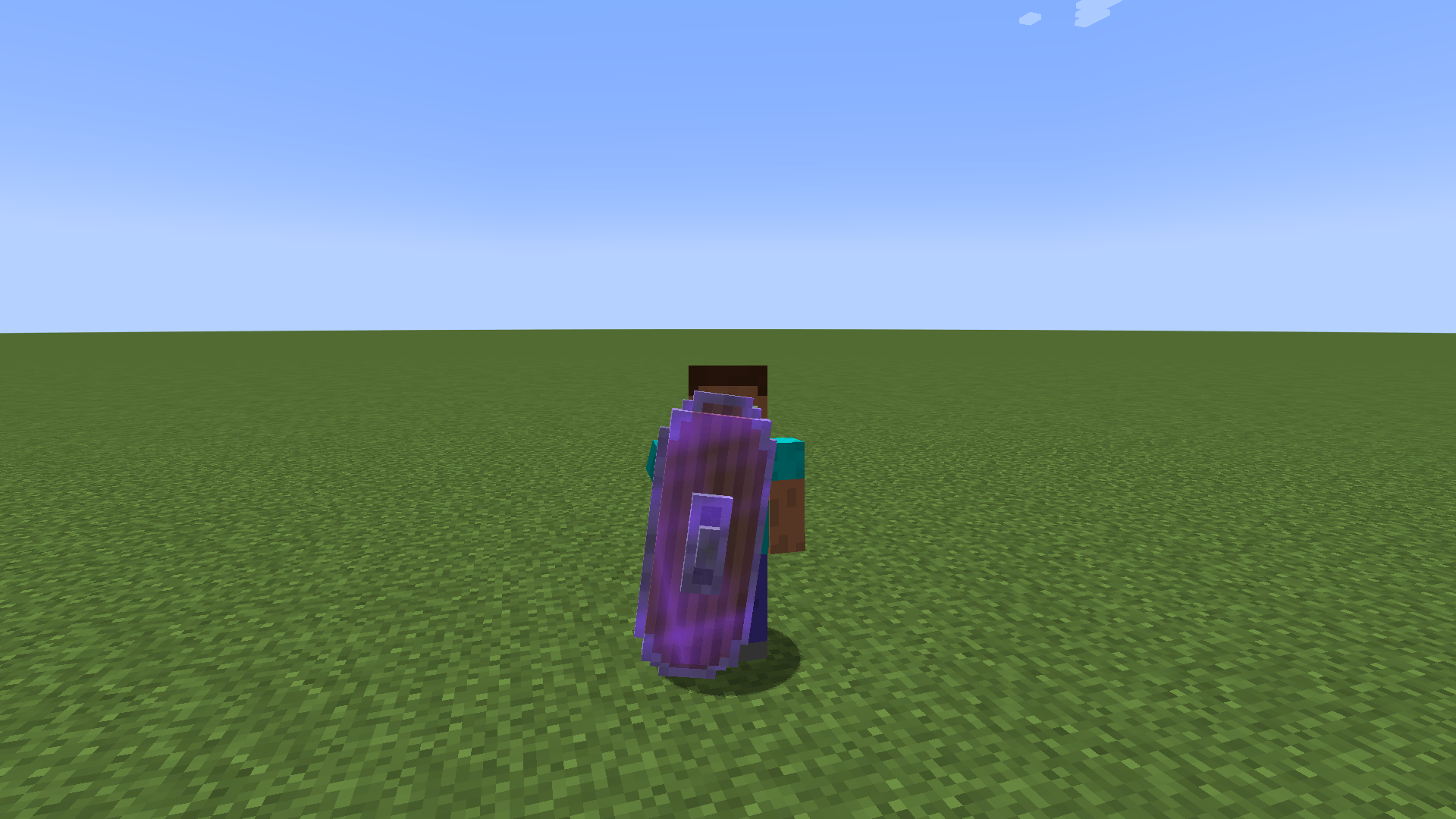
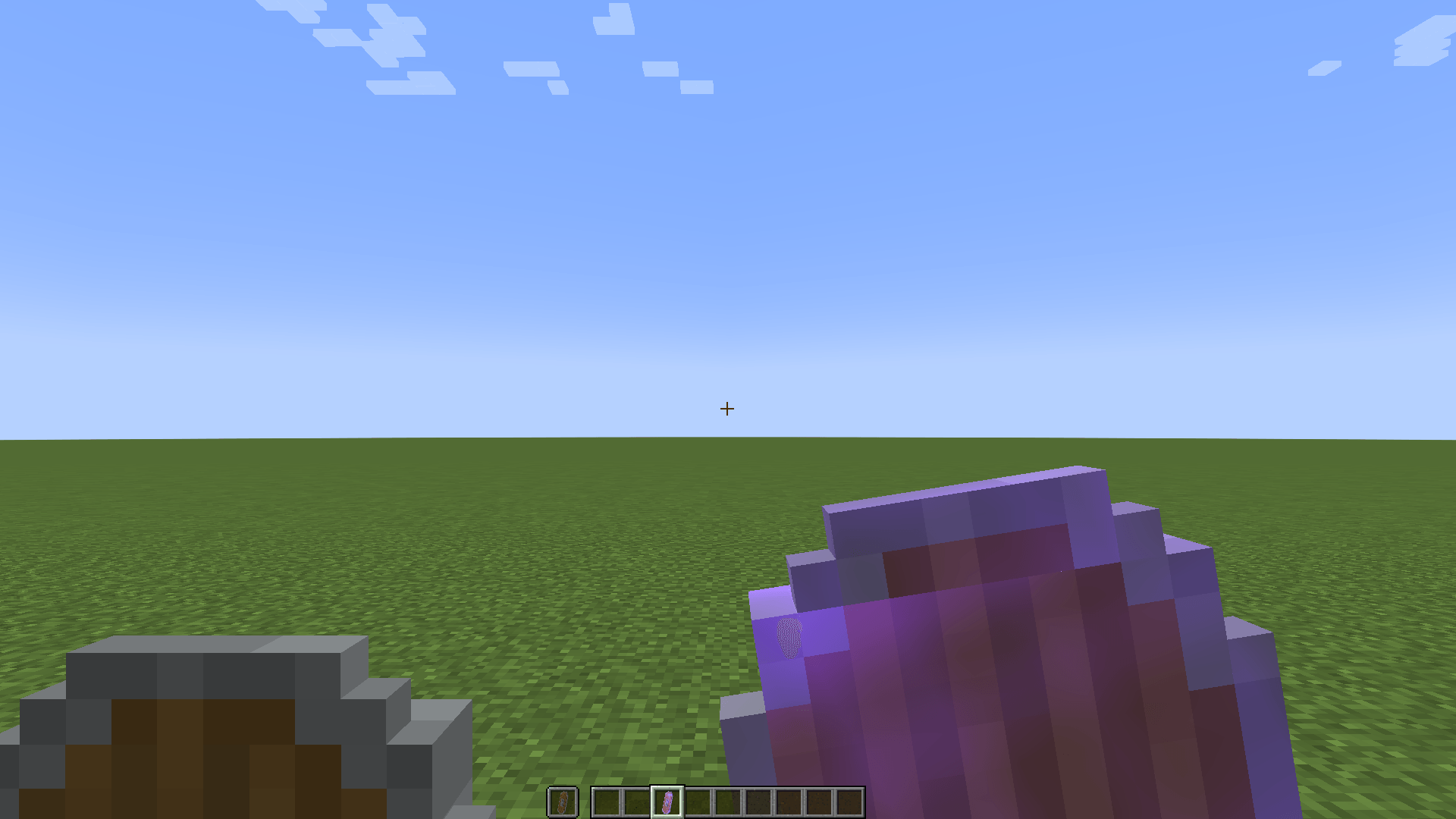
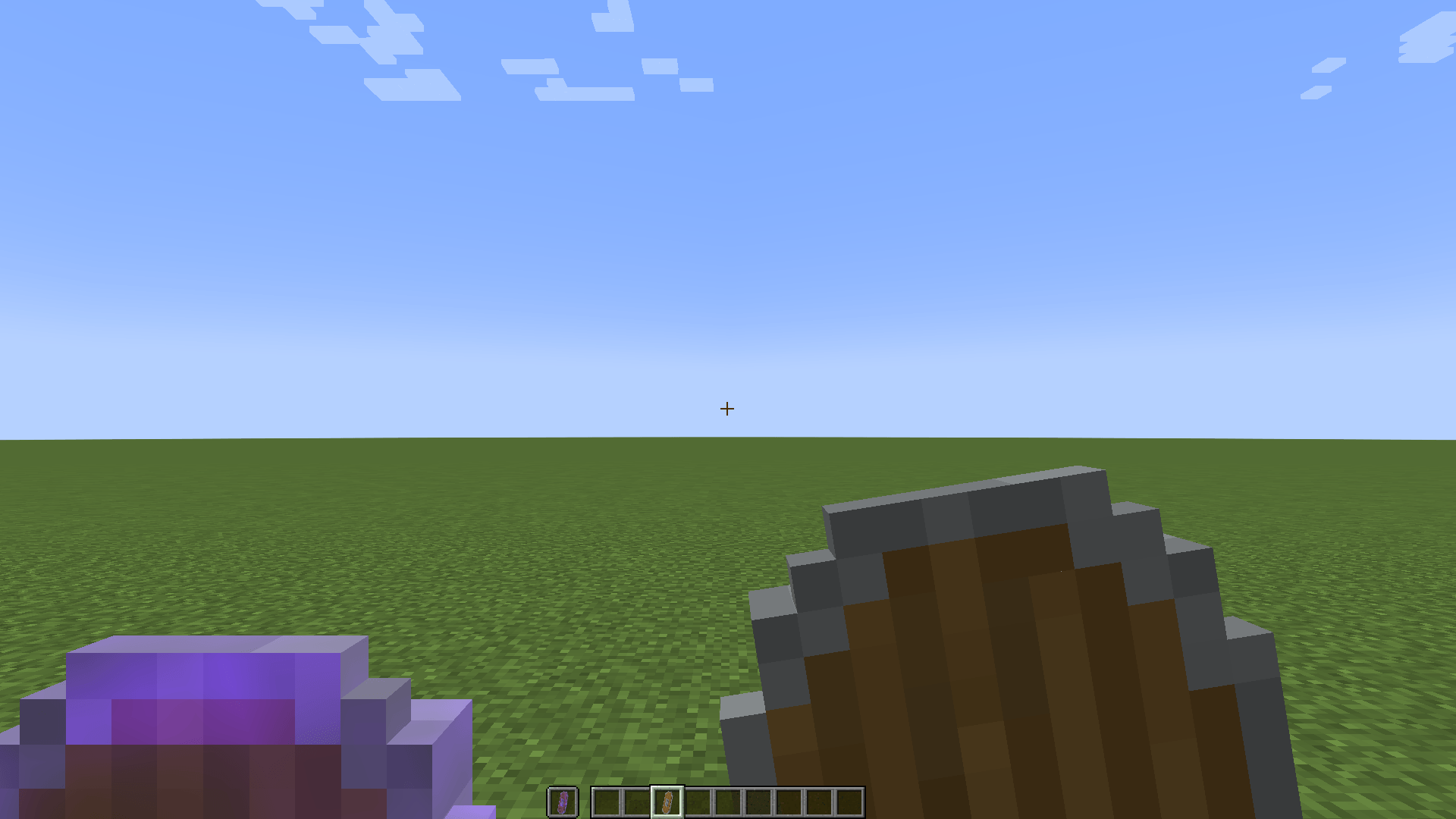
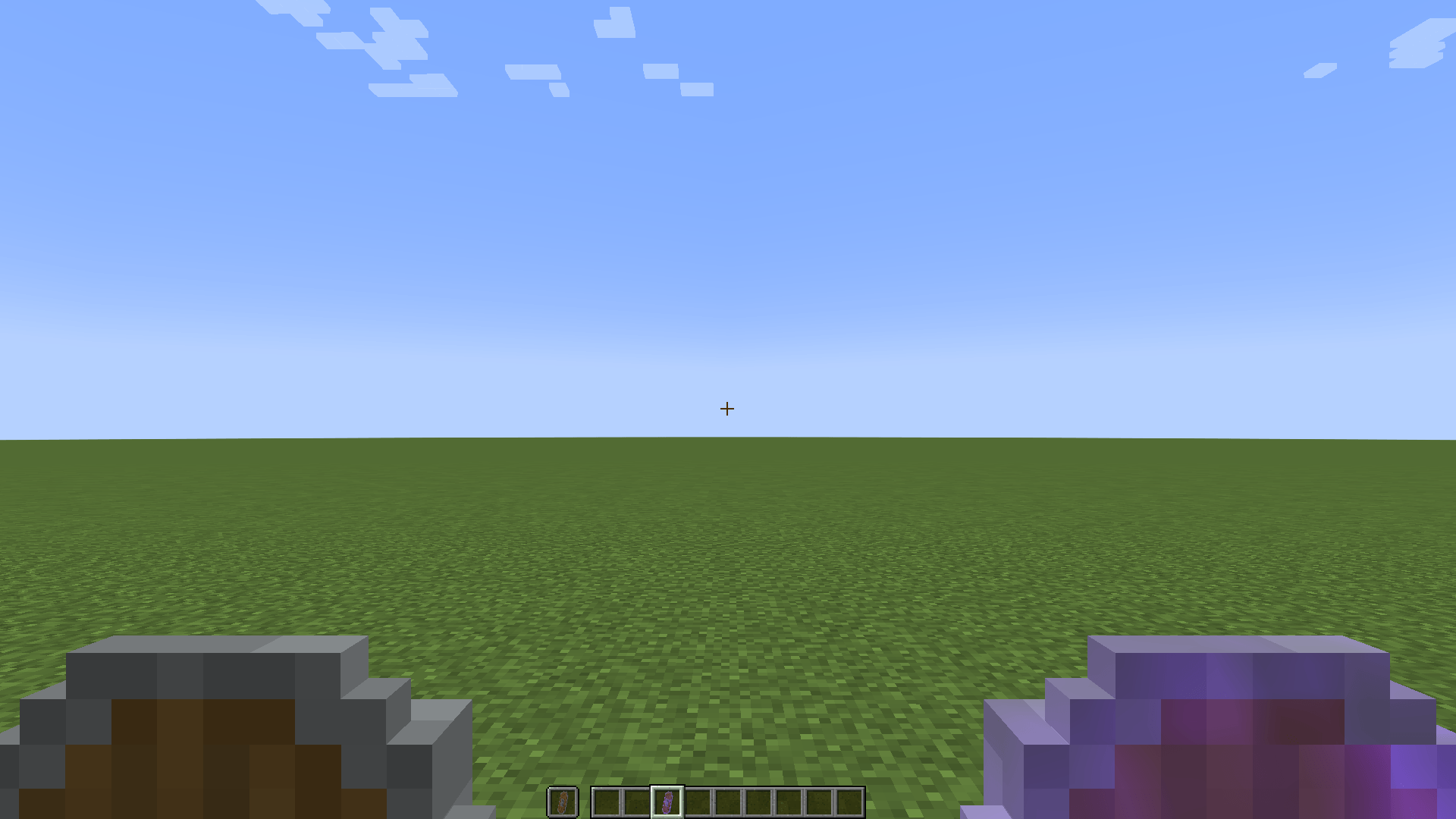
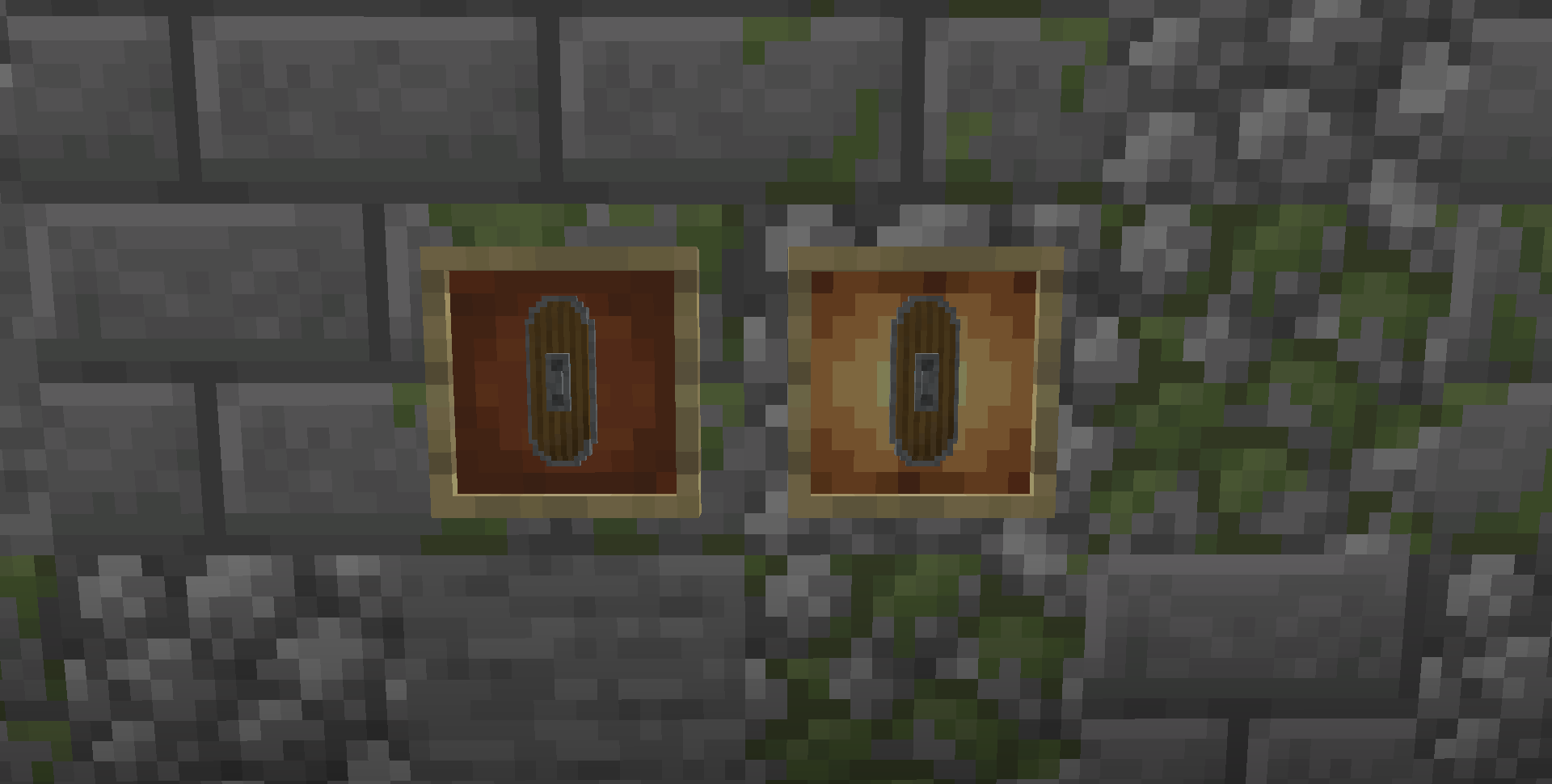
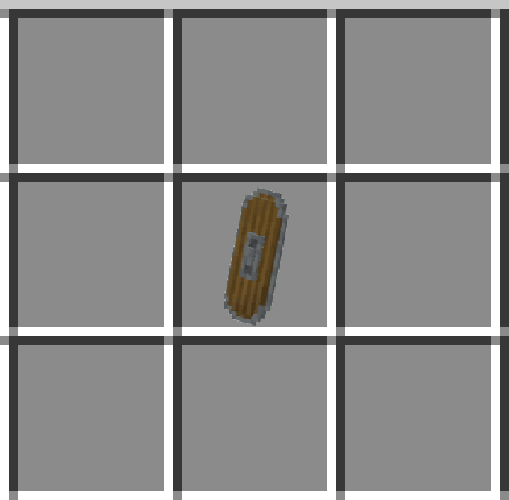
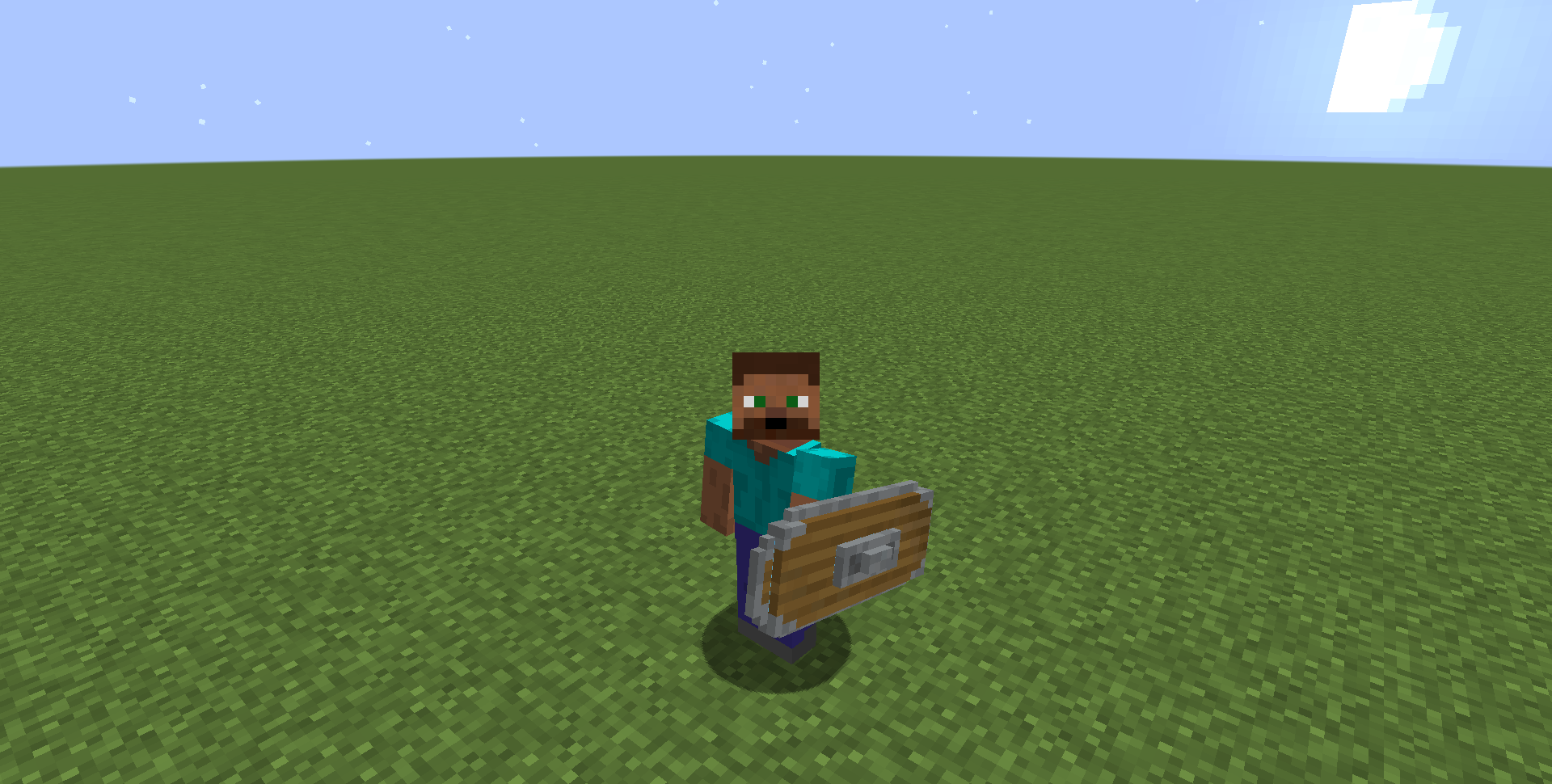
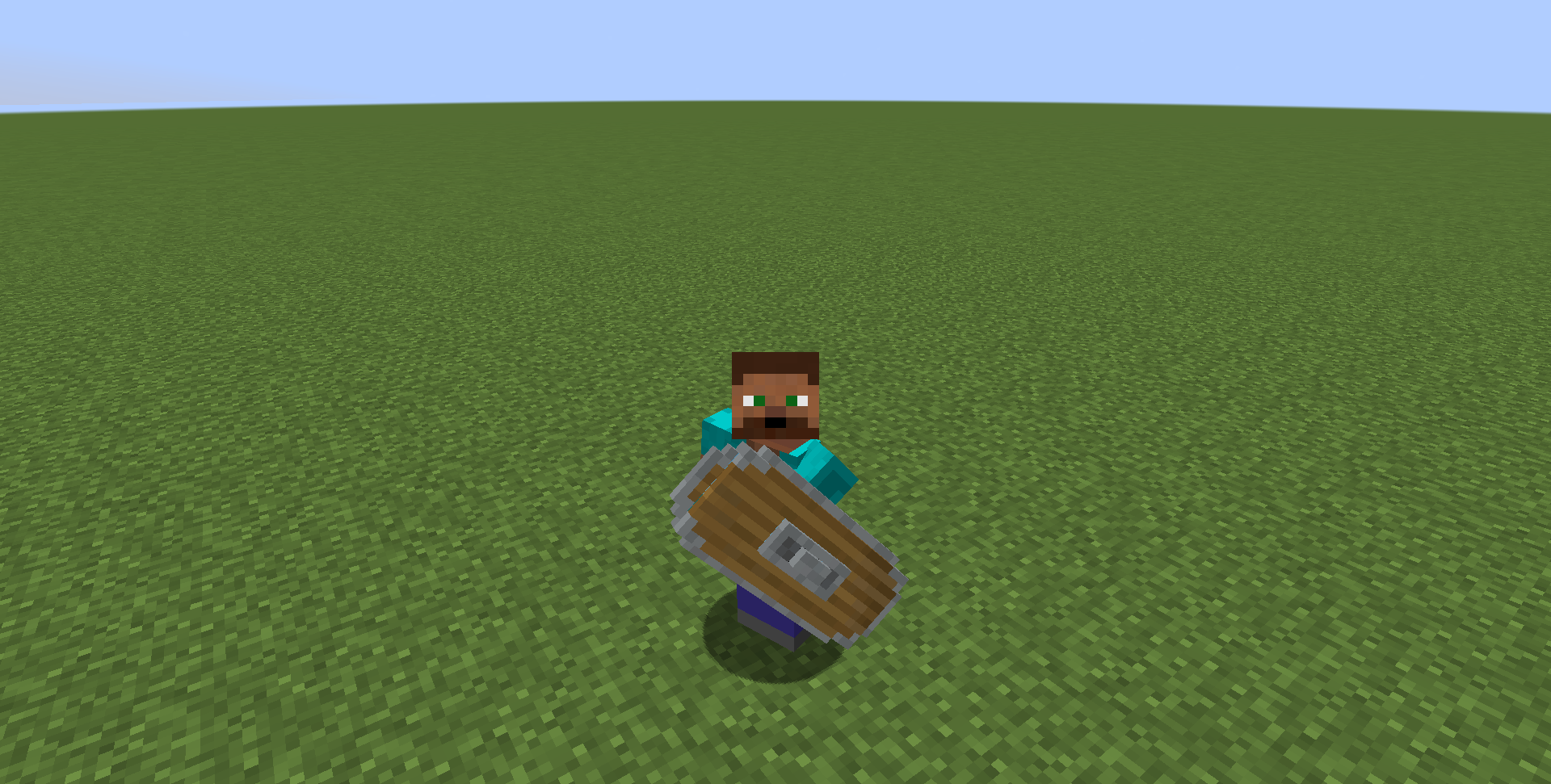
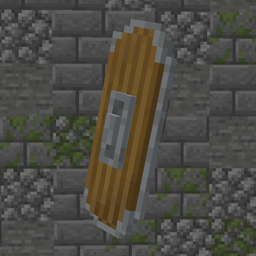
Changes normal shield to medieval.
by whiterm5
Download Claim this project
34,333 downloads
0 likes
Updated Oct 14, 2026
0 hypes
16x Medieval Miscellaneous
Advertisement Remove ads with Premium →

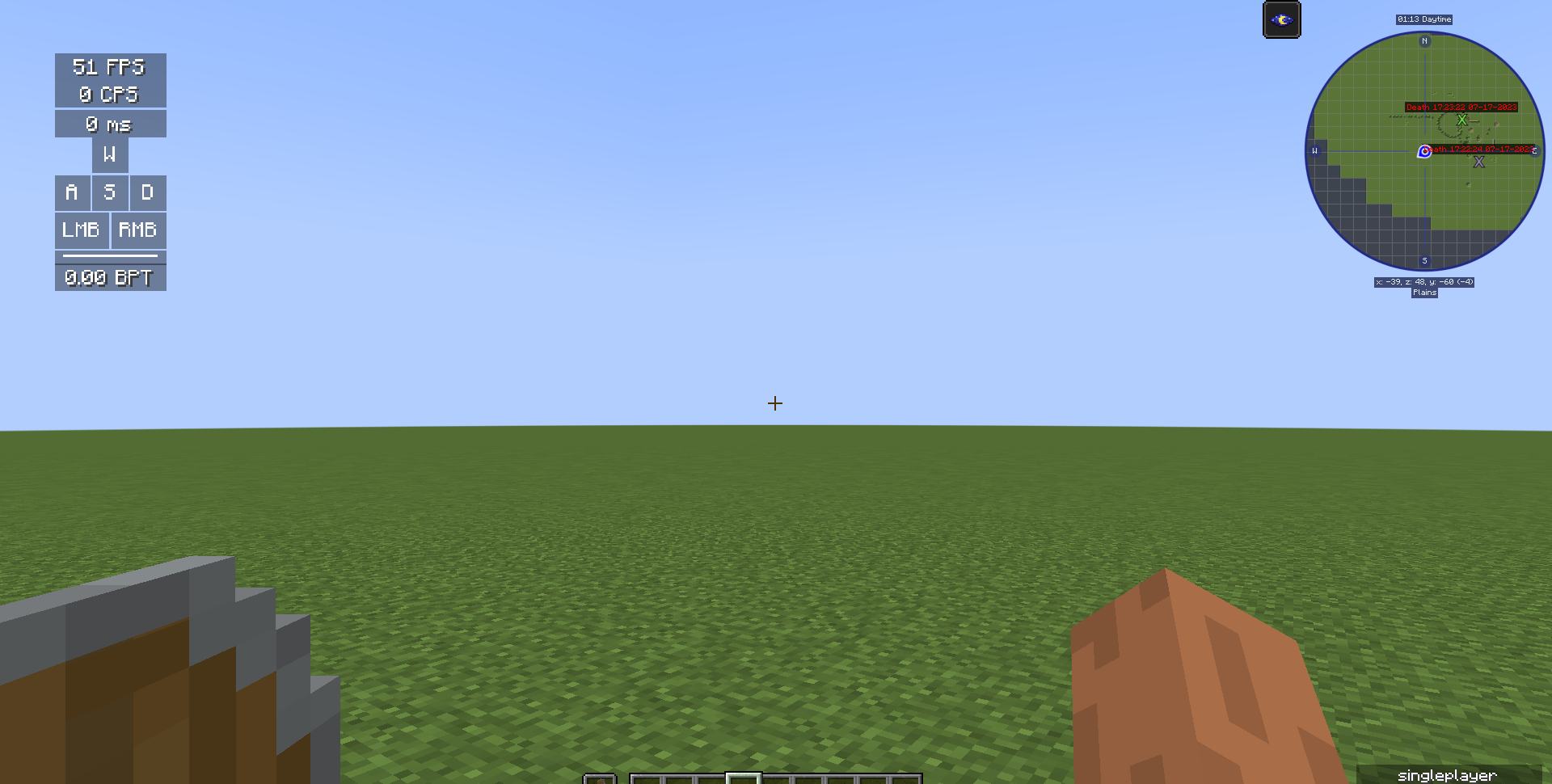
In this pack I changed Minecraft Shield model and texture to look like medieval shield. More in images. Works on 1.9 - 1.21.3 and on 1.21.4+ (all versions with shield).


Optifine is not required

You can use this pack in modpacks, but you can't pass off as one's own!!!


IMPORTANT: DON'T DOWNLOAD v1.0, IT DOESN'T WORK IN SOME MC VERSIONS. THANKS!


All bugs report me please!!!


My other useful projects:

Texture packs: No Animations (Better FPS, for slower PC): https://www.curseforge.com/minecraft/texture-packs/no-animations

                         Clear Lava and Water: https://www.curseforge.com/minecraft/texture-packs/clear-water-and-lava

                         Rainbow breaking animation: https://legacy.curseforge.com/minecraft/texture-packs/rainbow-breaking-animation

Mods: Shatr (Adds a lots of funny things, 1.16.5): https://www.curseforge.com/minecraft/mc-mods/shatr

Medieval shield - MC: 1.21.4+, Pack: 2.1
MC 1.21.8, 1.21.5, 1.21.4, 1.21.6, 1.21.7, 1.21.9, 1.21.10, 1.21.11, 26.1, 26.1.1, 26.1.2, 26.2, 26.3
Release 2025-11-06 Get
Medieval_shield_v2.1
MC 1.16-Snapshot, 1.17.1, 1.9.1, 1.16.3, 1.13.1, 1.9.3, 1.19.3, 1.20.2, 1.21, 1.15-Snapshot, 1.16.1, 1.18.1, 1.19.4-Snapshot, 1.20.5, 1.10-Snapshot, 1.9.4, 1.9.2, 1.14.4, 1.14.1
Release 2024-07-23 Get
Medival_shield_v1.0.zip
MC 1.16-Snapshot, 1.17.1, 1.16.3, 1.19.3, 1.15-Snapshot, 1.16.1, 1.18.1, 1.19.4-Snapshot, 1.17, 1.15, 1.16, 1.19.4, 1.19-Snapshot, 1.16.5, 1.18.2, 1.19.2, 1.15.2, 1.19.1
Release 2023-07-19 Get
Medieval_shield_v2.0 - Bug FIX
MC 1.16-Snapshot, 1.17.1, 1.9.1, 1.16.3, 1.13.1, 1.9.3, 1.19.3, 1.15-Snapshot, 1.16.1, 1.18.1, 1.19.4-Snapshot, 1.10-Snapshot, 1.9.4, 1.9.2, 1.14.4, 1.14.1, 1.12.1, 1.17, 1.12
Release 2023-07-19 Get

Requirements & install

How to use this resource pack in Minecraft
Resolution
16x
Minecraft
1.21.9 – 26.3
Install folder
.minecraft/resourcepacks

How to install resource packs

  1. Download the resource pack .zip file (do not extract it).
  2. In Minecraft open Options → Resource Packs → Open Pack Folder.
  3. Drop the .zip into the resourcepacks folder (.minecraft/resourcepacks).
  4. Move the pack to the Selected column and click Done.
Browse more: 16x resource packs 32x resource packs 64x resource packs 128x resource packs 256x resource packs 512x+ resource packs Resource Packs for 26.3 All resource packs

More from whiterm5

Advertisement Remove ads with Premium →

You Might Also Like