Mineuniverse
Resource Packs
benchy boats

benchy boats

RESOURCE PACK
All Minecraft boats reworked into clean, detailed 3D models while keeping the original vanilla look.
by reiner2009
Download Claim this project
147 downloads
0 likes
0 followers
Updated Oct 14, 2026
0 hypes
Follow0
64x Mod Support Modern
Advertisement Remove ads with Premium →

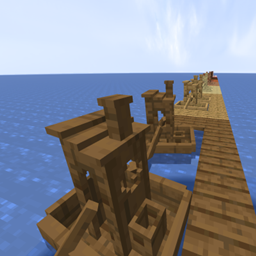
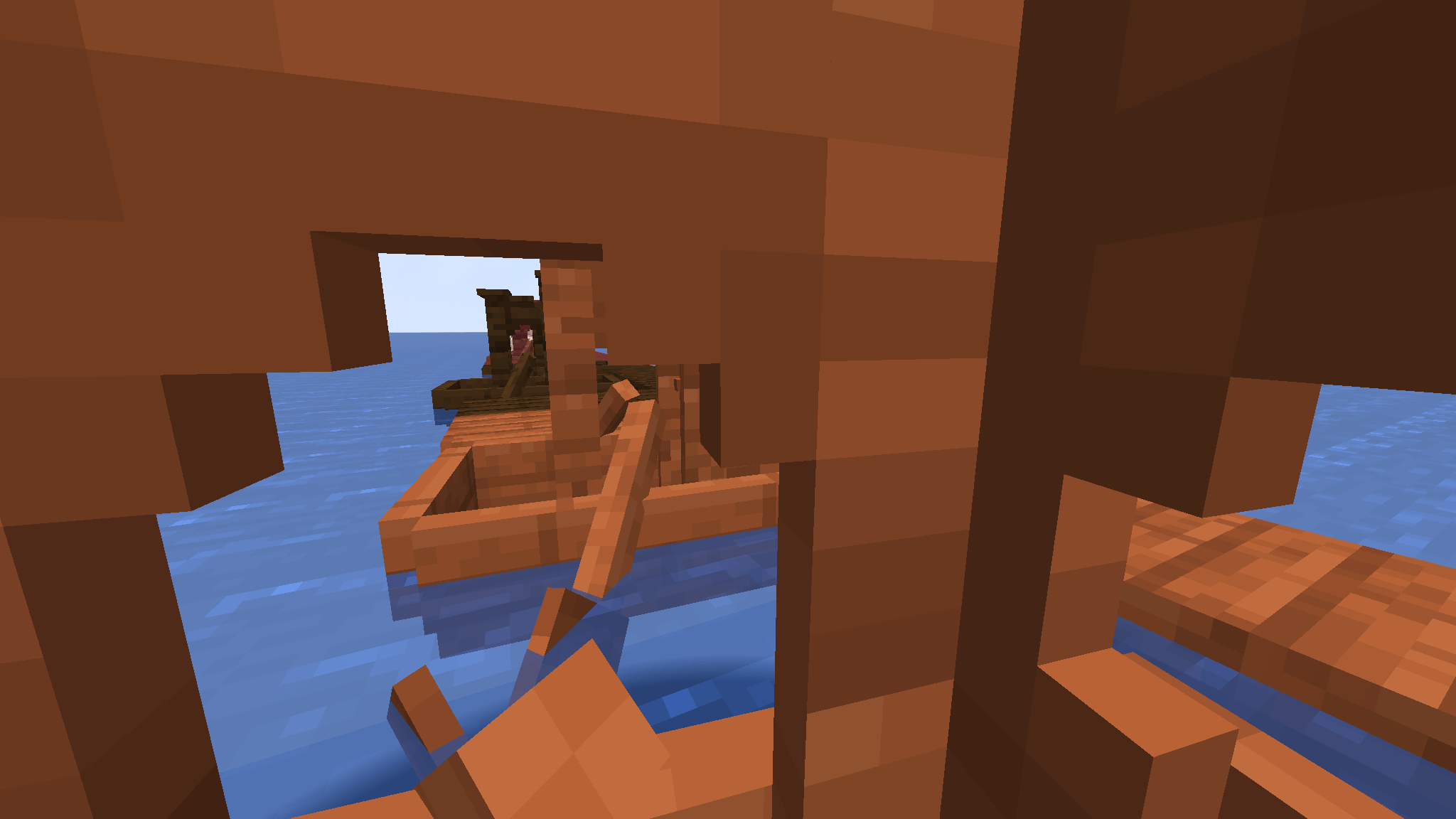
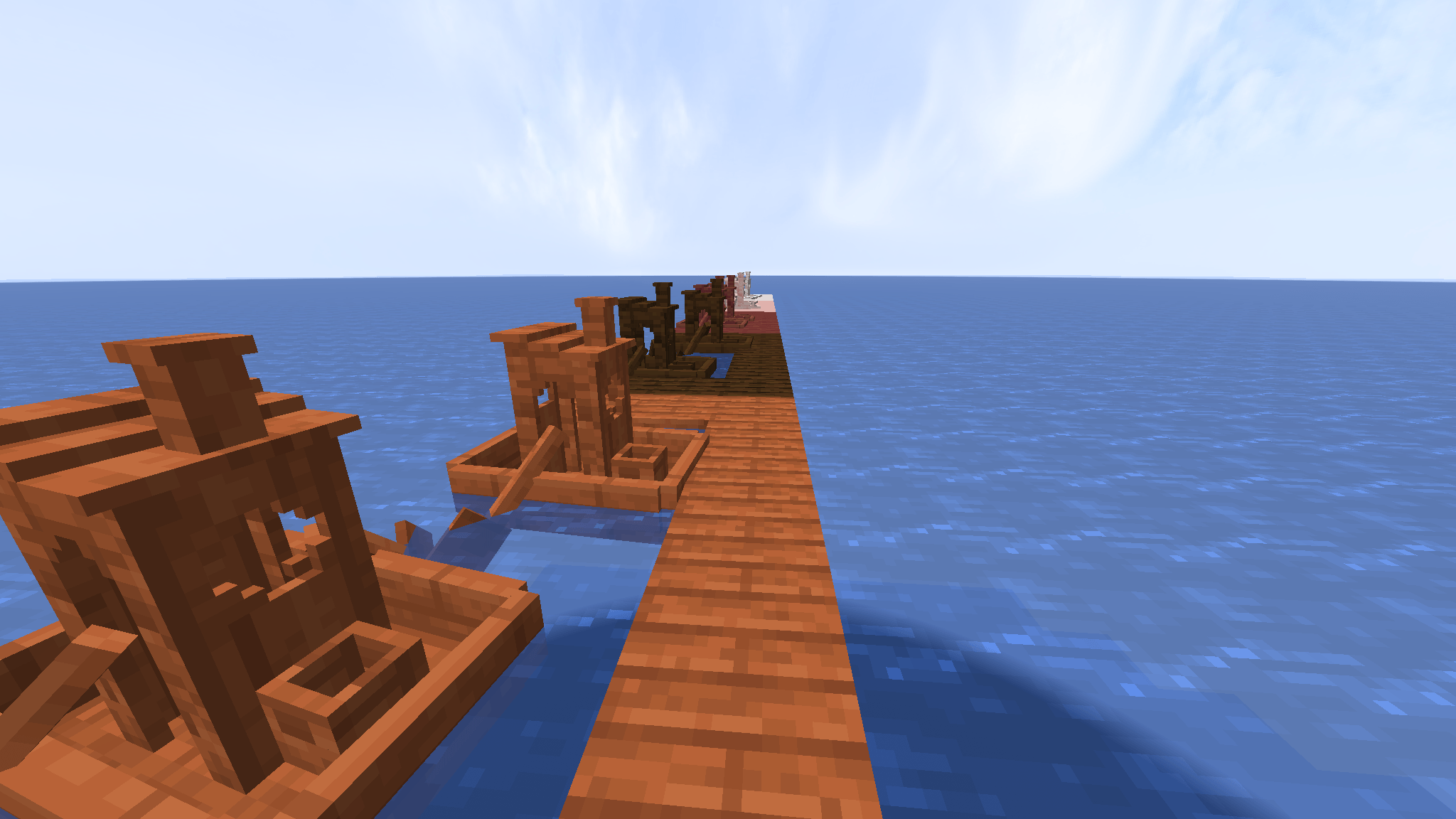
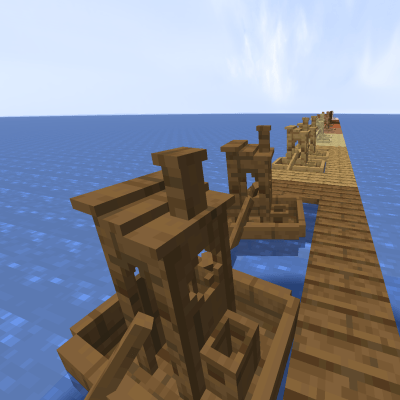
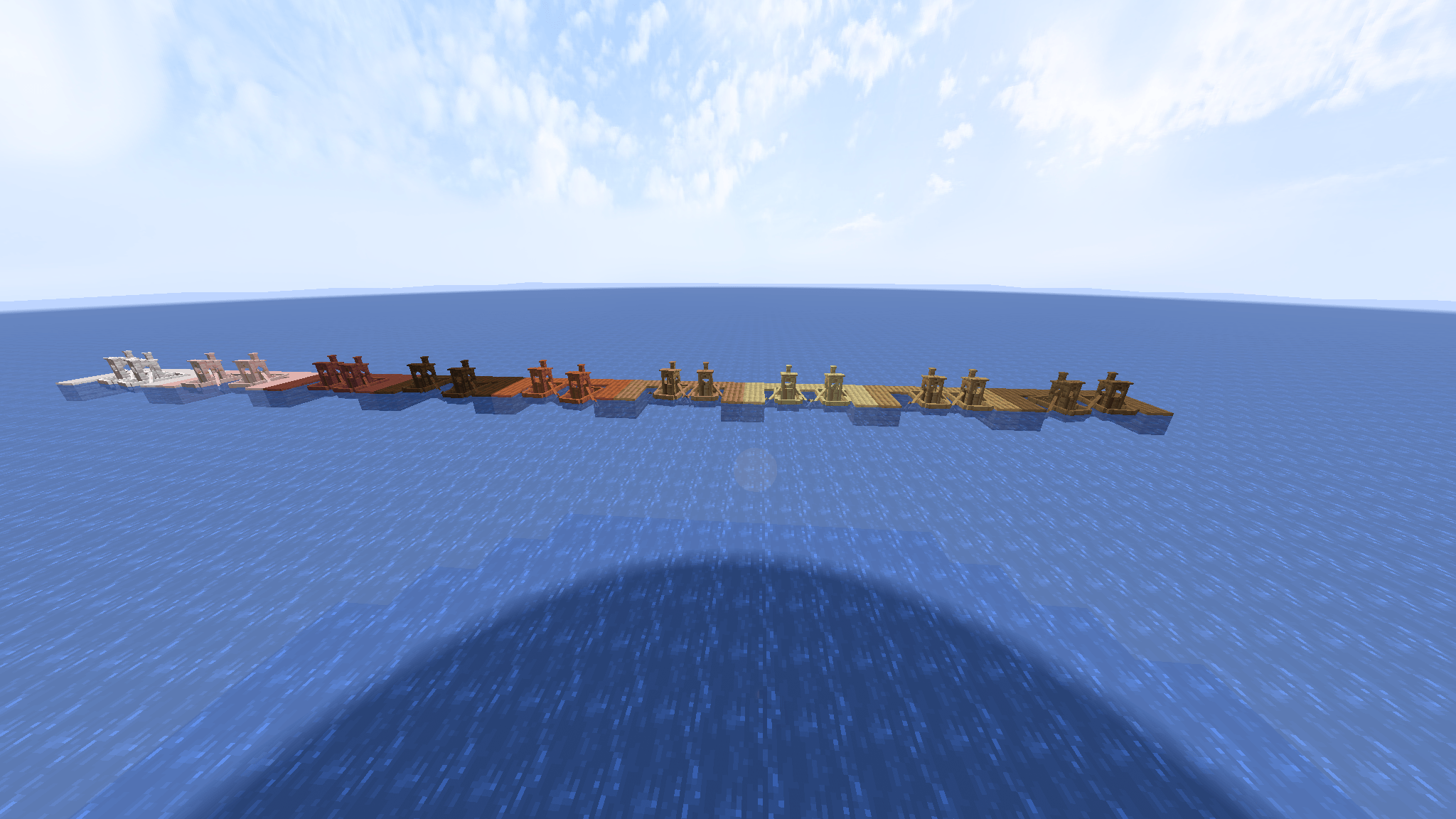
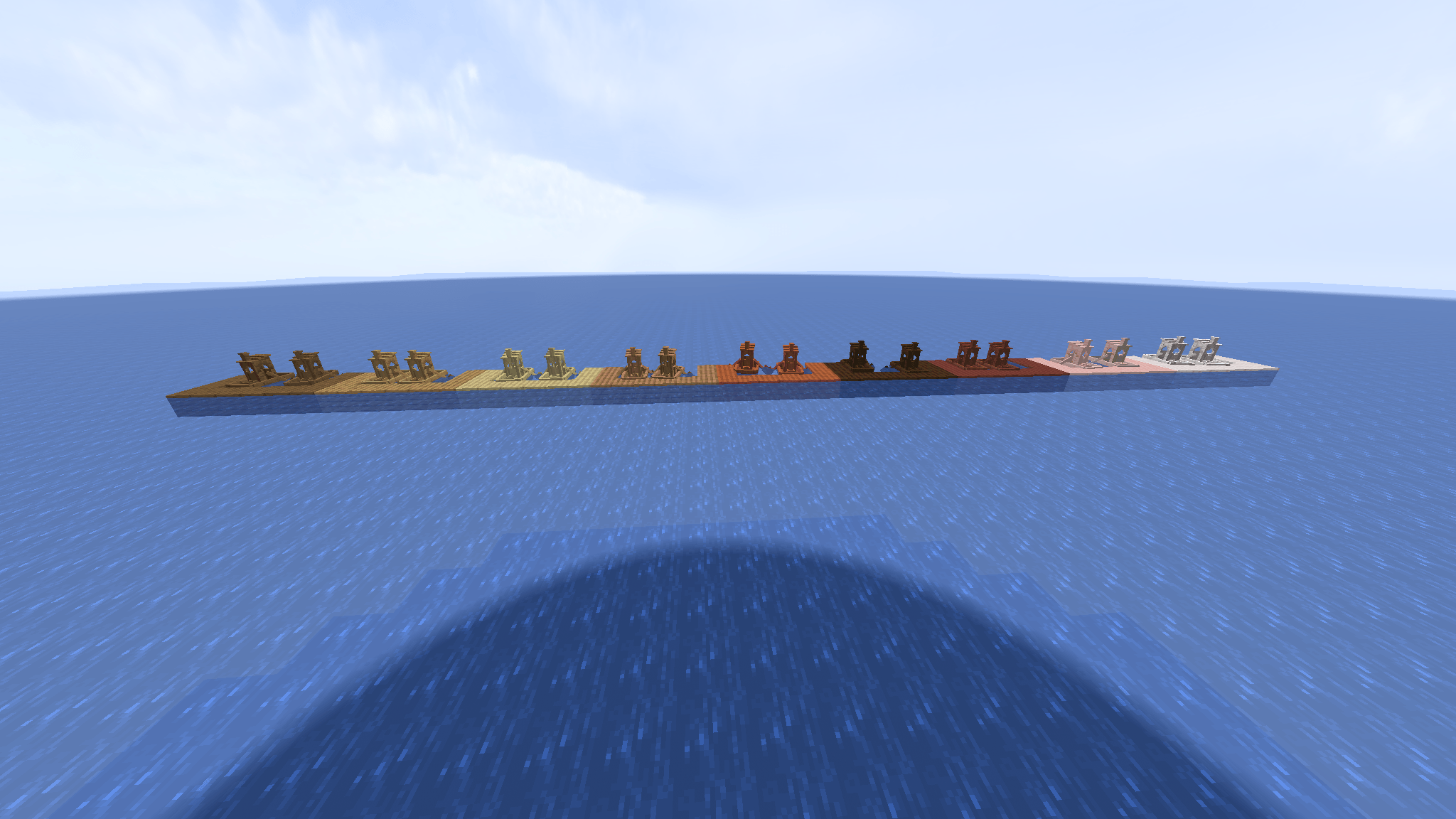
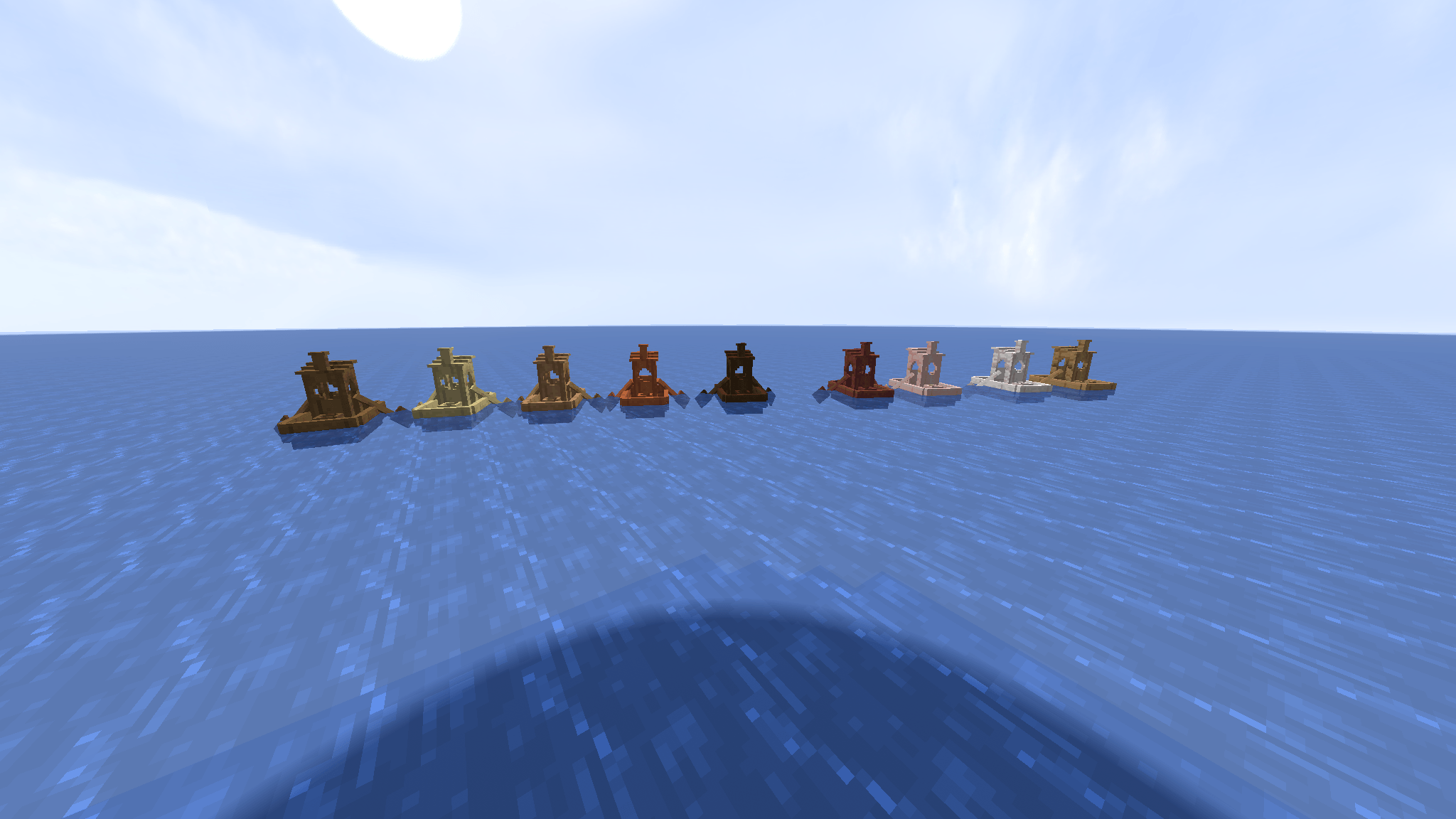
All Minecraft boats reimagined as 3D-printed Benchy models!


Do you love 3D printing? Do you love Minecraft?

Then this pack combines both worlds into one fun addon!


This resource pack replaces every Minecraft boat with a fully redesigned 3D Benchy-style boat, inspired by the iconic calibration prints used on Bambu Lab and other 3D printers.


🛶 Features


✔ All boat types replaced with detailed 3D models

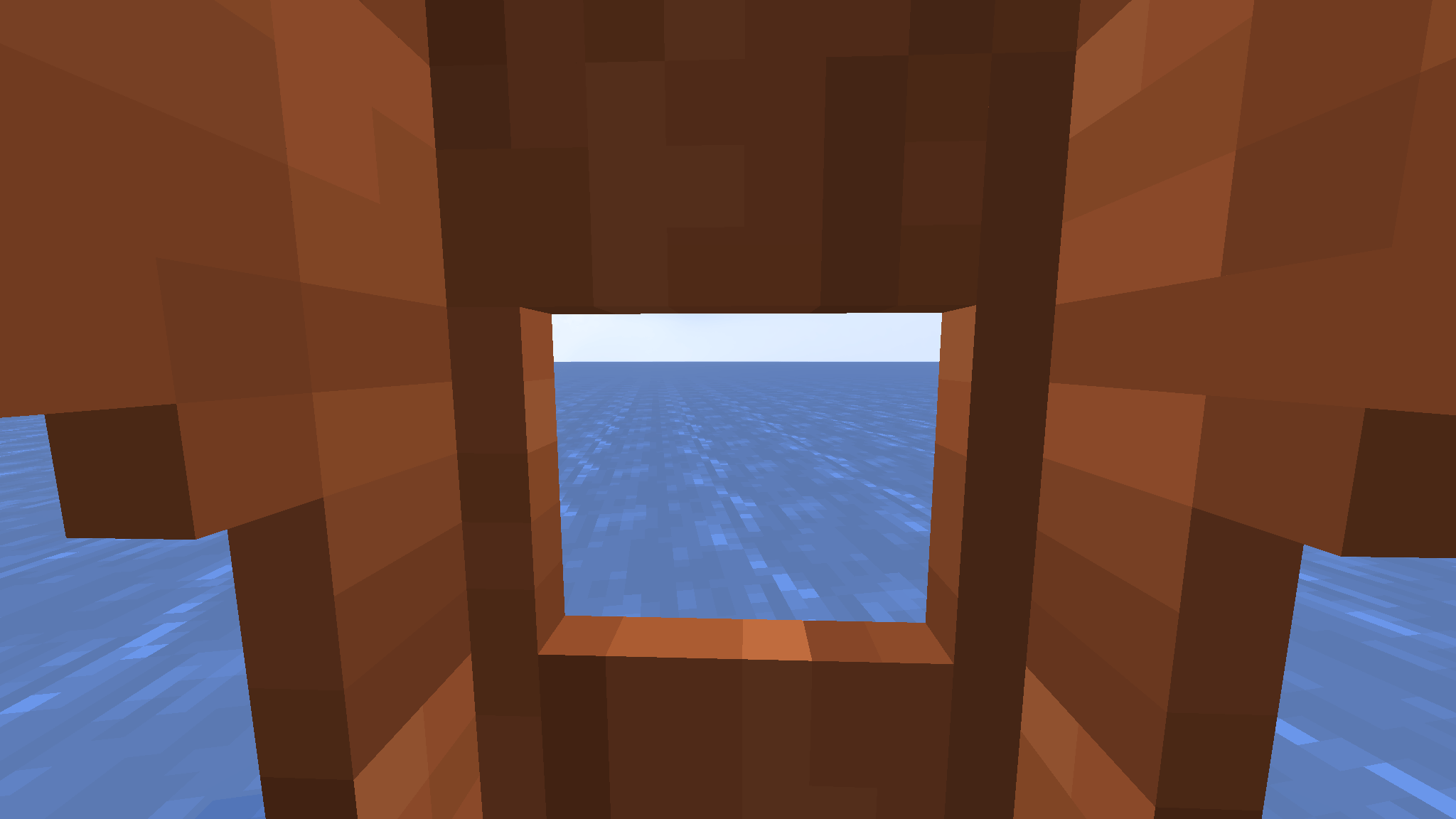
✔ Faithful Benchy proportions (cabin, chimney, porthole, hull shape)

✔ Works in survival and multiplayer

✔ Lightweight and compatible with OptiFine


🎨 Design


The models are made to look like classic 3D-printer Benchys, with blocky Minecraft charm.

Perfect for builders, boat lovers, or 3D-printing fans!


🔧 Compatibility


This pack works with:

  • Minecraft 1.20+
  • OptiFine/EMF (required)
  • All shaderpacks
  • Multiplayer servers
  • Other resourcepacks (as long as they don’t change boat models)


📦 Installation

  1. Download the ZIP
  2. Install OptiFine or EMF
  3. Put it into:
    Minecraft → Options → Resource Packs → Open Pack Folder
  4. Enable the pack
  5. Enjoy your new 3D Benchy boats!


❤️ Support


If you enjoy the pack, please leave a like

It helps a lot and motivates more updates (like rafts, chests, or color variations).

benchy boats 1.0
MC 1.21.10
Release 2025-12-01 Get

Requirements & install

How to use this resource pack in Minecraft
Resolution
64x
Minecraft
1.21.10
Install folder
.minecraft/resourcepacks

How to install resource packs

  1. Download the resource pack .zip file (do not extract it).
  2. In Minecraft open Options → Resource Packs → Open Pack Folder.
  3. Drop the .zip into the resourcepacks folder (.minecraft/resourcepacks).
  4. Move the pack to the Selected column and click Done.
Browse more: 16x resource packs 32x resource packs 64x resource packs 128x resource packs 256x resource packs 512x+ resource packs Resource Packs for 1.21.10 All resource packs

More from reiner2009

Advertisement Remove ads with Premium →

You Might Also Like