Mineuniverse
Resource Packs
BeanCraft

BeanCraft

RESOURCE PACK
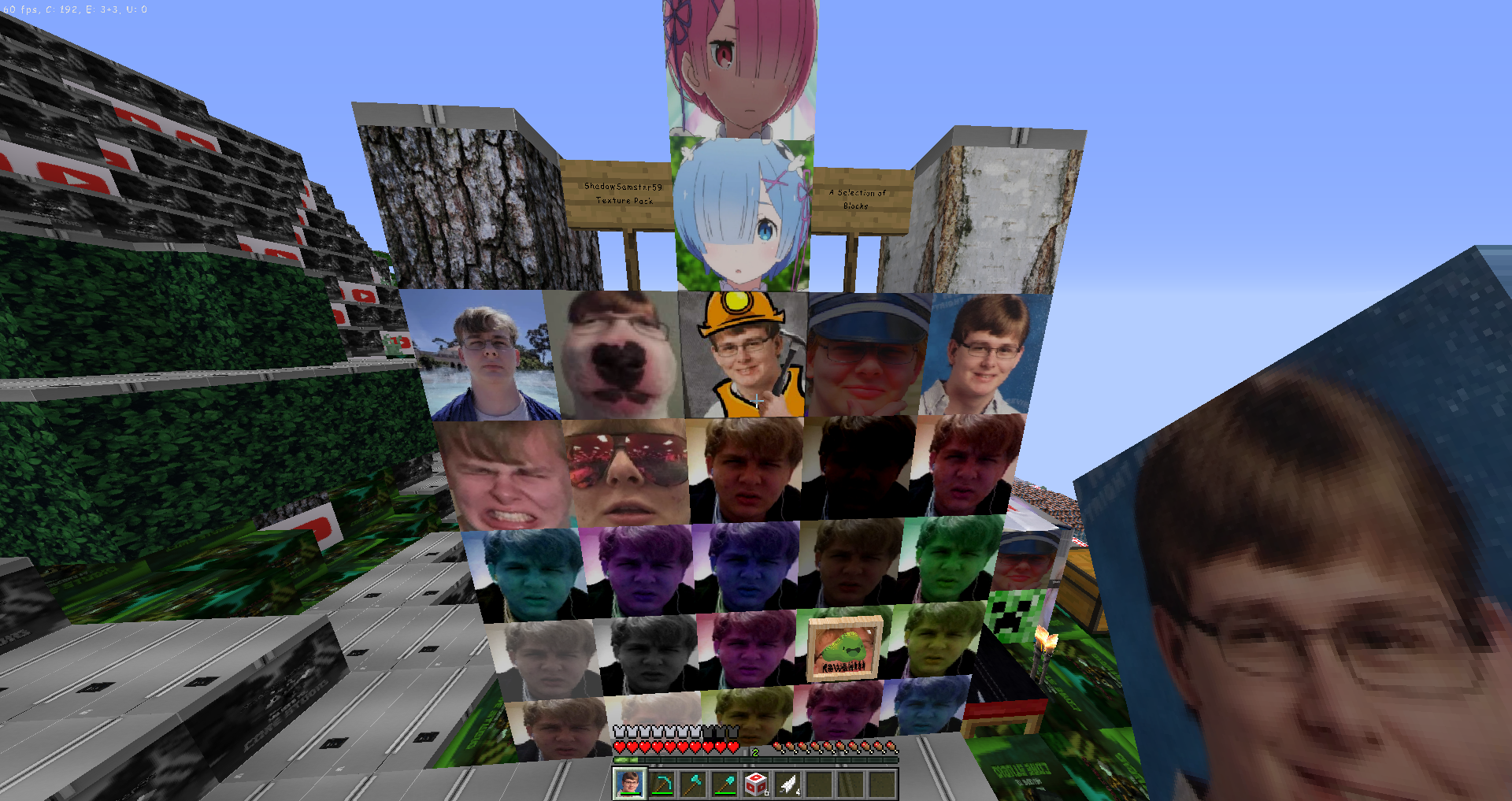
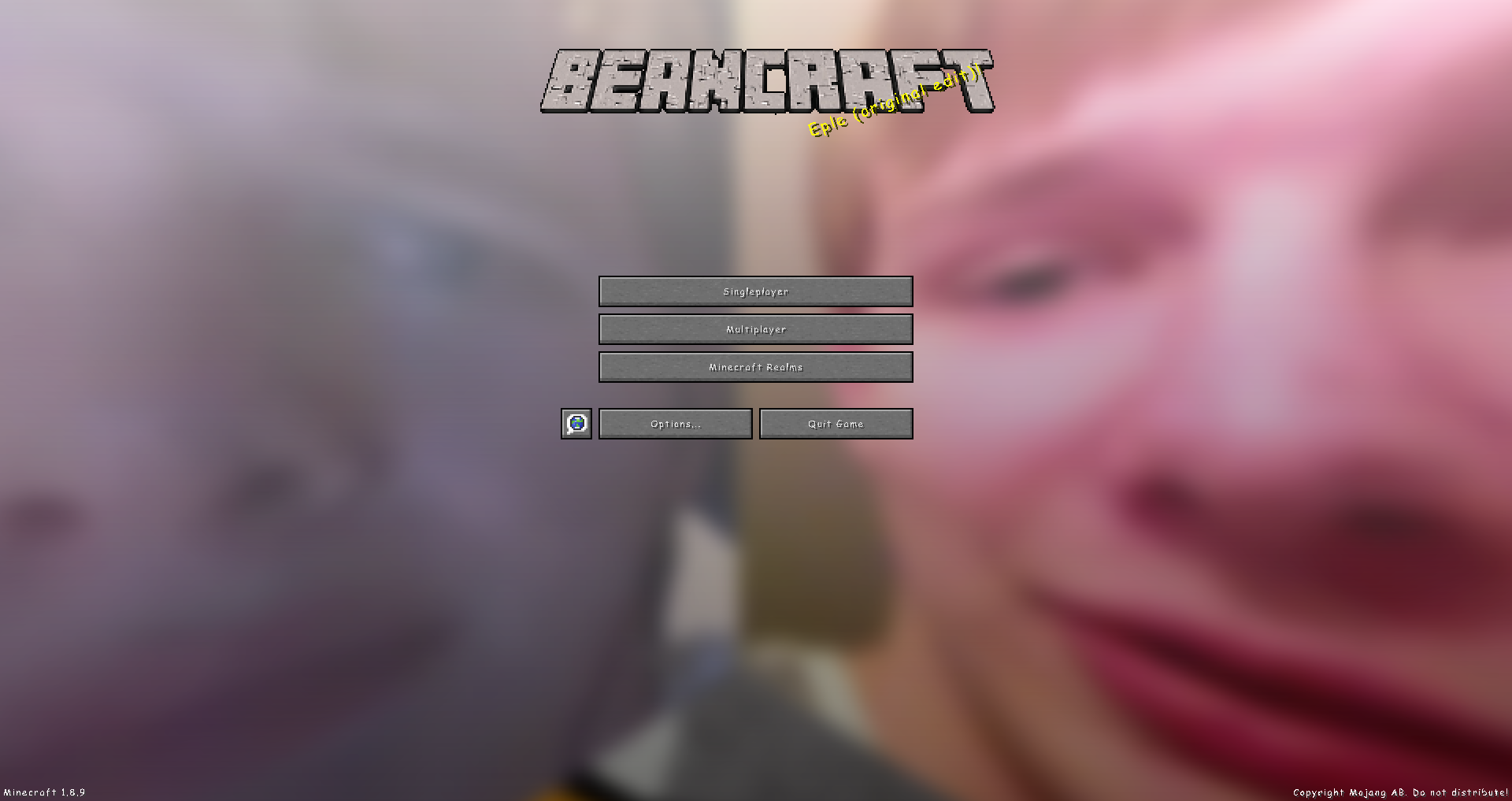
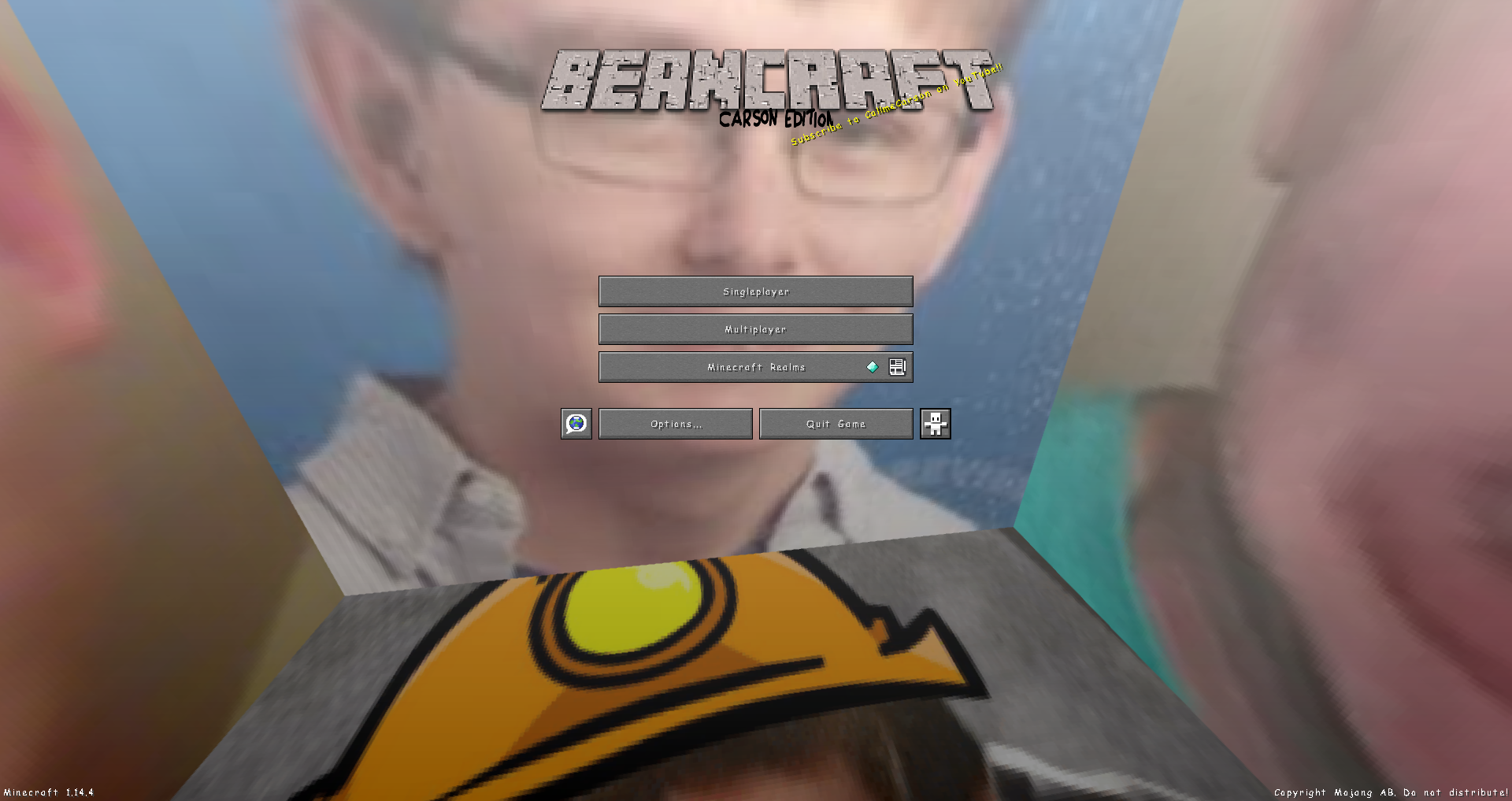
BeanCraft - A CallMeCarson themed texture pack for Minecraft
by Core_Studio
Download Claim this project
2,218 downloads
0 likes
Updated Oct 14, 2026
0 hypes
512x and Higher Miscellaneous
Advertisement Remove ads with Premium →

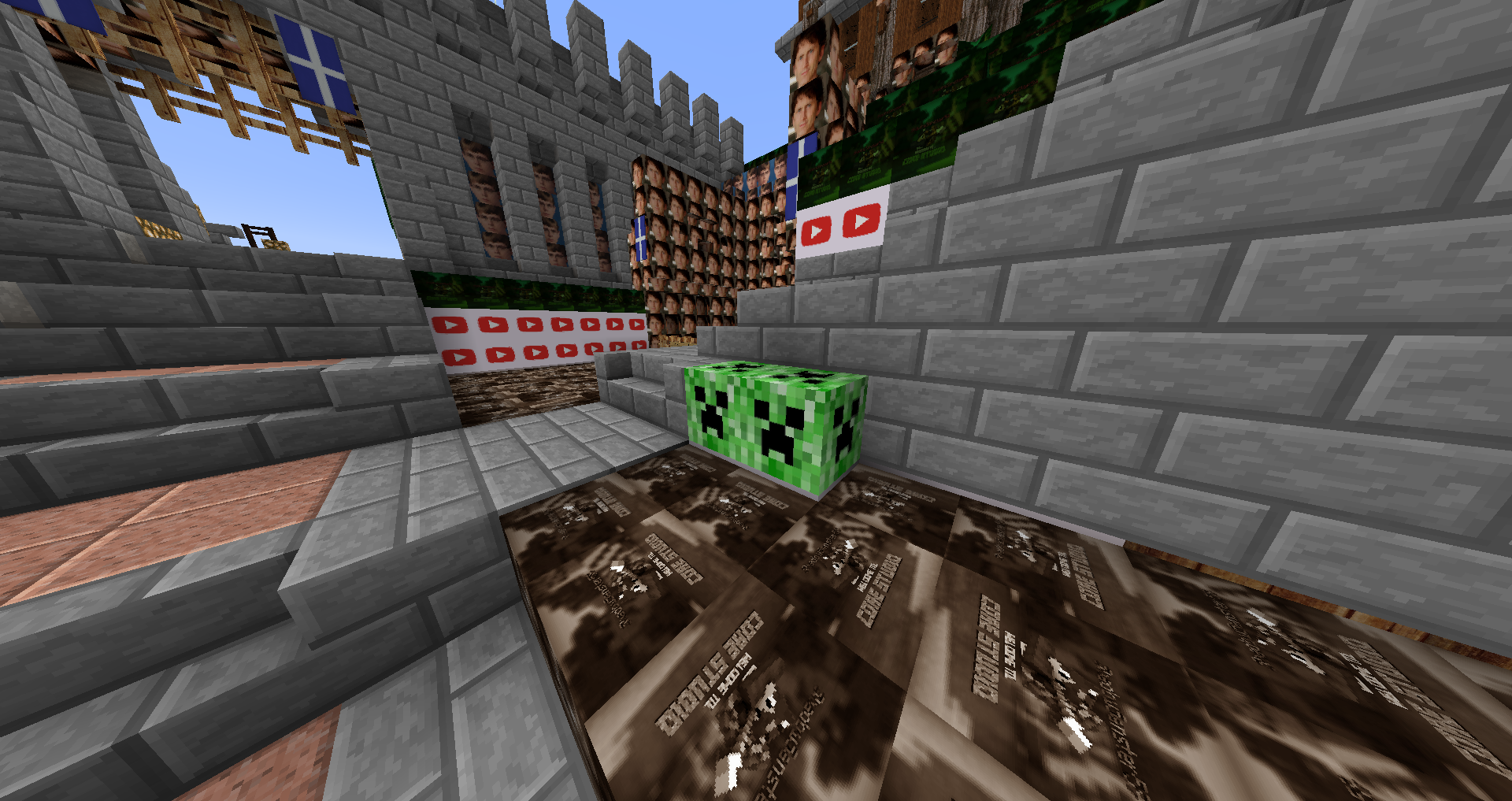
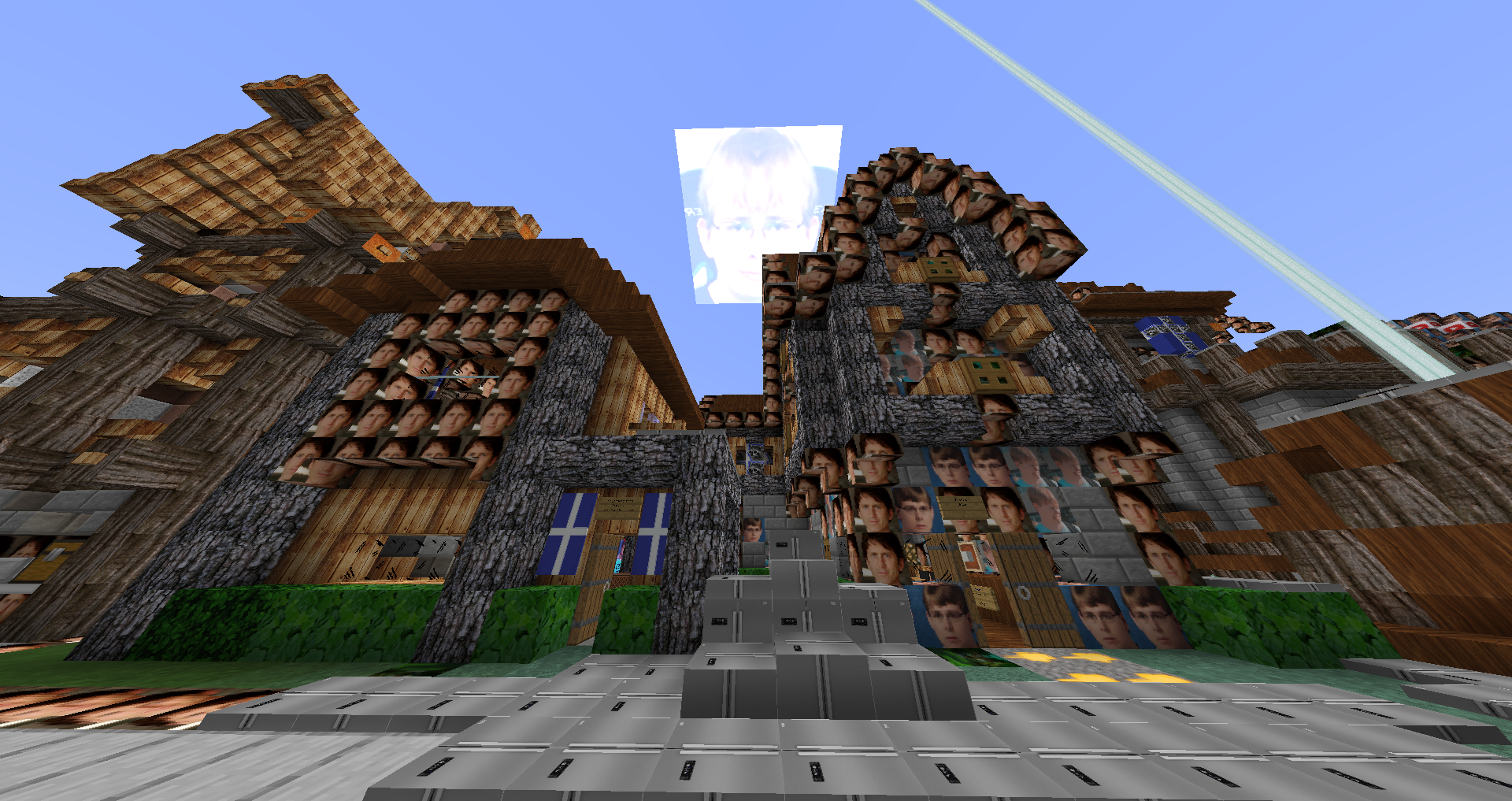
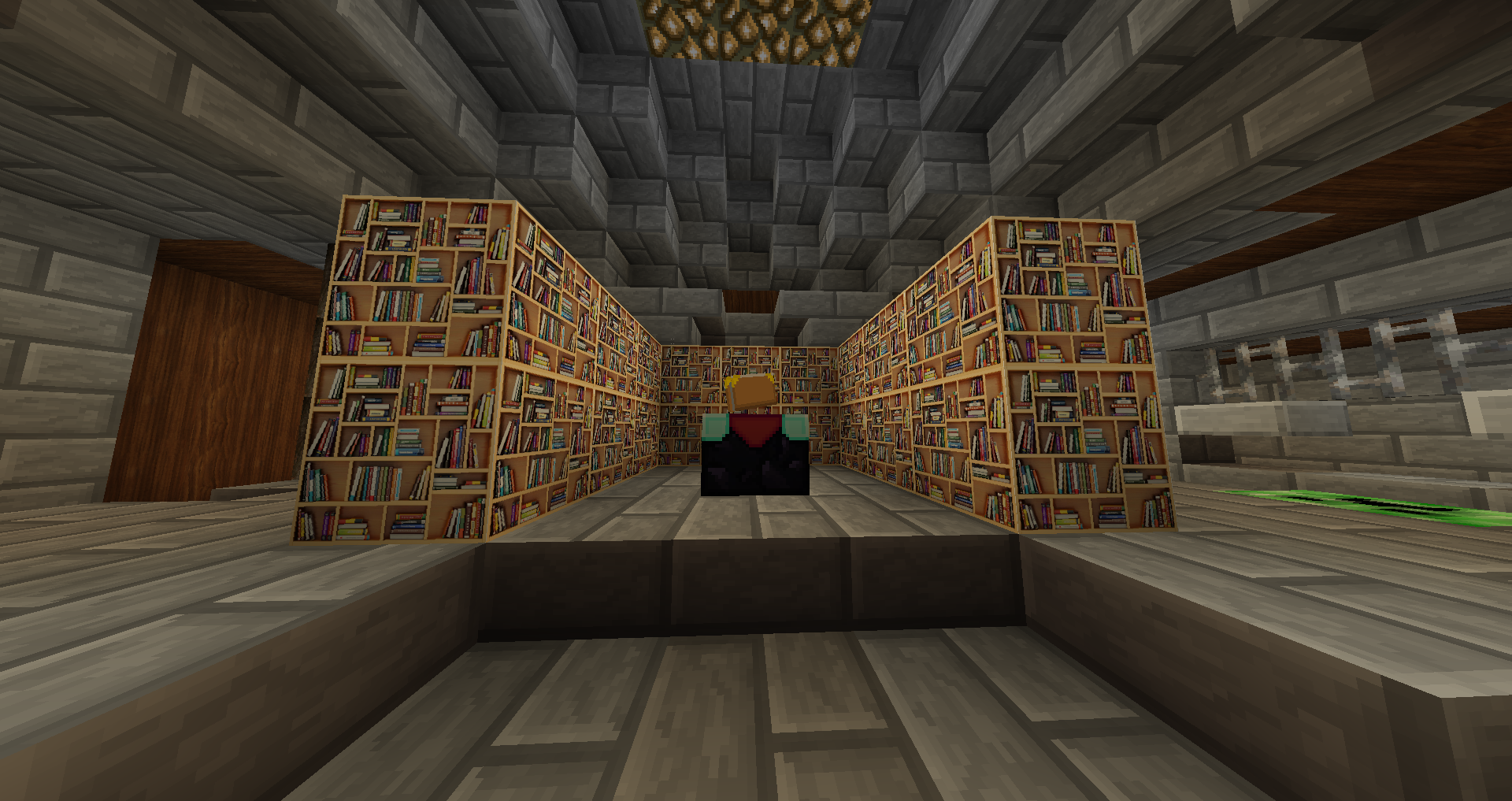
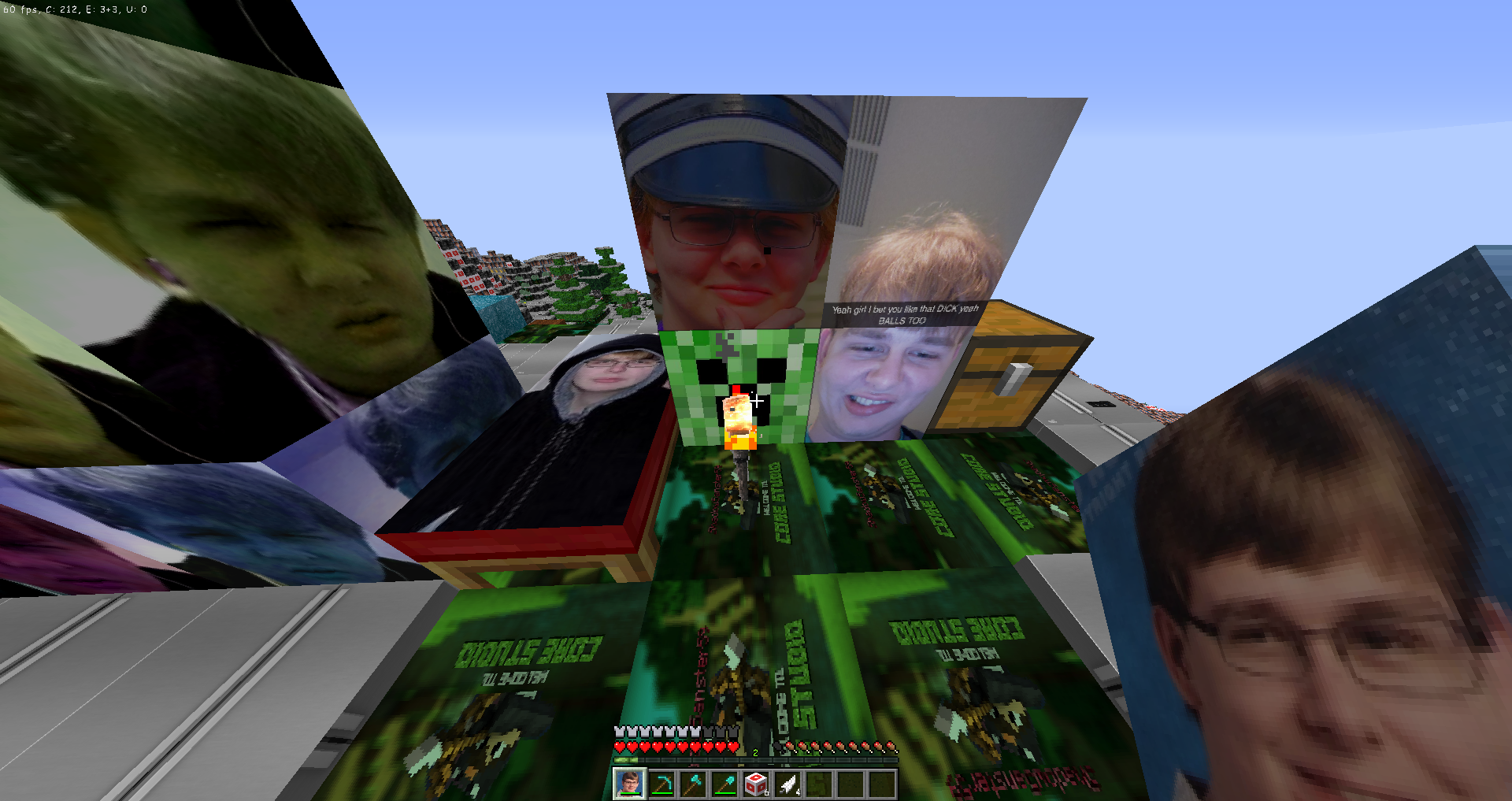
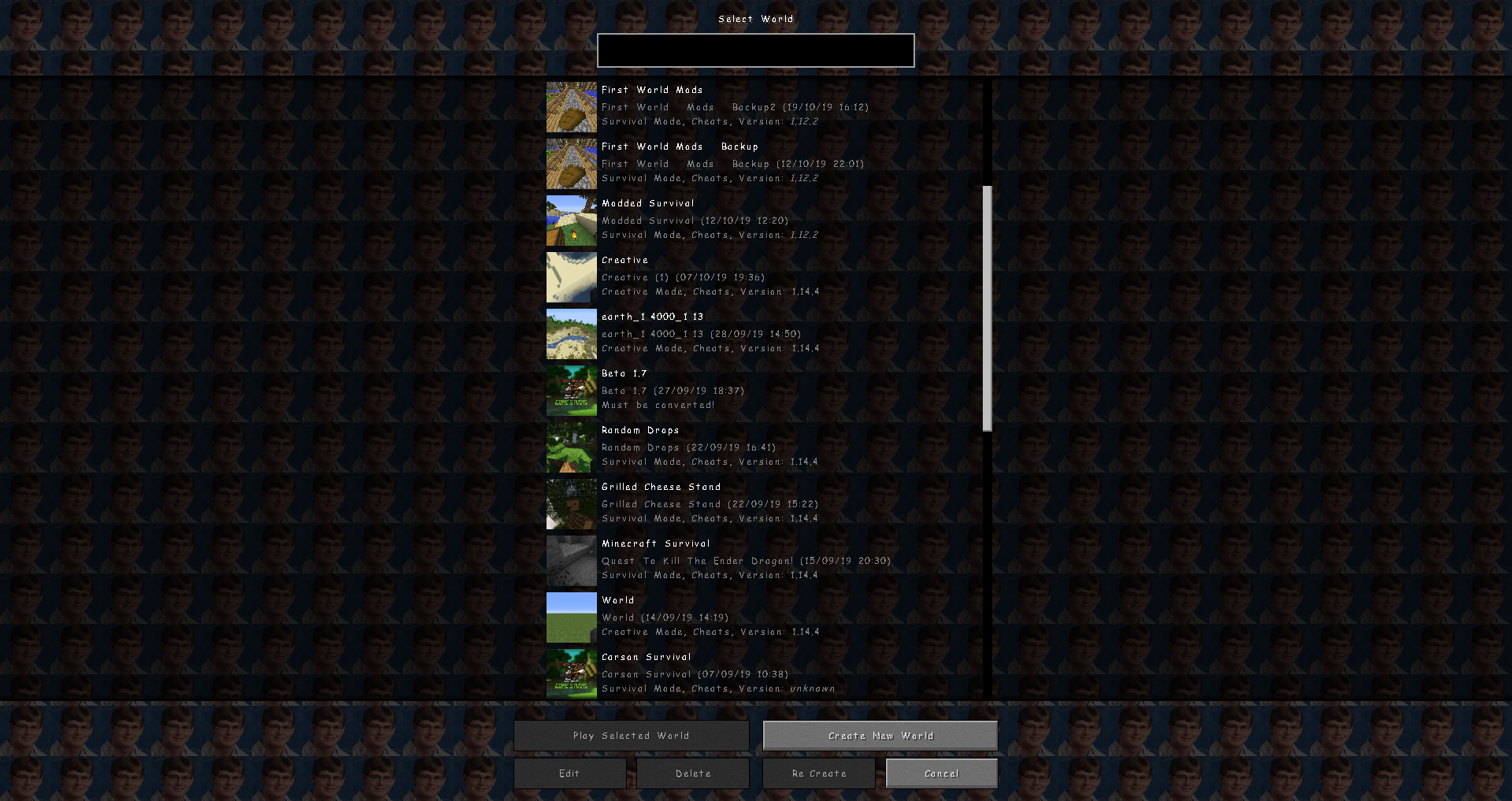
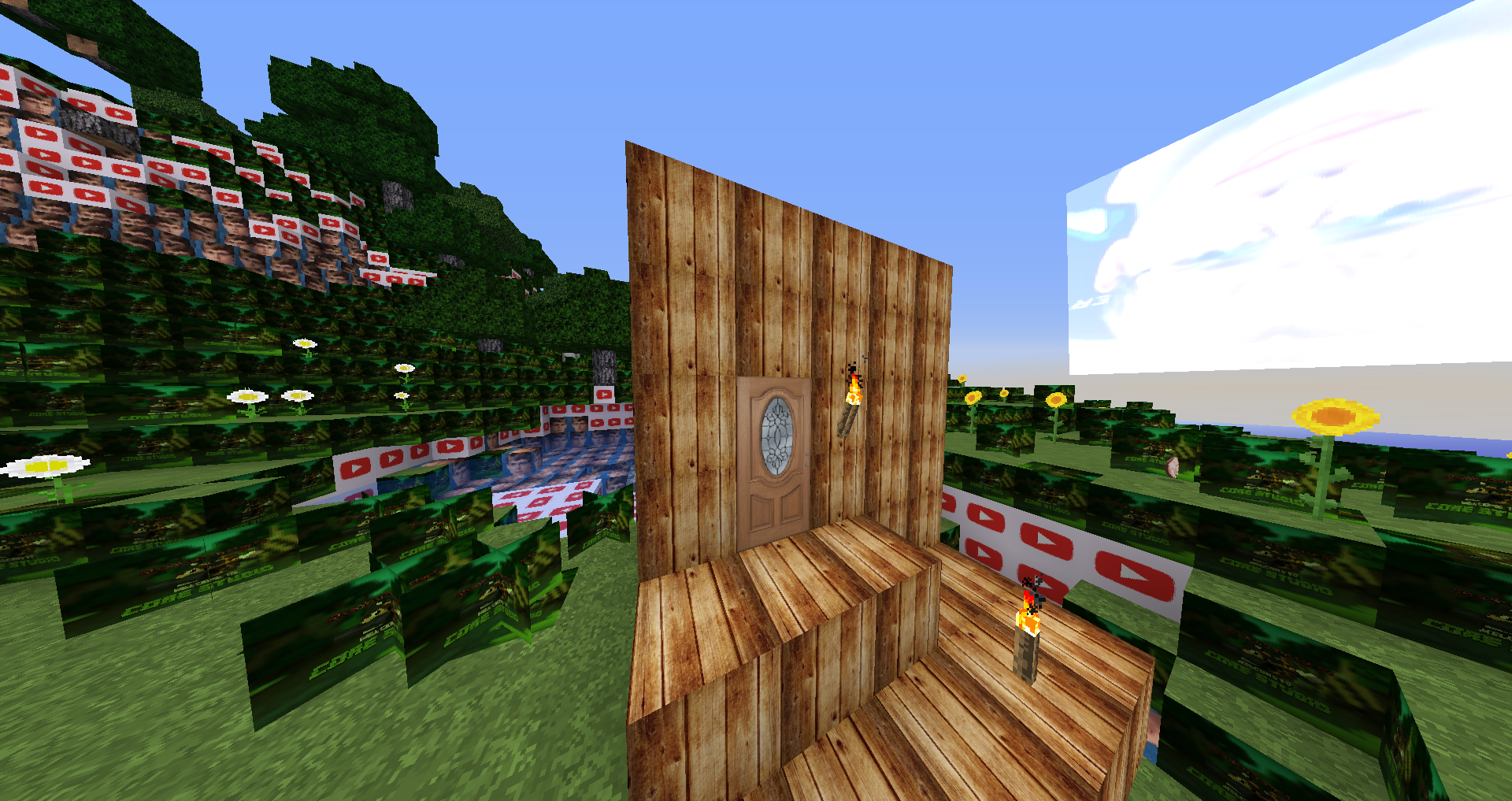
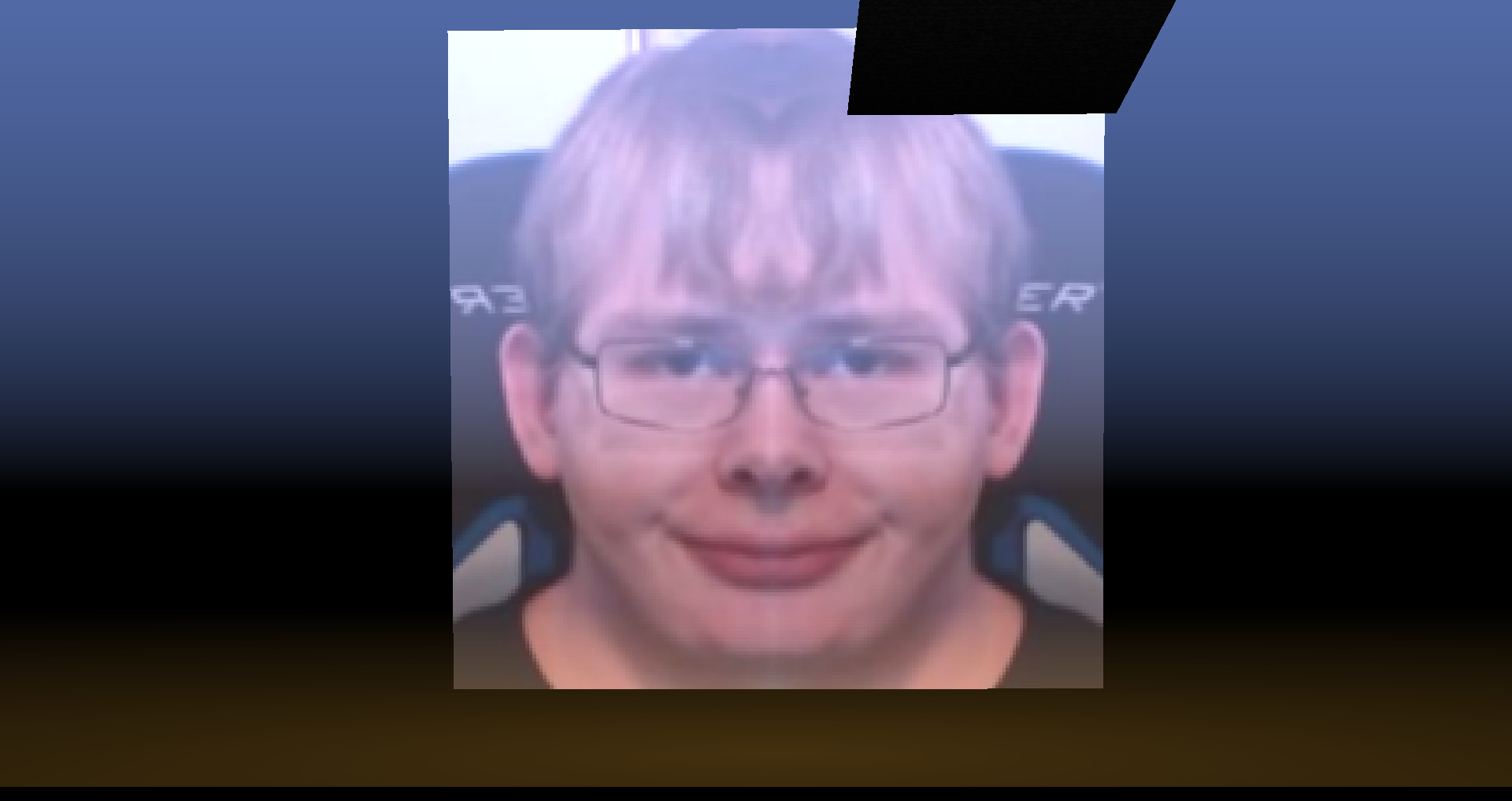
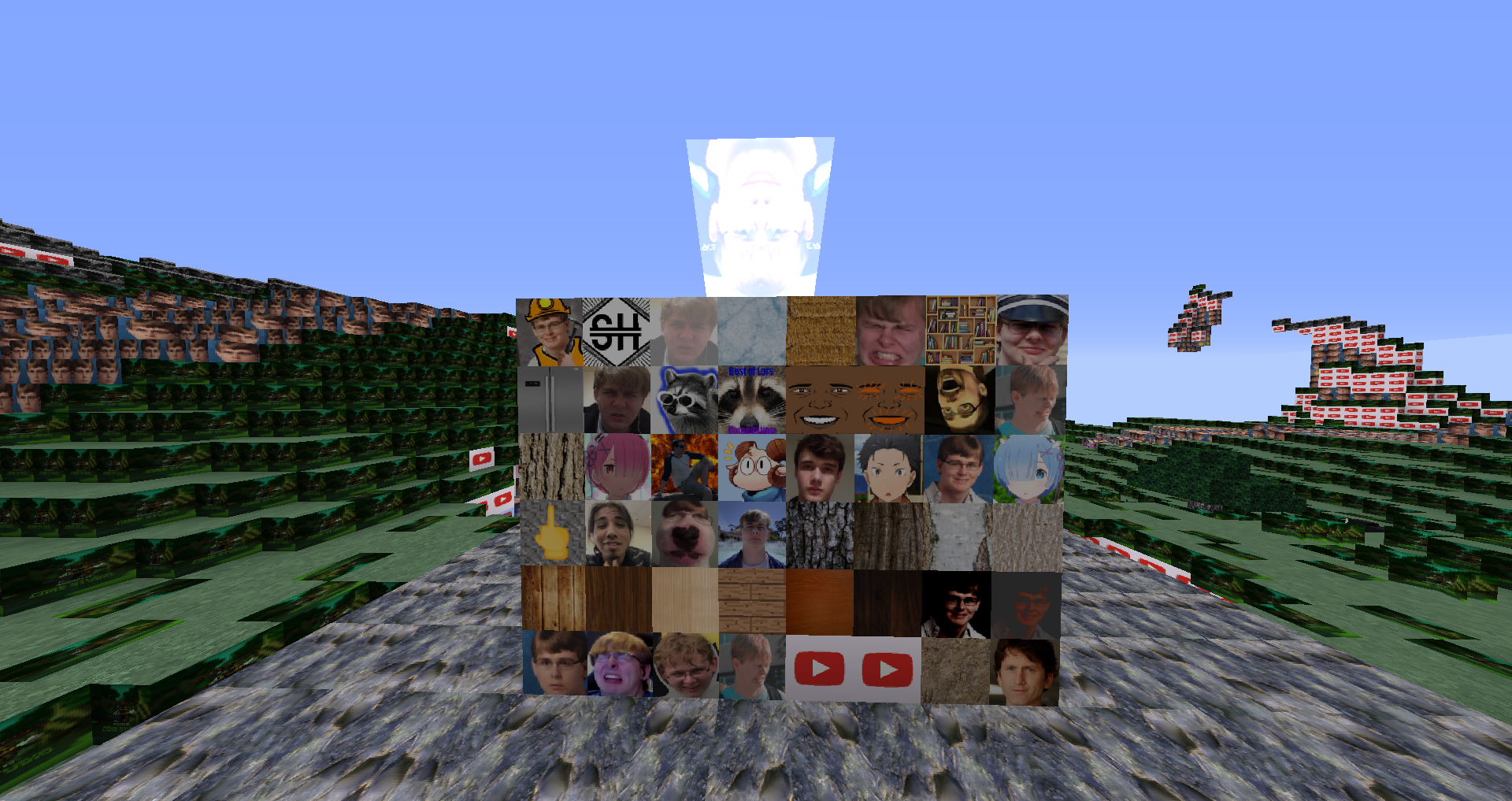
This is a custom modpack I'm making (It's still currently a work in progress). It features a lot of custom textures, including multiple textures being changed to things related to CallMeCarson, Soothouse, and a few for other YouTubers like racooneggs and jschlatt. It also features custom music, block and mob sounds (with more planned for the future). I do plan to do more work on this pack and will update it when I do. Also, at the moment the top of the grass block texture is broken on the 1.13 edition, and I'm not sure how to fix it. Also some textures haven't been implemented to 1.13 yet, and some textures (such as the oak door) were implemented incorrectly and I haven't gotten around to fixing them yet. Anyways I hope you enjoy this pack! Also can I please be verified mods I promise pack is good also I love you guys. (I got verified thanks mods)

 

BeanCraft 1.8 Original
MC 1.8.7, 1.8.4, 1.8.8, 1.8.3, 1.8.6, 1.8, 1.8.2, 1.8.5, 1.8.9, 1.8.1
Beta 2019-11-02 Get
BeanCraft 1.8 v0.1
MC 1.8.7, 1.8.4, 1.8.8, 1.8-Snapshot, 1.8.3, 1.8.6, 1.8, 1.8.2, 1.8.5, 1.8.9, 1.8.1
Beta 2019-11-02 Get
BeanCraft 1.13 v0.0.1
MC 1.13.1, 1.14.4, 1.14.1, 1.12.1, 1.12, 1.14.3, 1.13, 1.11, 1.14, 1.14.2, 1.11.1, 1.11.2, 1.11-Snapshot, 1.12.2, 1.13-Snapshot, 1.14-Snapshot, 1.12-Snapshot, 1.13.2
Beta 2019-09-12 Get
ShadowSamster59s-Textures.zip
MC 1.8.7, 1.8.4, 1.8.8, 1.8.3, 1.8.6, 1.8, 1.8.2, 1.8.5, 1.8.9, 1.8.1
Release 2019-08-21 Get

Requirements & install

How to use this resource pack in Minecraft
Resolution
512x+
Minecraft
1.13.1 – 1.14.4
Install folder
.minecraft/resourcepacks

How to install resource packs

  1. Download the resource pack .zip file (do not extract it).
  2. In Minecraft open Options → Resource Packs → Open Pack Folder.
  3. Drop the .zip into the resourcepacks folder (.minecraft/resourcepacks).
  4. Move the pack to the Selected column and click Done.

512x packs need a strong GPU and at least 4 GB of RAM for Minecraft; a performance mod such as Sodium is strongly recommended.

Browse more: 16x resource packs 32x resource packs 64x resource packs 128x resource packs 256x resource packs 512x+ resource packs Resource Packs for 1.14.4 All resource packs
Advertisement Remove ads with Premium →

You Might Also Like