Mineuniverse
Resource Packs
Bare Bones X Wilderness Bound [Hotfix 2]

Bare Bones X Wilderness Bound [Hotfix 2]

RESOURCE PACK
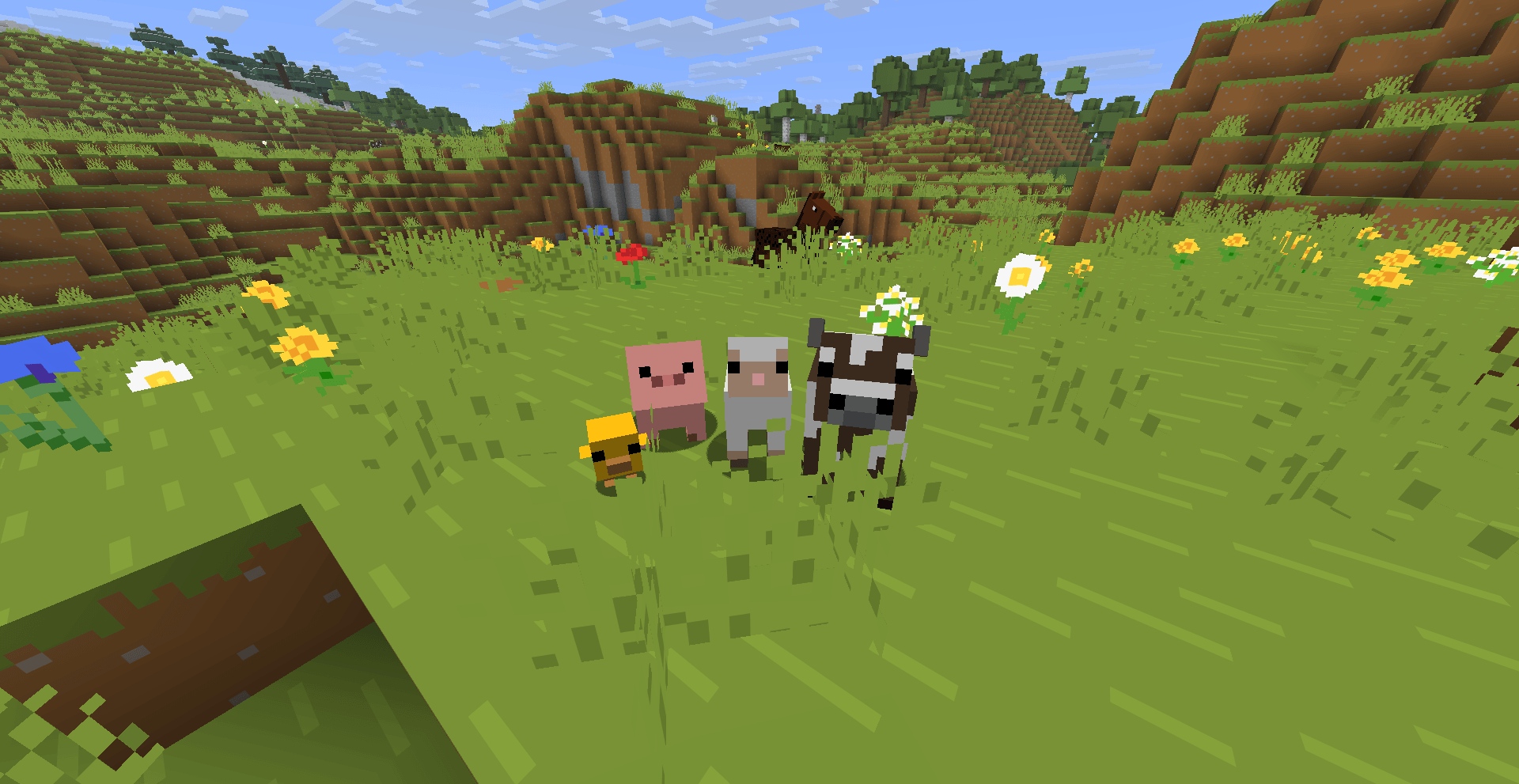
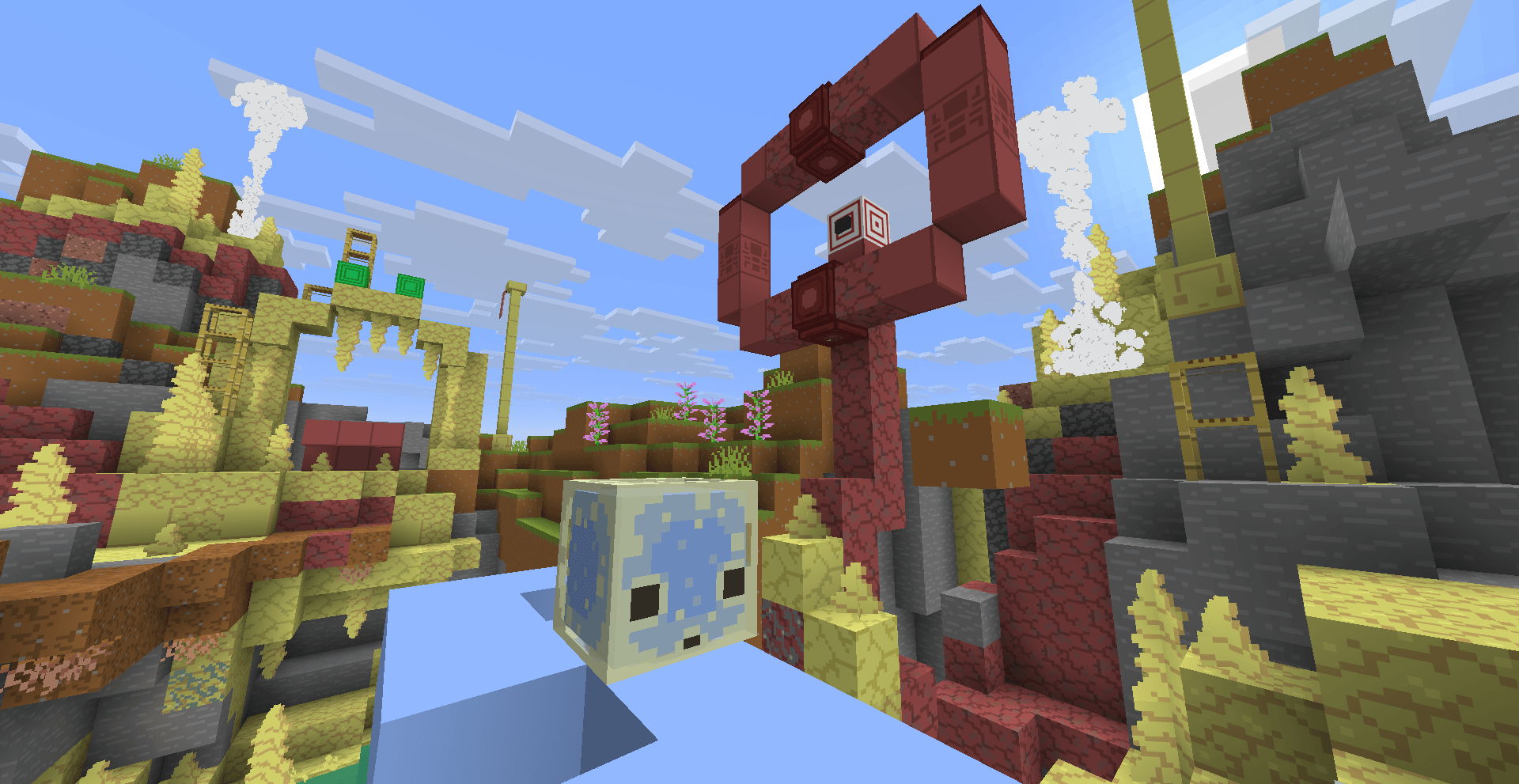
A pack that adds Tiny Takeover, Chaos Cubed and Wilderness Bound to Bare Bones! All of 26.X!!
by Pochilito
Download Claim this project
17,882 downloads
0 likes
0 followers
Updated Oct 14, 2026
0 hypes
Follow0
16x Miscellaneous Traditional
Advertisement Remove ads with Premium →

Hi! I’m Pochilito! A moderator at Bare Bones Discord and creator of Bare Bones & Stuff!
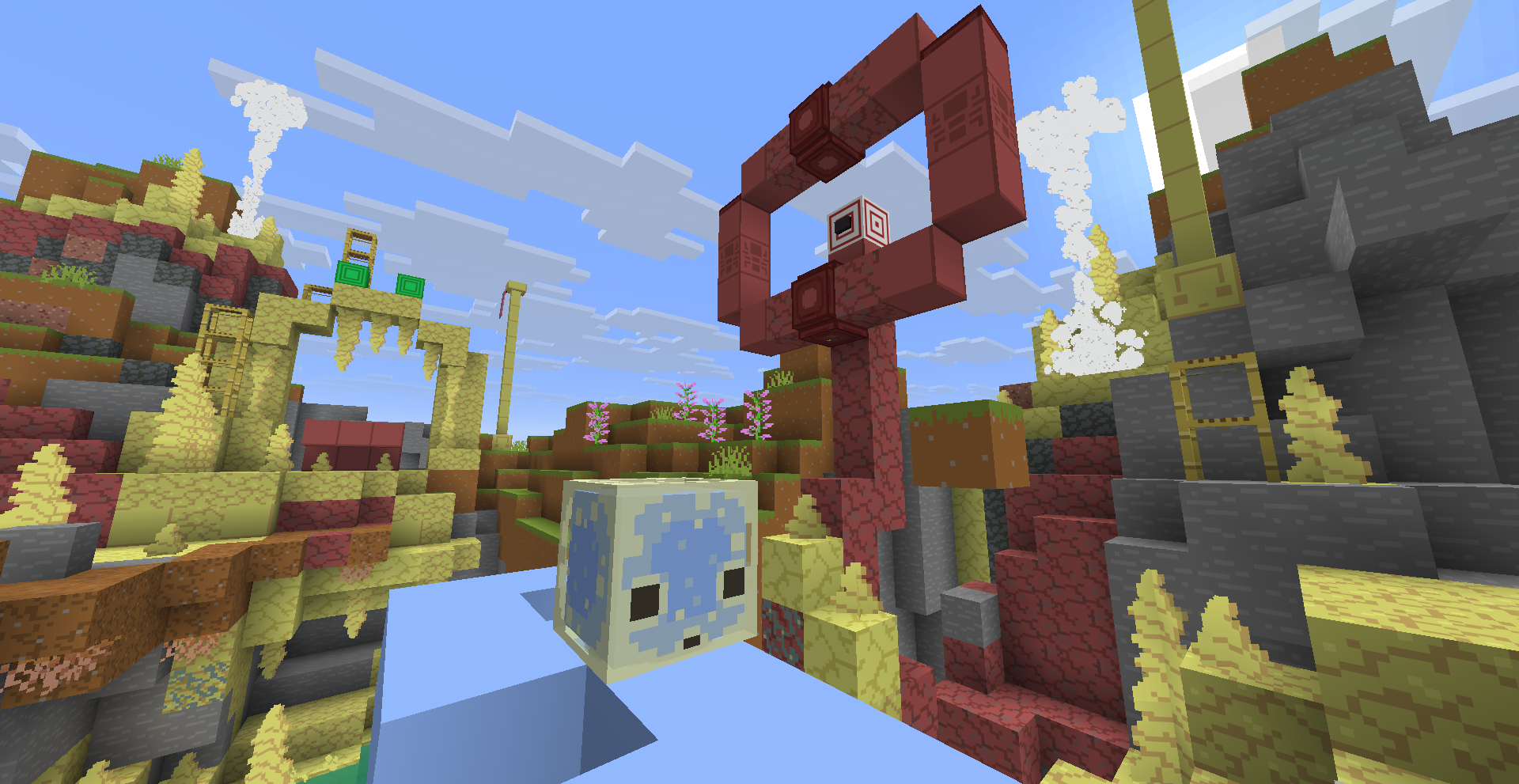
Robot has been pretty busy and I really needed the new textures to keep working on my project, so I ended doing the textures for both Tiny Takeover and Chaos Cubed drops in the style of Bare Bones!

Important: You'll need Bare Bones for Barely Drops to work properly! Made for Java

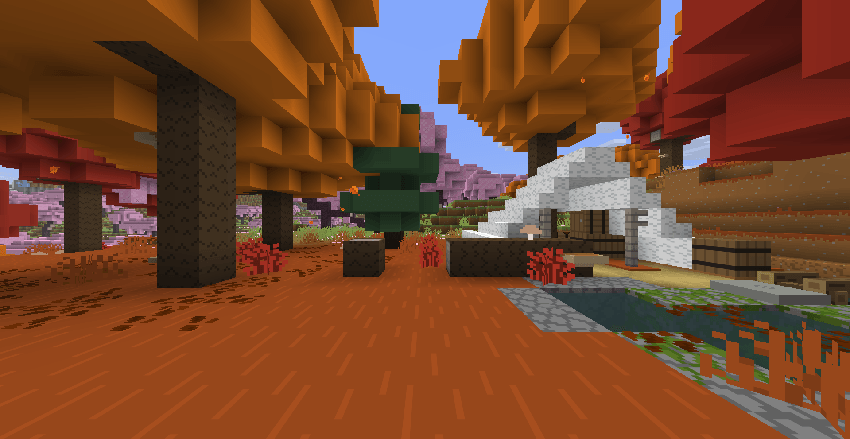
Now it includes Wilderness Bound too!
item image
I did my best to make the new textures fit with the color palette and be as accurate as they can to the promo artwork showed recently! I hope this helps to calm the waters while Bare Bones gets updated!

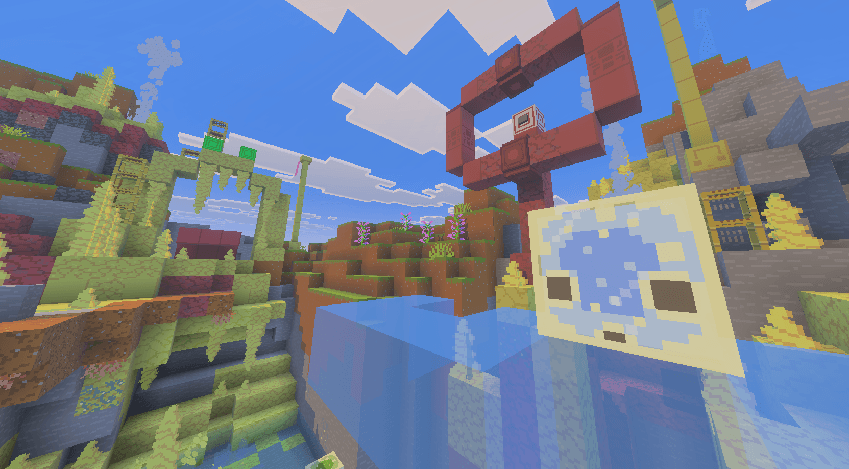


This pack is also included with Bare Bones & Stuff! Barely Drops is for Bare Bones only users!

A Bedrock version of this pack is available as well! You can find it here!

How to use it
1. Download the original Bare Bones
2. Then put this pack above it
3. The new content should be there!


Please reports any bugs to me if you find them! This pack will only be updated if Bare Bones is falling behind on updates as I really enjoy making textures!

Bare Bones Barely Drops 26.3 Hotfix2
MC 1.21.11, 26.1, 26.1.1, 26.1.2, 26.2, 26.3
Release 2026-09-18 Get
Bare Bones Barely Drops 26.3 Hotfix
MC 1.21.11, 26.1, 26.1.1, 26.1.2, 26.2, 26.3
Release 2026-09-15 Get
Bare Bones Barely Drops 26.3
MC 1.21.11, 26.1, 26.1.1, 26.1.2, 26.2
Release 2026-09-07 Get
Bare Bones Barely Drops 26.2
MC 1.21.11, 26.1, 26.1.1, 26.1.2, 26.2
Release 2026-06-29 Get

Requirements & install

How to use this resource pack in Minecraft
Resolution
16x
Minecraft
1.21.11 – 26.3
Install folder
.minecraft/resourcepacks

How to install resource packs

  1. Download the resource pack .zip file (do not extract it).
  2. In Minecraft open Options → Resource Packs → Open Pack Folder.
  3. Drop the .zip into the resourcepacks folder (.minecraft/resourcepacks).
  4. Move the pack to the Selected column and click Done.
Browse more: 16x resource packs 32x resource packs 64x resource packs 128x resource packs 256x resource packs 512x+ resource packs Resource Packs for 26.3 All resource packs
Advertisement Remove ads with Premium →

You Might Also Like