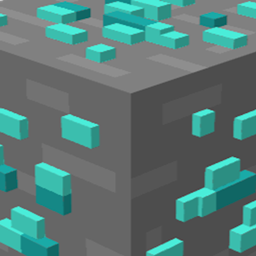
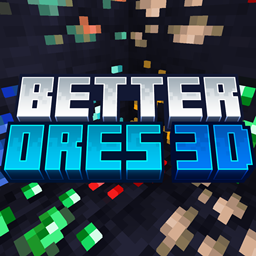
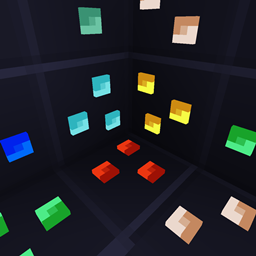
A special version of Better Ores 3D made to match the colorful and whimsical style of Bare Bones! Enjoy glowing and 3D ores that blend seamlessly with Bare Bones’ unique aesthetic, making mining both magical and immersive.
Designed specifically to fit Bare Bones’ textures and palette.
If you're playing on version 1.21.2 or later, this resource pack is fully compatible with vanilla Minecraft—no mods required!
For versions earlier than 1.21.2, the resource pack requires mod support to work correctly. You can use OptiFine or Continuity if you want to play with Sodium.
If you are using Optifine make sure you have these settings:
Video Settings > Quality > Emissive Textures : ON
IT WILL NOT WORK PROPERLY WITHOUT THESE MODS AND FEATURES!
IMPORTANT: If you're playing with Continuity and Sodium versions 0.5.X or lower, you will also need to add Indium. This is not required for Sodium version 0.6+.
Other Versions Available🧭
Better Ores 3D is also available in special editions made to perfectly match different popular resource packs! Each version is carefully designed to blend seamlessly with the textures, colors, and style of its counterpart.
- Better Ores 3D — Default, 3D and glowing ores, fits vanilla Minecraft.
- Whimscape x Better Ores 3D — Vibrant, playful, and stylized to fit Whimscape’s whimsical aesthetic.
- Stay True x Better Ores 3D — Soft, and colorful, designed to complement Stay True’s natural style.
- Plastic Pack x Better Ores 3D — Smooth, shiny, and cartoony.
- More versions may come in the future based on community feedback and requests!