Mineuniverse
Resource Packs
Axolotl Totem (Lucy)

Axolotl Totem (Lucy)

RESOURCE PACK
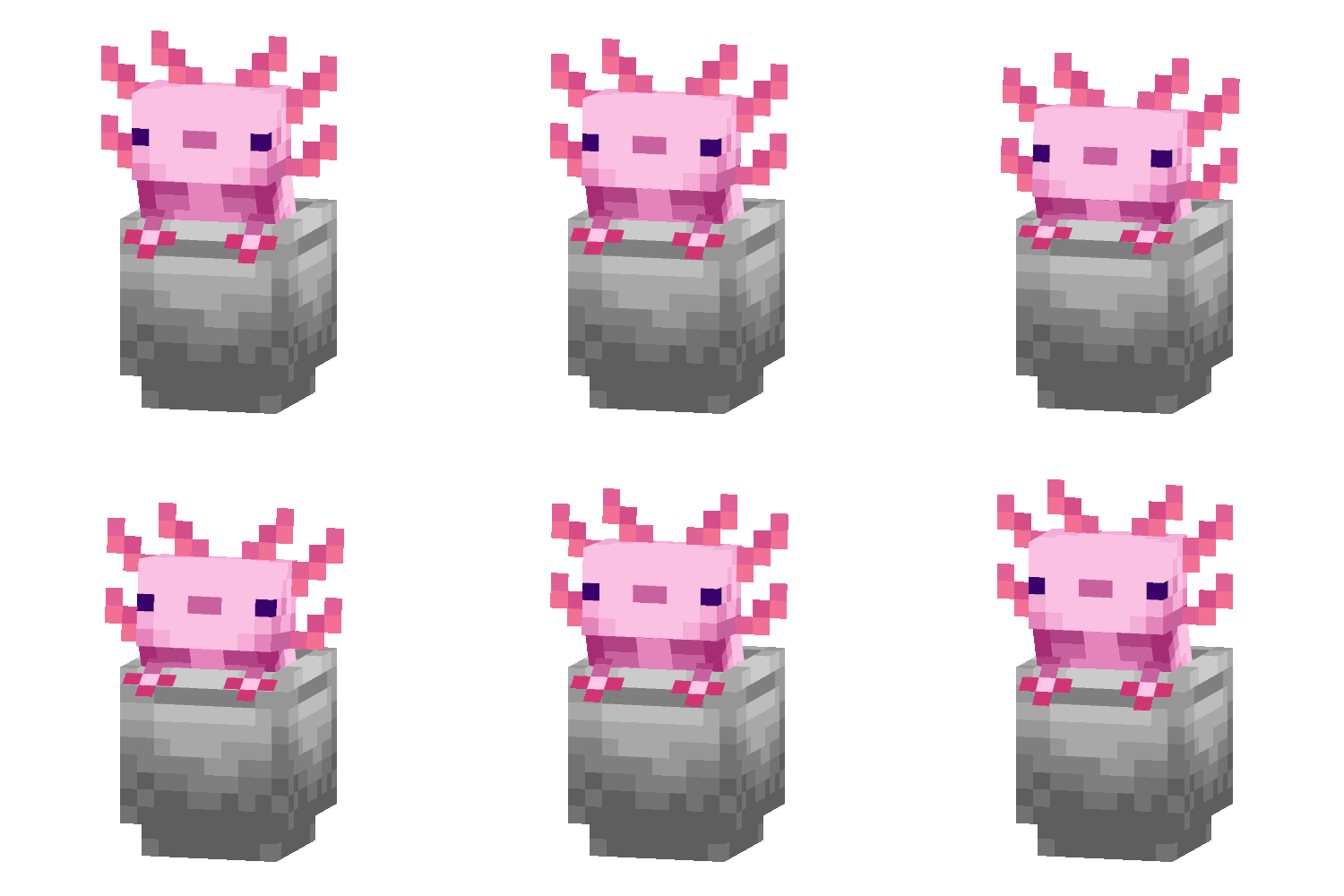
Axolotl totem for 1.21.11 first ever resource pack let me know what y'all think
by EsKortez
Download Claim this project
Add a badge to your pageLink to Axolotl Totem (Lucy) from a README, website or forum post.
Preview: Badge

Badges update automatically and link to the resource pack page on MineUniverse.

505 downloads
0 likes
0 followers
Updated Oct 14, 2026
0 hypes
Follow0
64x Animated Mod Support
Advertisement Remove ads with Premium →

🌸 Axolotl Totem Pack

Bring your Totem of Undying to life with a cute yet legendary Axolotl redesign, made to stand out with high-quality textures, smooth animation support, and a vibrant fantasy aesthetic.

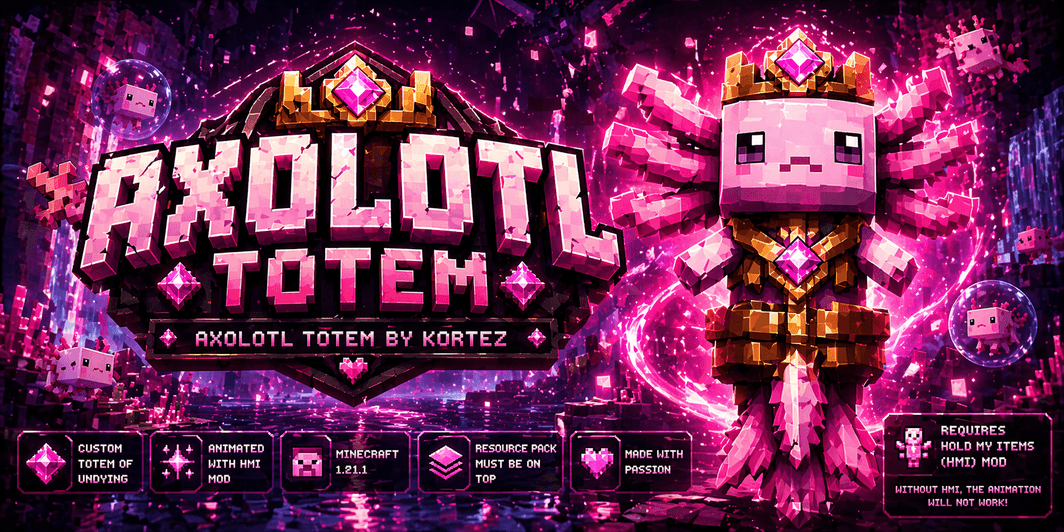
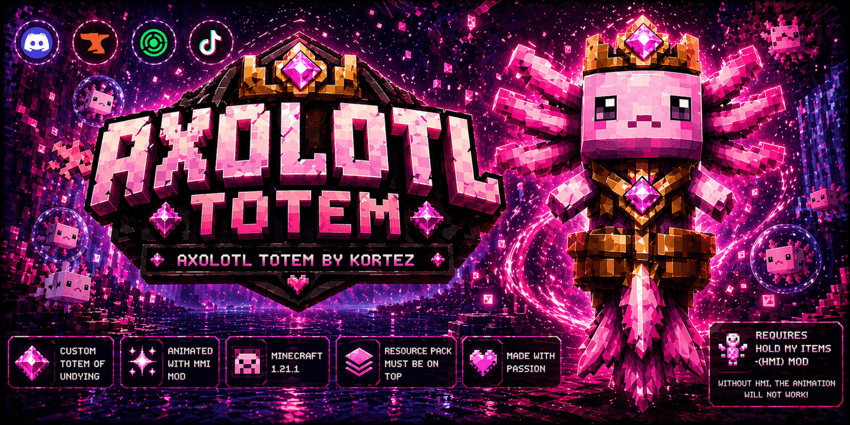
Axolotl Totem Banner


✨ Features

  • Custom Axolotl Totem of Undying
  • Animated texture support
  • Bright fantasy-inspired colors
  • Designed for high visual quality
  • Lightweight and performance friendly
  • Made for Minecraft 1.21.1
  • Compatible with Hold My Items (HMI)

⚠ Requirements

  • The Hold My Items (HMI) mod is required for the animation to work
  • Without HMI, the totem will still appear, but the animation will not work
  • The resource pack must be placed at the top of your enabled resource packs
  • Recommended for best compatibility with Minecraft 1.21.1

📥 Installation

  1. Download the resource pack
  2. Place it in your resourcepacks folder
  3. Move the pack to the top of your resource pack list
  4. Install Hold My Items (HMI)
  5. Launch Minecraft 1.21.1
  6. Enjoy your animated Axolotl Totem

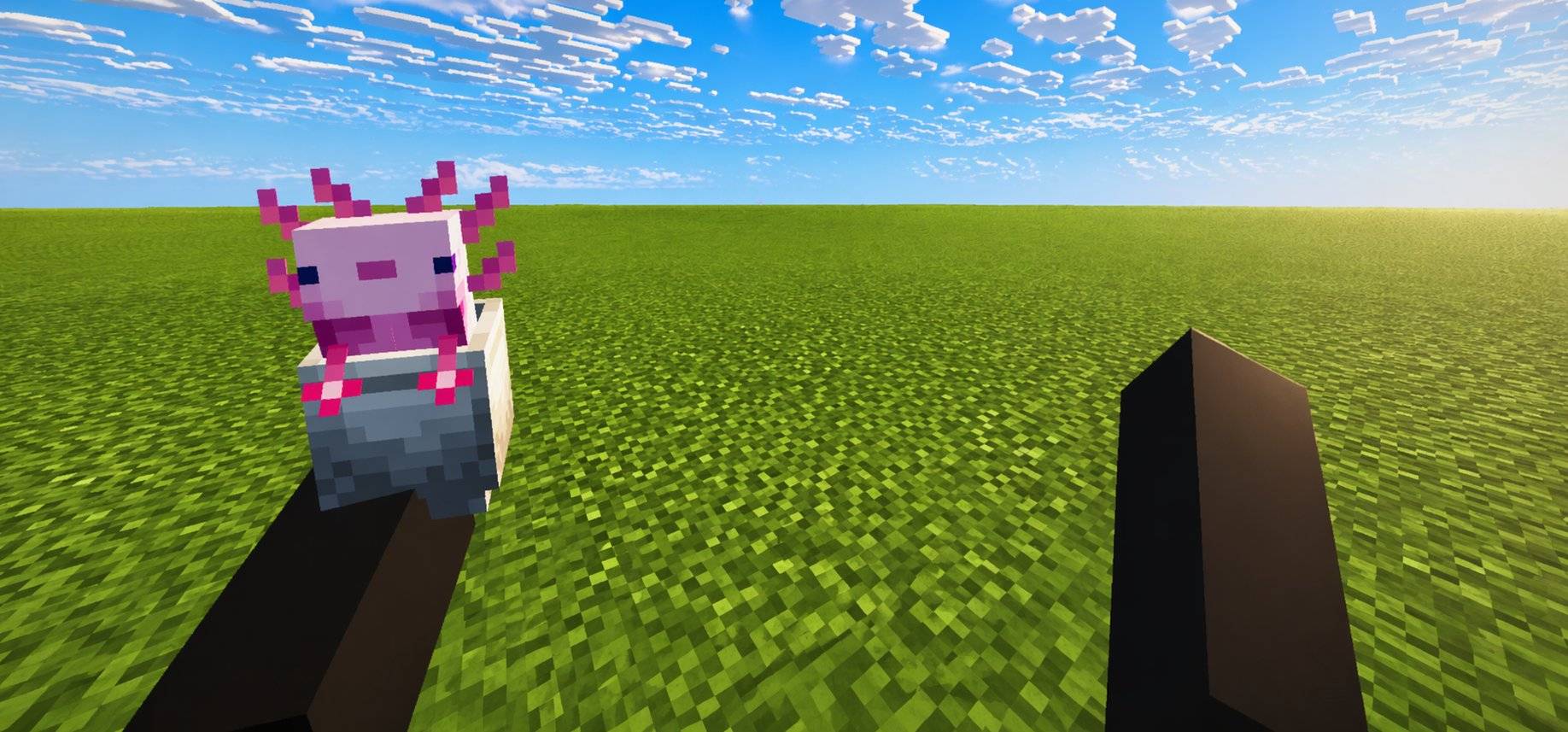
👀 Preview

This pack transforms the standard Totem of Undying into a glowing, animated Axolotl Totem, giving your gameplay a fresh and unique style.


❤️ Credits

  • Axolotl bucket model by Team Disco (used with permission)

👑 Creator

Created by Kortez

If you enjoy this pack, consider supporting the project and sharing it with others.


AxolotlTotem_By_Kortez.zip
MC 1.21.11
Release 2026-04-24 Get

Requirements & install

How to use this resource pack in Minecraft
Resolution
64x
Minecraft
1.21.11
Install folder
.minecraft/resourcepacks

How to install resource packs

  1. Download the resource pack .zip file (do not extract it).
  2. In Minecraft open Options → Resource Packs → Open Pack Folder.
  3. Drop the .zip into the resourcepacks folder (.minecraft/resourcepacks).
  4. Move the pack to the Selected column and click Done.
Browse more: 16x resource packs 32x resource packs 64x resource packs 128x resource packs 256x resource packs 512x+ resource packs Resource Packs for 1.21.11 All resource packs
Advertisement Remove ads with Premium →

You Might Also Like