Mineuniverse
Resource Packs
Aurelis Realism 512x PBR

Aurelis Realism 512x PBR

RESOURCE PACK
Aurelis Realism 512x PBR Ultra Realistic
by Astralex
Download Claim this project
Add a badge to your pageLink to Aurelis Realism 512x PBR from a README, website or forum post.
Preview: Badge

Badges update automatically and link to the resource pack page on MineUniverse.

2,568 downloads
0 likes
0 followers
Updated Oct 14, 2026
0 hypes
Follow0
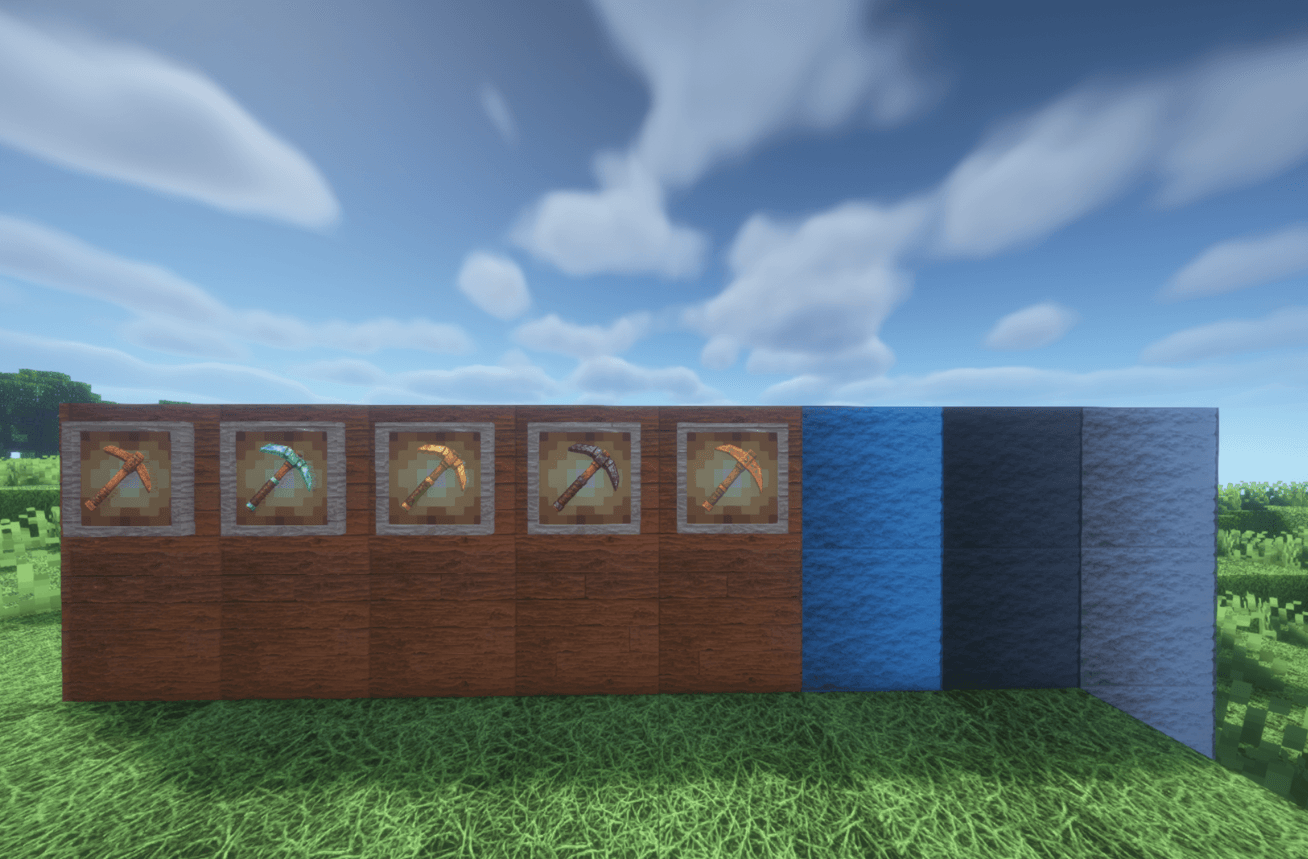
512x and Higher Photo Realistic
Advertisement Remove ads with Premium →

Aurelis Realism 512x PBR – Introduction and Summary

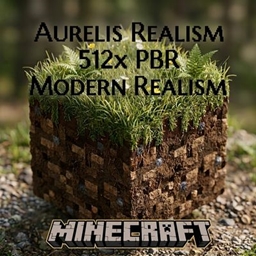
Aurelis Realism 512x PBR is a premier resource pack designed to elevate the world of Minecraft to an ultra-realistic dimension, featuring high-resolution texture details and Physically Based Rendering (PBR) technology.

Key Features:

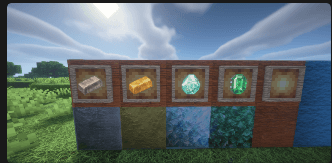
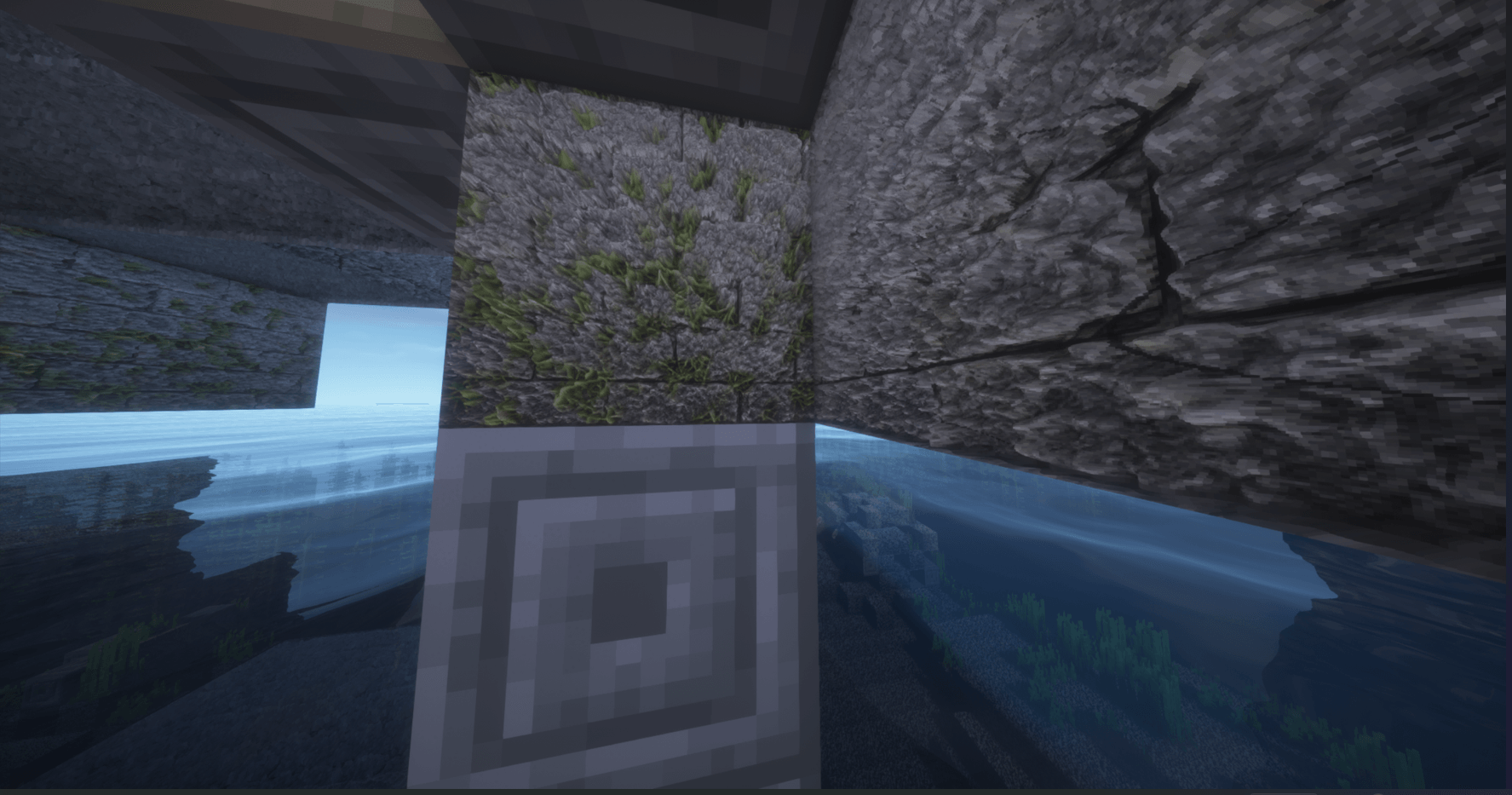
  • 512x Ultra High Resolution: Offers deep, sharp, and intricately crafted details on every block, from blades of grass and stone blocks to wood grains and soil textures.

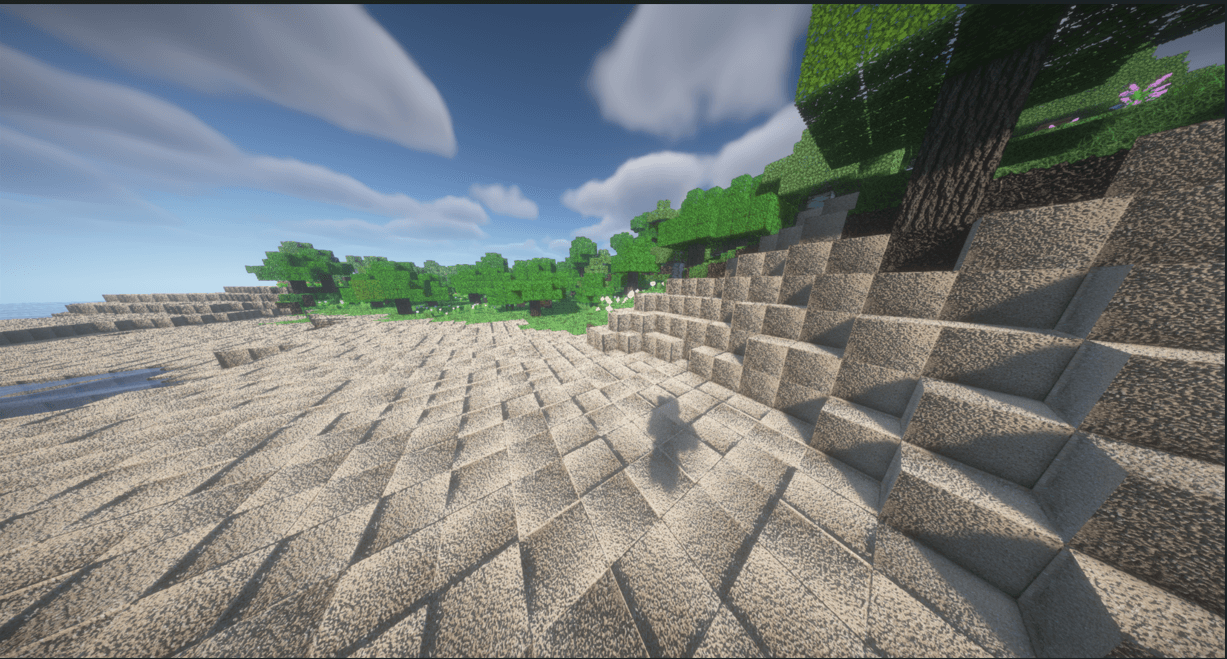
  • Full PBR Support: Provides natural reflections, roughness, smoothness, and realistic depth (normal & height maps) based on lighting sources.

  • Natural and Organic Look: Block surfaces and vegetation deliver a rich, organic feel that looks like it was plucked from the real world.

  • Shader Compatibility: Pair it with popular shaders like BSL, SEUS, SEUS PTGI, or Kappa to see true photorealism in action with perfect light and shadow balance.

In short, Aurelis Realism is a top-tier graphics pack designed for players and content creators who want to take the game's atmosphere to a completely photorealistic level while preserving Minecraft's classic block structure.

Support me on CurseForge! Search "Aurelis Realism" to download and support the project.

Aurelis-Realism-512x-PBR-v1.0.zip
MC 1.21, 1.20.2, 1.21.8, 1.20.5, 1.21.5, 1.21.4, 1.20.1, 1.20, 1.20.6, 1.21.1, 1.21.6, 1.21.3, 1.21.7, 1.20.4, 1.20.3, 1.21.2, 1.21.9, 1.21.10, 1.21.11, 26.1, 26.1.1, 26.1.2
Release 2026-09-13 Get

Requirements & install

How to use this resource pack in Minecraft
Resolution
512x+
Minecraft
1.21.7 – 26.1.2
Install folder
.minecraft/resourcepacks

How to install resource packs

  1. Download the resource pack .zip file (do not extract it).
  2. In Minecraft open Options → Resource Packs → Open Pack Folder.
  3. Drop the .zip into the resourcepacks folder (.minecraft/resourcepacks).
  4. Move the pack to the Selected column and click Done.

512x packs need a strong GPU and at least 4 GB of RAM for Minecraft; a performance mod such as Sodium is strongly recommended.

Browse more: 16x resource packs 32x resource packs 64x resource packs 128x resource packs 256x resource packs 512x+ resource packs Resource Packs for 26.1.2 All resource packs
Advertisement Remove ads with Premium →

You Might Also Like