Mineuniverse
Resource Packs
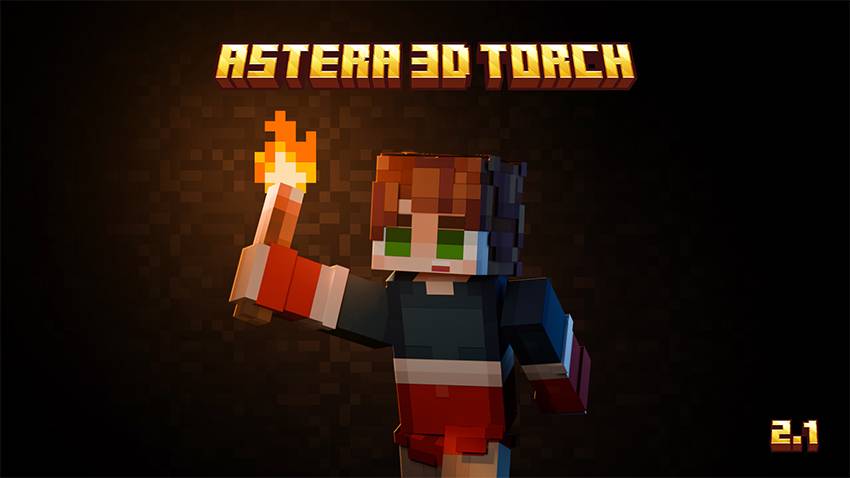
ASTERA (3D TORCHES)

ASTERA (3D TORCHES)

RESOURCE PACK
GET A BETTER LOOK FOR YOUR TORCH WITH ANIMATED FLAME TEXTURES .
by BLVCK_STVR
Download Claim this project
3,772 downloads
0 likes
Updated Oct 14, 2026
0 hypes
16x Animated Modern Traditional
Advertisement Remove ads with Premium →

                                TITRE                                                        DESCRIPTION

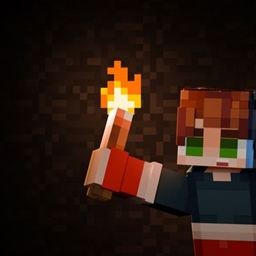
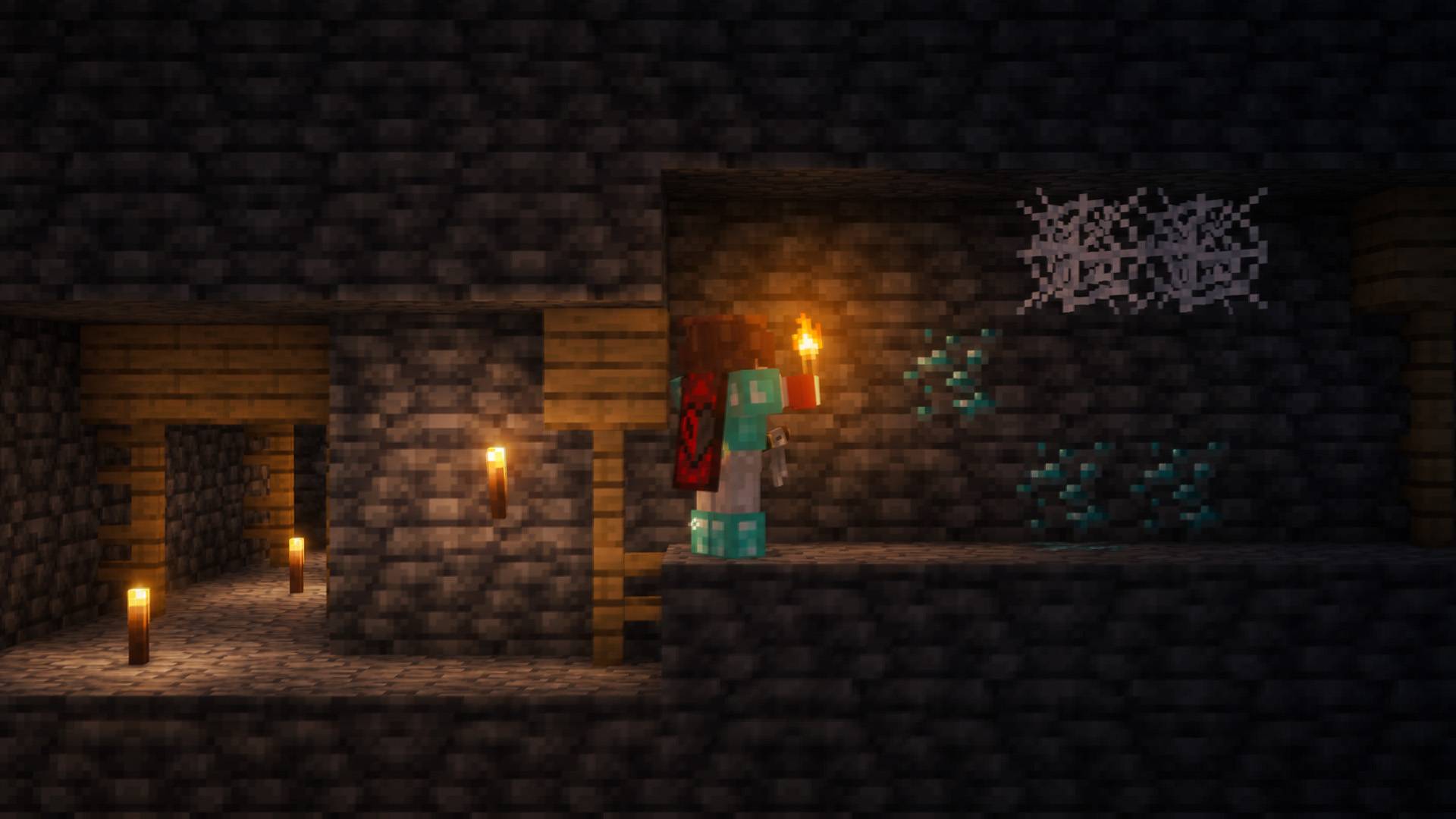
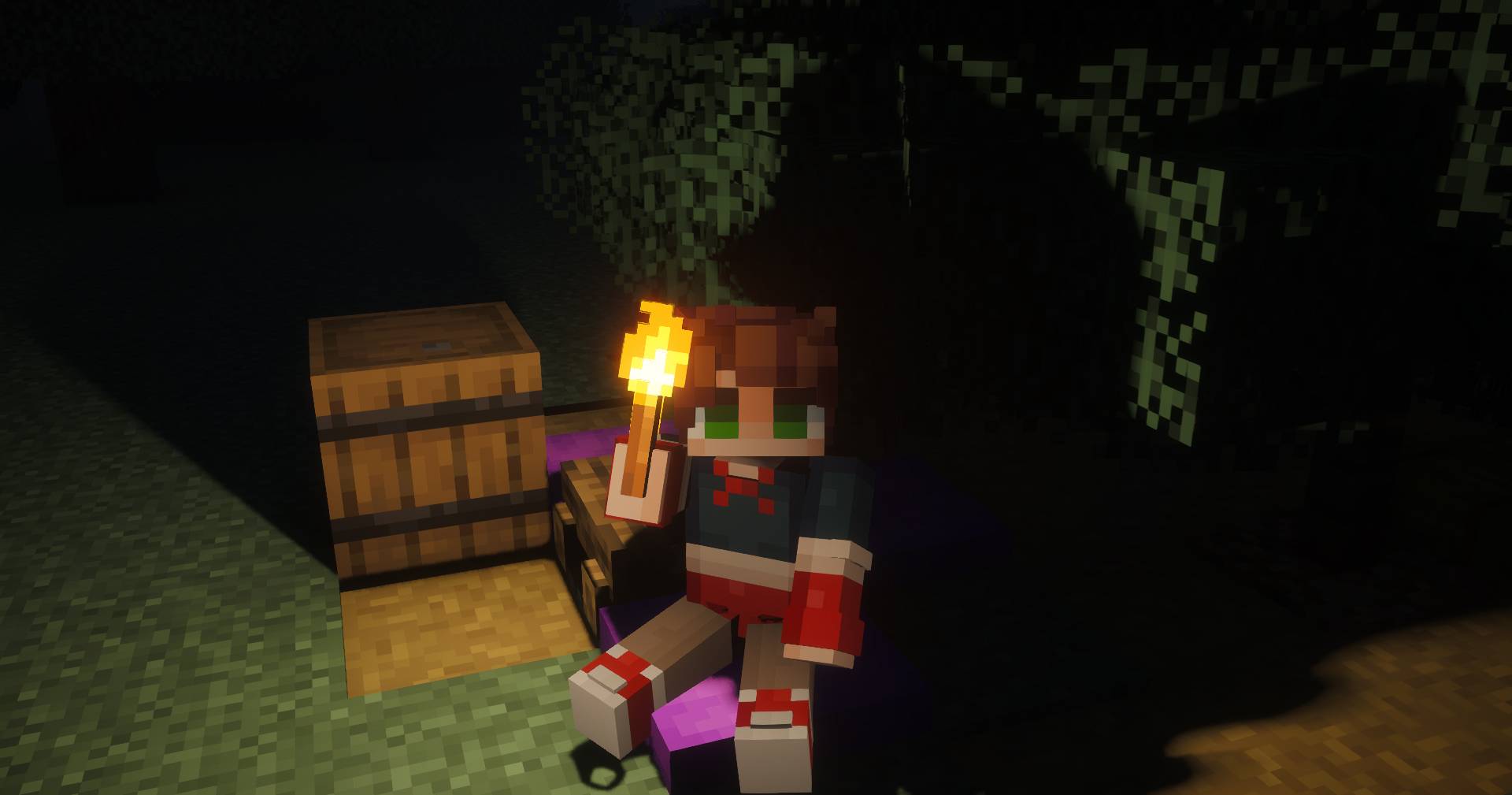
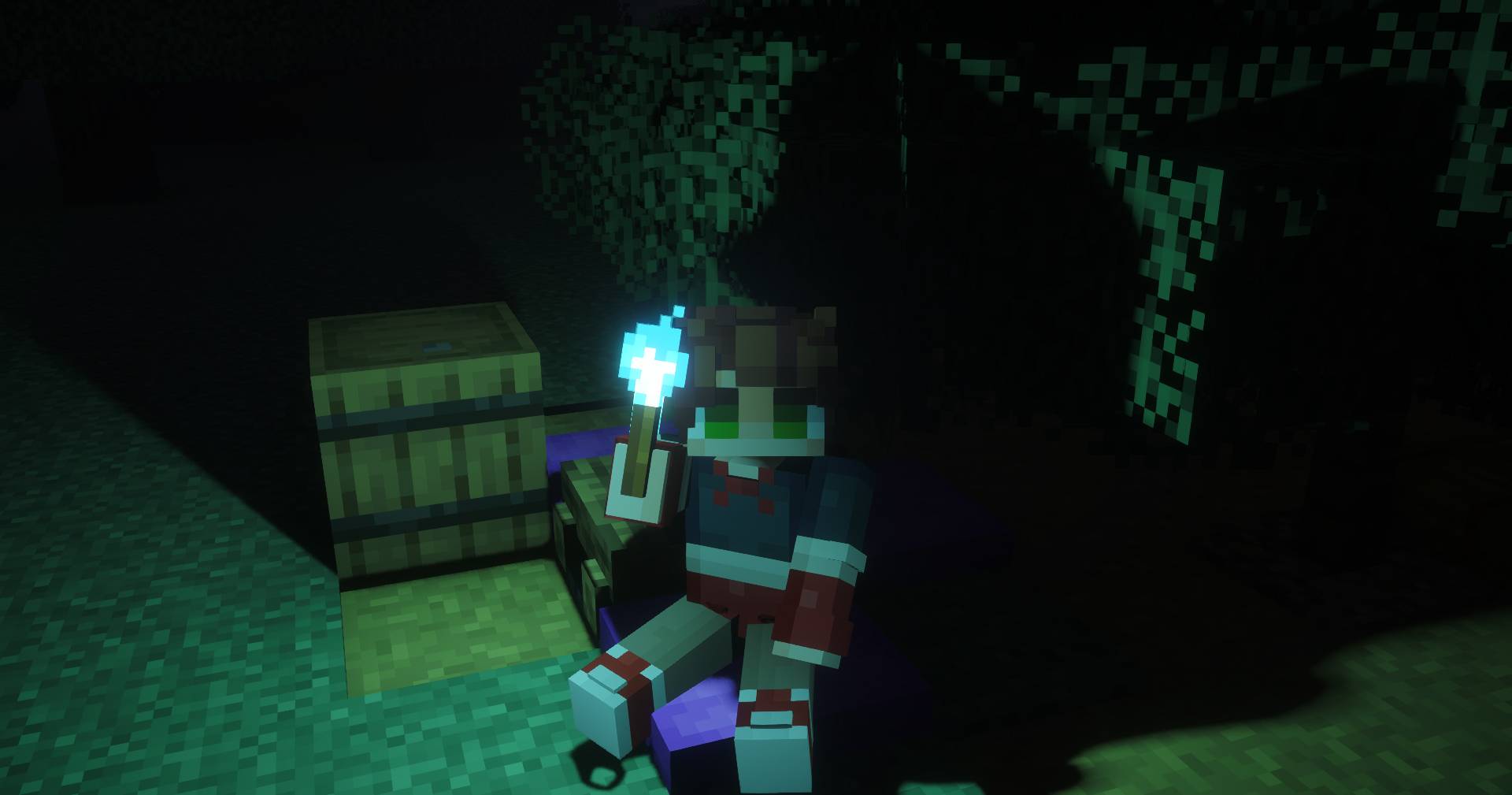
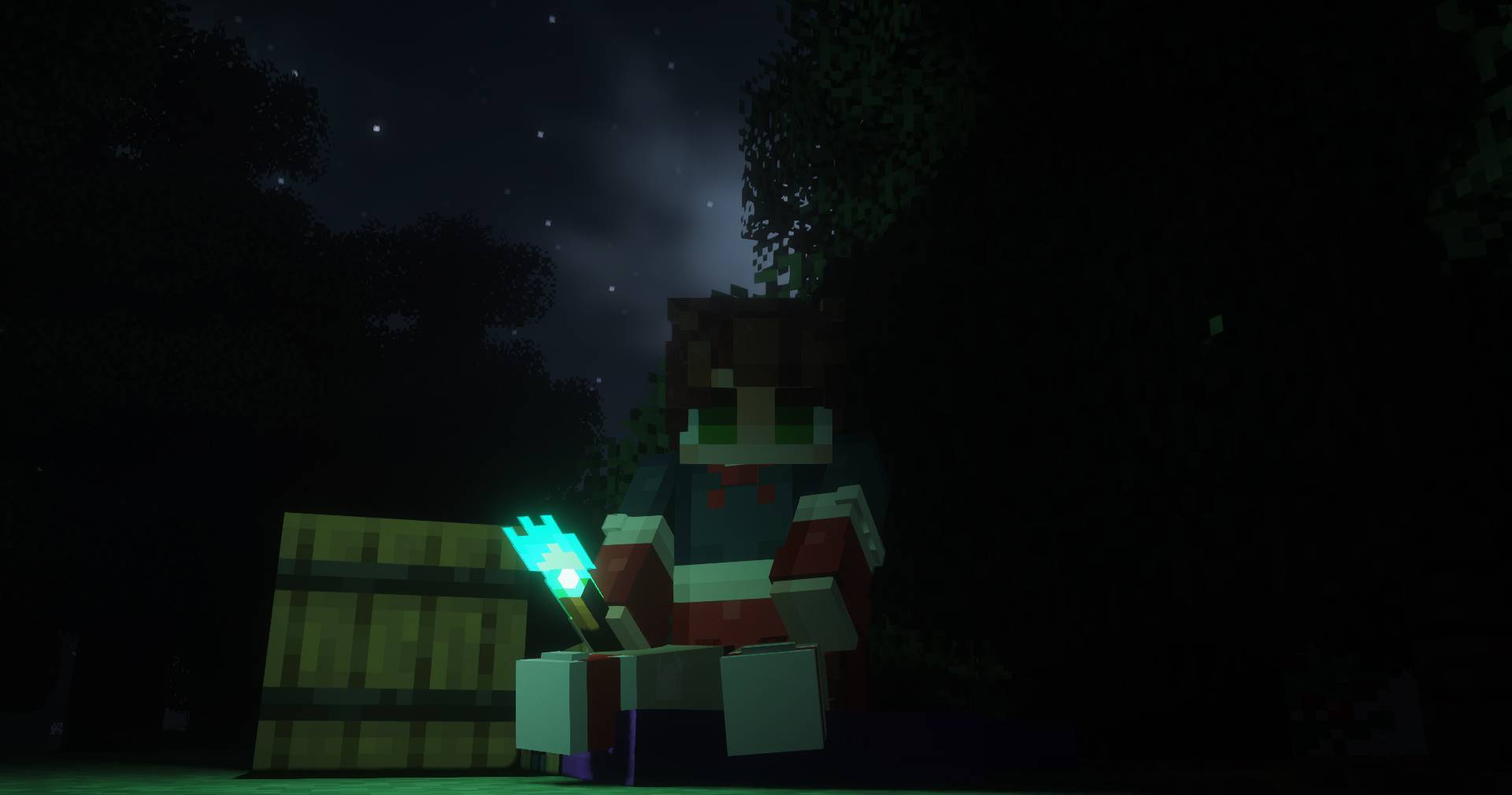
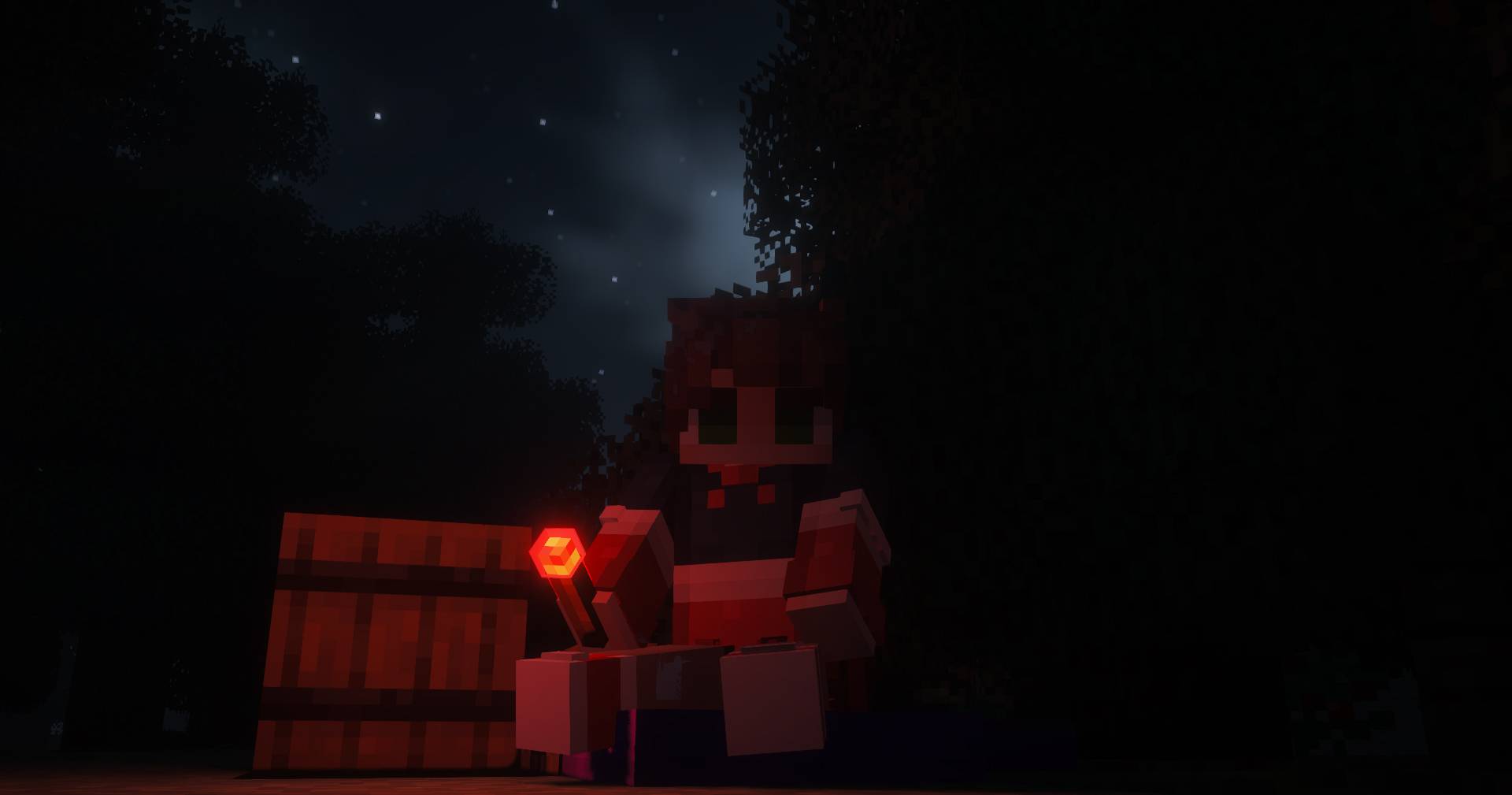
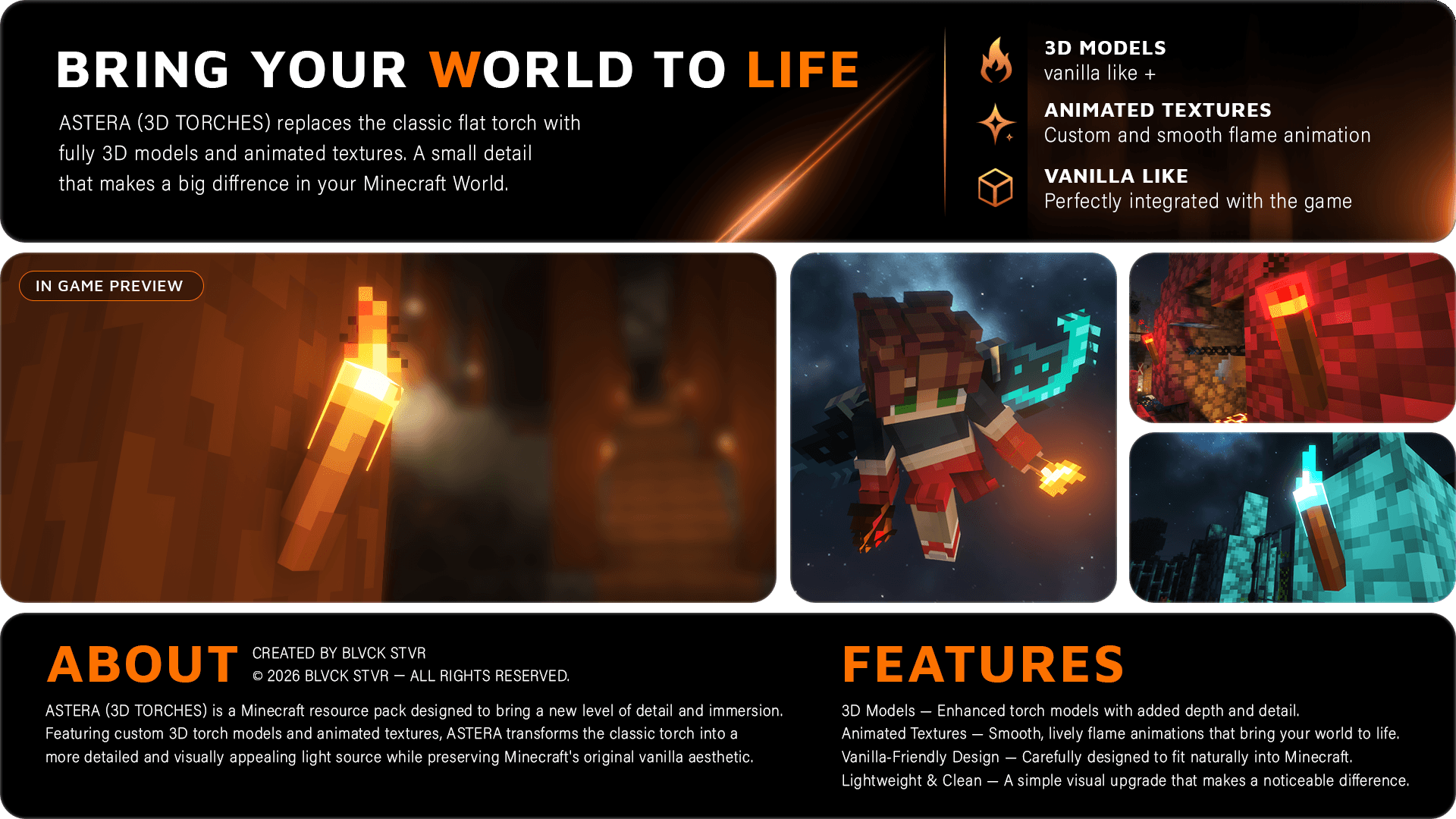
English : Add 4 brand-new fully 3D torches to your Minecraft world! Each torch features a unique flame color: red, green, blue, and orange. The flames are fully animated, even while the torch is held in the player's hand, delivering a more immersive experience.


French : Ajoutez 4 nouvelles torches entièrement modélisées en 3D à votre monde Minecraft ! Chaque torche possède une couleur de flamme unique : rouge, verte, bleue et orange. Les flammes sont entièrement animées, même lorsque la torche est tenue dans la main du joueur, pour un rendu encore plus immersif.


Spanish : ¡Añade 4 antorchas completamente modeladas en 3D a tu mundo de Minecraft! Cada antorcha cuenta con un color de llama único: rojo, verde, azul y naranja. Las llamas están totalmente animadas, incluso cuando el jugador sostiene la antorcha en la mano, ofreciendo una experiencia mucho más inmersiva.


ARR (All Rights Reserved) Modifications and redistribution of the json files and textures is not allowed.

ASTERA 3D TORCH 2.1.zip
MC 1.21.9, 1.21.10, 1.21.11, 26.1, 26.1.1, 26.1.2, 26.2, 26.3
Release 2026-09-27 Get
ASTERA 3D TORCH 0.4.zip
MC 1.21.8, 1.21.5, 1.21.4, 1.21.1, 1.21.6, 1.21.3, 1.21.7, 1.21.2, 1.21.9, 1.21.10, 1.21.11, 26.1, 26.1.1, 26.1.2, 26.2
Release 2026-08-14 Get

Requirements & install

How to use this resource pack in Minecraft
Resolution
16x
Minecraft
1.21.9 – 26.3
Install folder
.minecraft/resourcepacks

How to install resource packs

  1. Download the resource pack .zip file (do not extract it).
  2. In Minecraft open Options → Resource Packs → Open Pack Folder.
  3. Drop the .zip into the resourcepacks folder (.minecraft/resourcepacks).
  4. Move the pack to the Selected column and click Done.
Browse more: 16x resource packs 32x resource packs 64x resource packs 128x resource packs 256x resource packs 512x+ resource packs Resource Packs for 26.3 All resource packs

More from BLVCK_STVR

Advertisement Remove ads with Premium →

You Might Also Like