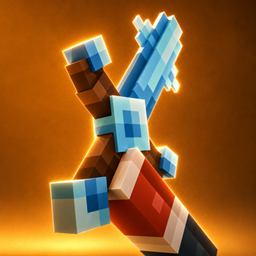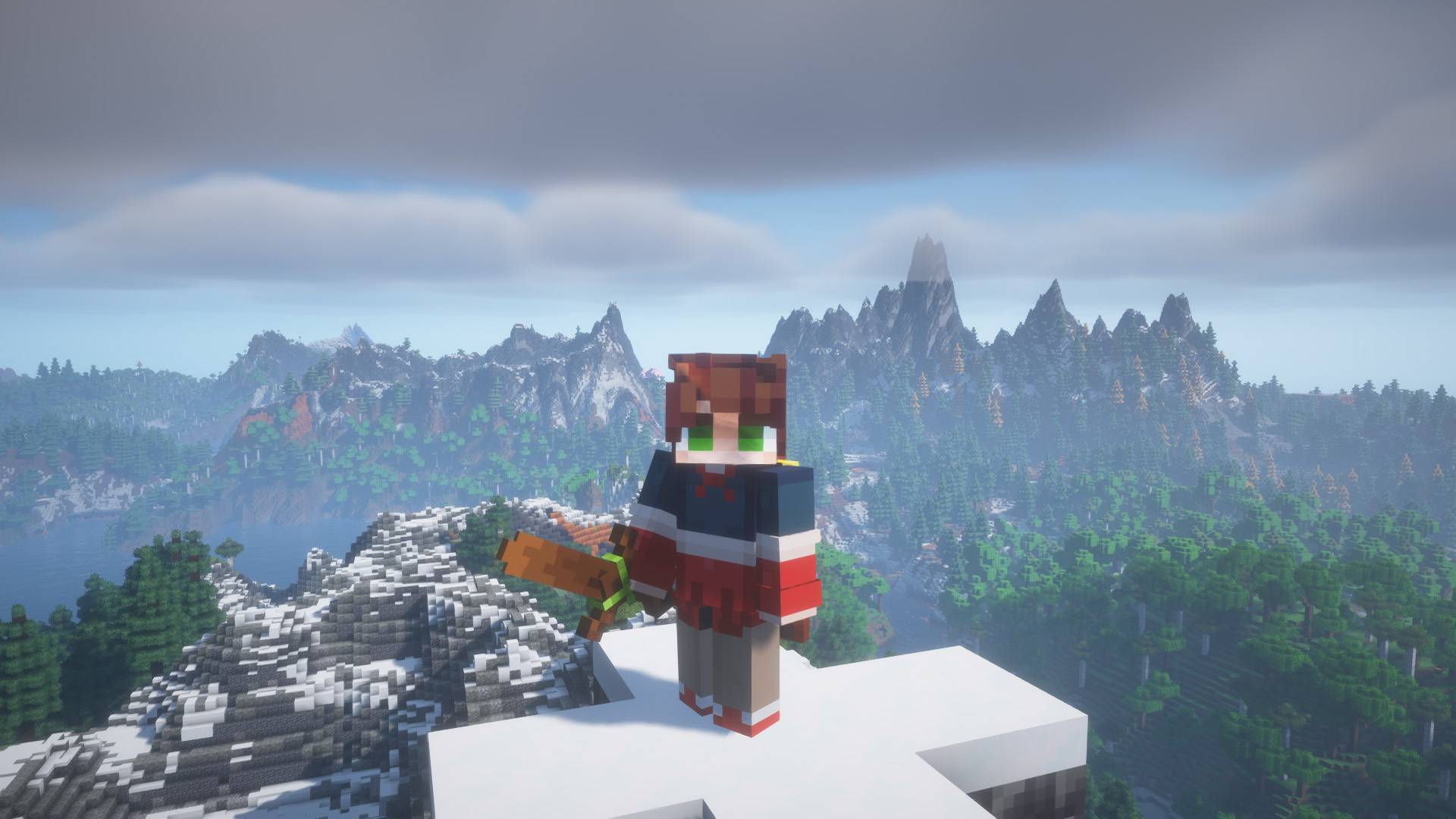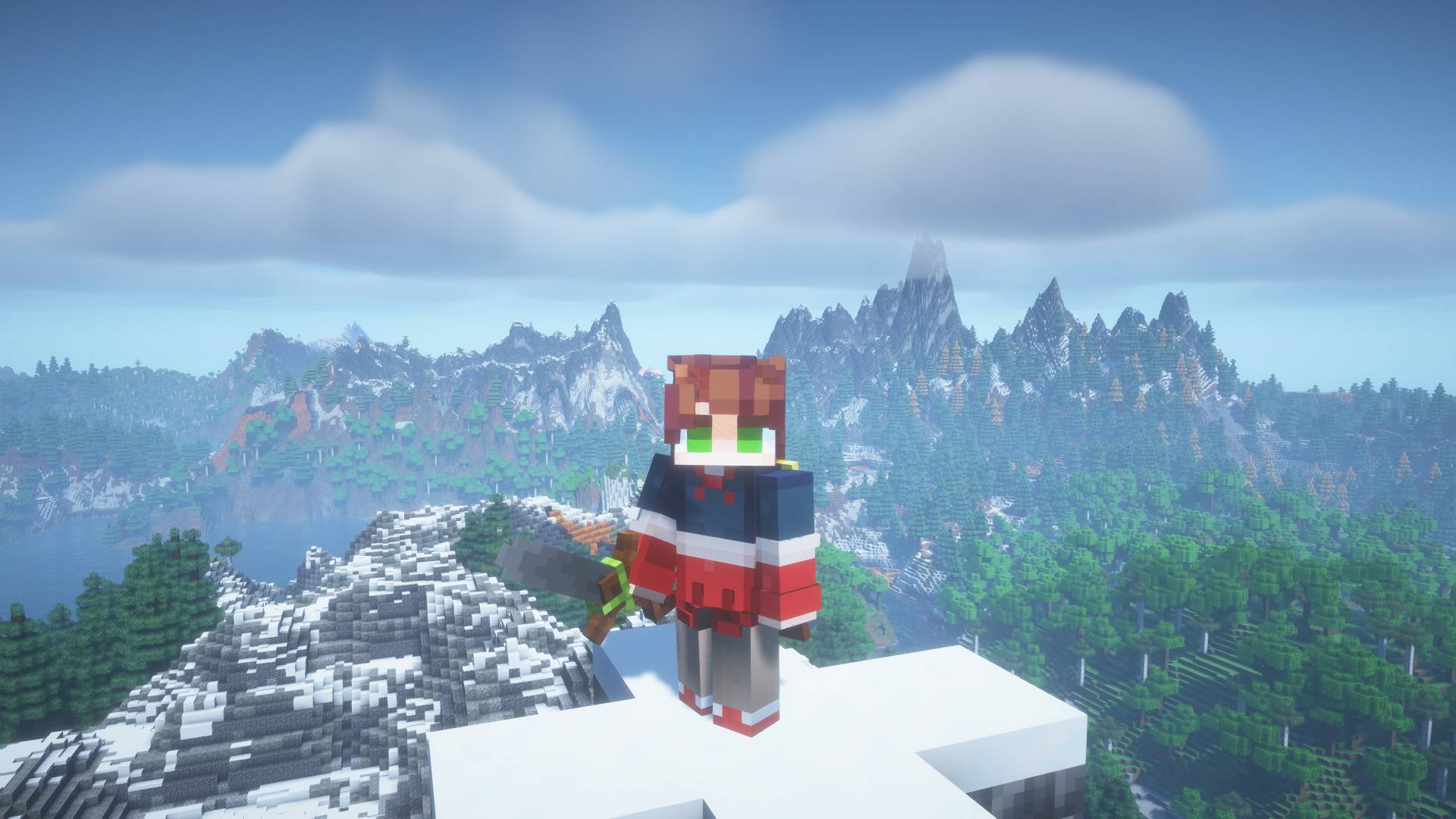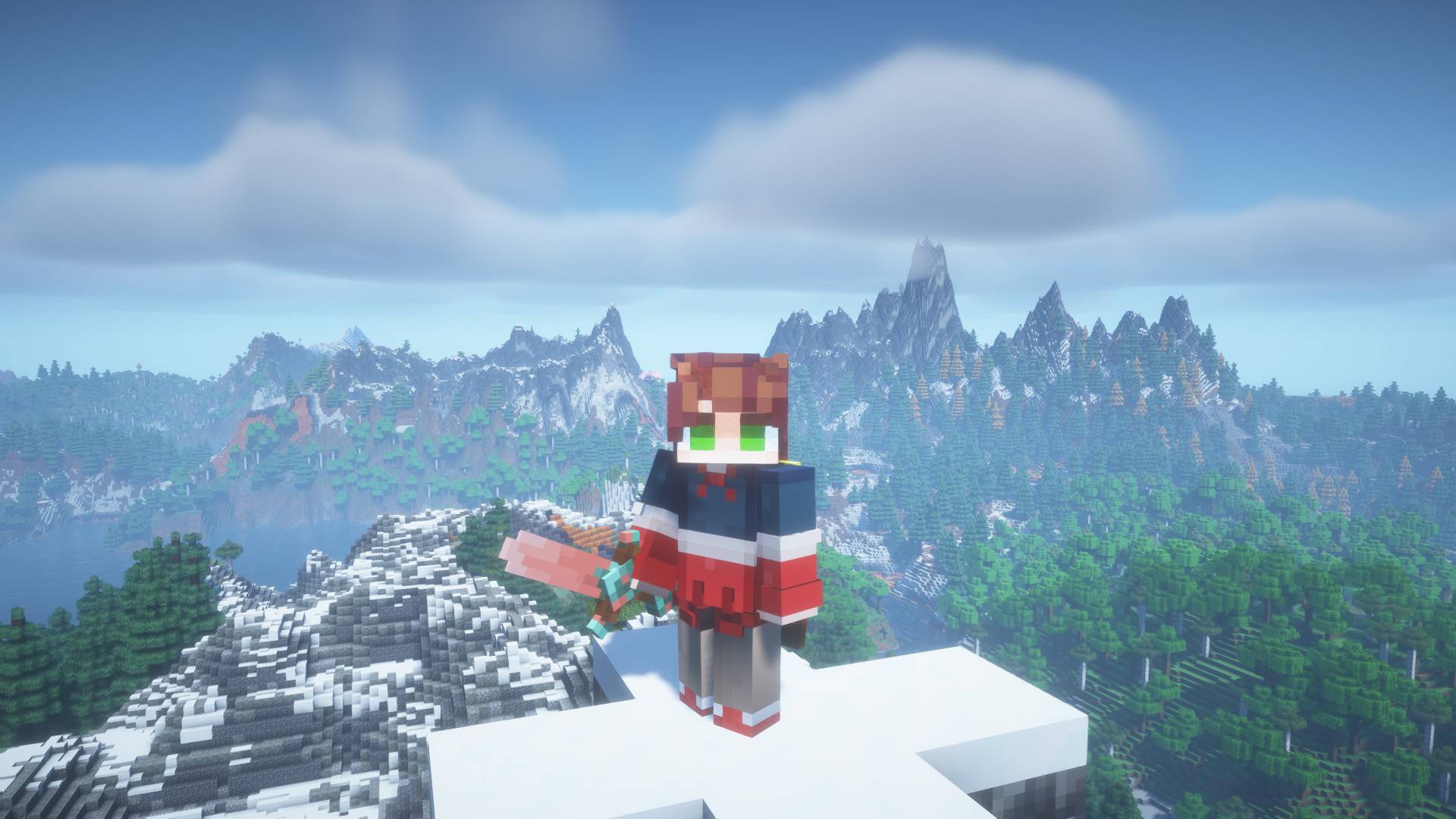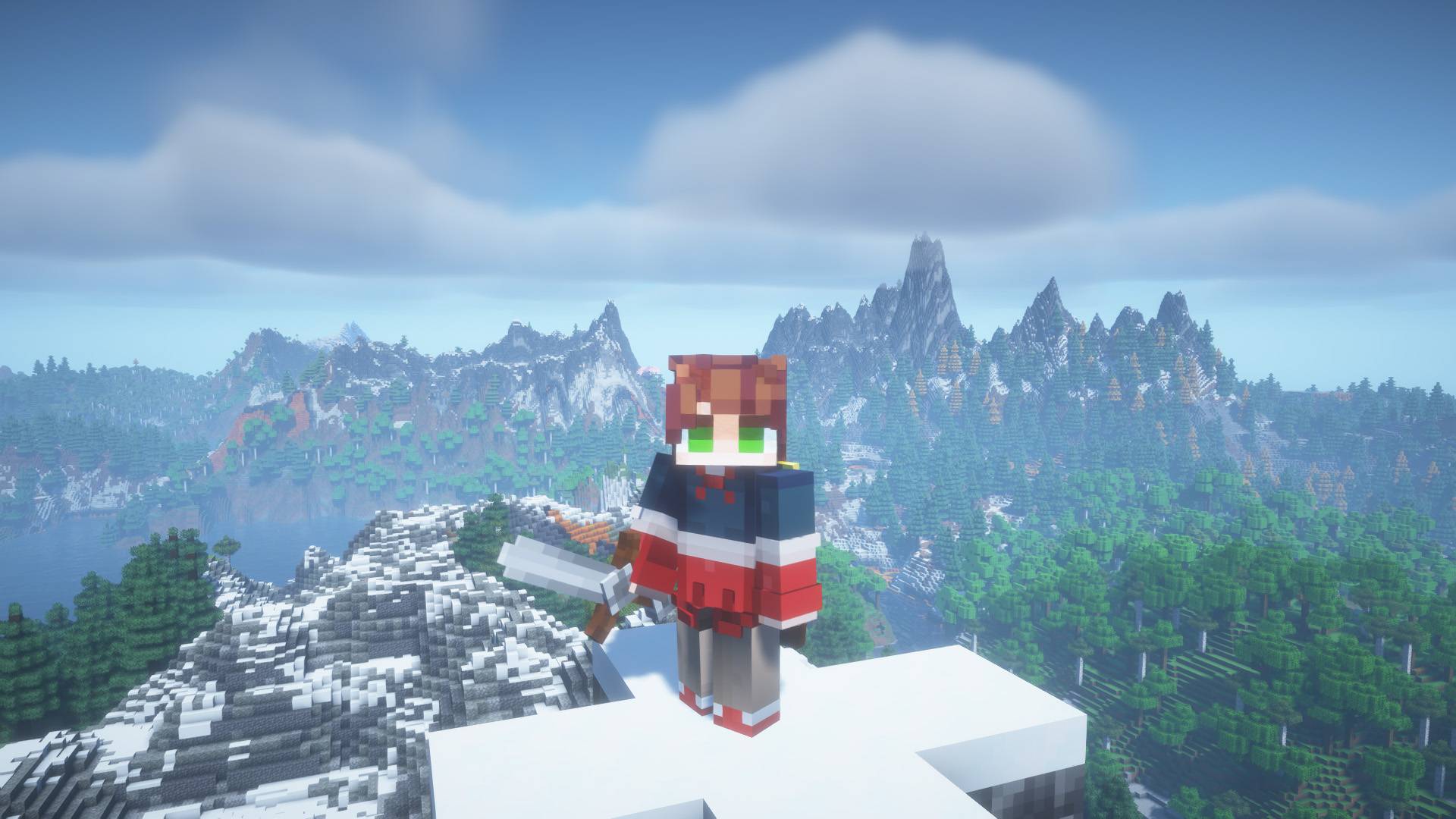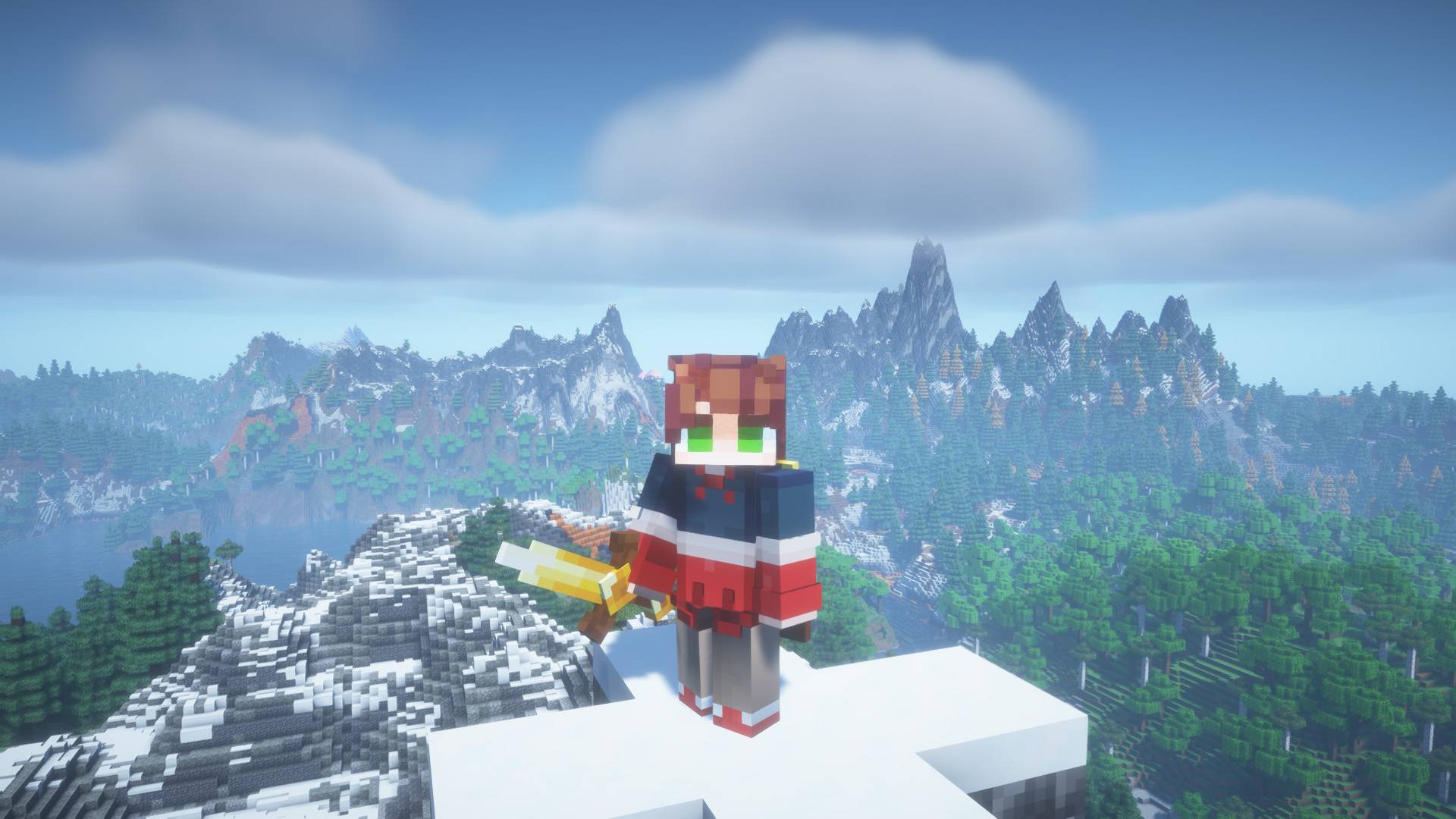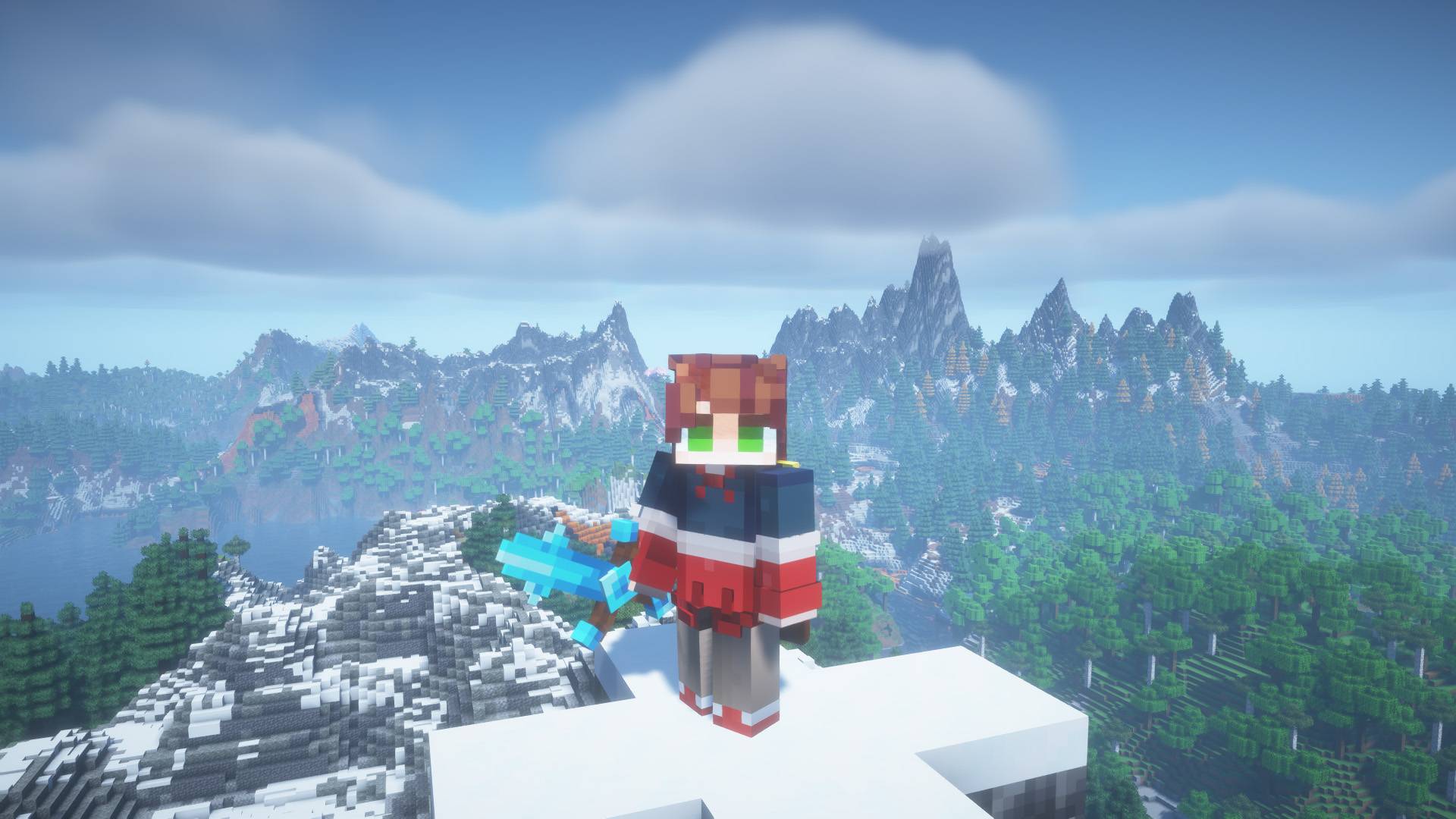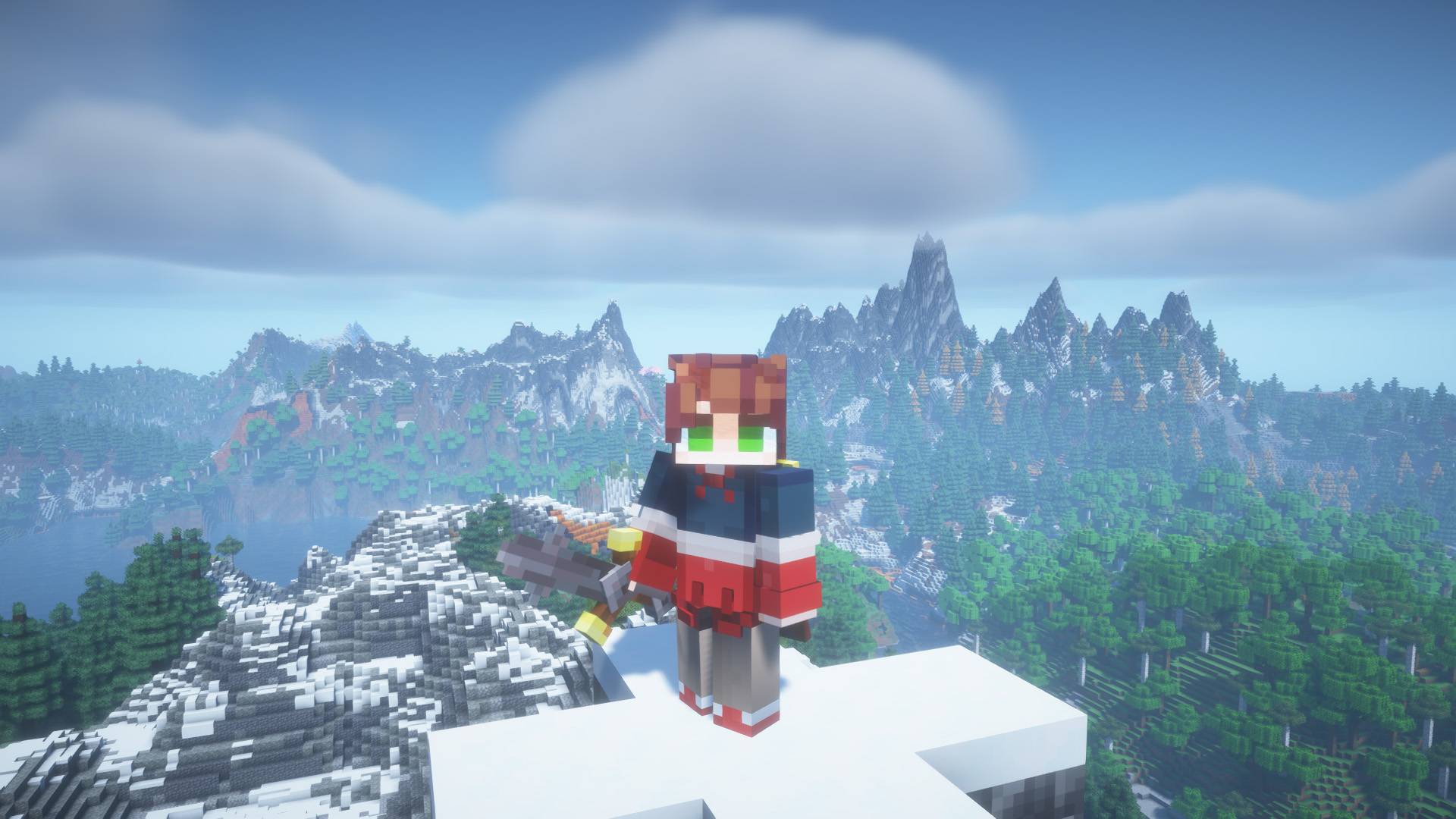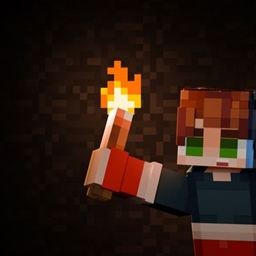


French : ASTERA SWORD V2 revisite les épées de Minecraft avec un design unique, raffiné et inspiré du style médiéval vanilla. Chaque texture a été soigneusement retravaillée pour offrir une meilleure qualité visuelle tout en respectant les proportions d'origine et la résolution 16×16. Le résultat : un pack fidèle à Minecraft, mais avec une finition plus élégante et immersive. ⚔️
English : ASTERA SWORD V2 reimagines Minecraft's swords with a unique, refined design inspired by the vanilla medieval aesthetic. Every texture has been carefully redesigned to deliver improved visual quality while preserving the original proportions and 16×16 resolution. The result is a resource pack that stays true to Minecraft's iconic style while offering a more polished and immersive experience. ⚔️
Spanish : ASTERA SWORD V2 reinventa las espadas de Minecraft con un diseño único, elegante e inspirado en la estética medieval del estilo vanilla. Cada textura ha sido cuidadosamente rediseñada para ofrecer una mejor calidad visual, manteniendo las proporciones originales y la resolución 16×16. El resultado es un paquete de recursos fiel al estilo icónico de Minecraft, pero con un acabado más refinado e inmersivo. ⚔️
ARR (All Rights Reserved) Modifications and redistribution of the json files and textures is not allowed.