Mineuniverse
Resource Packs
Arvani Textures

Arvani Textures

RESOURCE PACK
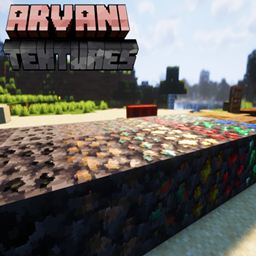
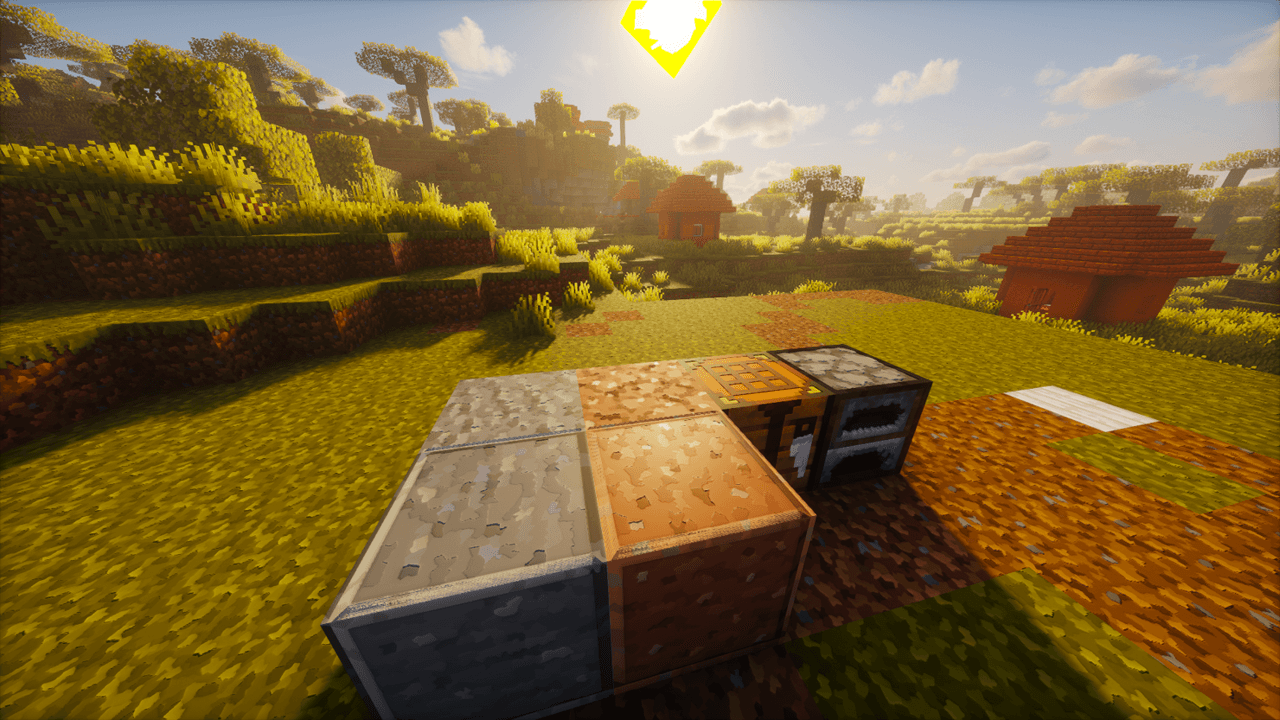
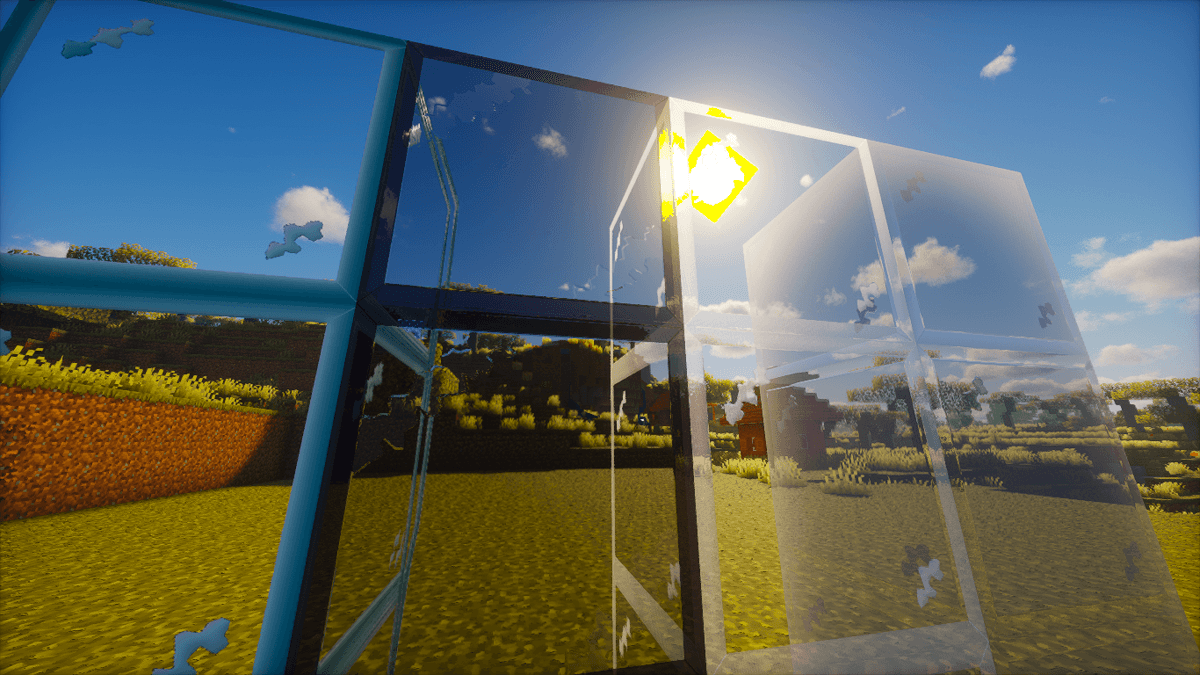
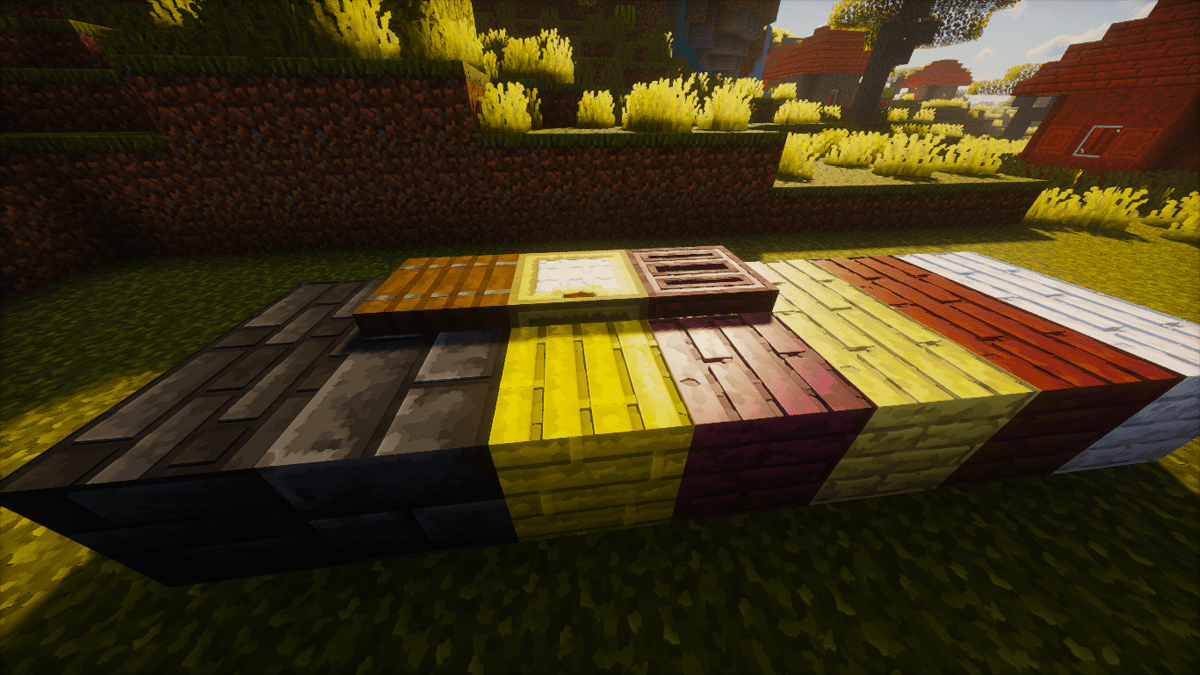
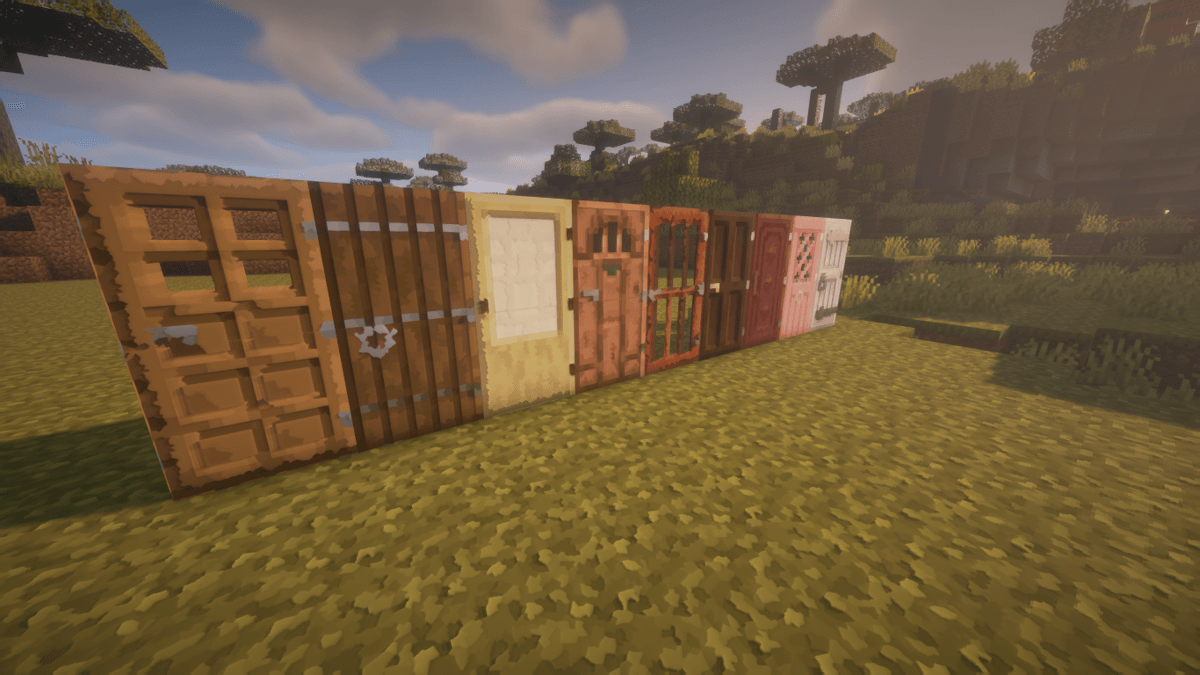
Arvani Textures reimagines vanilla Minecraft with unique patterns, resolutions from 32x–512x, and full PBR shader support for stunning reflections and depth.
by ArvaniCreations
Download Claim this project
3,106 downloads
0 likes
Updated Oct 14, 2026
0 hypes
32x Miscellaneous Traditional
Advertisement Remove ads with Premium →

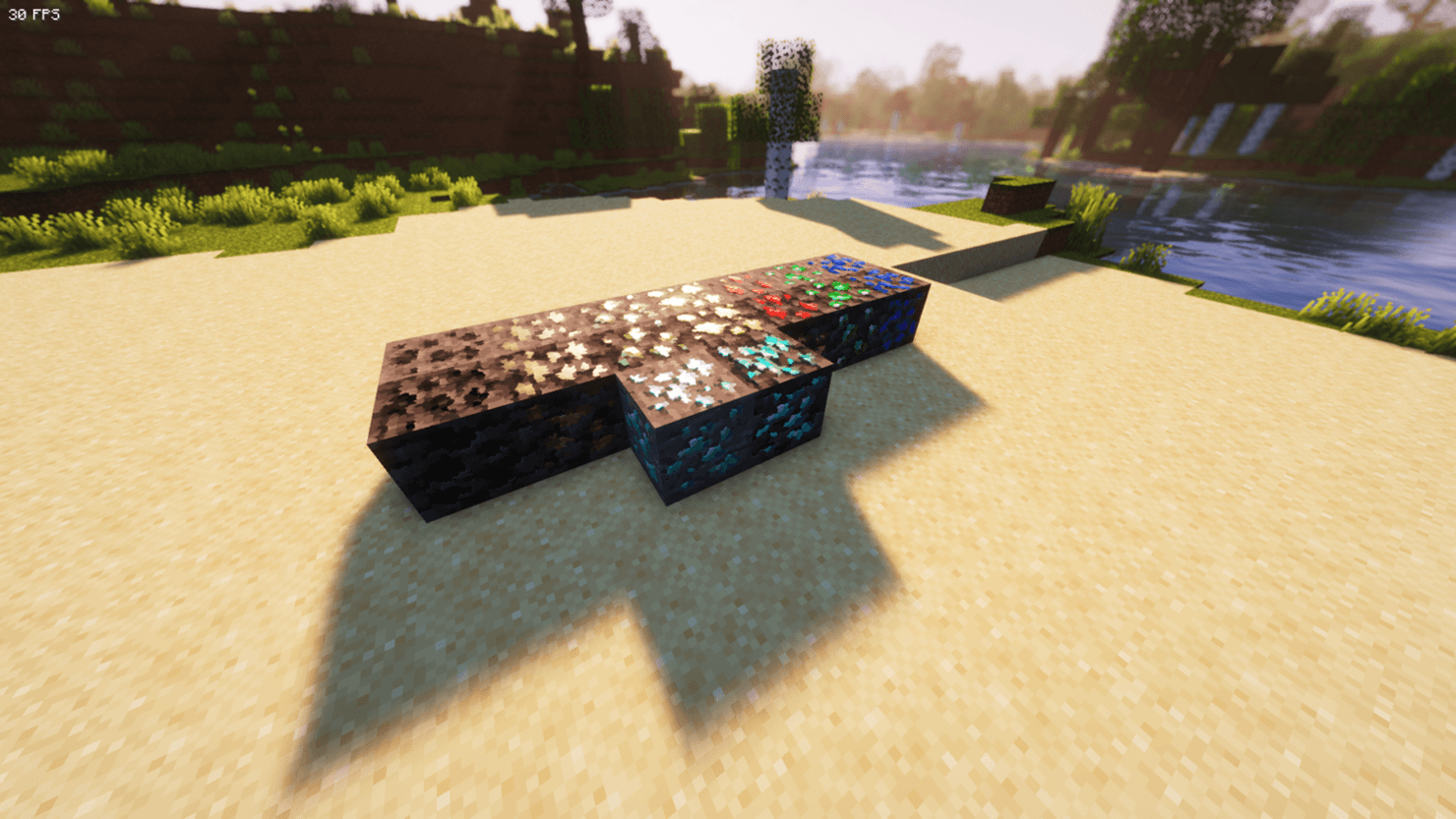
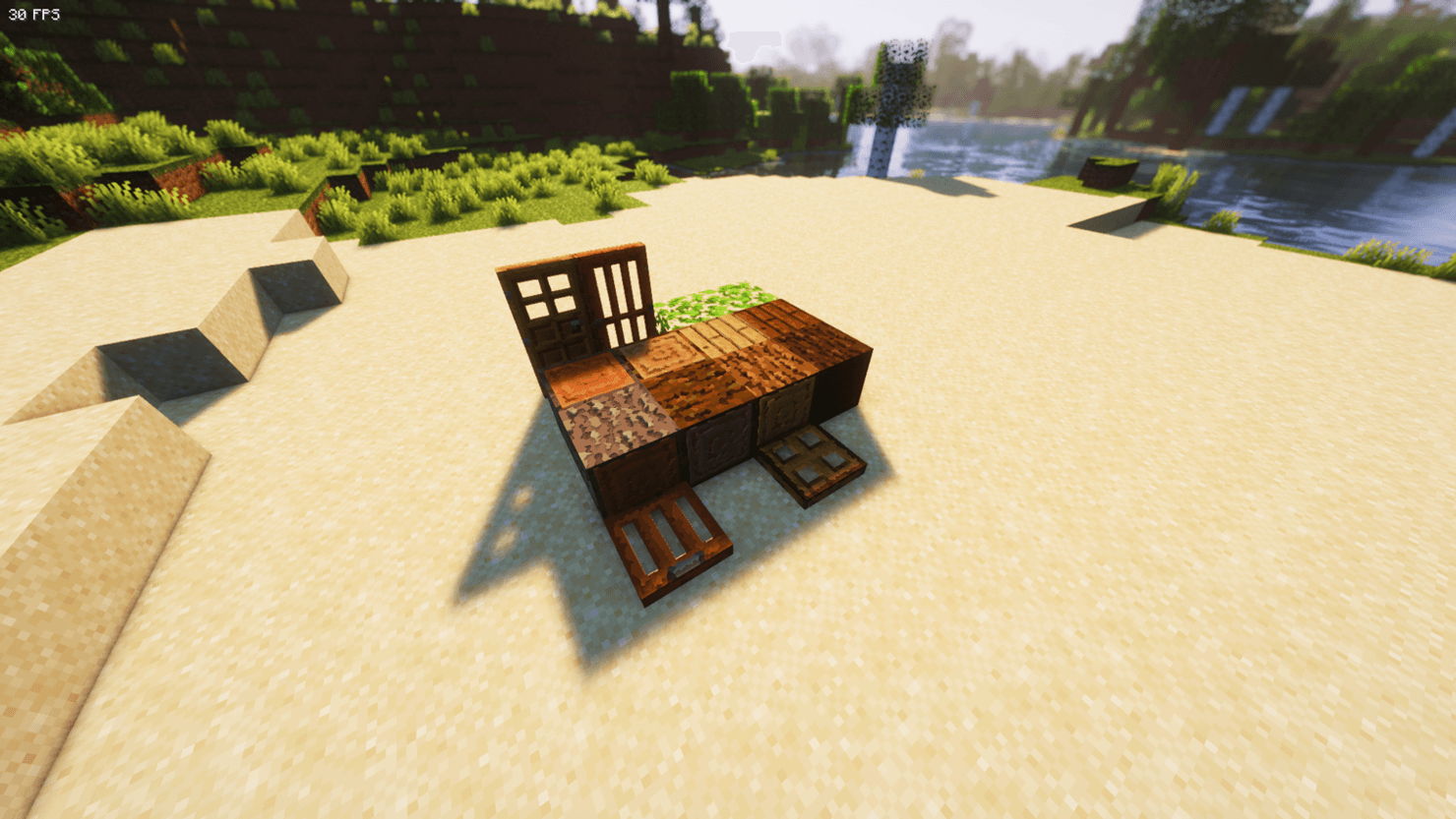
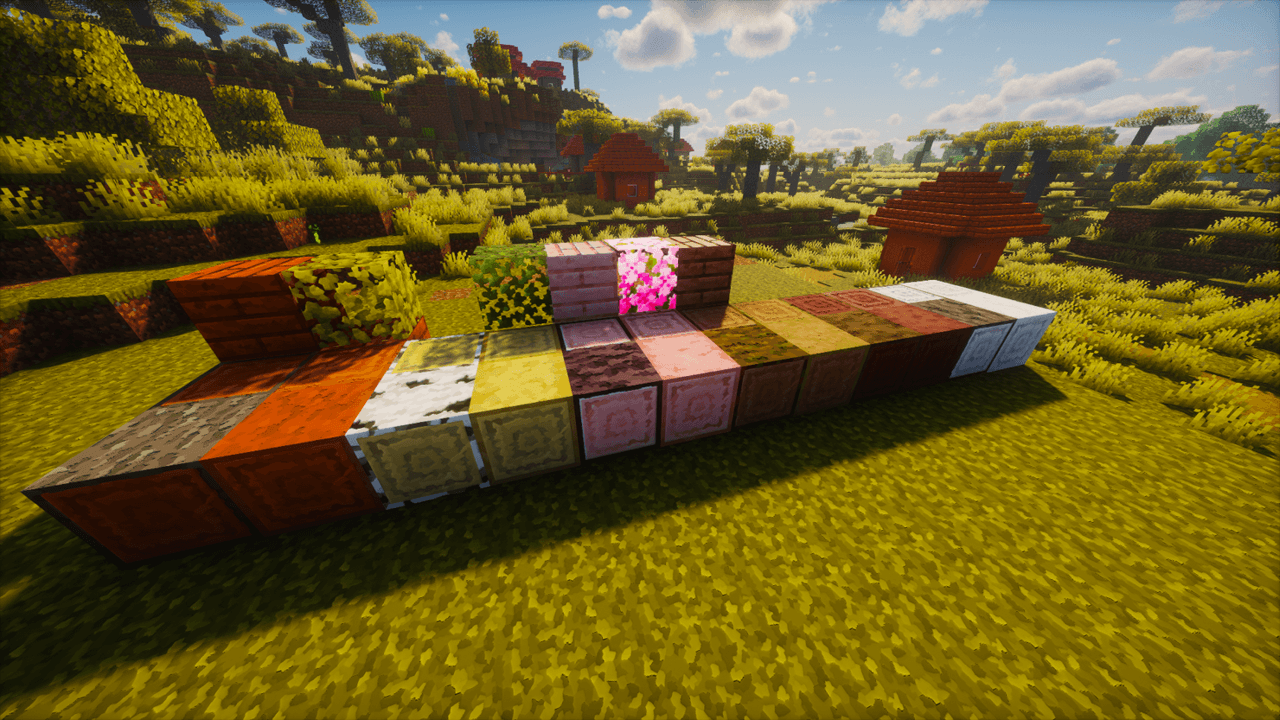
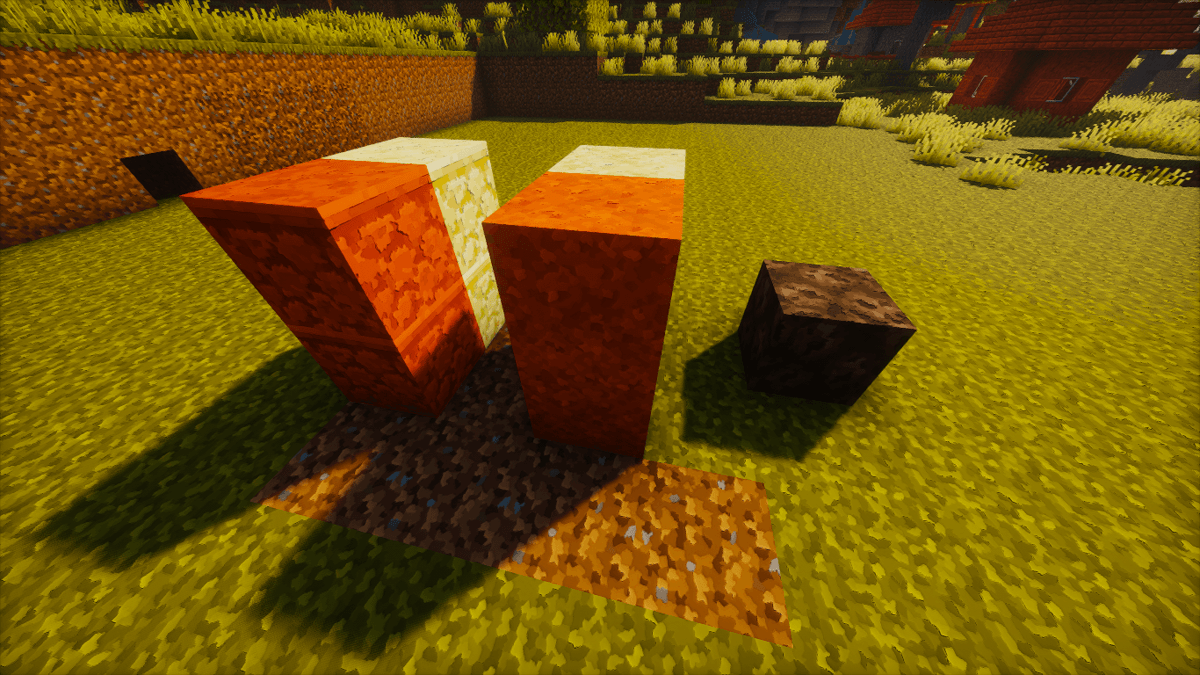
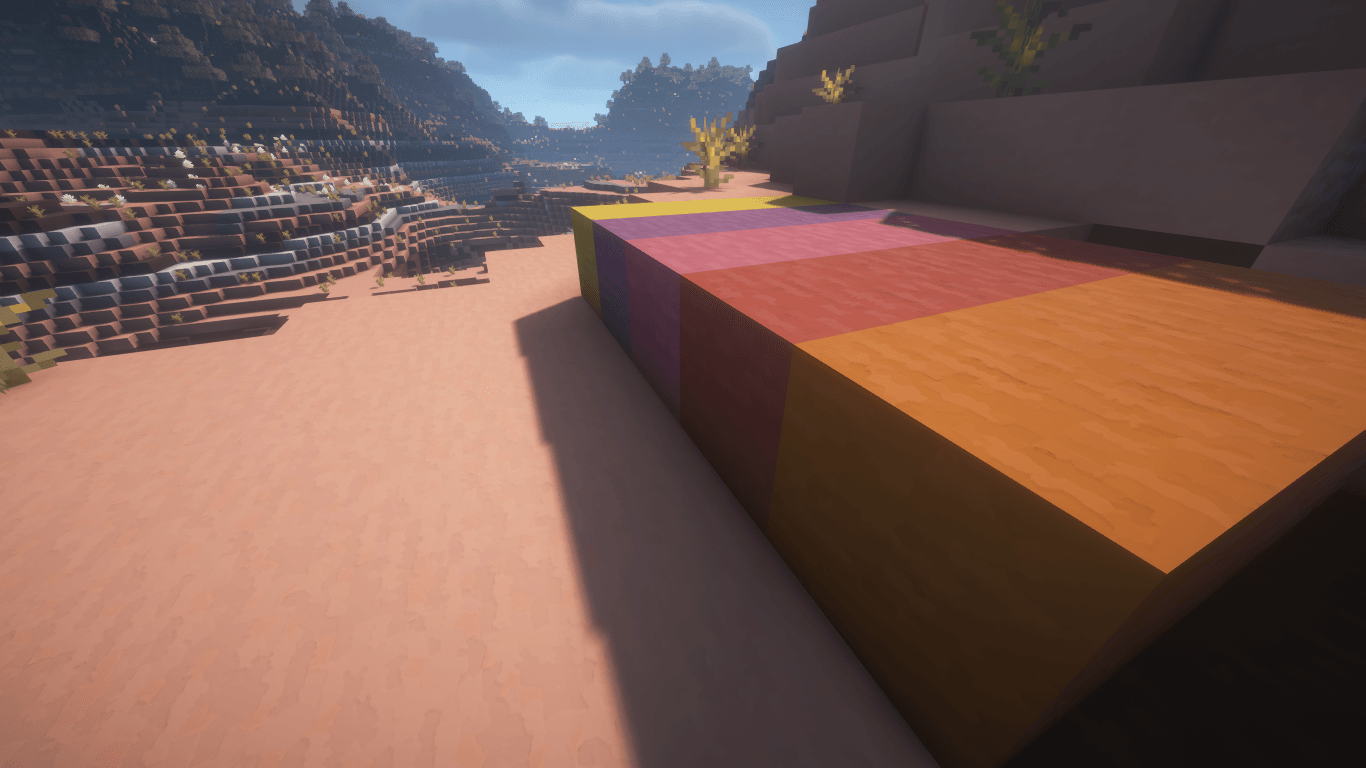
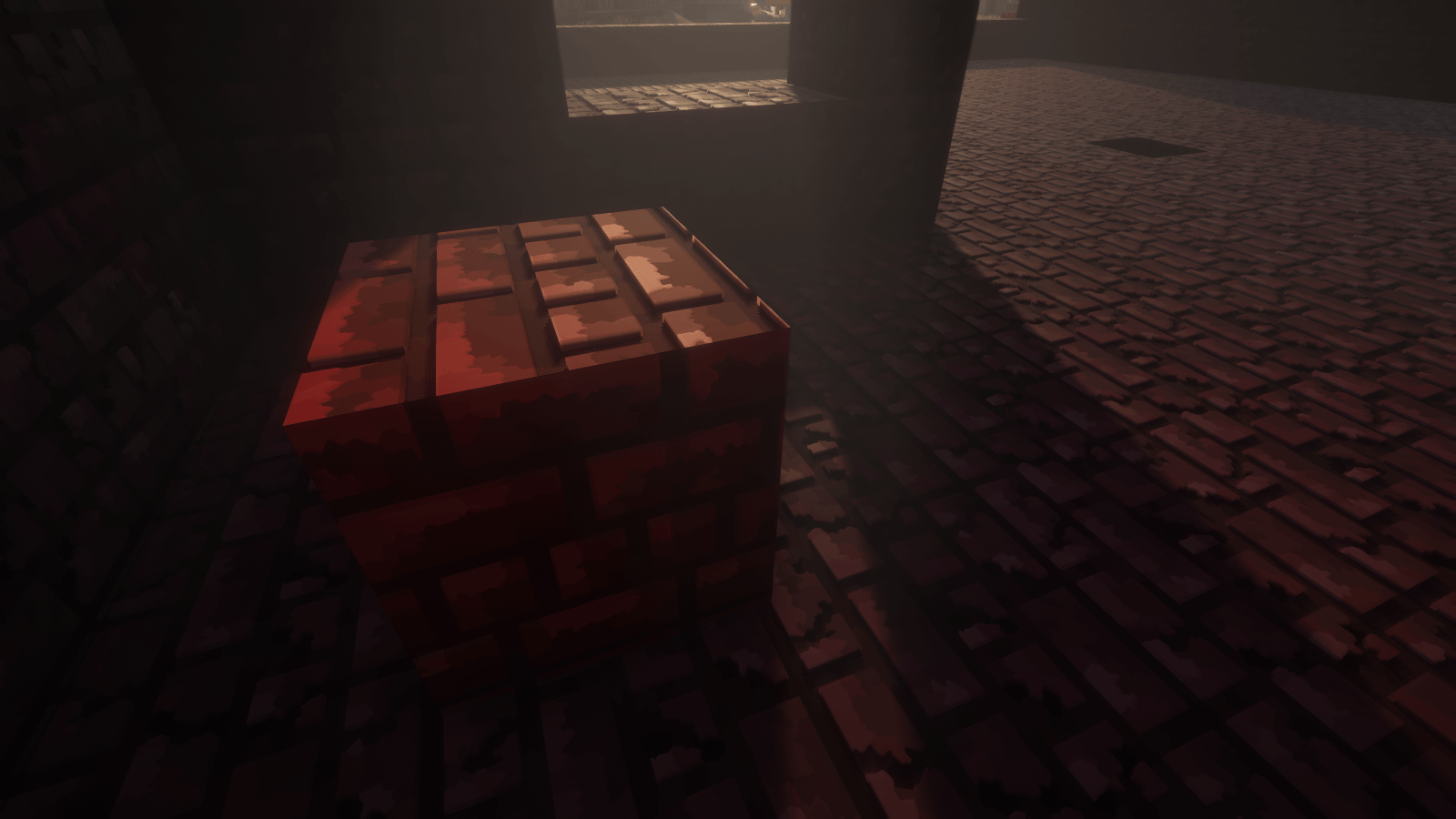
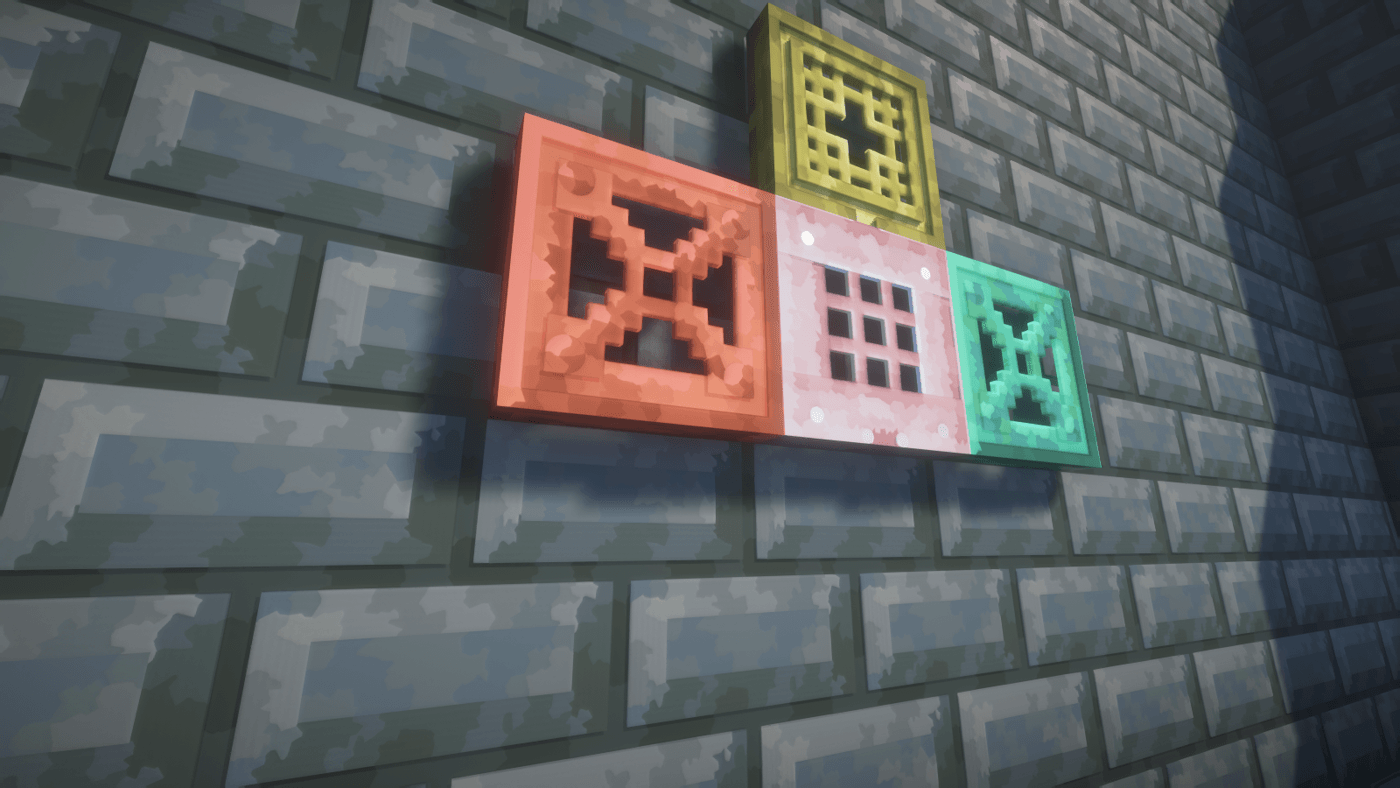
Arvani Textures is not just a resource pack — it’s a whole new way to experience vanilla Minecraft. It respects the original colors while giving them a fresh identity with a unique pattern. Every texture is crafted with care and available in resolutions from 32x up to 512x, plus full PBR support for shaders (reflections, depth, and realistic effects that bring every block to life).


  • ⬇️ The 32x edition is free, while the 64x, 128x, 256x, and 512x versions are available on my Patreon — perfect for players who want to take their worlds to the highest level of detail.

  •  To unlock the full potential of PBR, you’ll need to use shaders and tweak a few settings.

  • 🔥 If you want to replicate exactly the visuals you see in my images, the shaderpacks BSL and BLISS are the ones I personally use.

Would you like to support this community-driven project?

You’re warmly invited to visit my Patreon.
Let’s build this together as a community 🧱💙

Patron: Support.


Have ideas, questions, or feedback? Feel free to visit the official page of Arvani Creations for more information and updates.


By the way, feel free to check out my mod.



Arvani Textures | Release 10
MC 1.21, 1.16.5, 1.21.8, 1.18, 1.21.4, 1.20.1, 1.20, 1.21.1, 1.21.7, 1.18.2, 1.19.2, 1.19, 1.21.9
Release 2026-08-30 Get

Requirements & install

How to use this resource pack in Minecraft
Resolution
32x
Minecraft
1.20 – 1.21.9
Install folder
.minecraft/resourcepacks

How to install resource packs

  1. Download the resource pack .zip file (do not extract it).
  2. In Minecraft open Options → Resource Packs → Open Pack Folder.
  3. Drop the .zip into the resourcepacks folder (.minecraft/resourcepacks).
  4. Move the pack to the Selected column and click Done.
Browse more: 16x resource packs 32x resource packs 64x resource packs 128x resource packs 256x resource packs 512x+ resource packs Resource Packs for 1.21.9 All resource packs

More from ArvaniCreations

Advertisement Remove ads with Premium →

You Might Also Like